Zephyr (2D)
Clone of AutoCAD
Free 2D CAD for Windows, Mac and Linux, built from scratch to replace AutoCAD LT, with its ribbon, commands and shortcuts.
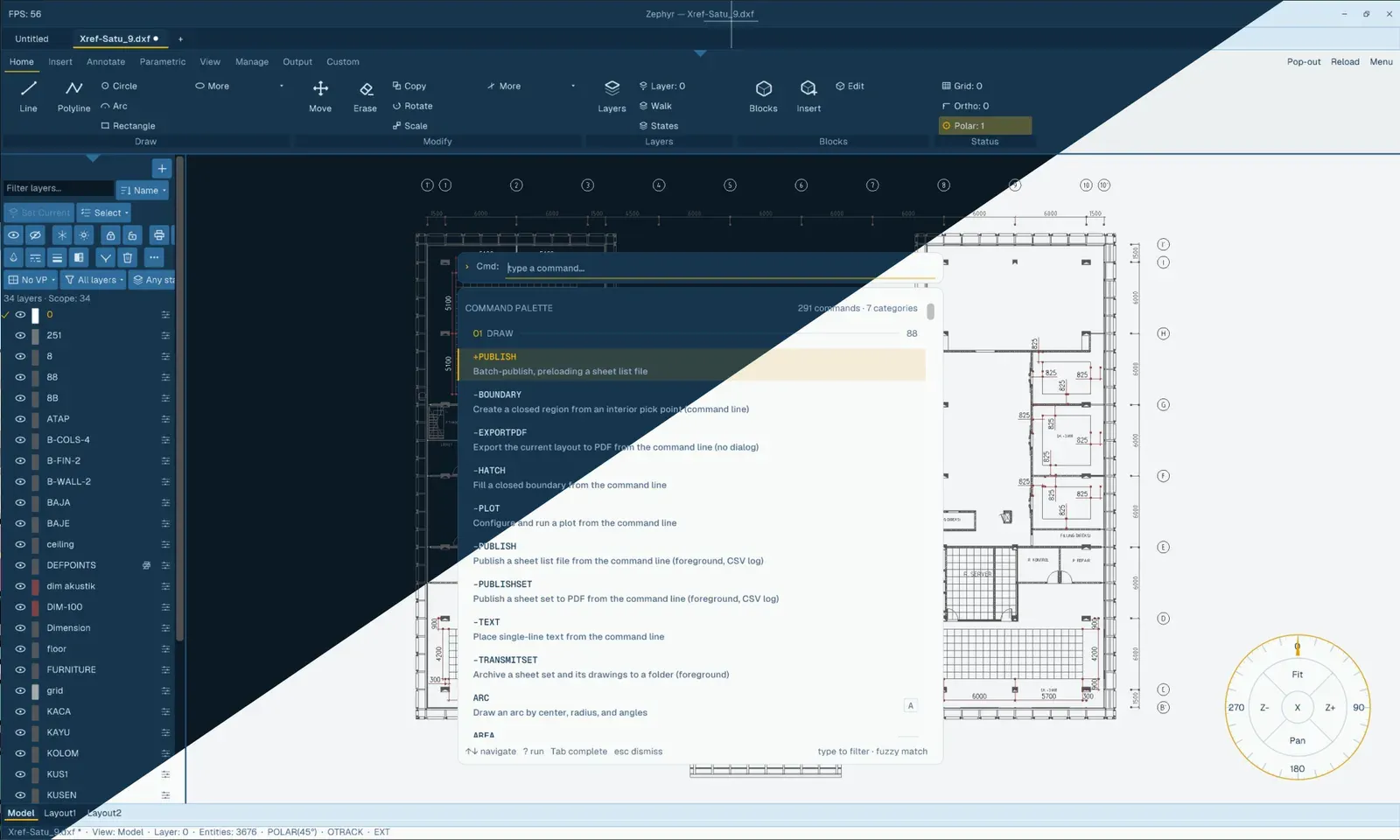
Image: Zephyr (2D)
What works the same as AutoCAD
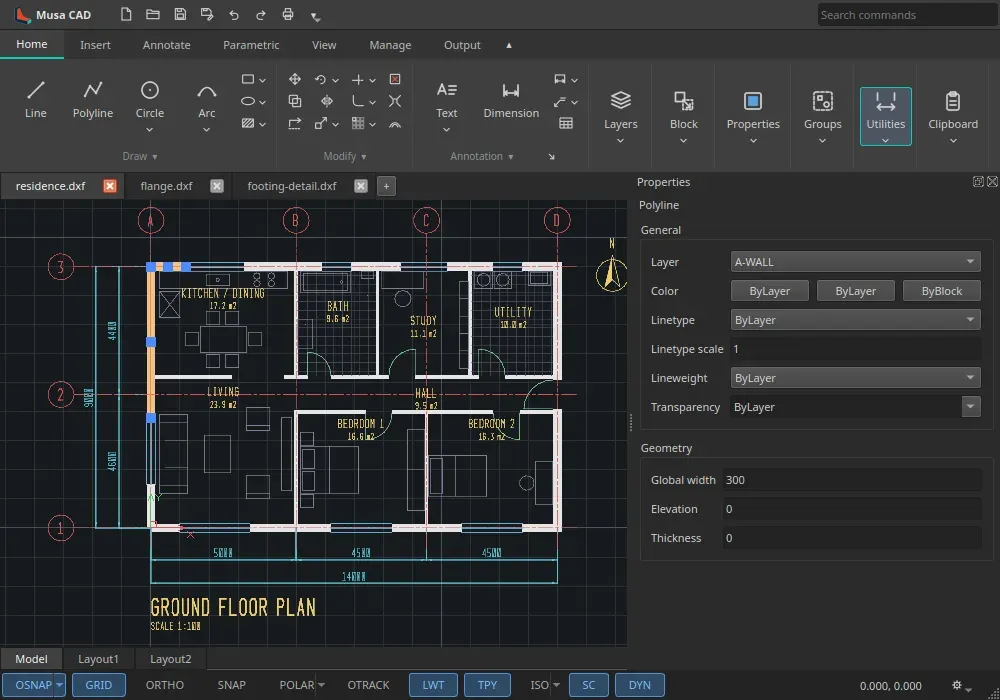
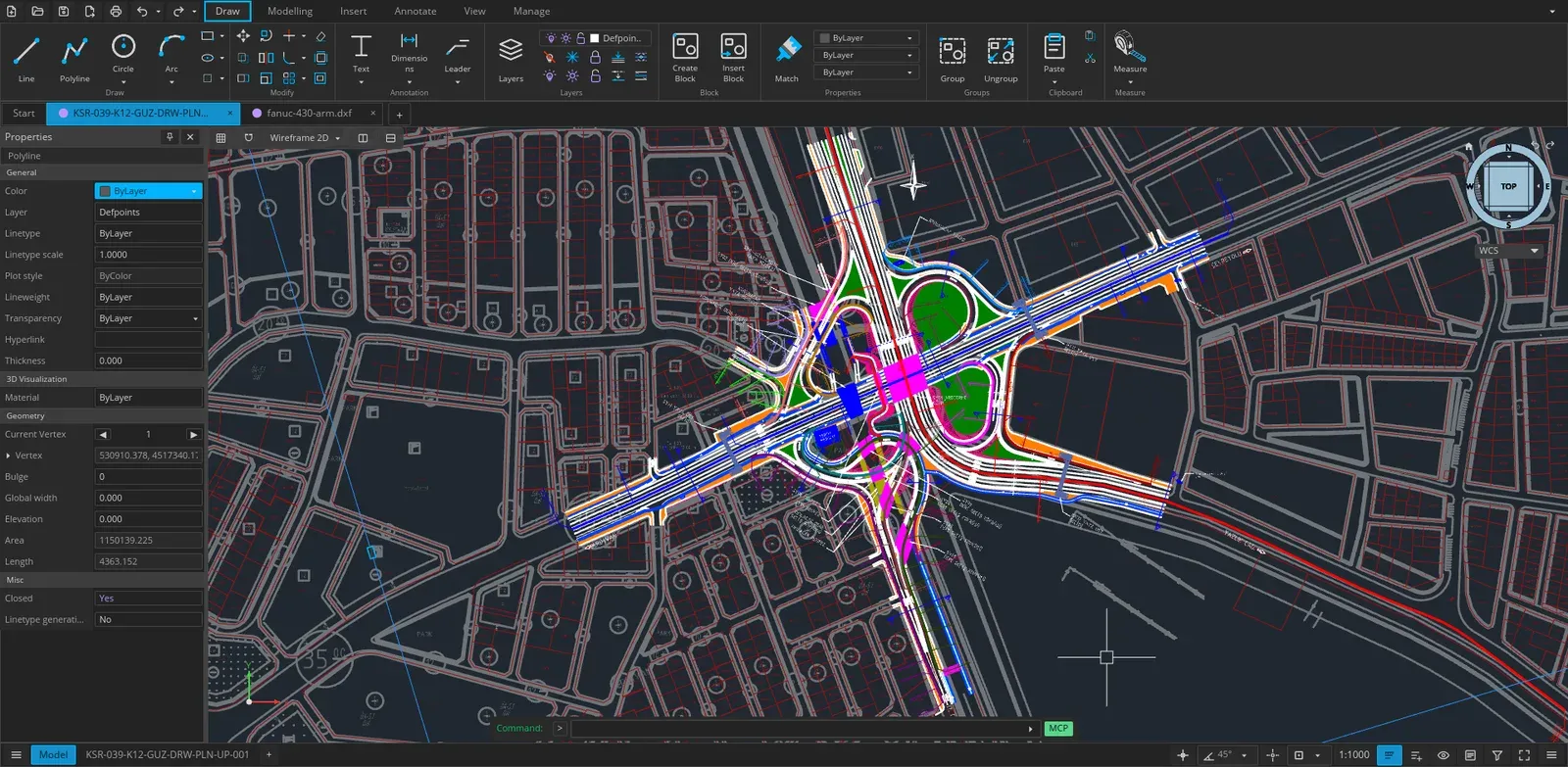
- A ribbon with Home, Insert, Annotate, View, Manage and Output tabs, and Draw, Modify, Layers and Blocks panels, laid out like AutoCAD.
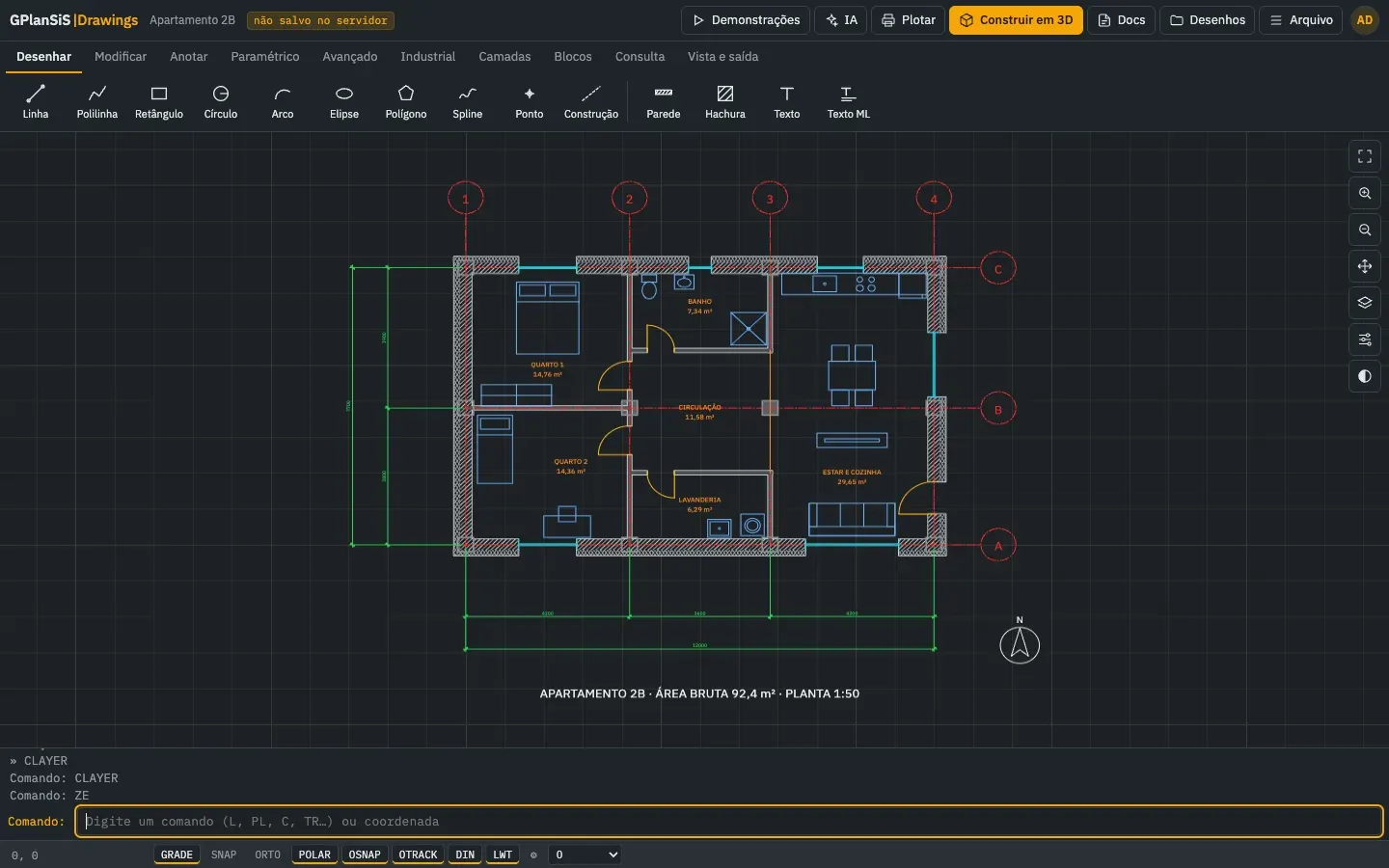
- Type the AutoCAD shortcuts you know, such as L, PL, C, REC, M, O and TR, in a command palette that completes as you type.
- The same drawing aids: object snaps, ortho, polar tracking, object snap tracking and grips.
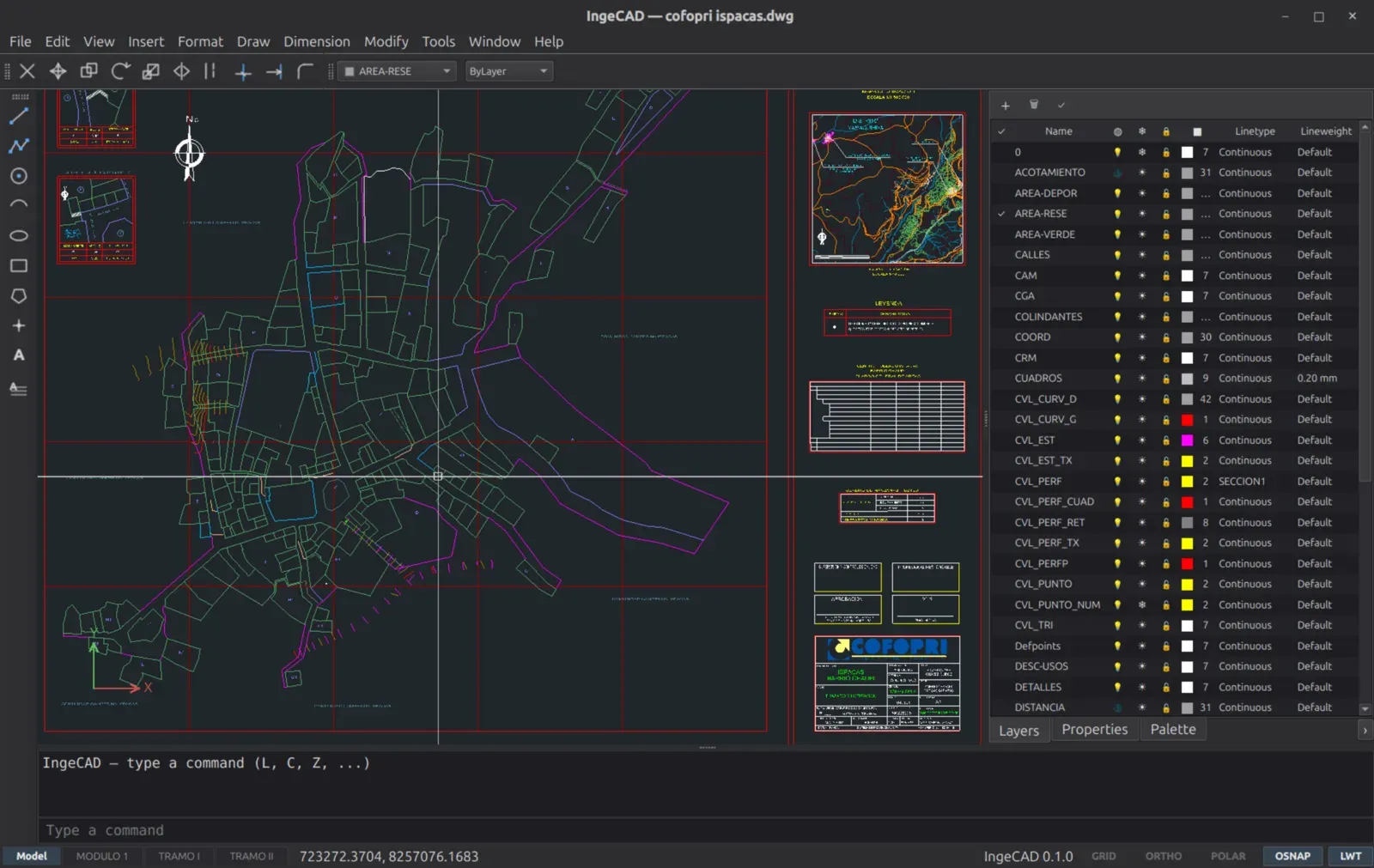
- Model and layout tabs, a layer panel and a Properties panel.
- Opens and saves DWG and DXF files, runs your AutoLISP routines and exports PDF.
What is missing
- It is an early version, 0.1, and not finished yet.
- It draws in 2D only.
- Opening and saving DWG files relies on a separate program, ODA File Converter.
- Layouts can be viewed, but not created, copied or renamed yet.
How to get started
- Click Download. It opens the project website, with a button for Mac, Windows and Linux.
- Pick the file for your system: a zip for Windows or Mac, or an AppImage, Flatpak or Snap for Linux.
- Unzip it and open Zephyr. The files are updated with every change, so a later download may be newer.
- Click a tool on the ribbon, or type a command such as L for a line.
Compatible files
AutoCAD files (.dwg, .dxf) According to the project