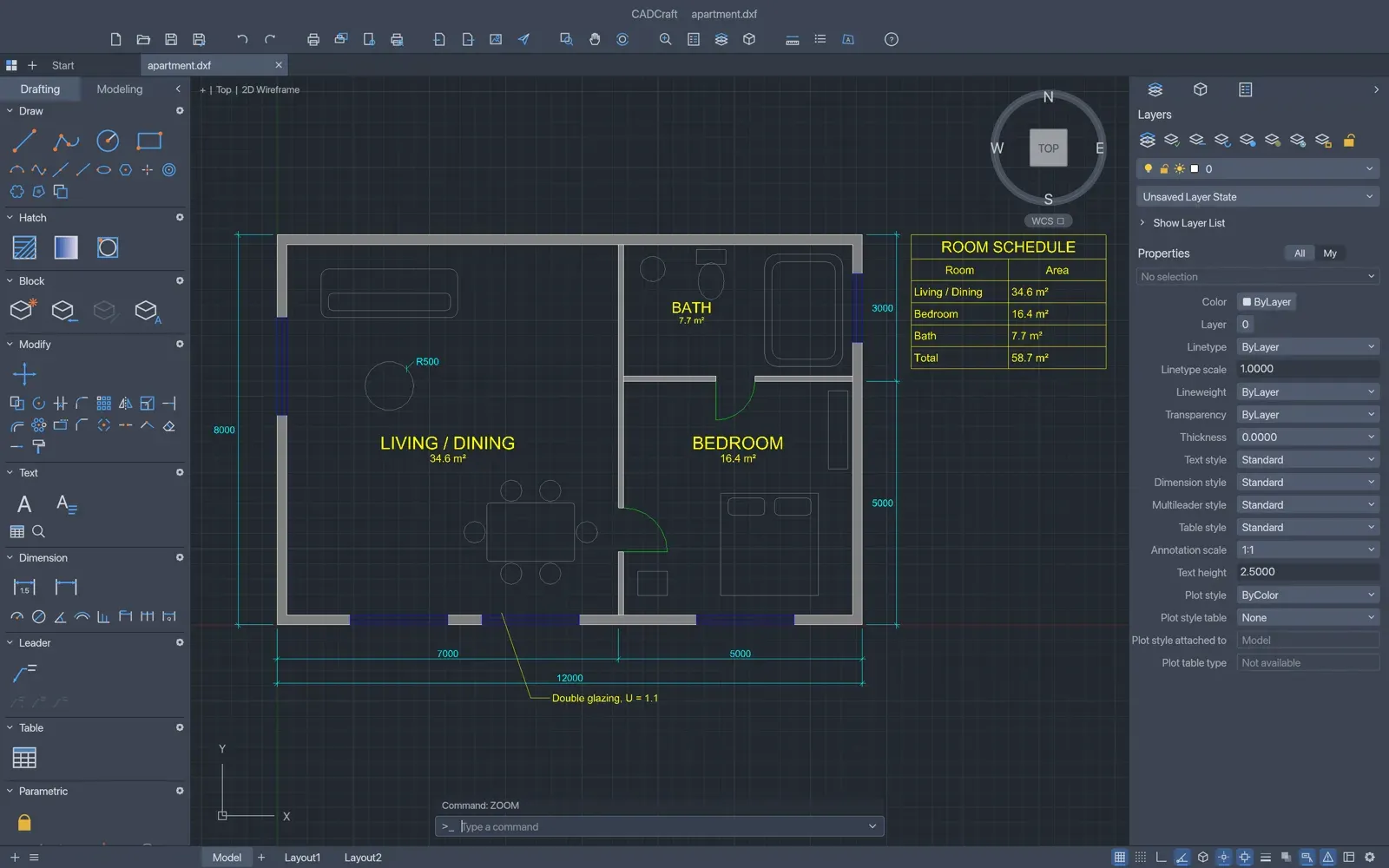
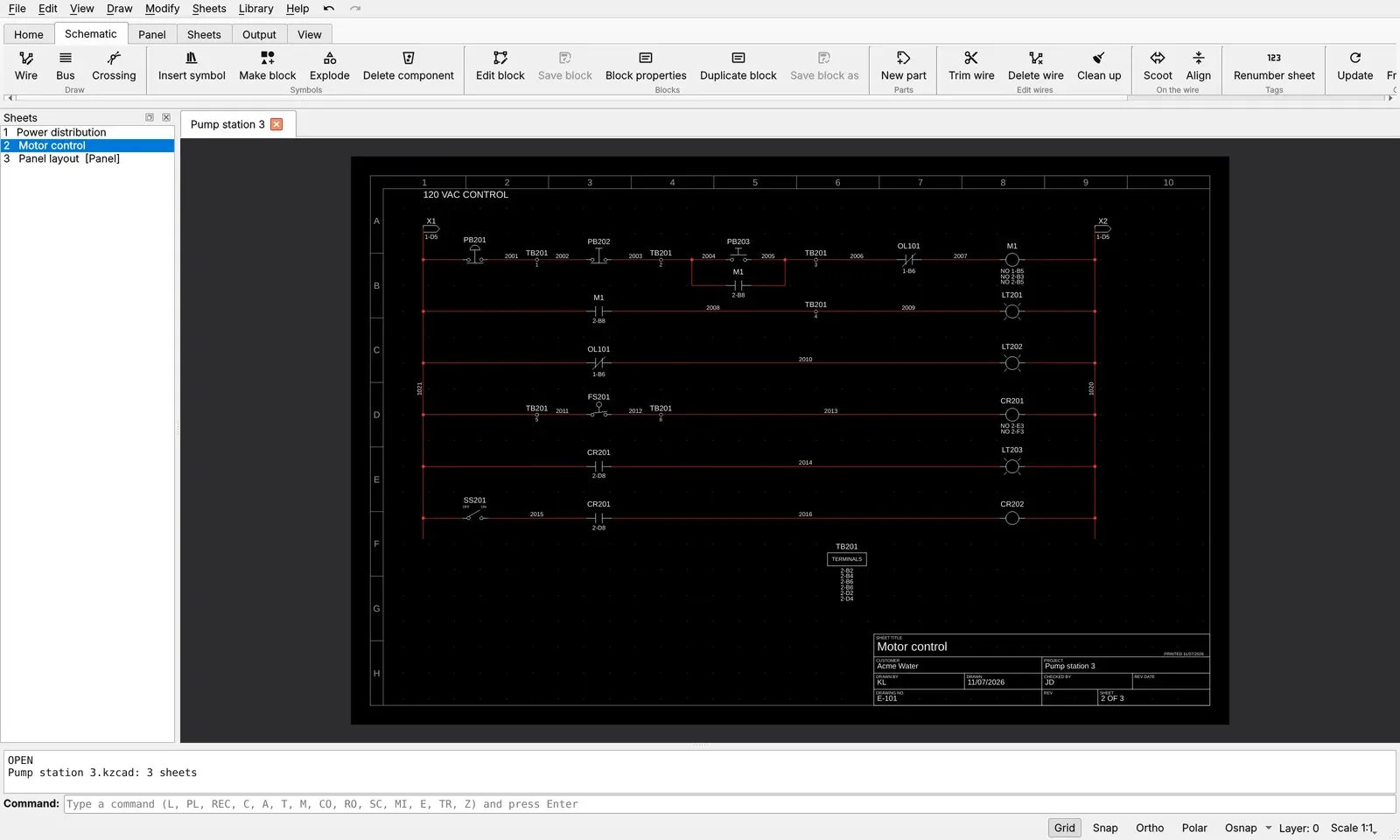
Open CAD Studio
Clone of AutoCAD
Free 2D drafting and 3D modeling program for Windows, Mac, Linux and the browser that opens and saves DWG and DXF drawings.
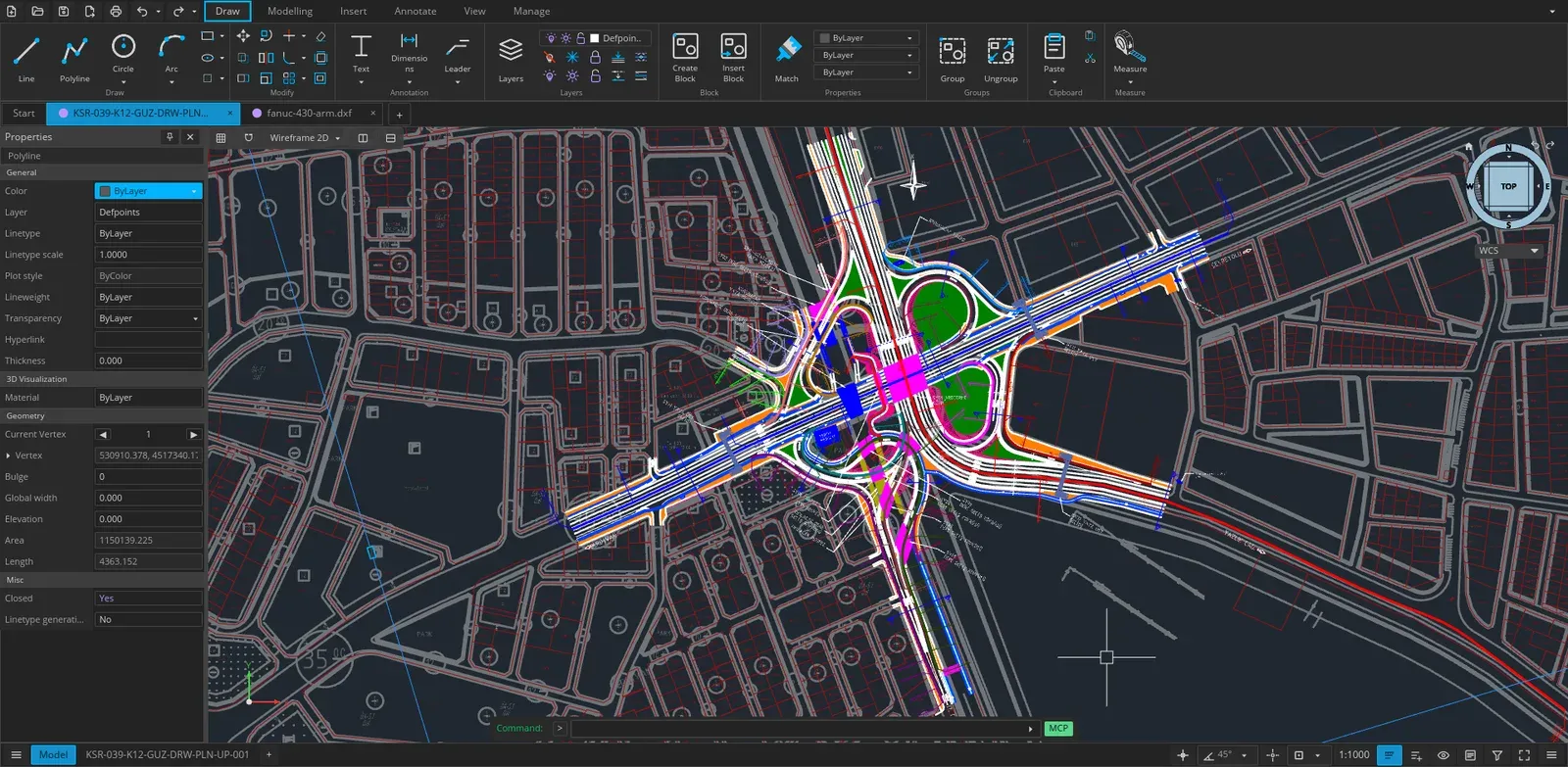
Image: Open CAD Studio
What works the same as AutoCAD
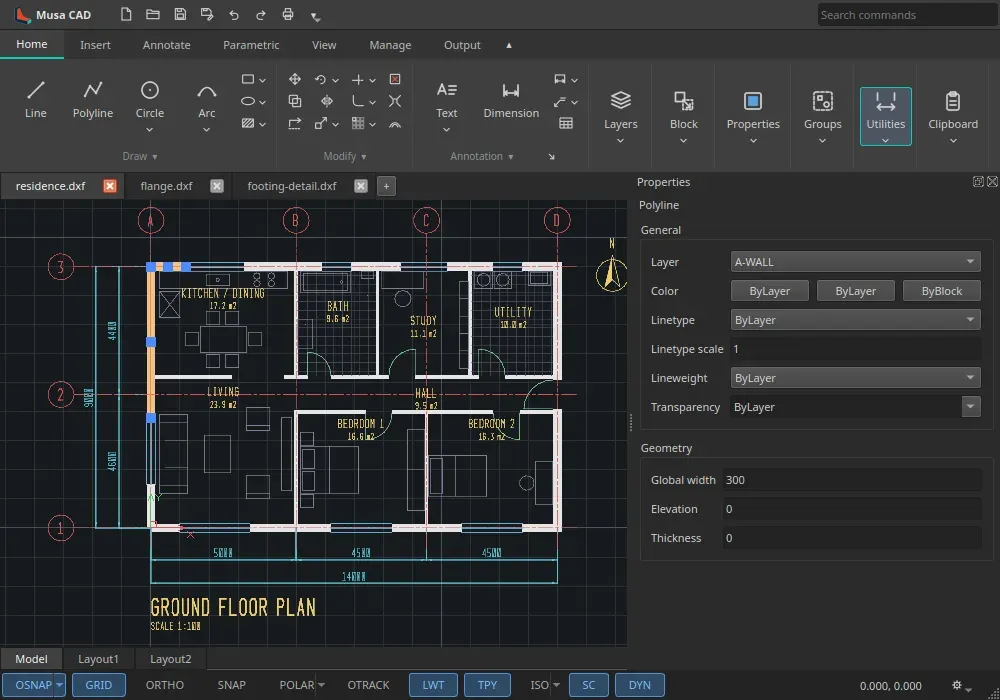
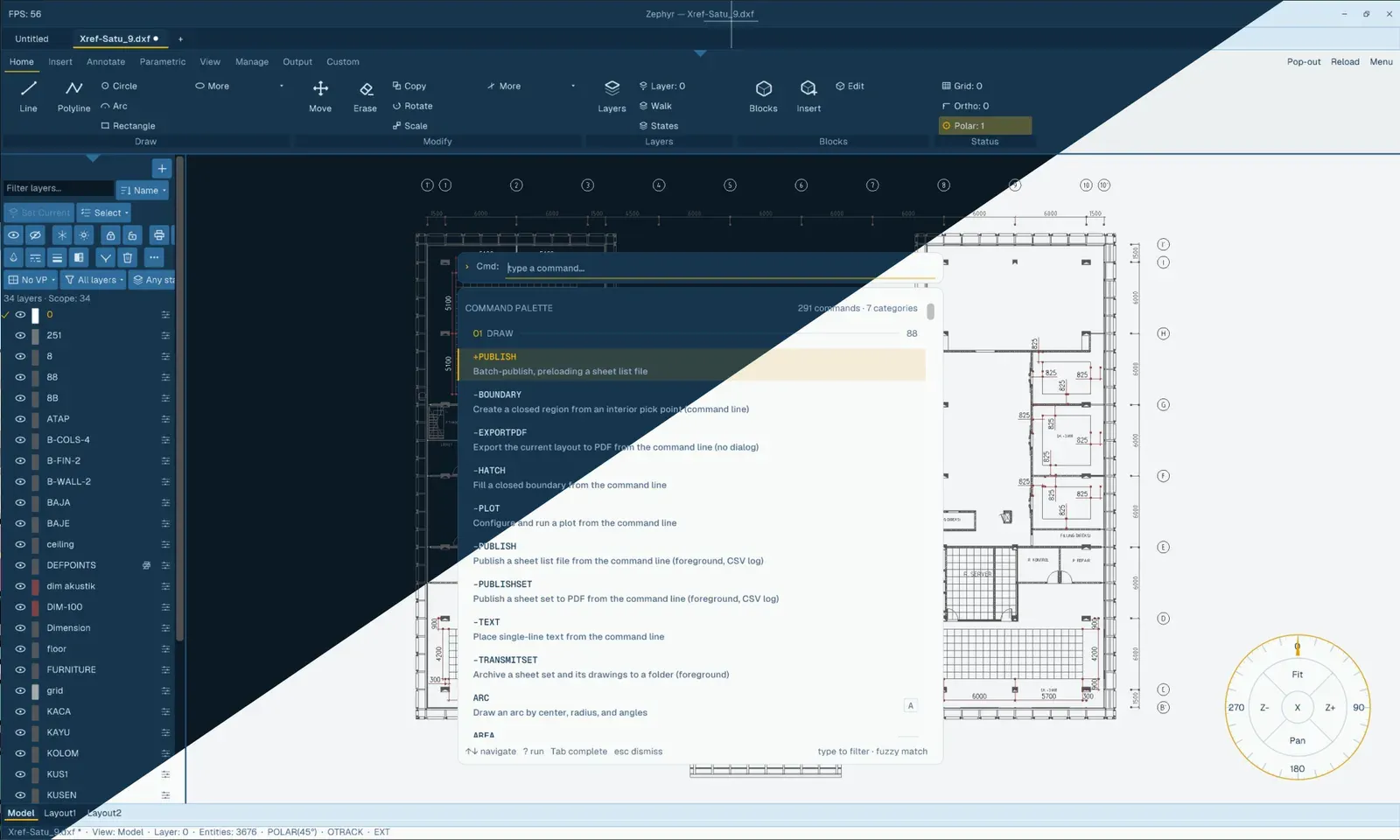
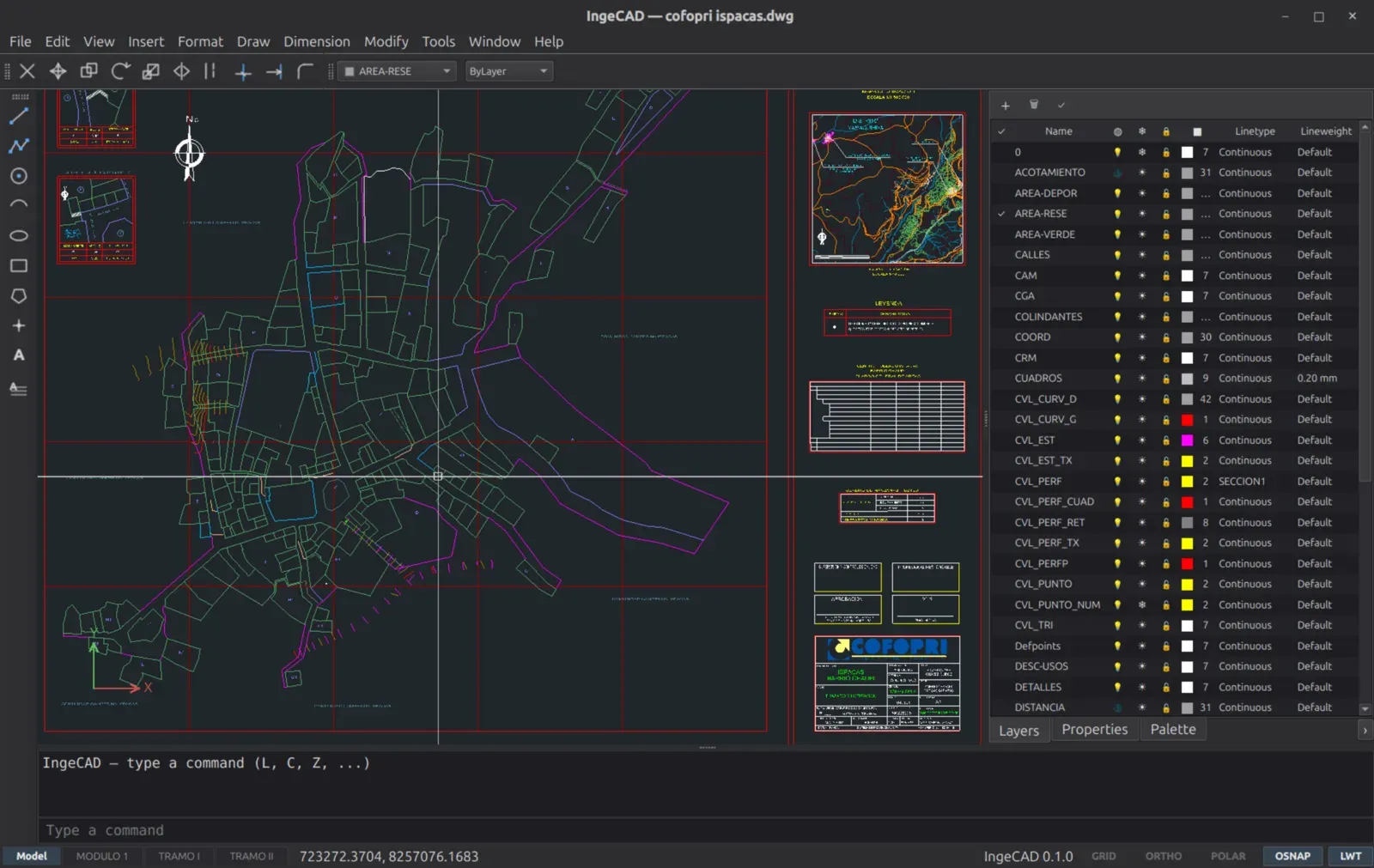
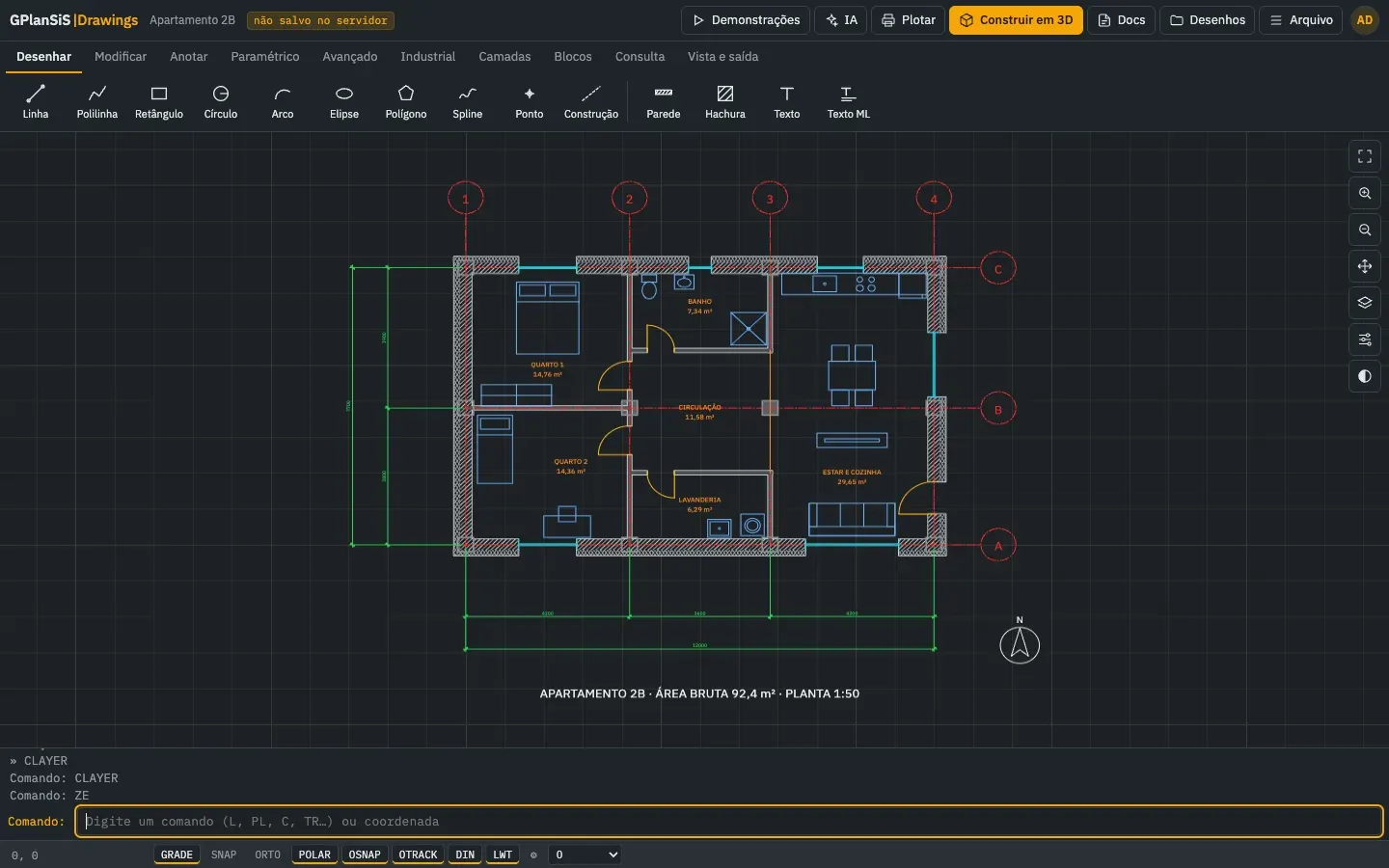
- A ribbon with Draw, Modify and Annotation panels, a Properties palette on the left and a command line at the bottom.
- Lines, polylines, splines, hatches, object snaps, layers, blocks and external references.
- Text, dimensions, leaders, tables, model space, paper space and plot styles.
- 3D solids with extrusion, revolution, sweep, loft and Boolean operations.
- Opens and saves DWG and DXF drawings, and opens backup and autosave files.
What is missing
- The project is still in active development, so keep backups of important drawings.
- The Mac version is not notarized by Apple, so the system may block the first launch.
How to get started
- Click Download. It opens the Open CAD Studio site, where you can also try it in your browser.
- Pick the file for your system: the installer for Windows, the dmg for Mac or the AppImage for Linux. On Windows there is also a portable file that needs no installation.
- If your Mac blocks the first launch, approve the app in System Settings, Privacy & Security.
Compatible files
AutoCAD files (.dwg, .dxf) According to the project