MusaCAD
Clone of AutoCAD
Free 2D CAD for Linux and Windows, with AutoCAD-style commands, a ribbon and Dynamic Input.
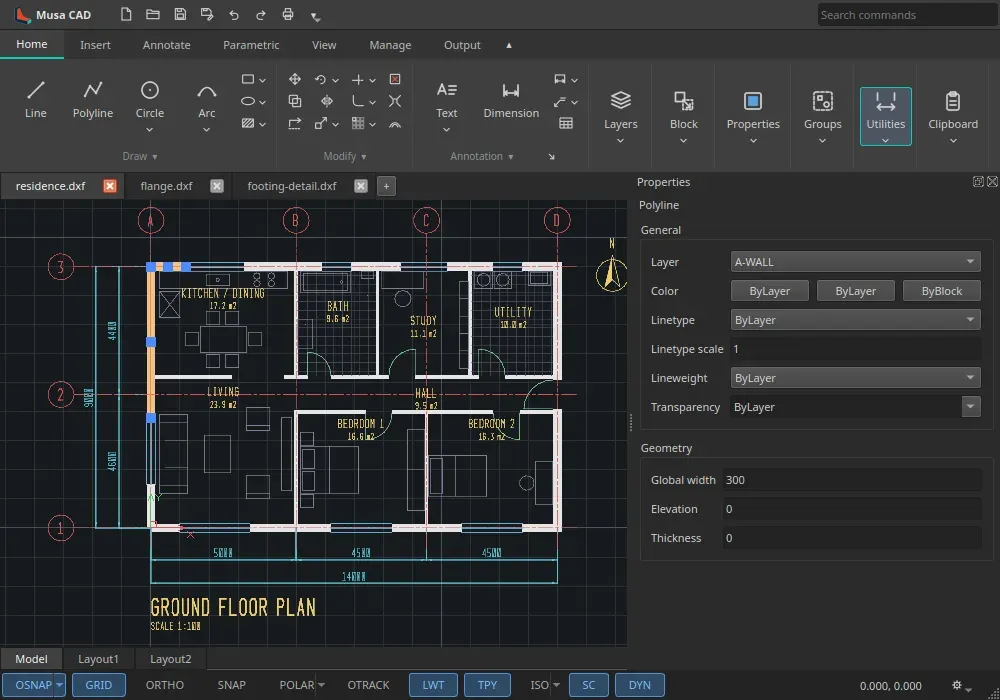
Image: MusaCAD
What works the same as AutoCAD
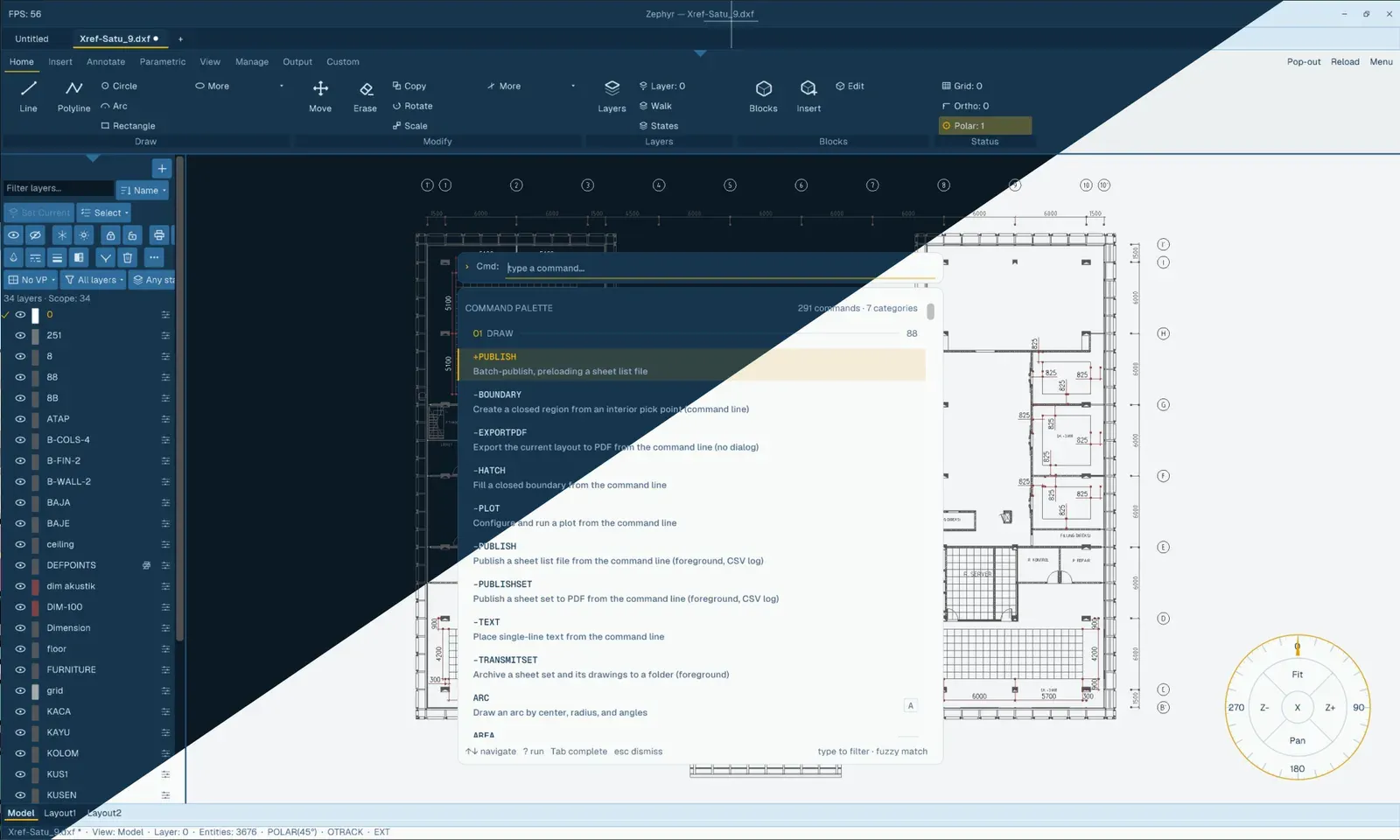
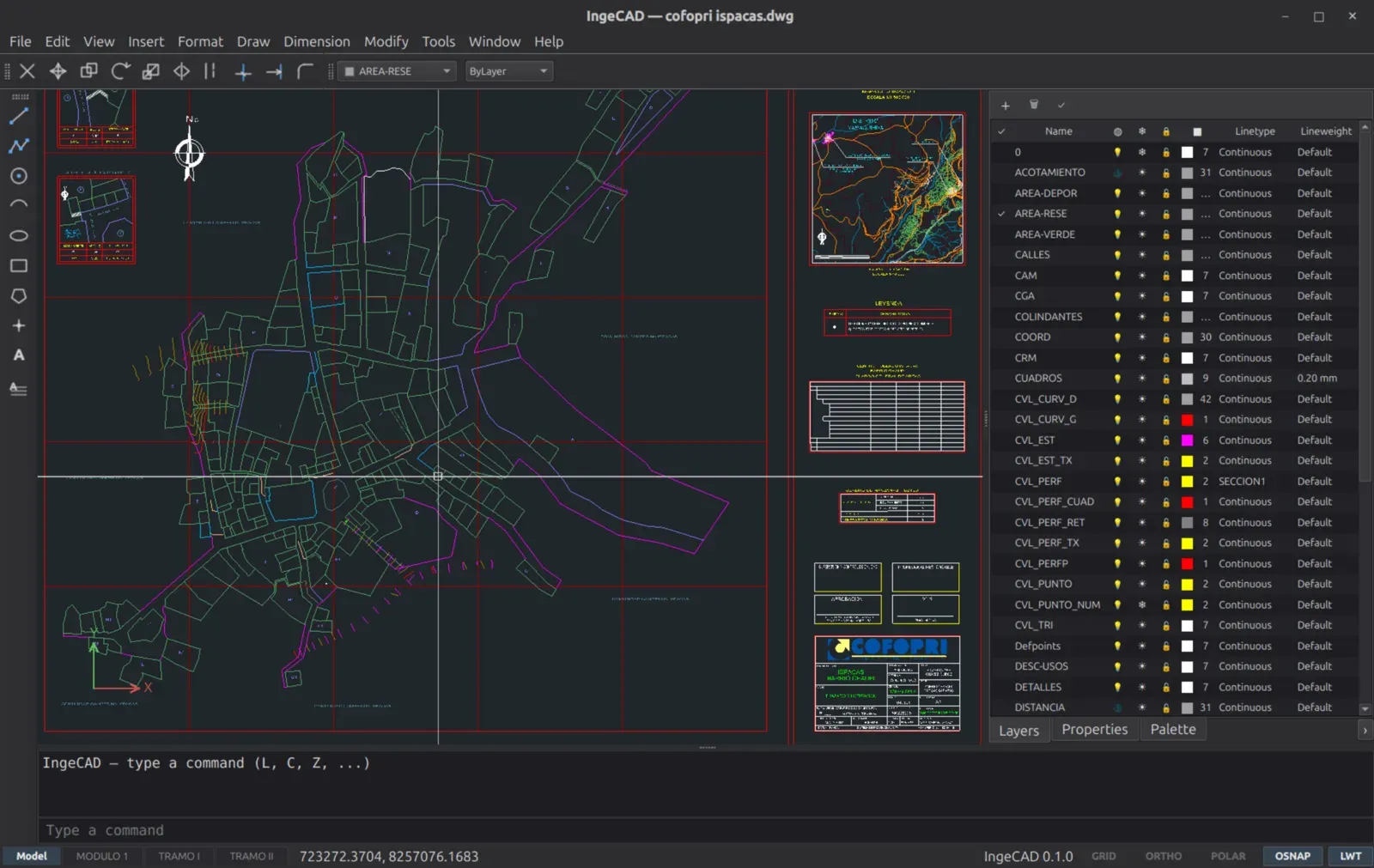
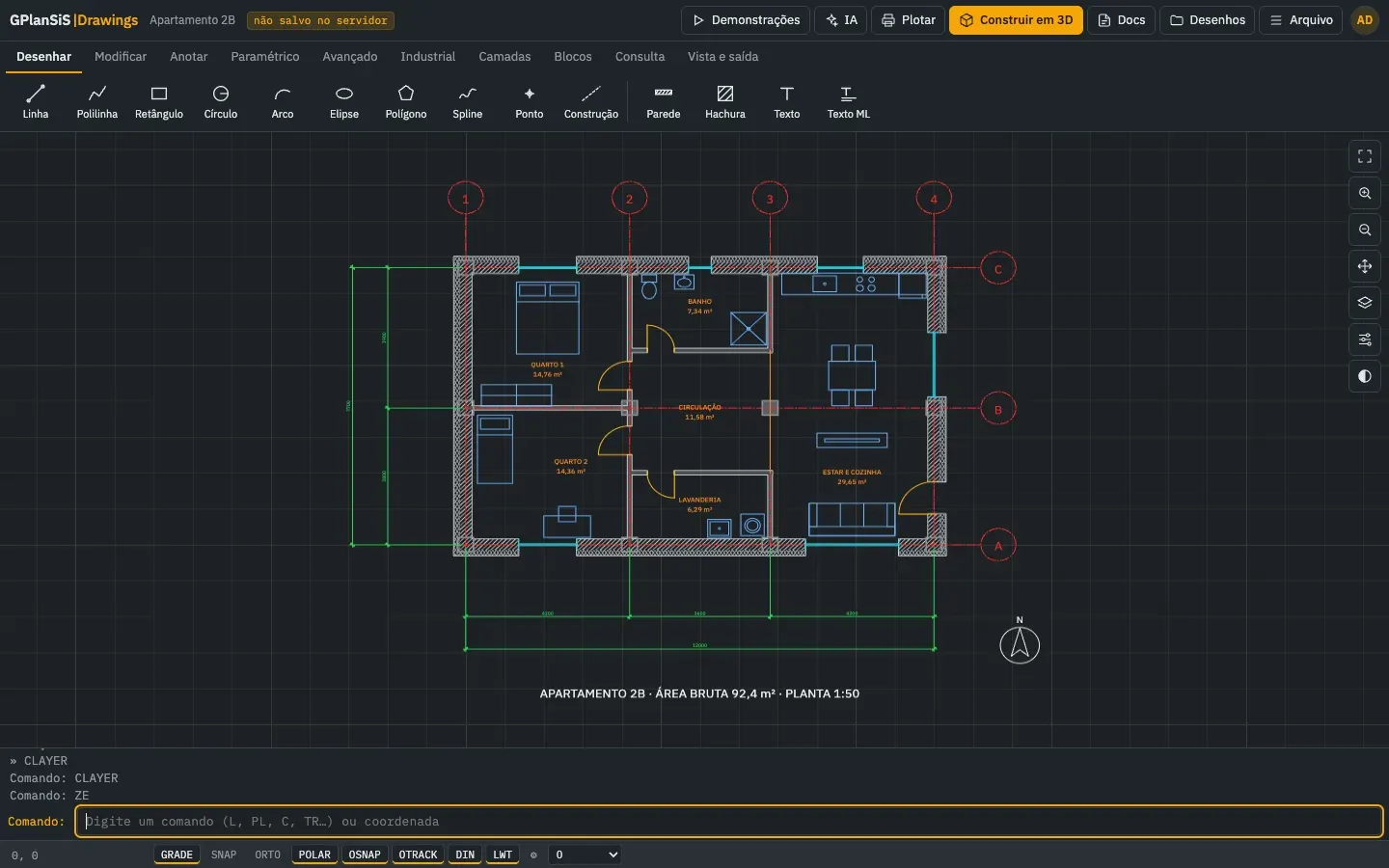
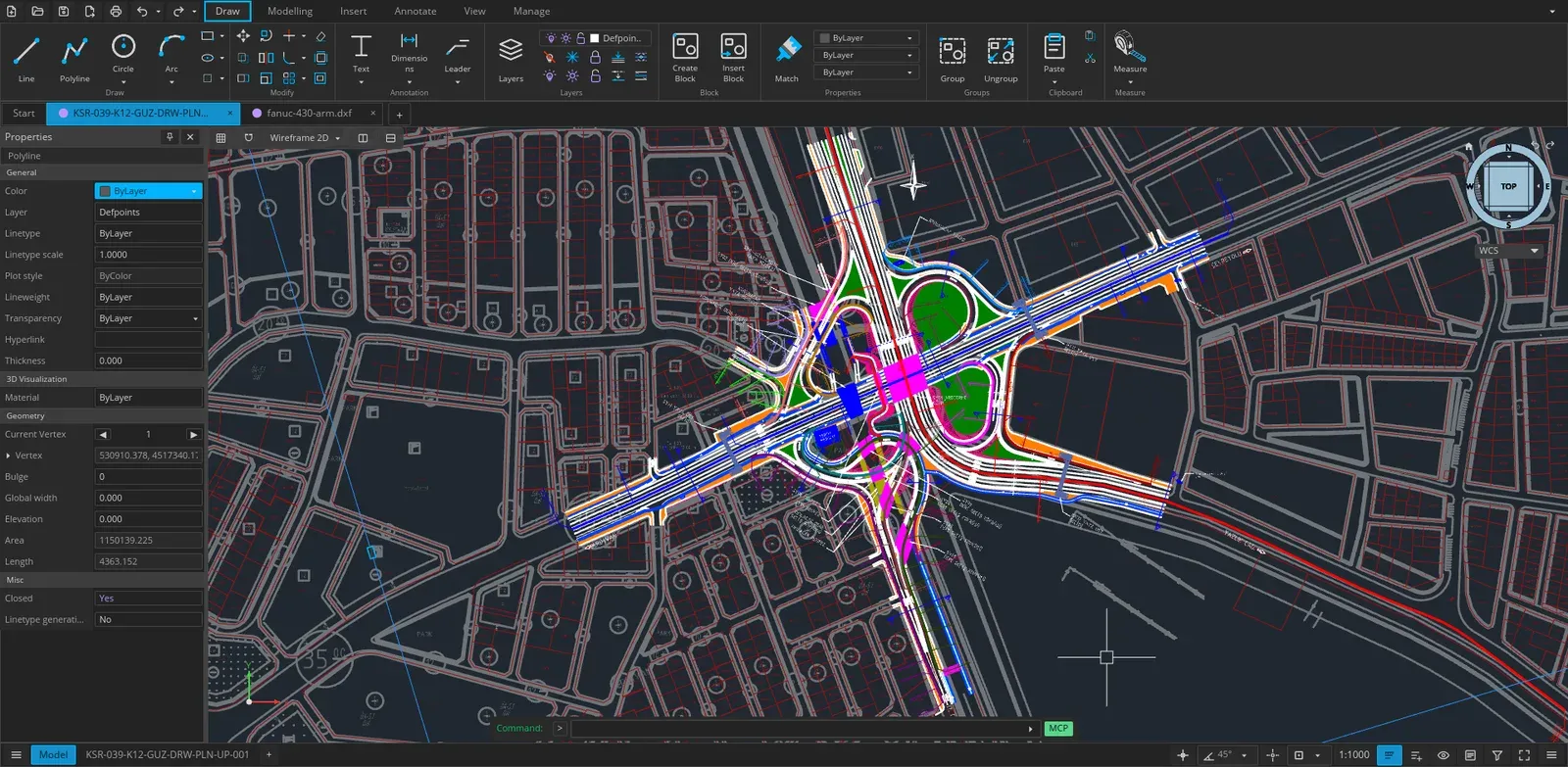
- A ribbon, drawing tabs and a Properties palette.
- Type commands at the cursor, such as REC, and see the matches as you type.
- The same drawing aids: object snaps, polar tracking and Dynamic Input.
- Opens and saves DXF files, and imports and exports DWG.
- A Hatch Editor for filling areas.
What is missing
- It ships no DWG library: DWG import and export use an external converter.
How to get started
- Click Download. It opens the latest release page.
- Pick the file for your system: the Windows installer or the Linux AppImage. On a Mac with Apple silicon, use the experimental build.
- On Linux you can also install it from Flathub.
- Click a tool on the ribbon, or type a command at the cursor, such as REC.
Compatible files
AutoCAD files (.dxf, .dwg) According to the project