KanzonasCAD
Clone of AutoCAD
Free electrical CAD for Windows and Linux with AutoCAD-style drawing, for schematics and panel layouts.
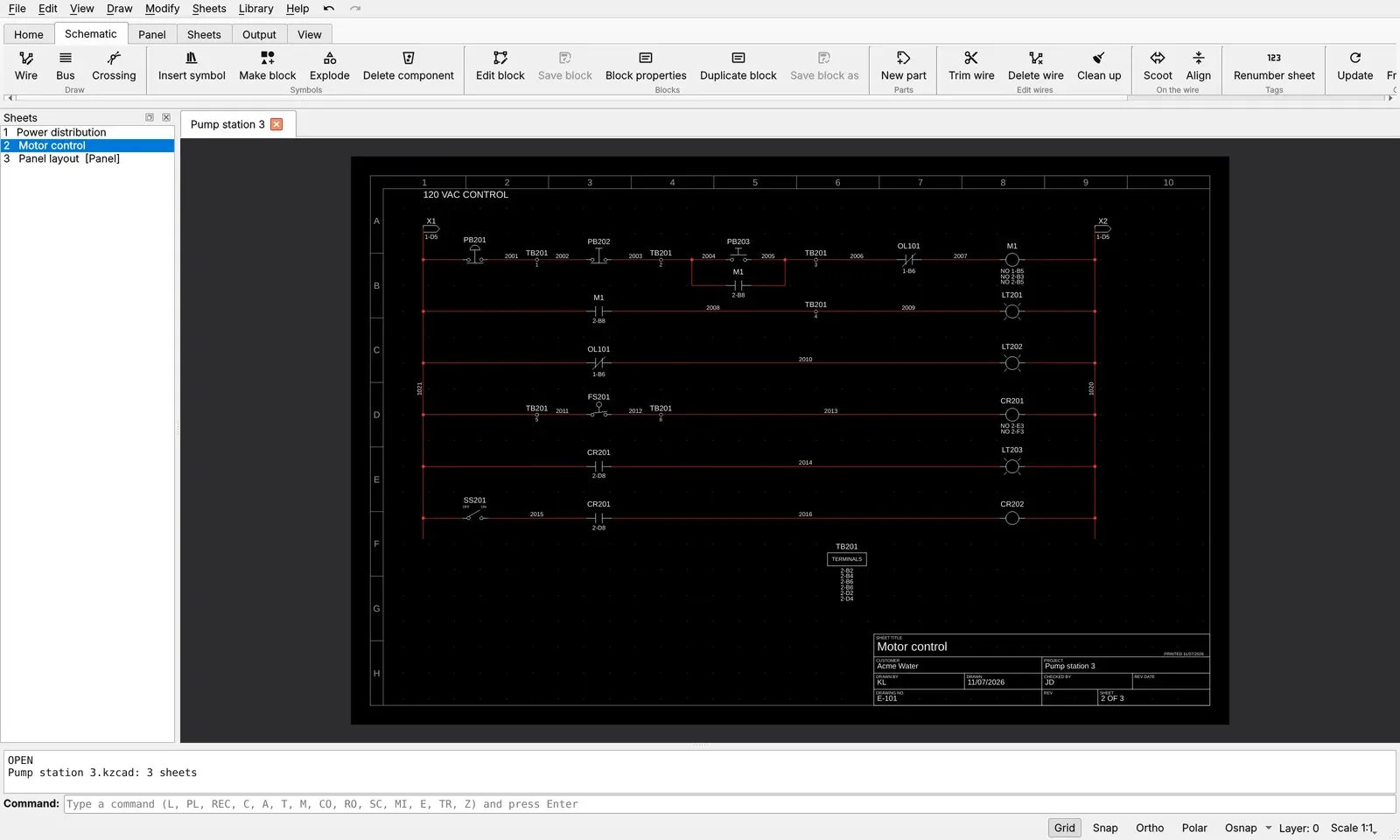
Image: KanzonasCAD
What works the same as AutoCAD
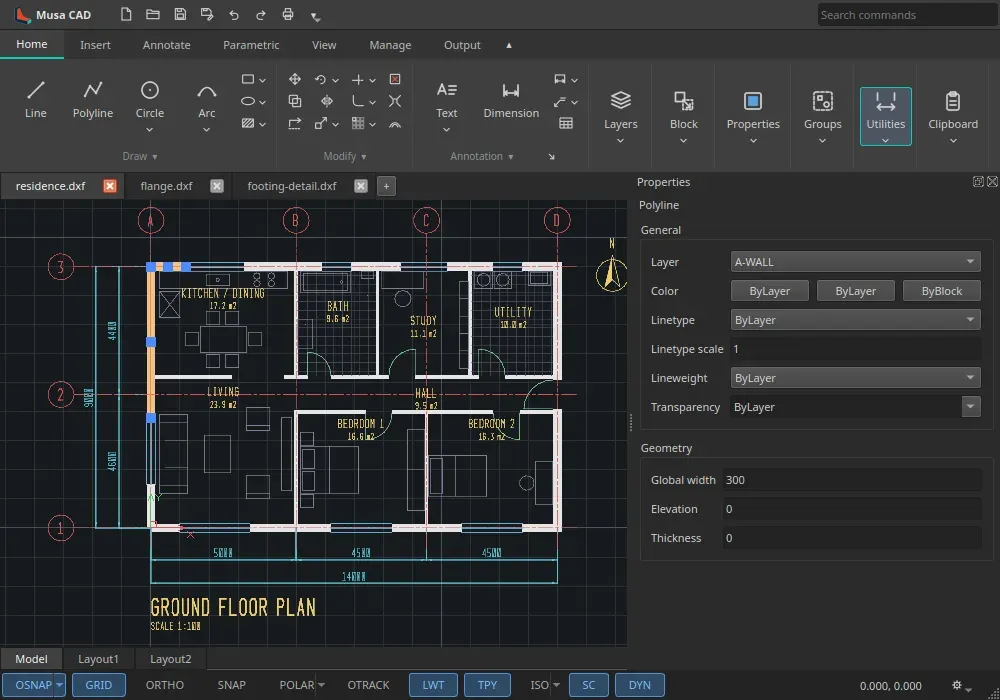
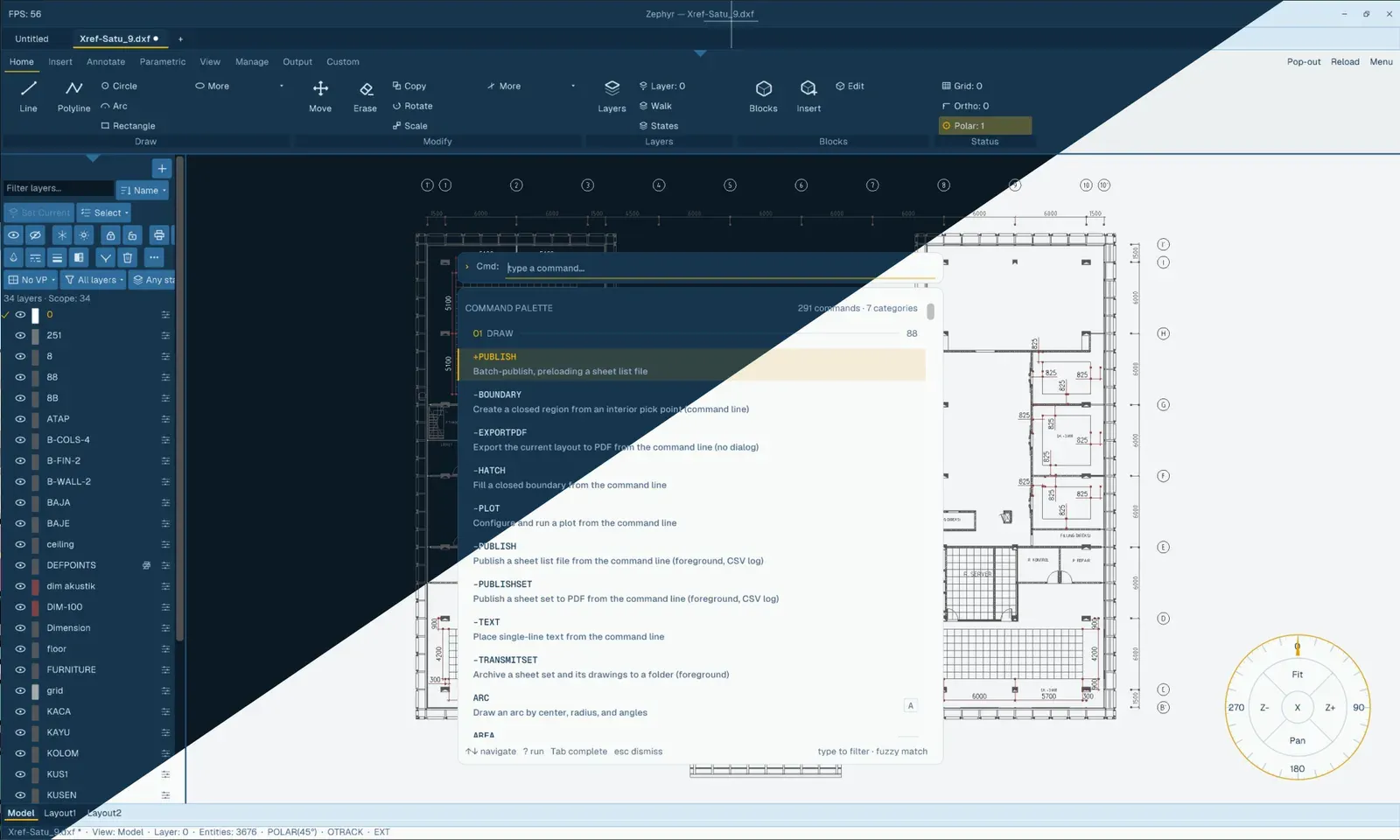
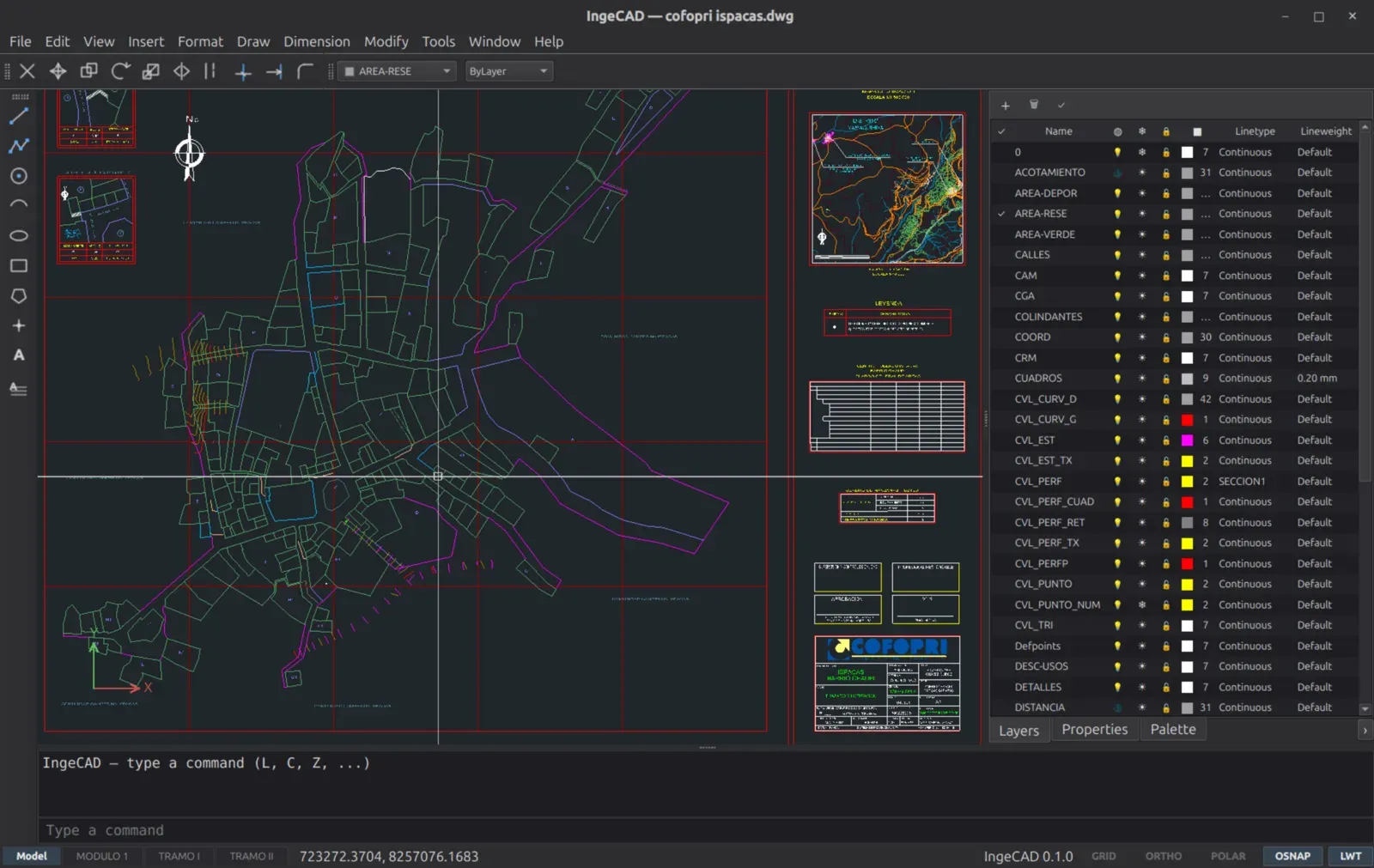
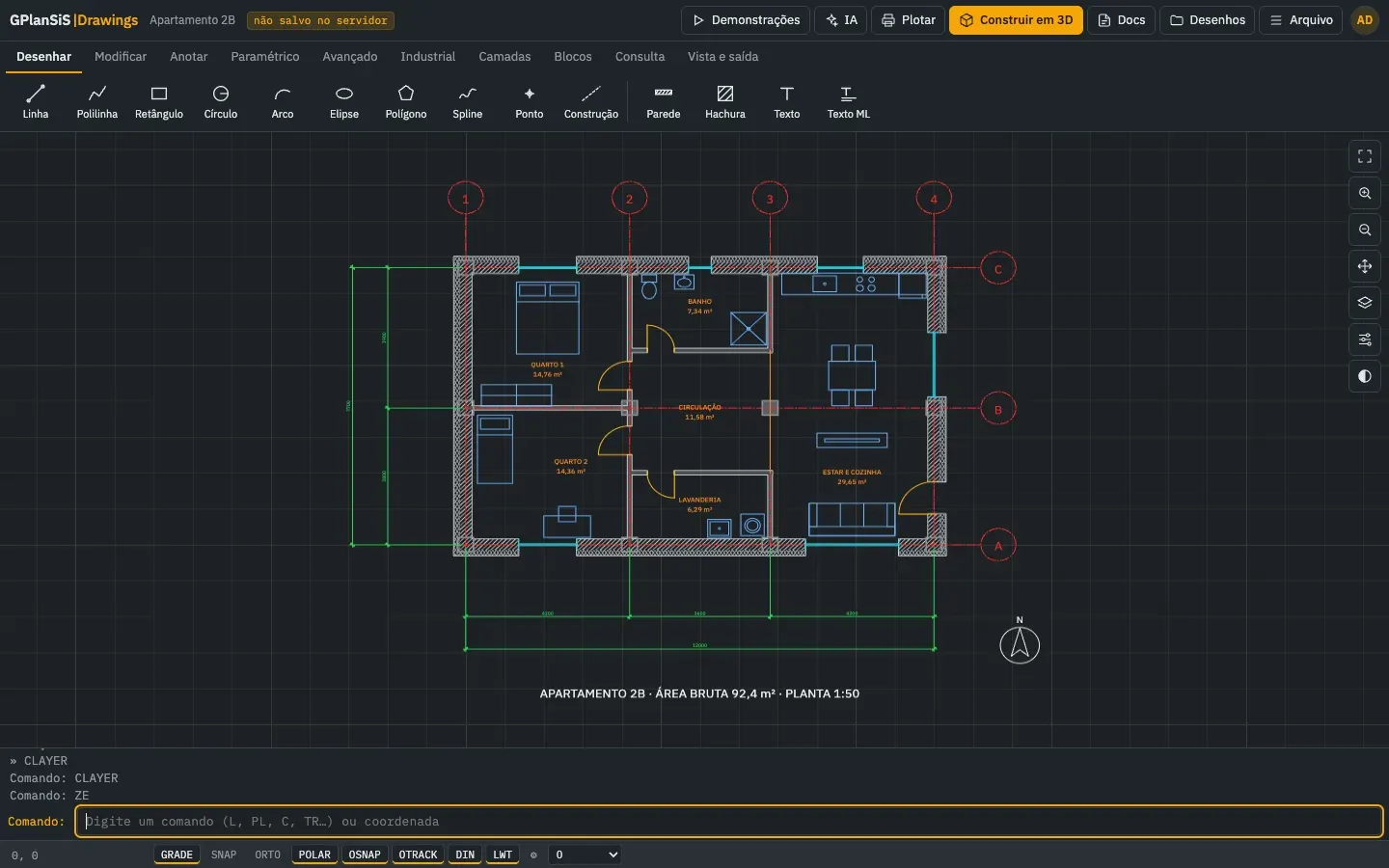
- A command line at the bottom, with its history and a Command prompt where you type short commands.
- Status bar buttons for Grid, Snap, Ortho, Polar and Osnap, and the current layer.
- A ribbon with tabs and grouped buttons. Its tools are for electrical drawings, closer to AutoCAD Electrical than to plain AutoCAD.
- A black drawing area with a grid and a sheet frame, and a list of sheets on the left.
- Opens DWG and DXF files and saves DXF and PDF.
What is missing
- macOS, check-out and check-in of sheets and shared libraries are still to come.
- It is source-available, not open source: the source stays open to read, under the PolyForm Shield License 1.0.0.
How to get started
- Click Download to open the website, then get the Setup file from the versions page.
- On Windows, run the Setup file. Windows may warn about an unknown publisher: click More info, then Run anyway.
- On Linux, download the AppImage, make it executable and open it.
- Or unzip the portable file on Windows and run it, with nothing installed.
Compatible files
AutoCAD files (.dwg, .dxf) According to the project