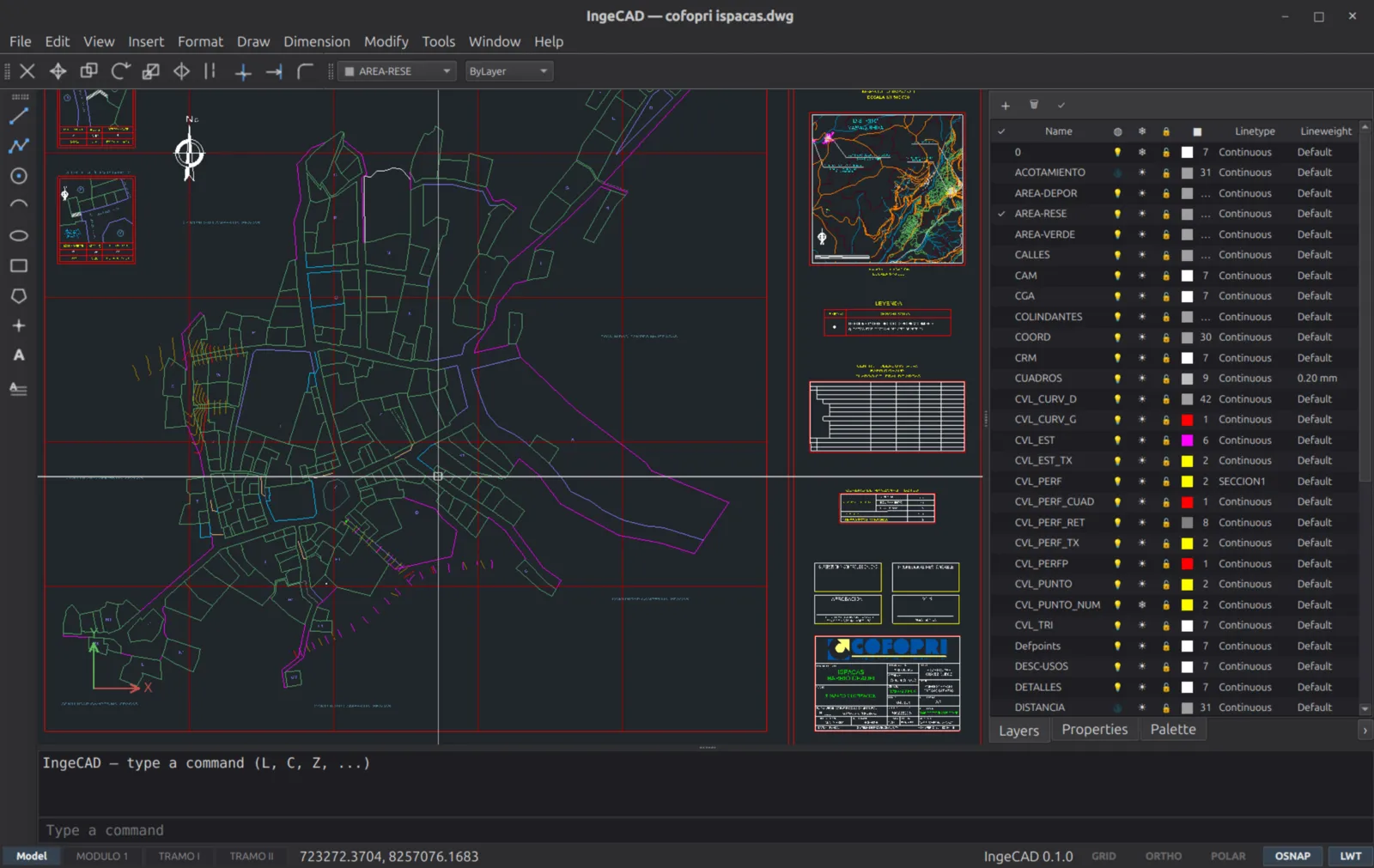
CADCraft
Clone of AutoCAD
Free drafting program rebuilt from scratch to work like Autodesk AutoCAD, with the command line, snaps, layers and DWG and DXF files.
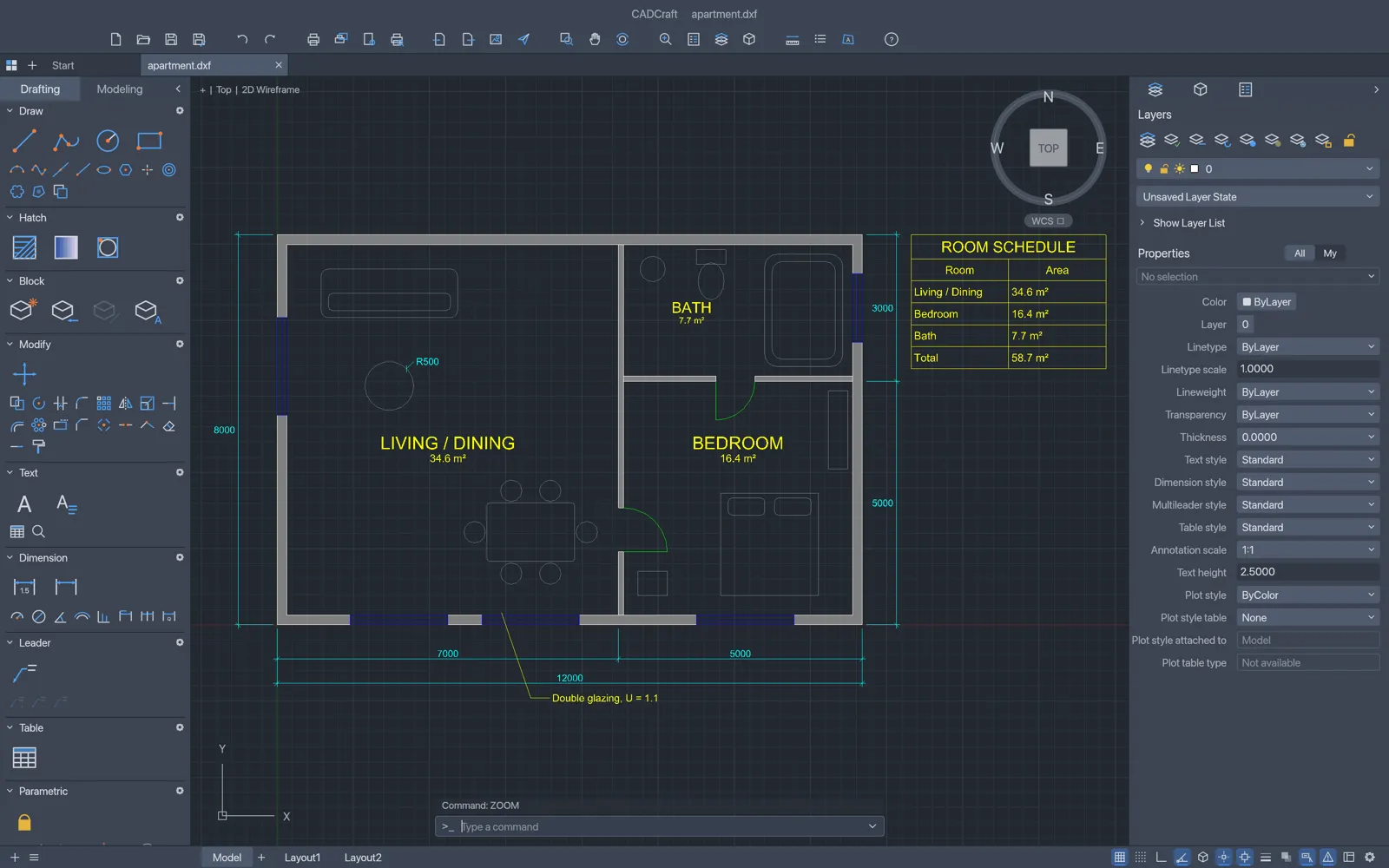
Image: CADCraft
What works the same as AutoCAD
- The command line, with history, AutoComplete and aliases.
- The same drawing commands: LINE, PLINE, CIRCLE, ARC, RECTANG, POLYGON and more.
- Object snaps, polar tracking and ortho.
- Layers, dimensions, hatches, blocks and paper-space layouts.
- Opens and saves DWG and DXF drawings.
What is missing
- It is at an early stage of development.
- Objects CADCraft doesn't support yet are lost when you save.
How to get started
- Click Download. It opens the CADCraft page on the ArtCraft site.
- Pick the version for your computer: Windows, Mac or Linux.
- Install it, open CADCraft and type commands like LINE or CIRCLE in the command line.
Compatible files
AutoCAD files (.dwg, .dxf) According to the project