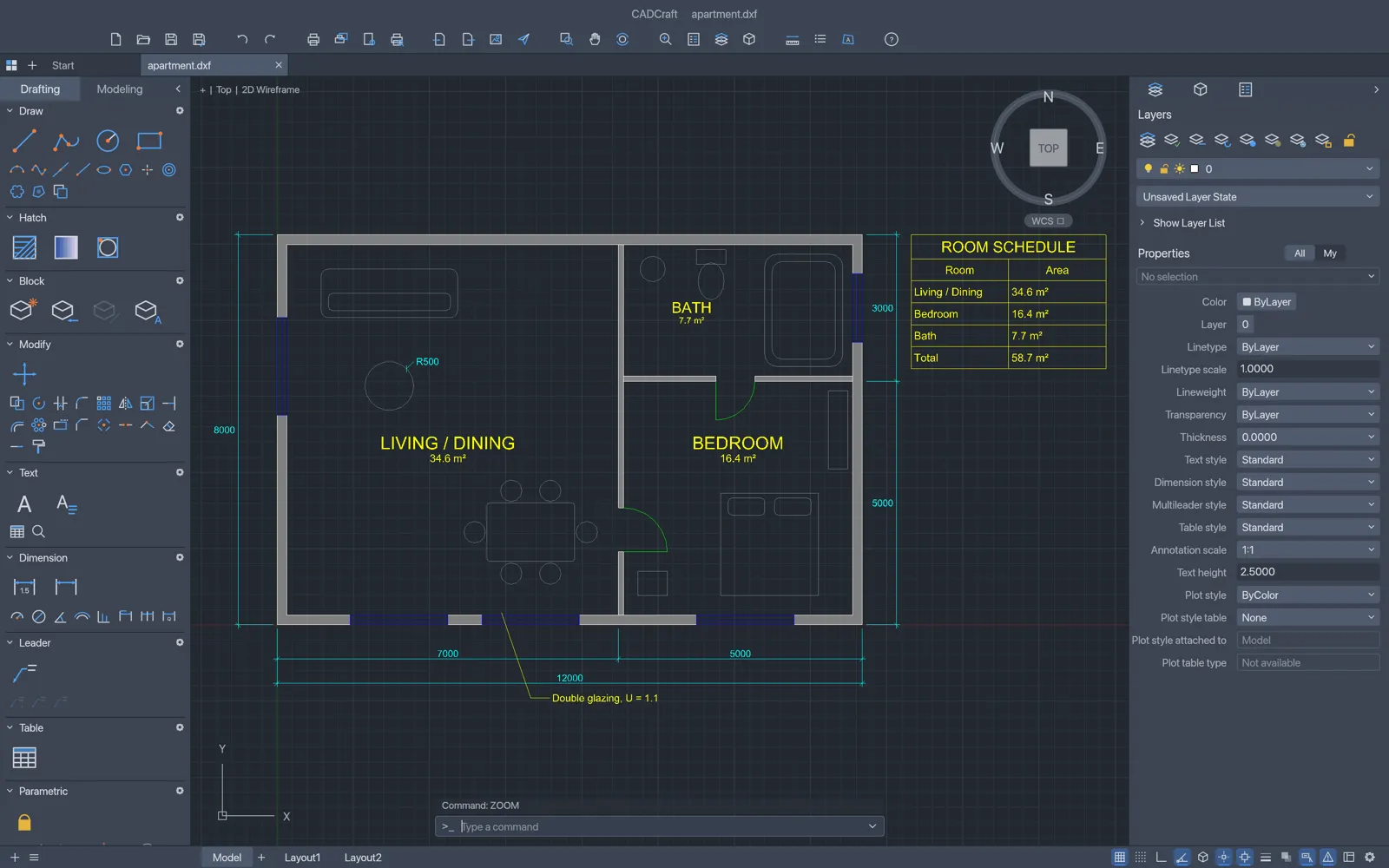
IngeCAD
Clone of AutoCAD
Free 2D drafting program in the spirit of classic AutoCAD, with a real command line, the usual aliases and DWG files.
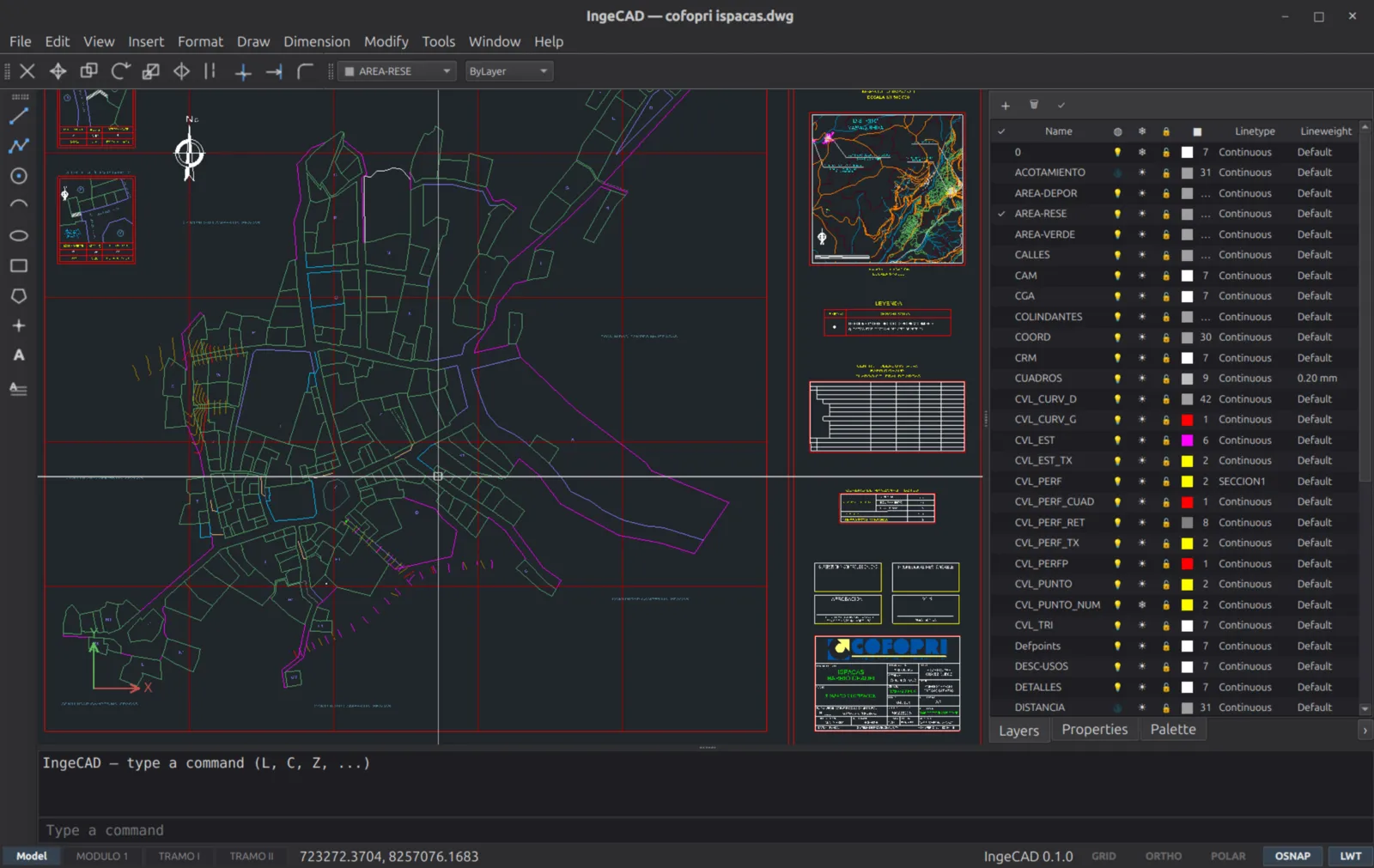
Image: IngeCAD
What works the same as AutoCAD
- The usual command aliases, like M to move and TR to trim.
- The classic interface before the ribbon: menus, toolbars and a real command line.
- Opens and saves the DWG and DXF files your colleagues send you.
- Lines, circles, polylines, blocks, layers, hatches and printing to scale.
- Extra tools for land surveying and terrain.
What is missing
- It is 2D only and deliberately small.
- The project says it doesn't copy every feature of other CAD programs.
How to get started
- Click Download. It opens the IngeCAD site.
- On Windows, run the installer. If SmartScreen says it protected your PC, click "More info" and then "Run anyway".
- On Linux, install it from your software center with one click.
Compatible files
AutoCAD files (.dwg, .dxf) According to the project