GPlanSiS Drawings
Clone of AutoCAD
Free 2D drafting in your browser with AutoCAD's command line and shortcuts, plus one-click 3D, for building, steel, piping and electrical plans.
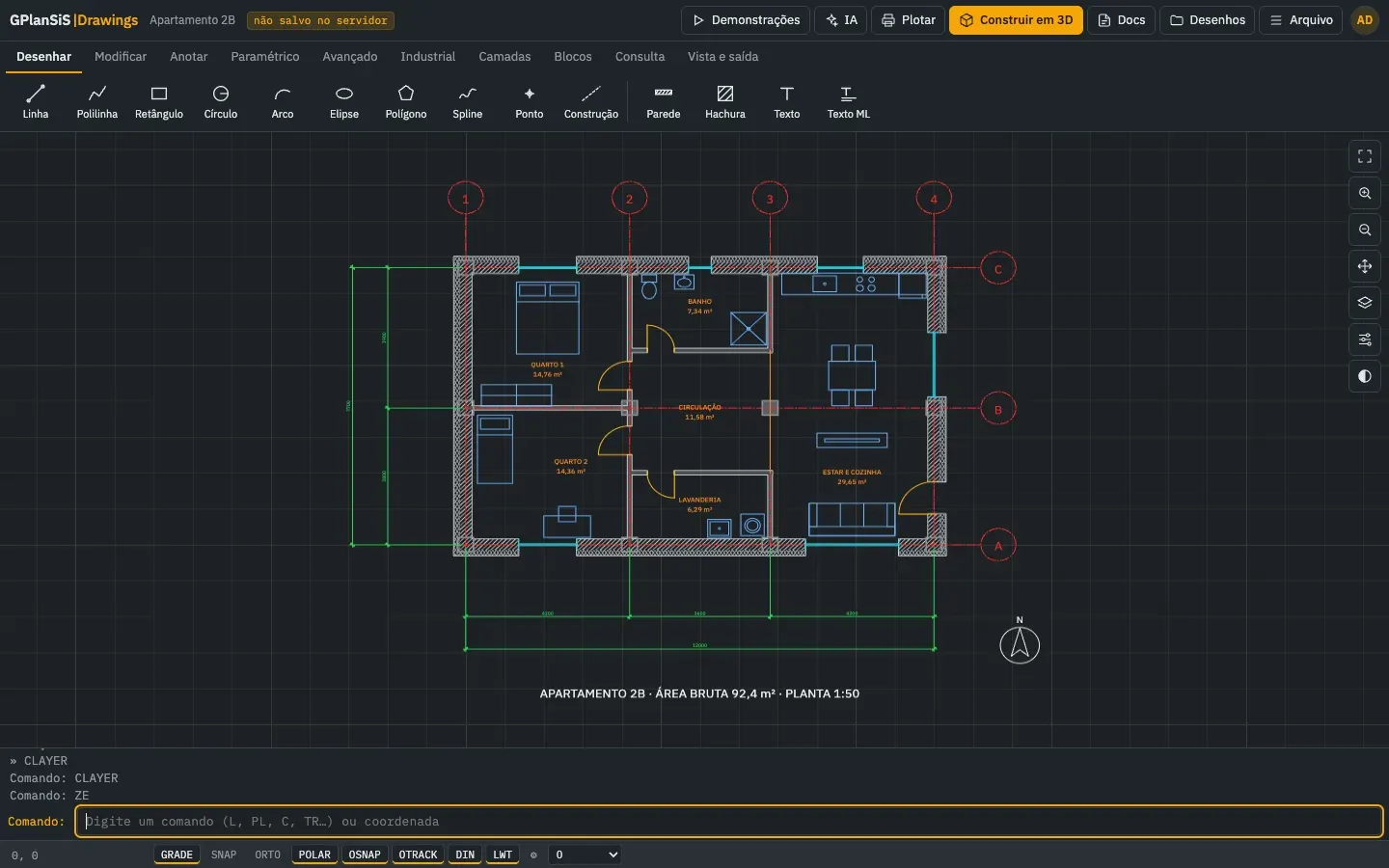
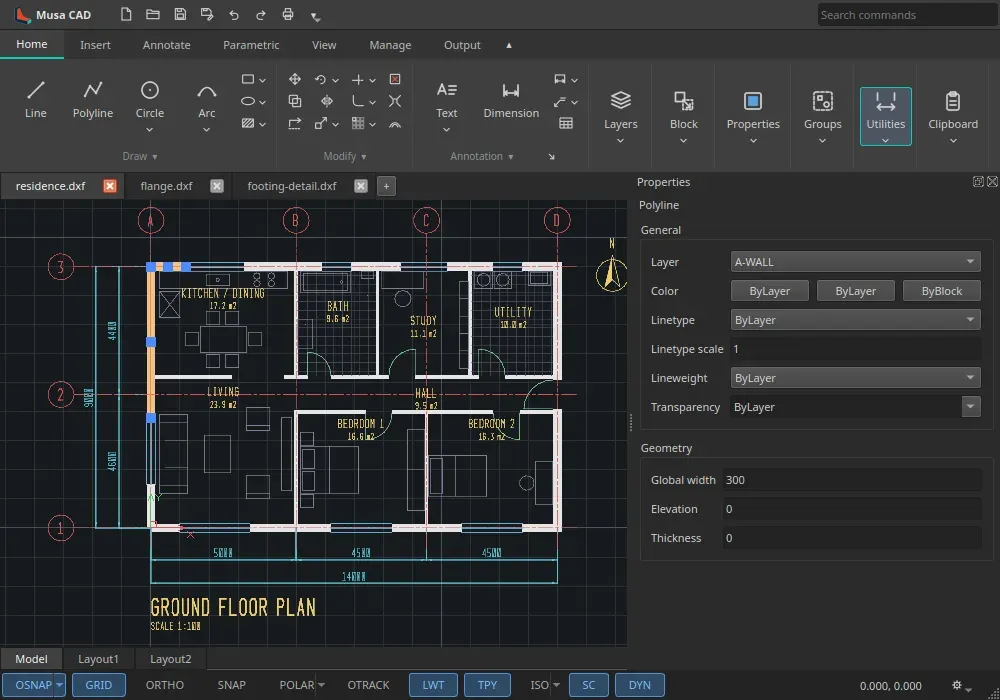
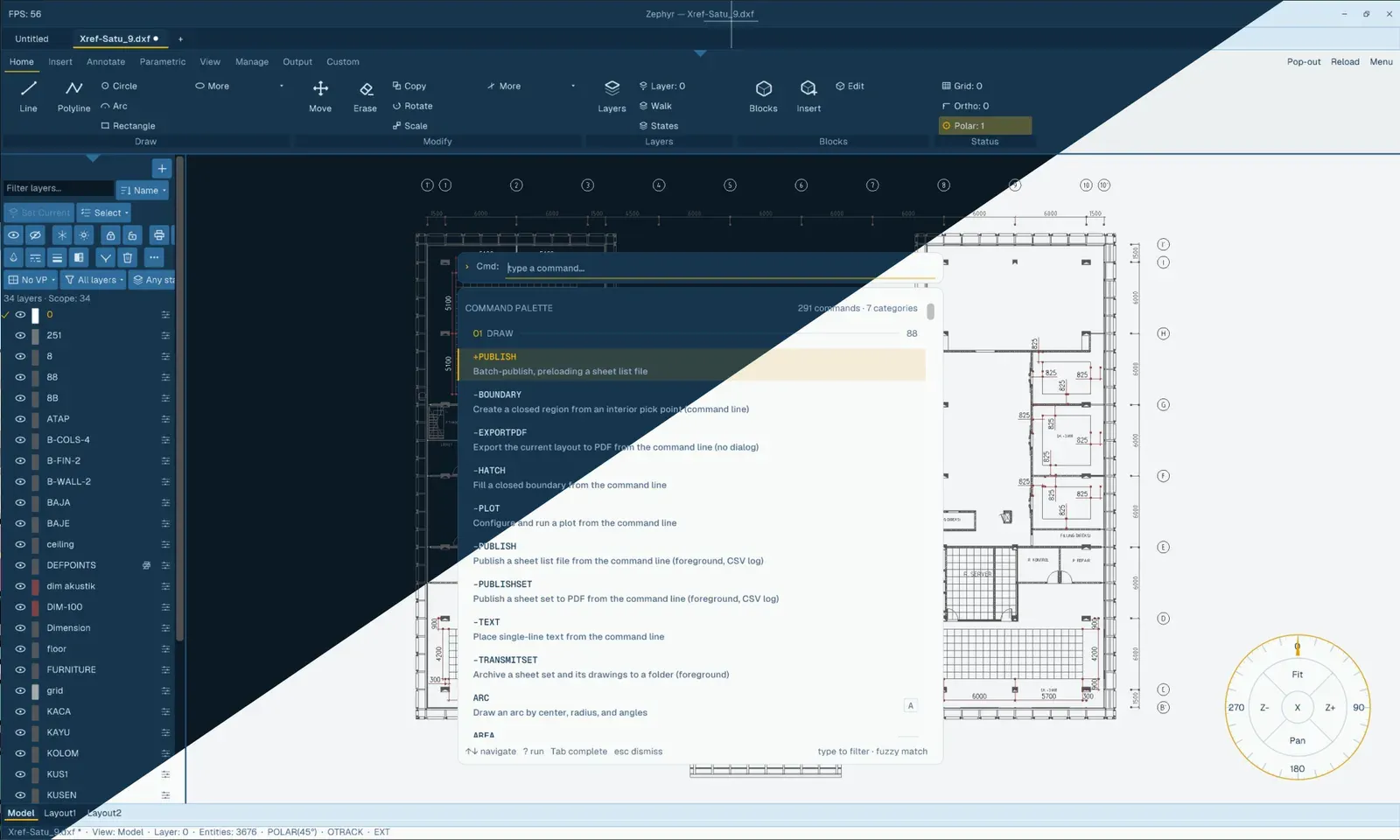
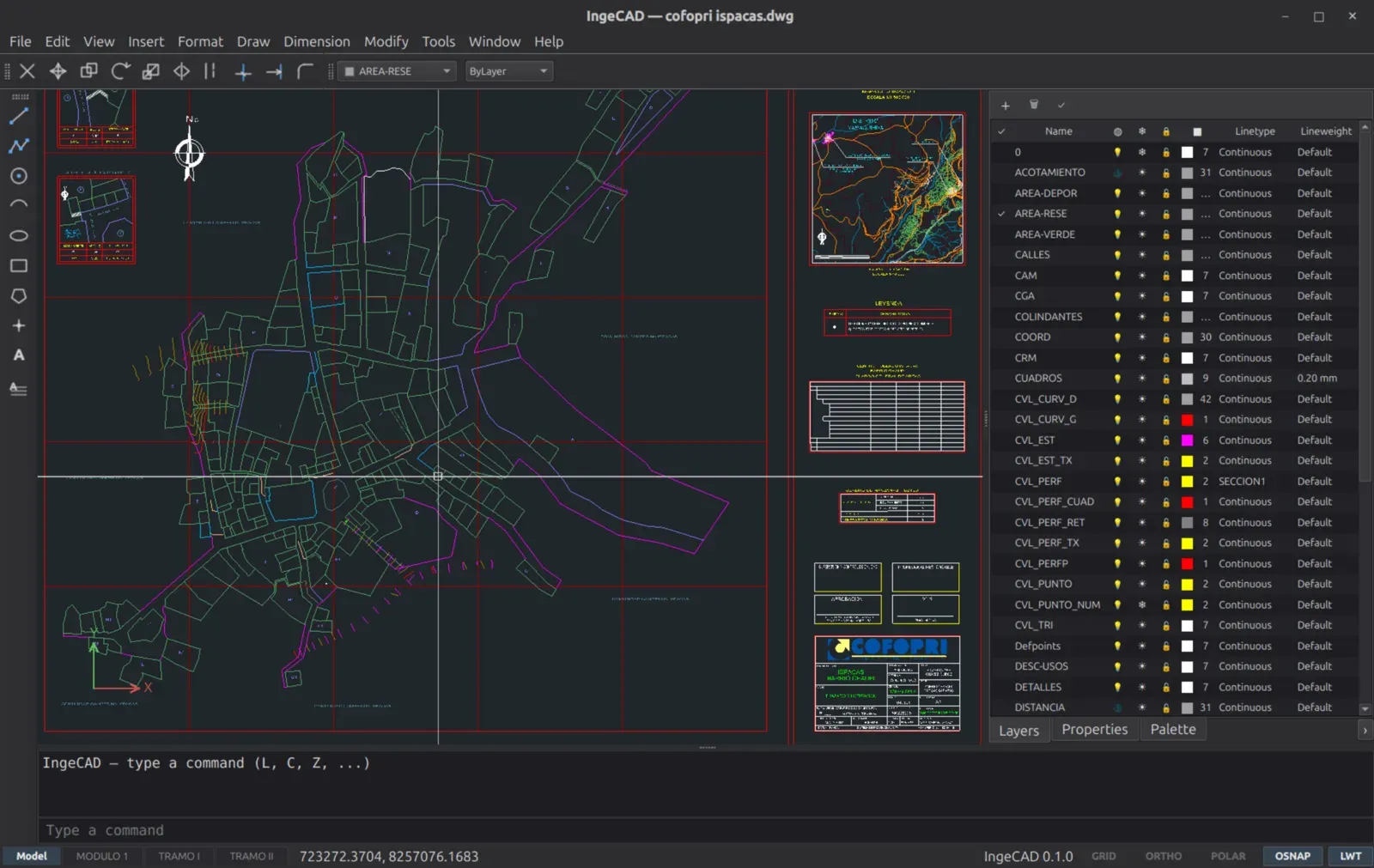
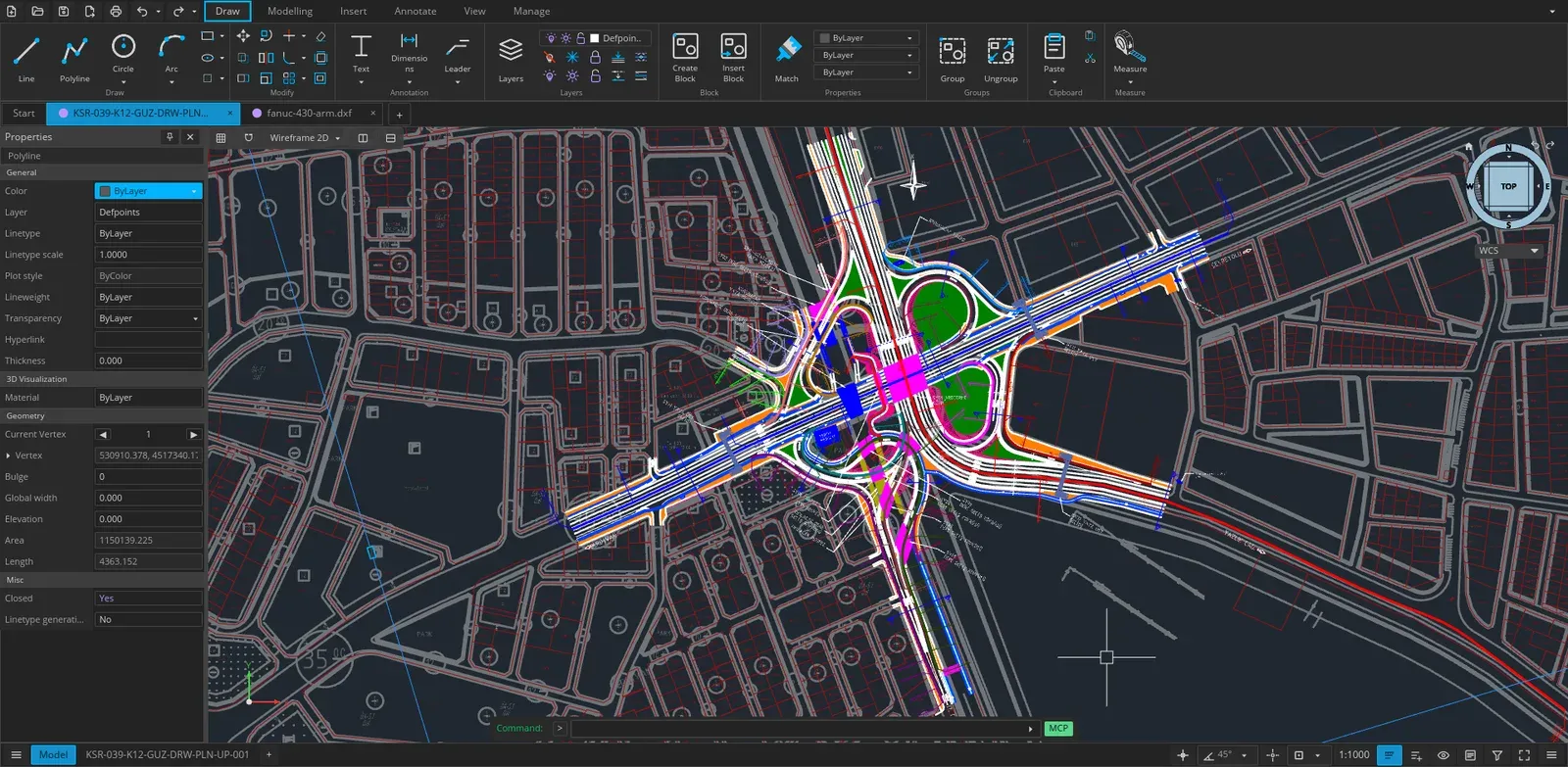
Image: GPlanSiS Drawings
What works the same as AutoCAD
- AutoCAD's command line and shortcuts: type L, PL, C, TR, O, F, M or CO.
- Draw lines, polylines, circles, arcs and splines, then move, copy, rotate, mirror, trim and offset them.
- Object snap, ortho, polar tracking and dynamic input, on the F3, F8, F10, F11 and F12 keys.
- Open DXF files, open DWG files through the server, and export DXF, SVG, PNG, IFC4 or vector PDF.
- Turn a plan into a 3D model with one click.
What is missing
- Binary DXF, multileaders, raster images and solids are not read yet.
- Saving DWG files is still in beta.
How to get started
- Download the project from its page. There's no installer.
- Open standalone/GPlanSiS-Drawings-offline.html in Chrome, Edge, Safari or Firefox. It works without internet.
- Your drawings stay in your browser's storage, so export them before clearing browser data.
Compatible files
AutoCAD files (.dwg, .dxf) According to the project