Vitrine
Clone of Lightroom
Free RAW photo editor for Windows: browse a folder in a gallery, develop photos without changing the originals, and export them.
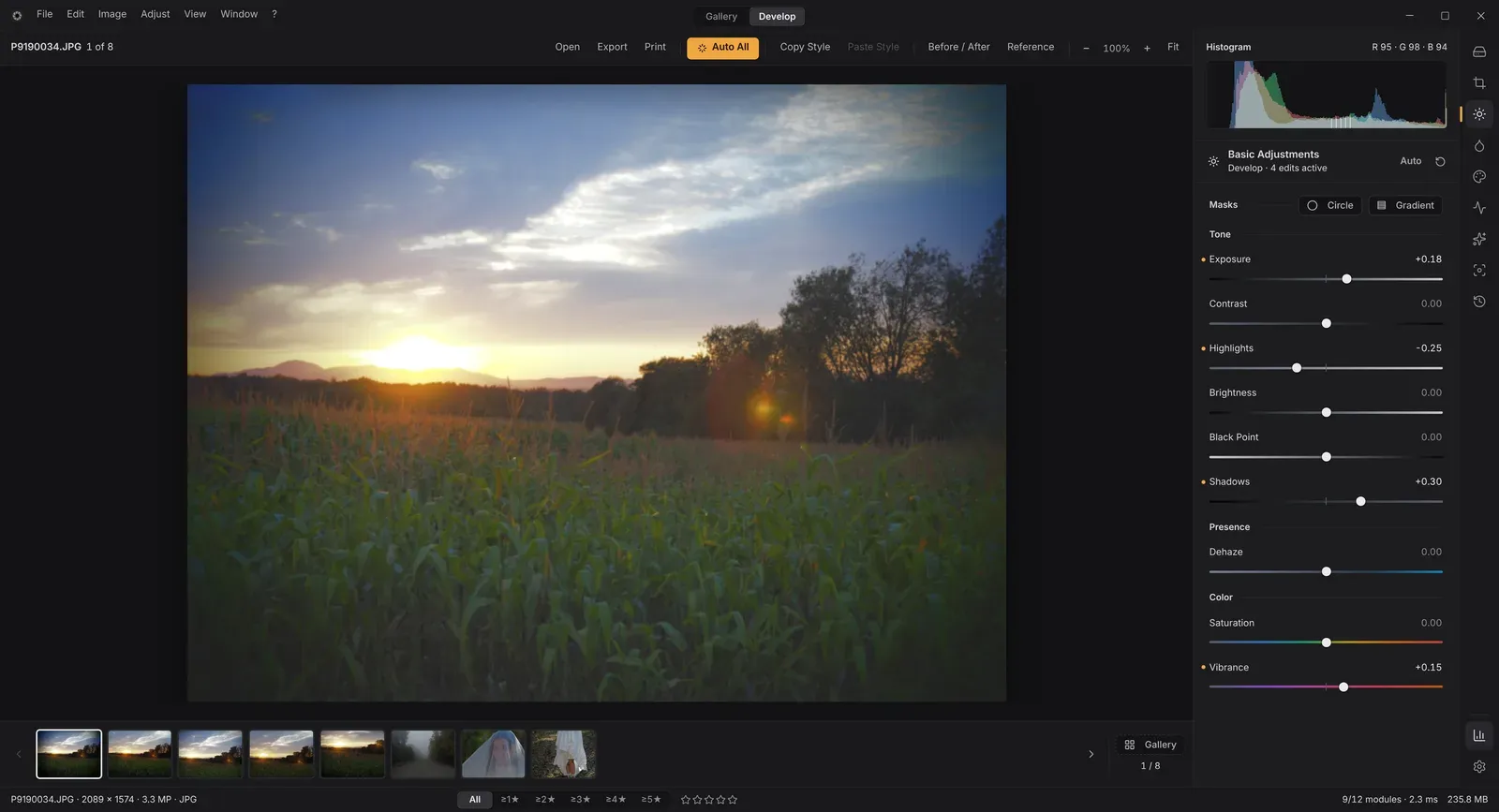
Image: Vitrine
What works the same as Lightroom
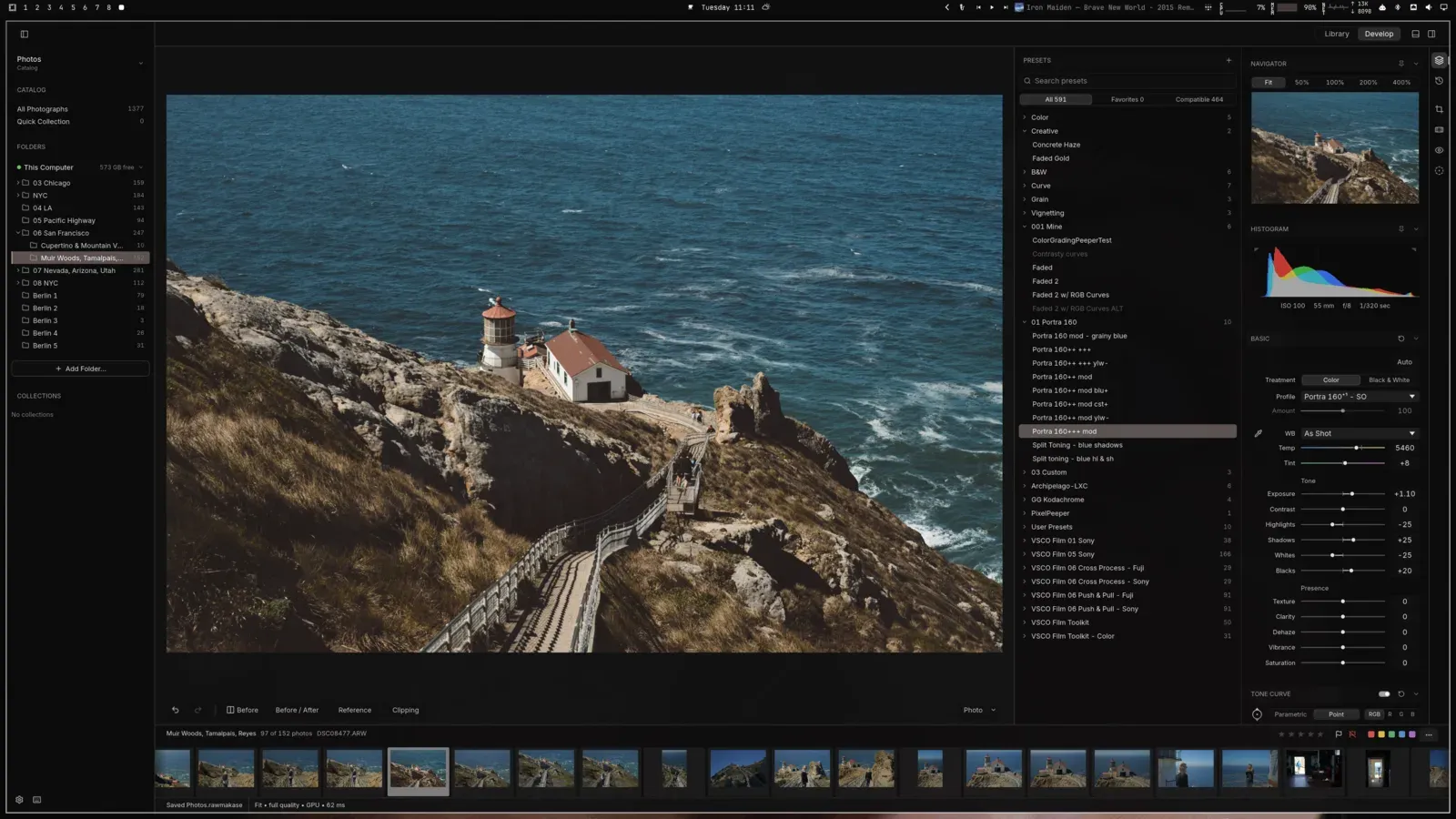
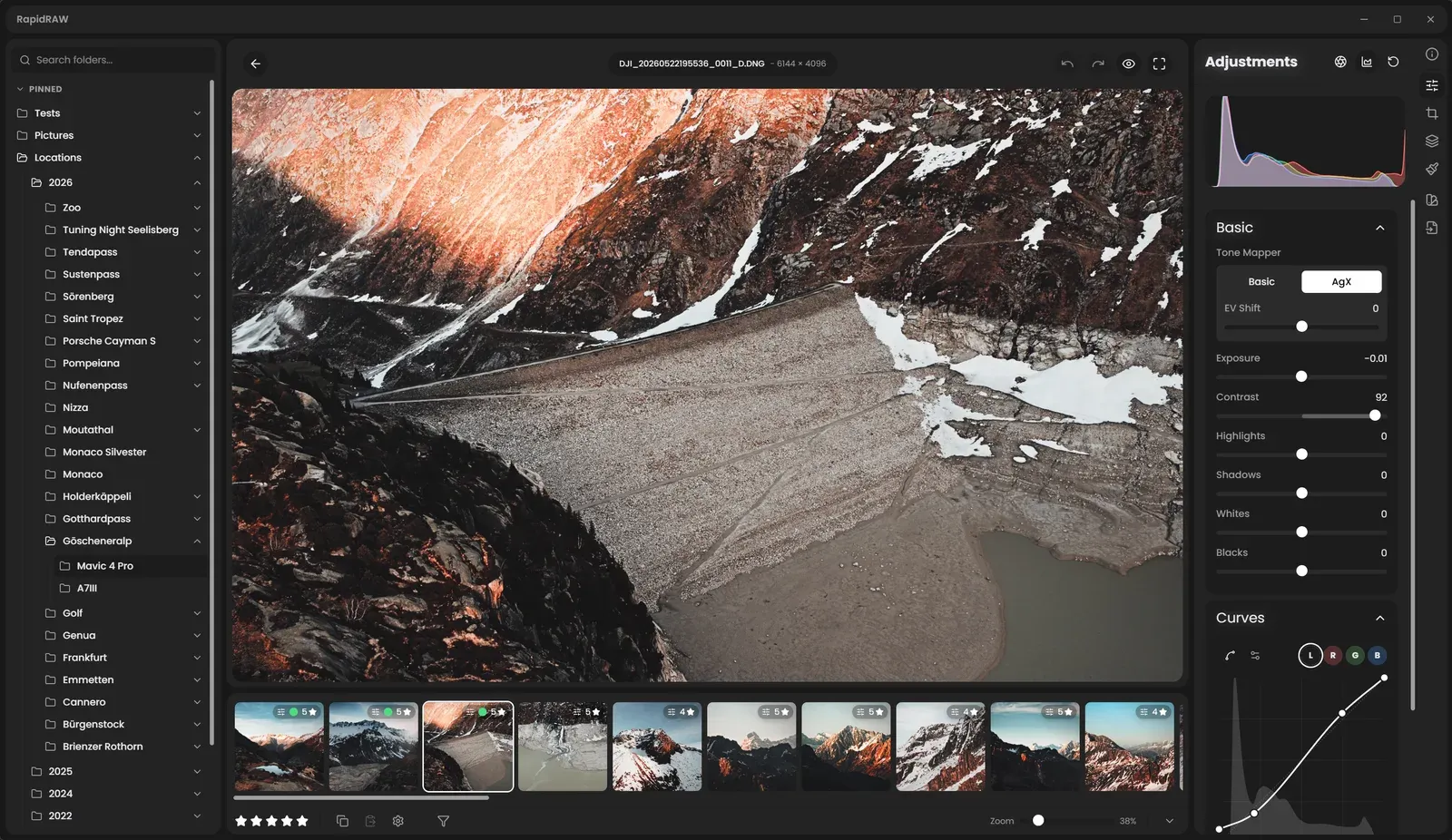
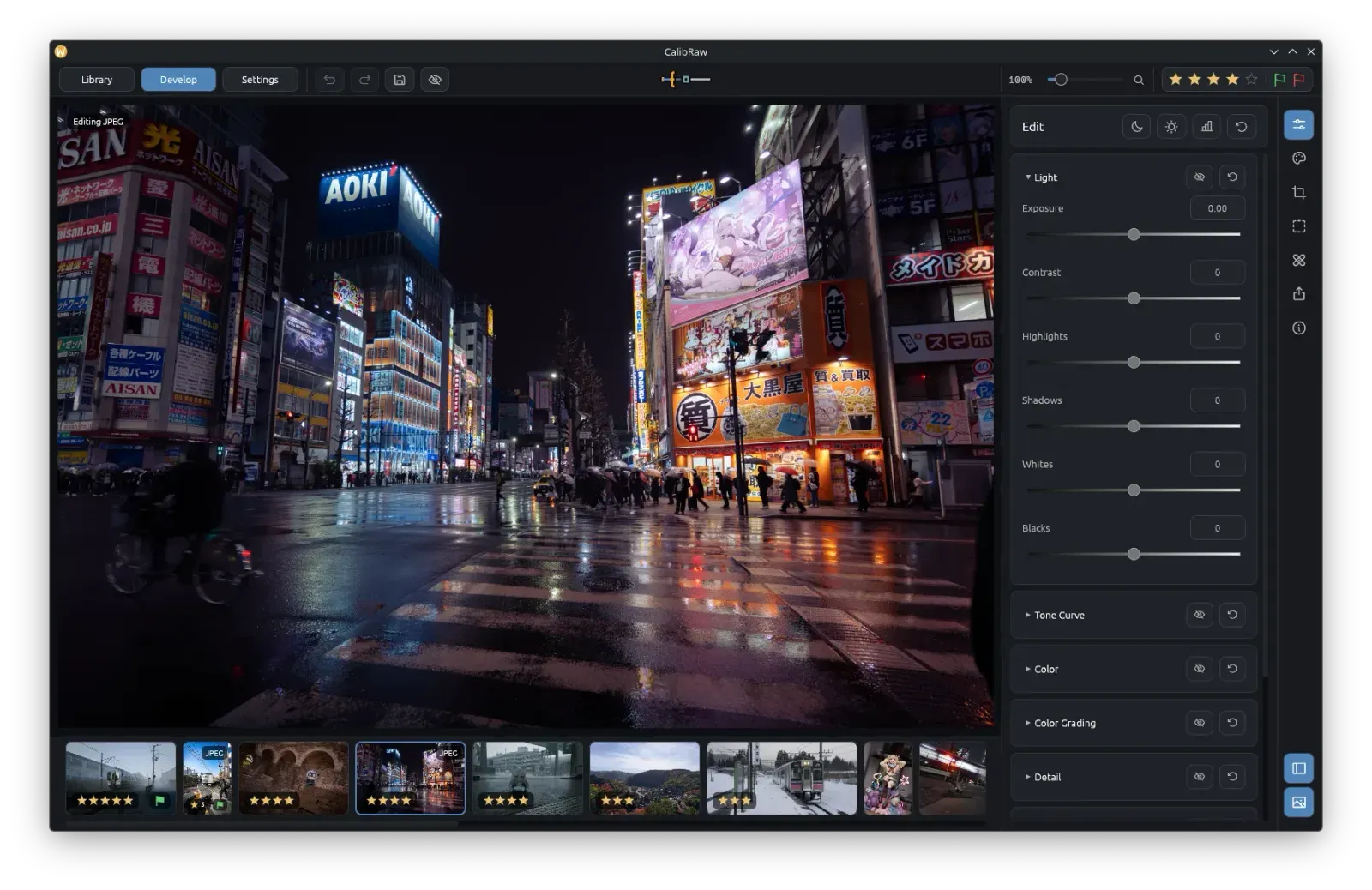
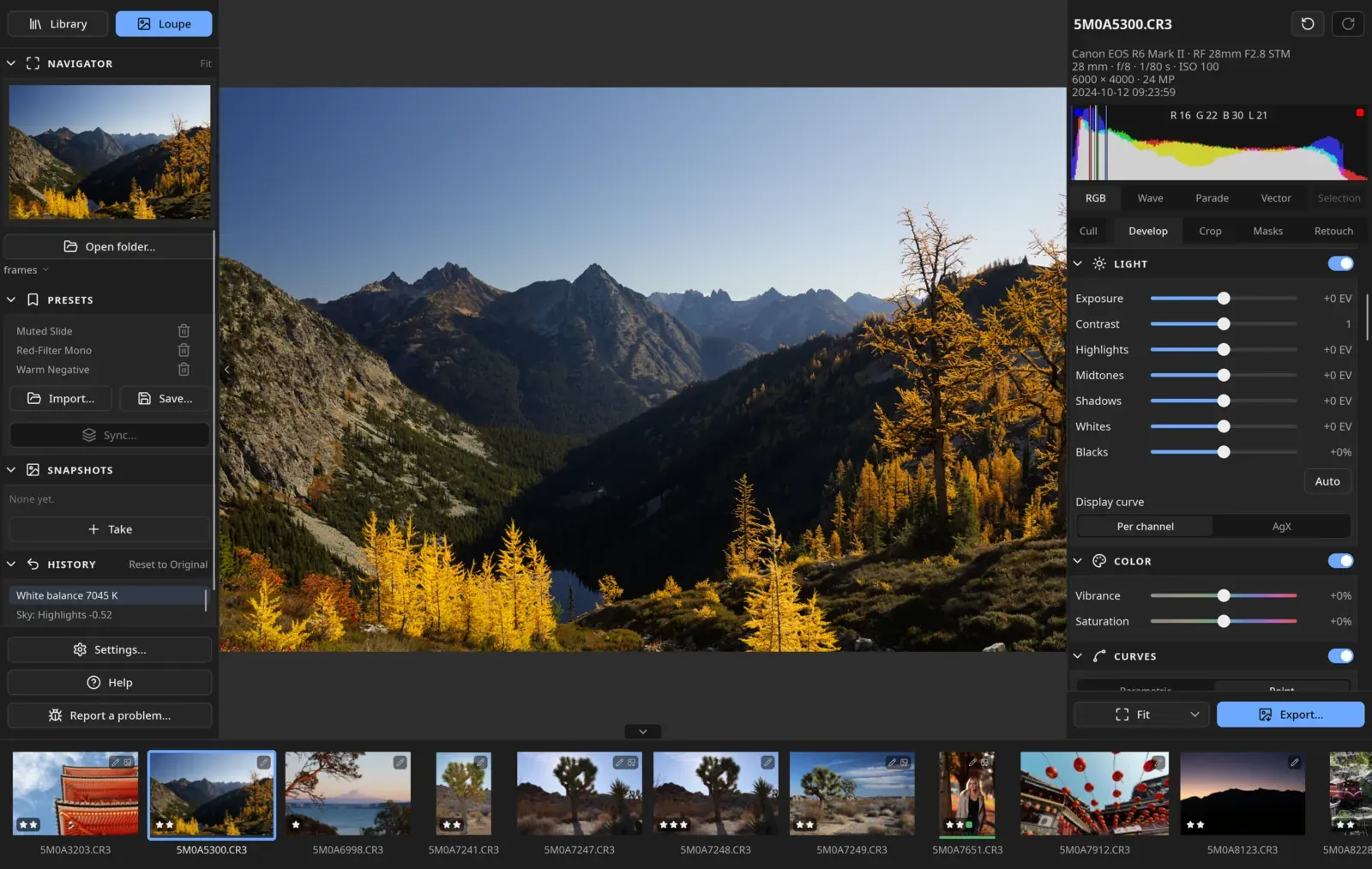
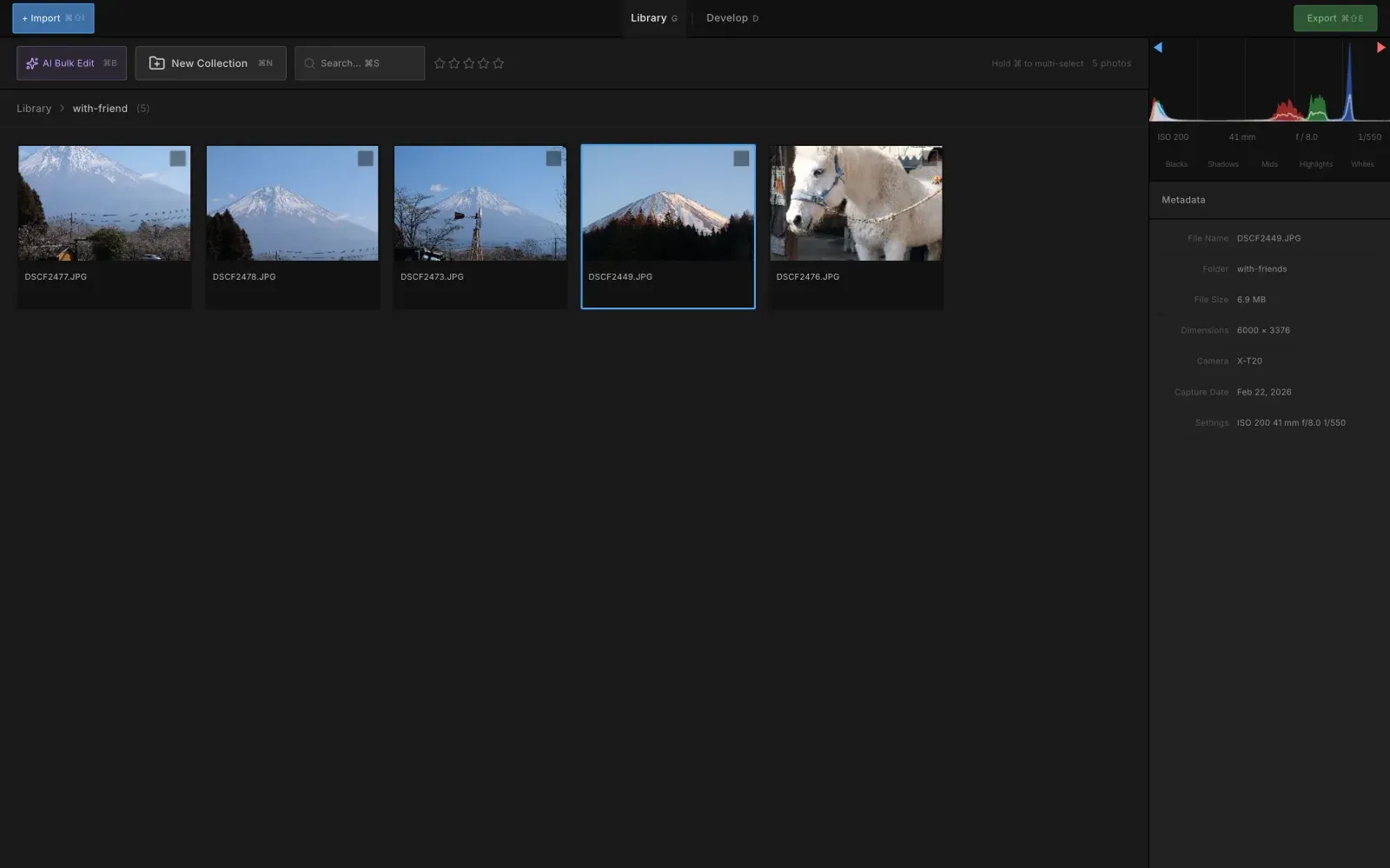
- Gallery and Develop buttons at the top, and a strip of thumbnails at the bottom with a star filter.
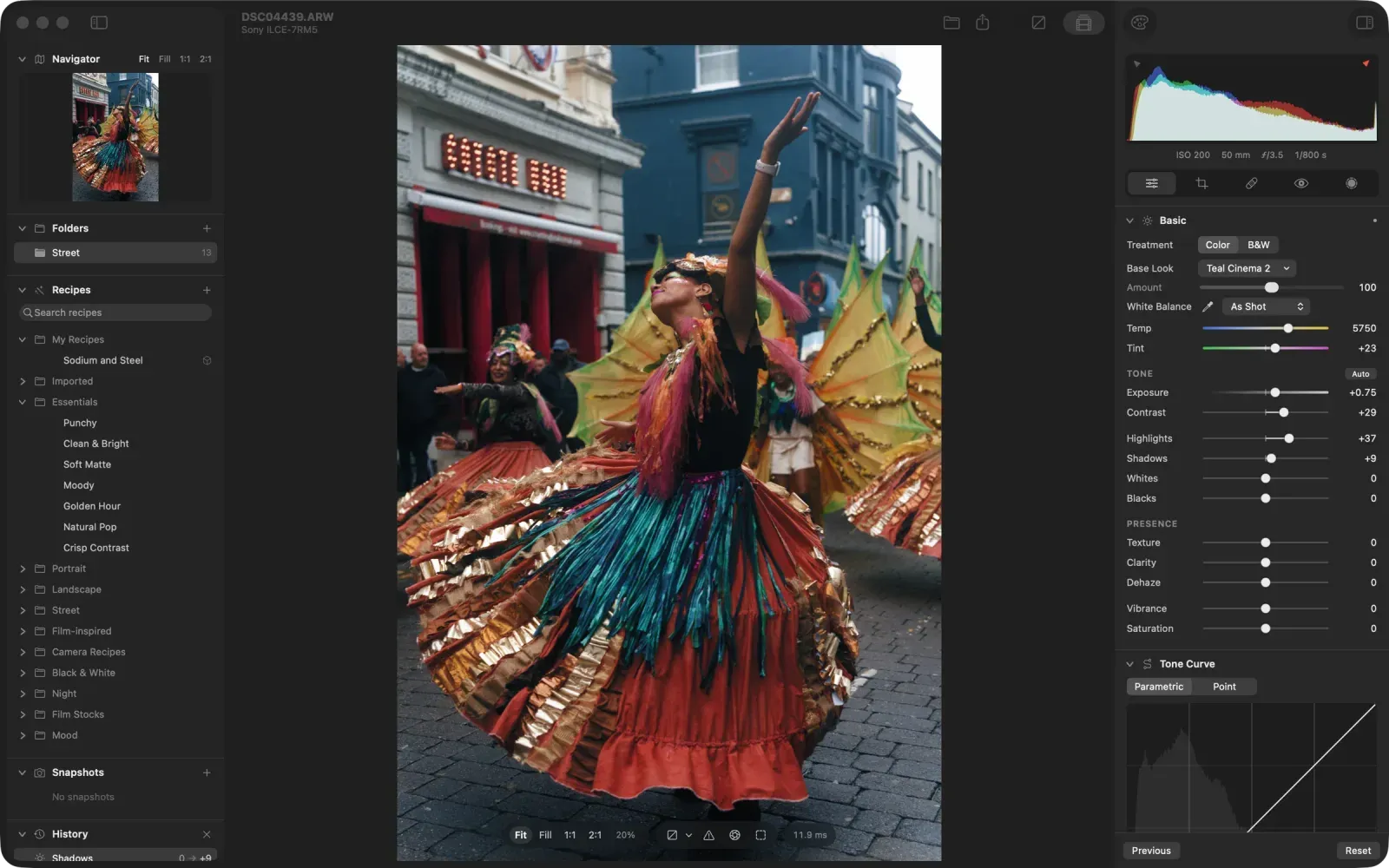
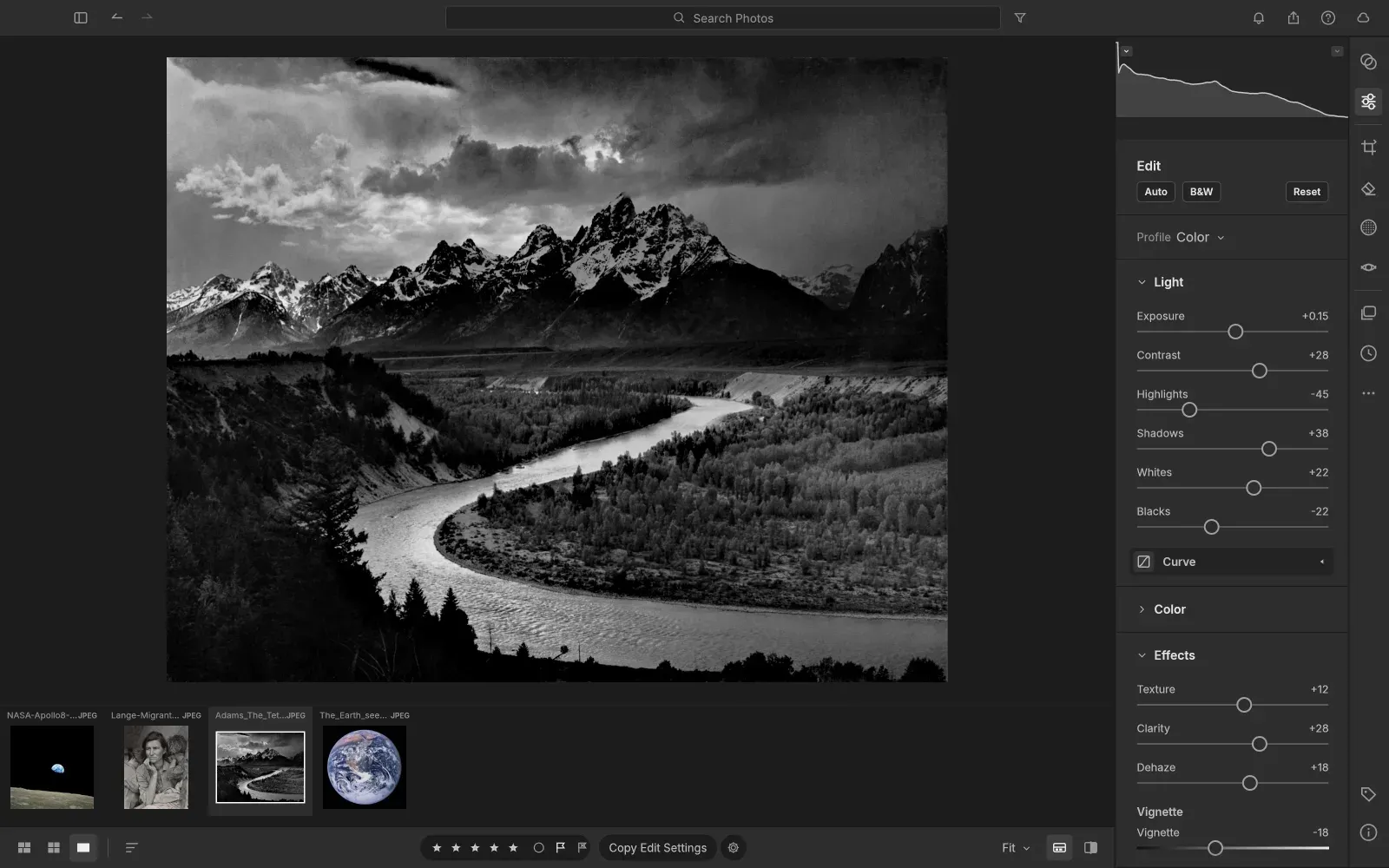
- A histogram above the sliders for Exposure, Contrast, Highlights, Shadows, Dehaze, Vibrance and Saturation, with an Auto button.
- A strip of icons at the right edge for crop, light, color, effects and history.
- Edits are saved for each photo and your original file is never changed.
- Rate photos with stars and hide the lower-rated ones with a filter.
What is missing
- It is not open source. It is free, but only for non-commercial use.
- It has a folder gallery with ratings and filters, not a photo catalog, and no cloud sync.
- It has no plugins and no round trip to Photoshop.
How to get started
- Click Download to open the versions page and get the Setup file. It runs on Windows 10 or 11 only.
- Run the Setup file. No other software is needed. The portable file runs from anywhere without installing.
- Windows may warn about an unknown publisher the first time. Choose More info, then Run anyway.
- Open a folder, double-click a photo to develop it, and export it when you finish.
Compatible files
Lightroom projects Not tested yet