RapidRAW
Clone of Lightroom
Free RAW photo editor for Windows, macOS, Linux and Android, with a library, sliders, masks and presets. Built-in AI tools run on your computer.
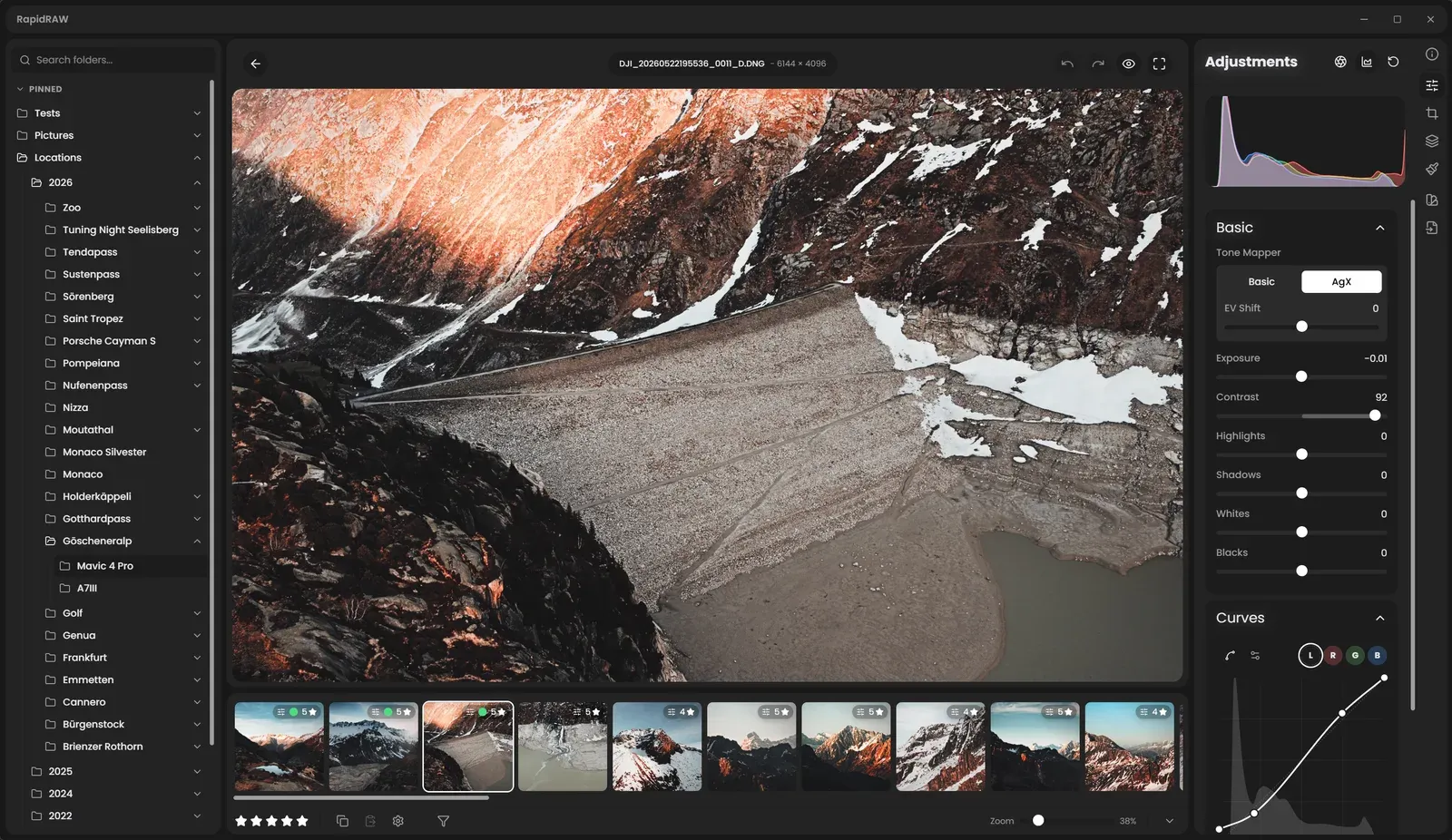
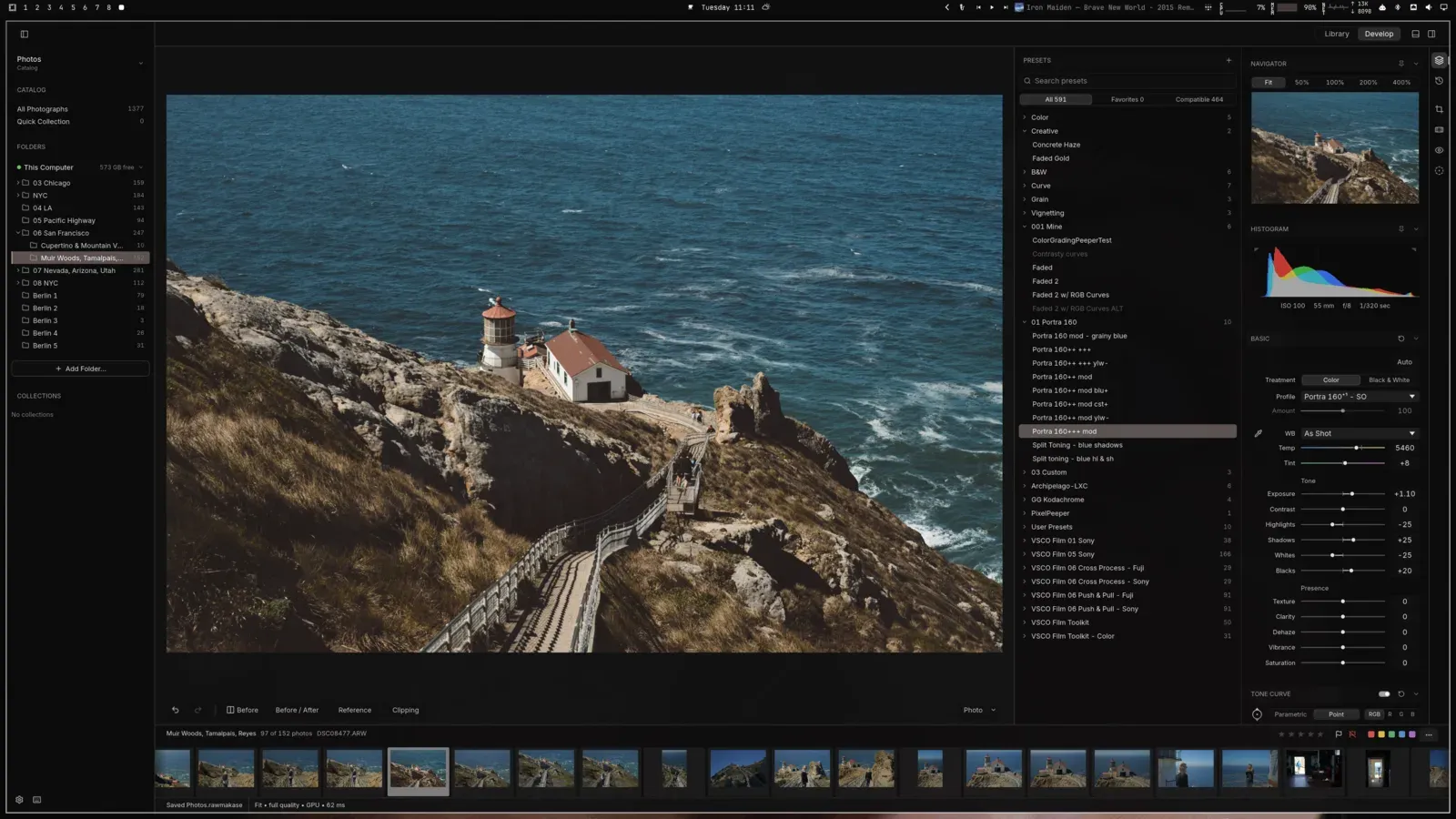
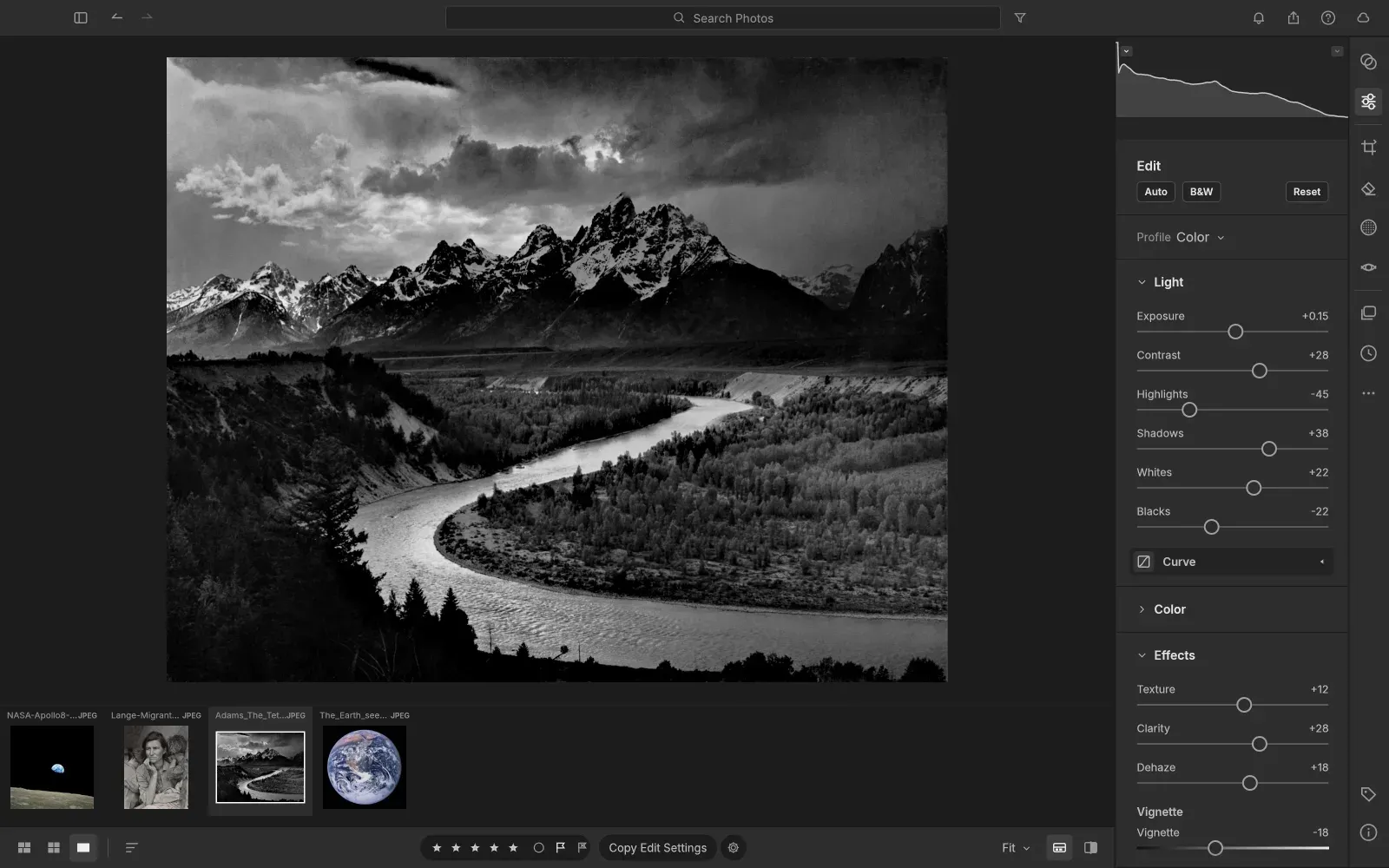
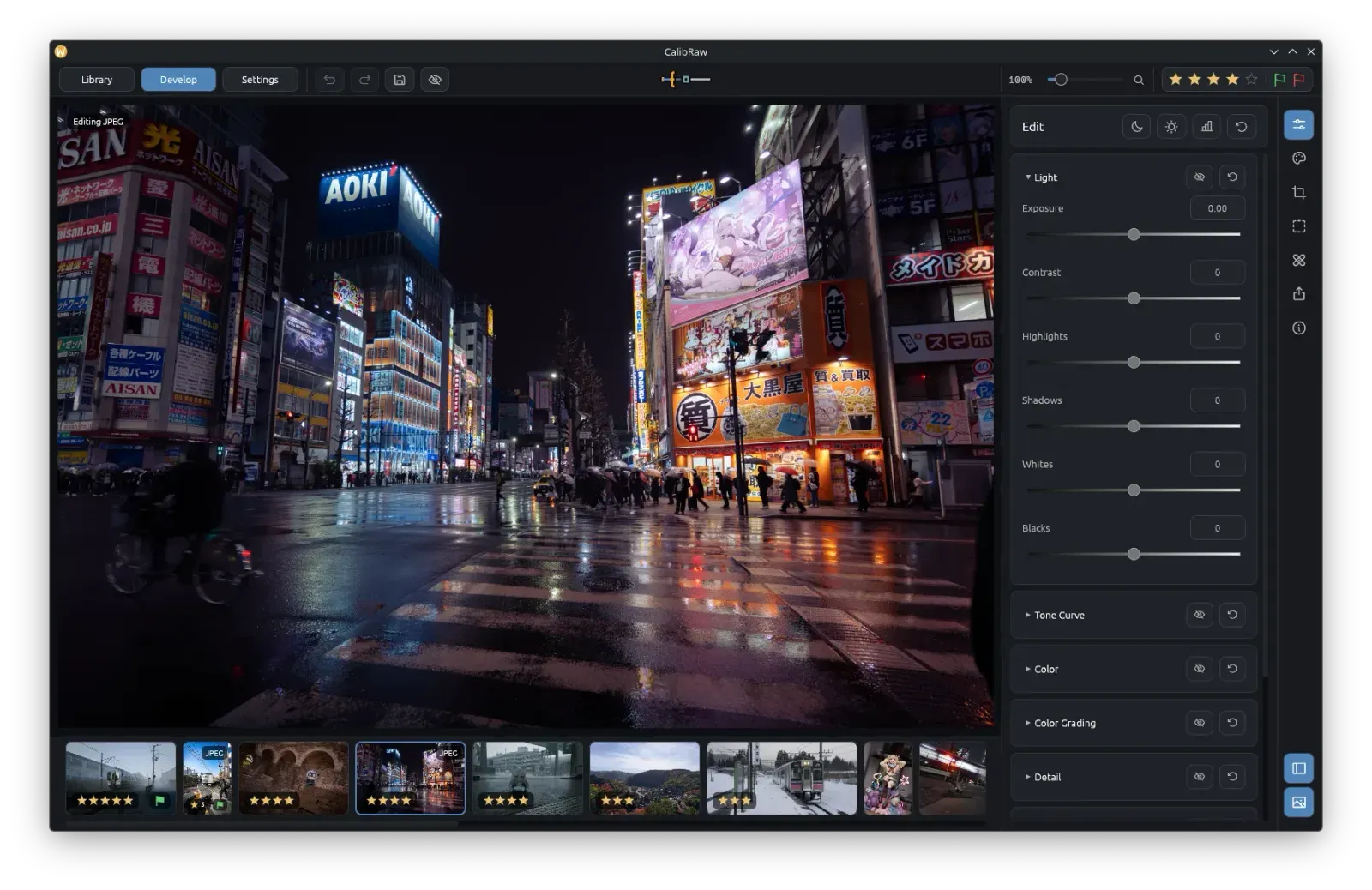
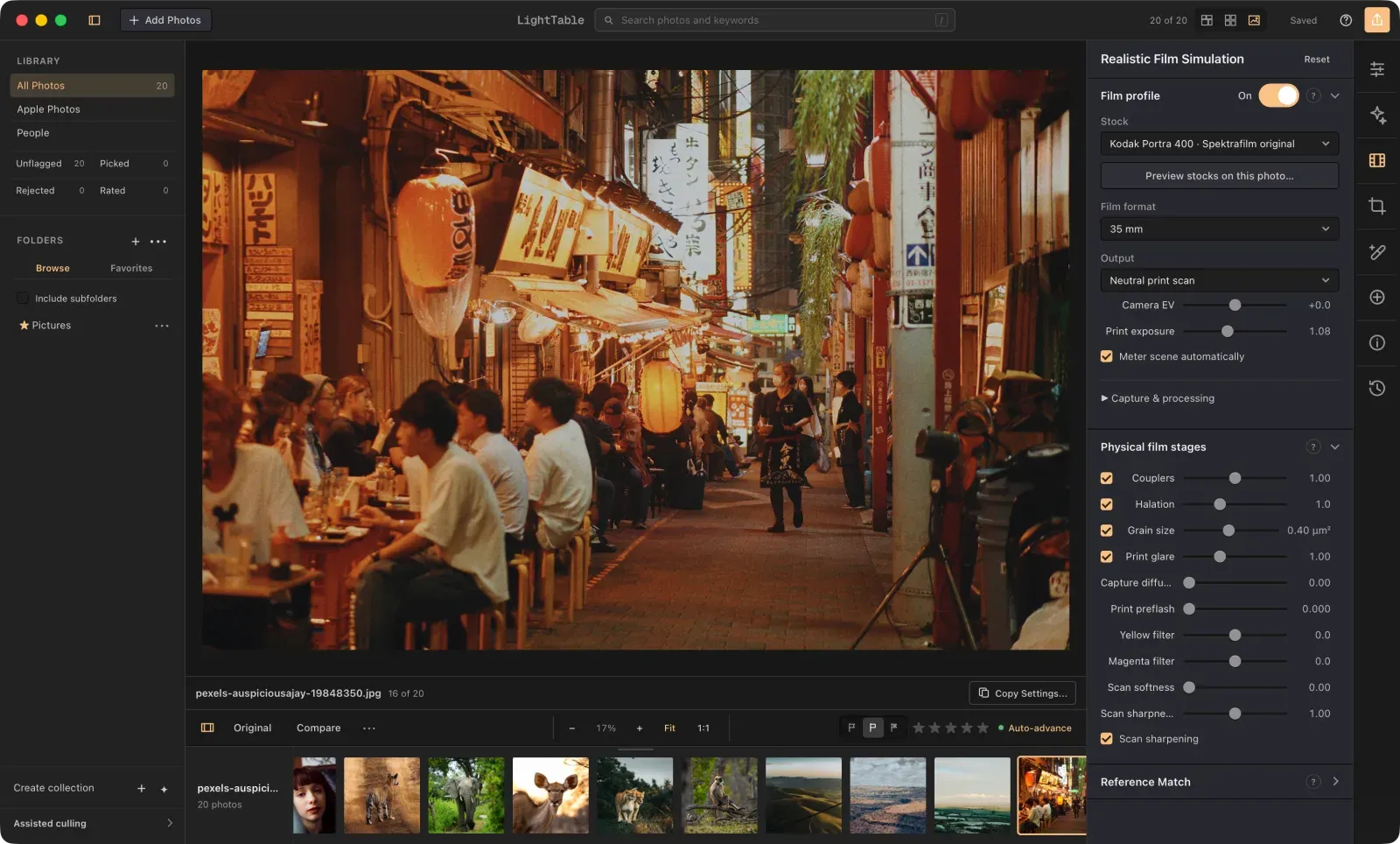
Image: RapidRAW
What works the same as Lightroom
- Sliders for Exposure, Contrast, Highlights, Shadows, Whites and Blacks, plus tone curves and an HSL color mixer.
- Non-destructive: your original photos stay untouched and your edits are saved in a small file next to each one.
- A library with folders, star ratings, color labels and tags, and a filmstrip to move between photos while you edit.
- Masks that pick out subjects, skies and foregrounds with AI, running on your own computer.
- Presets you can create, save and share, and import from Lightroom (.xmp and .lrtemplate).
What is missing
- Camera tethering works only on Mac and Linux, and needs a separate download.
- Generative edits from text prompts need an optional AI backend: your own server or a paid cloud service.
How to get started
- Click Download and pick the file for your computer: the Windows installer, the Mac .dmg, a Linux package or the Android .apk.
- On Windows, run the installer. If SmartScreen warns you, click More info, then Run anyway.
- On a Mac, open the .dmg and drag RapidRAW into Applications. The first time, macOS blocks it: allow it in System Settings or with one Terminal command.
- Open RapidRAW and click Open Folder on the start screen to choose a folder with your photos.
Compatible files
Lightroom files (.xmp, .lrtemplate) According to the project