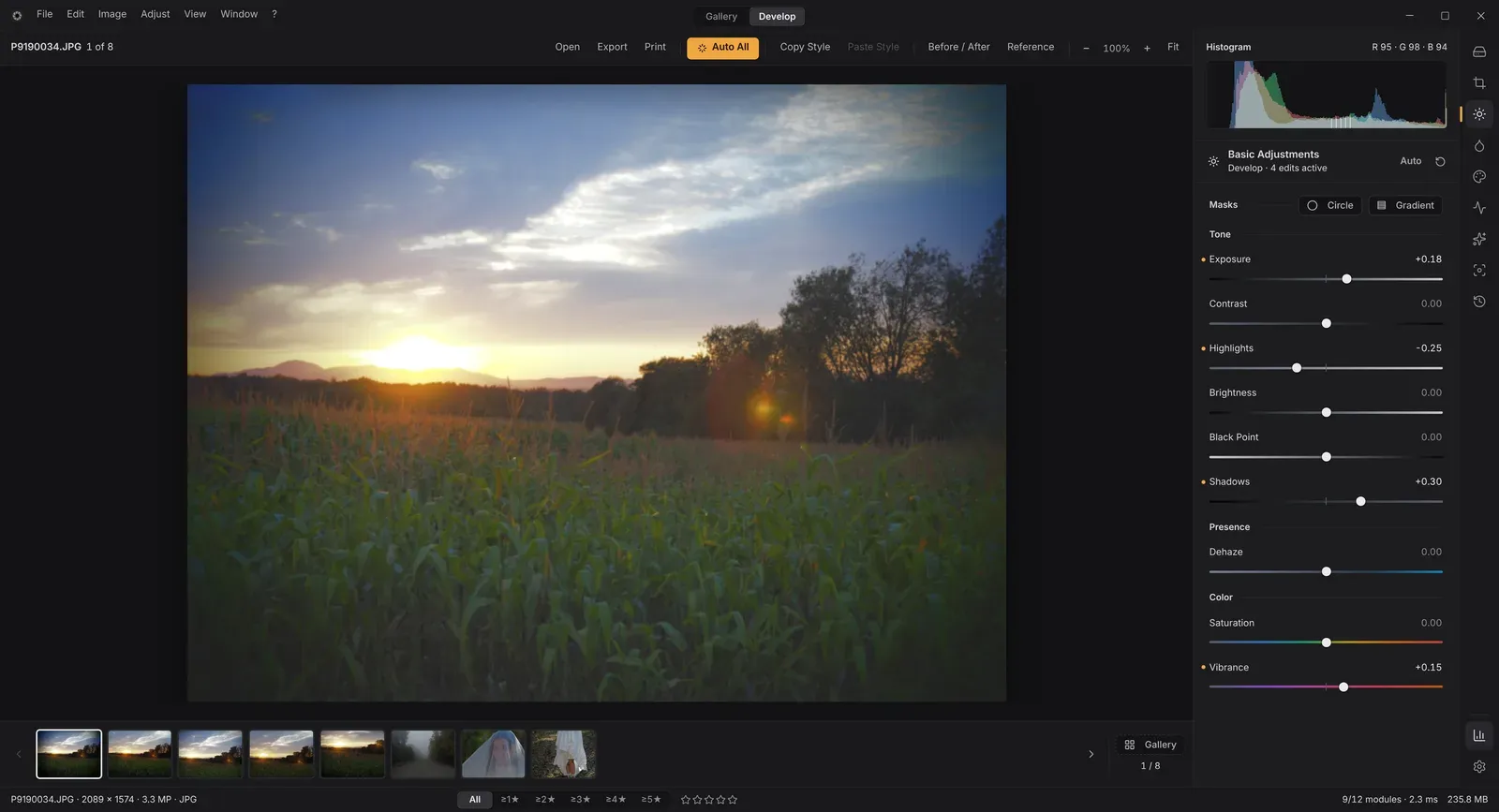
greycard
Clone of Lightroom
Open source RAW photo editor in Rust with Lightroom Classic layout, GPU processing, local AI masks and catalog import.
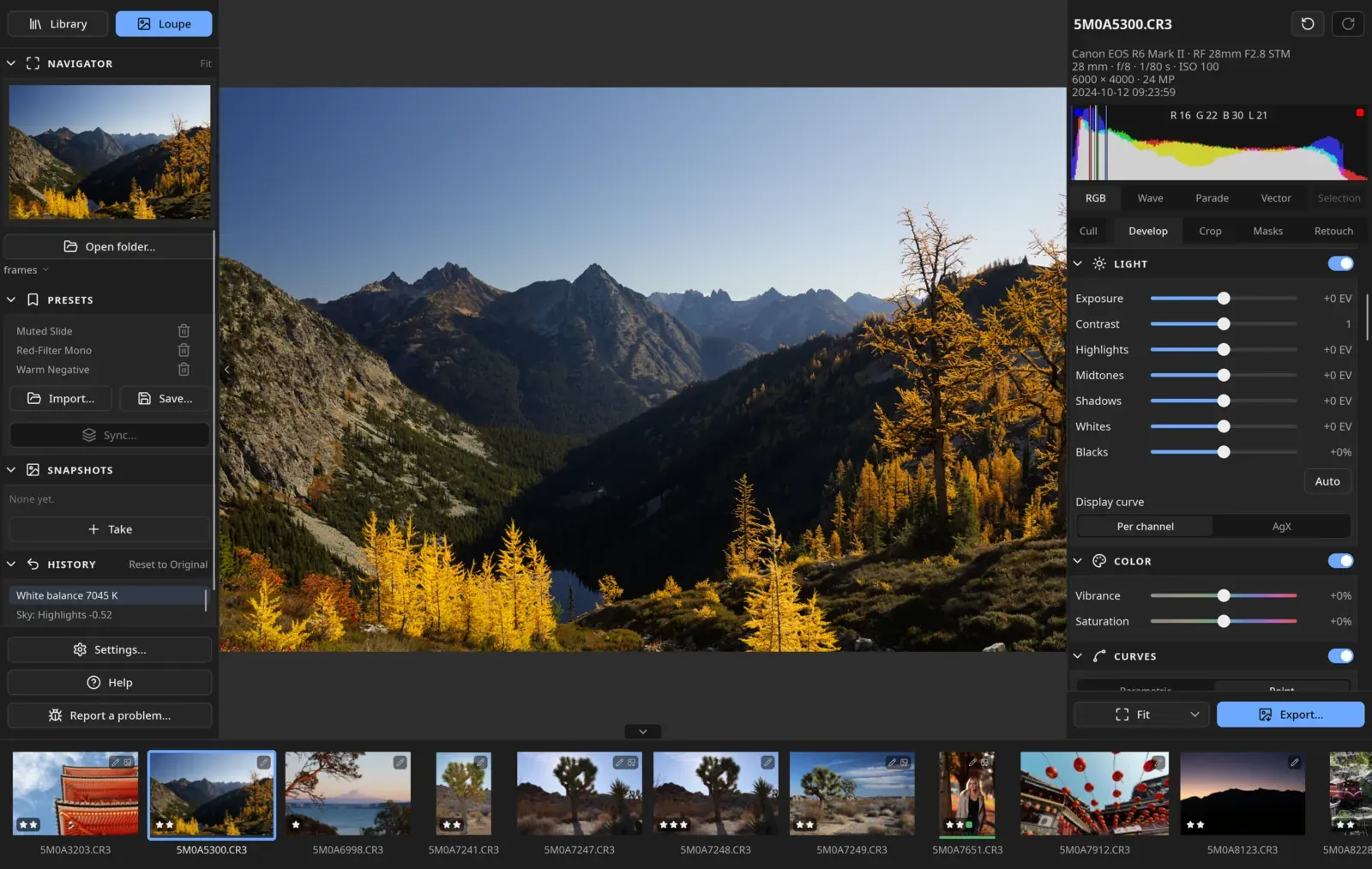
Image: greycard
What works the same as Lightroom
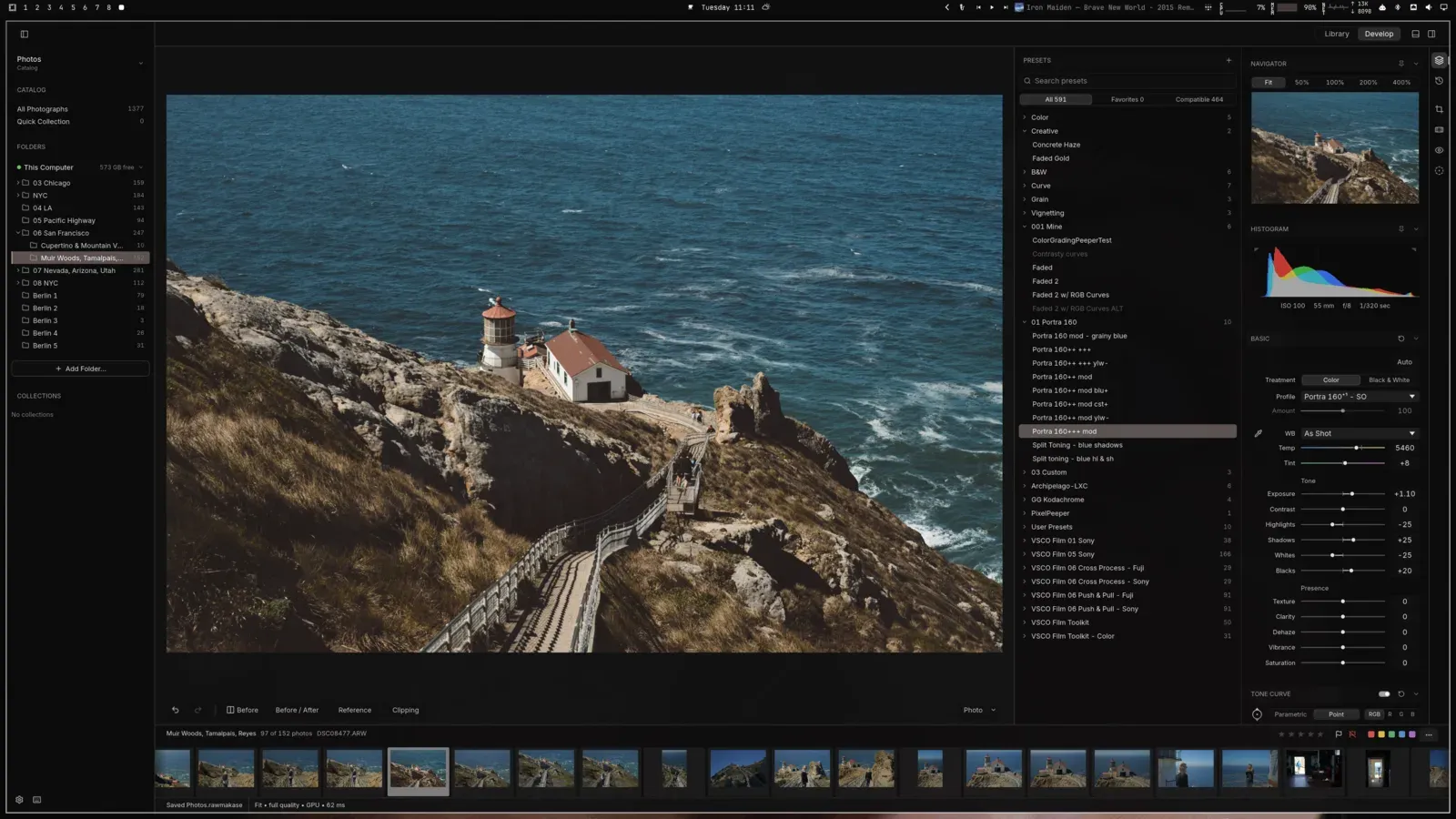
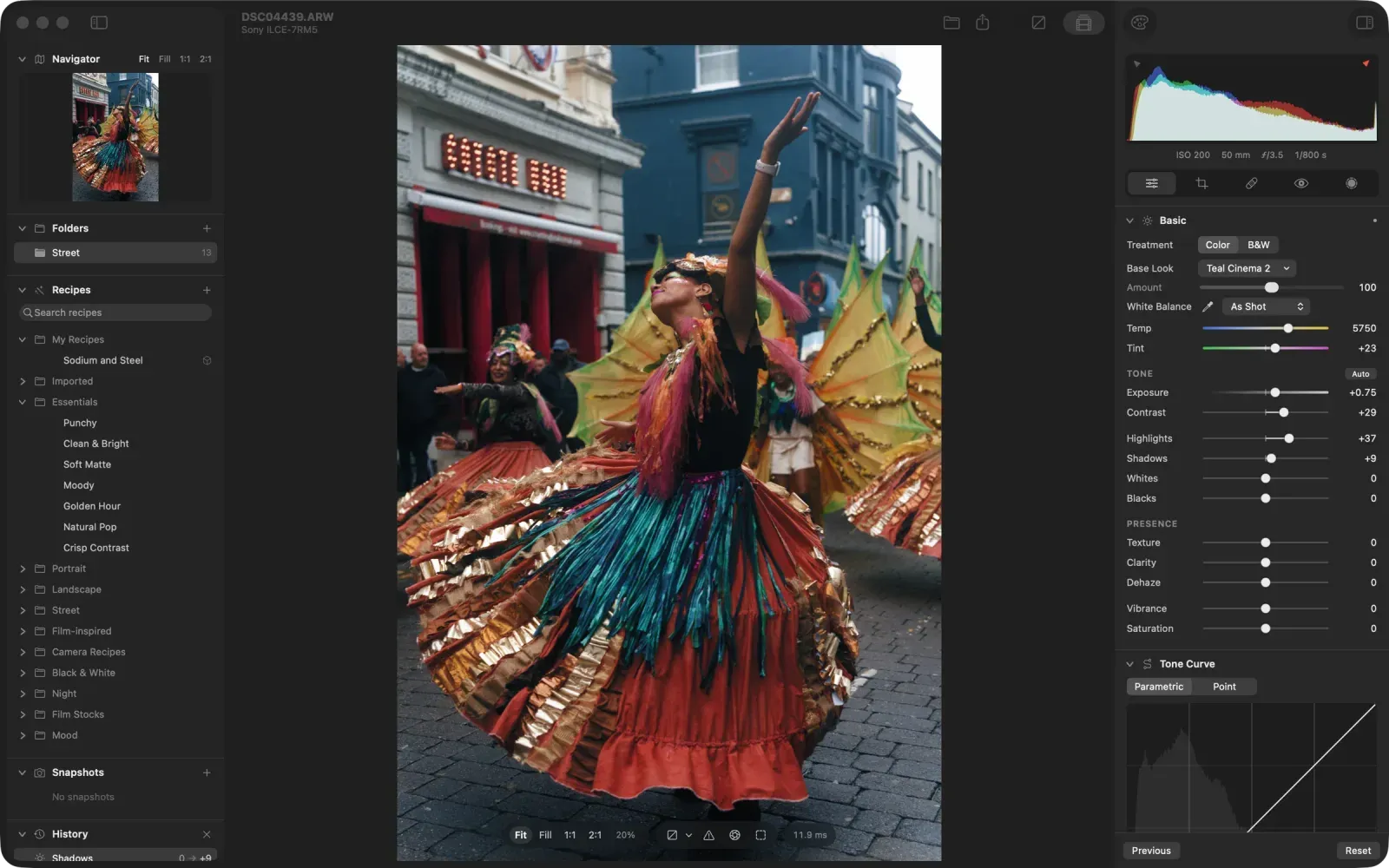
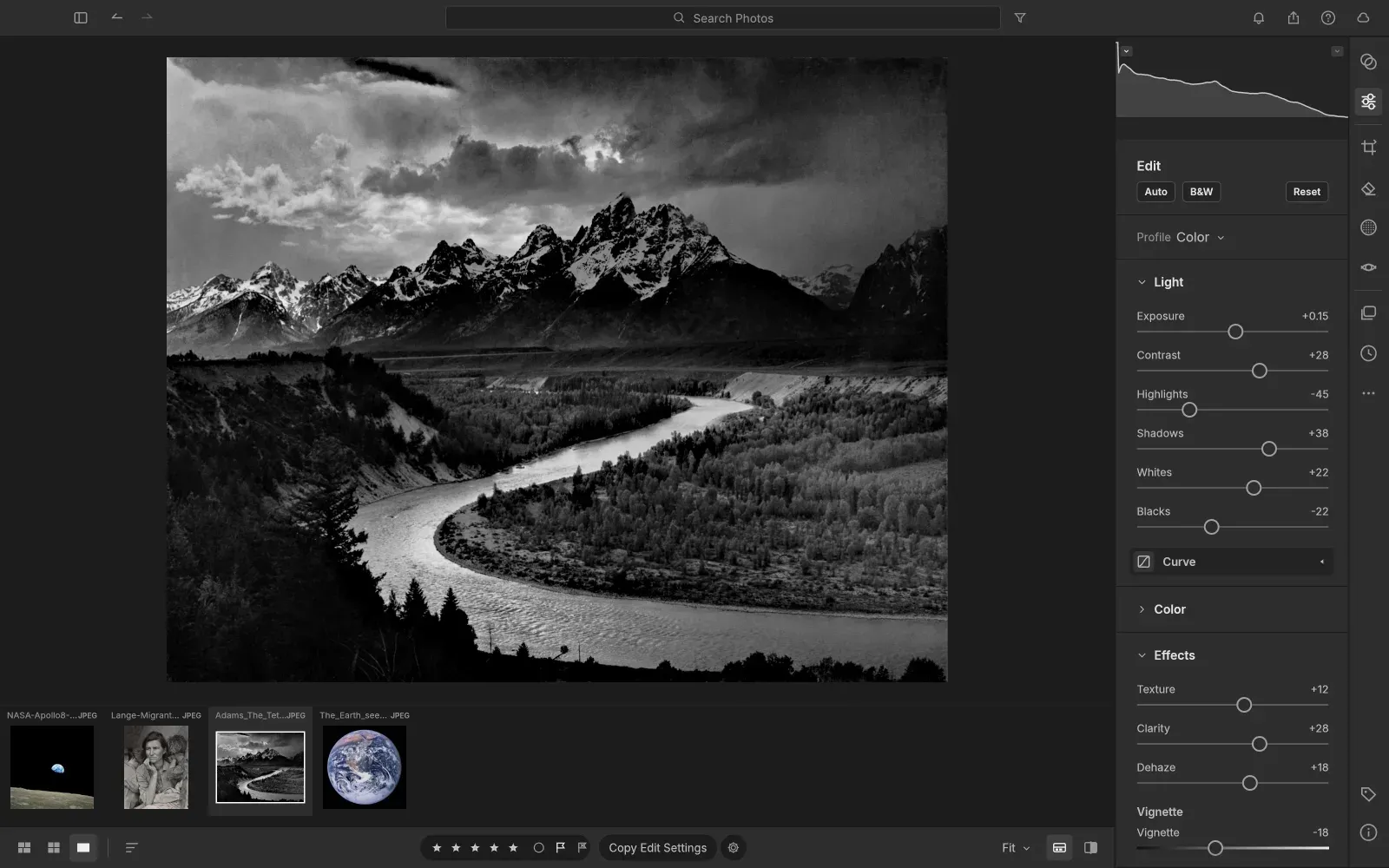
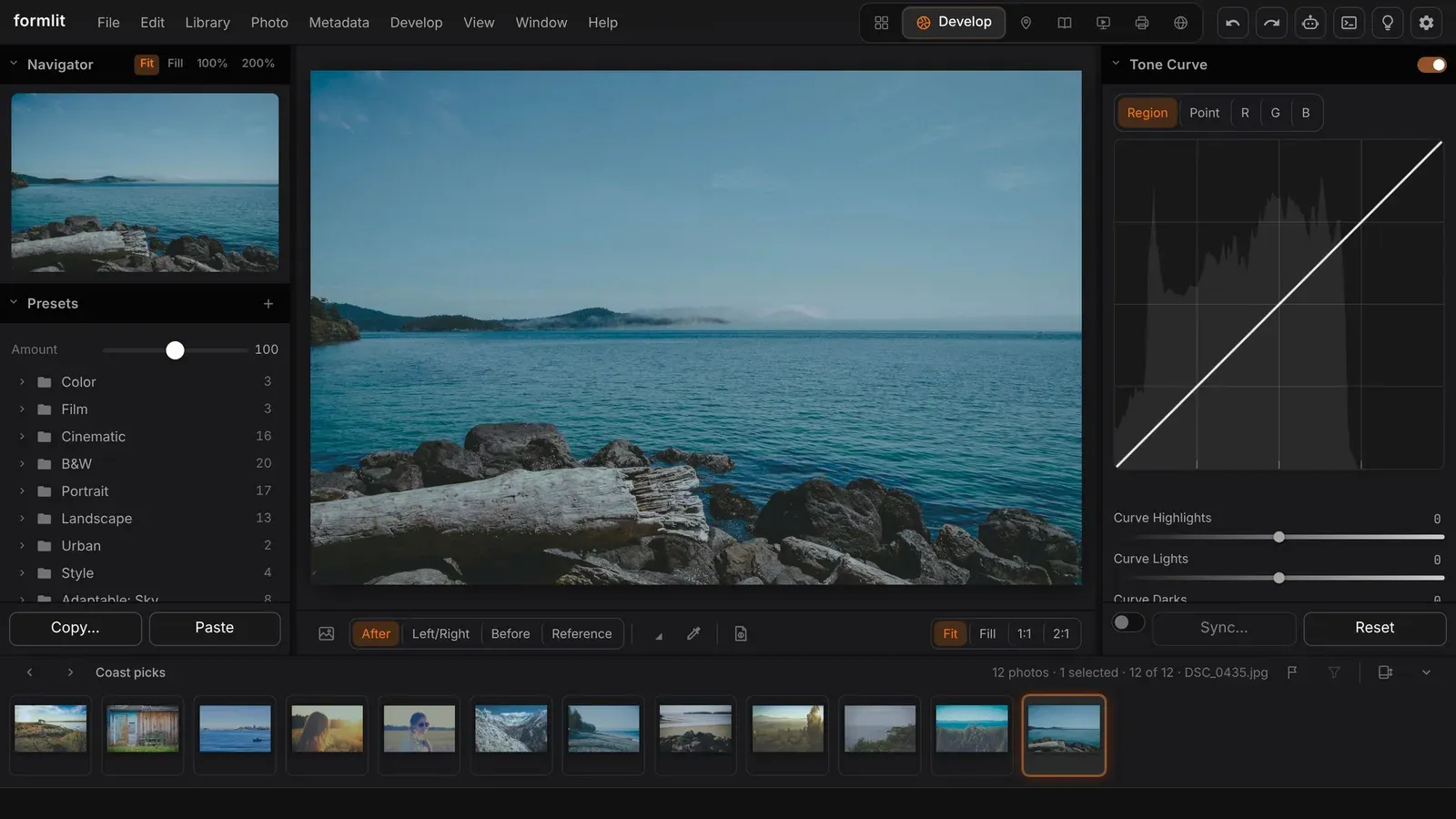
- Library and Loupe views with navigator, presets, snapshots, history, histogram, scopes and Develop sliders.
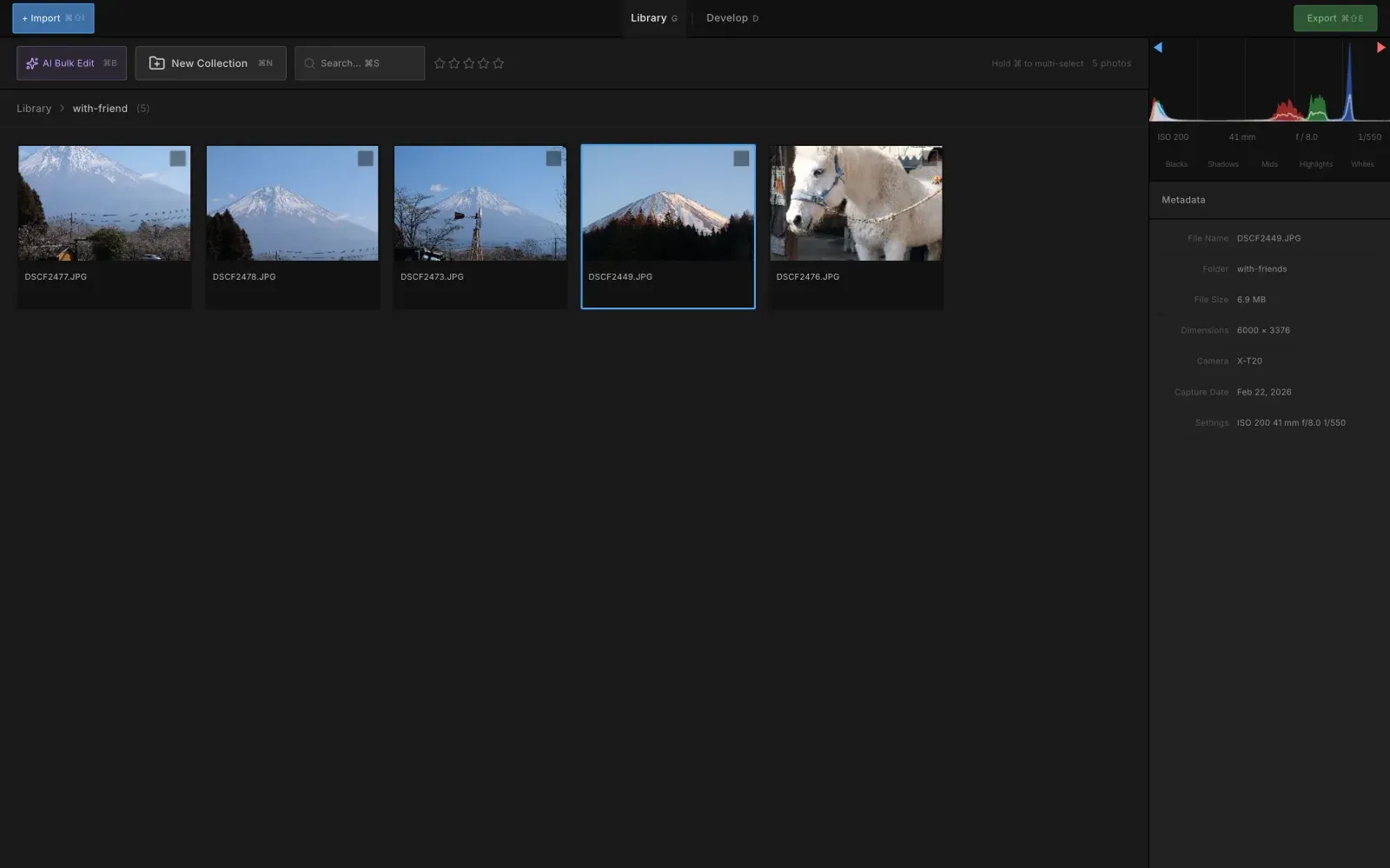
- Imports Lightroom presets and Lightroom catalogs with ratings, edits and collections.
- Local AI masks for subjects, skies and people, raw AI denoising, HDR and panorama merges, and camera color match.
What is missing
- The AI denoiser does not run on Fujifilm X-Trans RAW files yet.
- Nikon High Efficiency RAW files only open when prepared from source with the nikon-he option.
- Windows installers are not signed yet, and generative remove is not available on Intel Macs.
How to get started
- Click Download and pick the installer or archive for Windows, Mac or Linux.
- Run the Windows setup, drag the Mac app to Applications, or run the AppImage or install script on Linux.
- On Windows, click past the unsigned app warning on first launch, then open a folder of photos or import a catalog.
Compatible files
Lightroom files (.lrcat, .lrtemplate, .xmp) According to the project