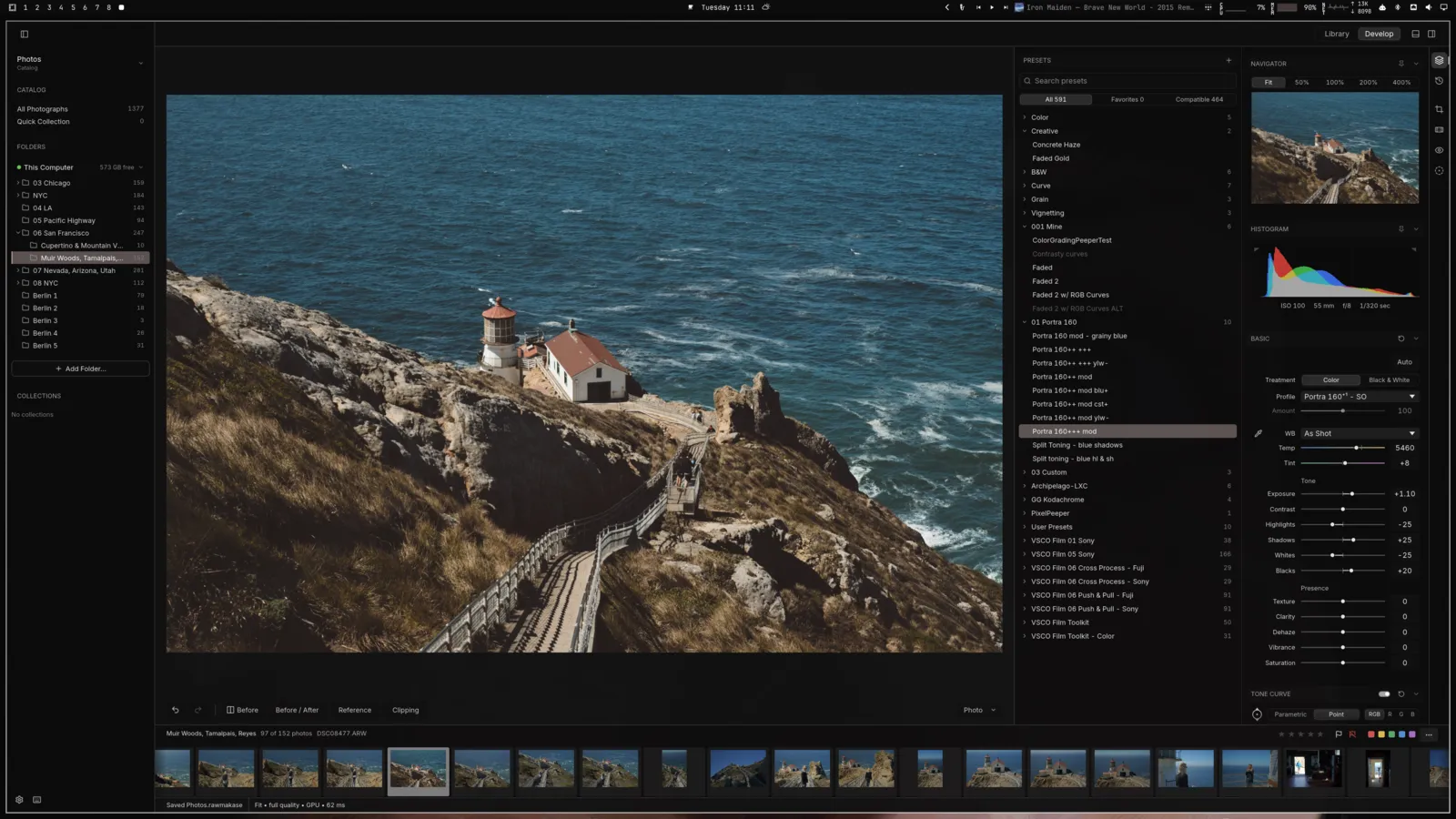
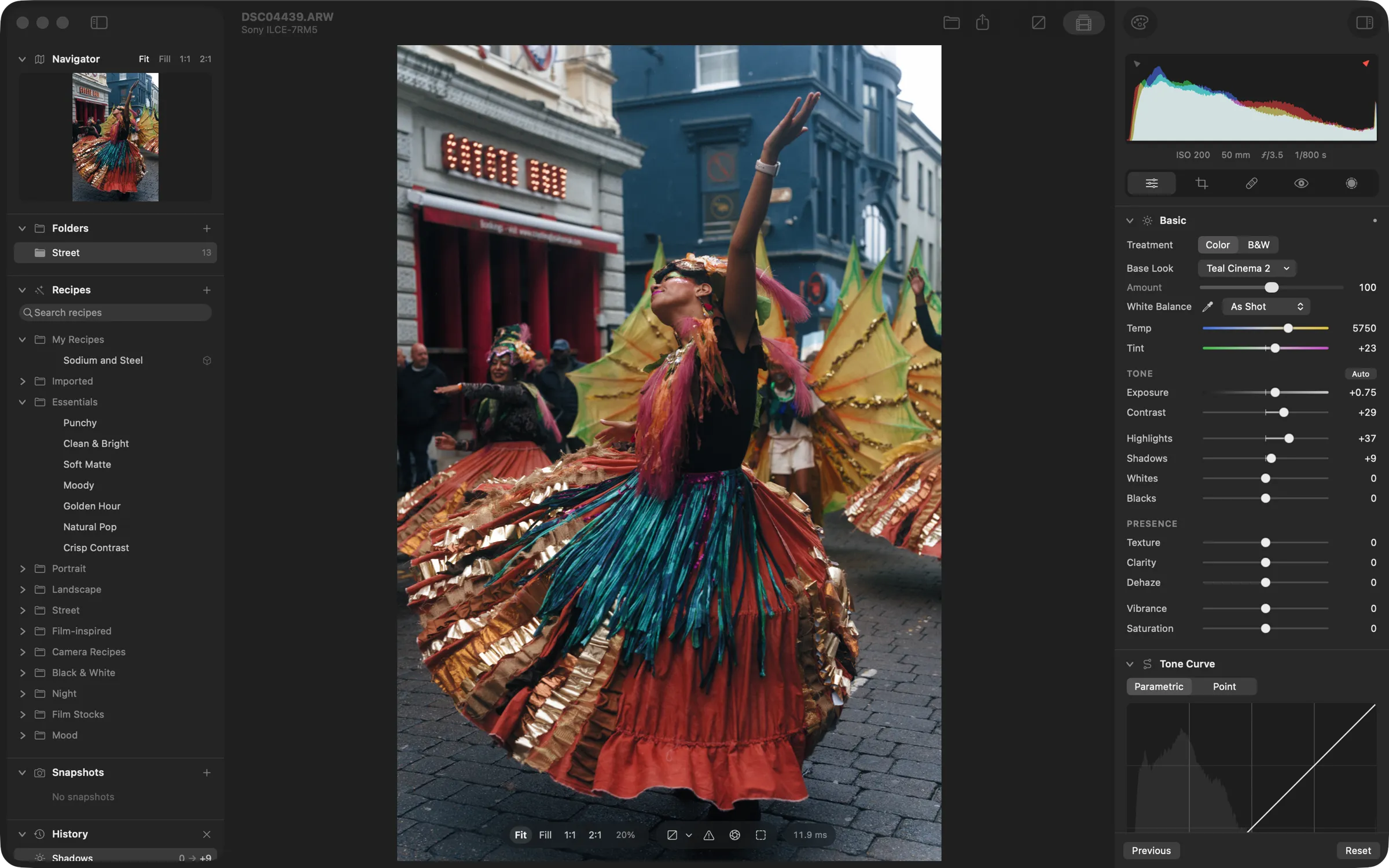
LightCraft
Clone of Lightroom
Free photo library and raw photo developer, rebuilt from scratch to work like Adobe Lightroom. Your originals are never changed.
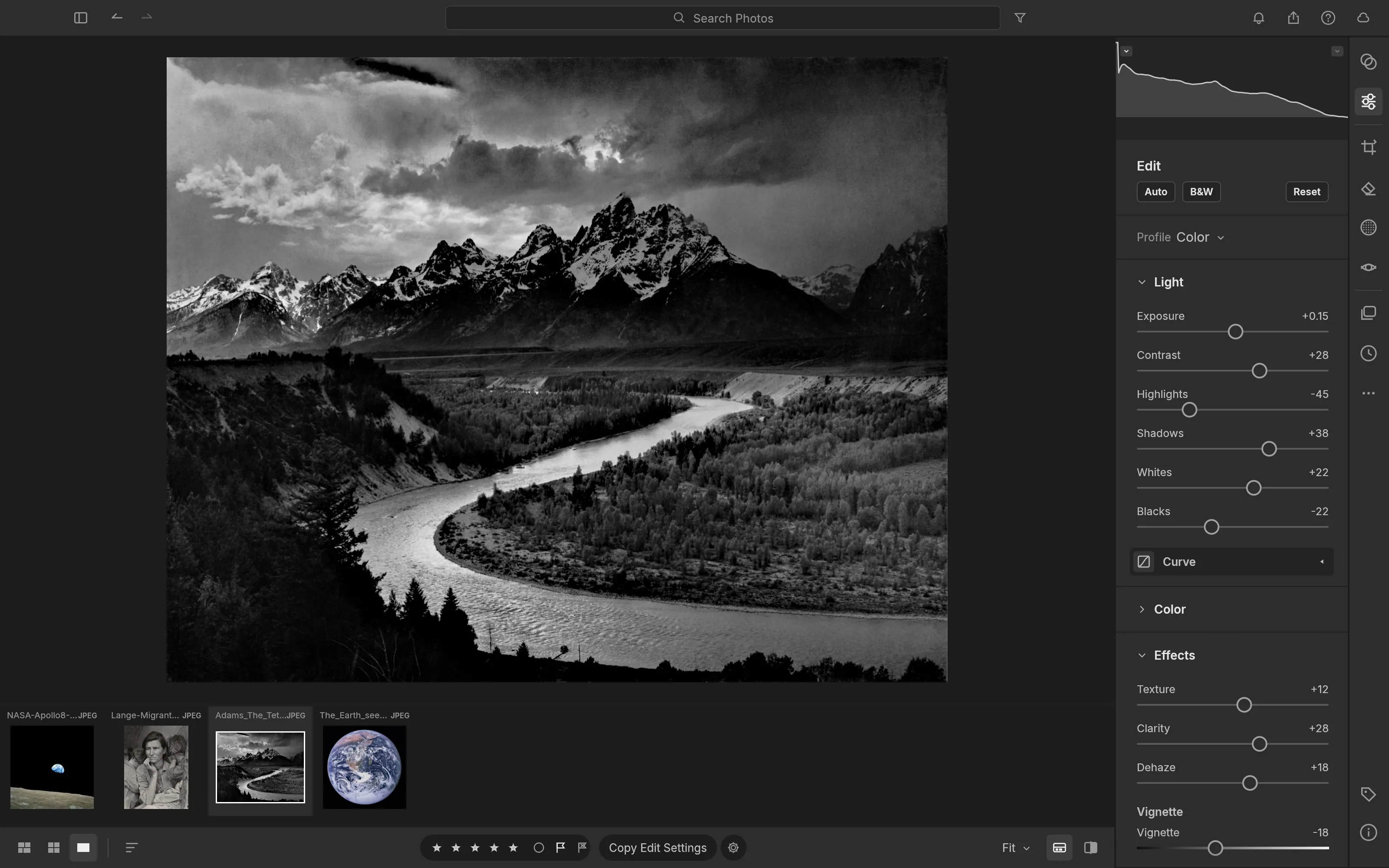
Image: LightCraft
What works the same as Lightroom
- The same Light sliders: Exposure, Contrast, Highlights, Shadows, Whites and Blacks.
- A Color Mixer and Color Grading wheels to adjust each color and tone.
- A Tone Curve with separate curves for red, green and blue.
- Crop and straighten with thirds, grid and golden-ratio guides.
- Reads editing settings and presets saved in XMP files.
What is missing
- It is an alpha version. The project puts it at about 49% of what a working photographer needs from Lightroom.
- Color calibration for many raw cameras is still an estimate.
- AI masks and AI noise reduction.
- HDR display, video, and the Print, Book and Map modules.
How to get started
- Click Download. It opens the LightCraft page on the ArtCraft site.
- Pick the version for your computer: Windows, Mac or Linux.
- Install it, open LightCraft, add your photos and edit them in the Edit view.
Compatible files
Lightroom files (.xmp) According to the project