RAWmakase
Clone of Lightroom
Free raw photo developer with Lightroom-style controls. It can import your Lightroom Classic catalog with its ratings and edits.
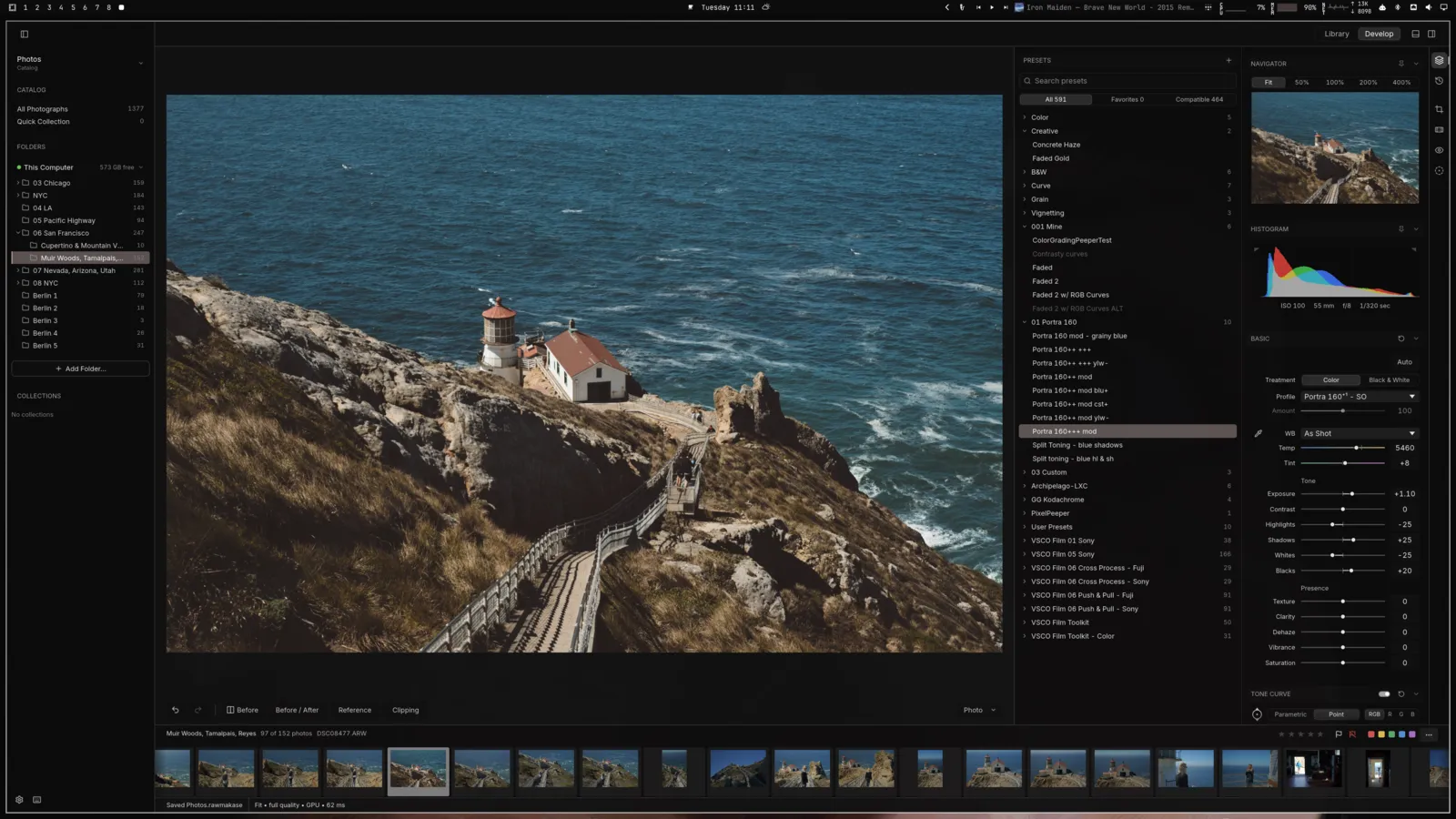
Image: RAWmakase
What works the same as Lightroom
- Lightroom-style controls: white balance, exposure, curves, HSL color mixer and color grading.
- Imports Lightroom Classic catalogs (.lrcat) and your Lightroom XMP presets.
- A library with folders, ratings, flags and color labels.
- Panels turn off without losing their settings, as in Lightroom.
What is missing
- It is early software: photos you already edited can look different after an update.
- Spot removal and masks are experimental.
- It doesn't support Sigma Foveon or monochrome cameras.
- LUTs and AI object removal are coming, but not available yet.
How to get started
- Click Download and pick the version for your computer: Windows, Mac or Linux.
- On Windows, if SmartScreen warns you, click "More info" and then "Run anyway".
- Open RAWmakase and choose a folder of photos, or import your Lightroom Classic catalog.
Compatible files
Lightroom files (.lrcat, .xmp) According to the project