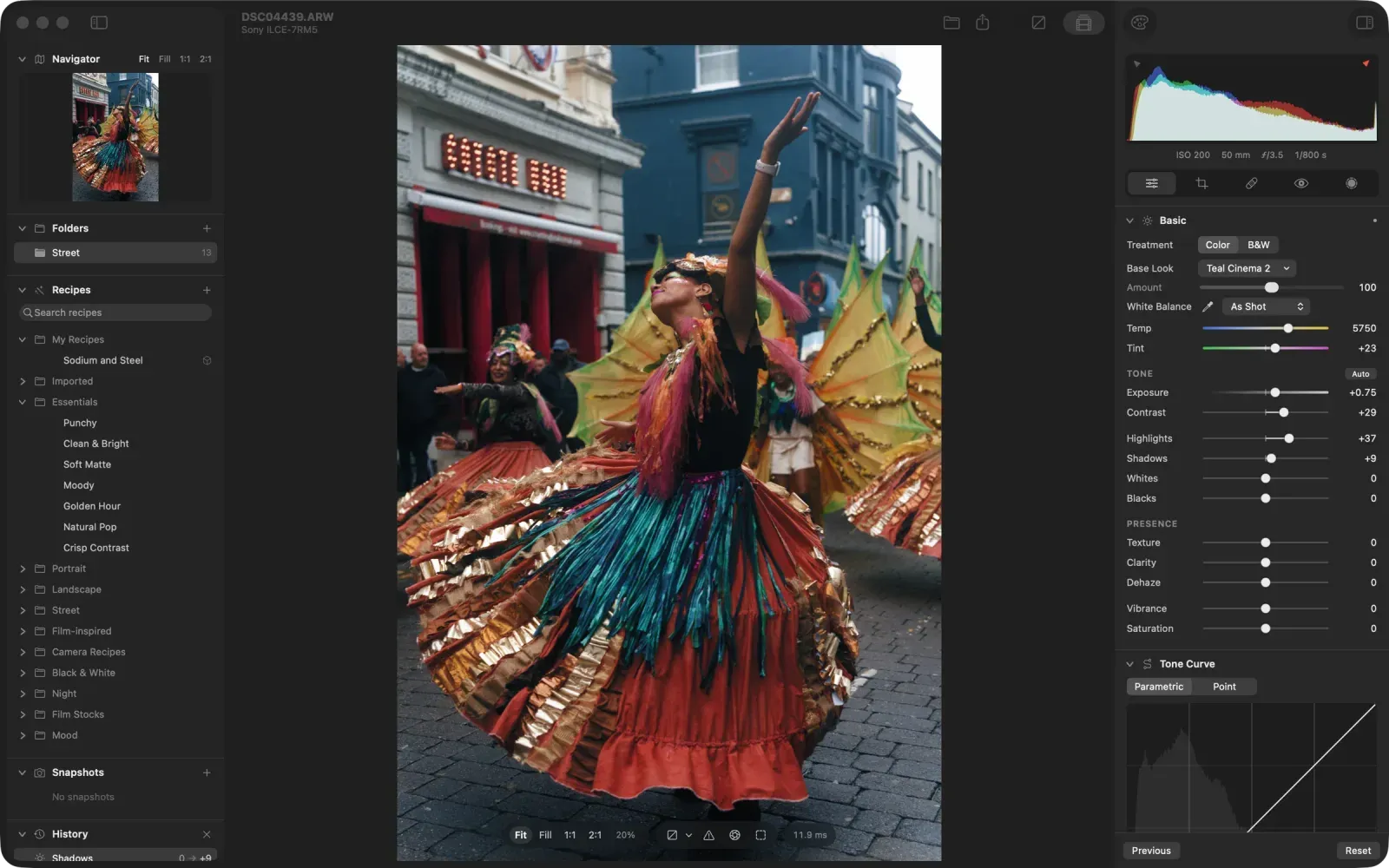
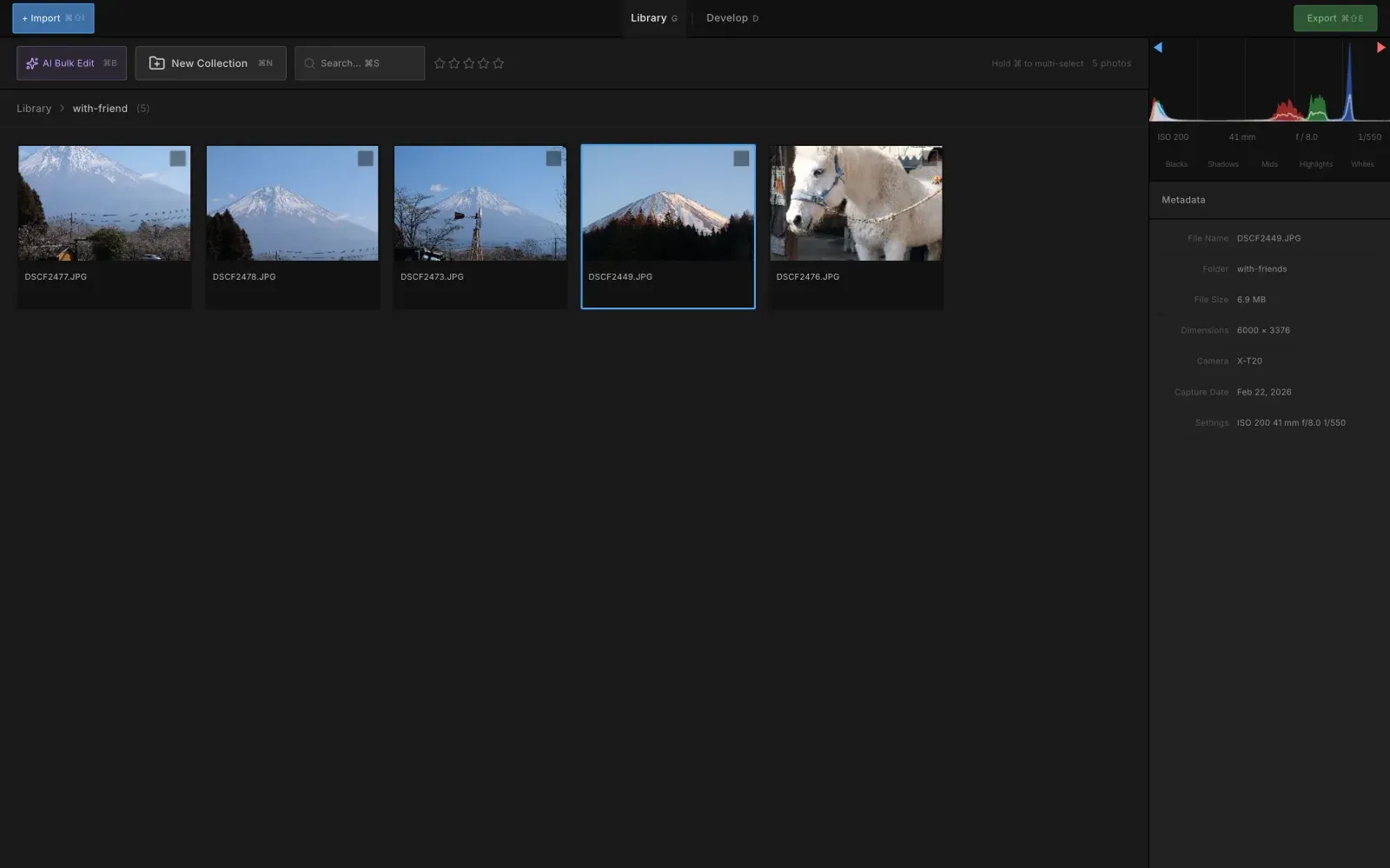
LightTable
Clone of Lightroom
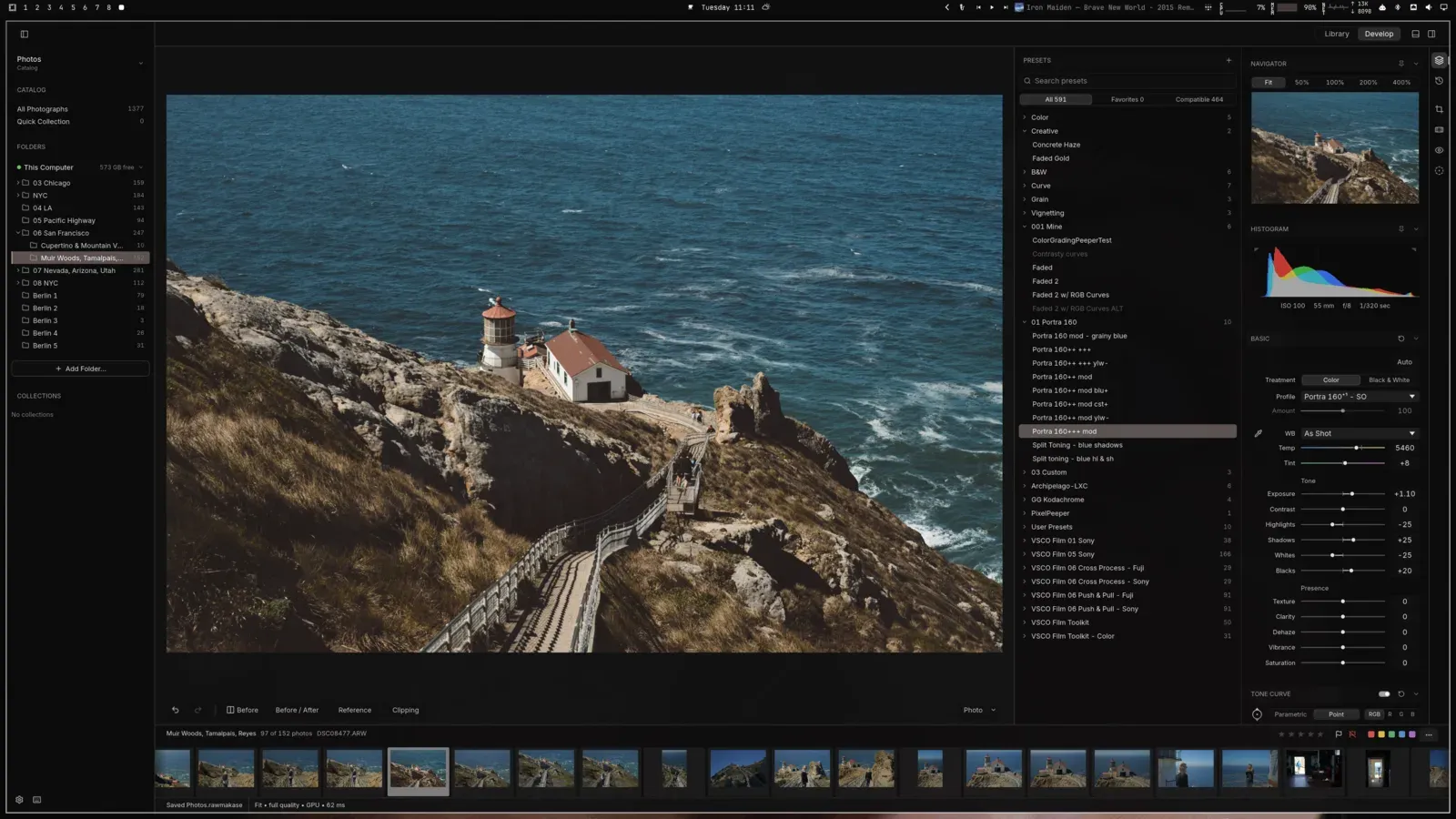
Free photo browser and RAW editor with film simulation that reads a copy of your Lightroom Classic catalog and presets.
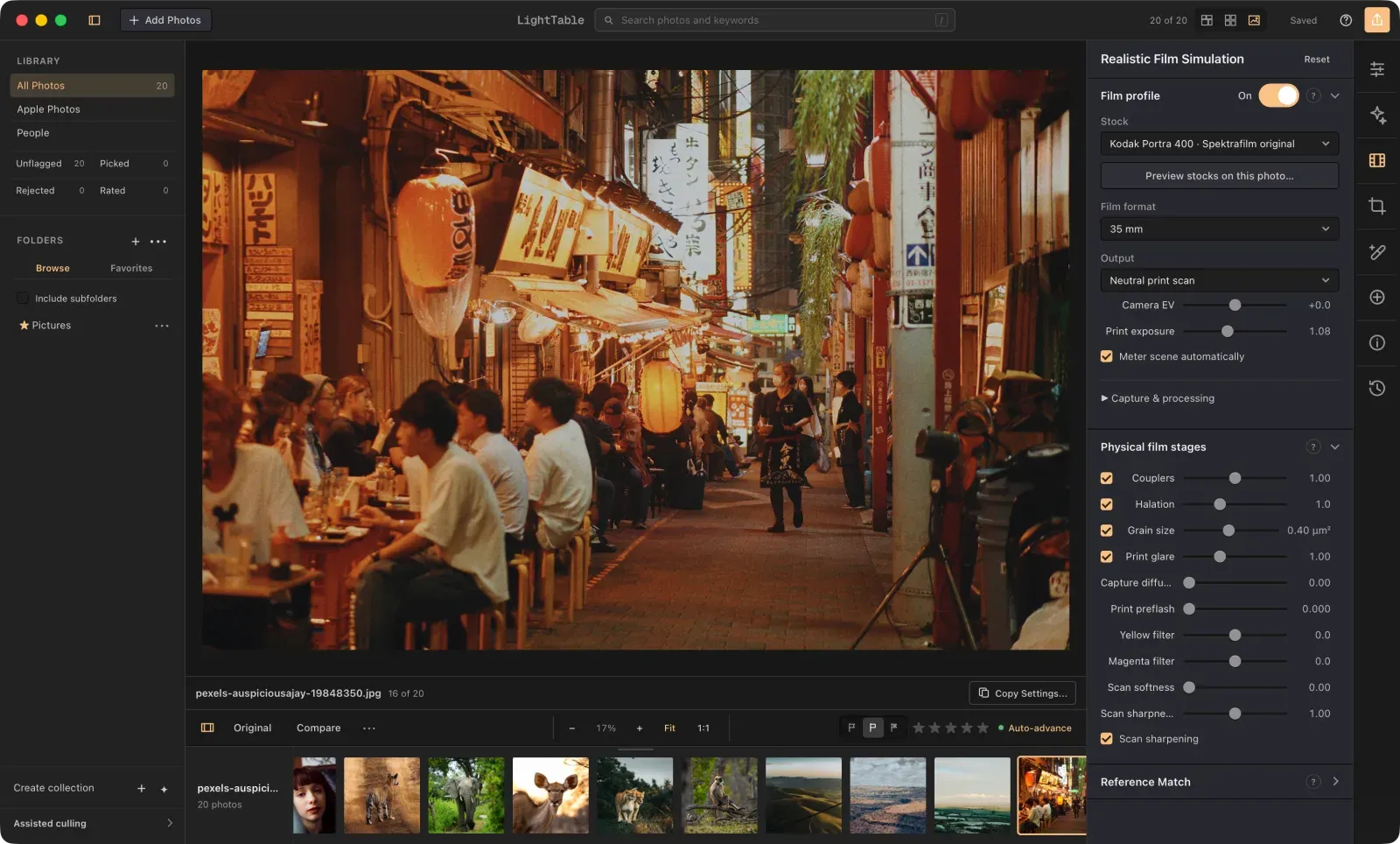
Image: LightTable
What works the same as Lightroom
- A library with ratings, flags, collections, stacks and virtual copies.
- Reads a copy of your Lightroom Classic catalog: ratings, flags, keywords, collections and develop settings can come across.
- Imports Lightroom XMP files and old .lrtemplate presets, with a report of what was mapped and skipped.
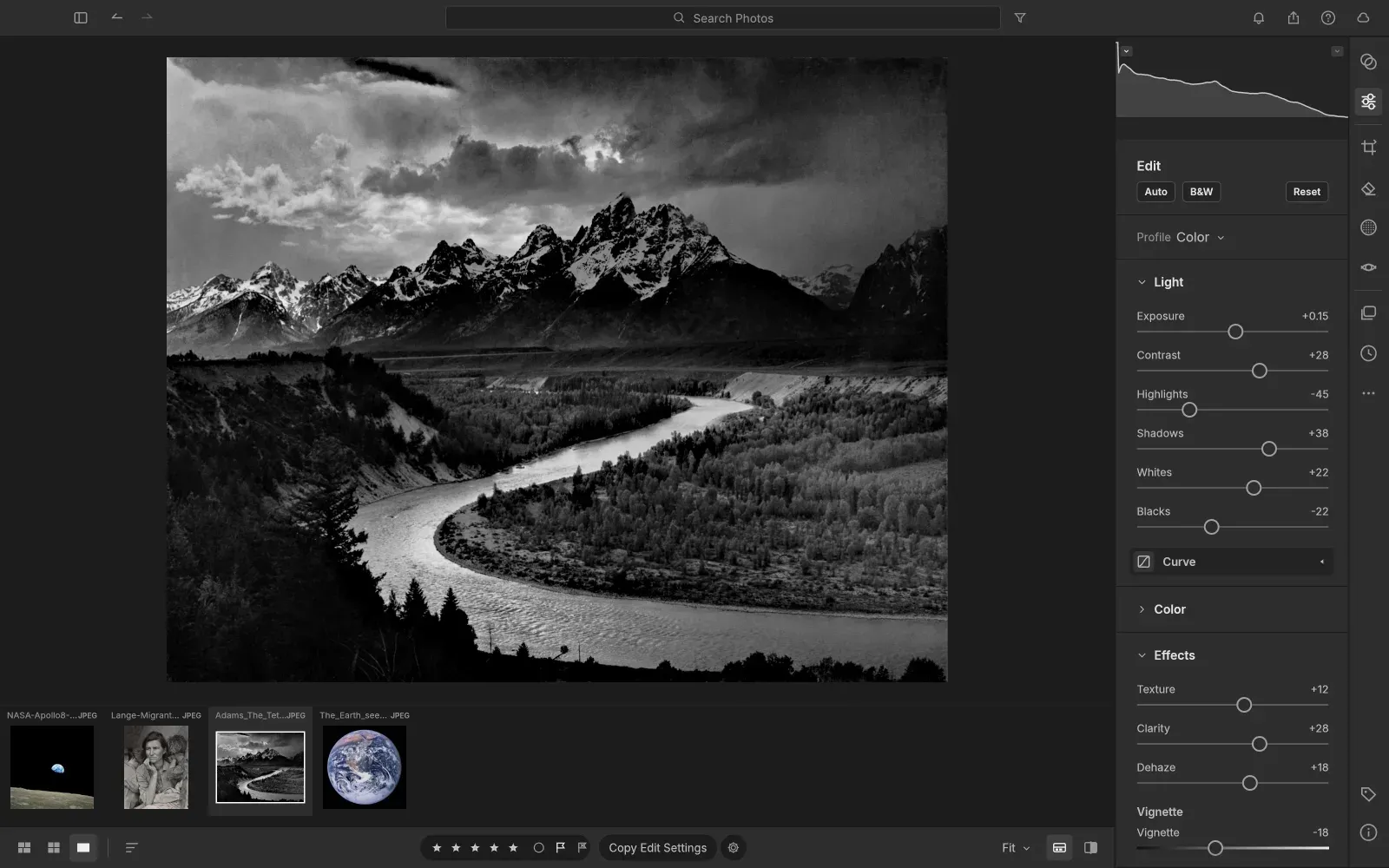
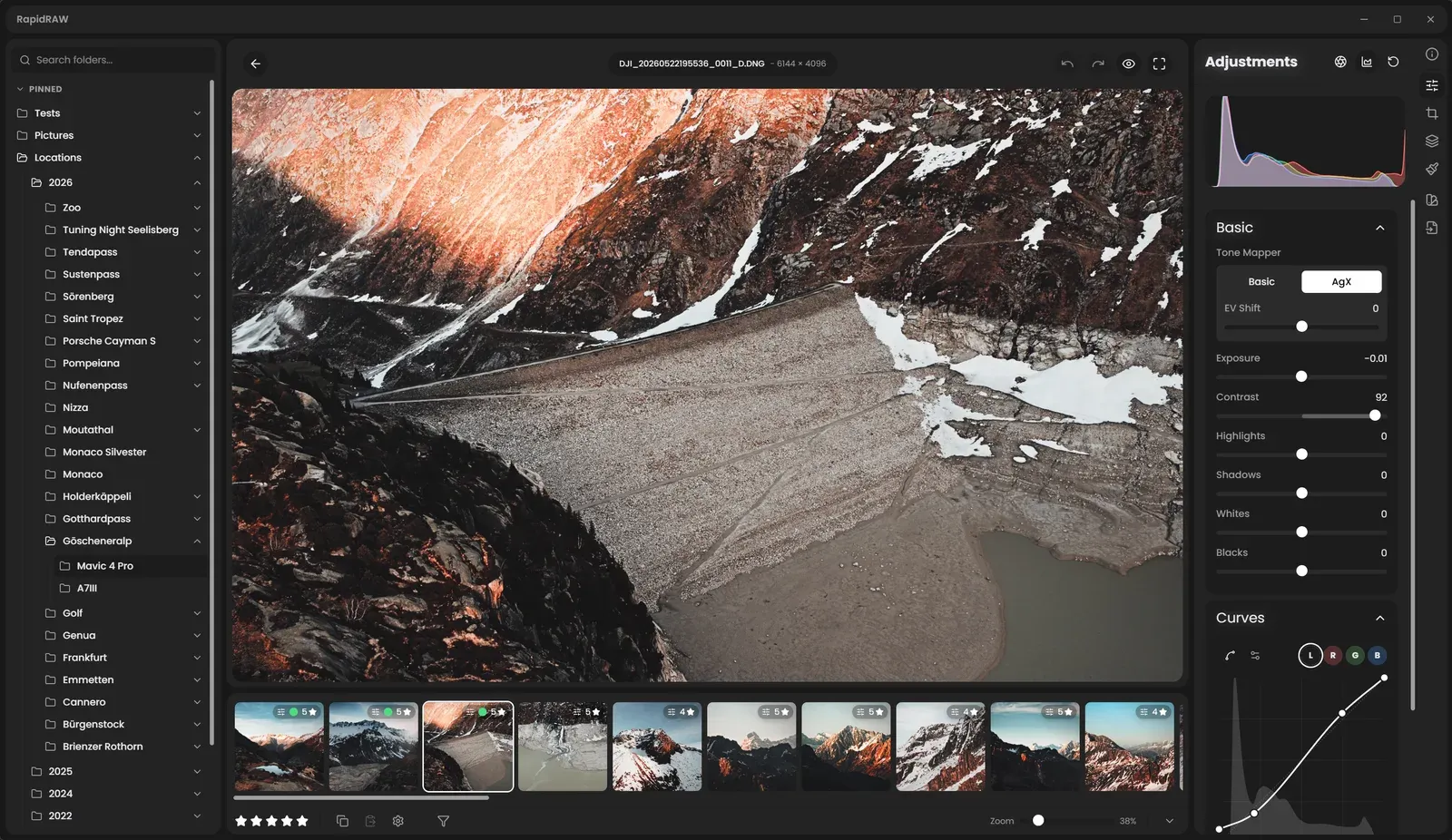
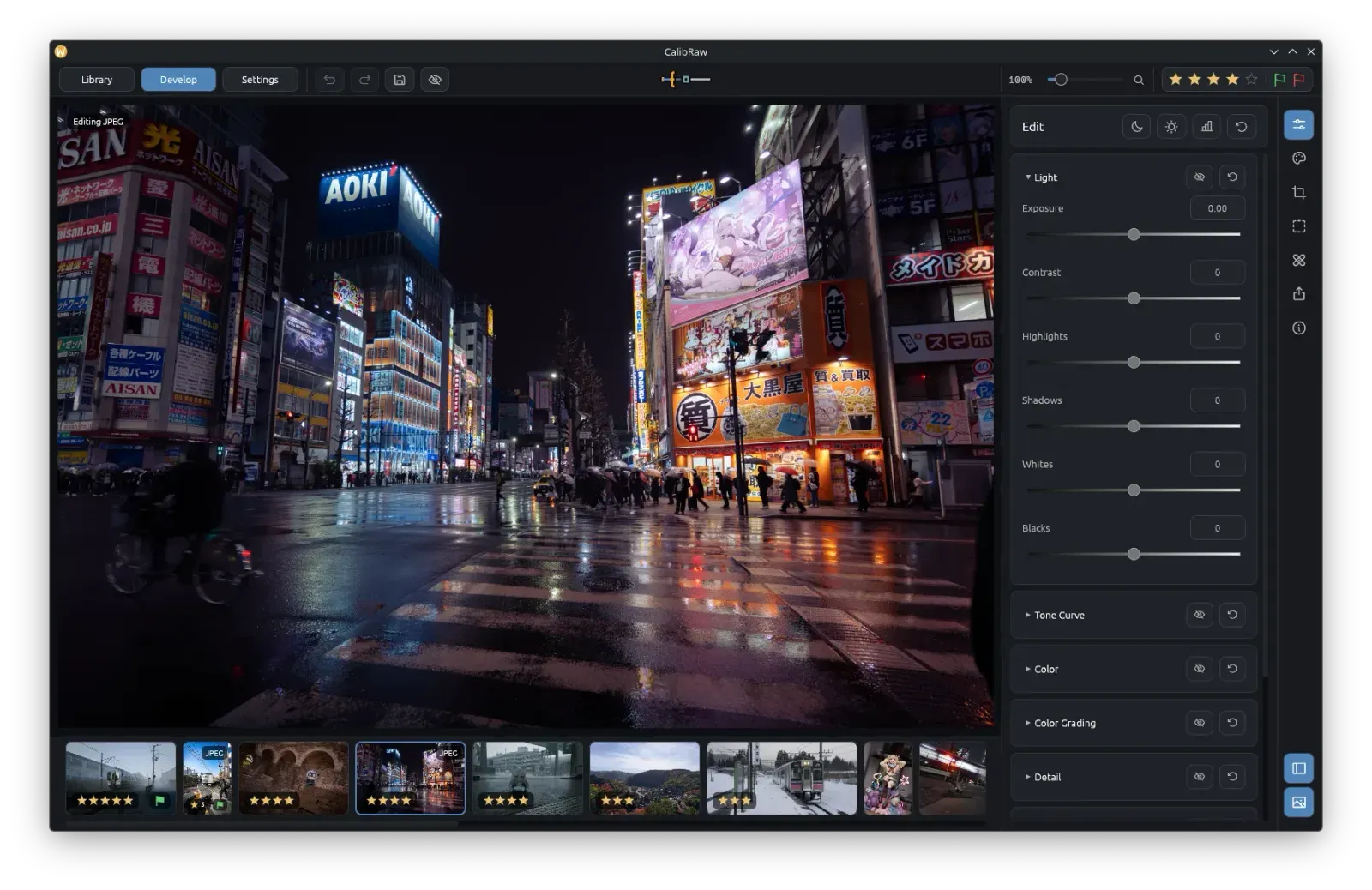
- Editing tools: RGB curves, color grading, local masks, heal and clone, lens correction and crop.
- Film simulation with 23 film stocks, which you can switch off for ordinary RAW development.
What is missing
- Mac packages are still being prepared, and Windows needs more testing.
- Imported Lightroom settings are approximate: different render engines give different results.
How to get started
- Click Download and pick the file for your computer: the Windows installer or the Linux archive.
- On Windows, run the installer. On Linux, unpack the archive and open LightTable.
- Add a folder of photos, or import a copy of your Lightroom Classic catalog.
Compatible files
Lightroom files (.lrcat, .xmp, .lrtemplate) According to the project