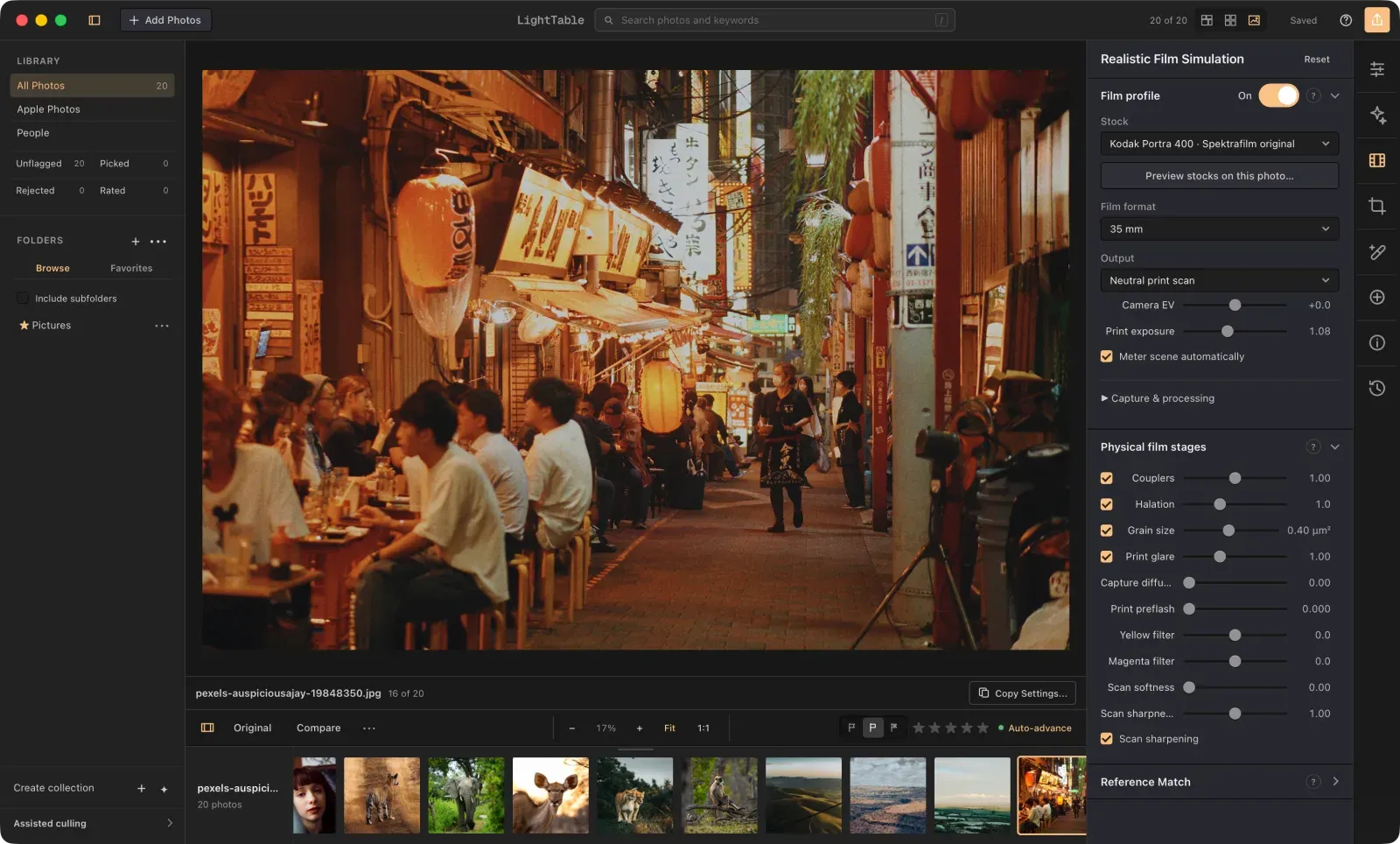
Zenliro
Clone of Lightroom
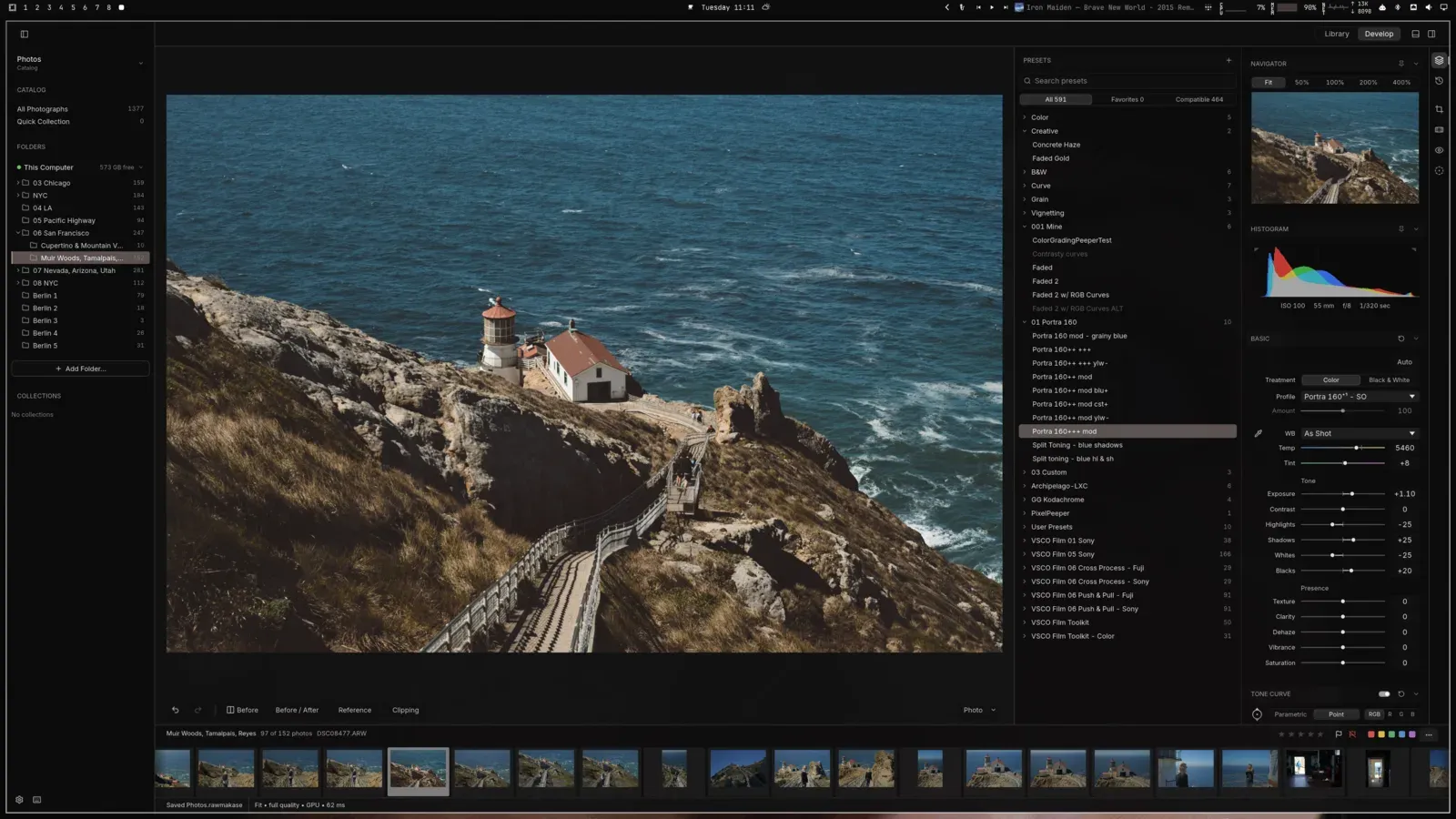
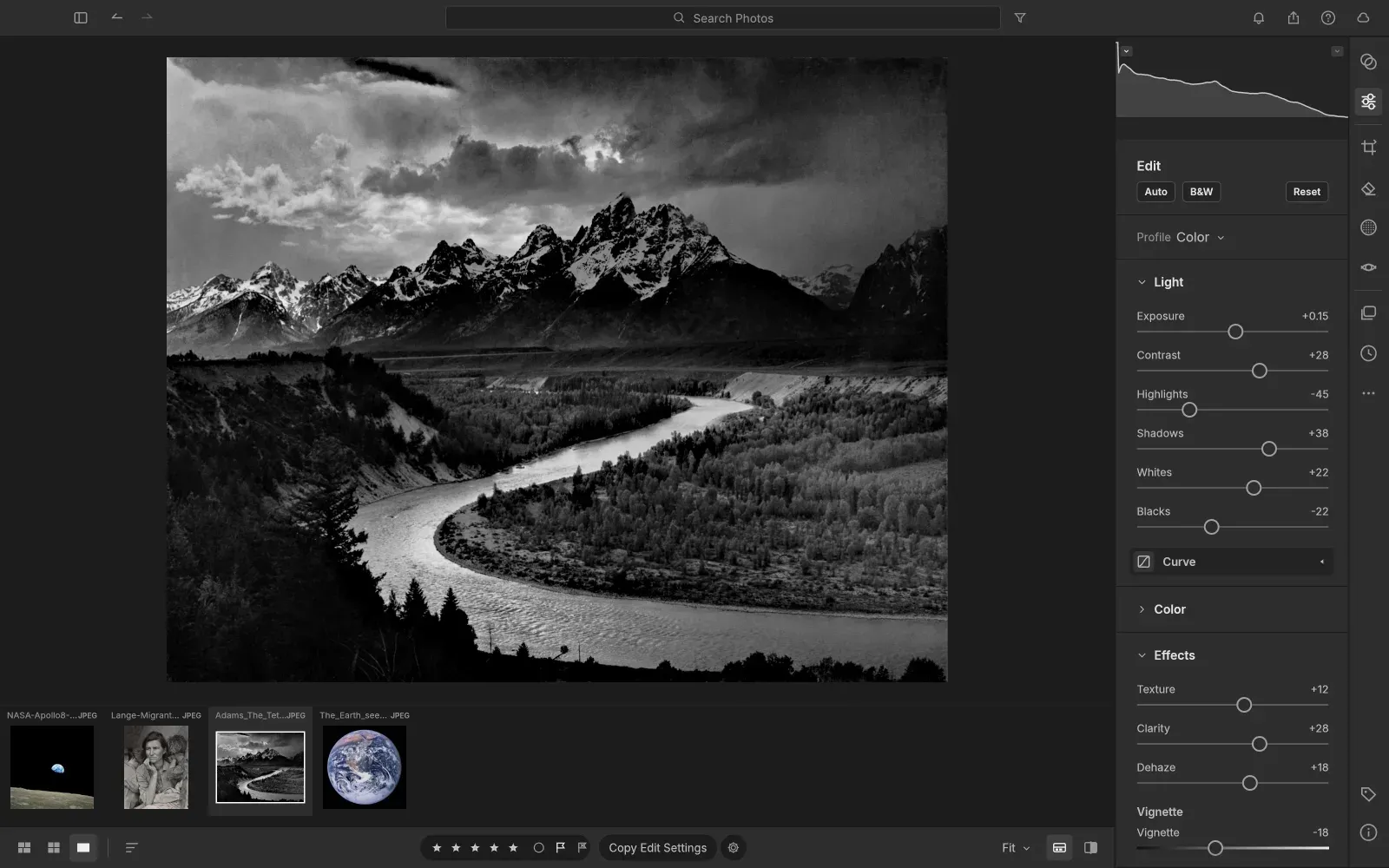
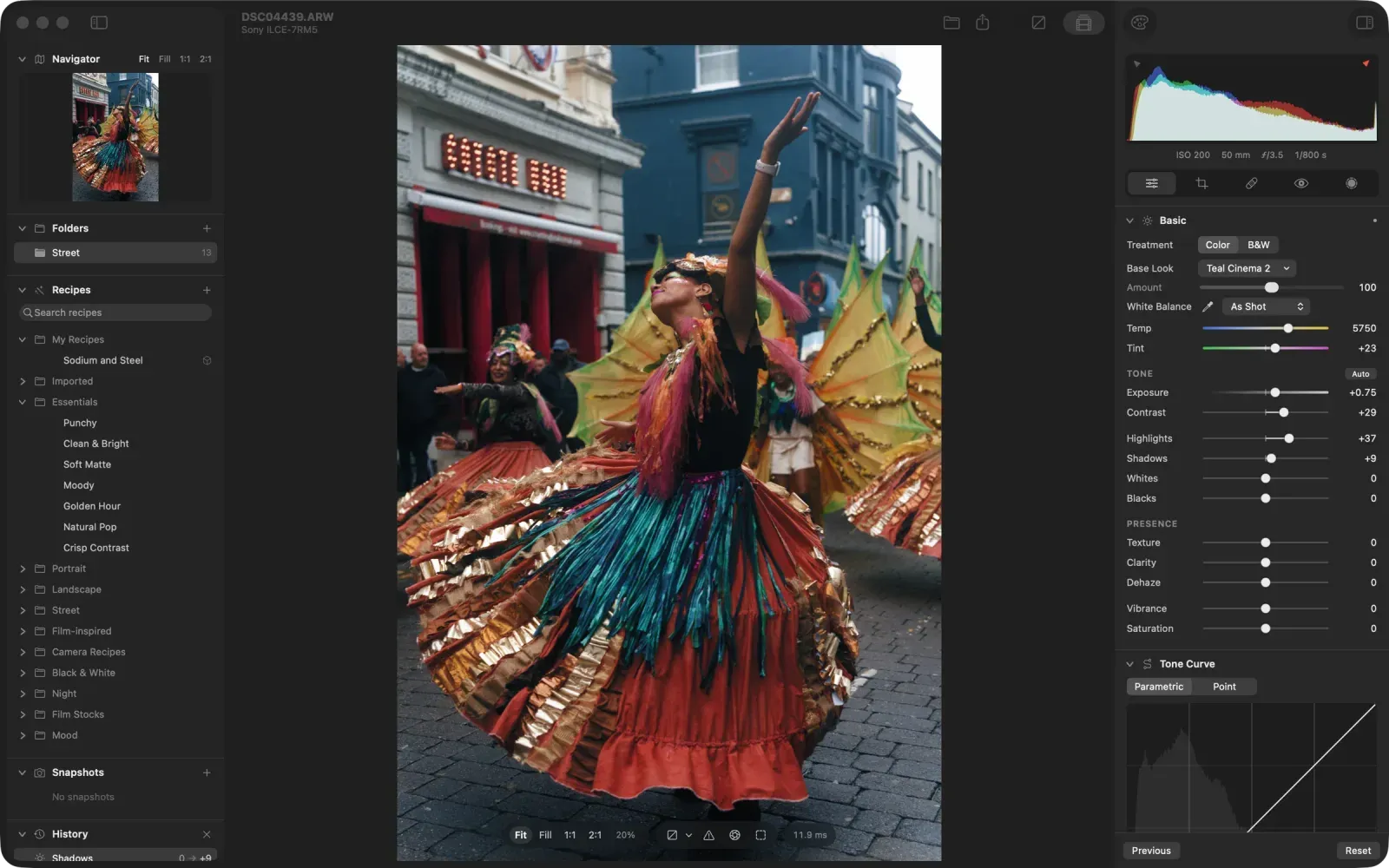
Free photo editor for Mac with a Lightroom Classic-style Develop module: Basic, Tone Curve, HSL and Color Grading, plus an AI helper.
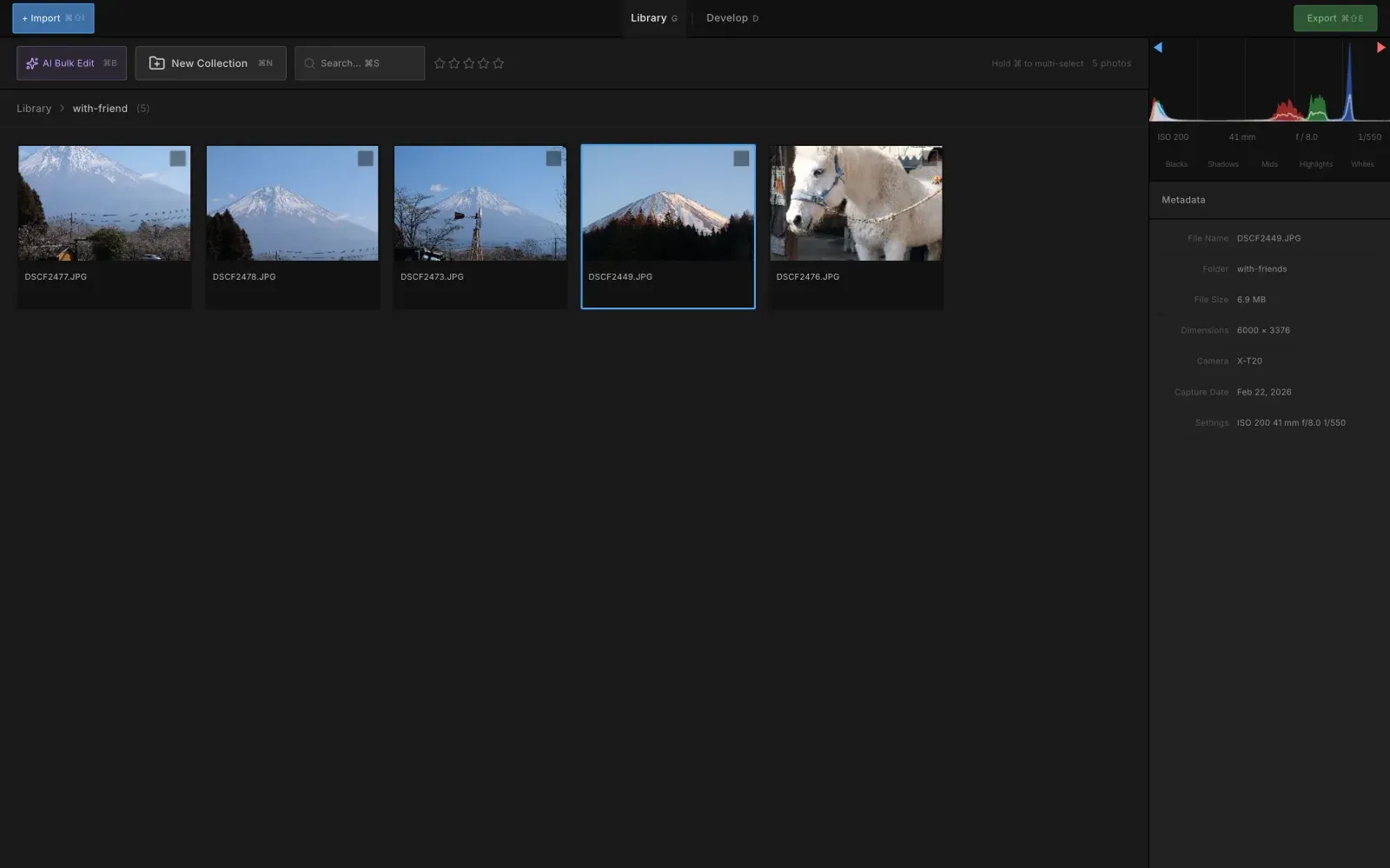
Image: Zenliro
What works the same as Lightroom
- A Develop module with the Lightroom Classic panels: Basic, Tone Curve, HSL, Color Grading and Detail.
- A photo library with folders, EXIF data and a histogram.
- Opens RAW, JPG, PNG and TIFF photos without changing the original file.
- Over 40 ready-made looks.
What is missing
- Mac only for now.
- The AI helper needs Claude Code or Codex installed separately.
- No object removal or retouching: it works with light and color only.
How to get started
- Click Download and get the .dmg file.
- Your Mac blocks it the first time. Open Terminal and run: xattr -cr /Applications/Zenliro.app
- Open Zenliro again and import your photos.
Compatible files
Lightroom projects Not tested yet