Flowplan
Clone of Notion
Free, open-source workspace for teams with documents, databases, whiteboards and a daily journal. It imports Notion exports.
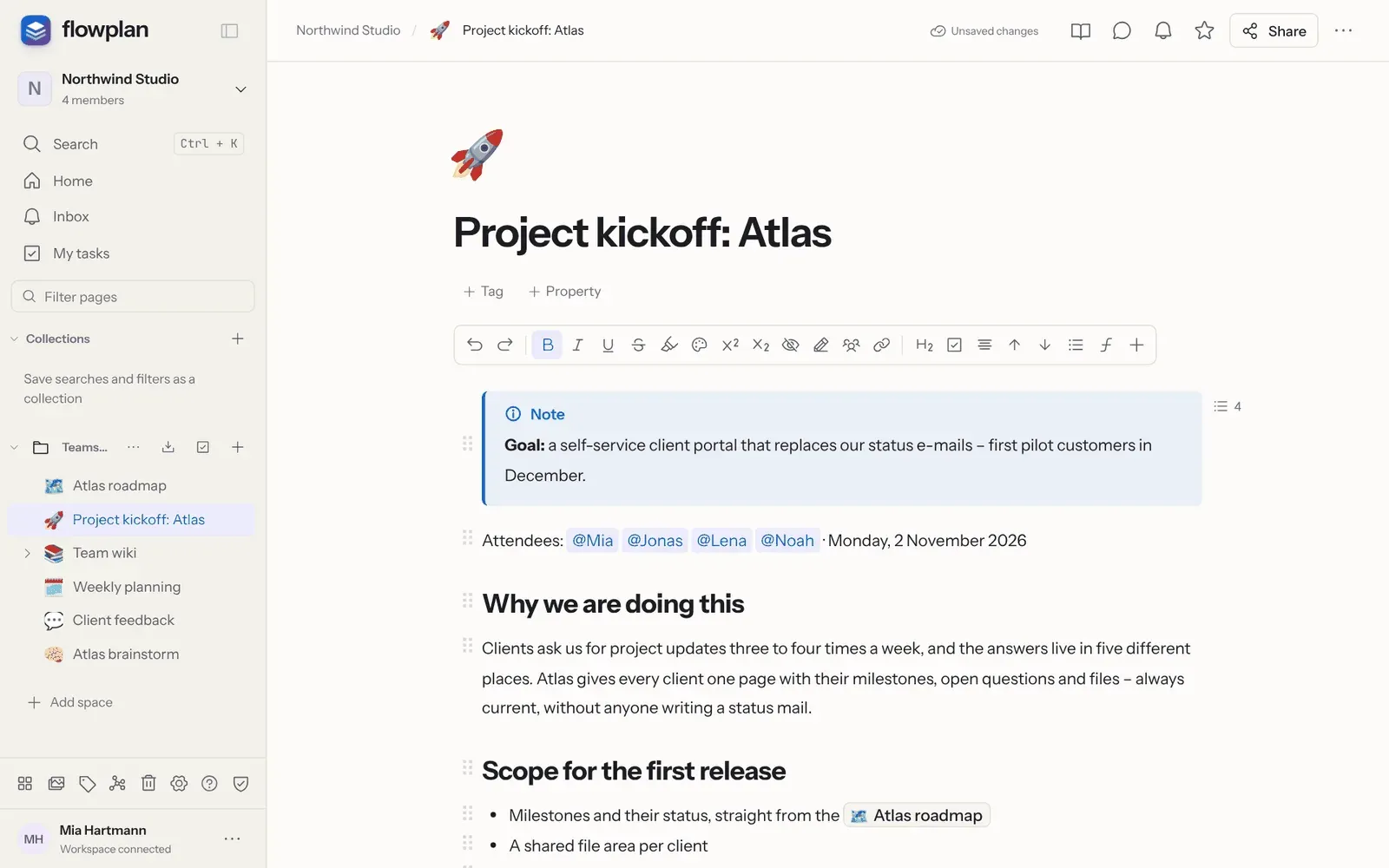
Image: Flowplan
What works the same as Notion
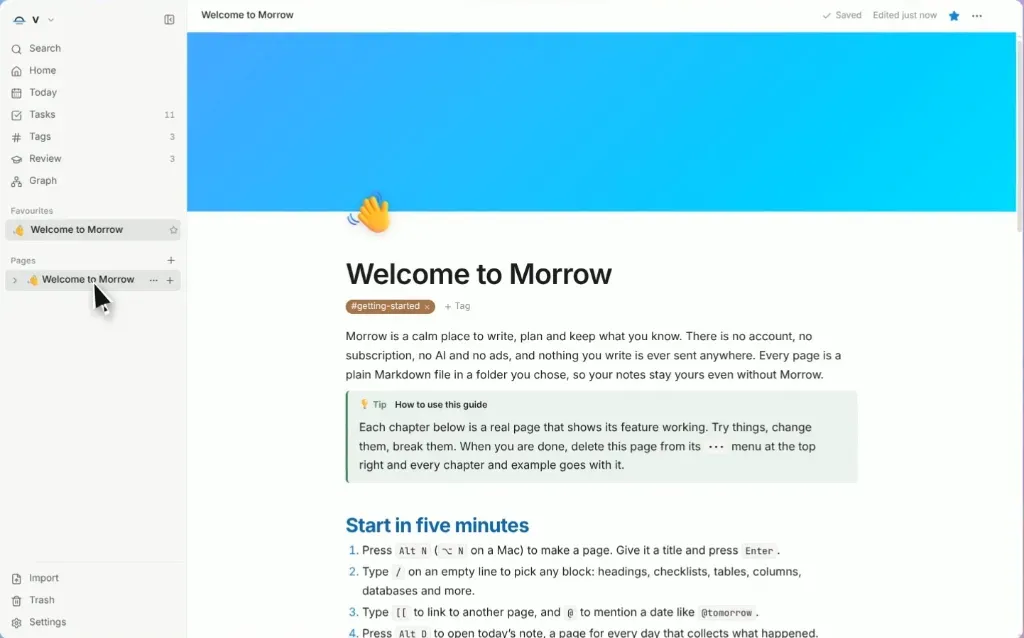
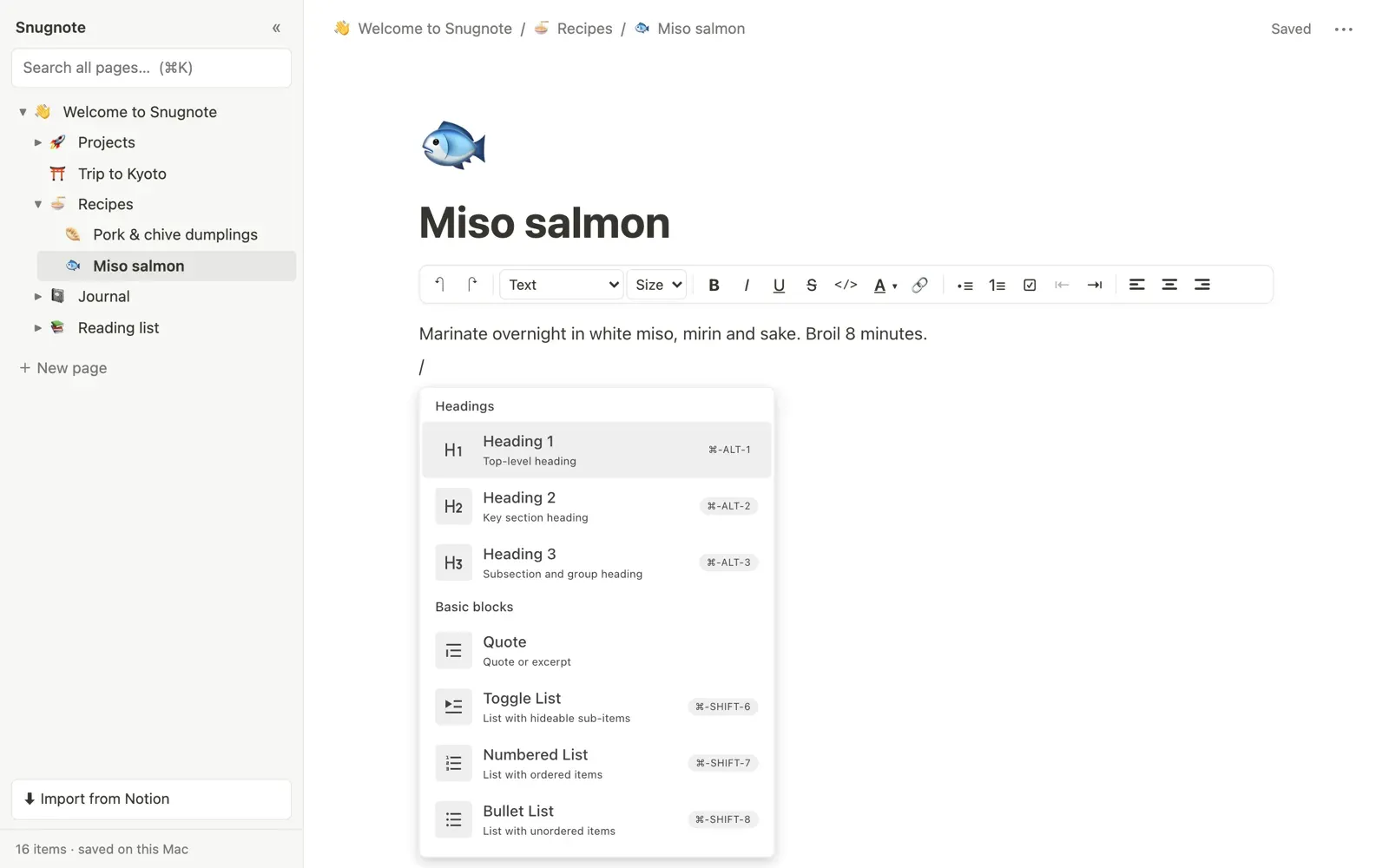
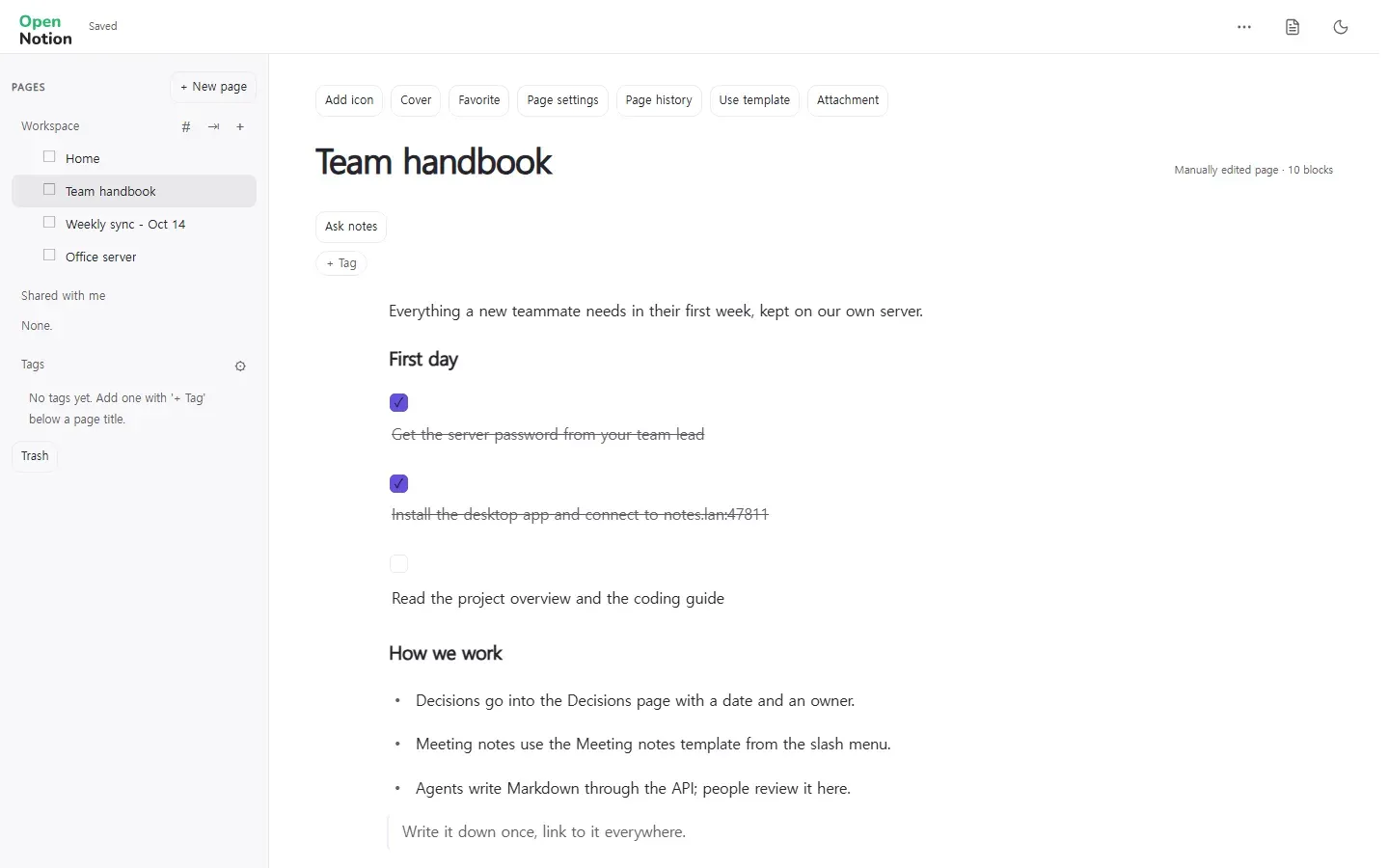
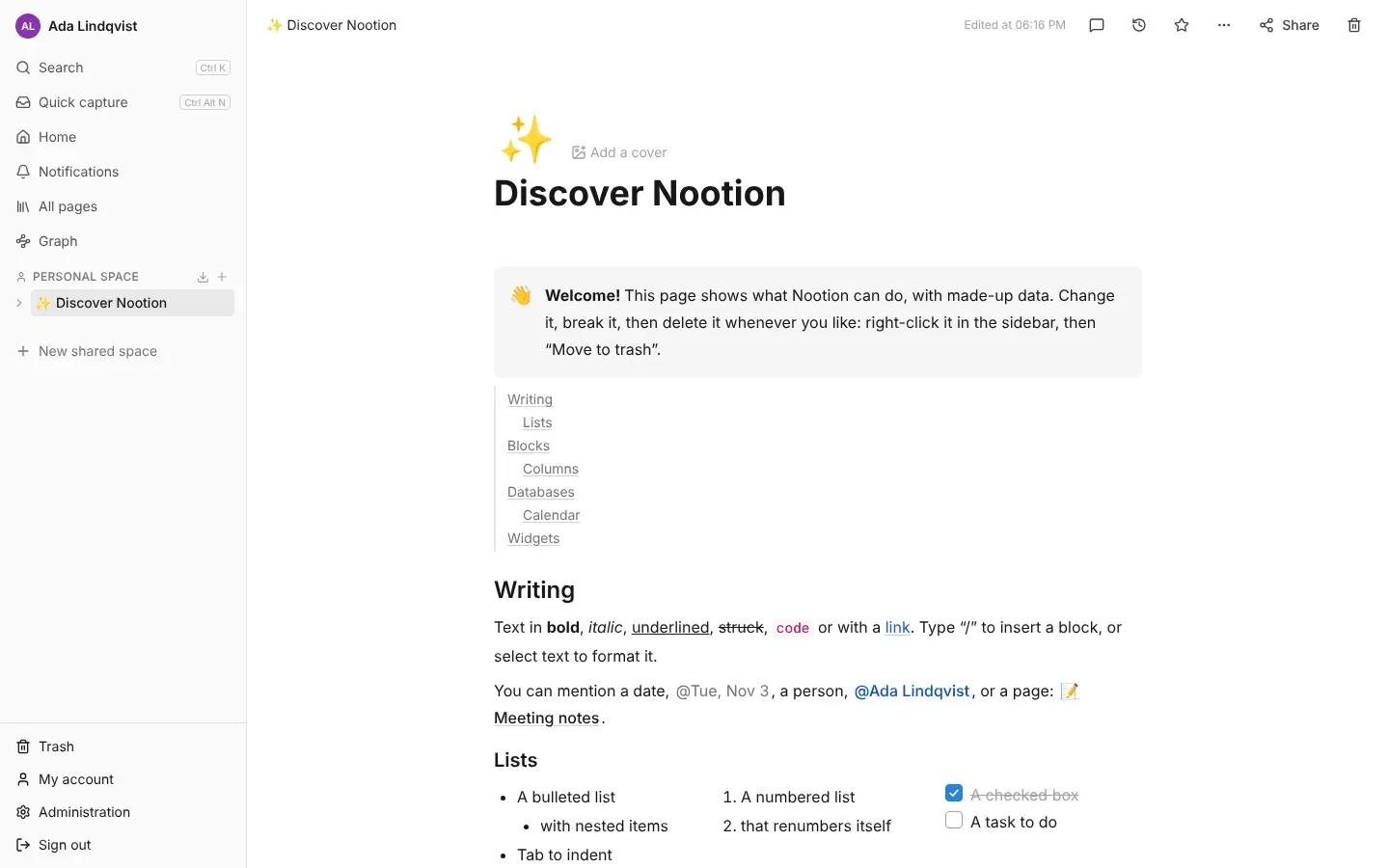
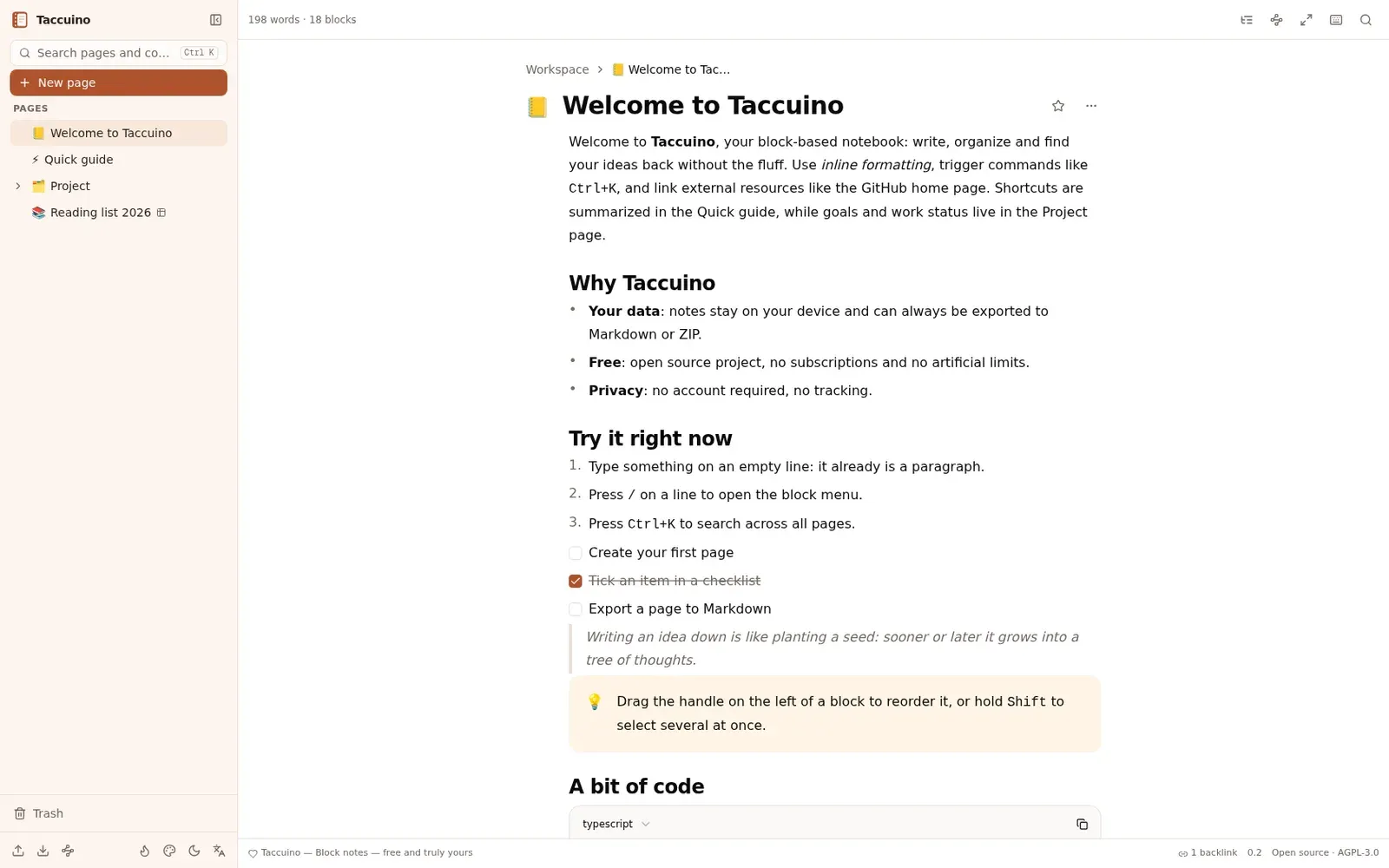
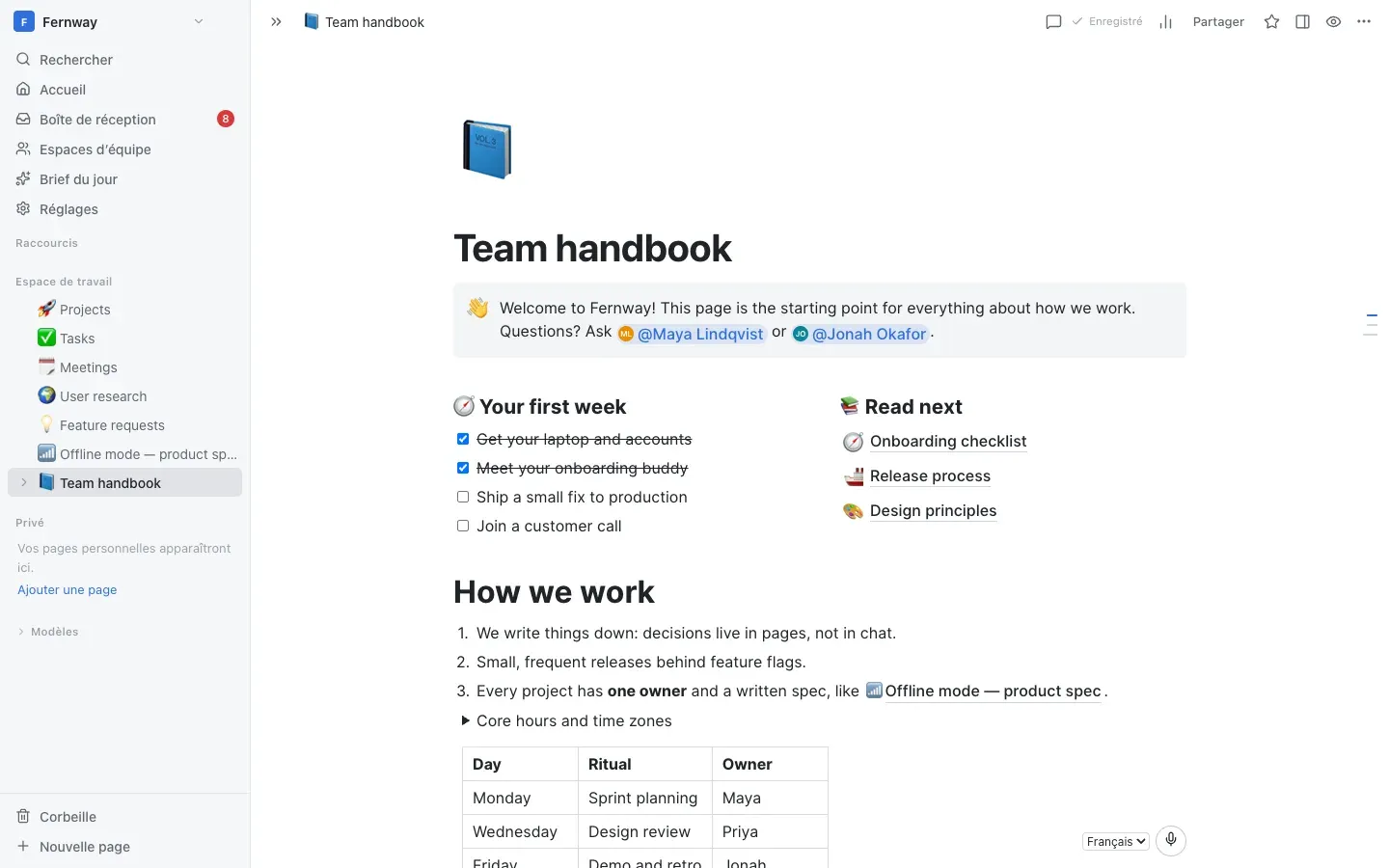
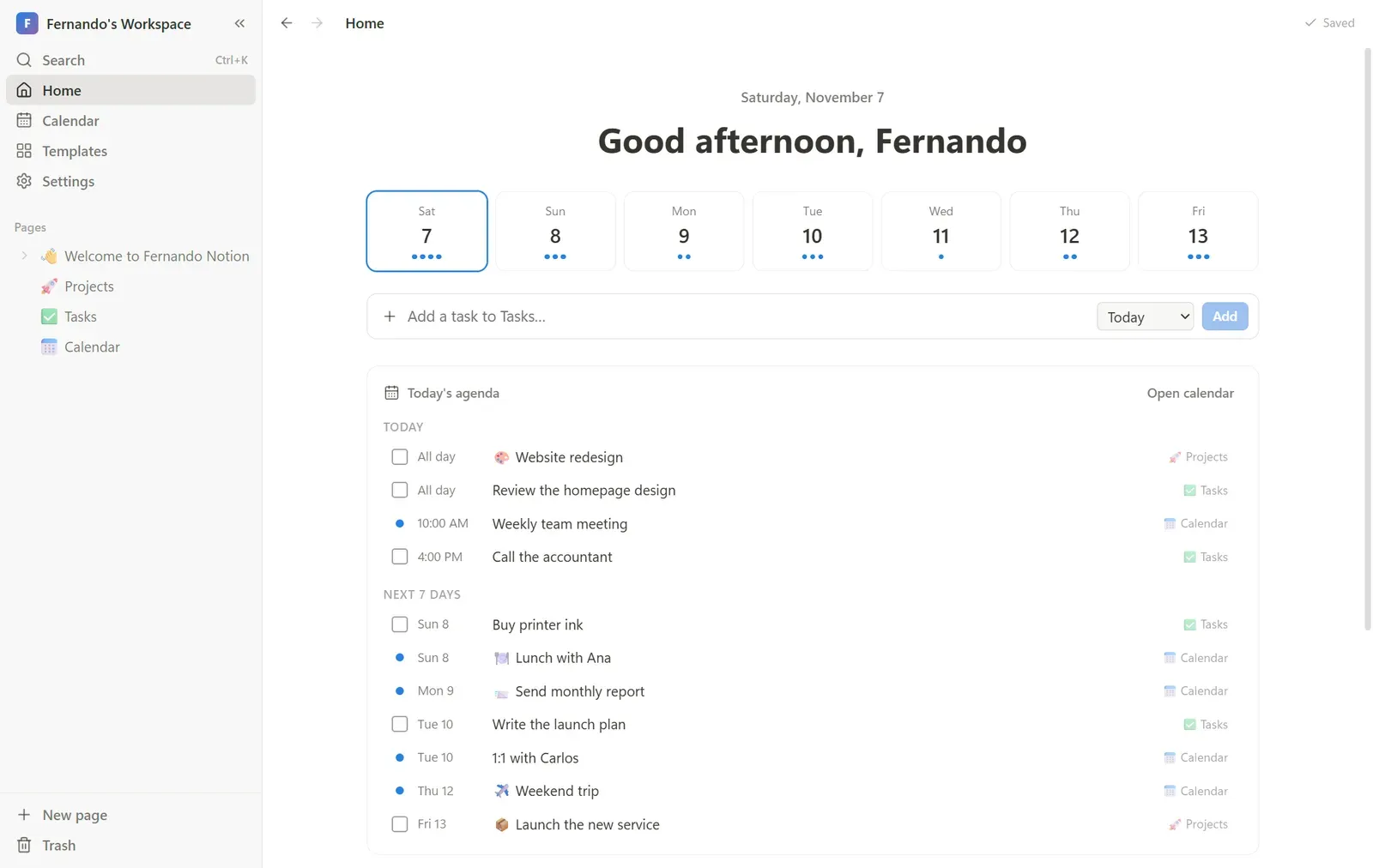
- A sidebar with a workspace picker, Search, Home and Inbox, and a tree of pages with emoji icons.
- A top bar with the page path, save status, comments, notifications, a star and a Share button.
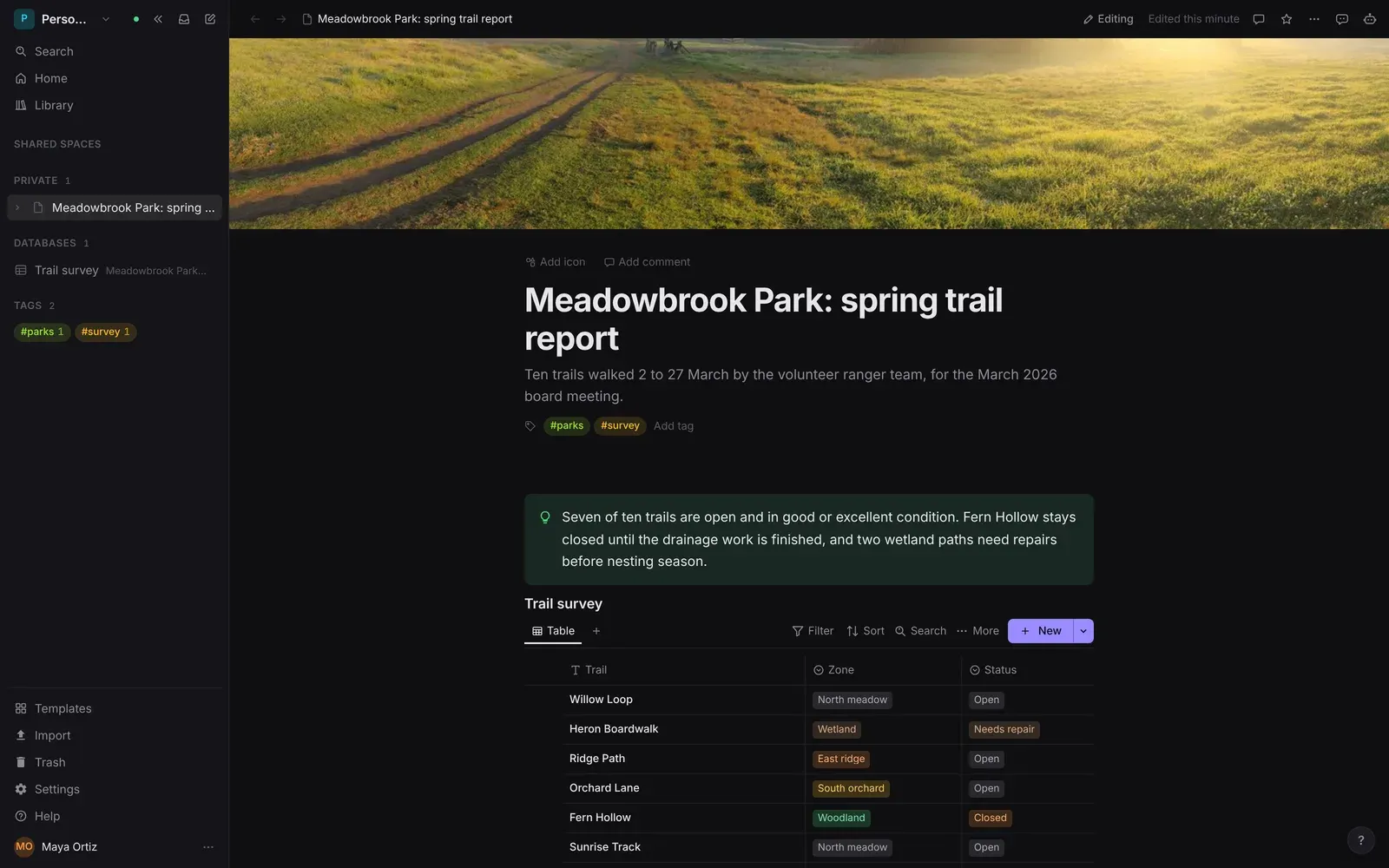
- Pages with a large emoji icon, a big title, and Tag and Property buttons under it.
- A drag handle beside each block, and callout blocks.
- Databases with several views, in the same page tree as your documents.
What is missing
The project does not say what is missing
How to get started
- Click Download to open the project site. The server has no installer: you set it up yourself.
- Install Docker on a computer or server, then run the command on the project page.
- Open it in a browser on port 3000 and choose Create account. The first account runs the server.
- Desktop and phone apps connect to your own server too.
Compatible files
Notion files (Notion exports) According to the project