Acard
Clone of Notion
Free self-hosted workspace that works like Notion: pages, blocks and databases in your browser or a Windows app, with your data in one folder.
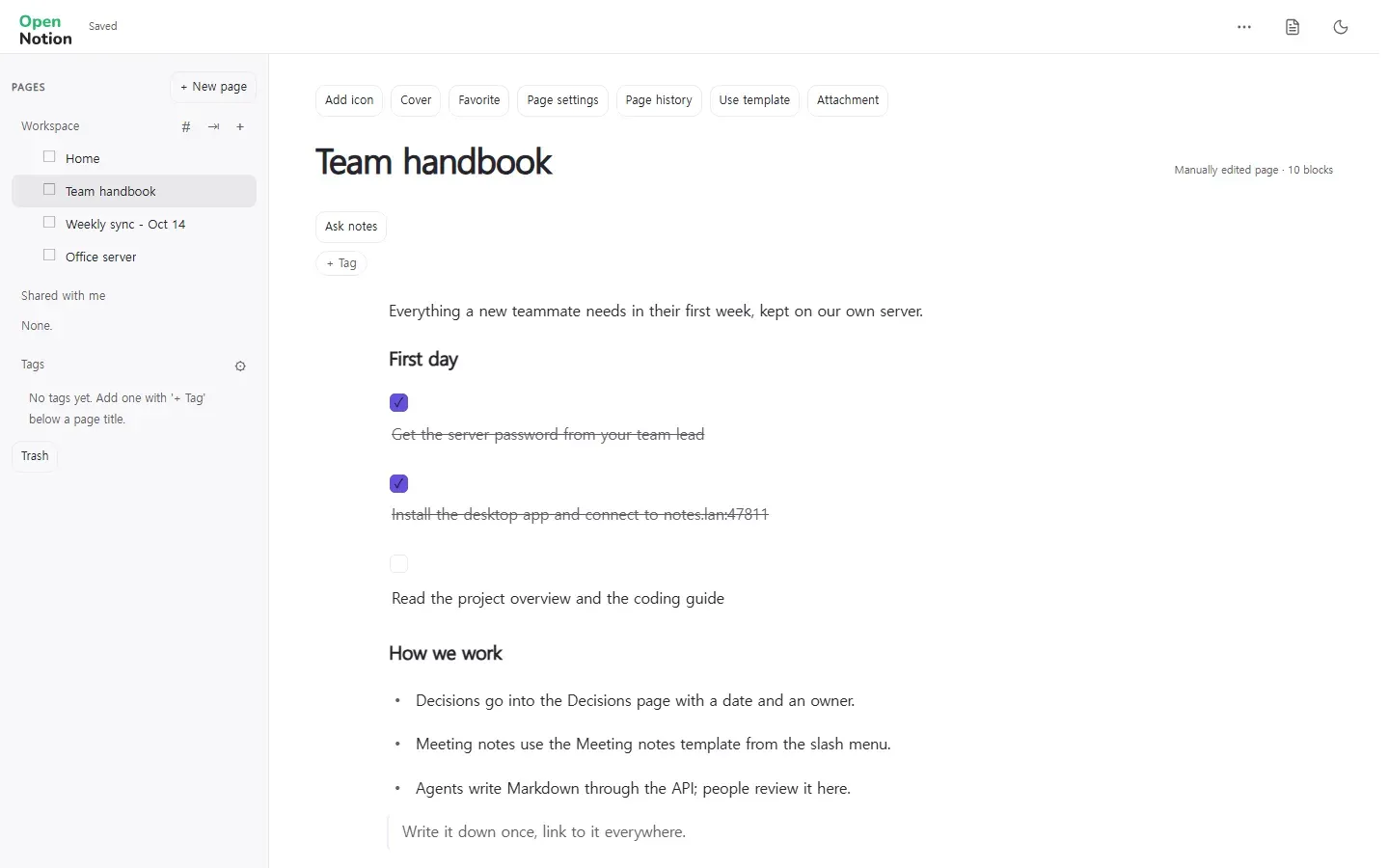
Image: Acard
What works the same as Notion
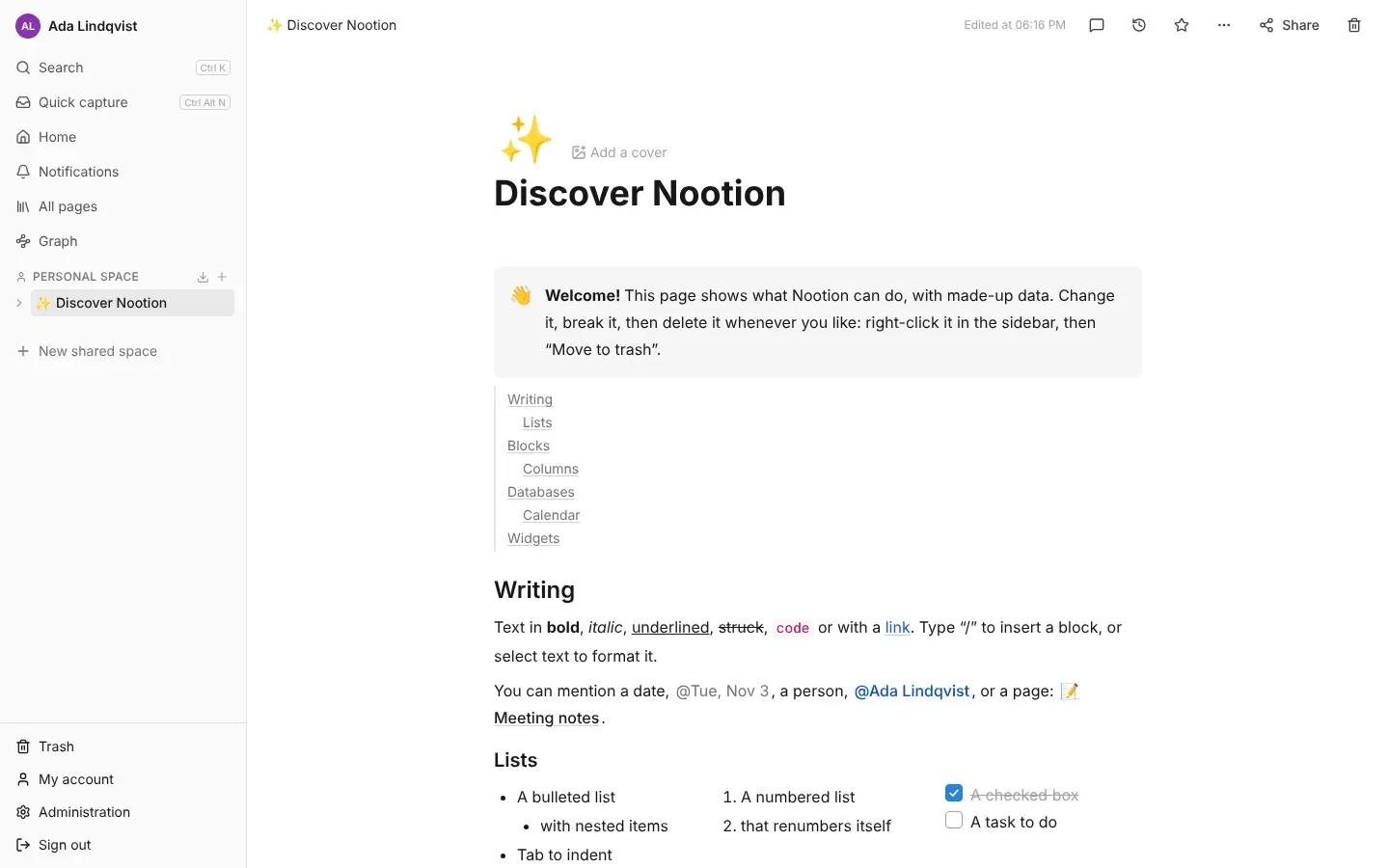
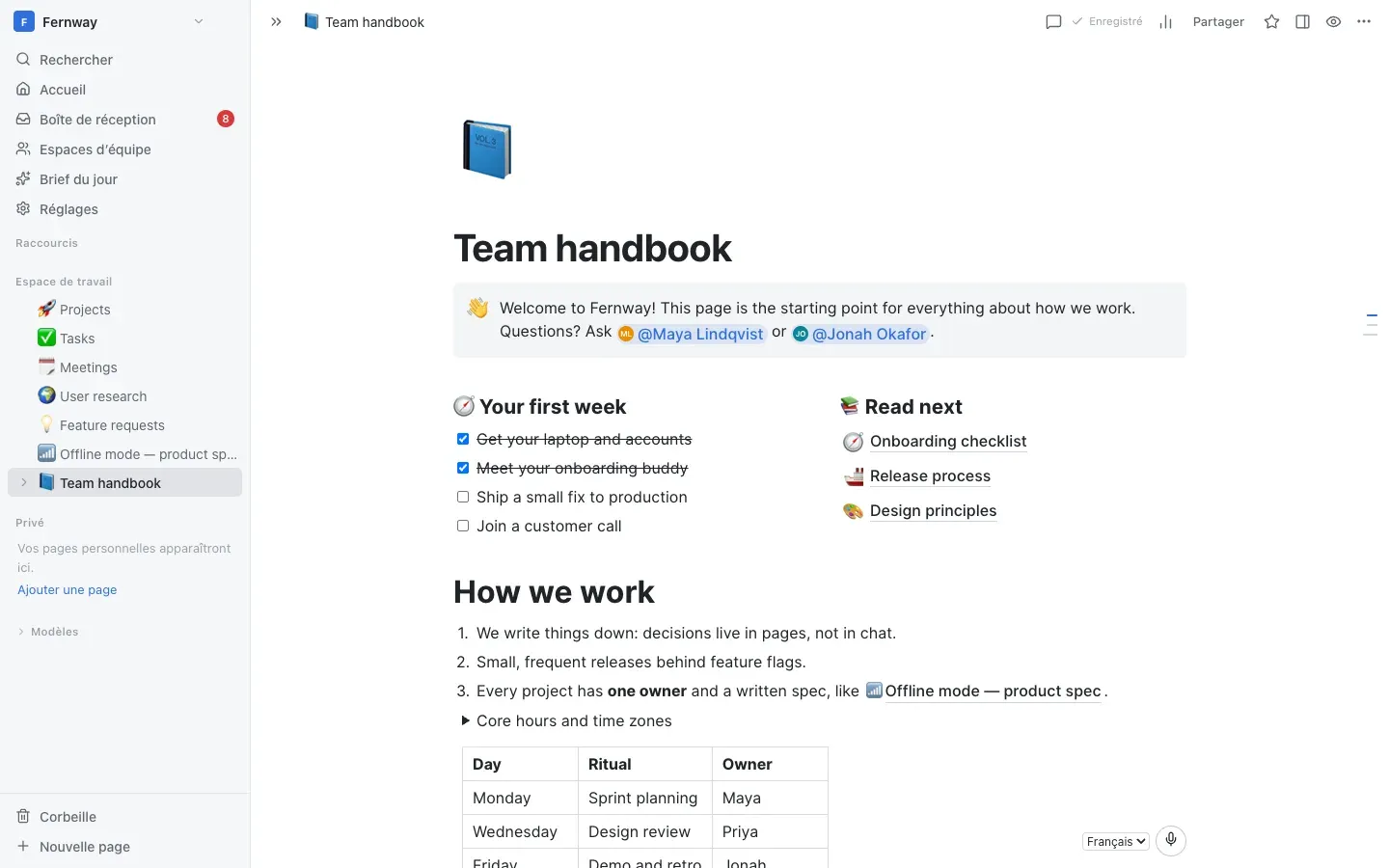
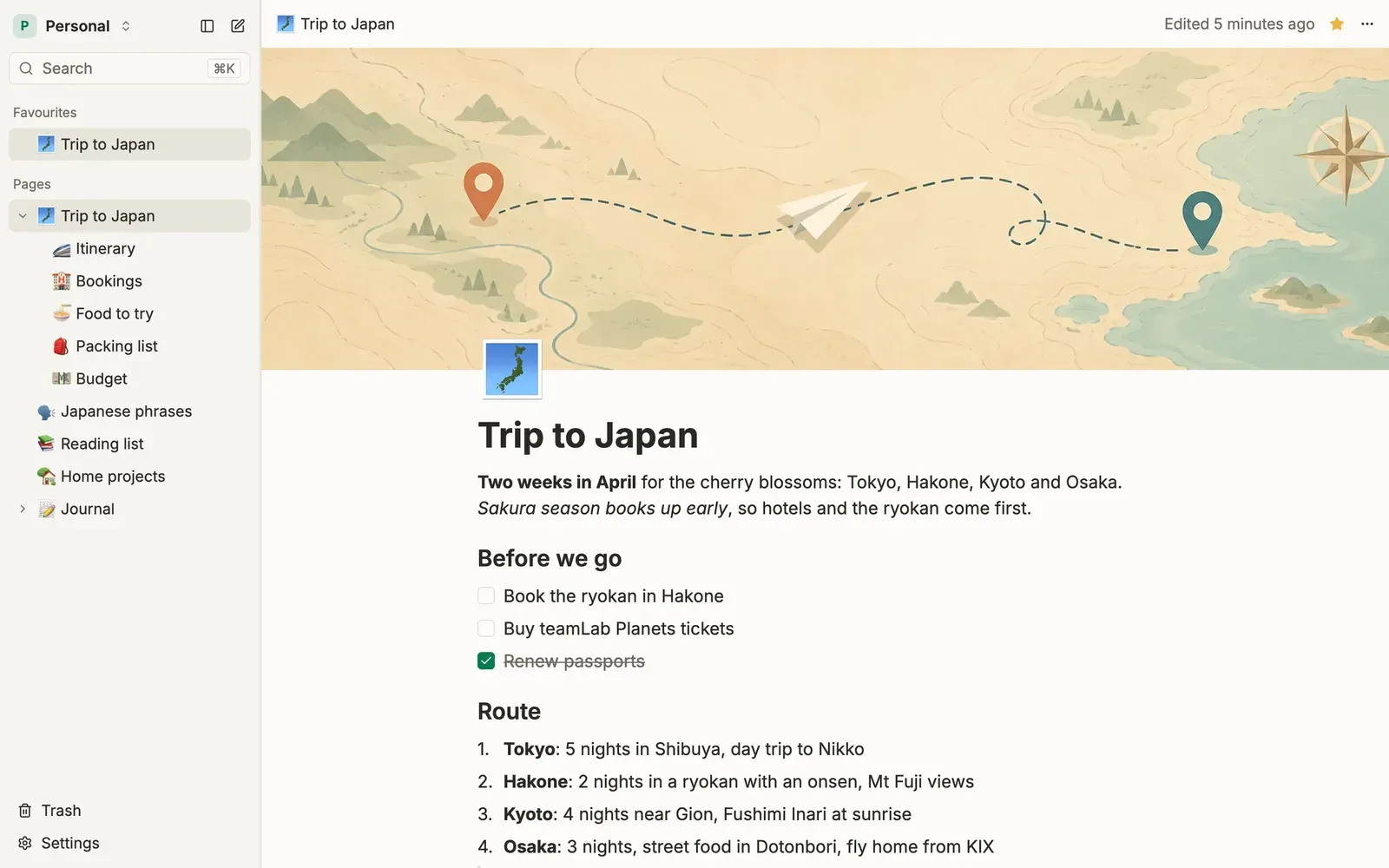
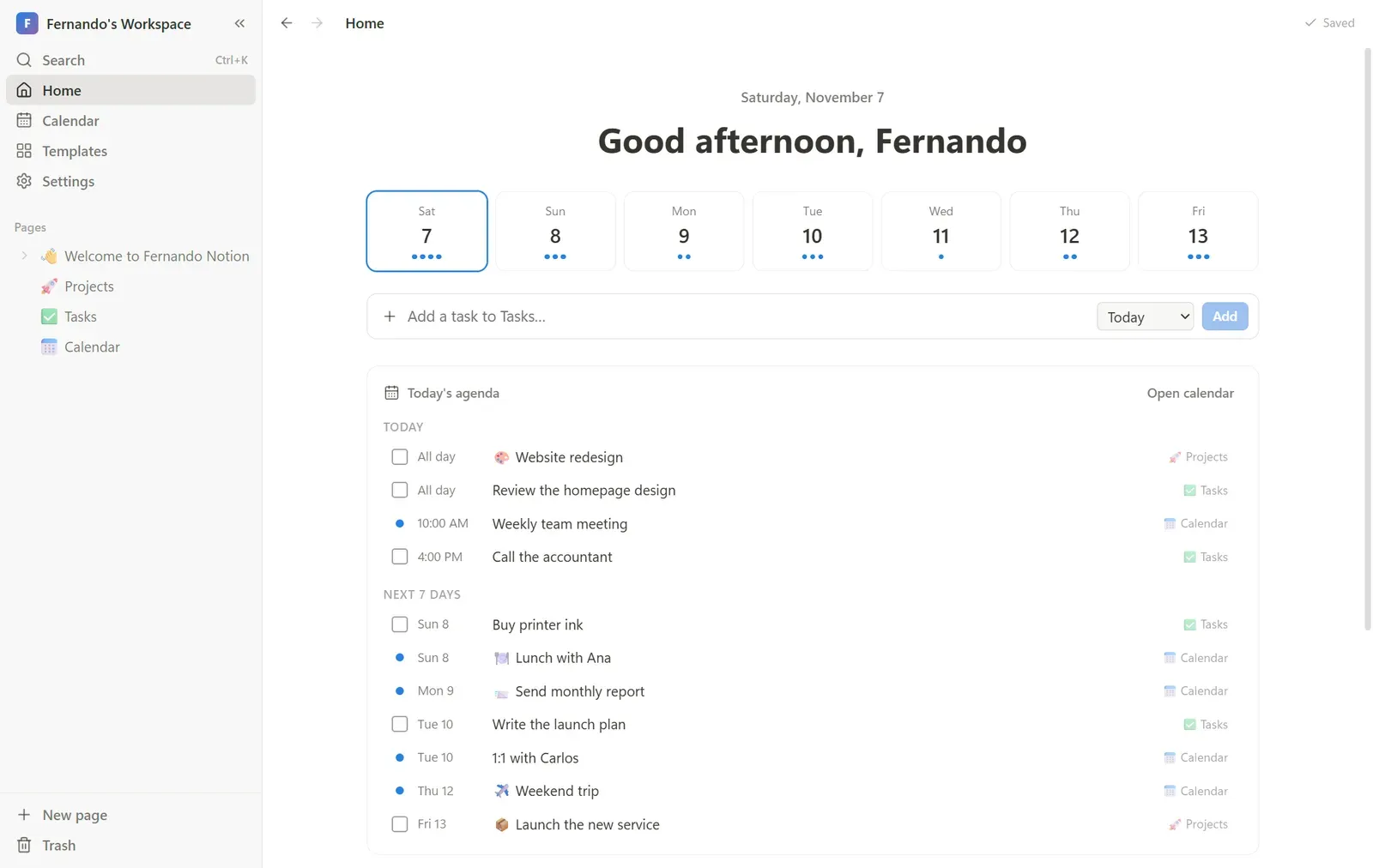
- A page tree with nested pages, folders, favourites and templates, as in Notion.
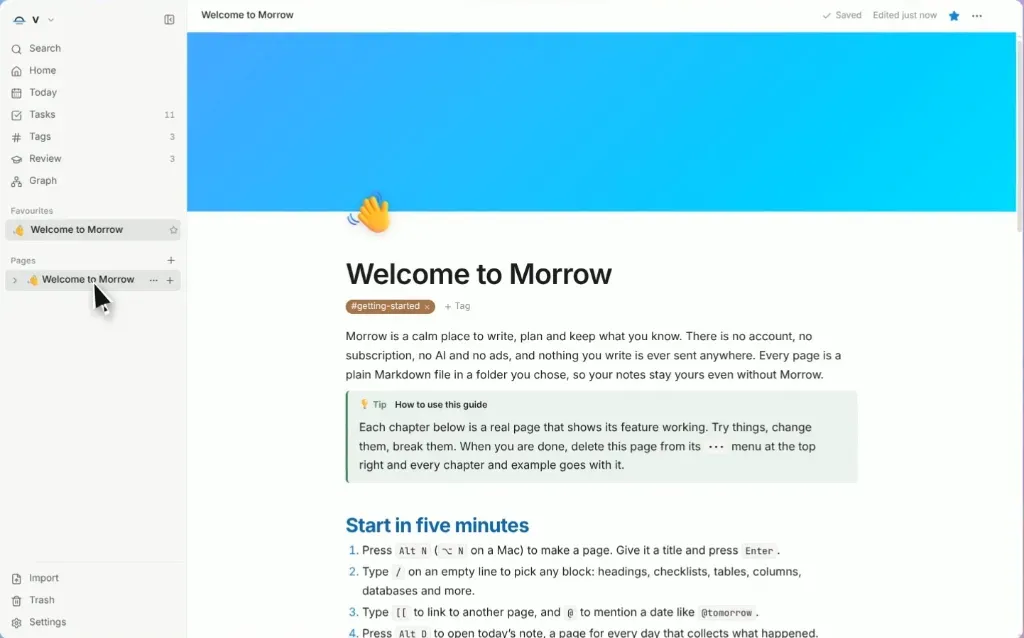
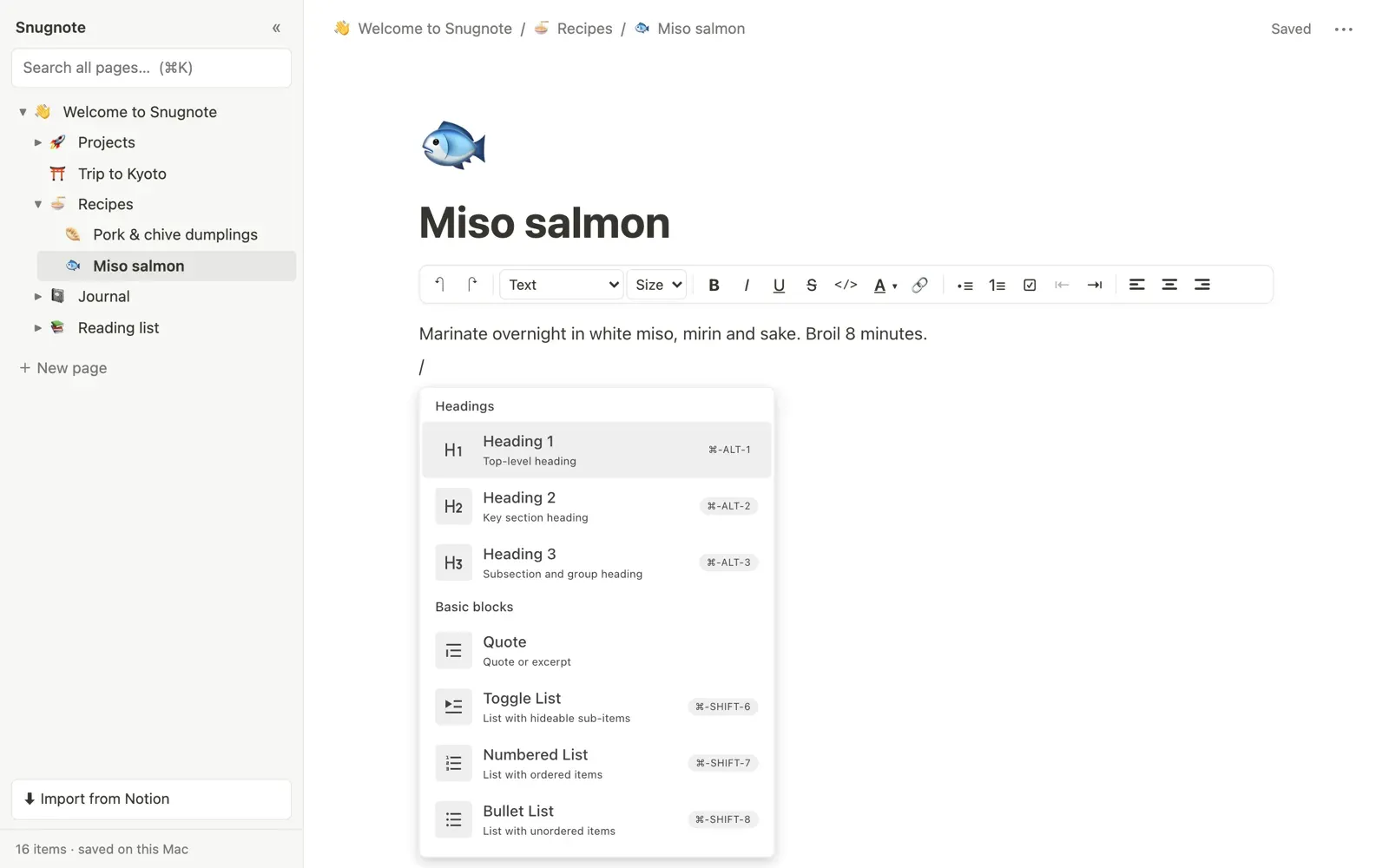
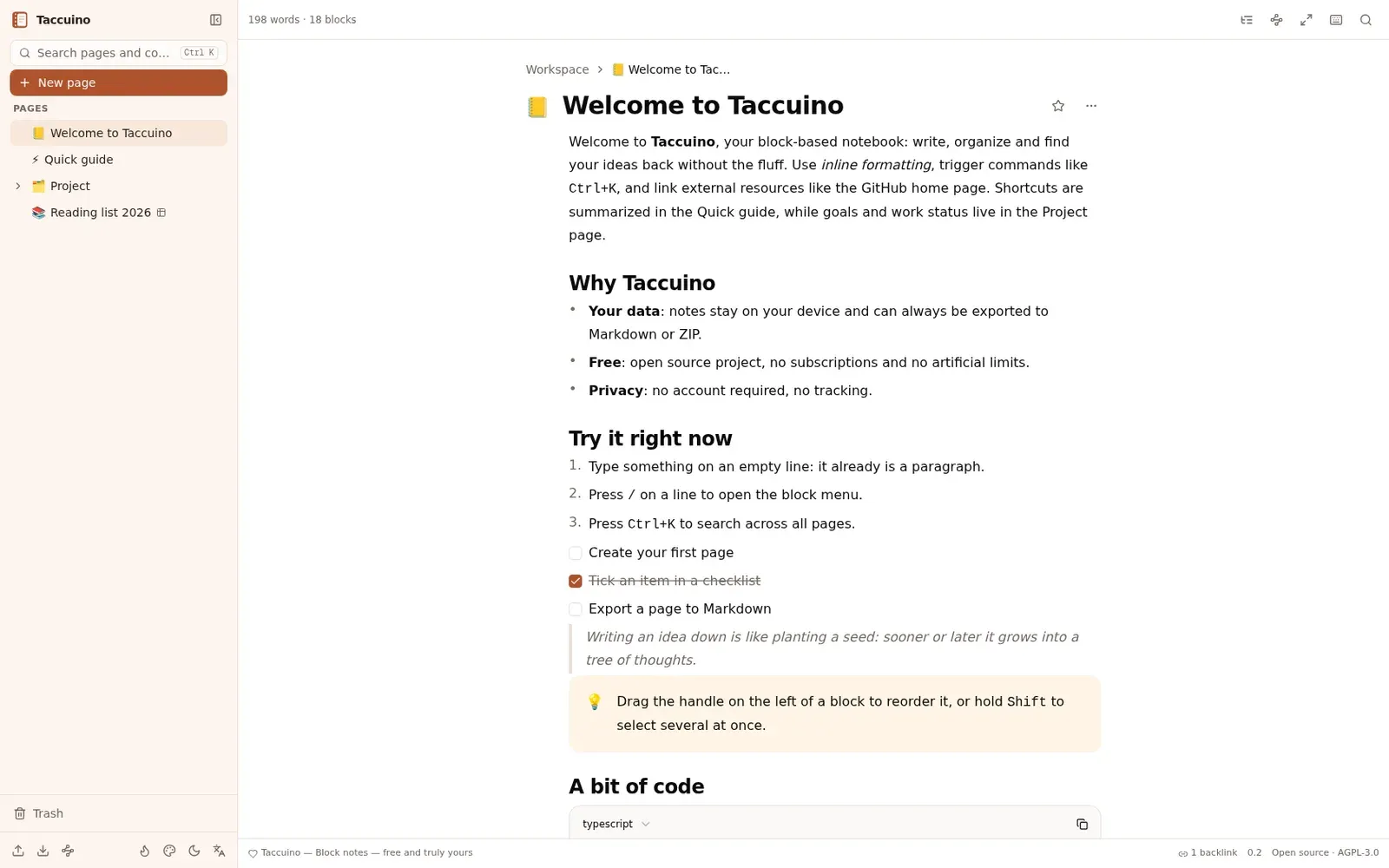
- A block editor with headings, lists, to-dos, toggles, quotes, callouts, tables and embeds, plus / commands and Markdown shortcuts.
- Databases with table and board views, properties, filters, sorting and formulas.
- Import and export of Markdown and of Notion exports, and search across all pages.
- Your notes stay in one folder on your own machine, and nothing leaves it unless you turn on a cloud feature.
What is missing
- AI writing, the chat agent and accounts with email or Google sign-in are left out: they belong to the hosted service.
- The desktop app is for Windows only; Mac and Linux versions have to be prepared from the source.
How to get started
- Click Download and run the Windows installer, Acard-Local-Setup-0.3.1.exe.
- The installer is not signed, so Windows may warn you: click "More info", then "Run anyway".
- On the first screen, choose "Use on this computer": the app runs its own small server and keeps your notes on your computer.
- For a team, one person sets up a server; the others open its address in a browser or choose "Connect to a team server" in the app.
Compatible files
Notion projects Not tested yet