Taccuino
Clone of Notion
Free block notes you run on your own machine, with nested pages, databases and Notion import.
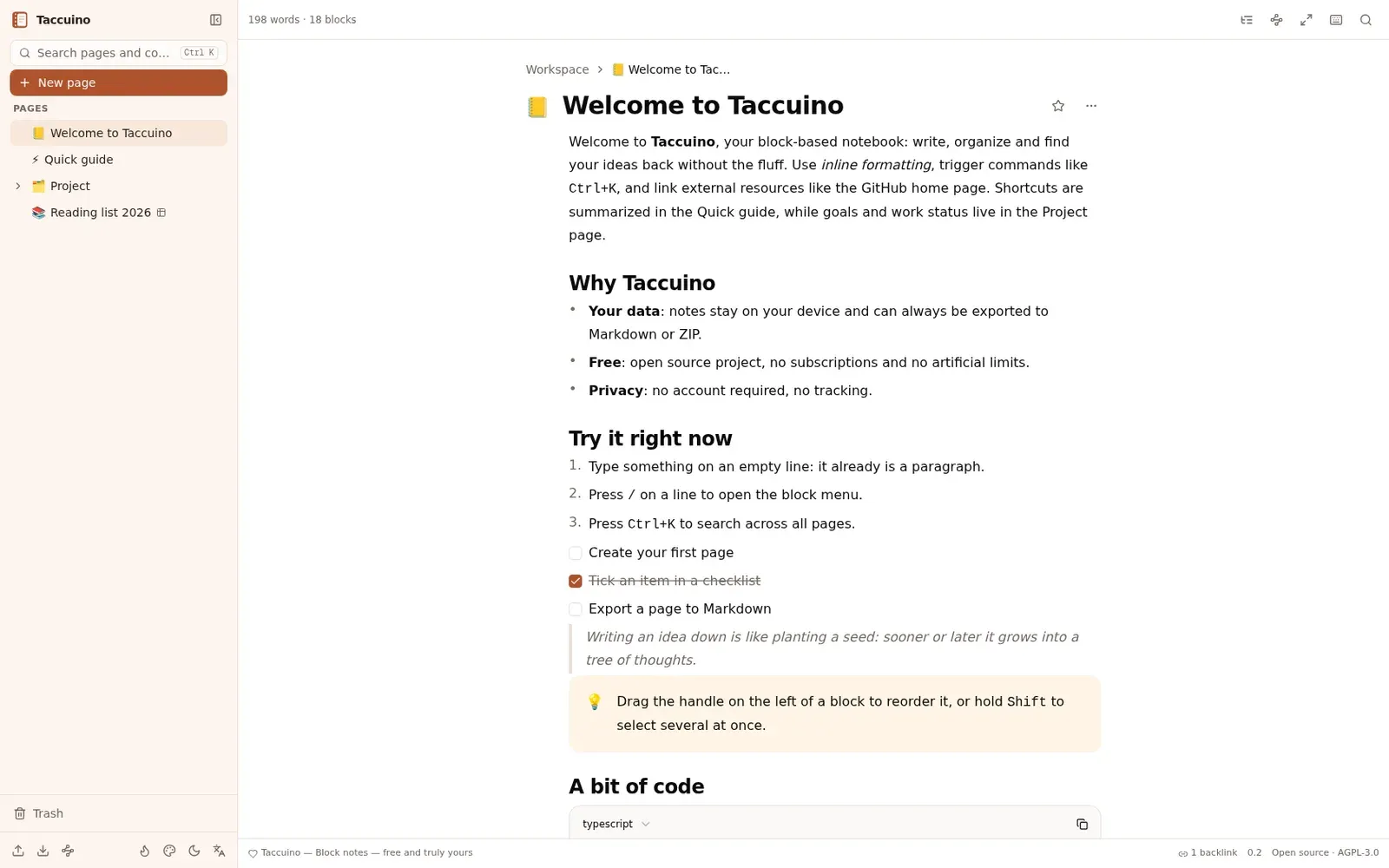
Image: Taccuino
What works the same as Notion
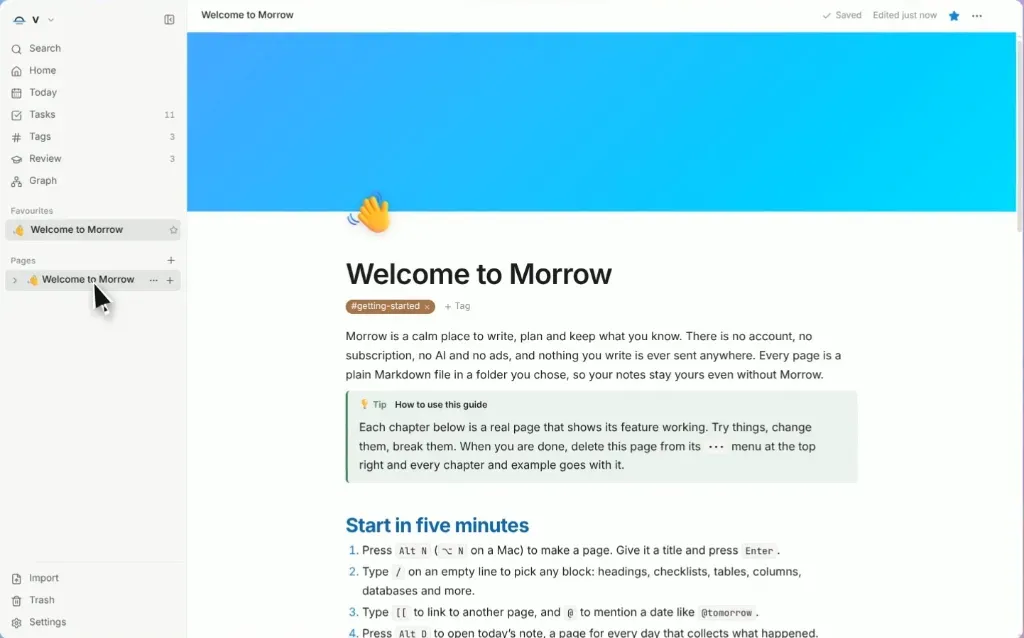
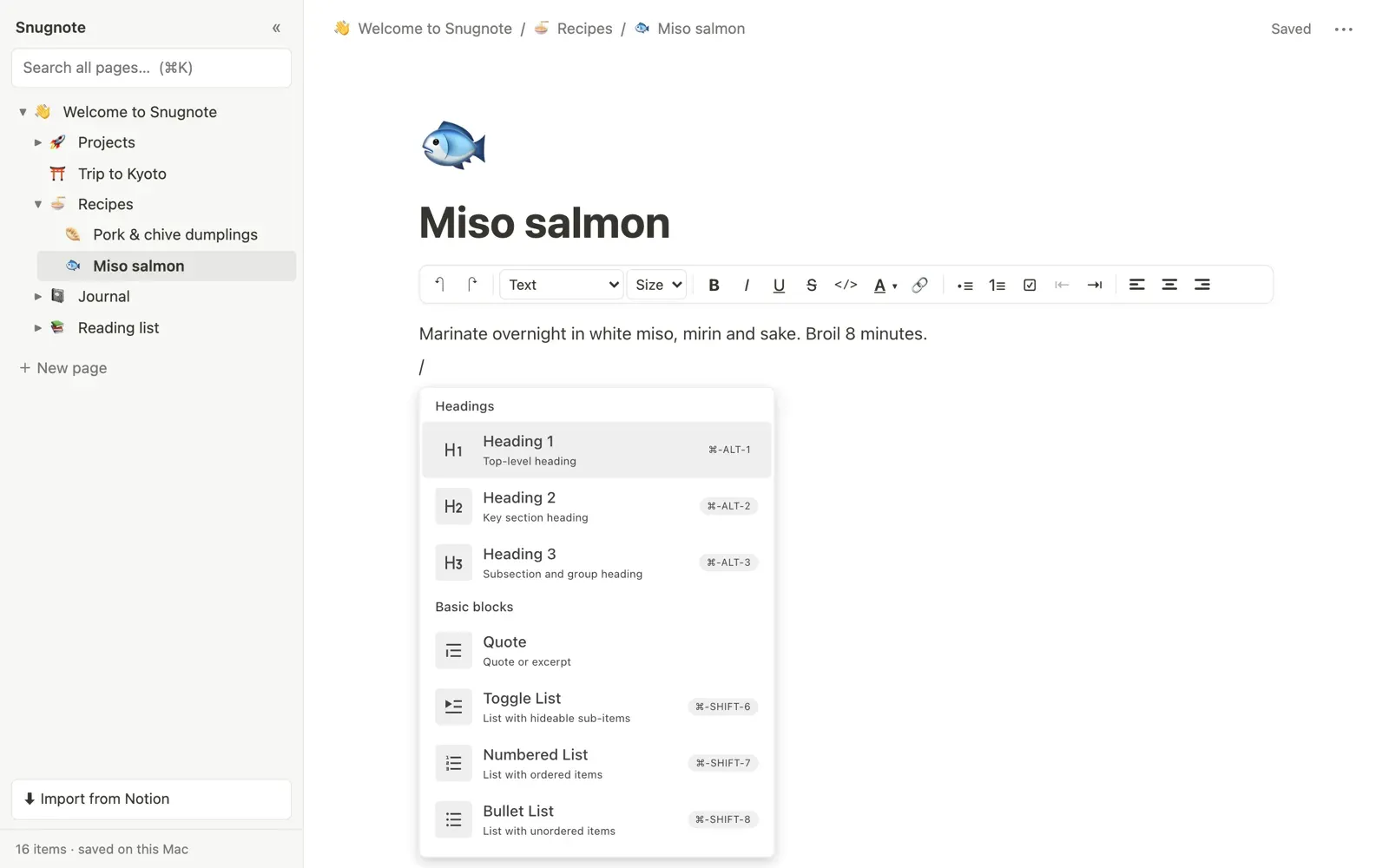
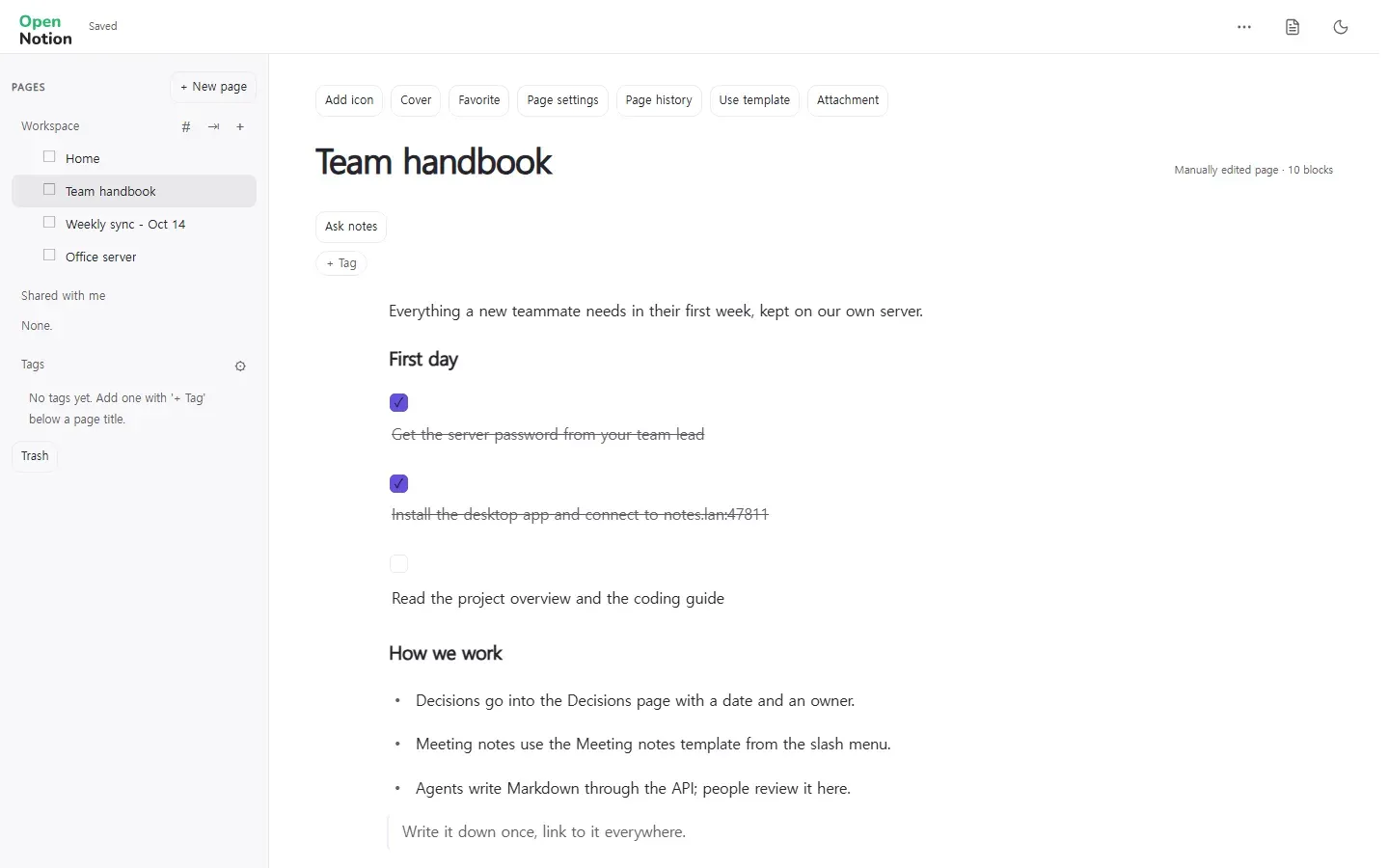
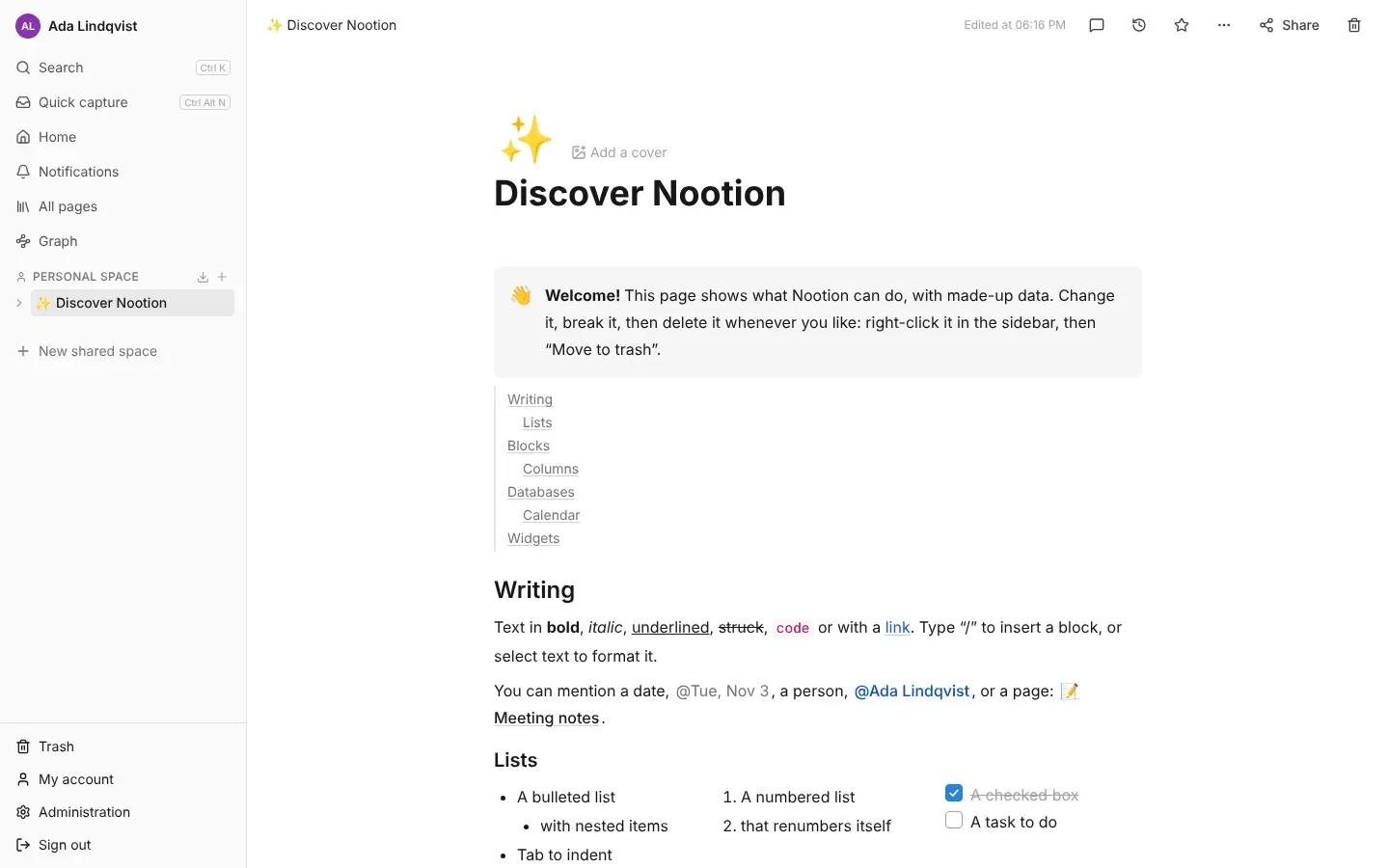
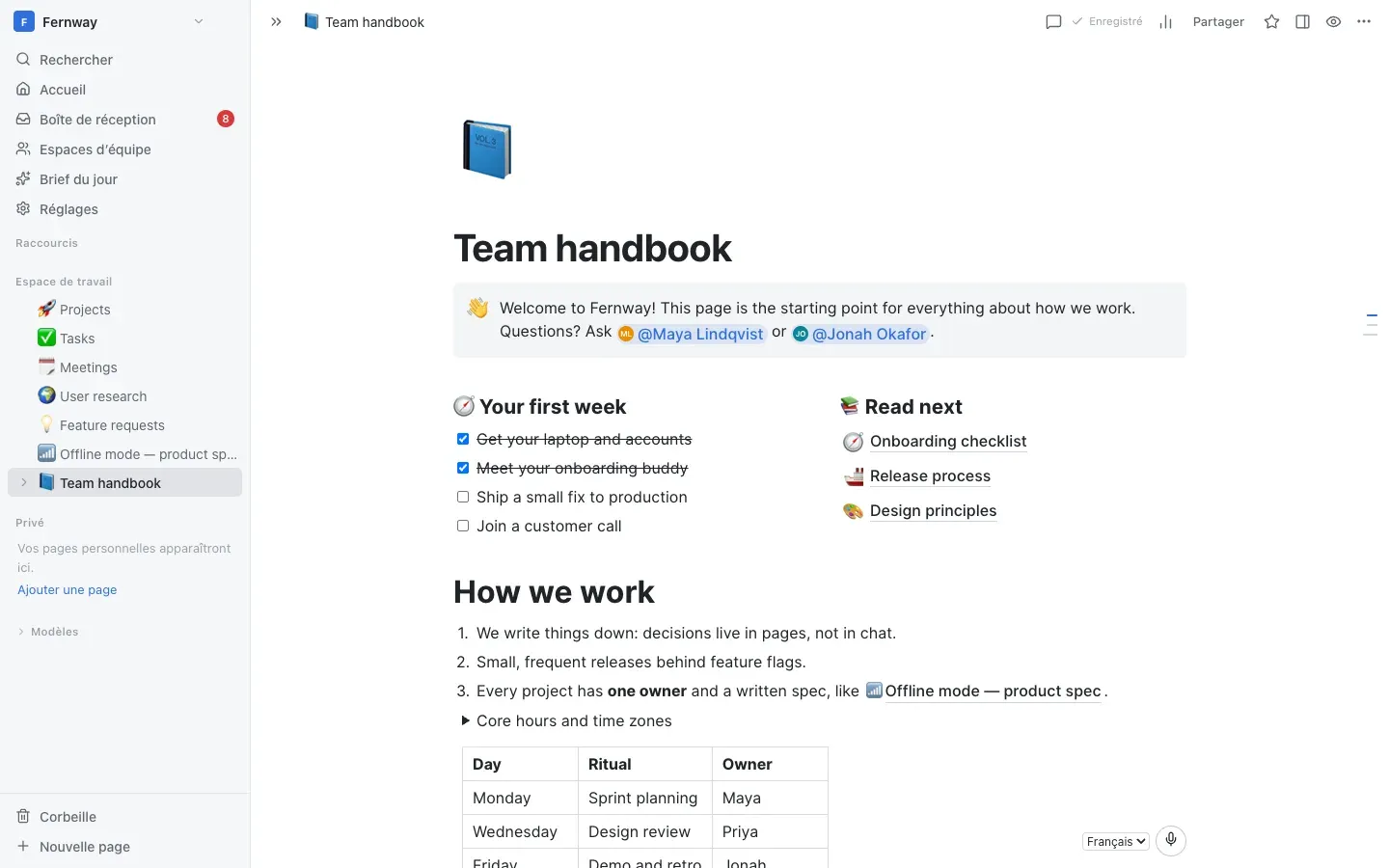
- A page editor with a "/" menu, headings, lists, to-do boxes, quotes, callouts and code.
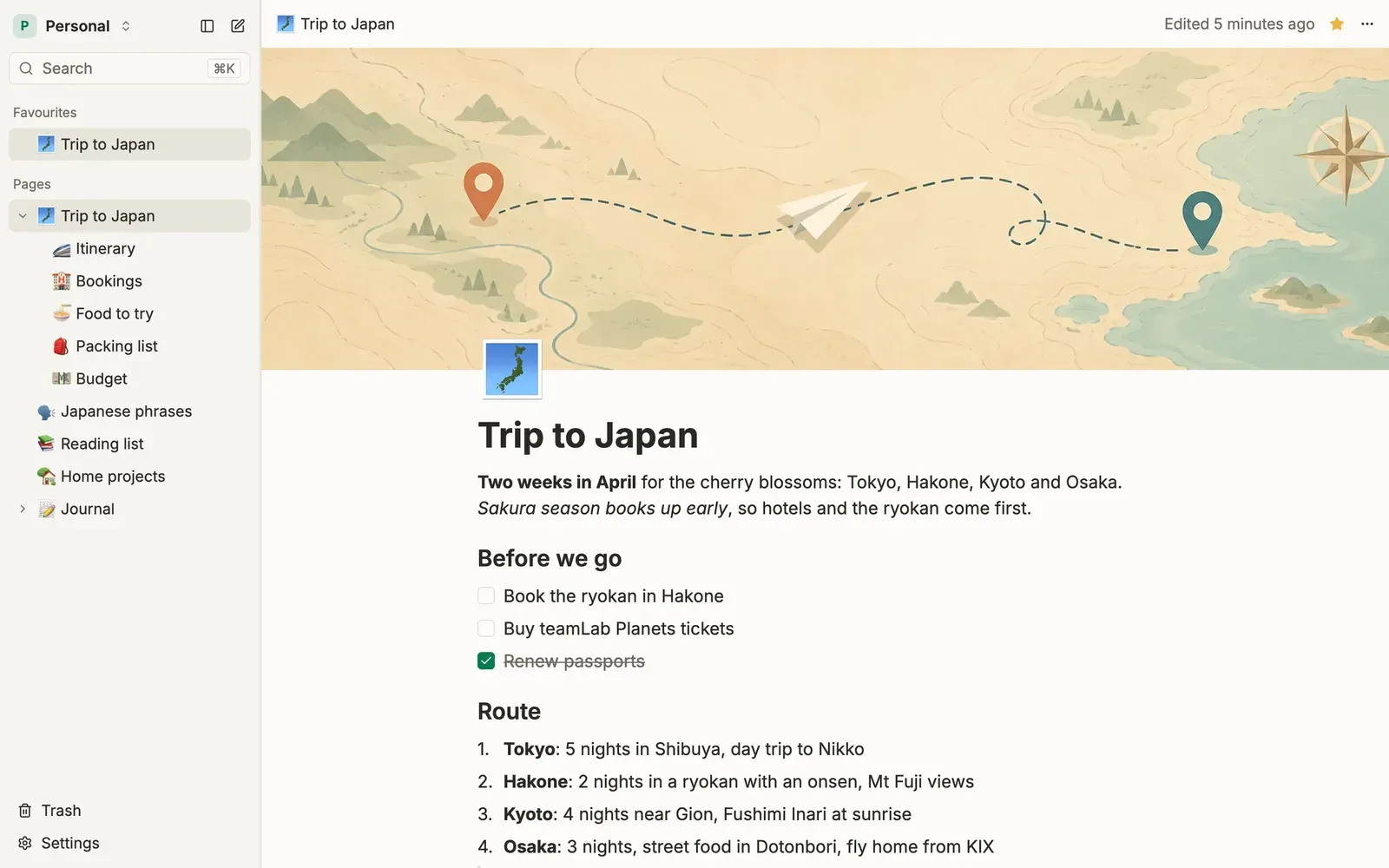
- Unlimited nested pages in a sidebar tree, with favorites and emoji icons.
- Databases with typed properties, shown as a table or a board.
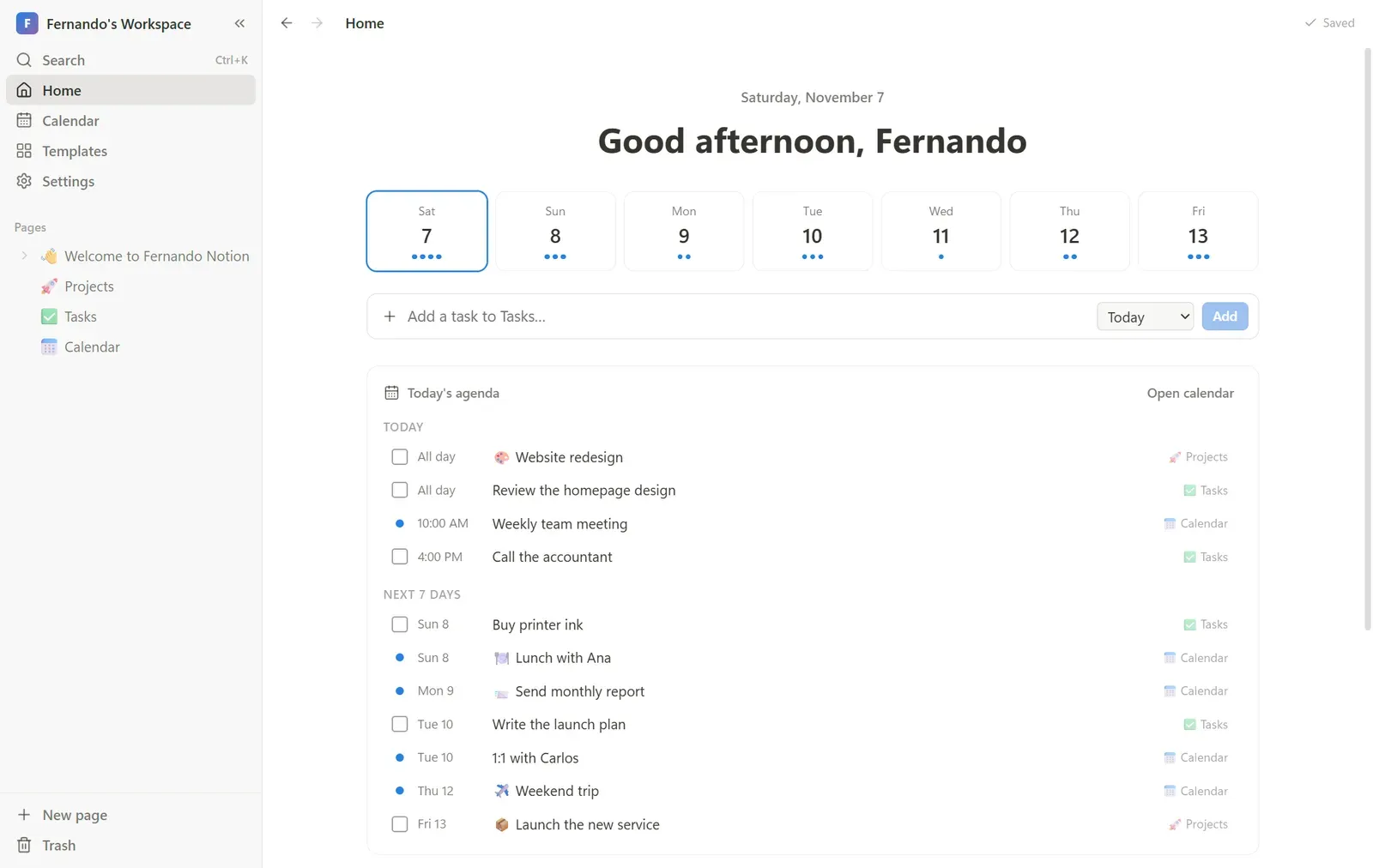
- Search across your pages and database rows.
- Brings your Notion workspace over from its Markdown and CSV export.
What is missing
- Databases have no calendar or gallery view yet.
- Several people cannot edit together yet.
- The interface comes in English and Italian only.
- It is not an app you install: you run it from its code, with Node.js or Docker.
How to get started
- There is no installer. To look around first, open the online demo, which resets itself.
- To use it for real, install Node.js 20 or newer, download the project, and run its install and start commands.
- Open http://localhost:3000 in your browser. The workspace starts with a few demo pages.
- With Docker you can also keep your data in a volume.
Compatible files
Notion projects Not tested yet