Fernando Notion
Clone of Notion
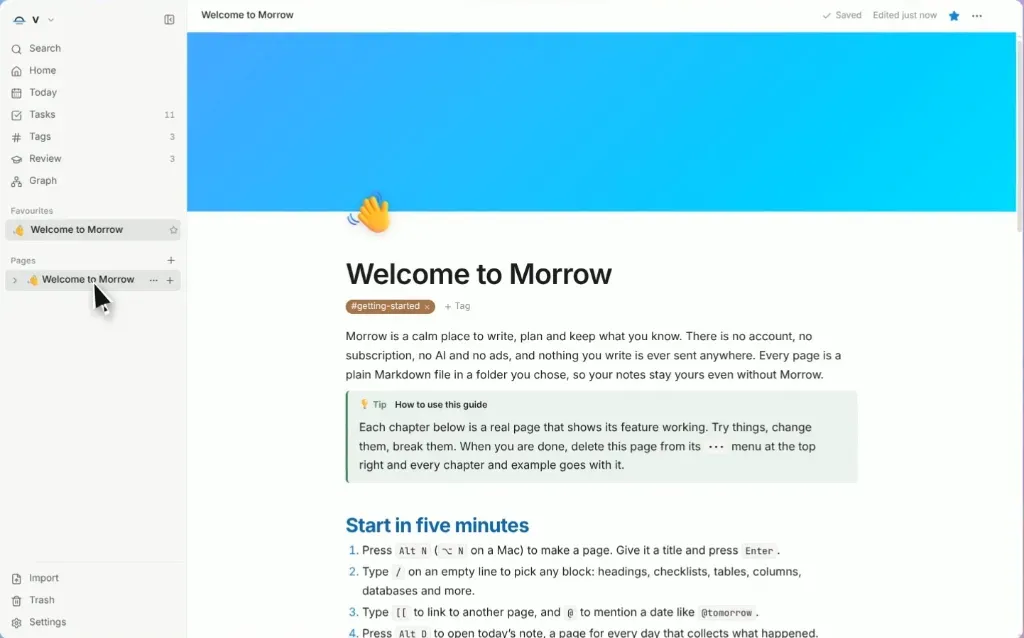
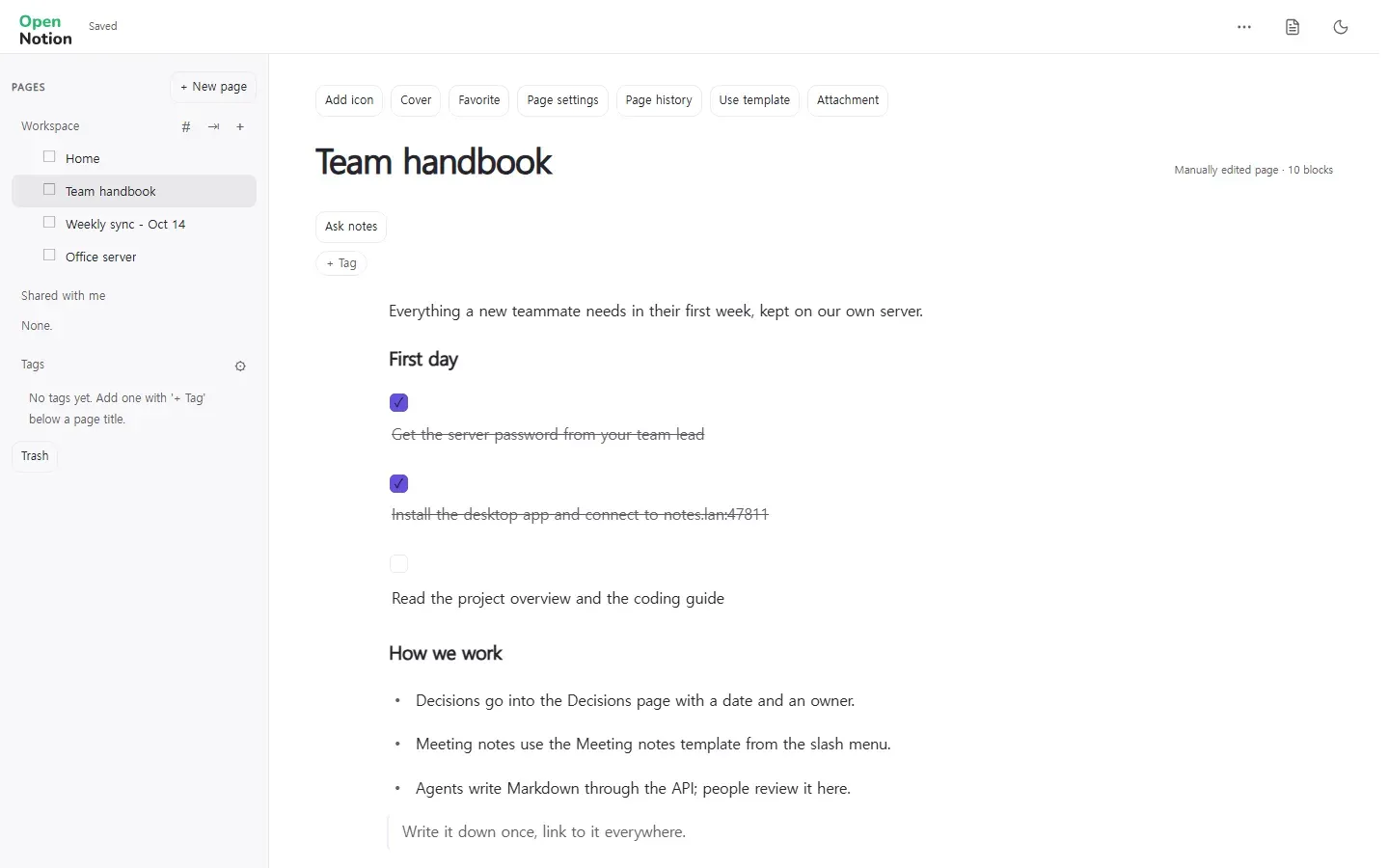
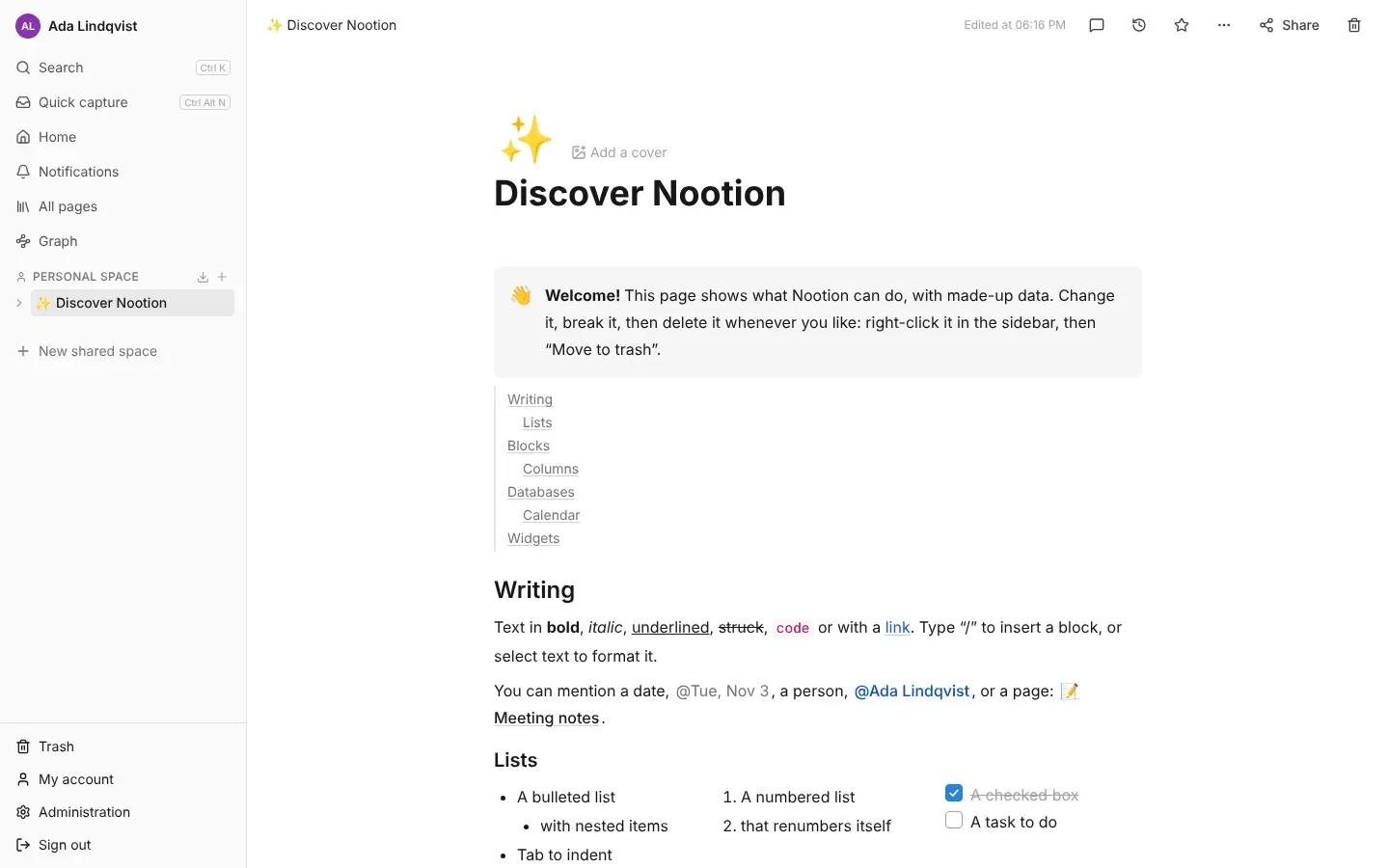
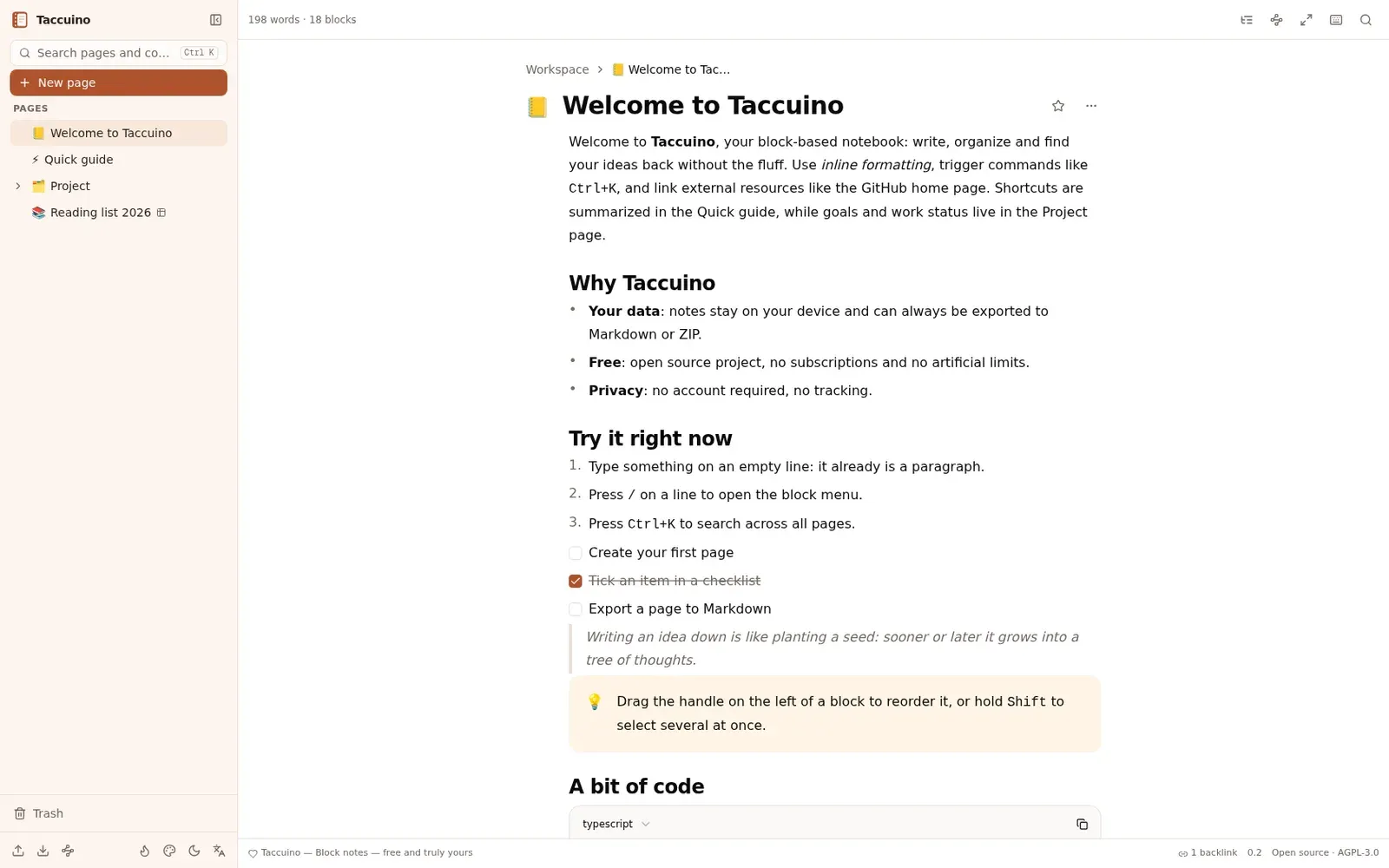
Runs as a Notion-style desktop app for notes, projects, calendars and agendas, and saves everything on your computer.
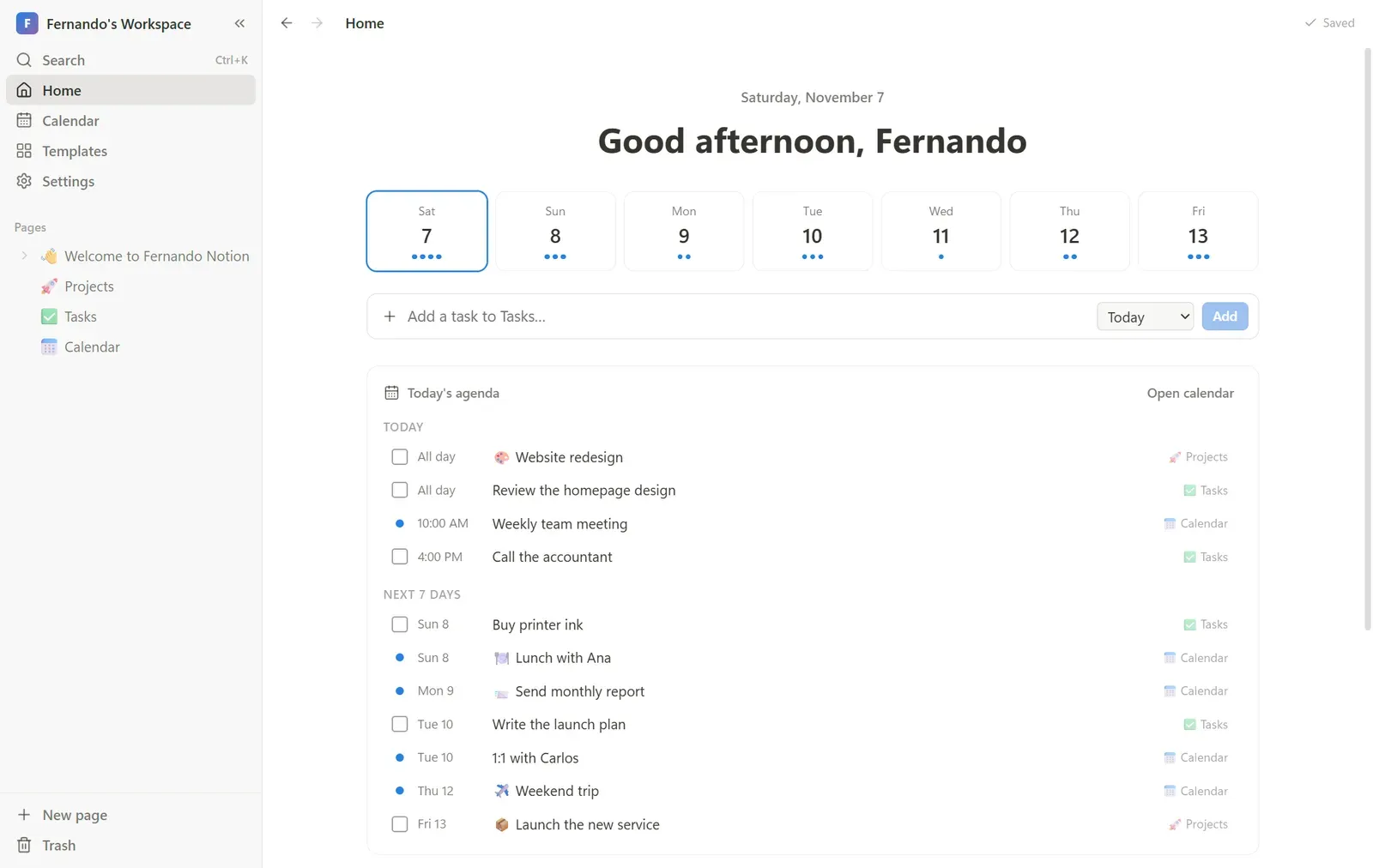
Image: Fernando Notion
What works the same as Notion
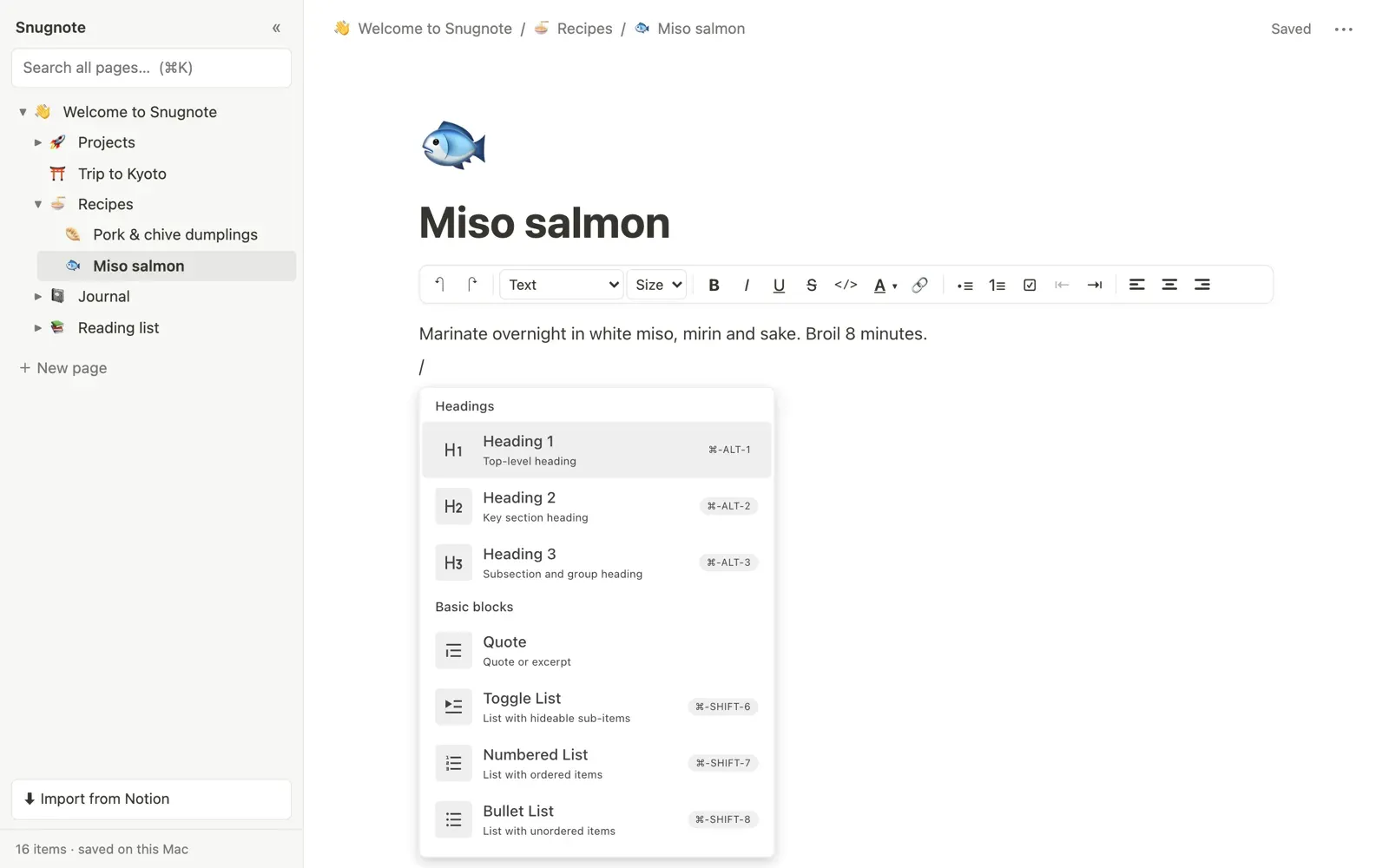
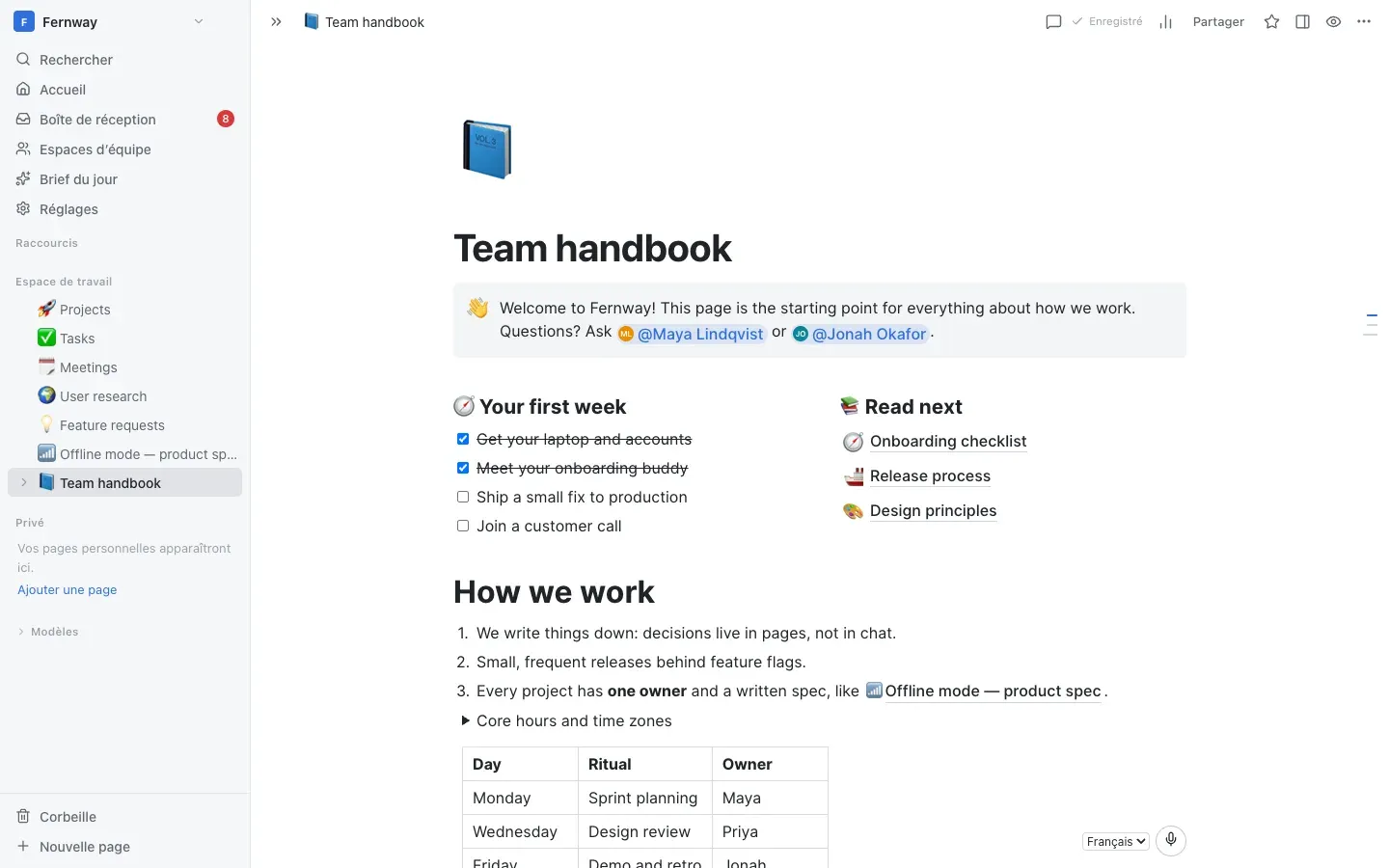
- A block editor: type "/" for the block menu, with headings, to-do lists, toggles, quotes, callouts, code and tables.
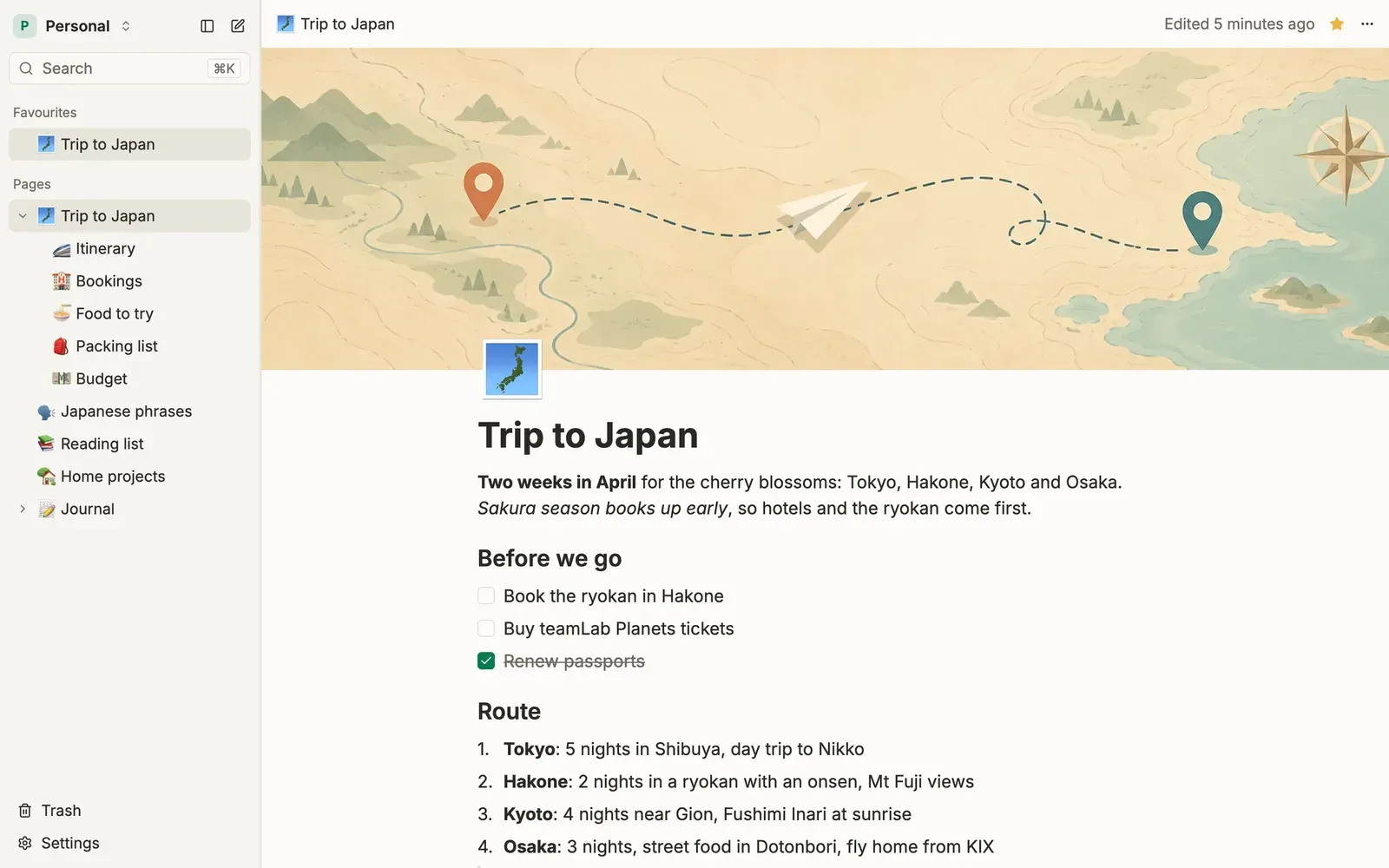
- Nested pages in a sidebar that you can drag to reorder or nest, with favorites and a trash you can restore from.
- Calendar views of every database, in month, week, day or agenda, with events you drag to reschedule.
- Databases with Table, Board, Calendar, Timeline, List and Gallery views, each with its own filters and sorts.
What is missing
- Syncing between computers is not built in: you choose a cloud folder yourself, and use one computer at a time.
How to get started
- Download the file for your system from the project page: a Setup or Portable .exe for Windows, a .dmg for Mac, or an AppImage for Linux.
- On Windows, run the Setup .exe, or use the Portable .exe if you prefer no installation. On Mac, drag the app into Applications.
- Both systems warn you the first time, since the builds are not code-signed: on Windows, click "More info" and then "Run anyway". On Mac, click "Done", then "Open Anyway" in System Settings.
- Open the app and start writing: everything is saved on your computer as you type, in Documents/Fernando Notion.
Compatible files
Notion projects Not tested yet