Snugnote
Clone of Notion
Free Notion-style notes you run on your own computer, with nested pages, a block editor and one-step import of your Notion workspace.
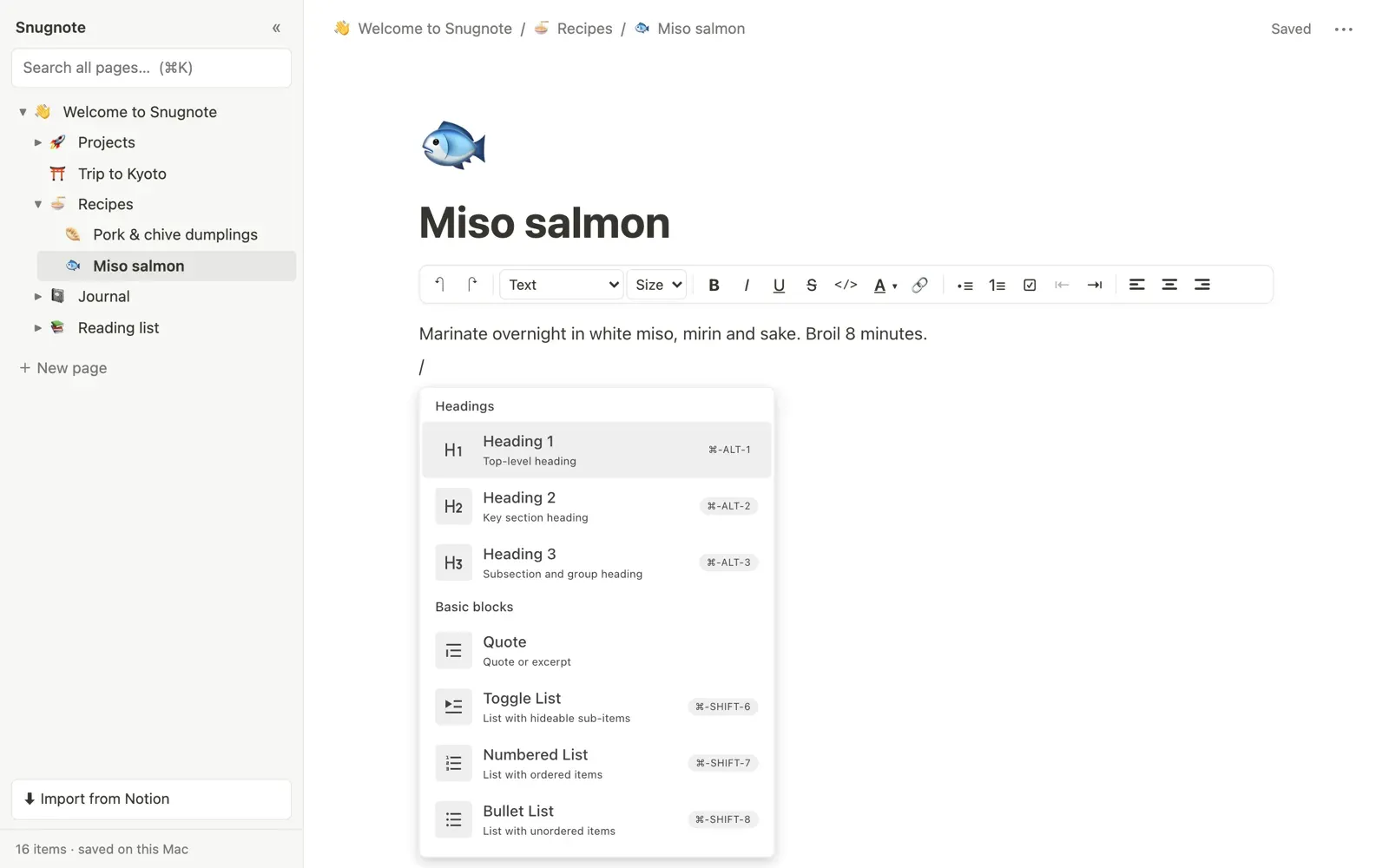
Image: Snugnote
What works the same as Notion
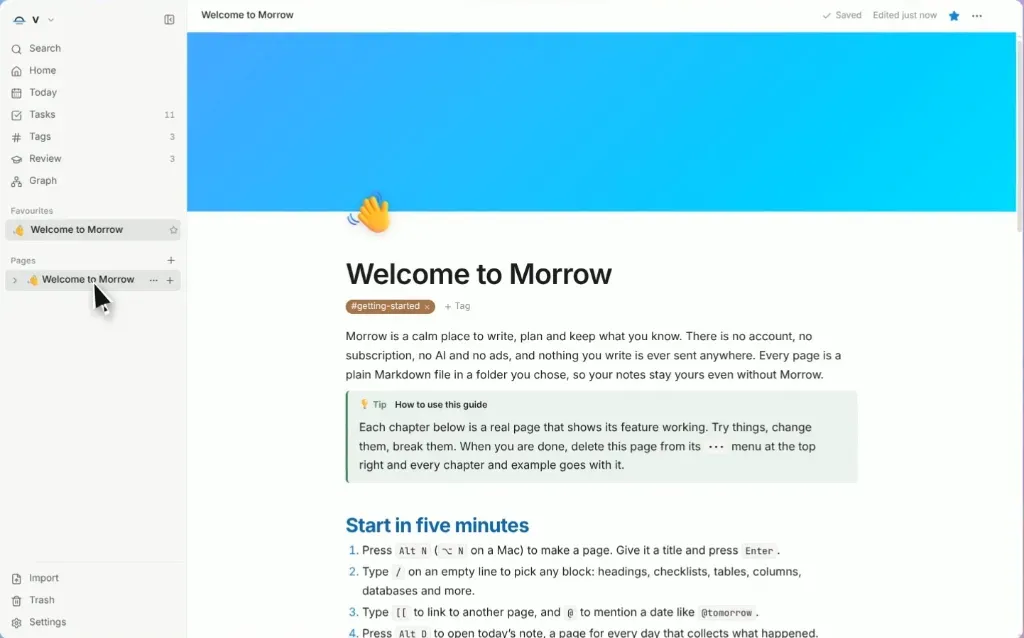
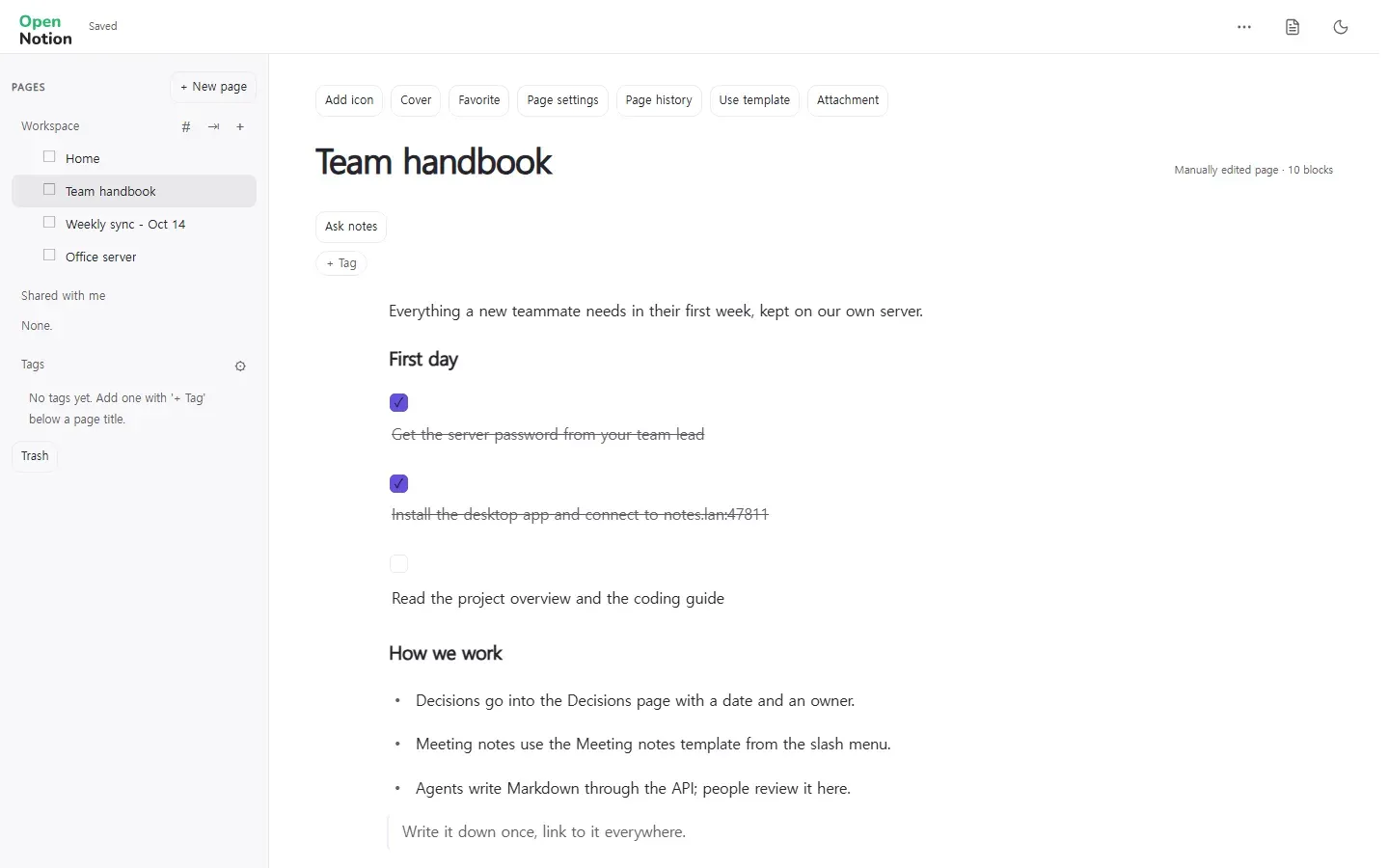
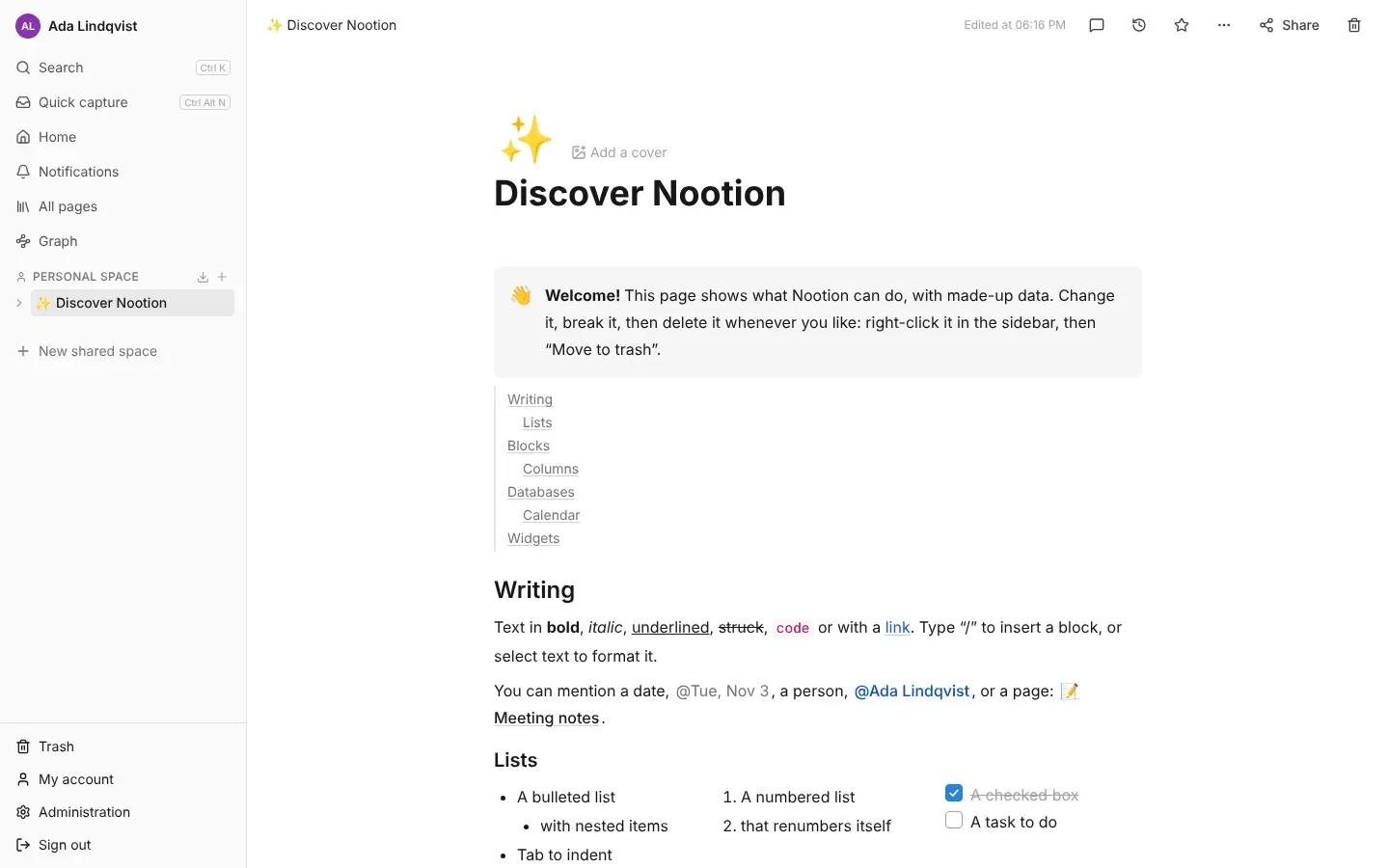
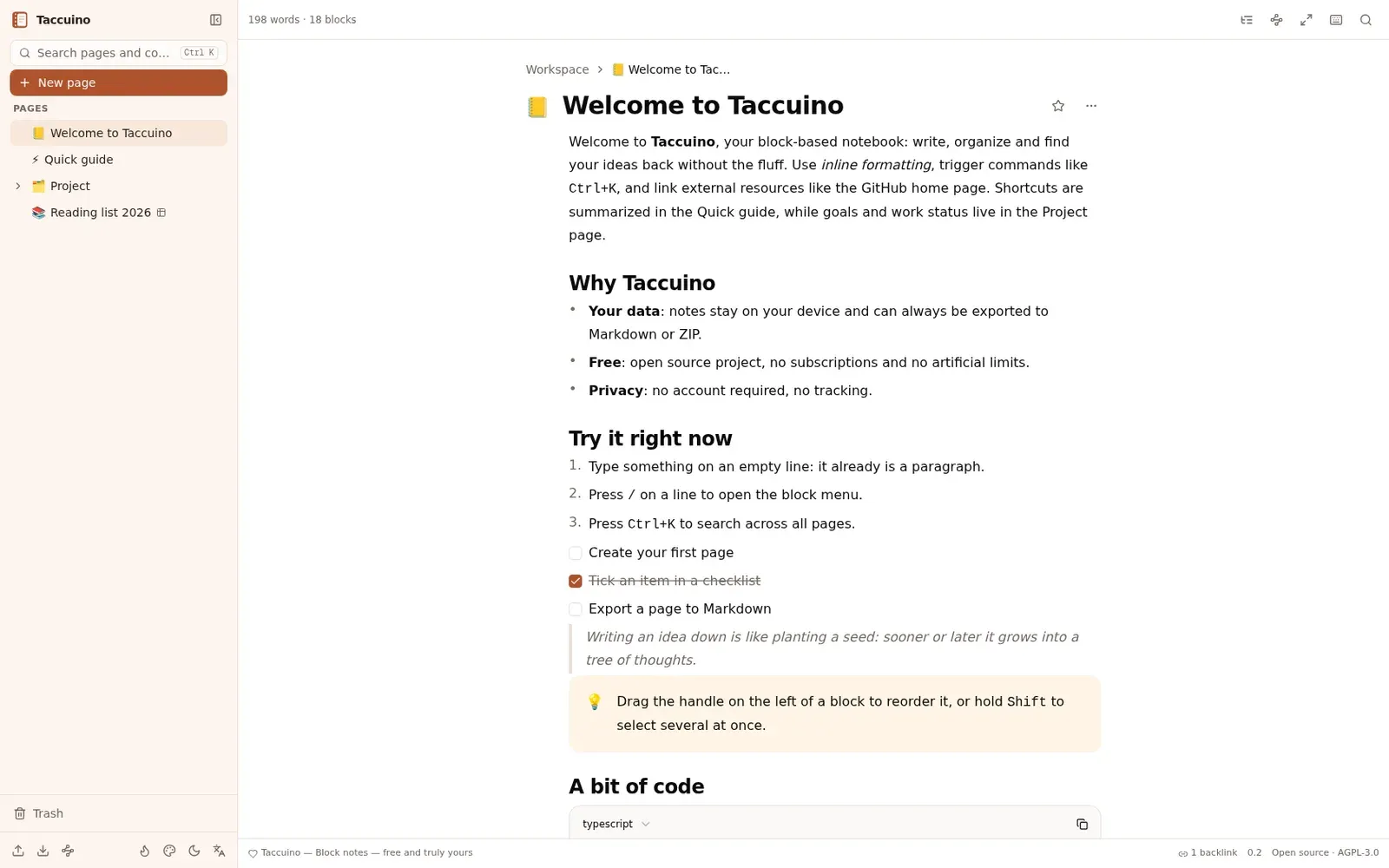
- A page editor with a "/" menu, headings, lists, to-do boxes, toggles, quotes, callouts, code and tables.
- Nested pages in a sidebar tree, with breadcrumbs and emoji icons.
- Imported databases show as tables you can sort and filter.
- Brings your Notion workspace over from its export file or your account.
- Light and dark mode, and search across every page.
What is missing
- Databases are read-only: you cannot add rows or change columns yet.
- It is for one person on one device, with no real-time sync.
- It is tested on macOS only; other systems should work but are not confirmed.
- It is not an app you install: you run it from its code, with Python.
How to get started
- There is no installer. Install Python 3.8 or newer (it comes with macOS) and download the project.
- Open a terminal in the project folder and run its start command. On a Mac you can double-click the launcher file instead.
- Open http://localhost:8765 in your browser. A welcome page and a few example pages are waiting.
- To bring your notes over, click "Import from Notion" in the sidebar and drop in your export file.
Compatible files
Notion projects Not tested yet