Morrow
Clone of Notion
Free local workspace that works like Notion: page tree, slash commands, callouts, covers and databases, saved as Markdown files on your computer.
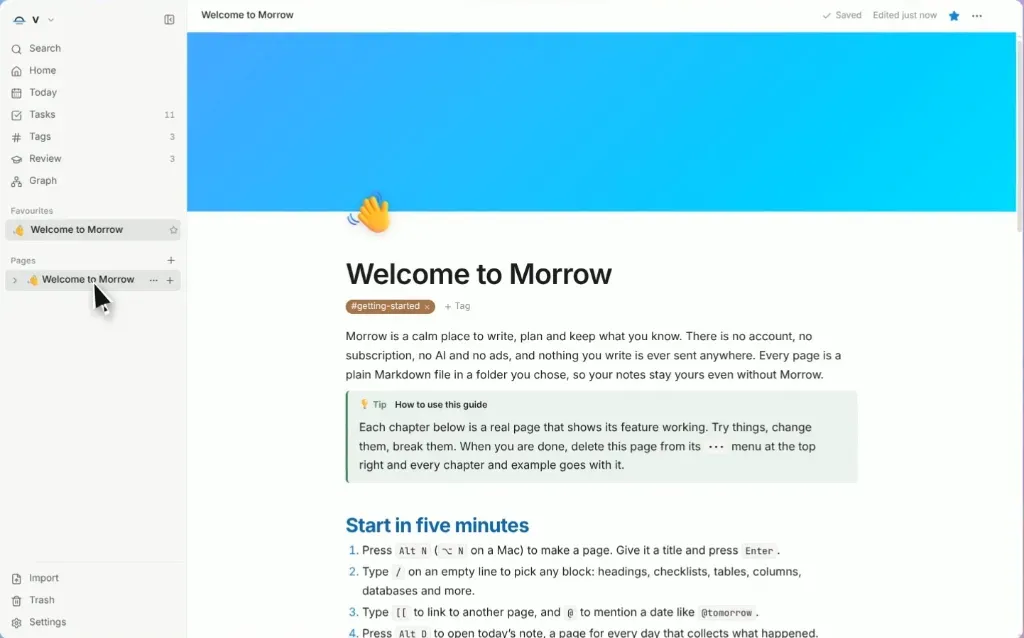
Image: Morrow
What works the same as Notion
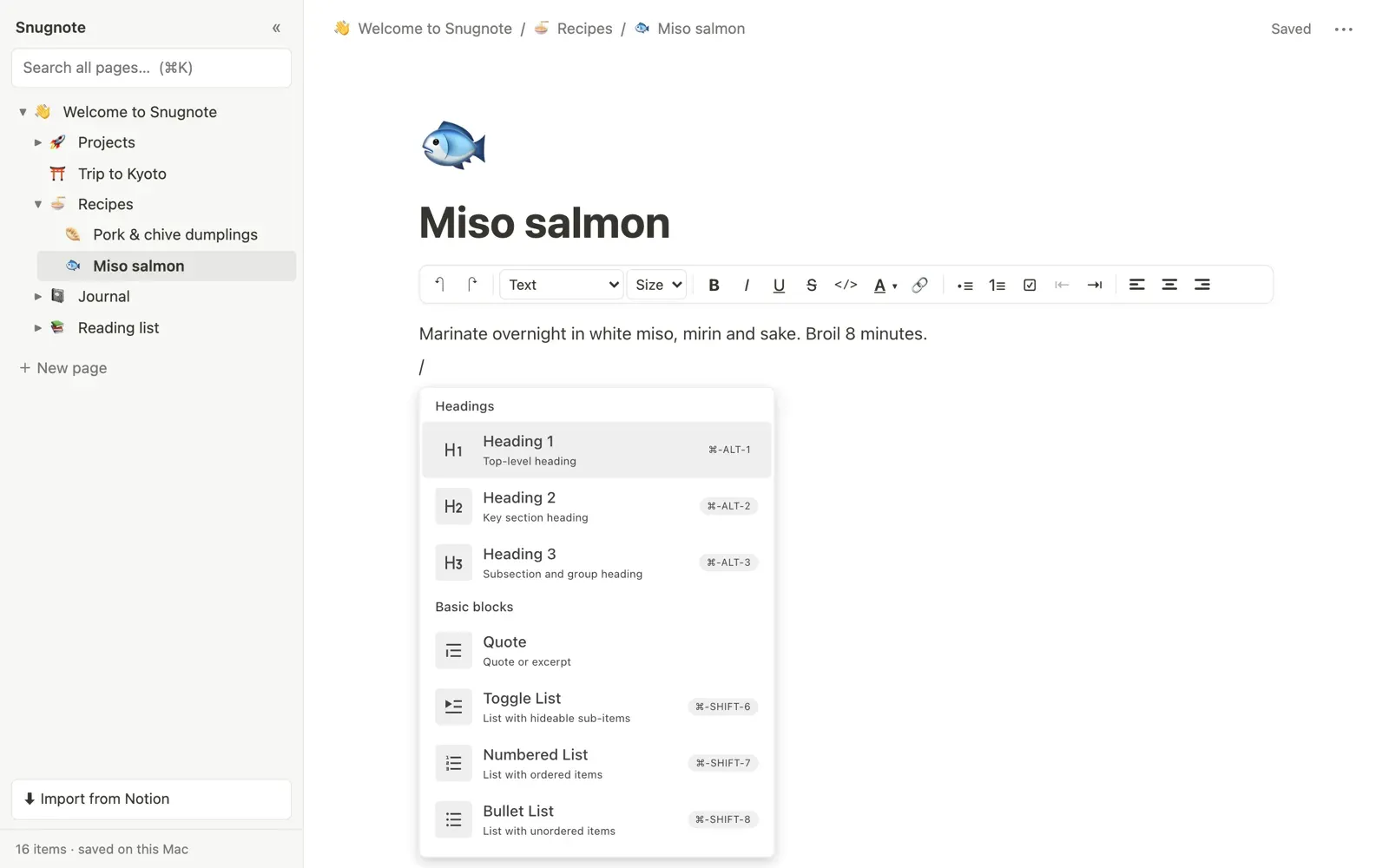
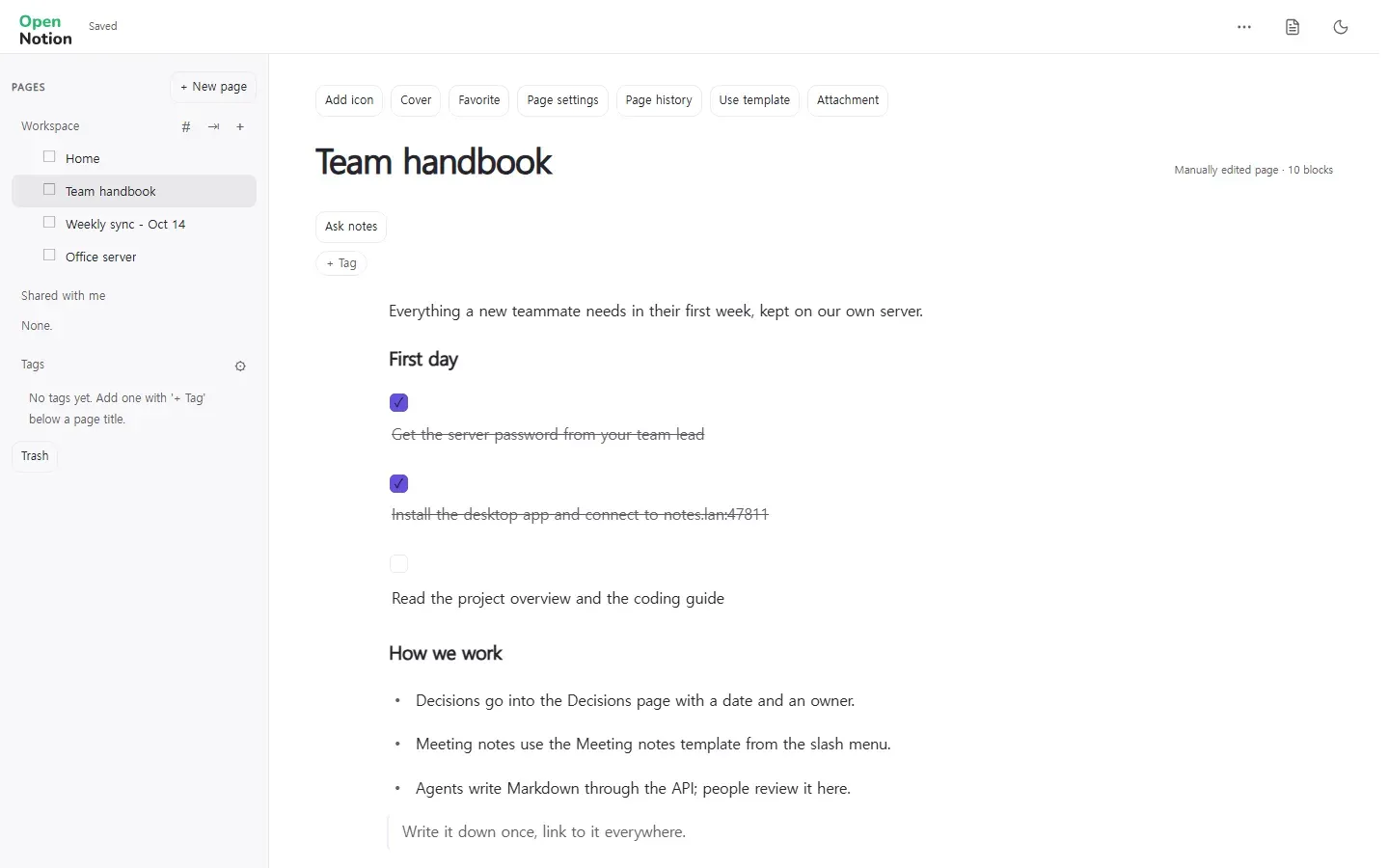
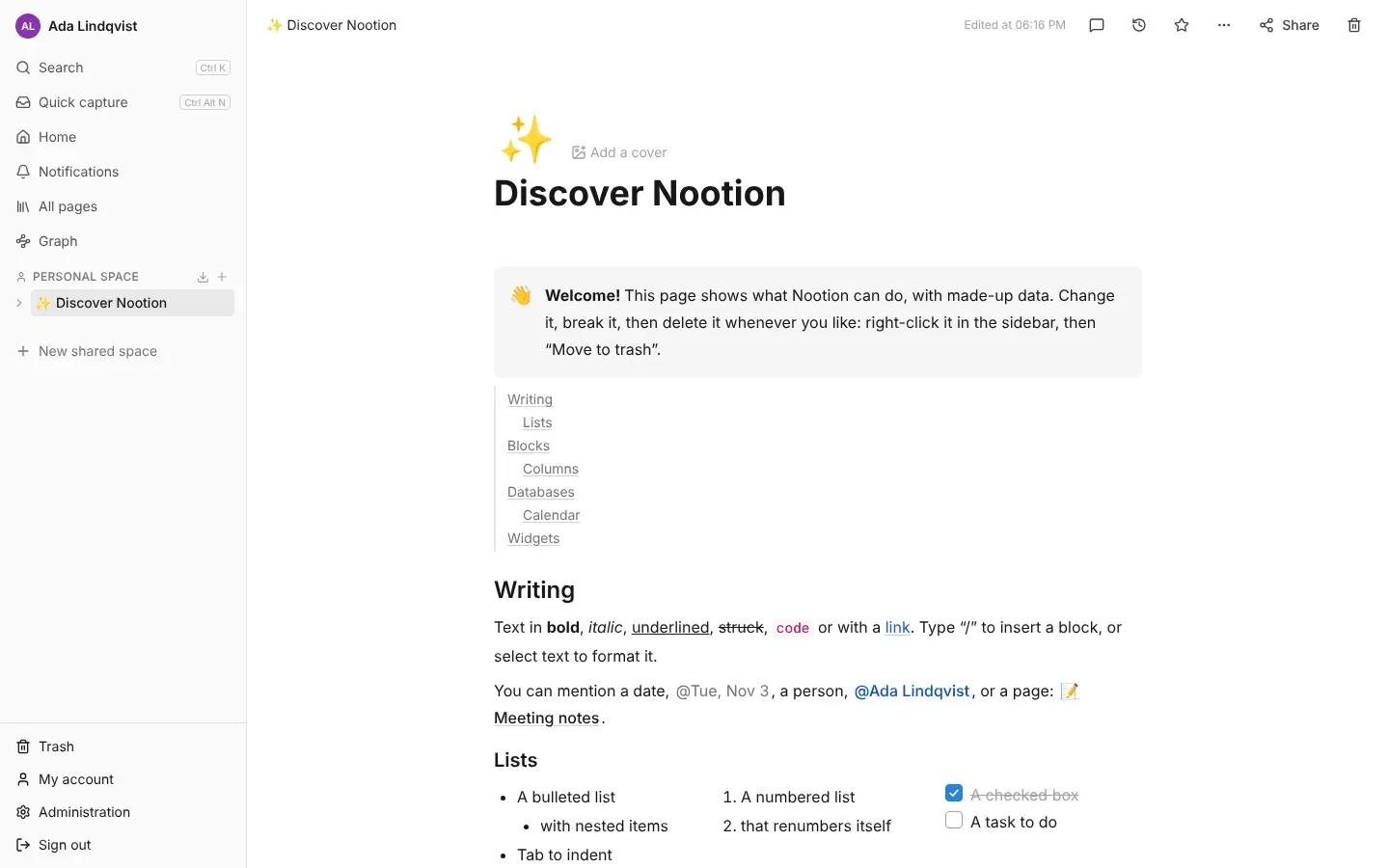
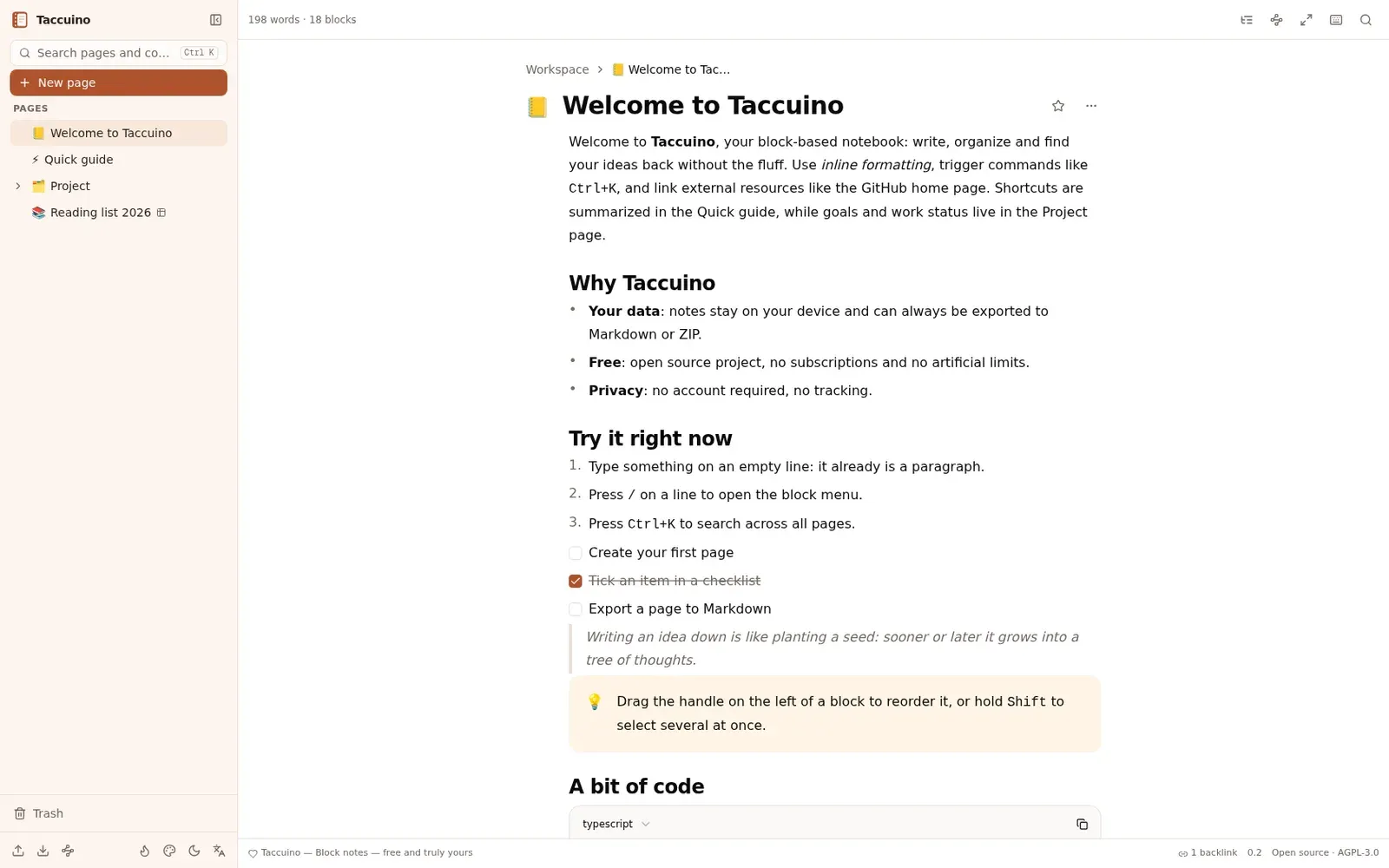
- The Notion layout: sidebar tree with pages, favourites, custom icons, page covers, breadcrumbs and trash.
- A block-based rich editor with headings, checklists, callouts with folding, toggles, tables, columns and media embeds.
- Databases with table, board, calendar, list and gallery views, custom properties, filters, sorting and grouping.
- Date mentions with @, page links with [[, backlinks, tags, and one-step import of Notion exports.
- Notes stored as local Markdown files in a folder you choose, with no account, cloud sync or subscription required.
What is missing
- No cloud service, accounts or real-time team collaboration: all notes stay on your local computer.
- It has no AI of its own: an optional assistant works only with your own API key.
How to get started
- Click Download and choose the installer for your computer: Windows (exe), macOS (dmg) or Linux (deb or AppImage).
- Open Morrow and choose a folder on your computer to hold your notes.
- To bring over your Notion workspace, export from Notion as Markdown & CSV and click Import in Morrow sidebar.
Compatible files
Notion projects Not tested yet