ReaCut
Clone of CapCut
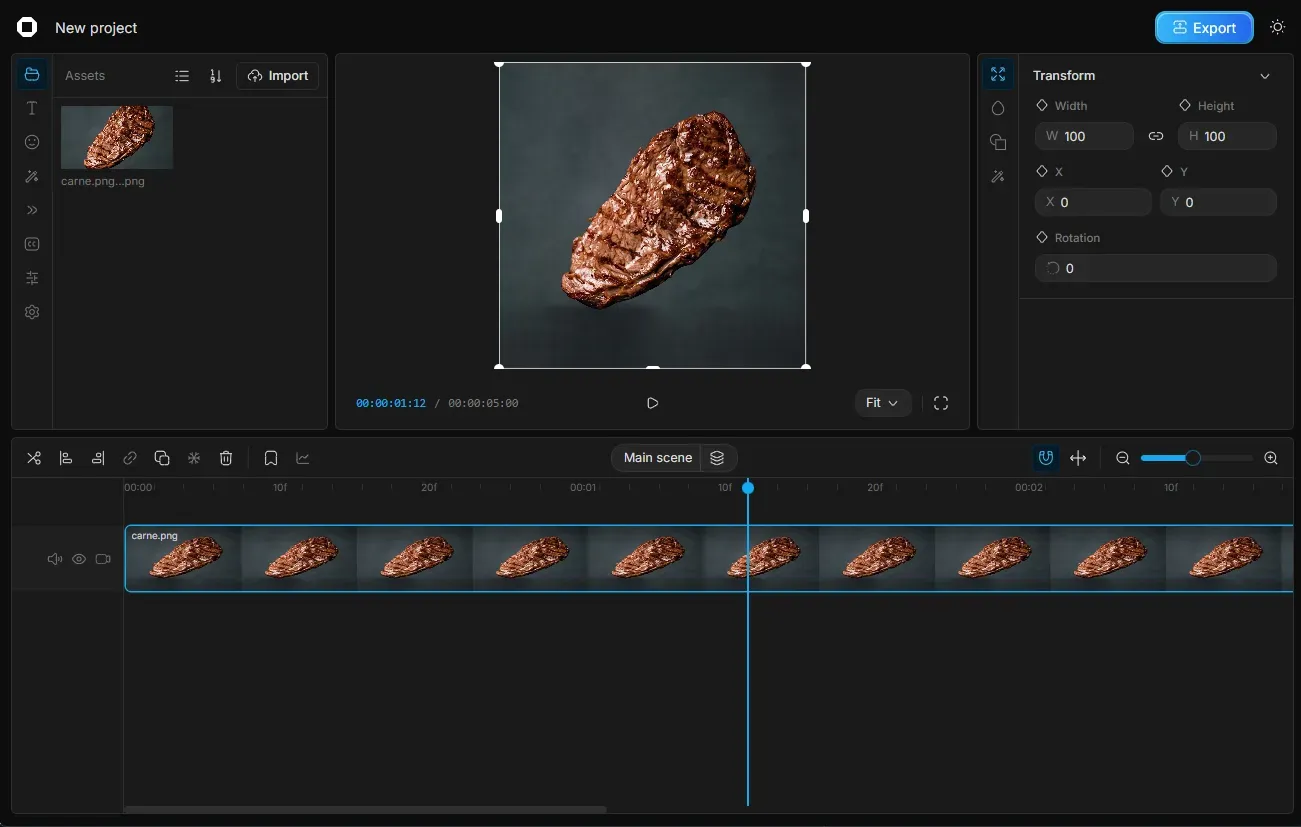
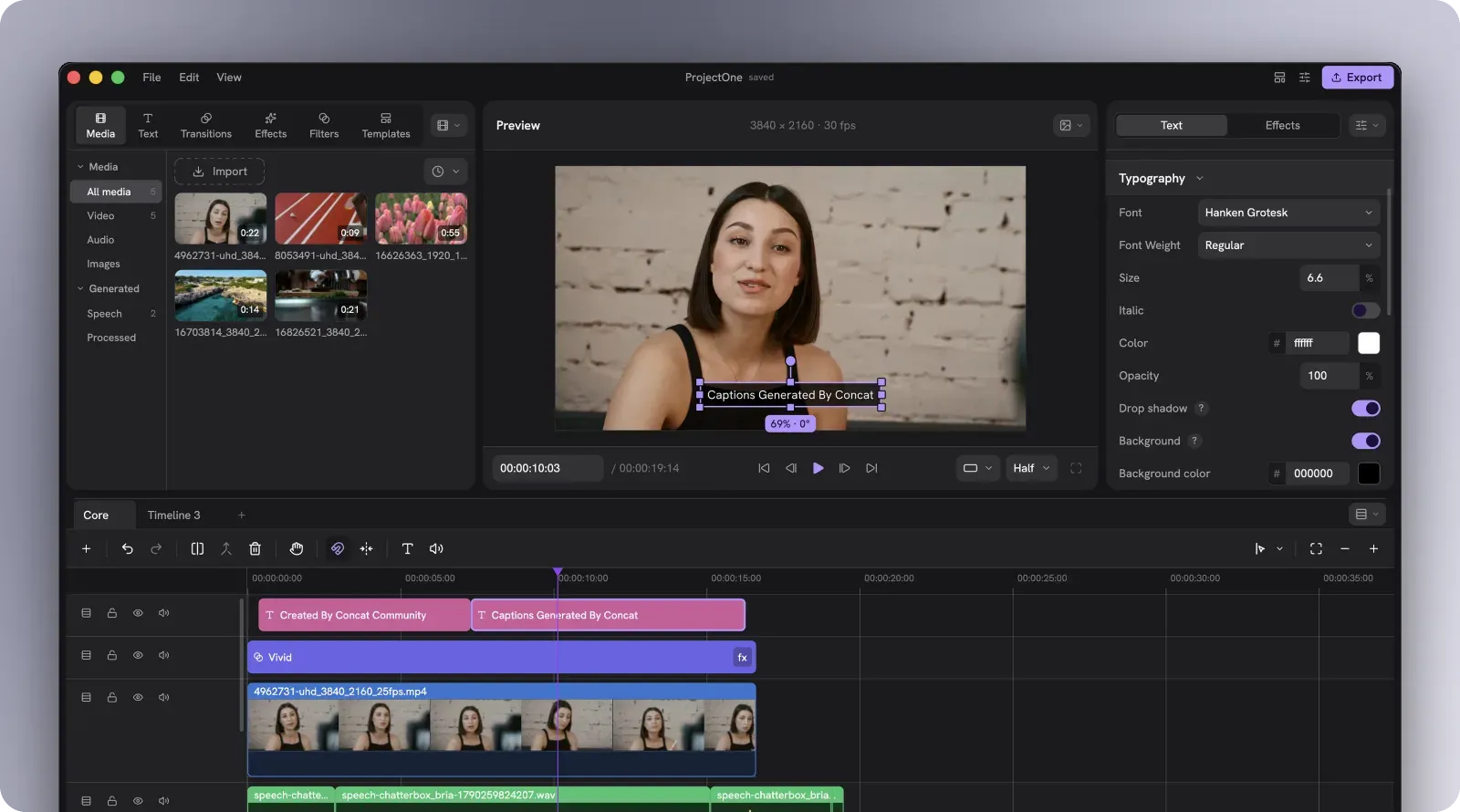
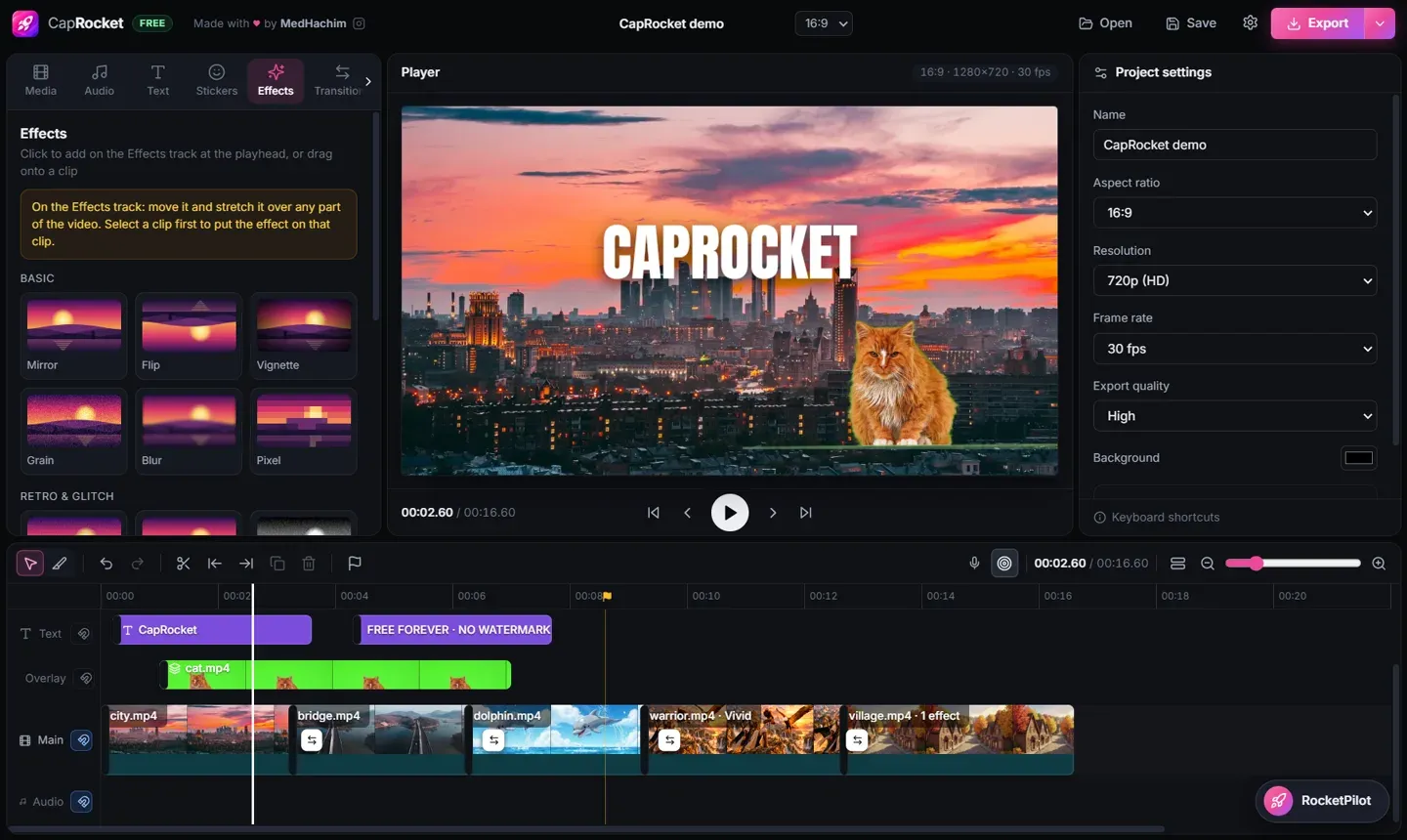
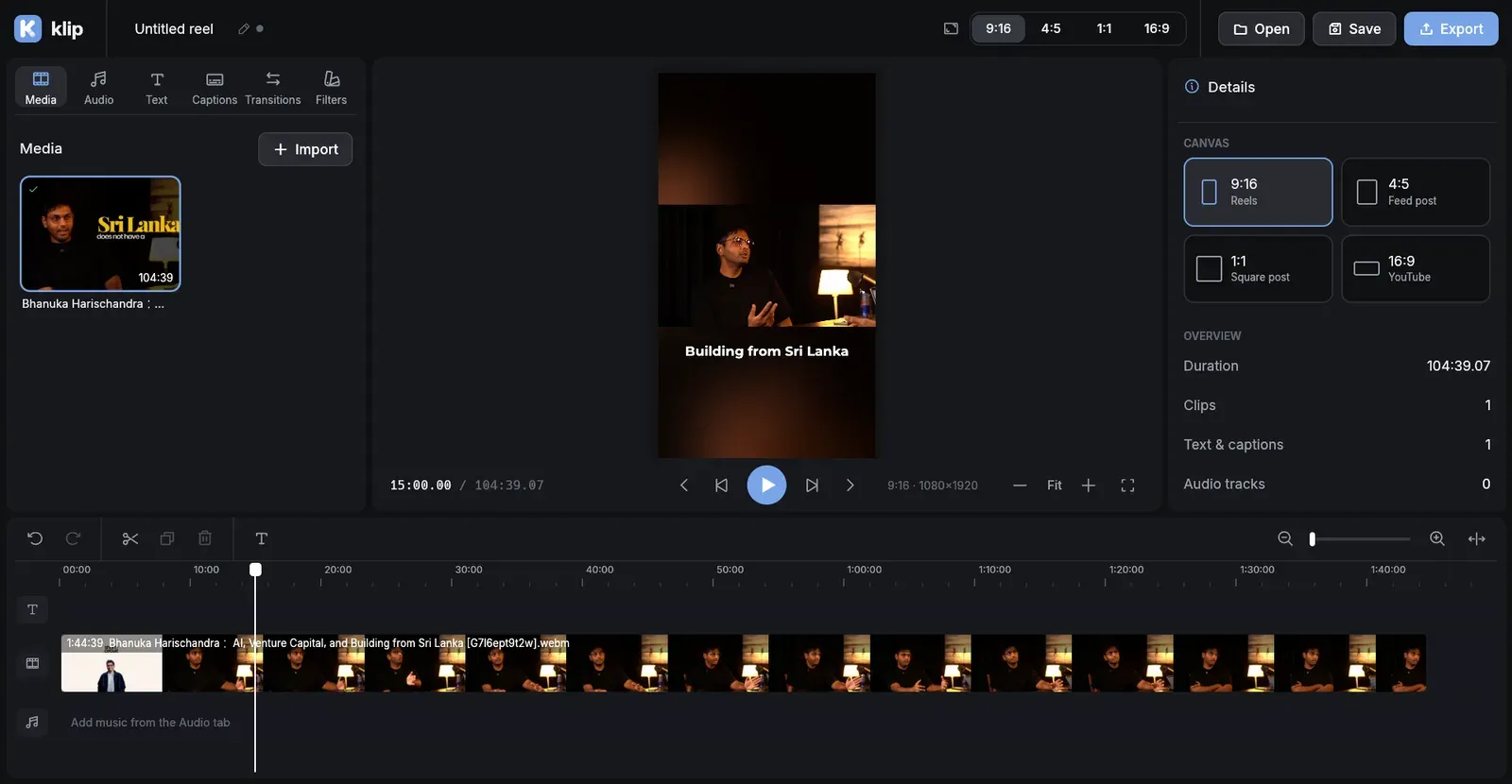
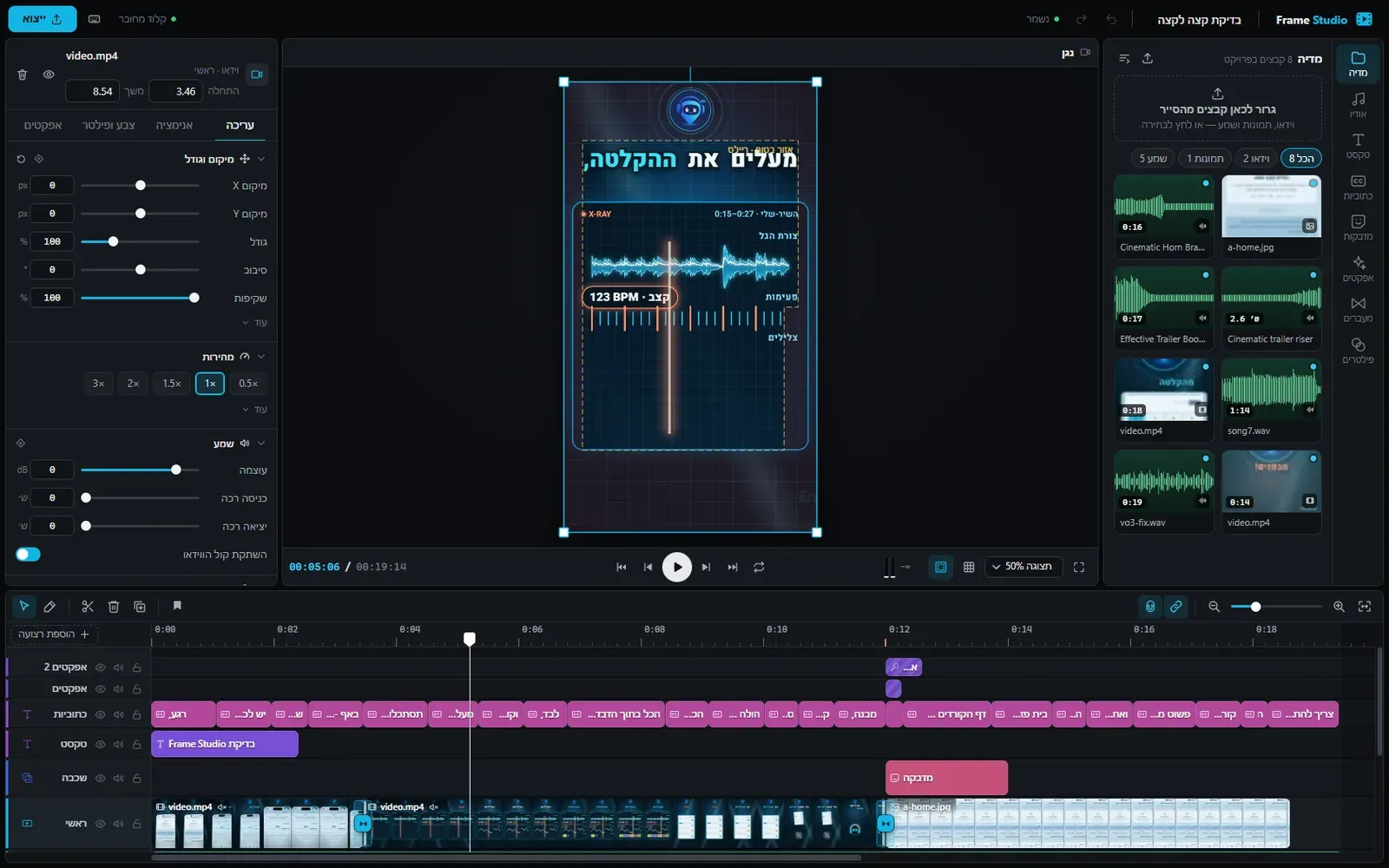
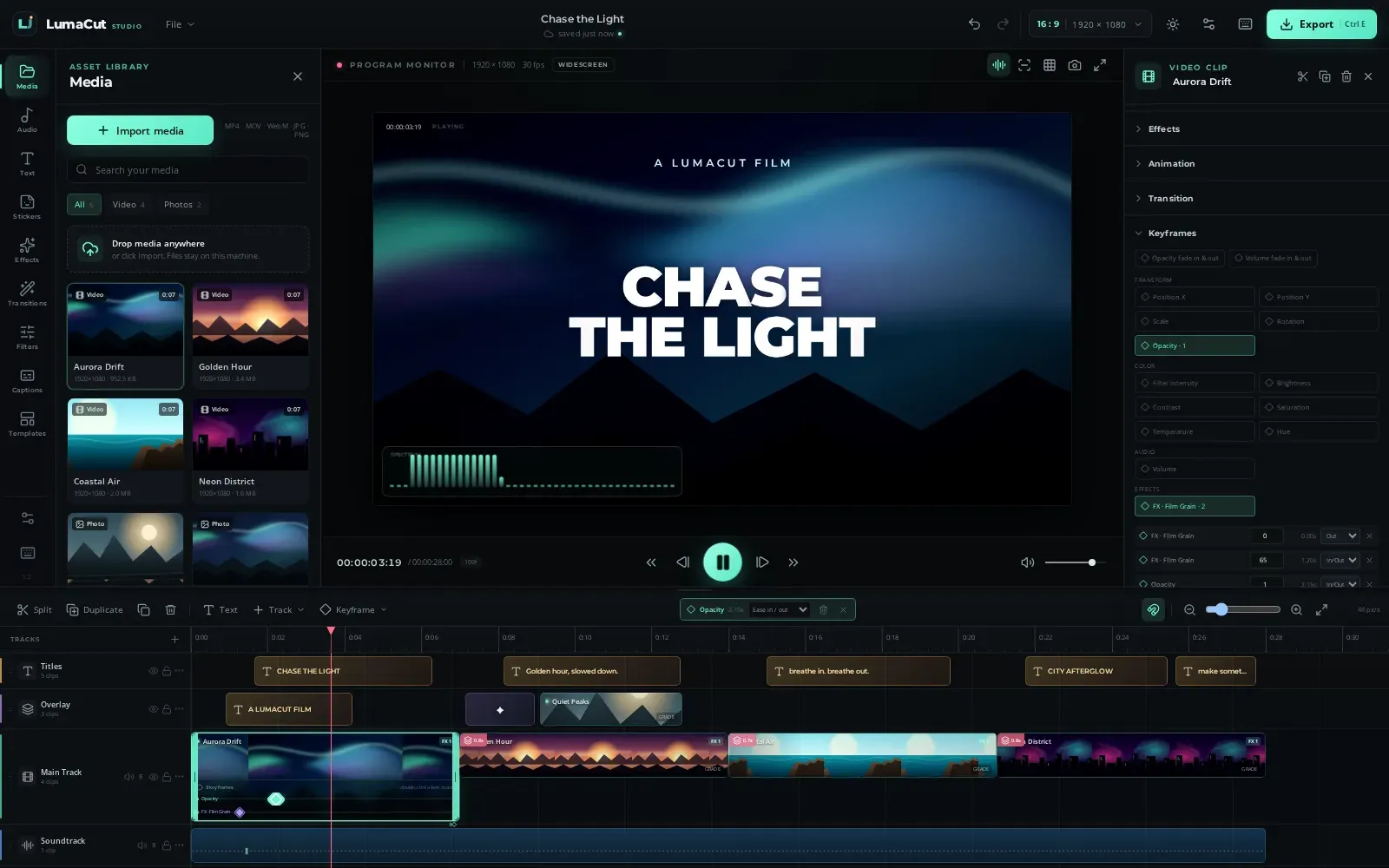
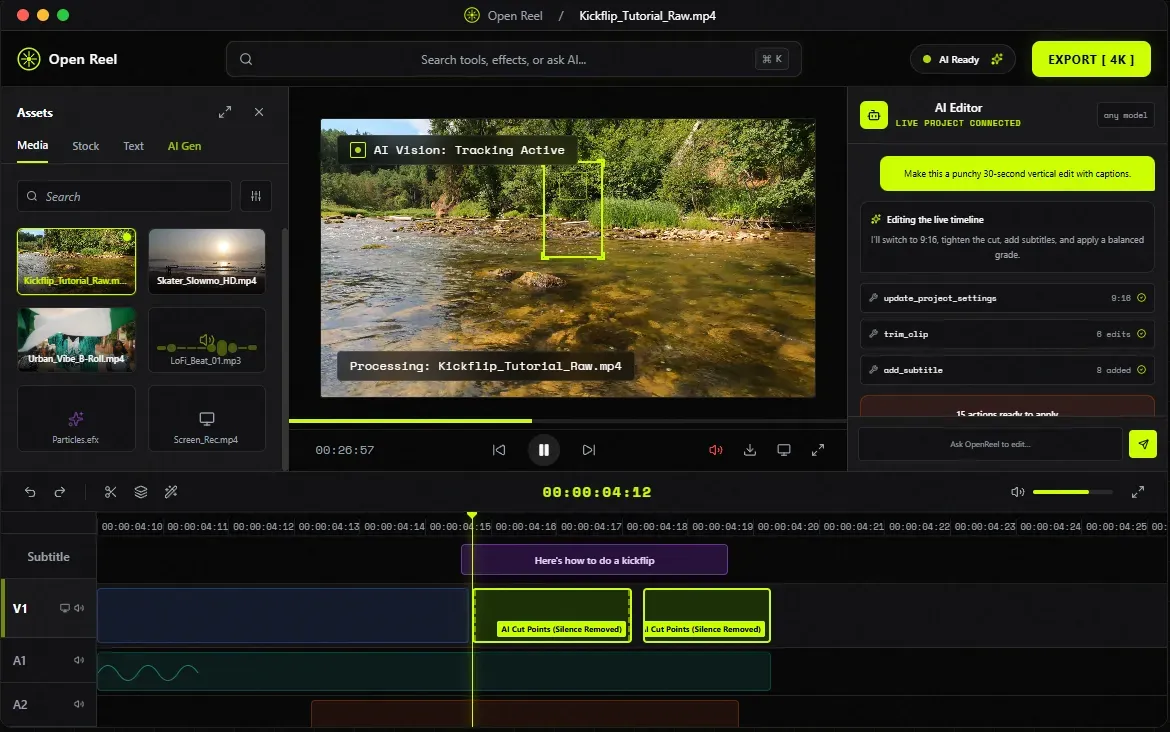
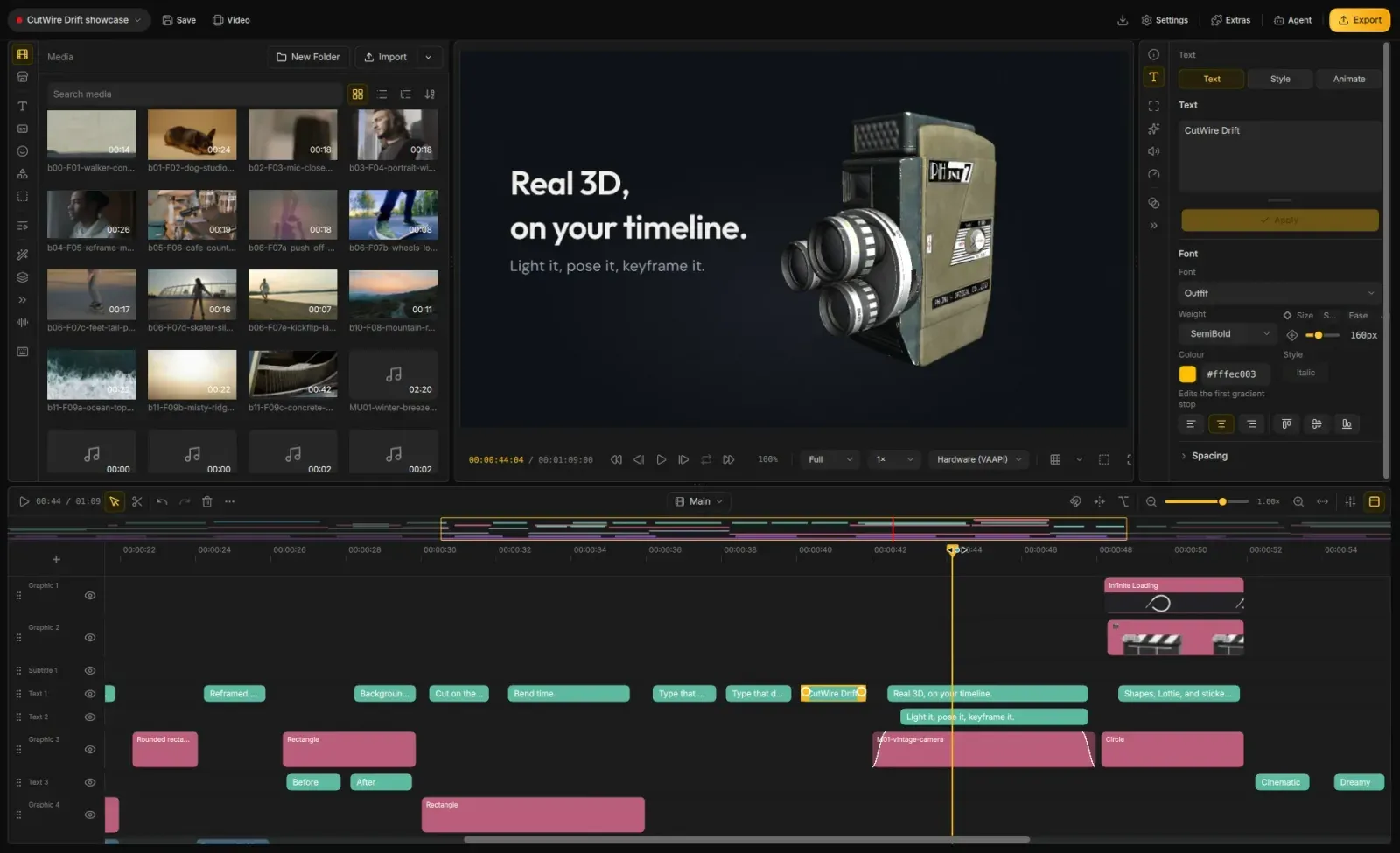
Free video editor for Mac rebuilt after CapCut, with its familiar layout: media, player, inspector and multitrack timeline.
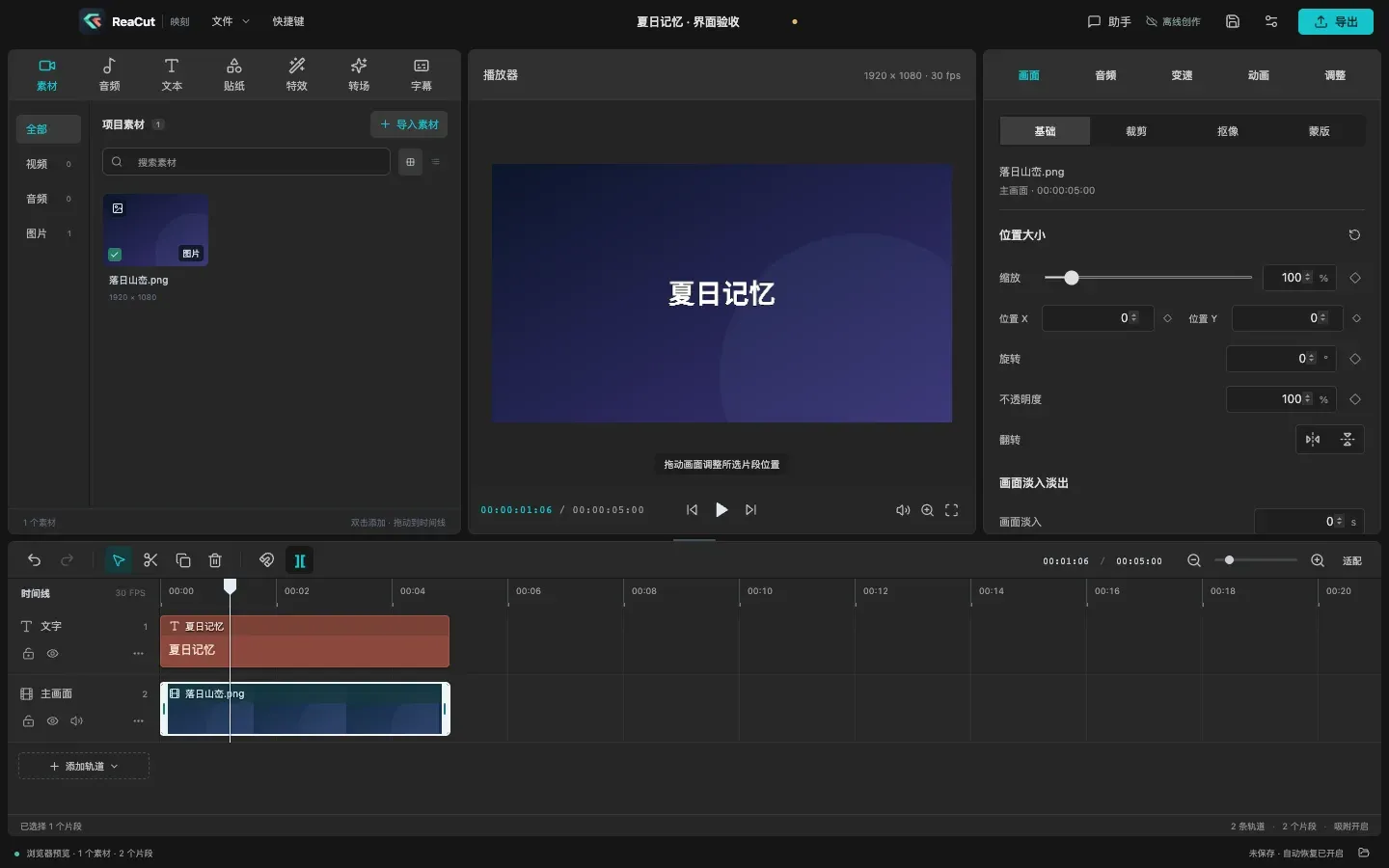
Image: ReaCut
What works the same as CapCut
- CapCut's layout: media library, player, inspector and a multitrack timeline.
- Trim, split, snap, keyframes, masks, chroma key and speed changes.
- Text templates, color and motion presets, and transitions.
- Subtitles: import SRT files, edit each line and export them again.
- Everything runs on your computer, with no account.
What is missing
- Opening CapCut projects is experimental: only basic clips come through.
- Automatic captions need extra Python and model setup, and AI cutouts aren't available yet.
- Only for Macs with Apple Silicon; Windows and Linux still need testing.
How to get started
- Click Download. It opens the project's releases page.
- Download the DMG file, open it and drag ReaCut into Applications.
- It isn't notarized by Apple, so the first time your Mac may ask before opening it.
Compatible files
CapCut projects Not tested yet