CapRocket
Clone of CapCut
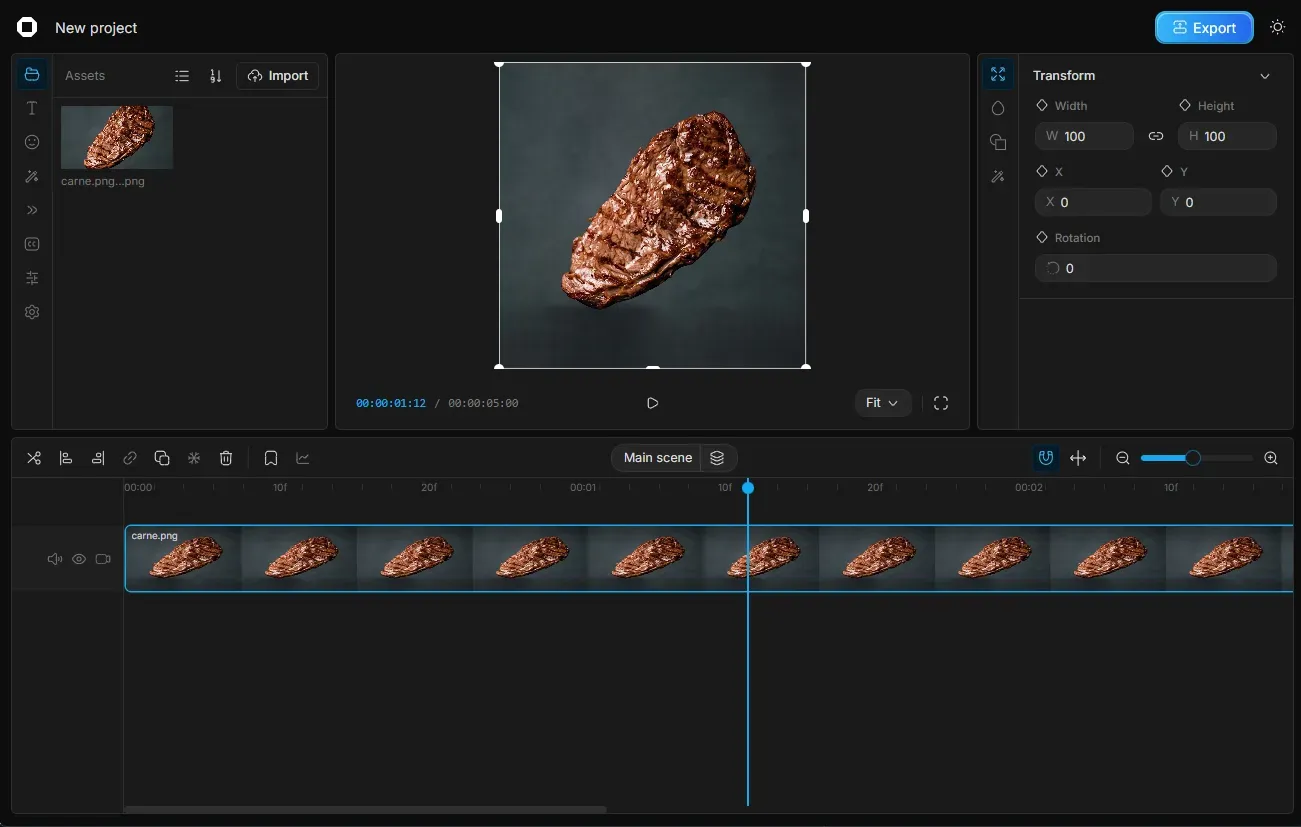
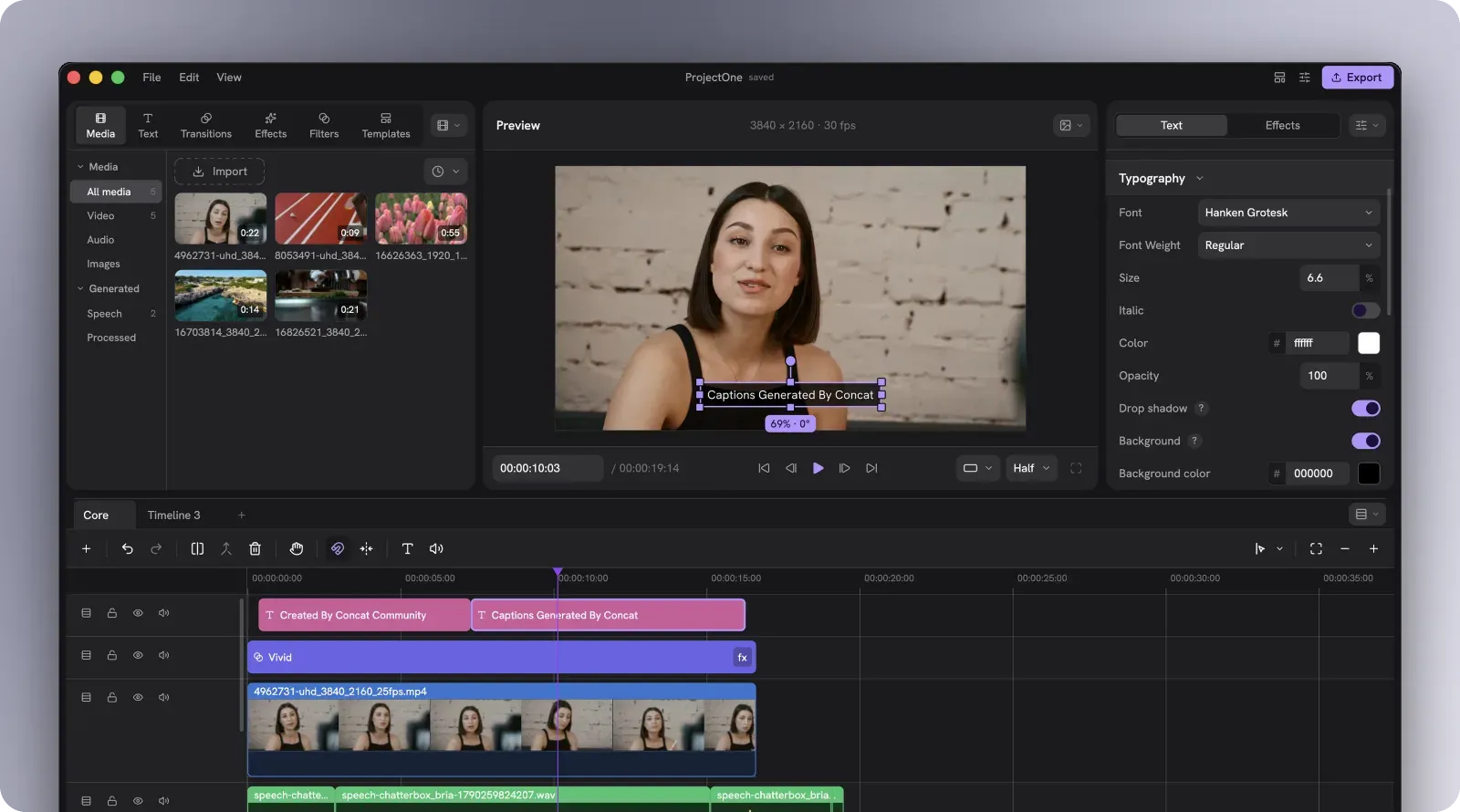
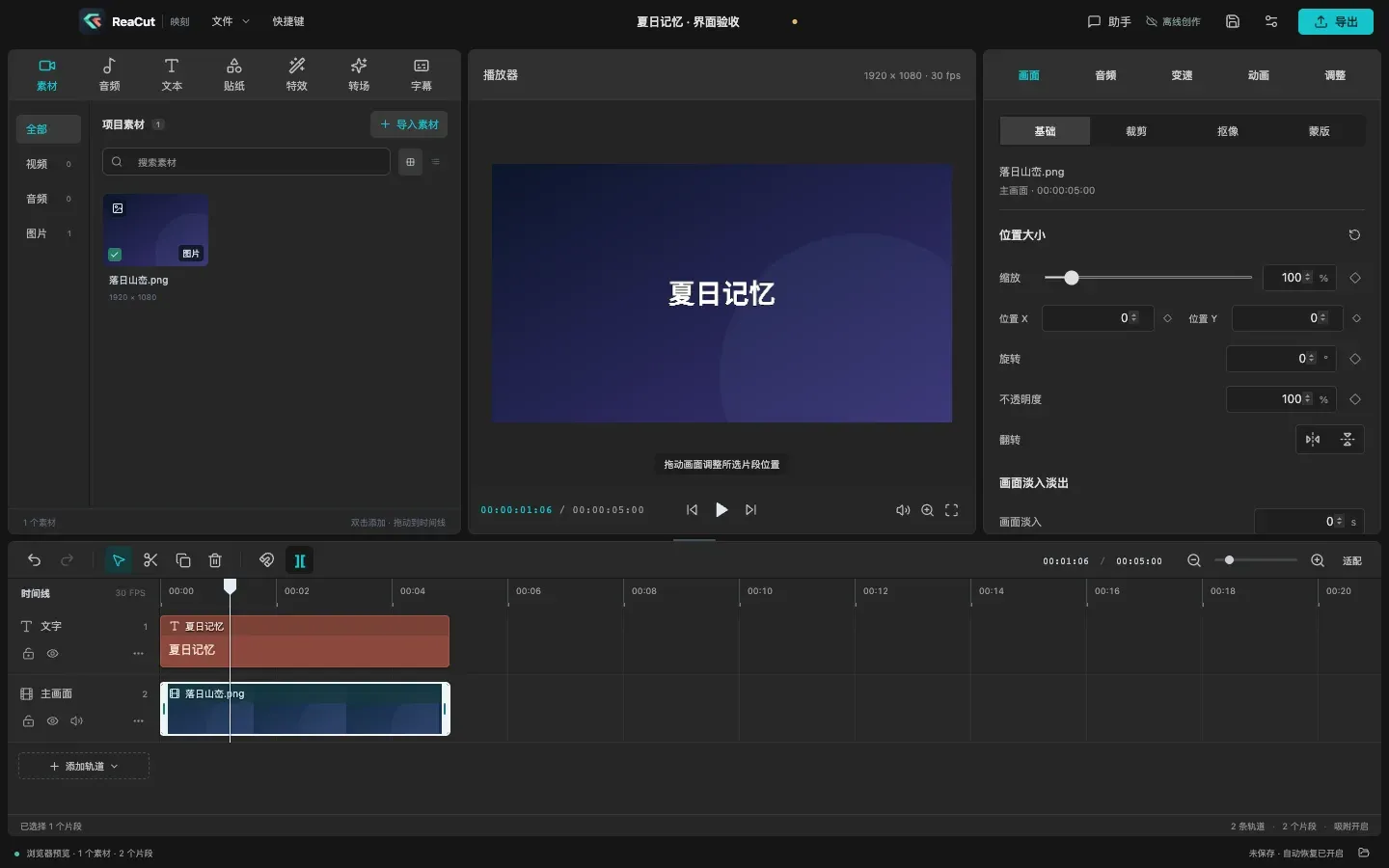
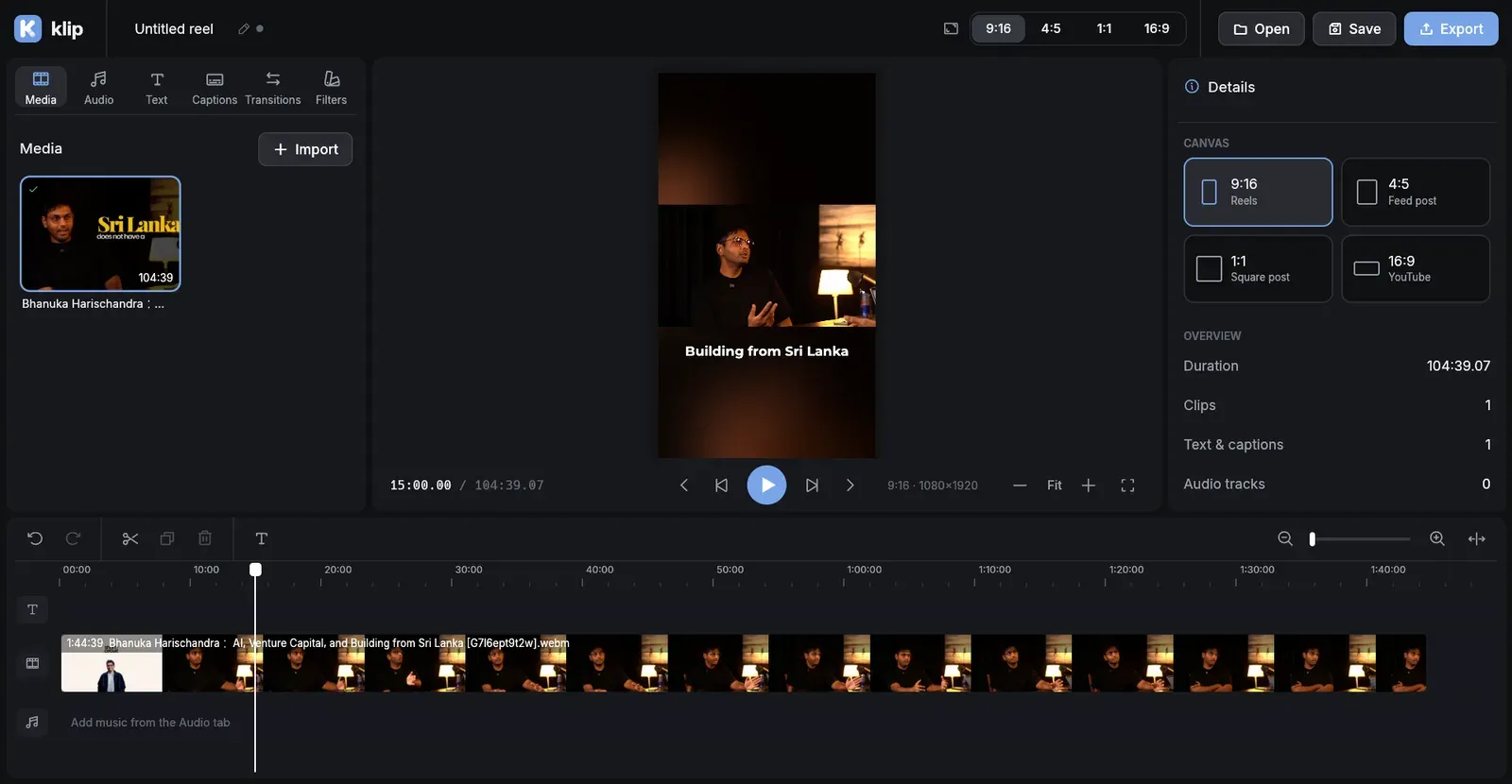
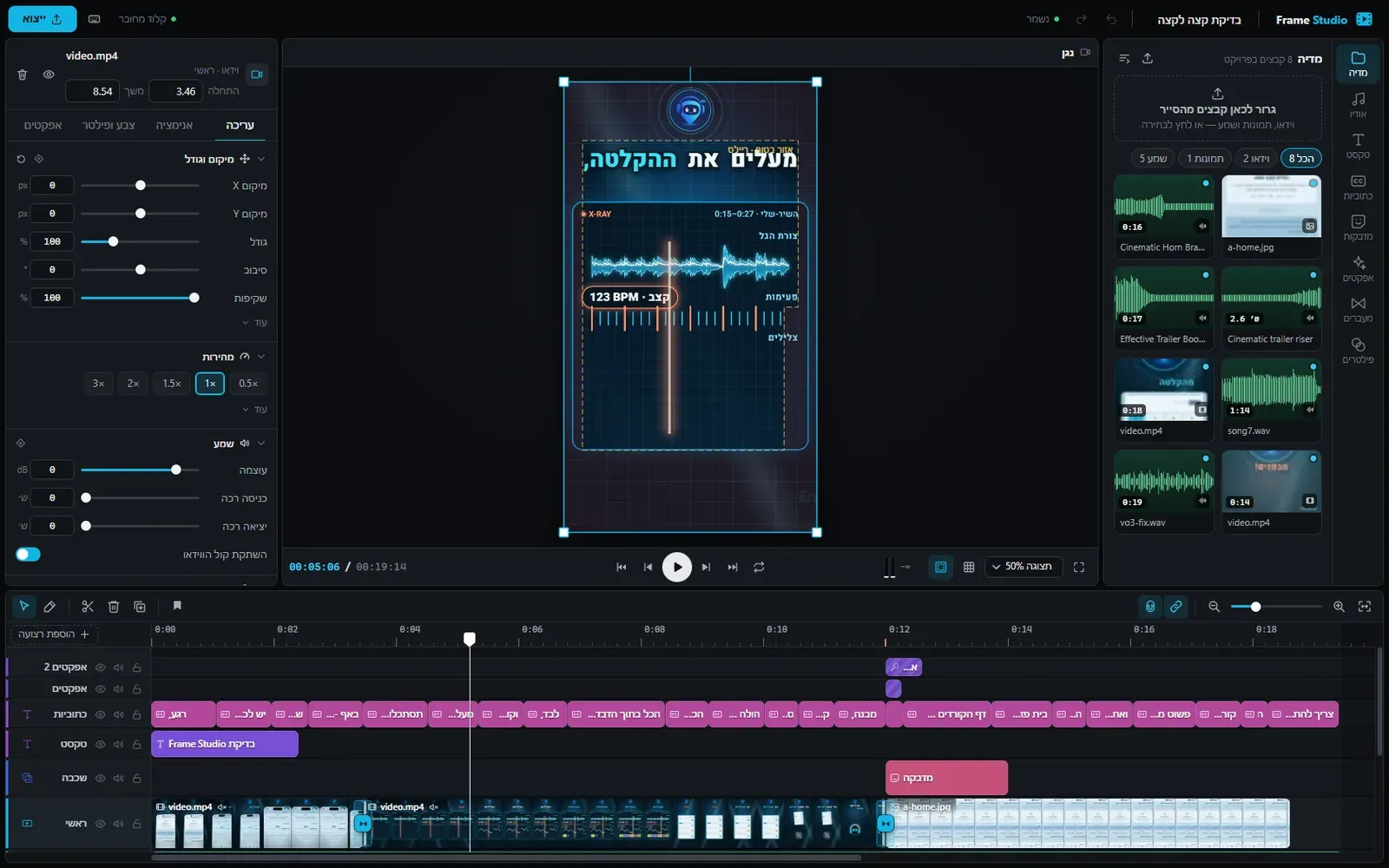
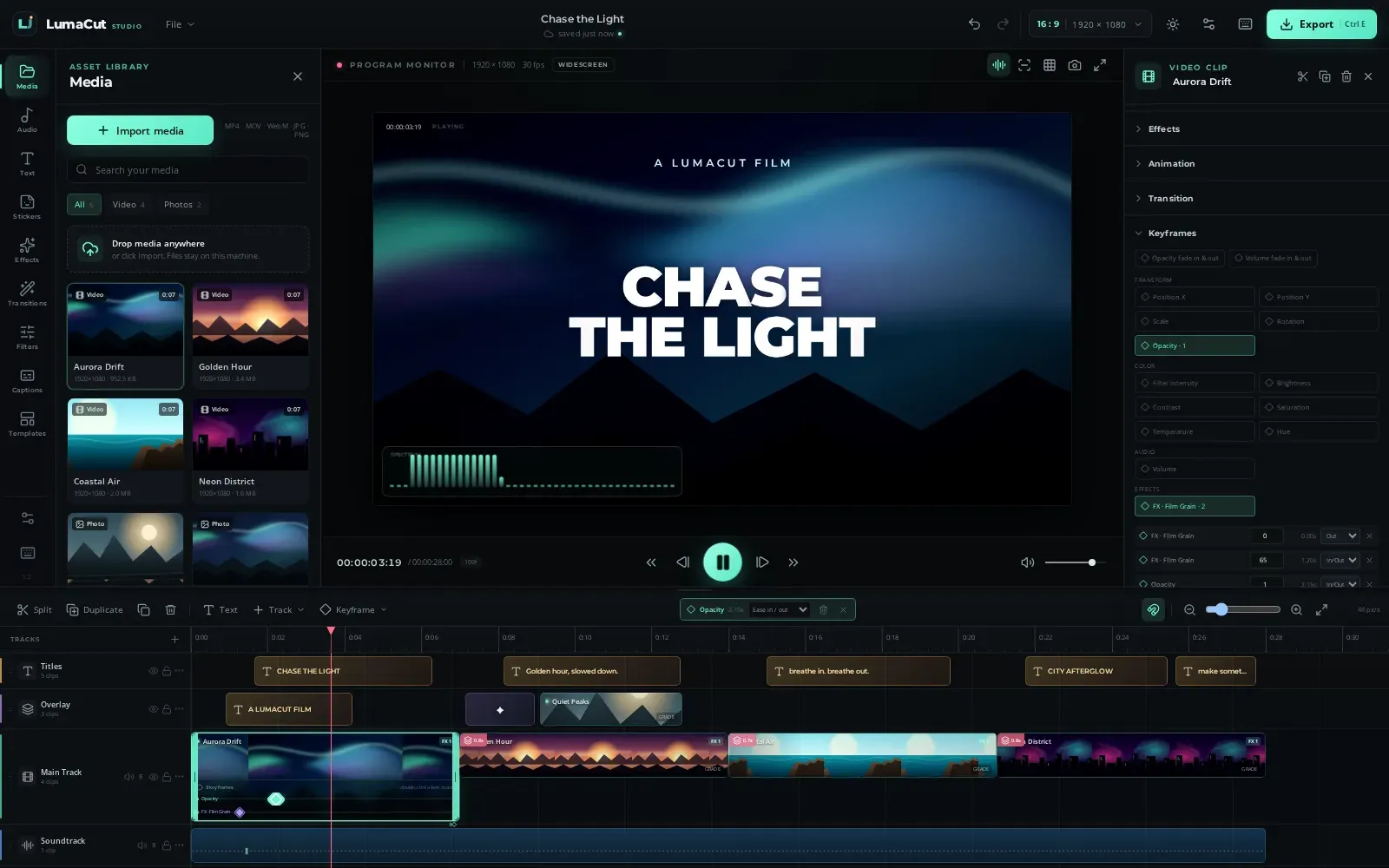
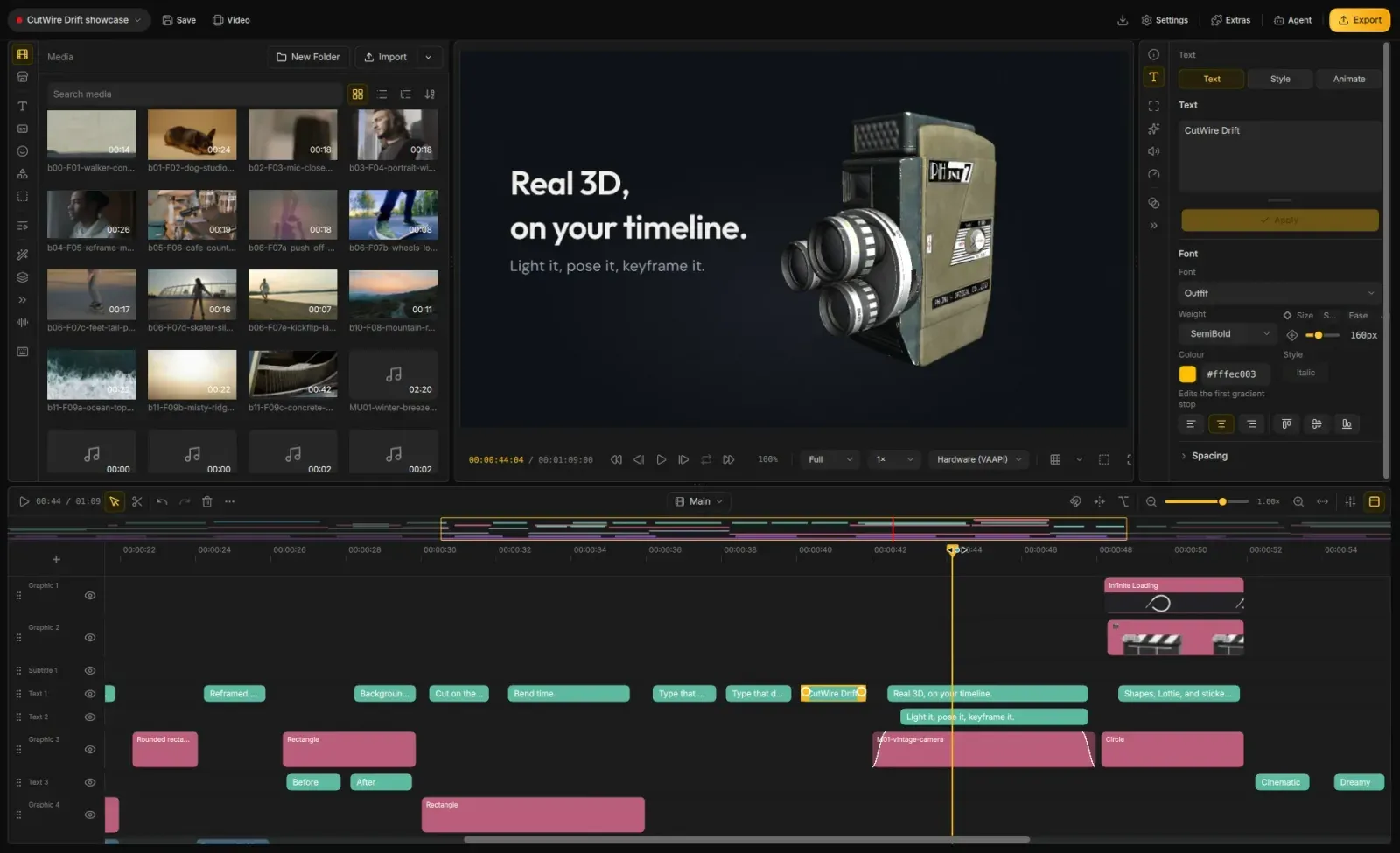
Free video editor for Windows in the style of CapCut: media library, player, inspector and multitrack timeline, with offline captions and no watermark.
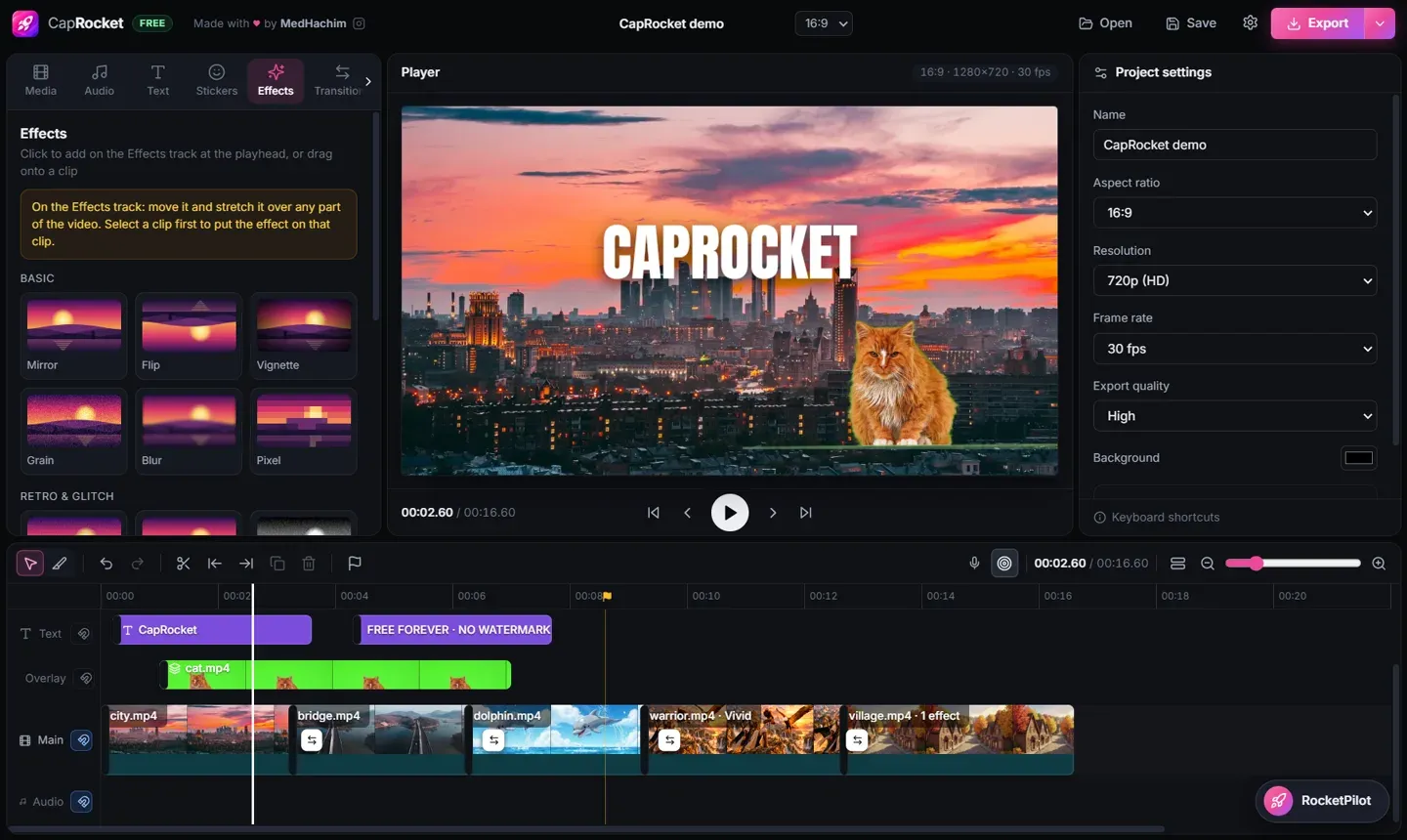
Image: CapRocket
What works the same as CapCut
- CapCut's layout: a library with tabs on top, the player, an inspector and a timeline.
- A magnetic main track with Overlay, Text, Stickers, Effects and Audio tracks, plus snapping and undo.
- Animated effects and transitions, on a clip or on their own Effects track, with live previews.
- Remove backgrounds with chroma key, use masks and blend modes, and change speed from 0.25× to 4×.
- Automatic captions that run on your computer, with caption templates and a free music library.
What is missing
- It's only for Windows.
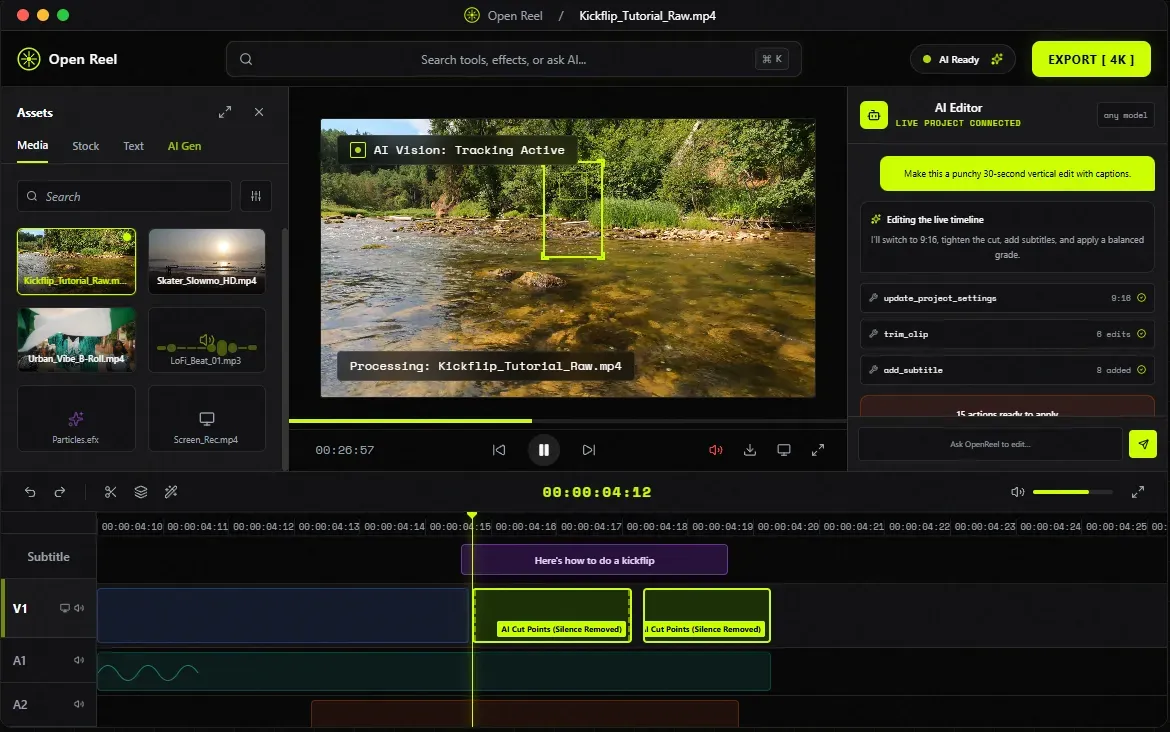
- The AI assistant works only with Google Gemini for now.
- The installer isn't signed yet, so Windows shows a warning.
How to get started
- Click Download to open the project page, then use its Download button for the Windows installer, which is on Google Drive.
- Run the installer, pick a folder and finish.
- If Windows says it protected your PC, click More info and then Run anyway.
- The first time you use captions or a voice, the app downloads extra parts of about 150 MB and 60 MB.
Compatible files
CapCut projects Not tested yet