Frame Studio
Clone of CapCut
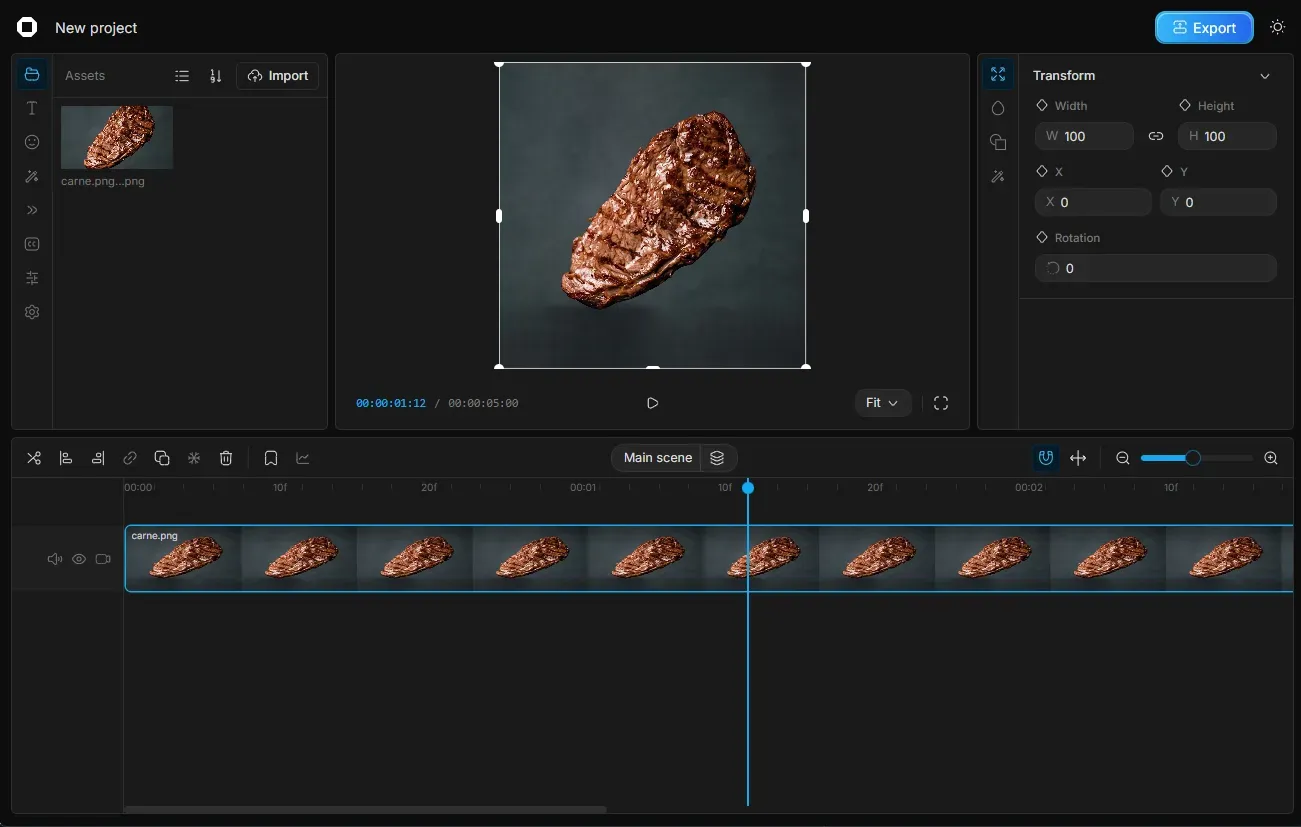
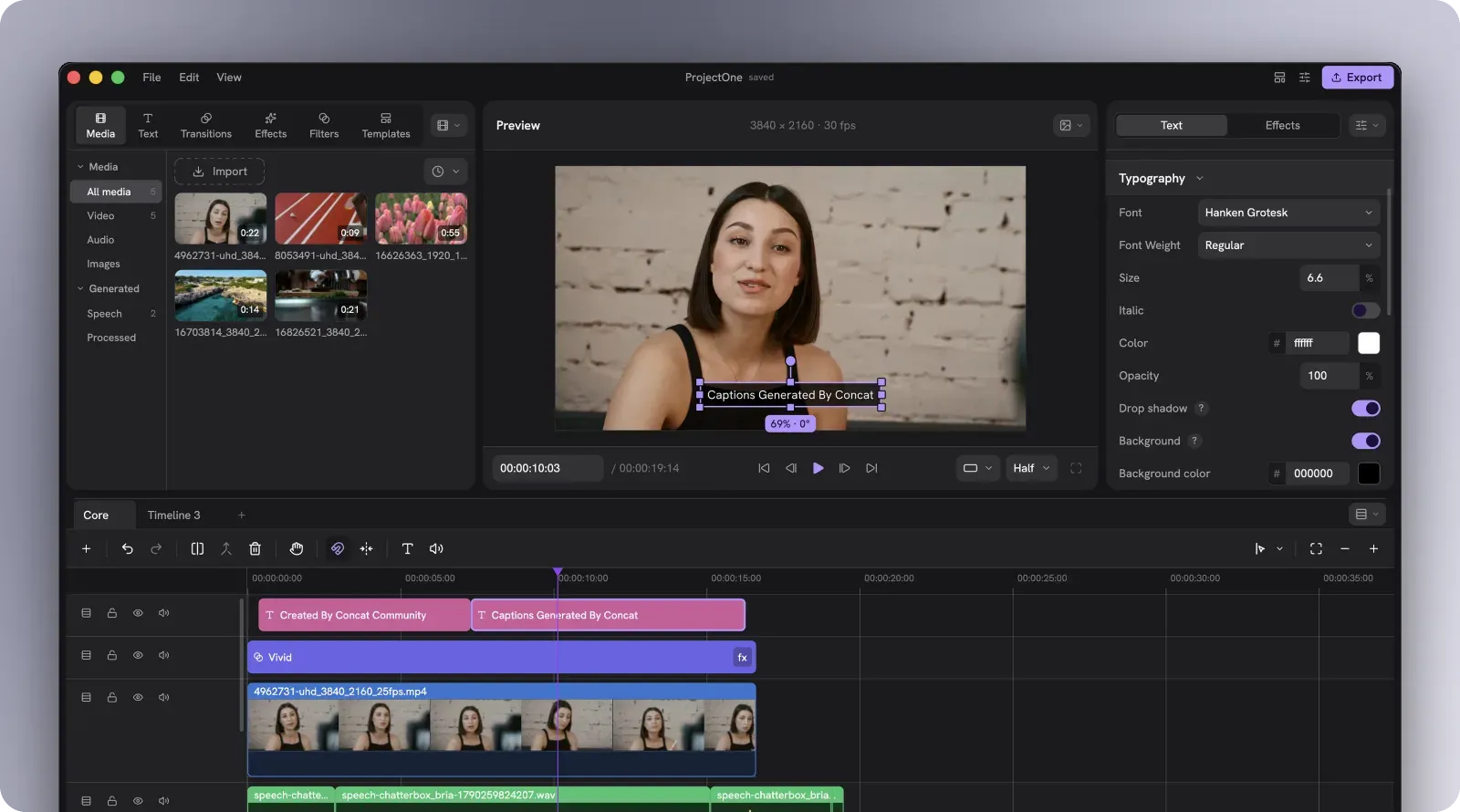
Edits videos like CapCut, fully offline on your computer. Adds captions, transitions and effects for social-video clips.
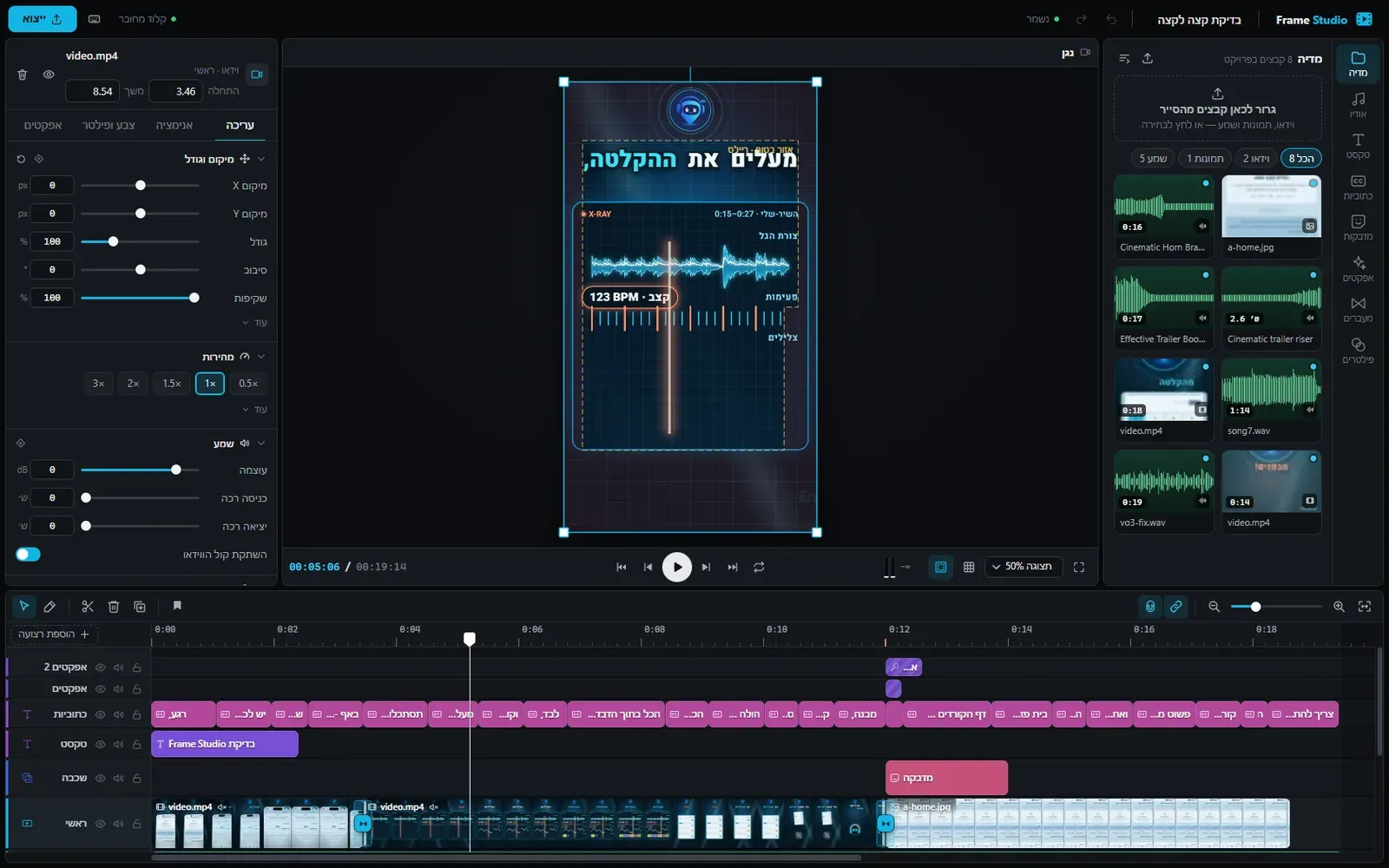
Image: Frame Studio
What works the same as CapCut
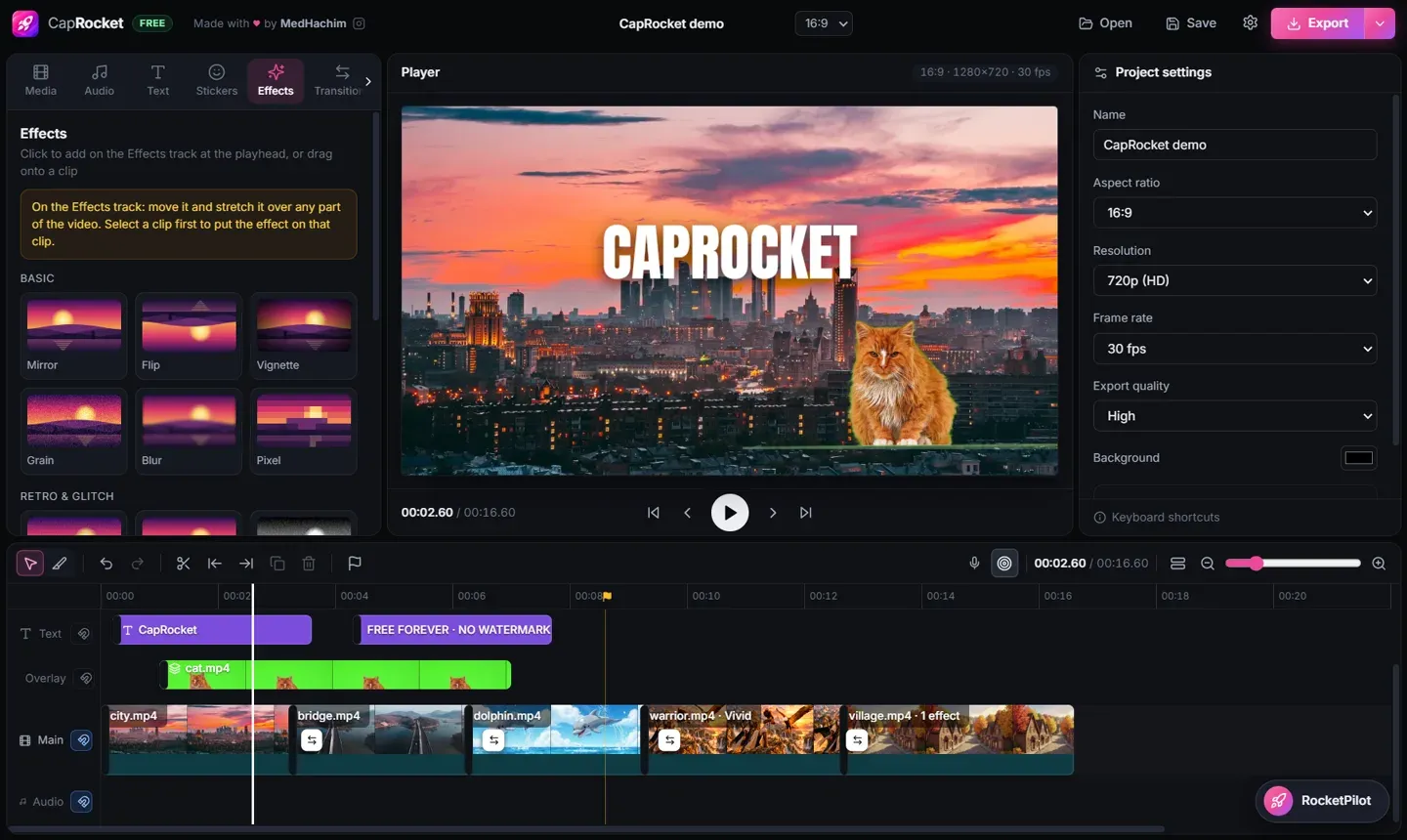
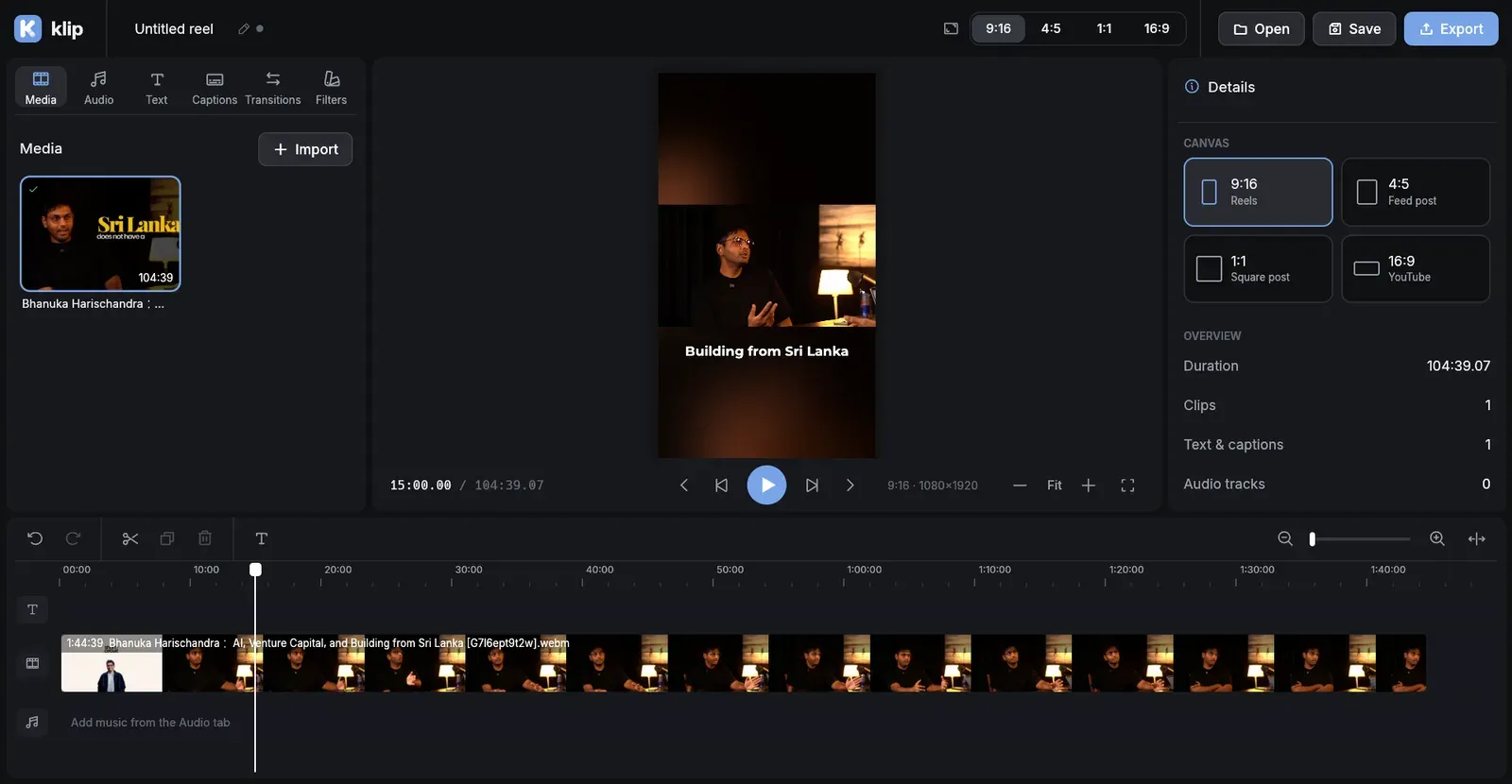
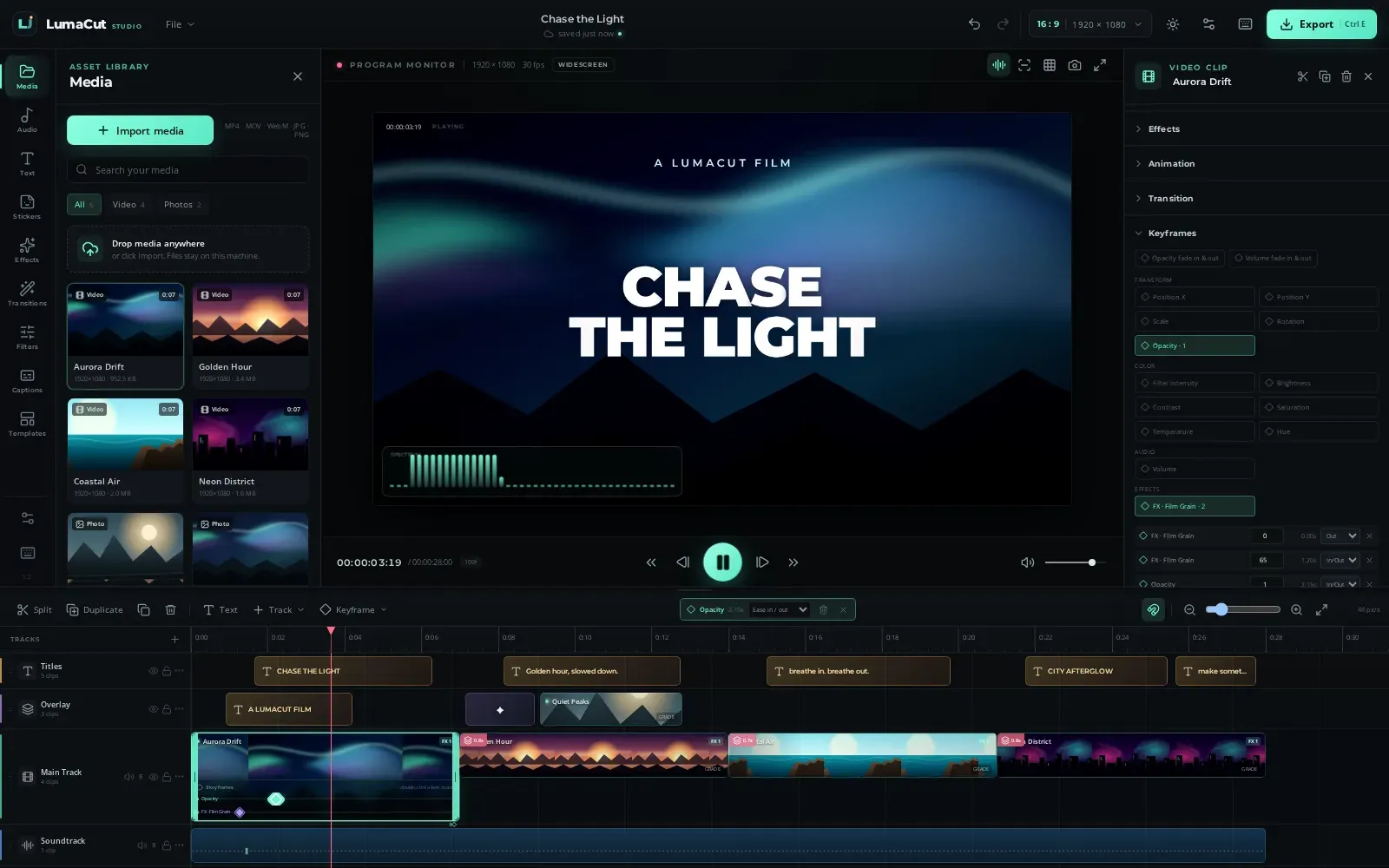
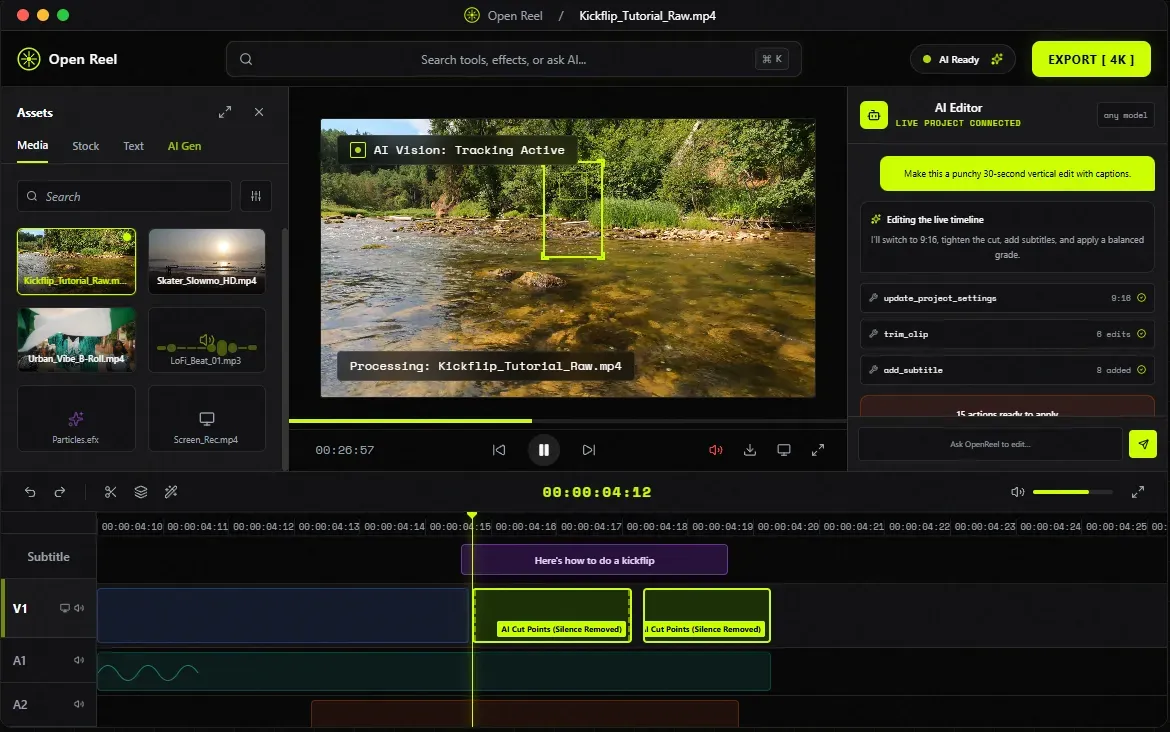
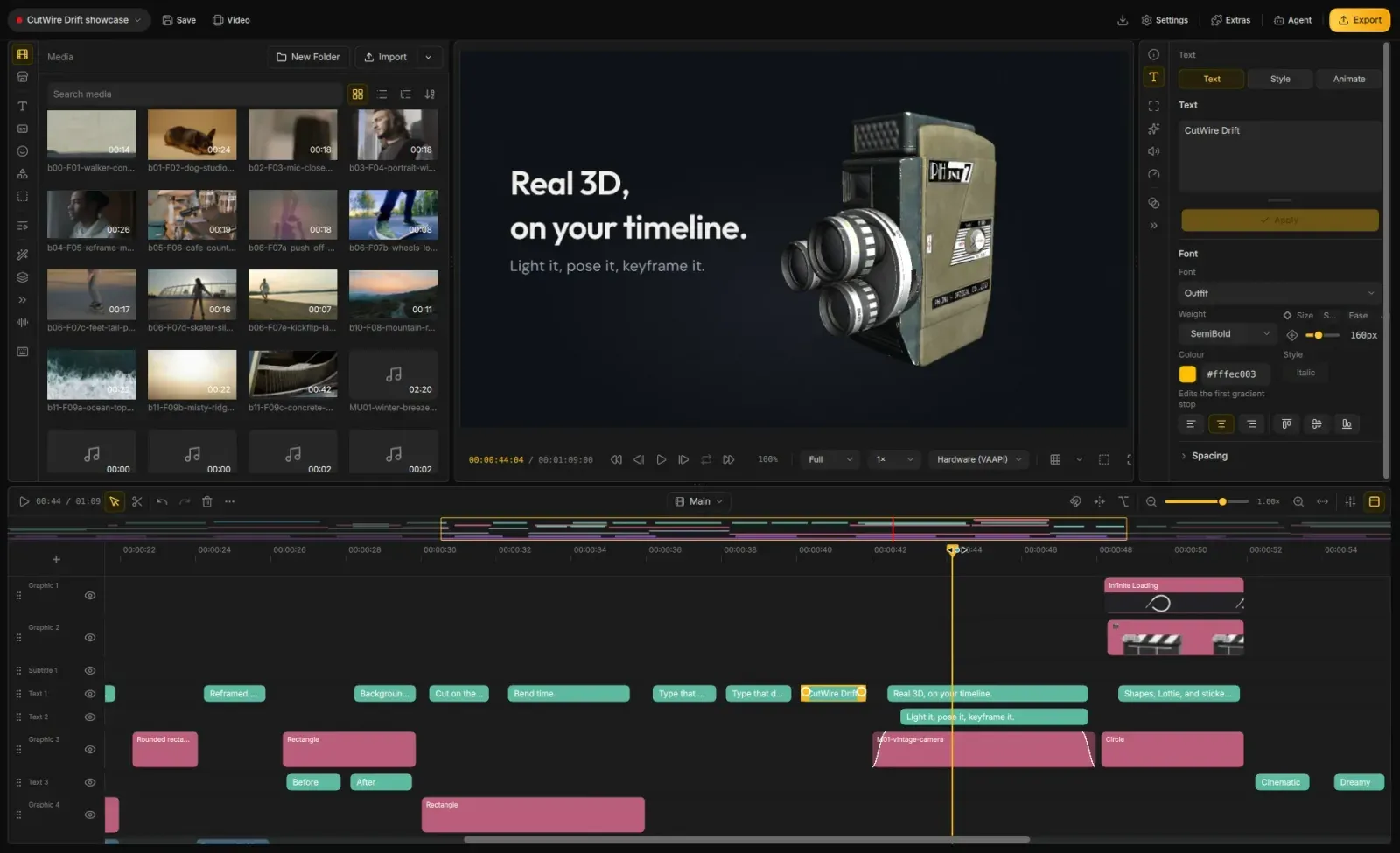
- A multi-track timeline with a magnetic main track, snapping and markers.
- Captions with word timing, in 14 styles such as karaoke and word pop.
- Keyframes for position, scale and opacity, with 35 easing curves.
- 54 transitions and 51 effects, such as zoom punch and film grain.
What is missing
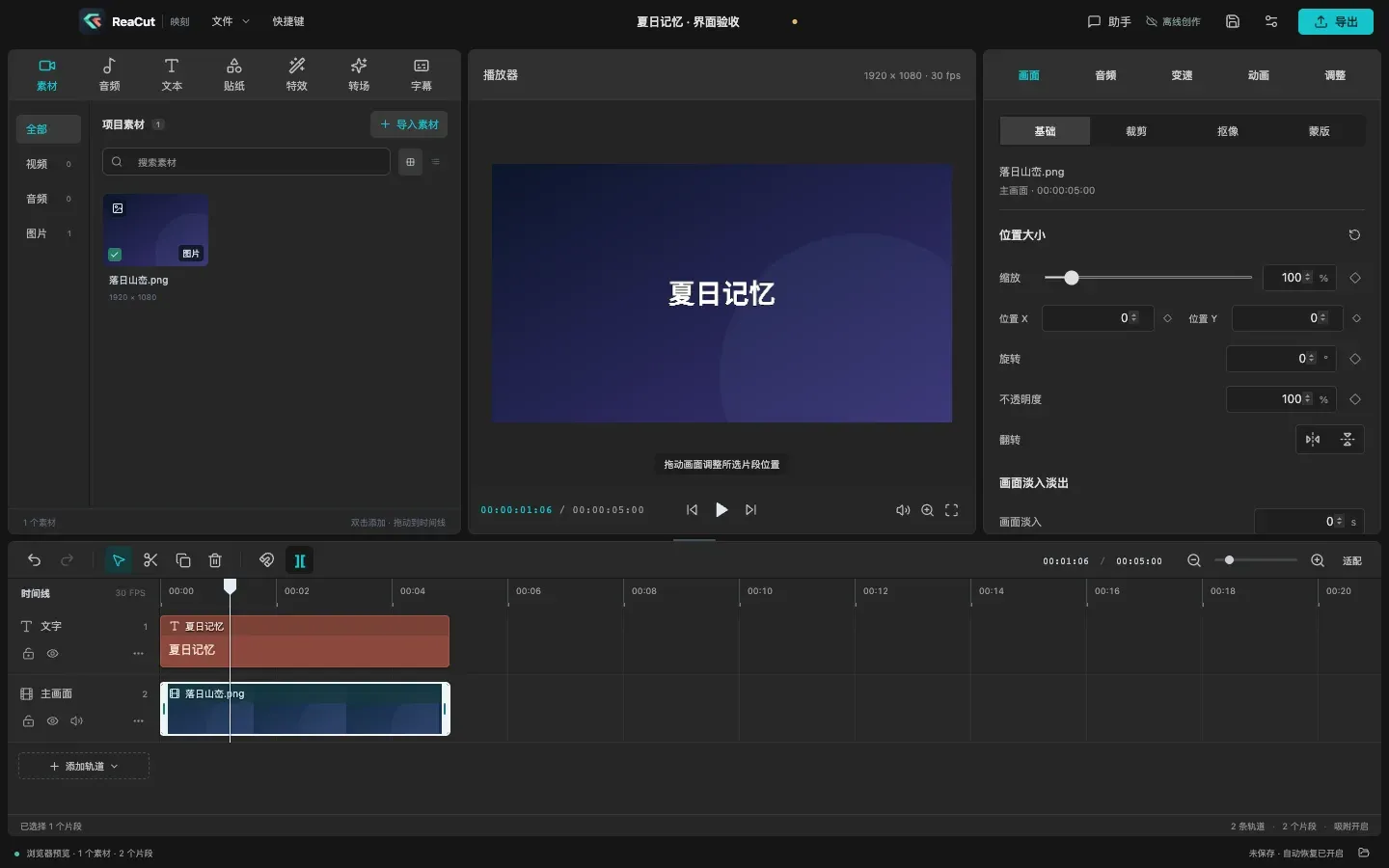
- The interface is in Hebrew today. English strings are on the roadmap.
- The download includes 24 sound effects. For more, you add a free sound library yourself.
- Automatic captions need an optional local transcription install.
- Only Windows 10 and 11 are tested so far. macOS and Linux are not tested yet.
How to get started
- Download the ZIP file from the latest Release on the project page.
- Extract the ZIP to a folder you keep, such as Documents.
- Double-click install.cmd. It downloads Node.js and ffmpeg when they are missing; Chrome or Edge must be installed.
- If Windows says "Windows protected your PC", click More info, then Run anyway.
Compatible files
CapCut projects Not tested yet