FormCut
Clone of CapCut
A free, local video editor for your computer, with a multi-track timeline, grading, captions and effects, and no account or uploads.
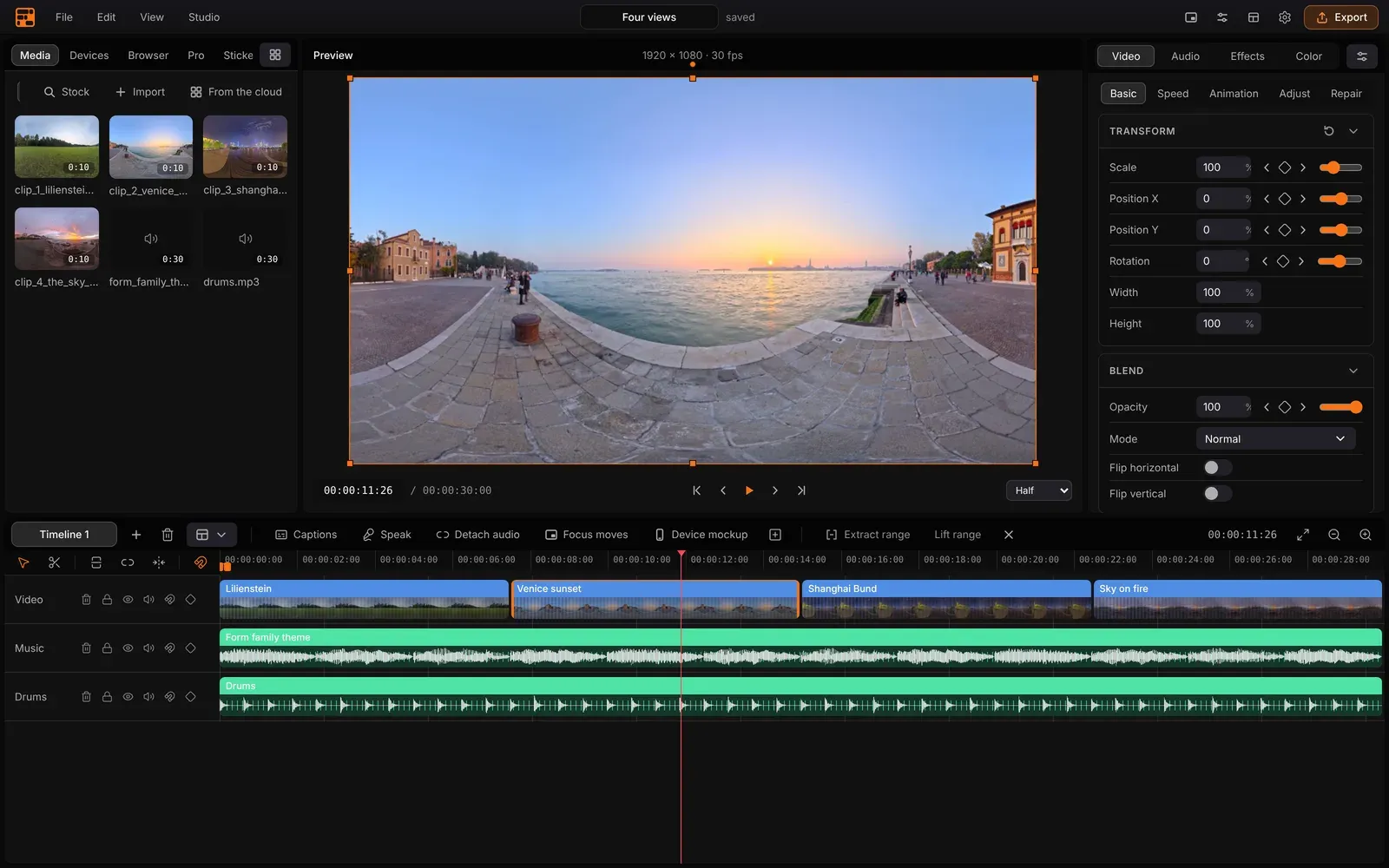
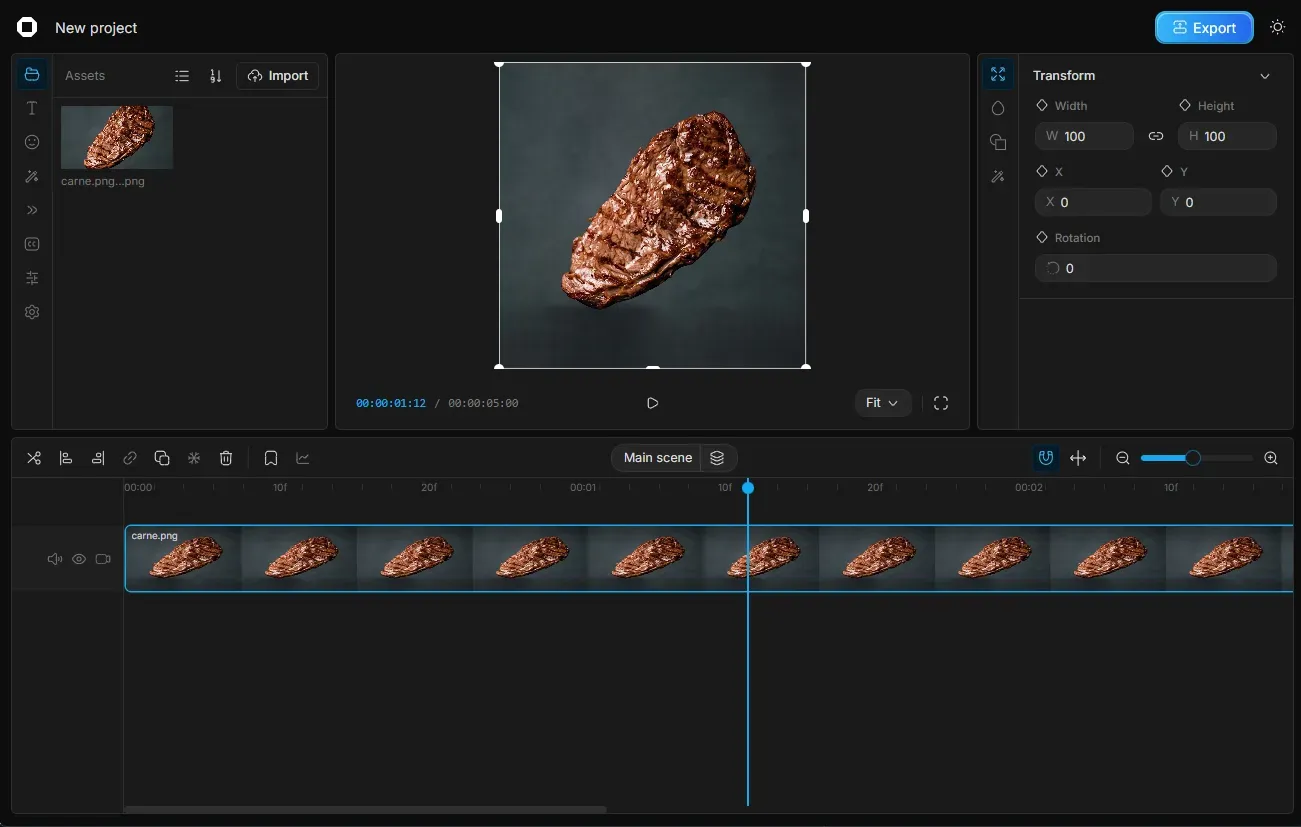
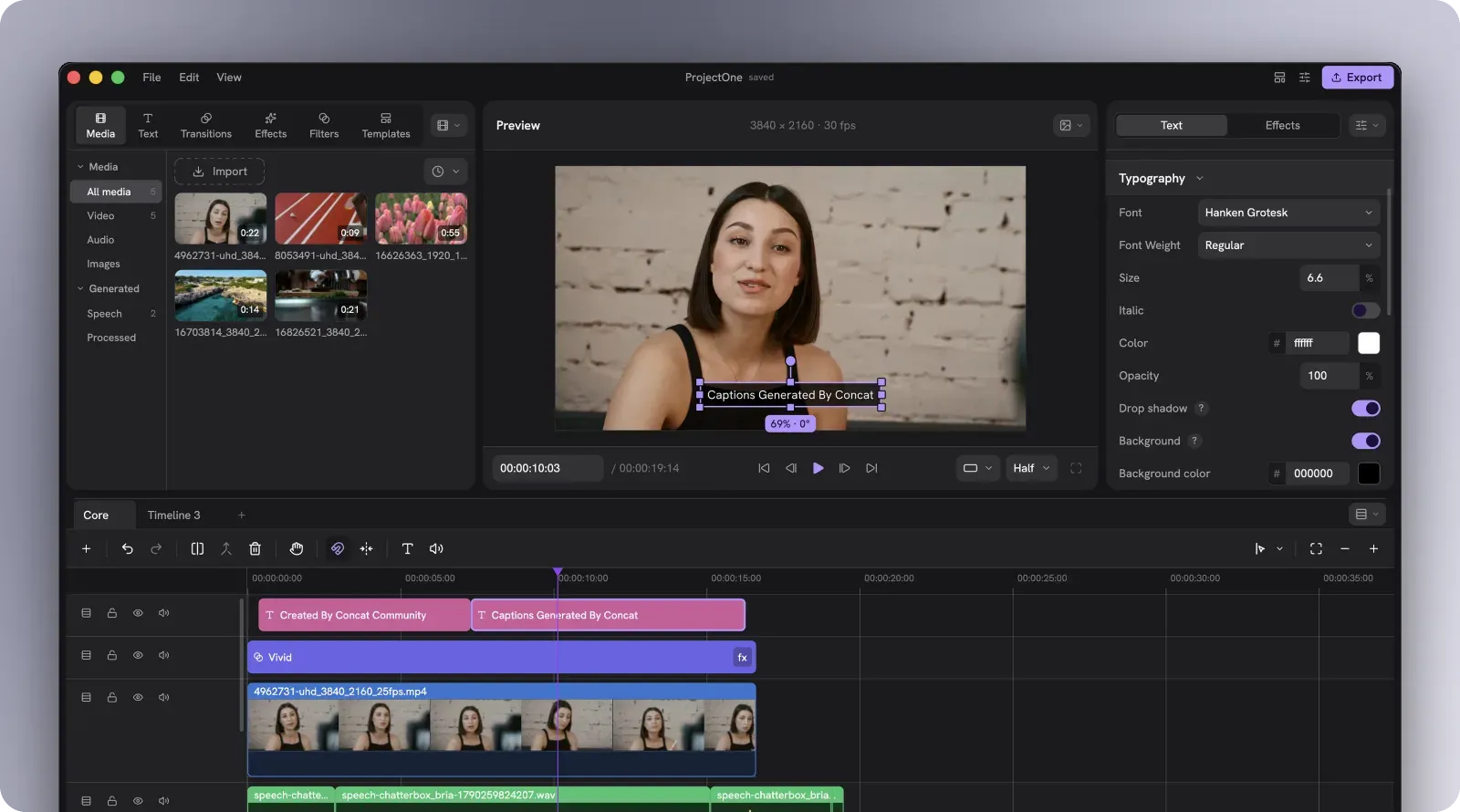
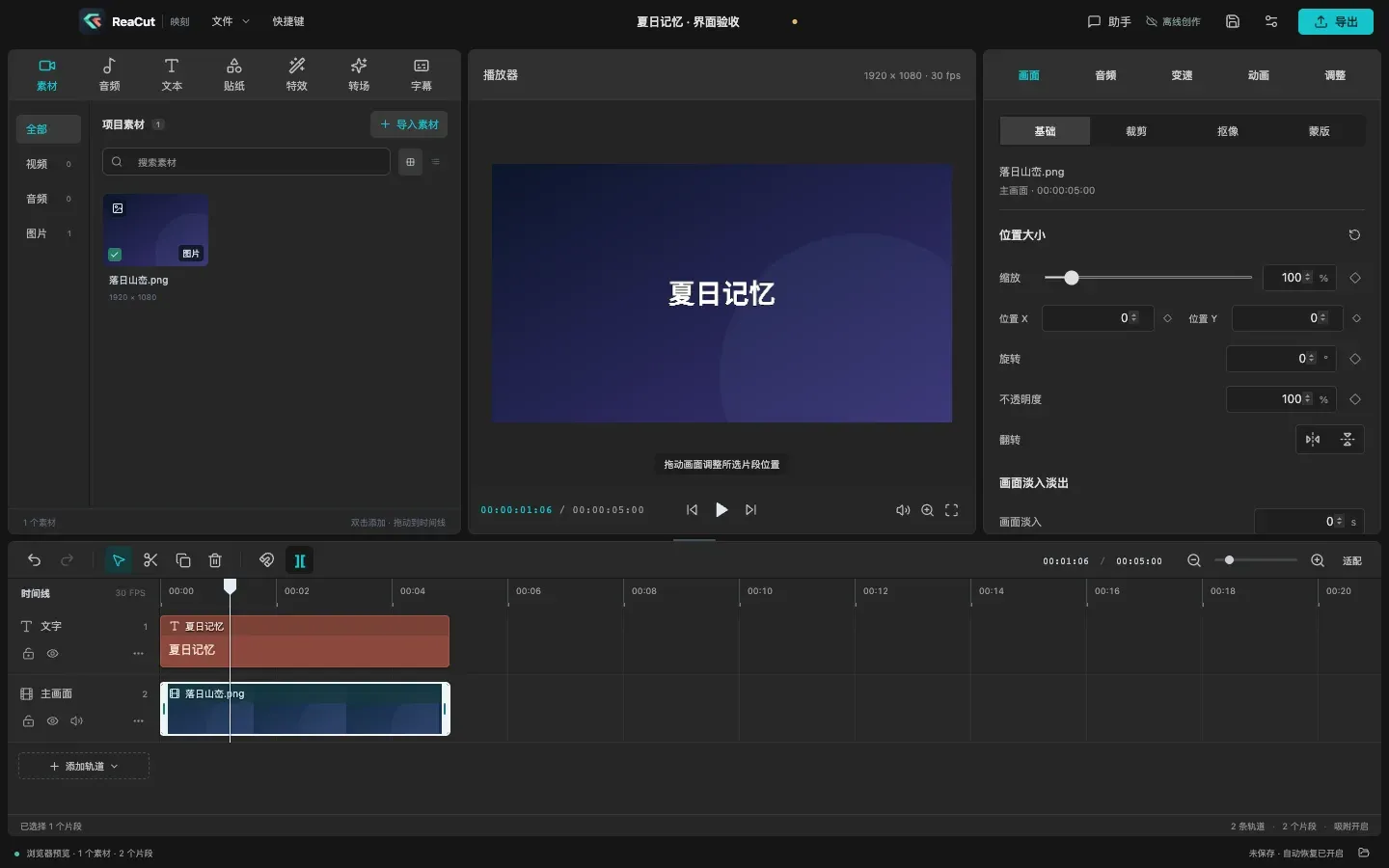
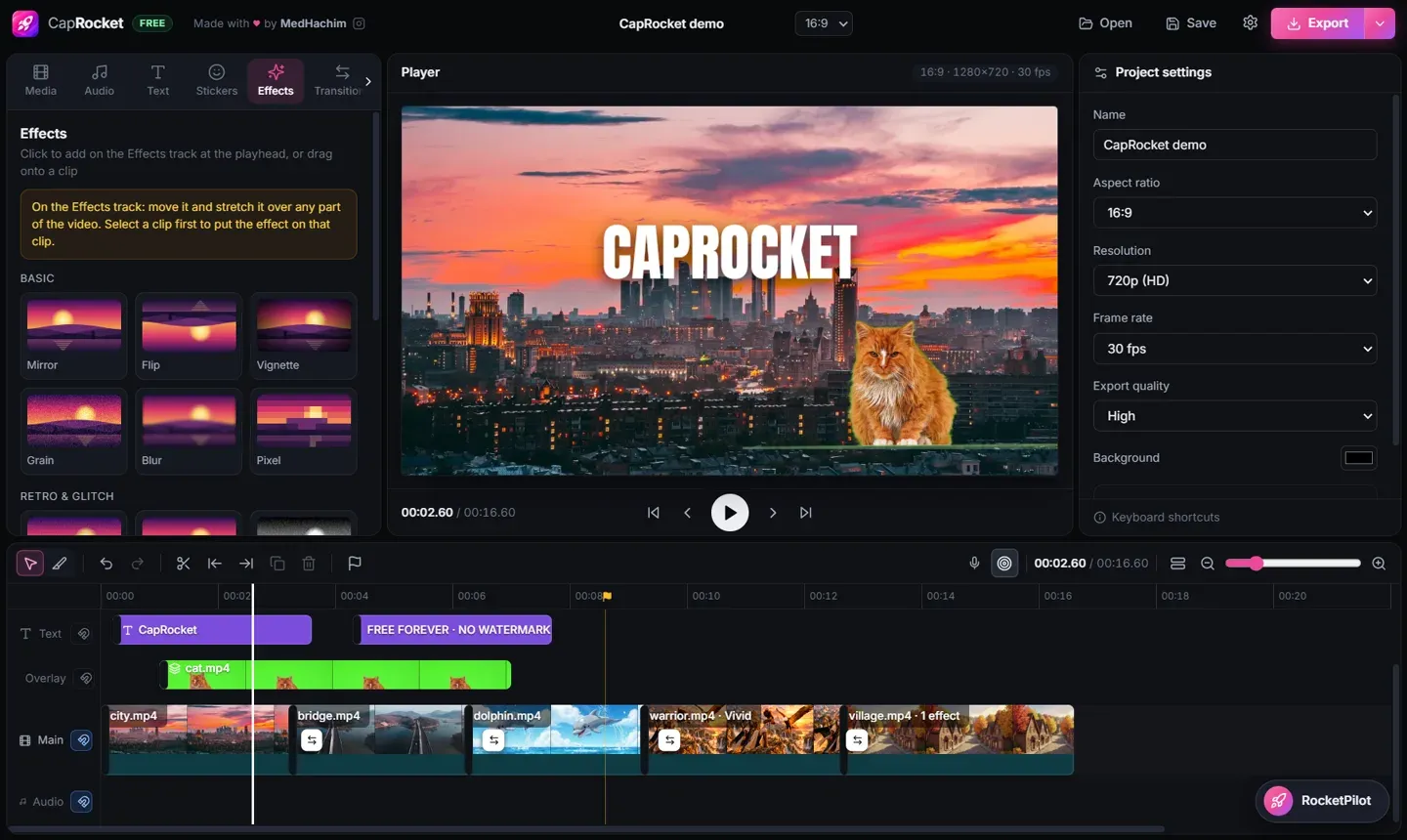
Image: FormCut
What works the same as CapCut
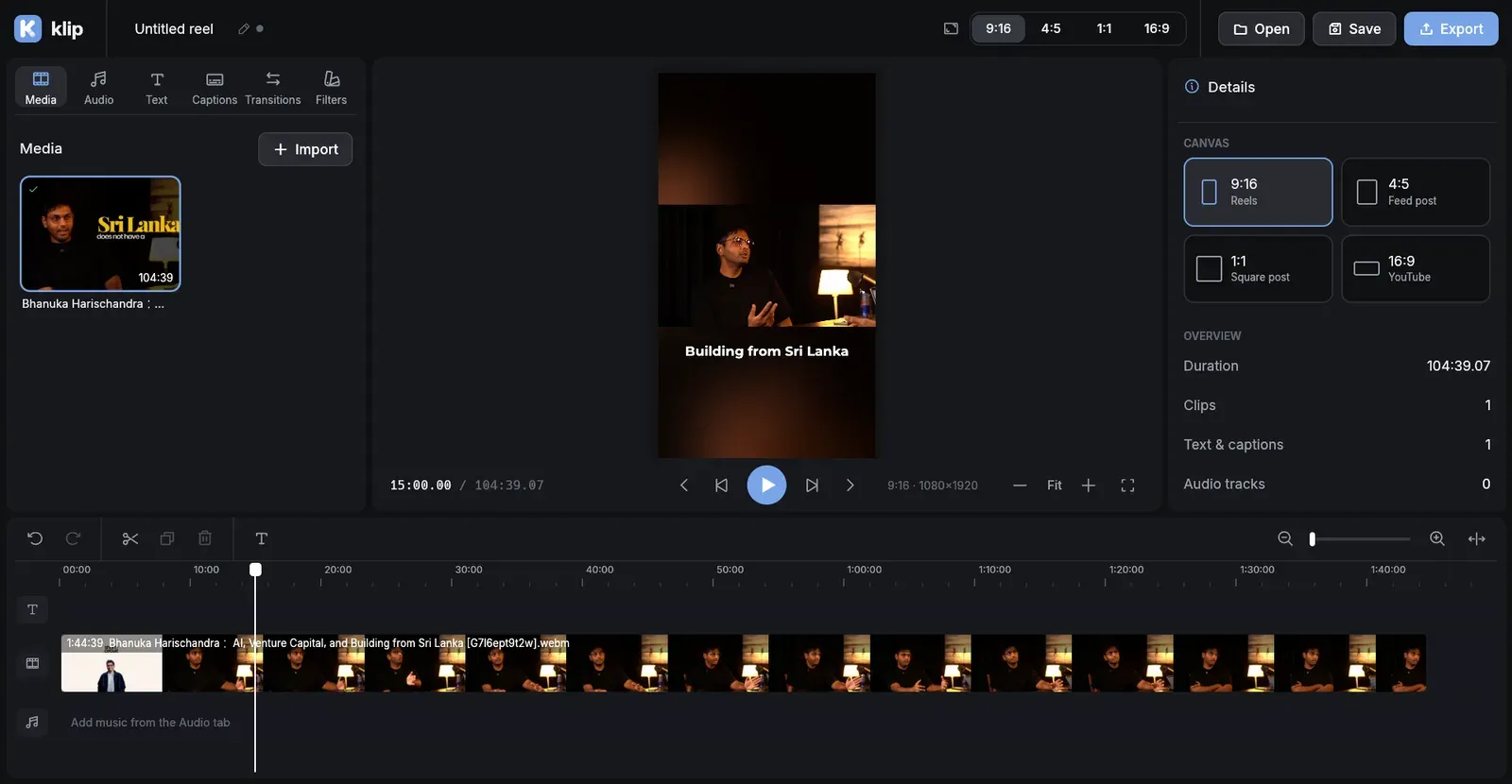
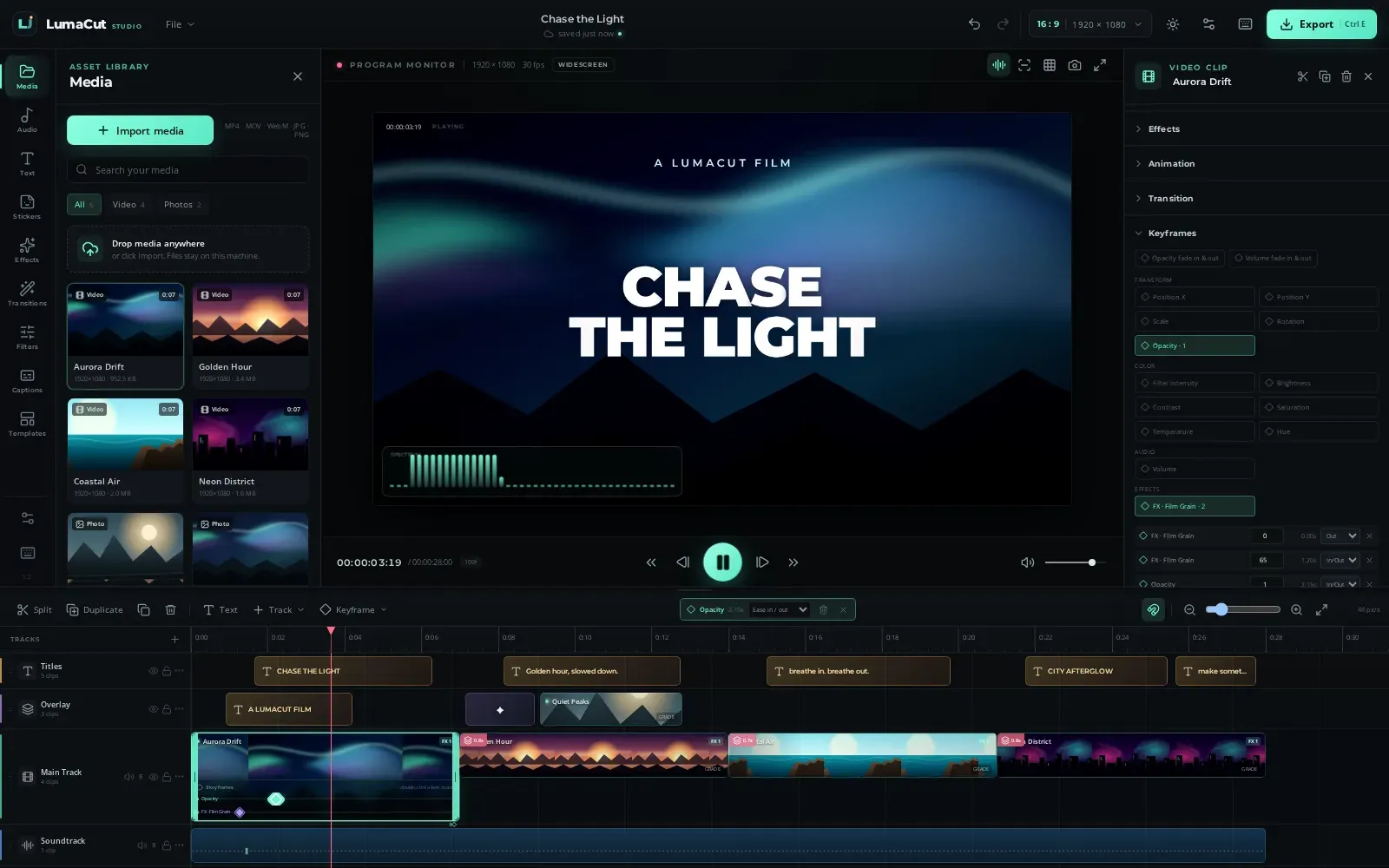
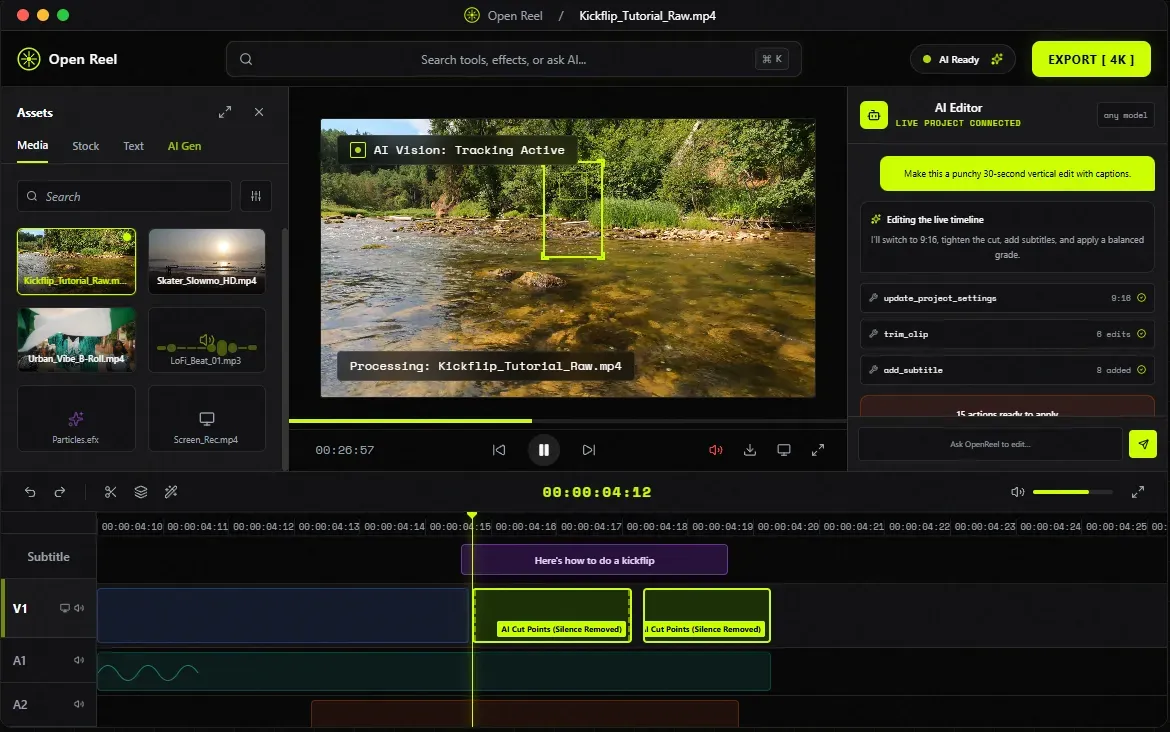
- A menu bar with File, Edit and View, an Export button at the top right, and a Preview window in the middle.
- A media panel on the left with Stock, Import and From the cloud buttons, and tabs such as Media, Devices and Browser.
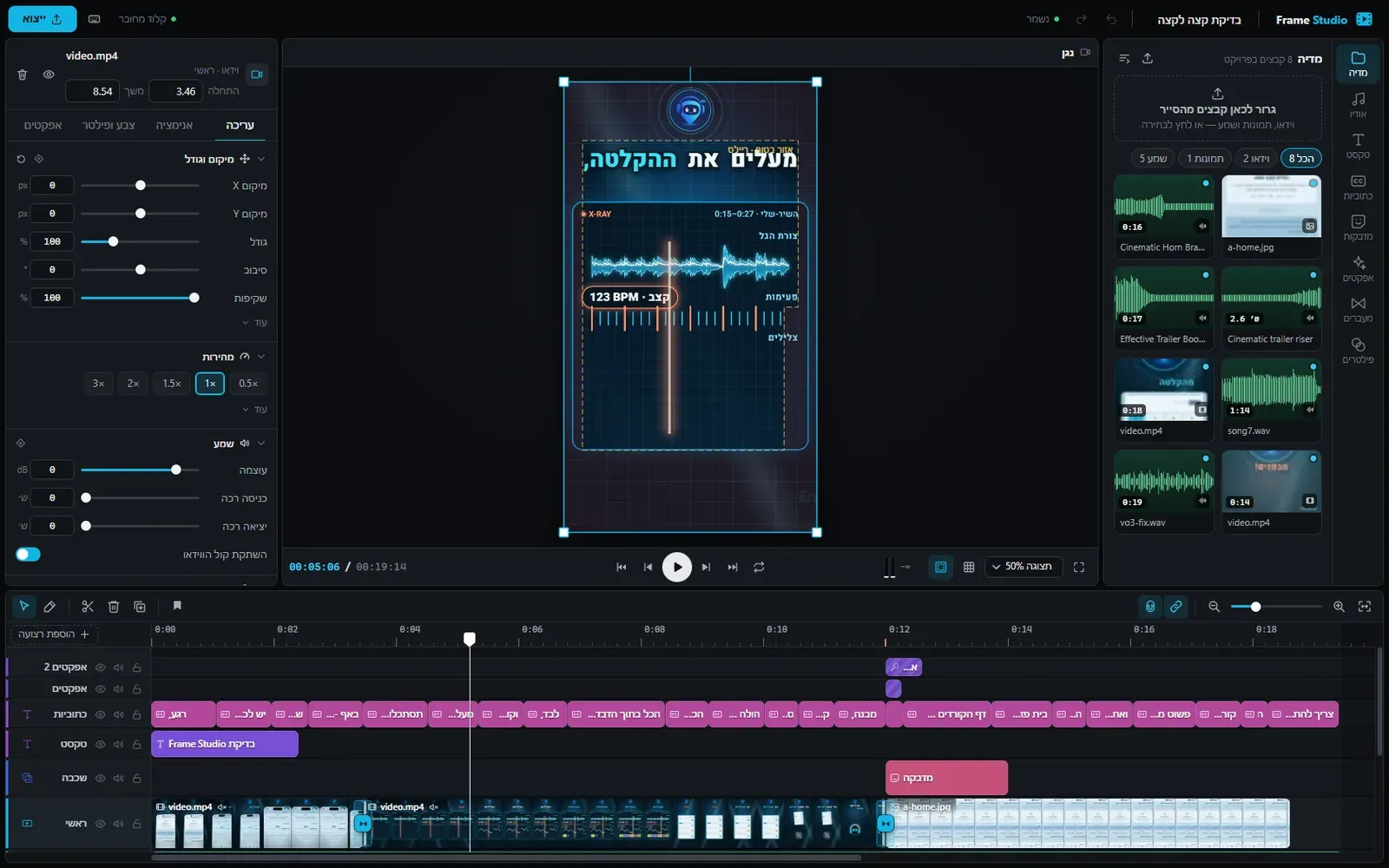
- A multi-track timeline with video, music and audio tracks, plus Captions, Detach audio and Extract range.
- A right-hand panel with Video, Audio, Effects and Color tabs, and Basic, Speed, Animation and Adjust sub-tabs for transform and blend.
- Effects you can preview on a real frame before adding them, and export to MP4, WebM or GIF.
What is missing
- The Android and iOS companion apps have not been tested on real devices yet.
How to get started
- Click Download and pick the file for your system: the setup .exe or a .zip on Windows, or a .zip on Mac or Linux.
- On a Mac, choose the .zip for your chip: Apple silicon or Intel.
- FormCut does not update itself. Install FormPortal to keep it up to date, or download each new version yourself.
- Prefer the browser or want to contribute? Run it from source with Node 18+ and Python 3.11+, then open the interface at http://localhost:3040.
Compatible files
CapCut projects Not tested yet