OpenDM
Clone of Internet Download Manager
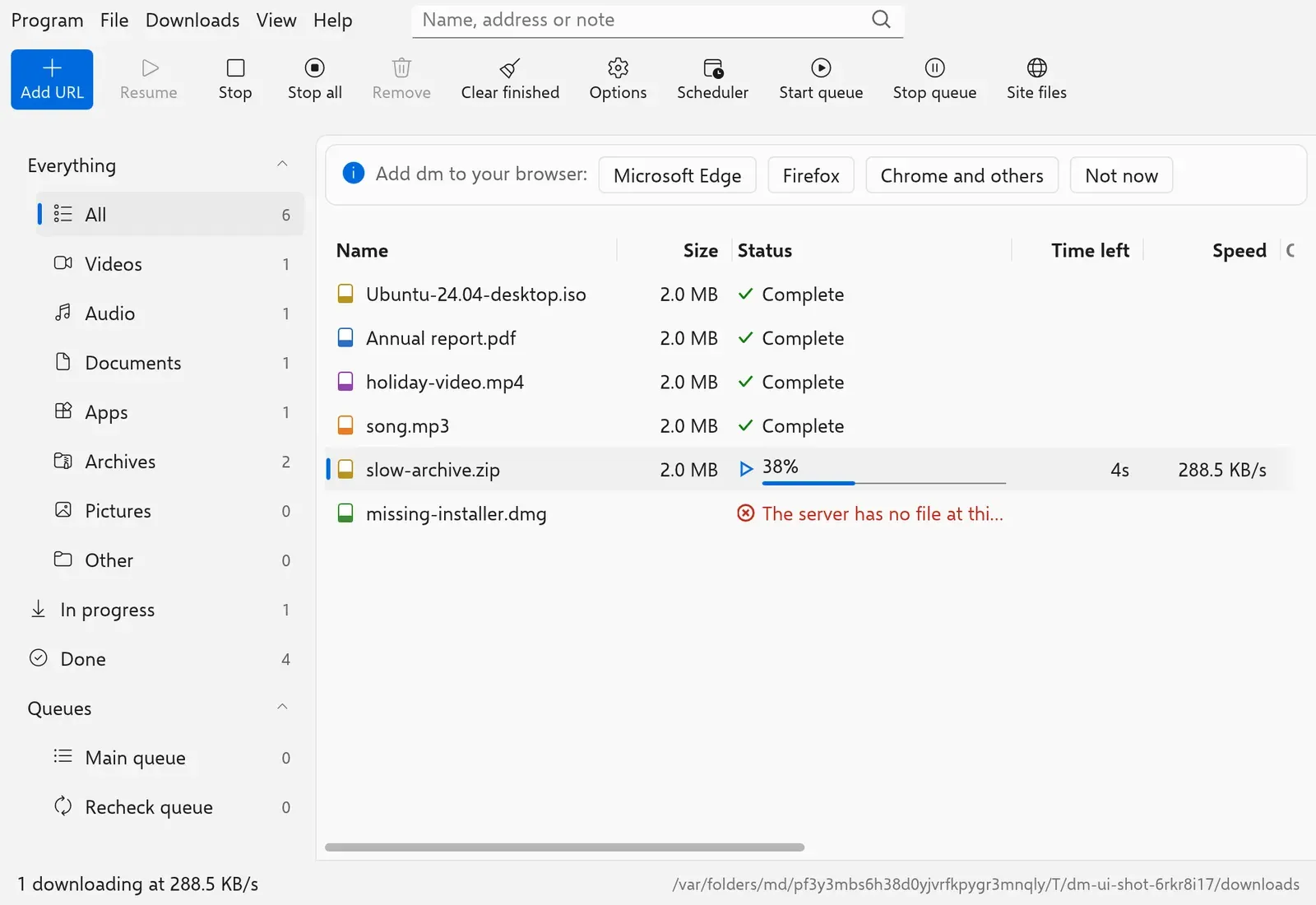
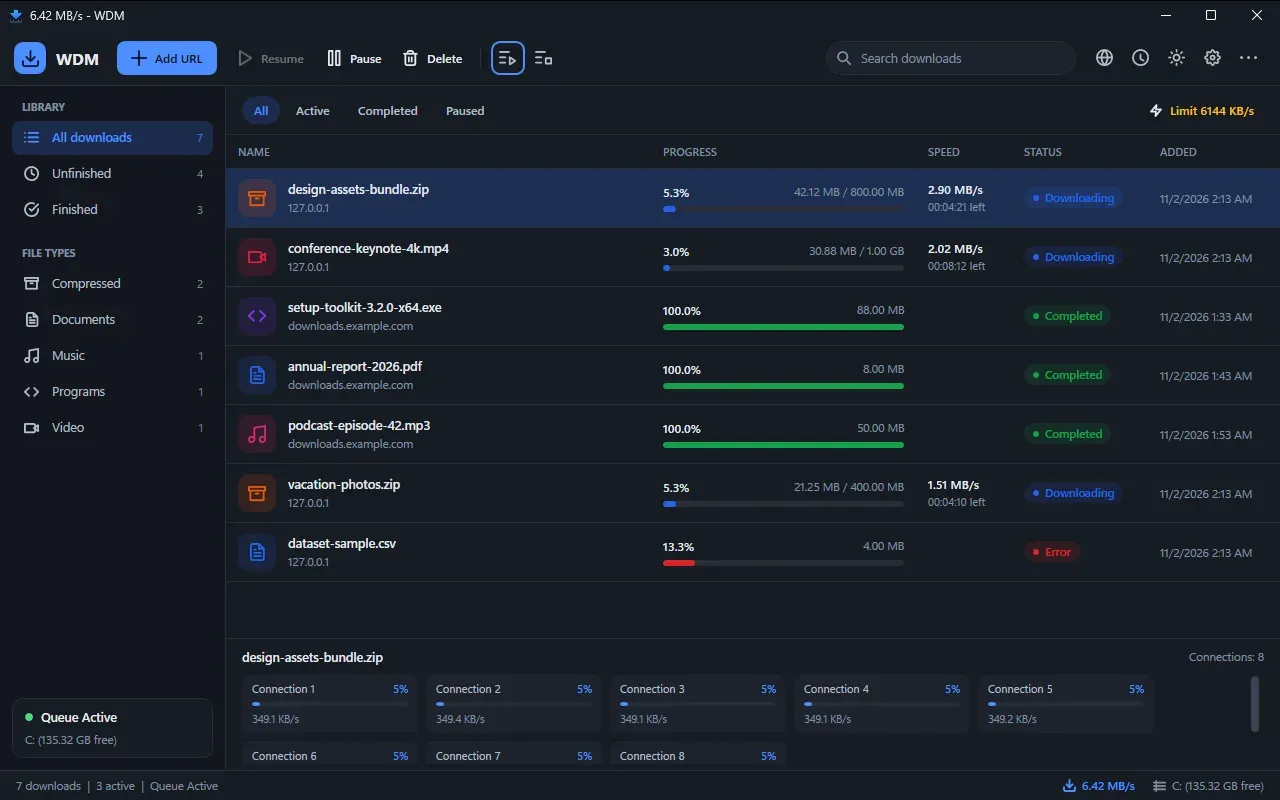
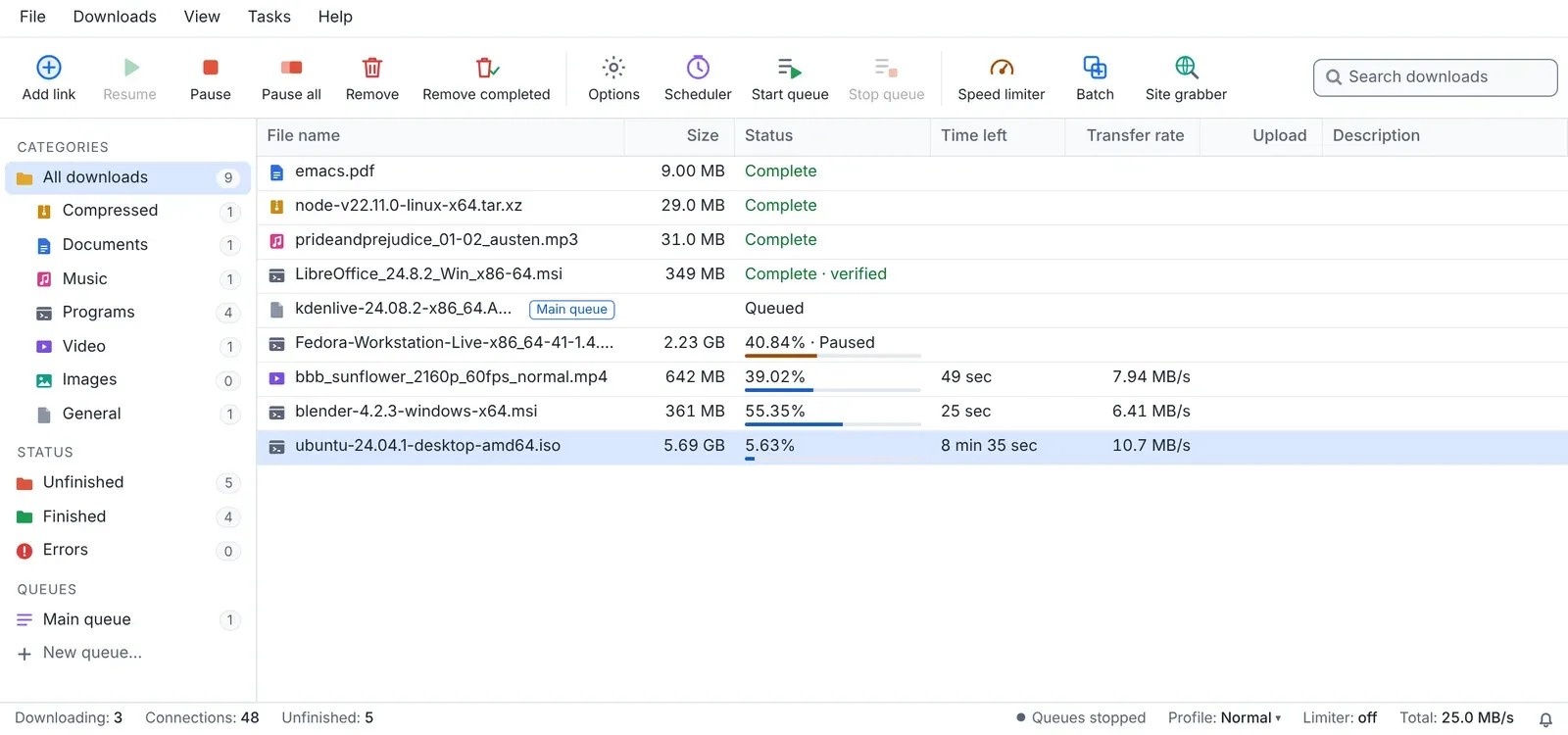
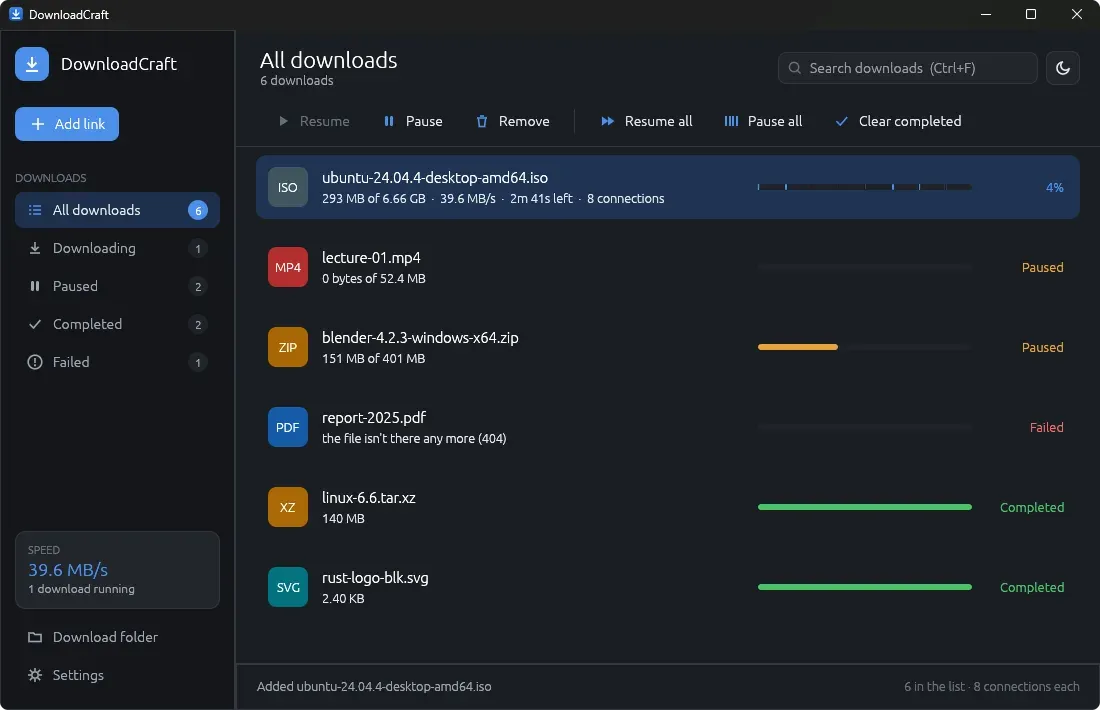
Free clean-room download manager for Windows and Linux that splits files into many connections, with the same menus, toolbar and categories as Internet Download Manager.
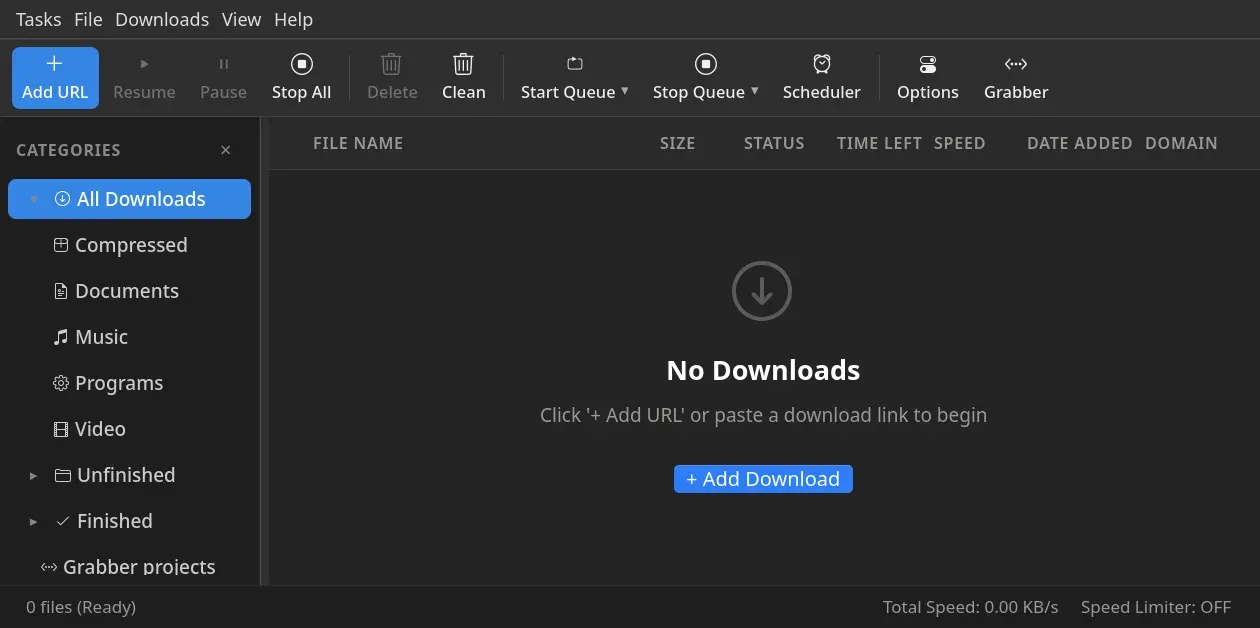
Image: OpenDM
What works the same as Internet Download Manager
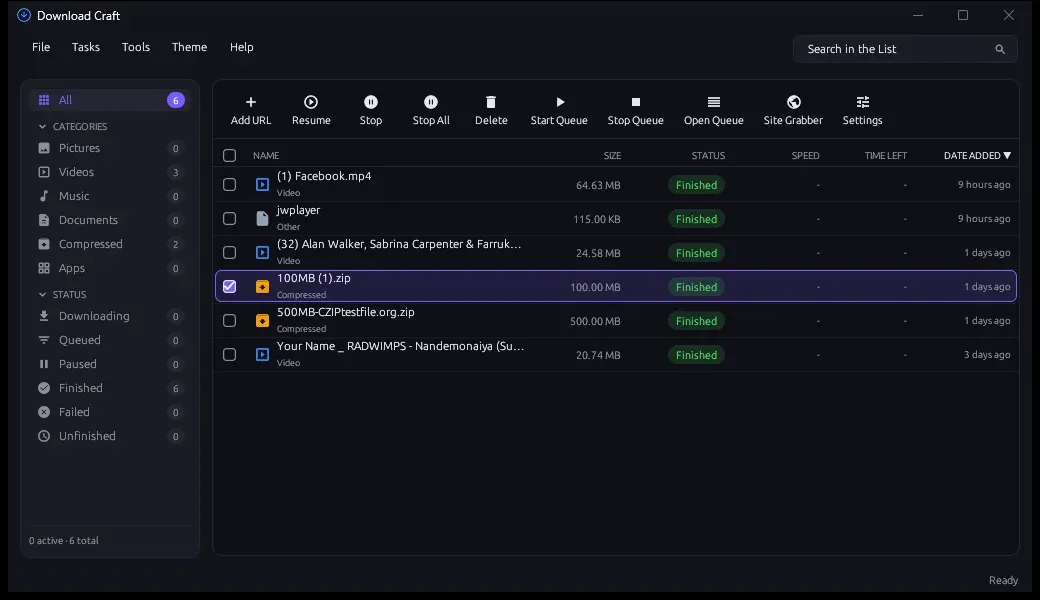
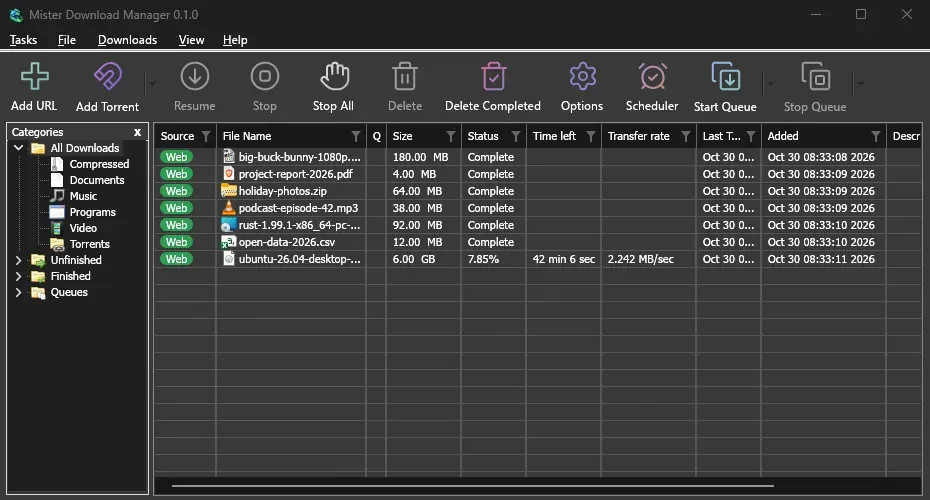
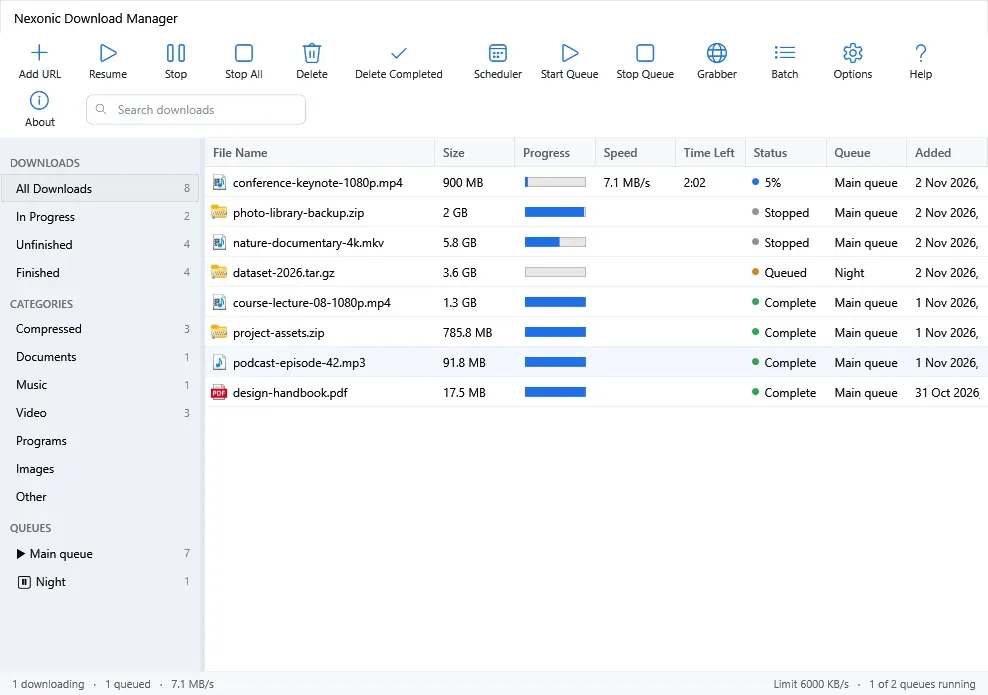
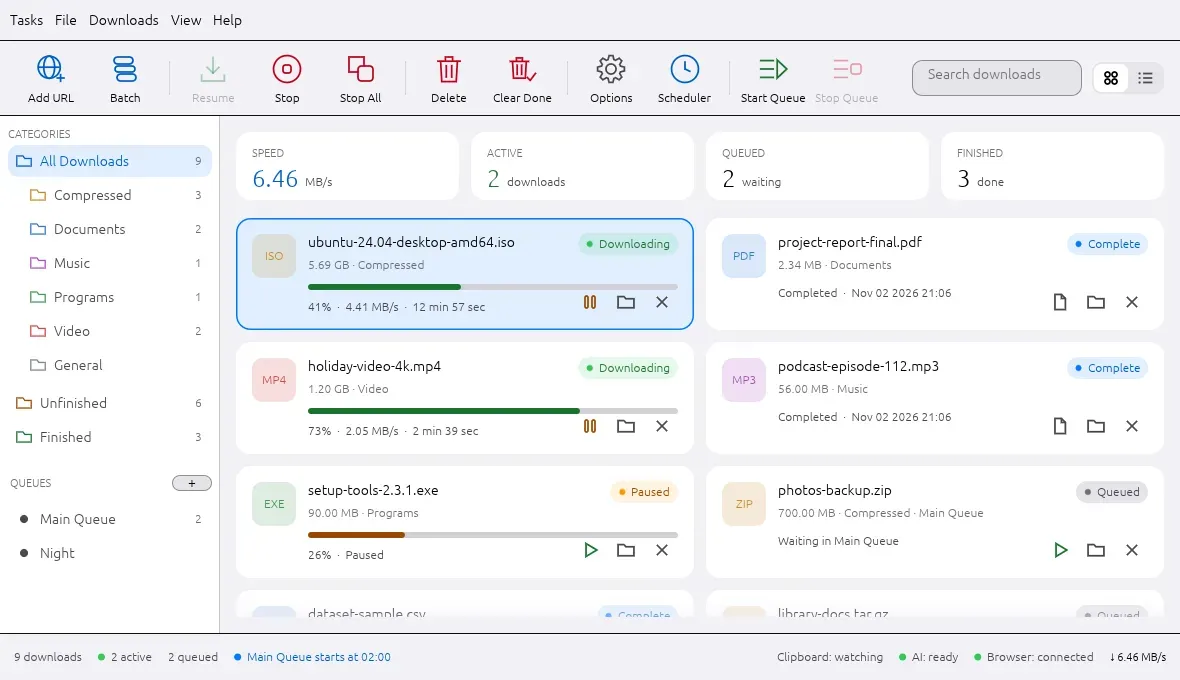
- The same window: menus, a toolbar with Add URL, Scheduler and Grabber, and categories on the left.
- Splits each download into up to 32 connections, even while it runs.
- Shows the file size and where it will be saved before the download starts.
- Opens IDM batch files (.ef2) and lists of links, and runs queues on a schedule.
- Catches downloads from your browser with an extension.
What is missing
The project does not say what is missing
How to get started
- There is no installer yet: you set it up yourself on Linux.
- Install the tools the project lists for Debian, Fedora or Arch.
- Download the project and prepare it with the commands on its page, then run the install script.
- Open OpenDM from your applications menu and add the browser extension from the project folder.
Compatible files
Internet Download Manager files (.ef2) According to the project