DownloadCraft (ZIDAN44)
Clone of Internet Download Manager
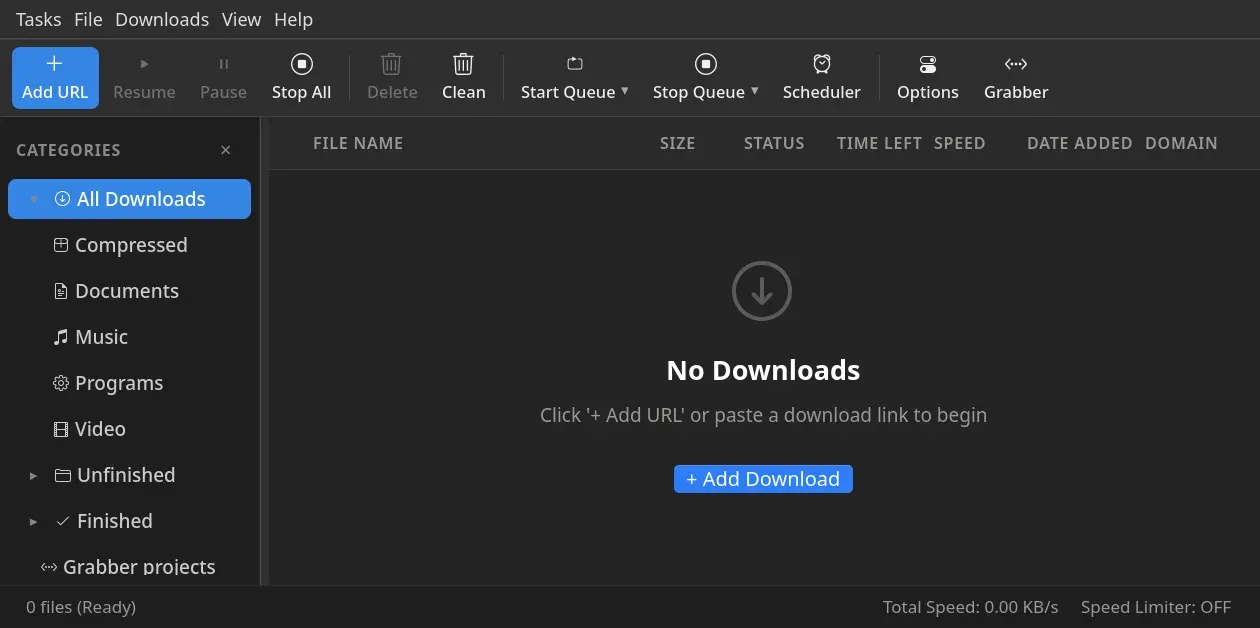
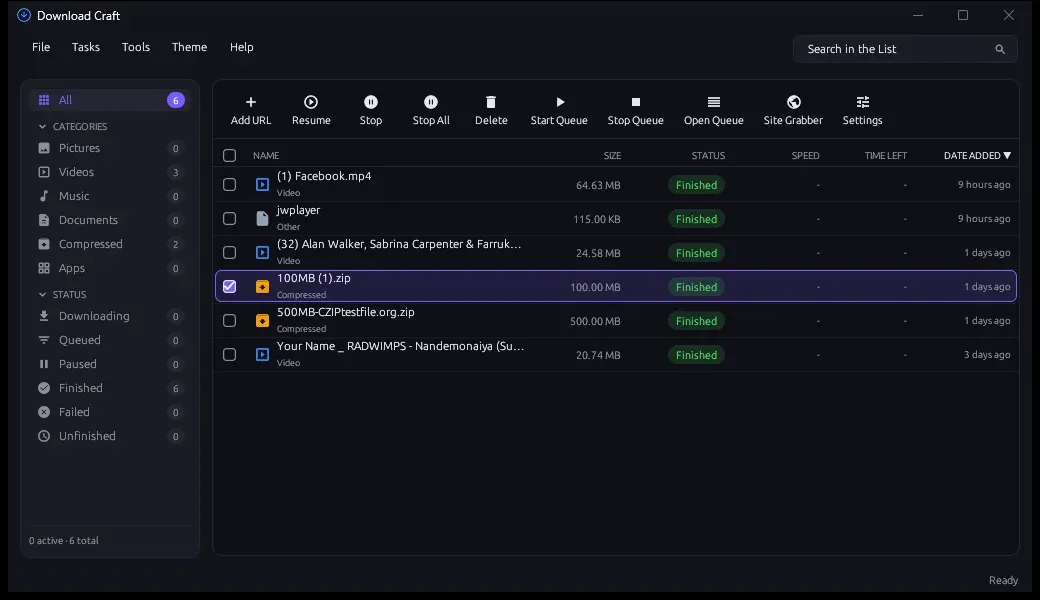
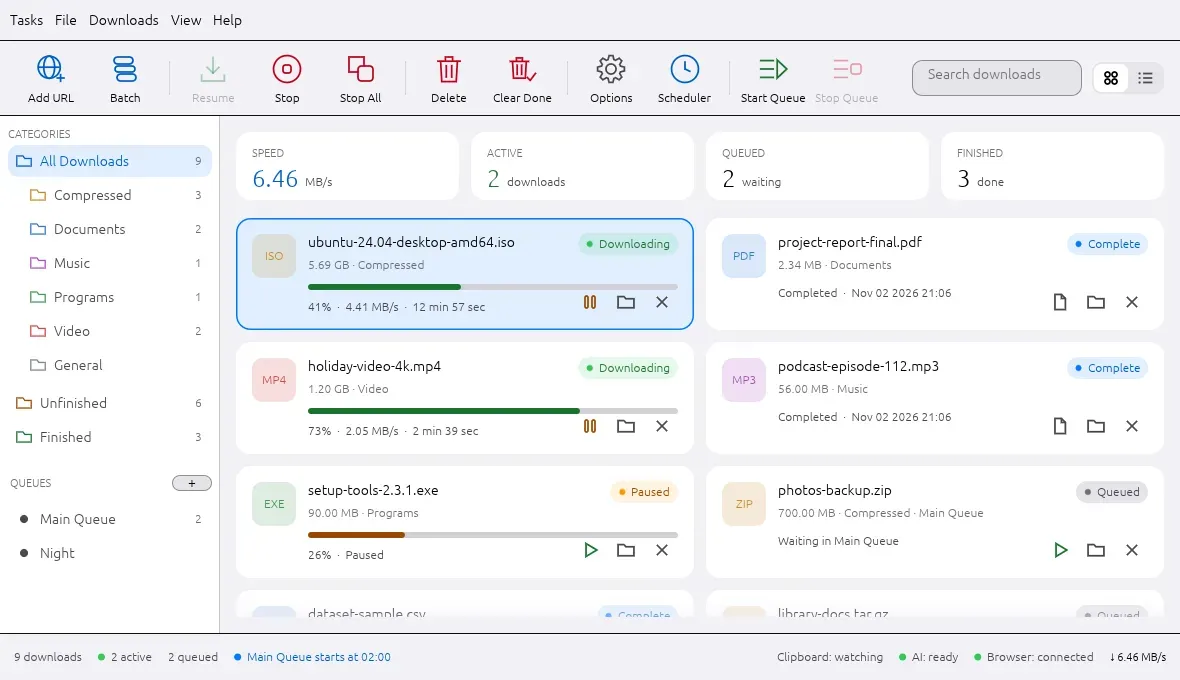
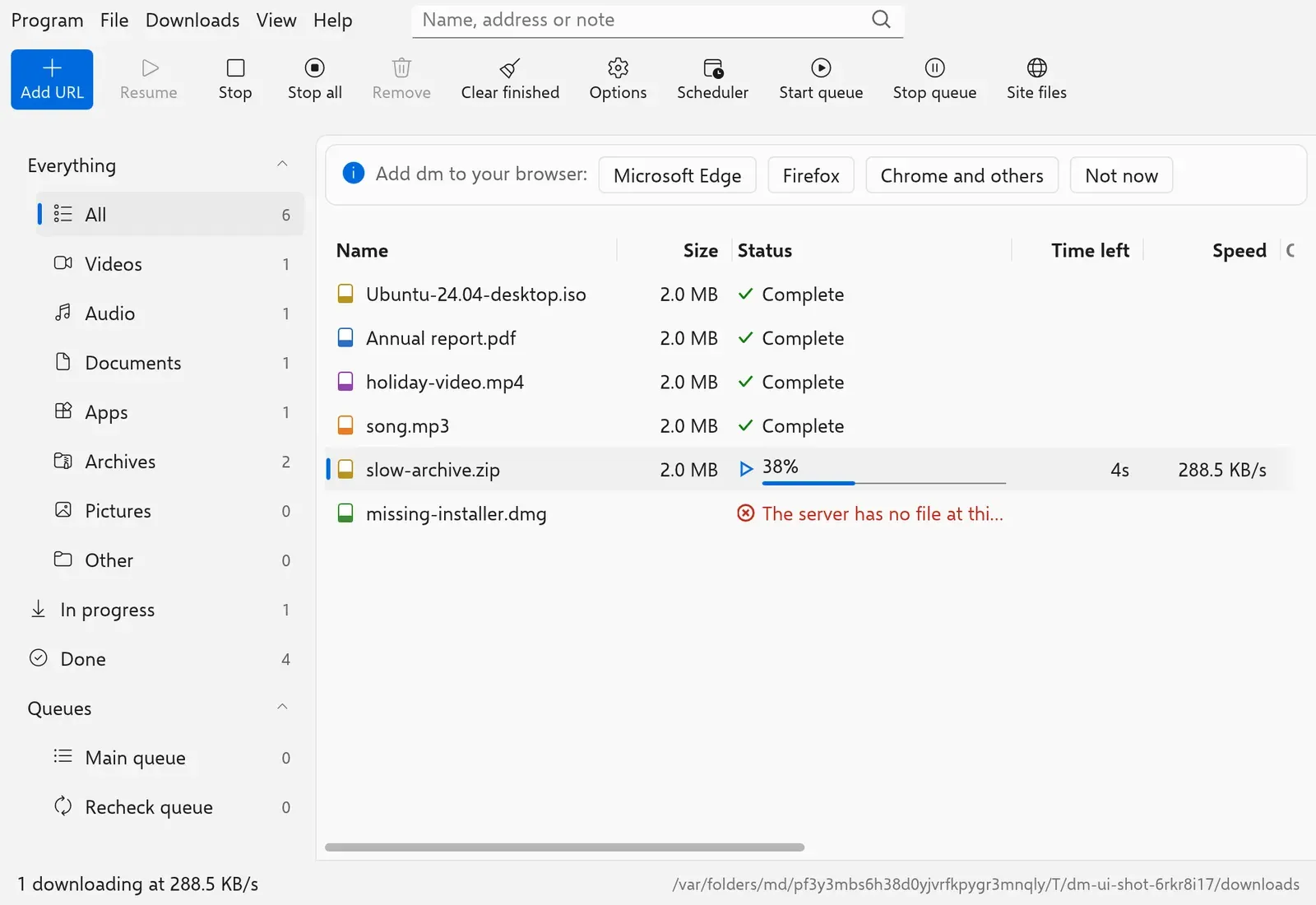
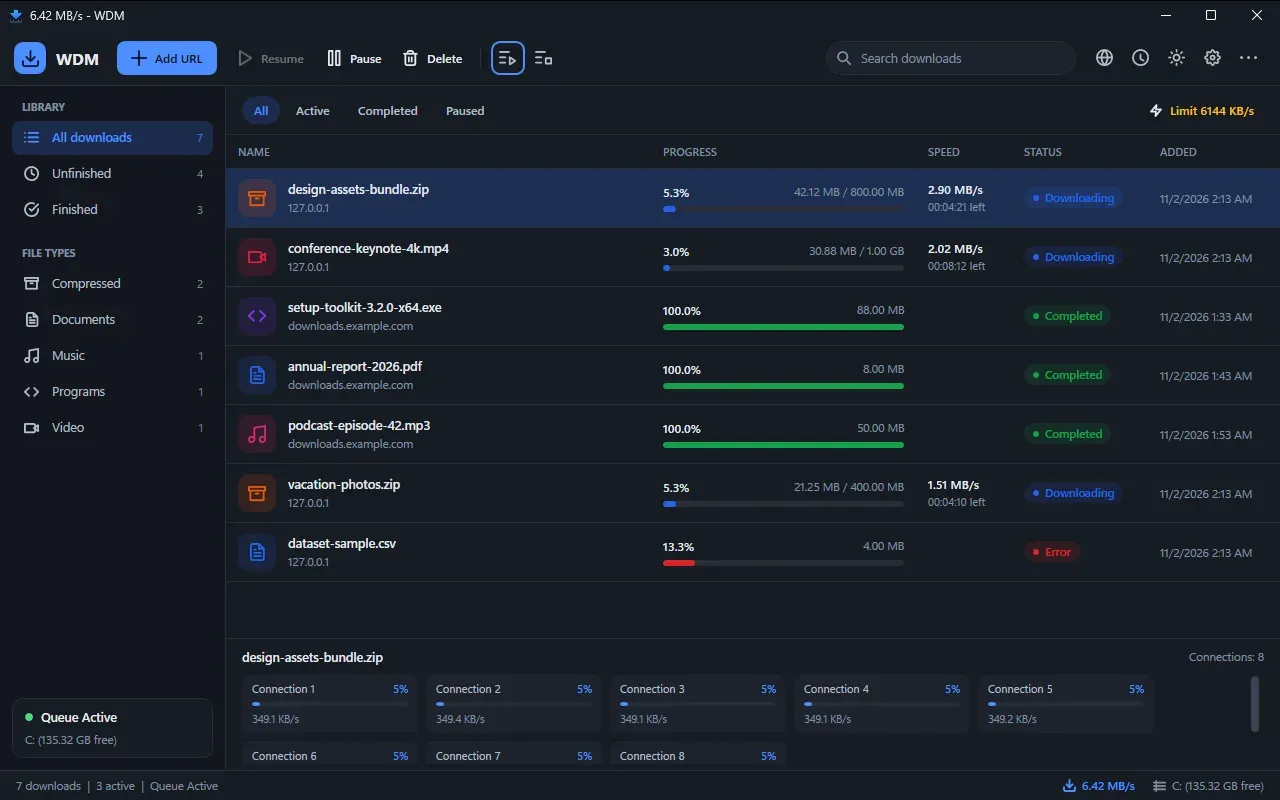
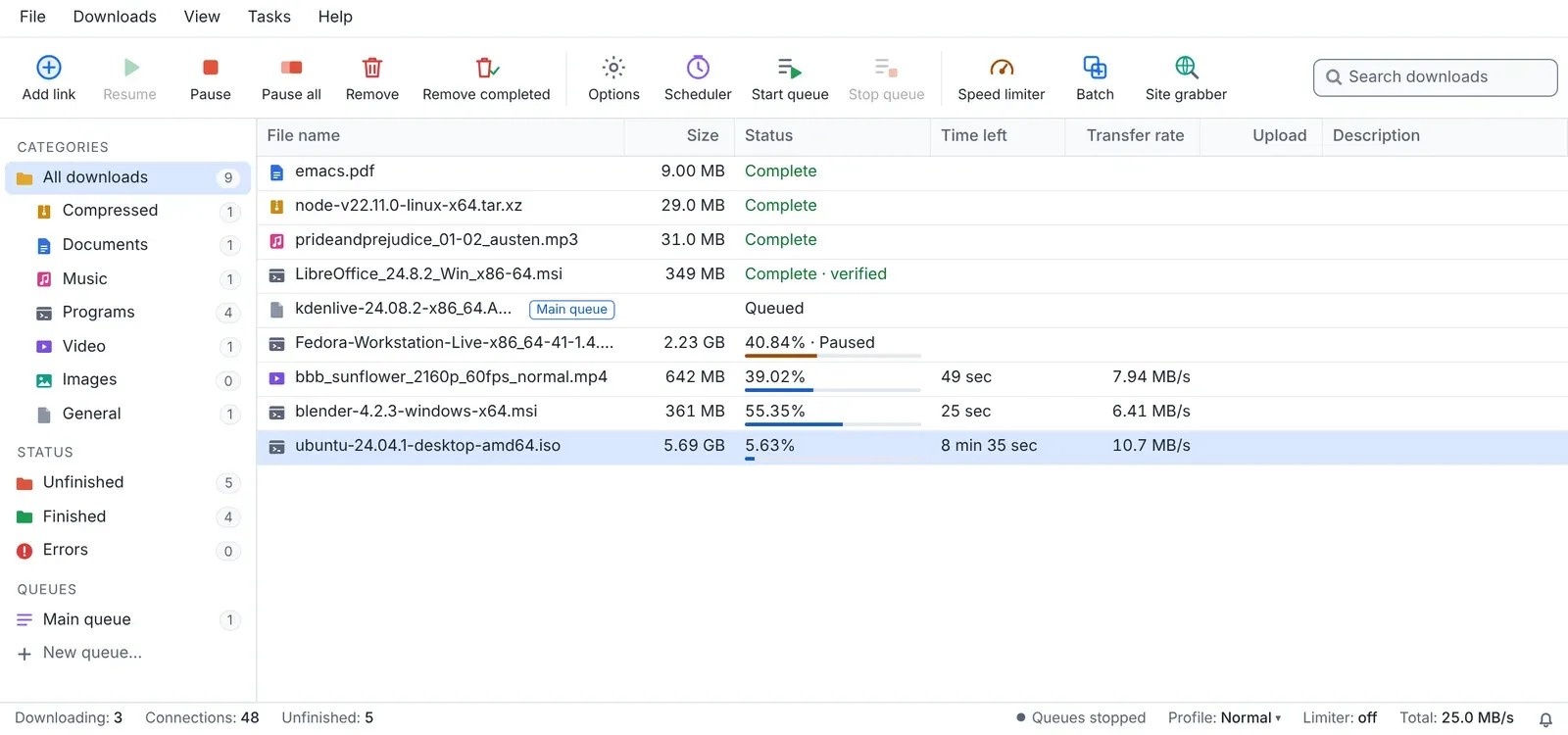
Free clean-room download manager that fetches files on several connections and resumes them, with an Add link button and categories on the left.
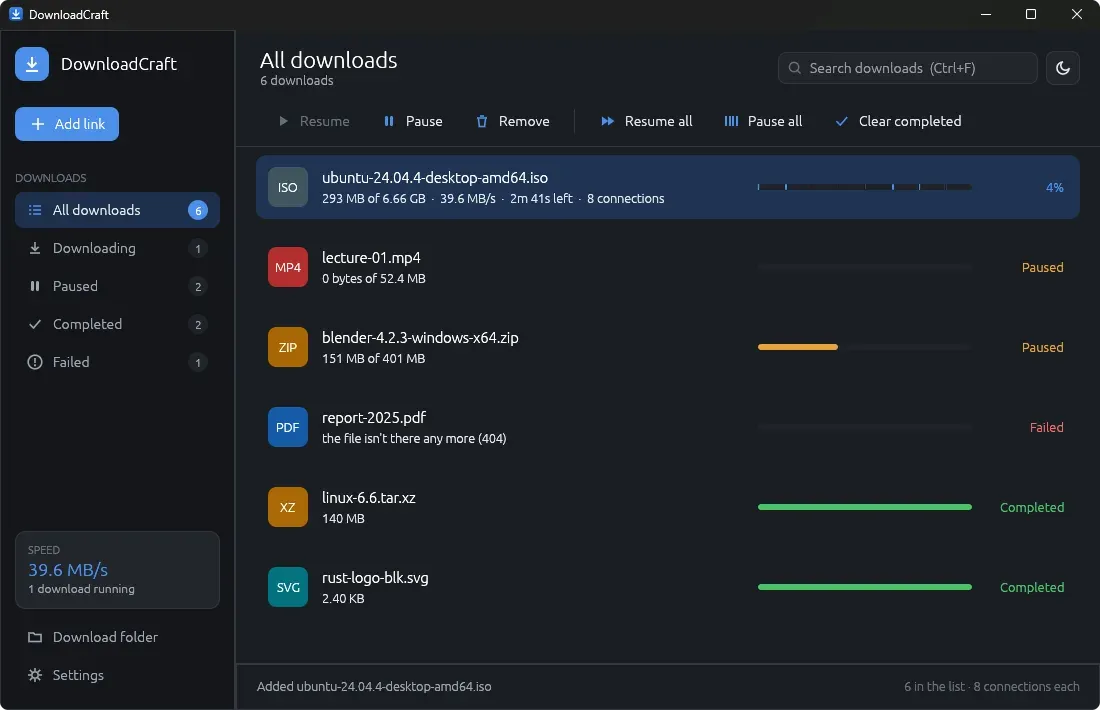
Image: DownloadCraft (ZIDAN44)
What works the same as Internet Download Manager
- Paste a link and the file downloads on several connections at once, up to 16.
- Pause a download, close the app, and pick it up later where it stopped.
- A bar with Add link, Resume, Pause and Remove, and categories on the left: All, Downloading, Paused, Completed and Failed.
- A queue that runs up to 3 downloads at once and keeps the rest waiting.
- Also downloads video pages (YouTube, Vimeo and more) and torrents or magnet links.
What is missing
- Only test builds are published so far, with no stable release.
- The video tools (yt-dlp, FFmpeg and Deno) are not included; the app fetches them from their official pages when you ask.
- It does not have IDM's menus, columns, scheduler or site grabber; its window is laid out its own way.
How to get started
- Click Download. It opens the project versions page.
- Pick the file for your system: an msi or a portable zip for Windows, a dmg for a Mac, or an AppImage, deb, rpm or flatpak for Linux.
- The Windows msi installs for you only, with no administrator needed.
- Click Add link, or press Ctrl+V anywhere in the window, and paste your links one per line.
Compatible files
Internet Download Manager projects Not tested yet