Lumitype
Clone of Photoshop
Free layer-based image editor for Windows and Linux with Photoshop-style tools, shortcuts and layers, built for speed.
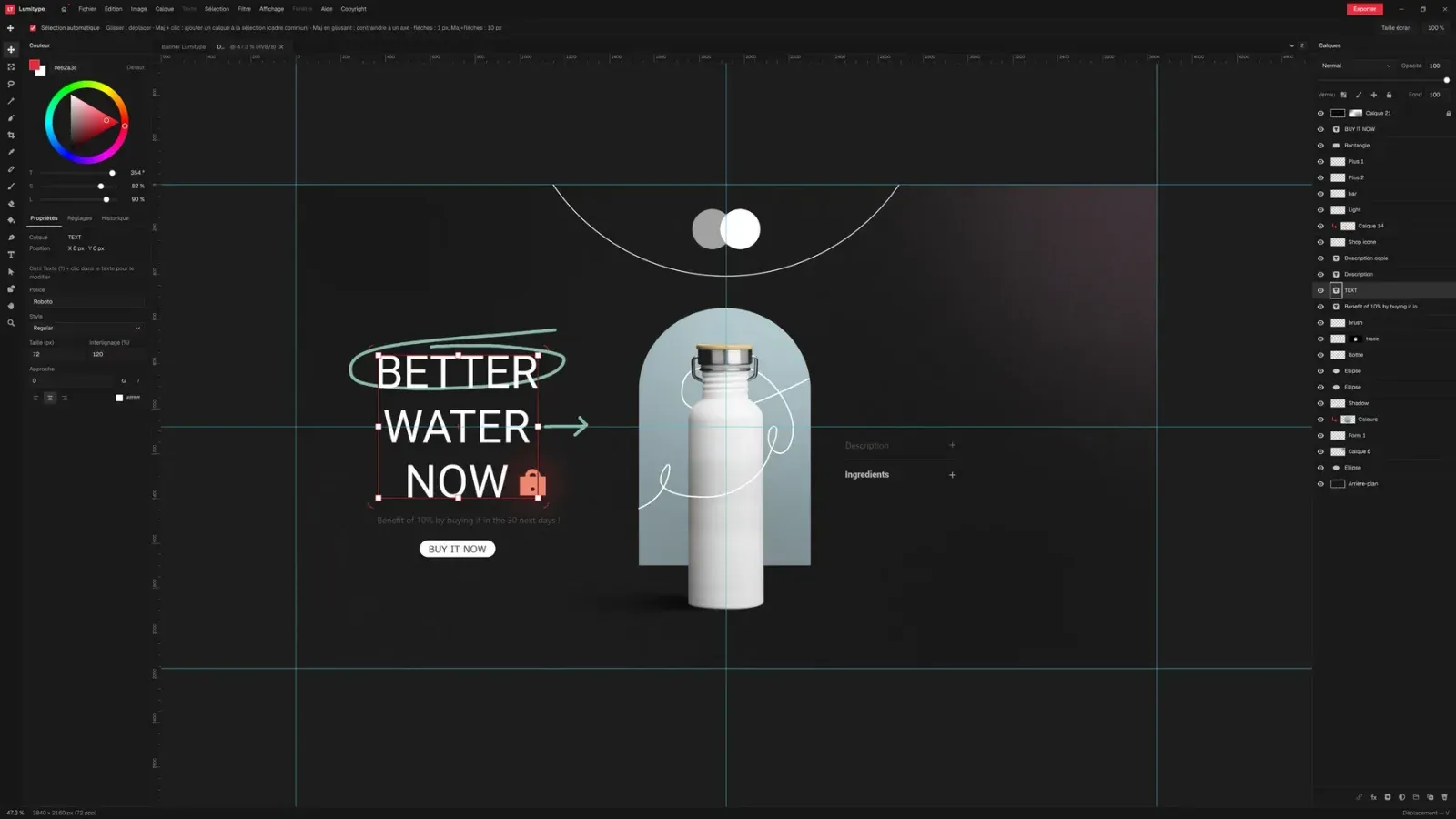
Image: Lumitype
What works the same as Photoshop
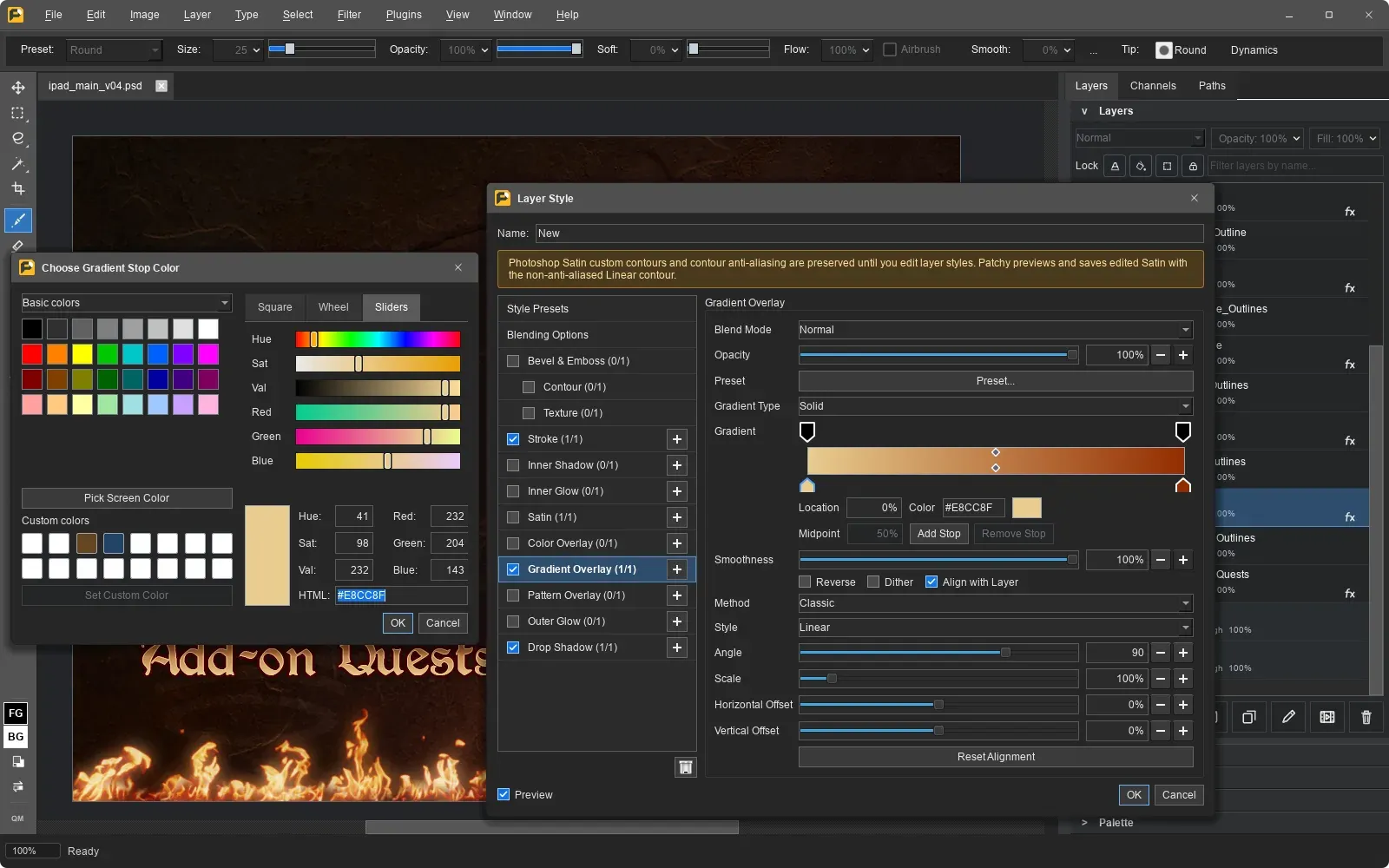
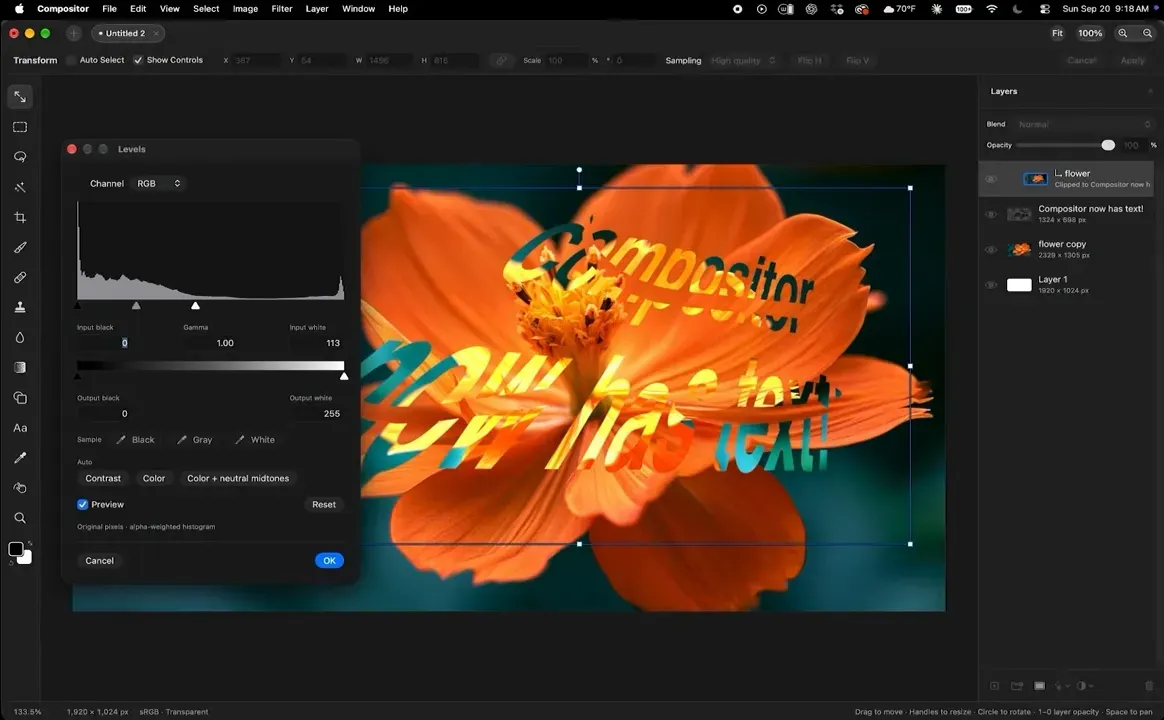
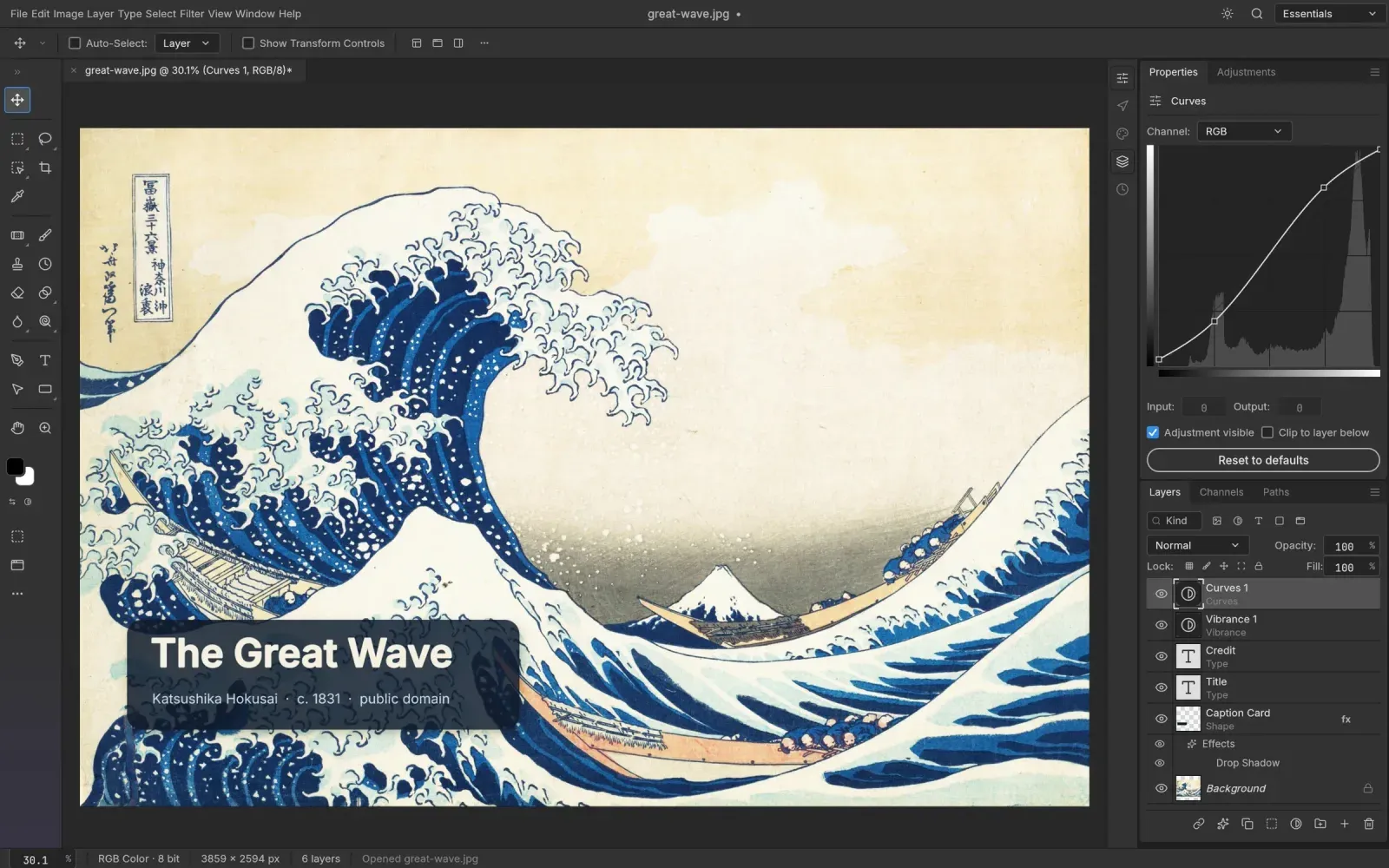
- Layers with masks, clipping masks and groups, plus layer effects like shadows and strokes.
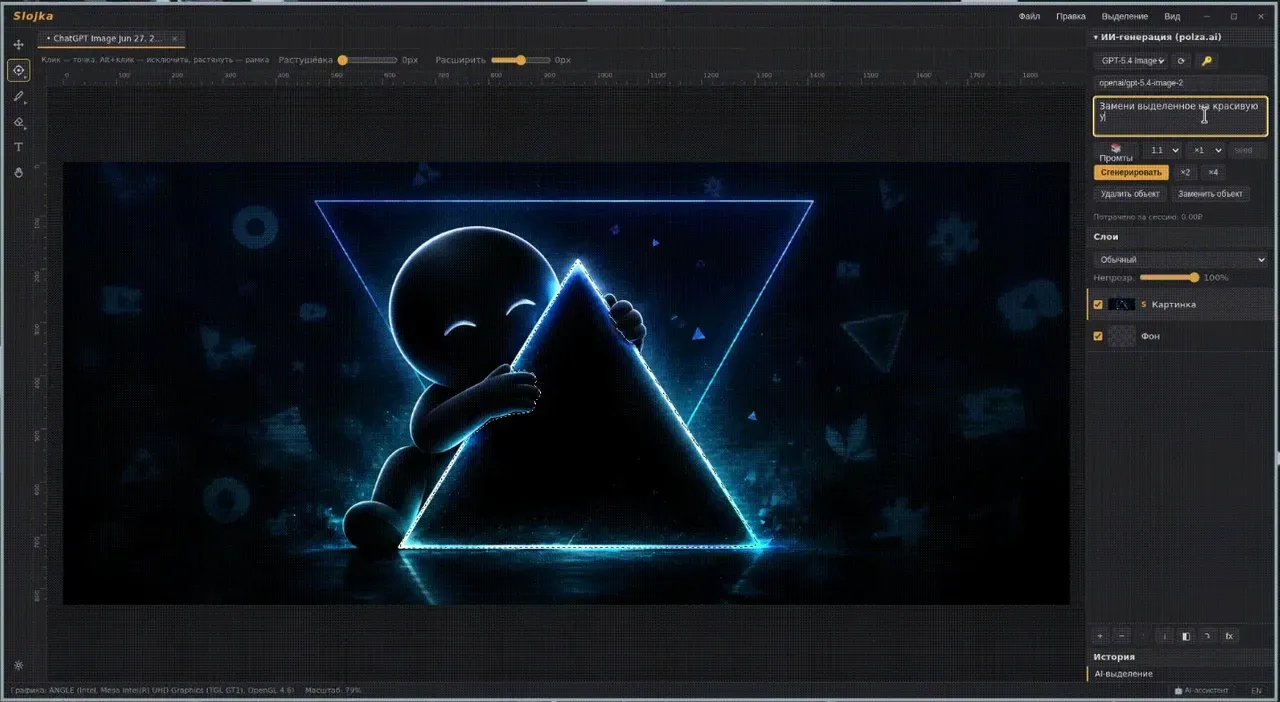
- Selection tools: rectangle, ellipse, lasso and magic wand.
- Brush, eraser, paint bucket, gradient and pen tools.
- Keyboard shortcuts like the ones in Photoshop.
- Opens PNG, JPEG, WebP, TIFF, AVIF, HEIC and RAW photos, and exports JPEG, PNG, WebP, AVIF, TIFF and PDF.
What is missing
- Opening and saving Photoshop PSD files is planned, not done yet.
- 16-bit colour is planned, not done yet.
- Changing the size of the image or the canvas is planned, not done yet.
How to get started
- Click Download and pick the file for your computer: the Setup for Windows, or a .deb, .rpm, AppImage or Flatpak for Linux.
- On Windows, double-click the installer.
- Drop an image onto the home screen to start a project, or open a recent one.
Compatible files
Photoshop projects Not tested yet