Slojka
Clone of Photoshop
Free Photoshop-style image editor with layers, masks, selections and brushes, plus optional AI tools.
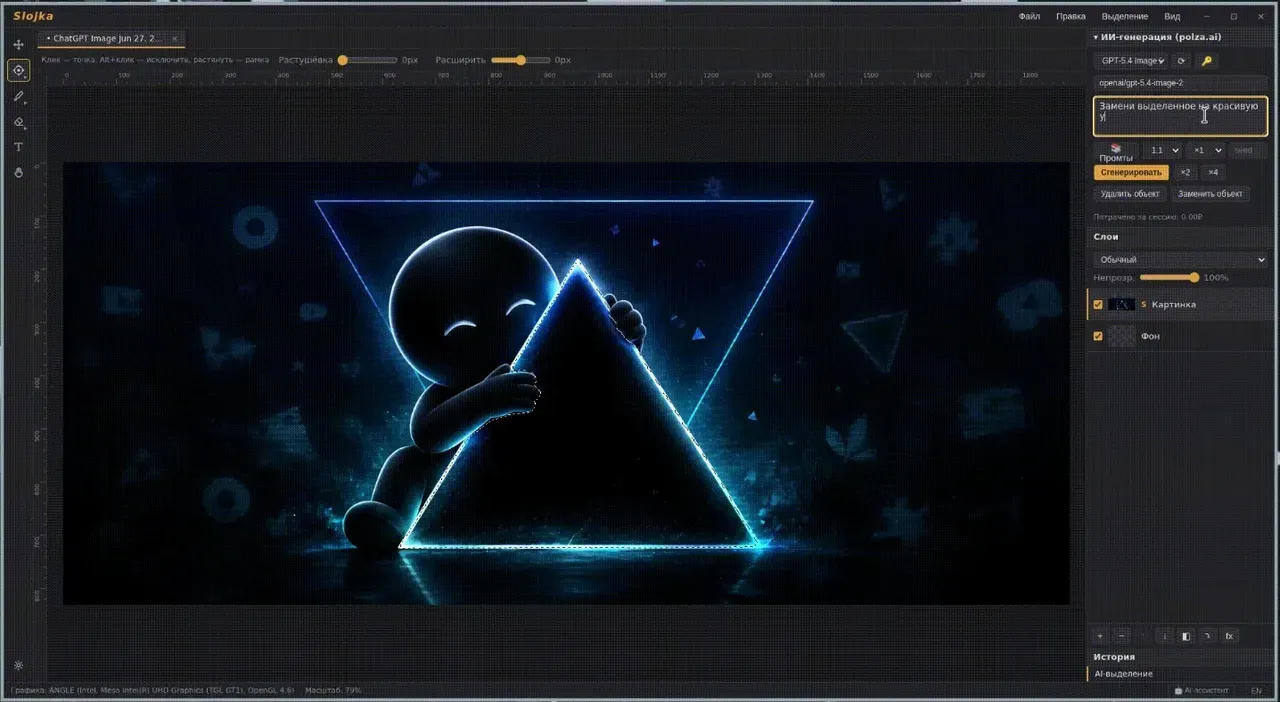
Image: Slojka
What works the same as Photoshop
- Layers, smart layers, layer masks and clipping masks.
- Selections with rectangle, ellipse, lasso and magic wand.
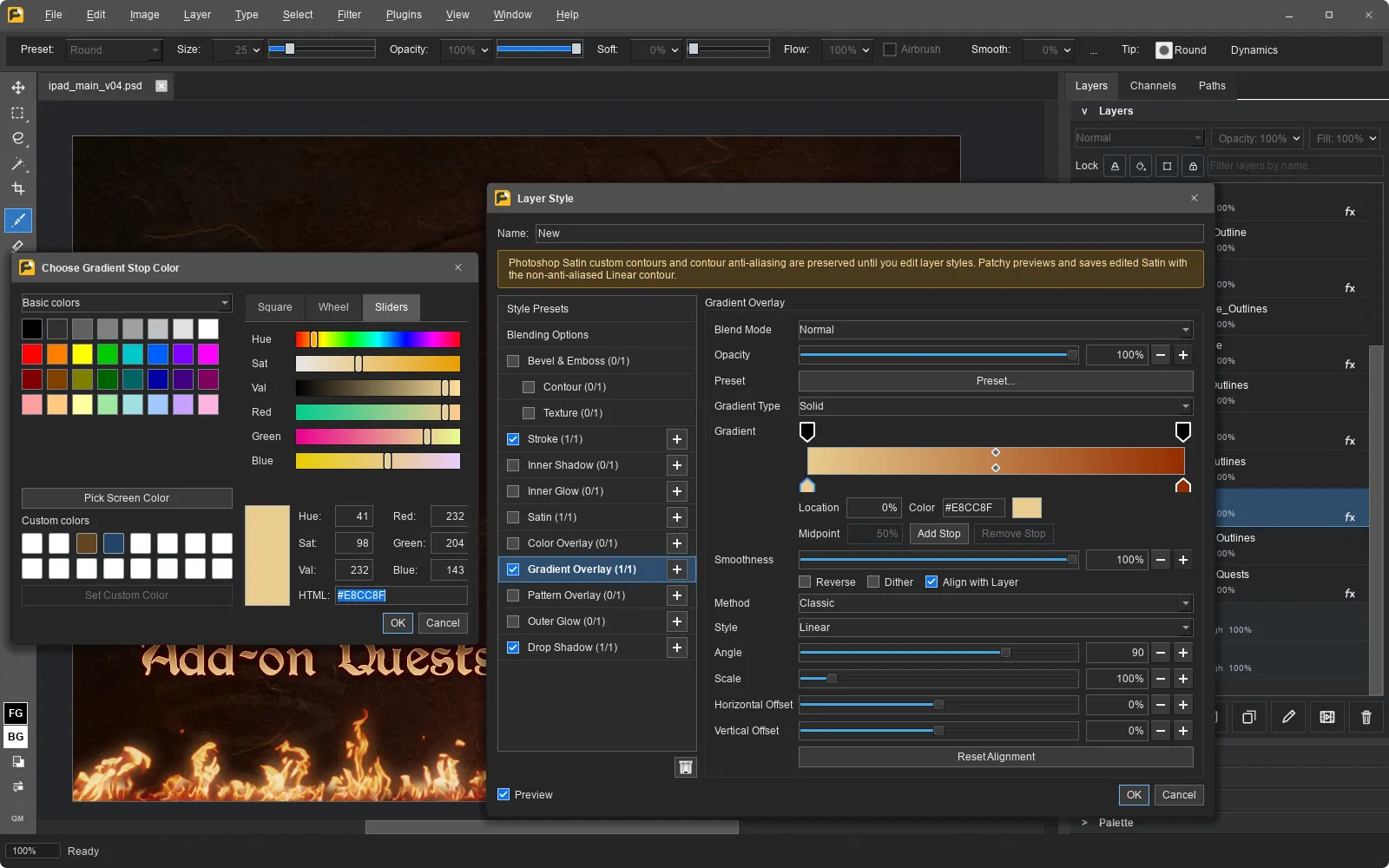
- Layer styles: shadows, glow, stroke and color overlay.
- Opens PSD files and Photoshop brushes (.abr).
- Text styles for part of a line, just like in Photoshop.
What is missing
- The interface is mainly in Russian; English is also available.
- It can't save PSD files: it saves PNG, JPEG, WebP and ORA.
How to get started
- Click Download. It opens the project's releases page.
- On Windows, run the installer. If SmartScreen warns you, click "More info" and then "Run anyway".
- On Linux, use the AppImage file.
Compatible files
Photoshop files (.psd, .abr) According to the project