GPlanSiS Studio
Clone of Photoshop
Free image editor in your browser: layers, PSD files, non-destructive adjustments, a rated photo catalog with quick develop, and simple vector drawing.
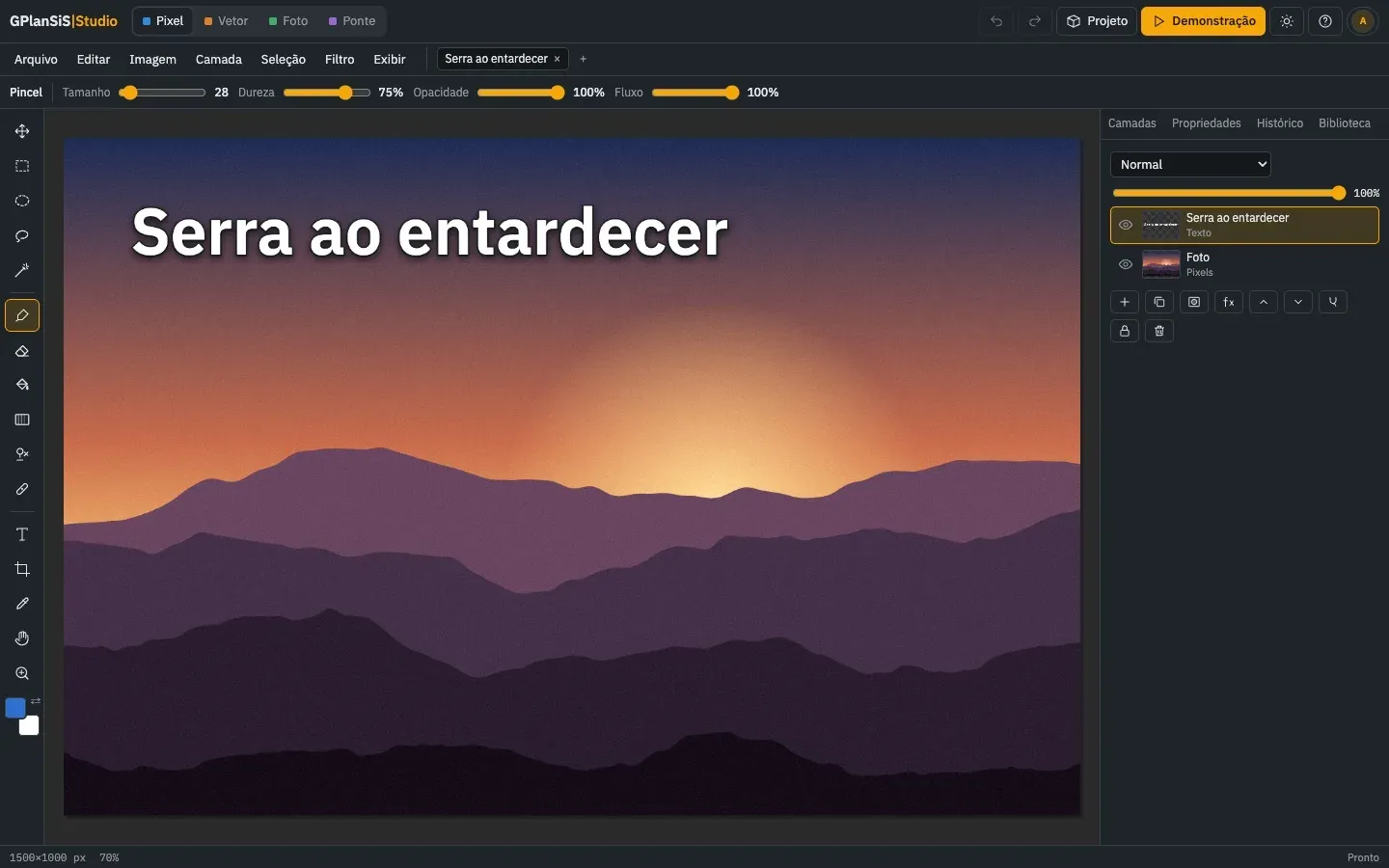
Image: GPlanSiS Studio
What works the same as Photoshop
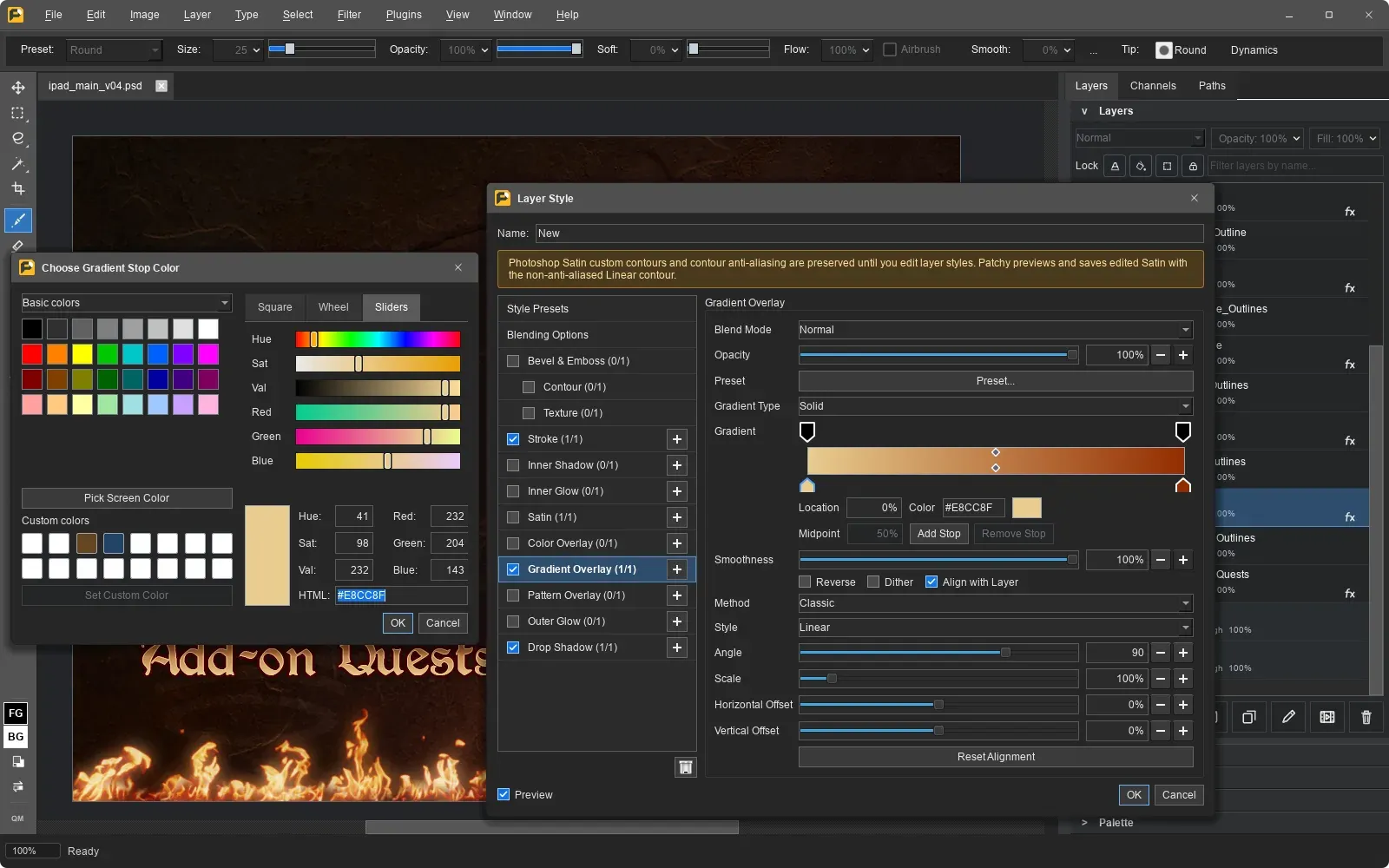
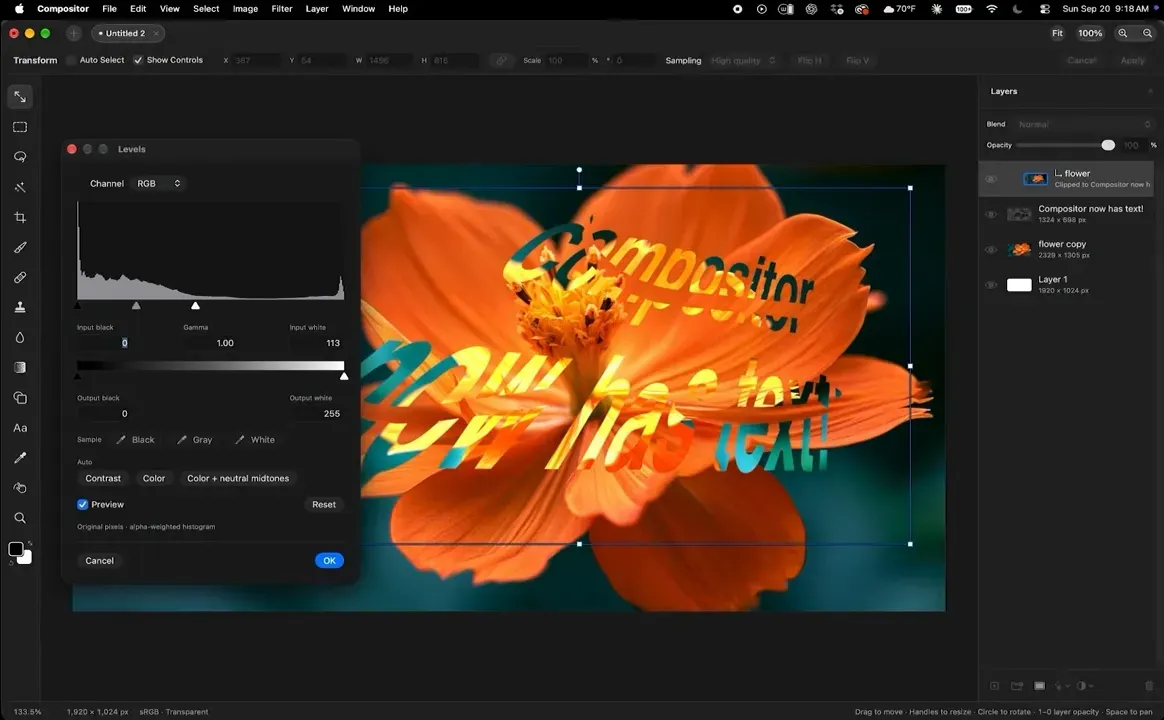
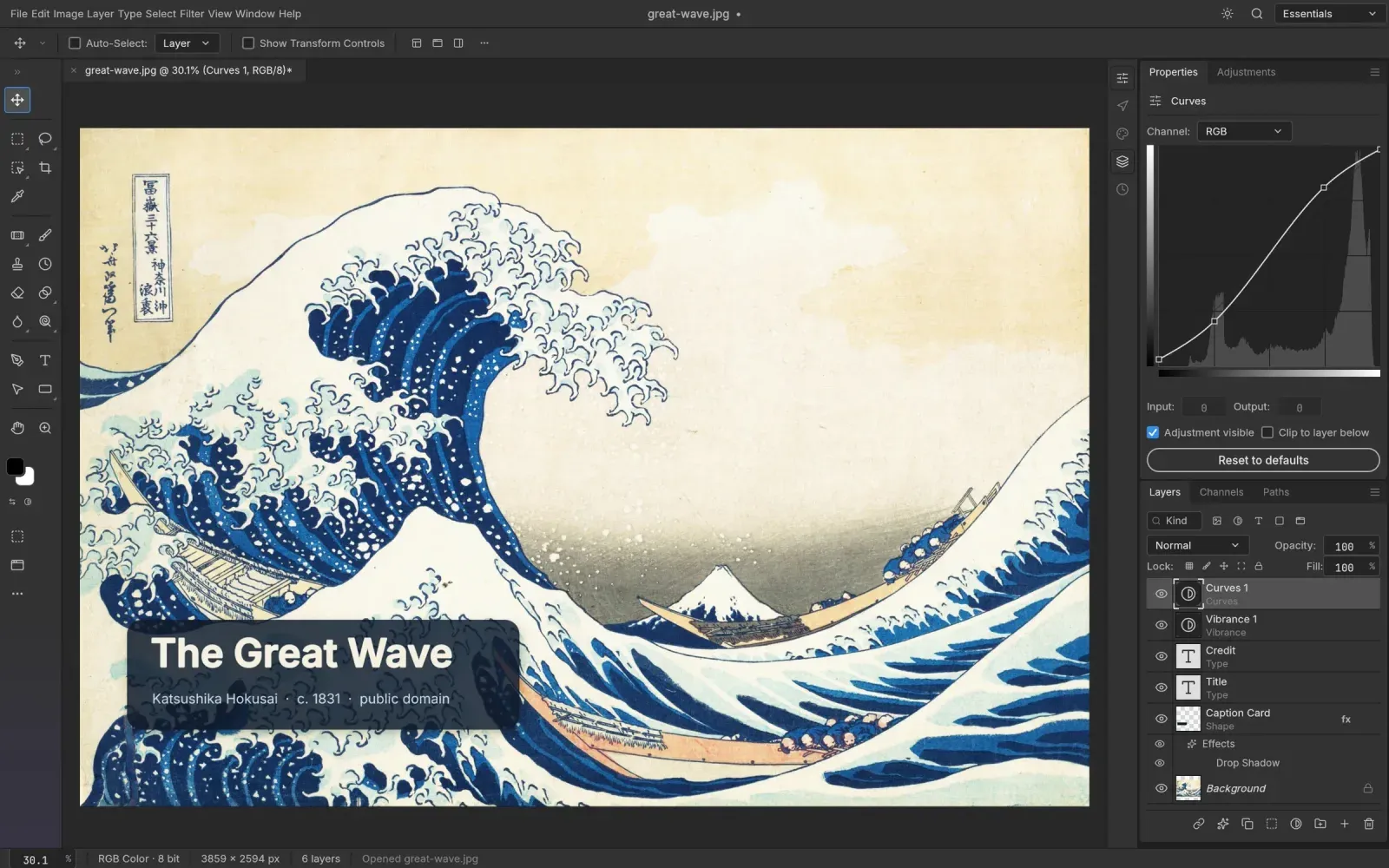
- Layers with blend modes, masks and adjustment layers, plus brush, selections and text.
- Open PSD files with all their layers and save PSD with layers.
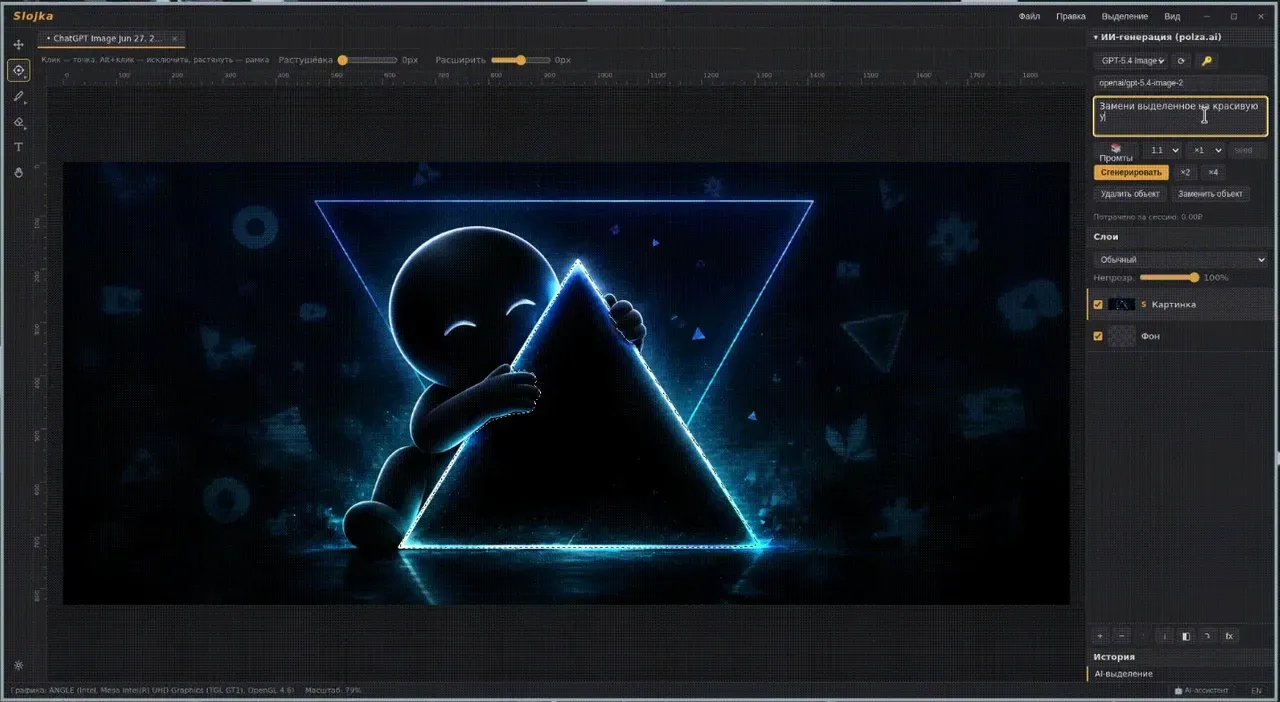
- Non-destructive adjustments and filters, and smart fill to remove what you select.
- A Photo module that lays out a catalog, ratings, quick develop and presets the way Lightroom's Library does.
- Open almost any image format: HEIC, TIFF, WebP, AVIF, RAW and more.
What is missing
- RAW files open only as their embedded JPEG preview.
- AVIF export works only where your browser can encode it.
How to get started
- Download the project from its page. There's no installer: you need Python 3.10 or later and a modern browser.
- In its folder run python3 build.py, then start the server as the project page explains.
- Open http://127.0.0.1:8972, sign in with the master email and password from your .env file, and set a new password. The Demo button loads a sample project.
- The optional AI menu sends a reduced copy of your image to Anthropic's Claude; everything else stays in your browser.
Compatible files
Photoshop files (.psd, .psb) According to the project