PhotoCraft
Clone of Photoshop
Free image editor that matches Photoshop menus, shortcuts, and tools, with full PSD file support.
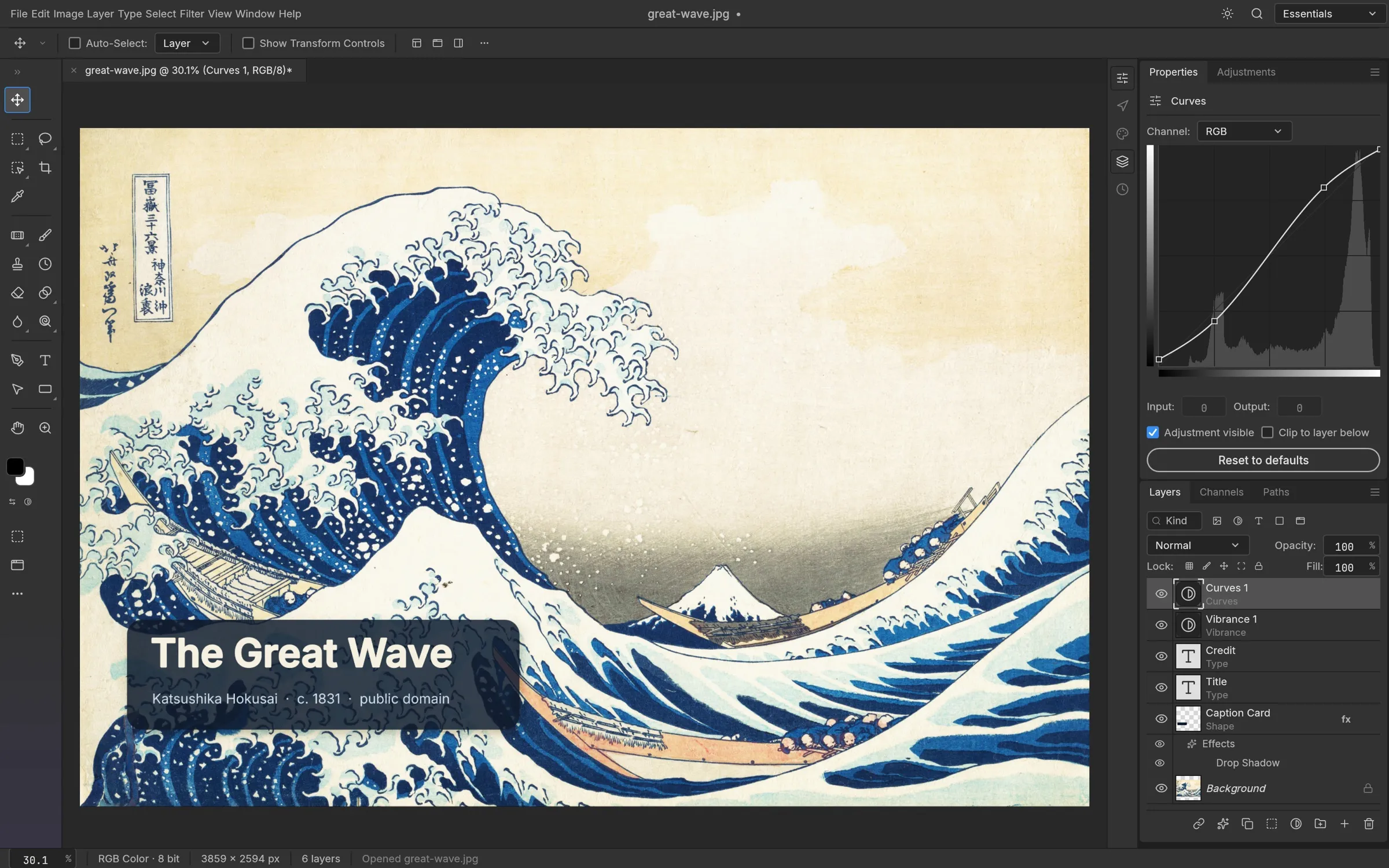
Image: PhotoCraft
What works the same as Photoshop
- Uses the same menus, keyboard shortcuts, tools, and panels as Photoshop.
- Opens, edits, and saves layered PSD and PSB files.
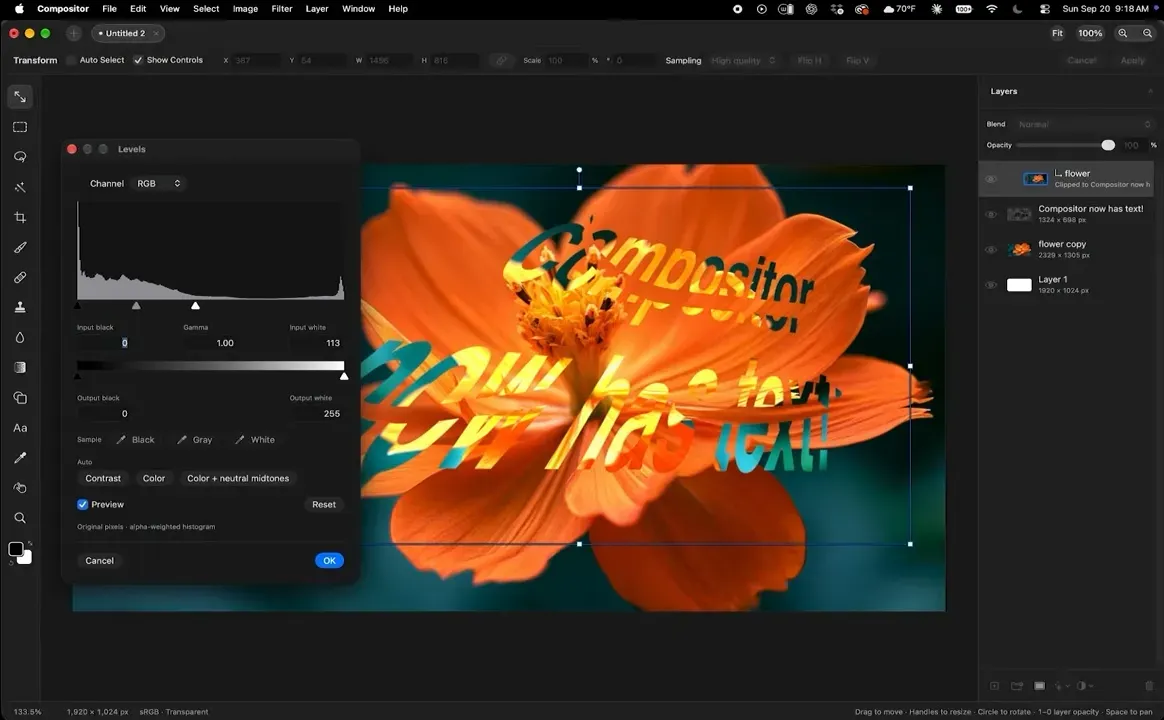
- Keeps live adjustment layers like Curves and Levels with instant on-canvas previews.
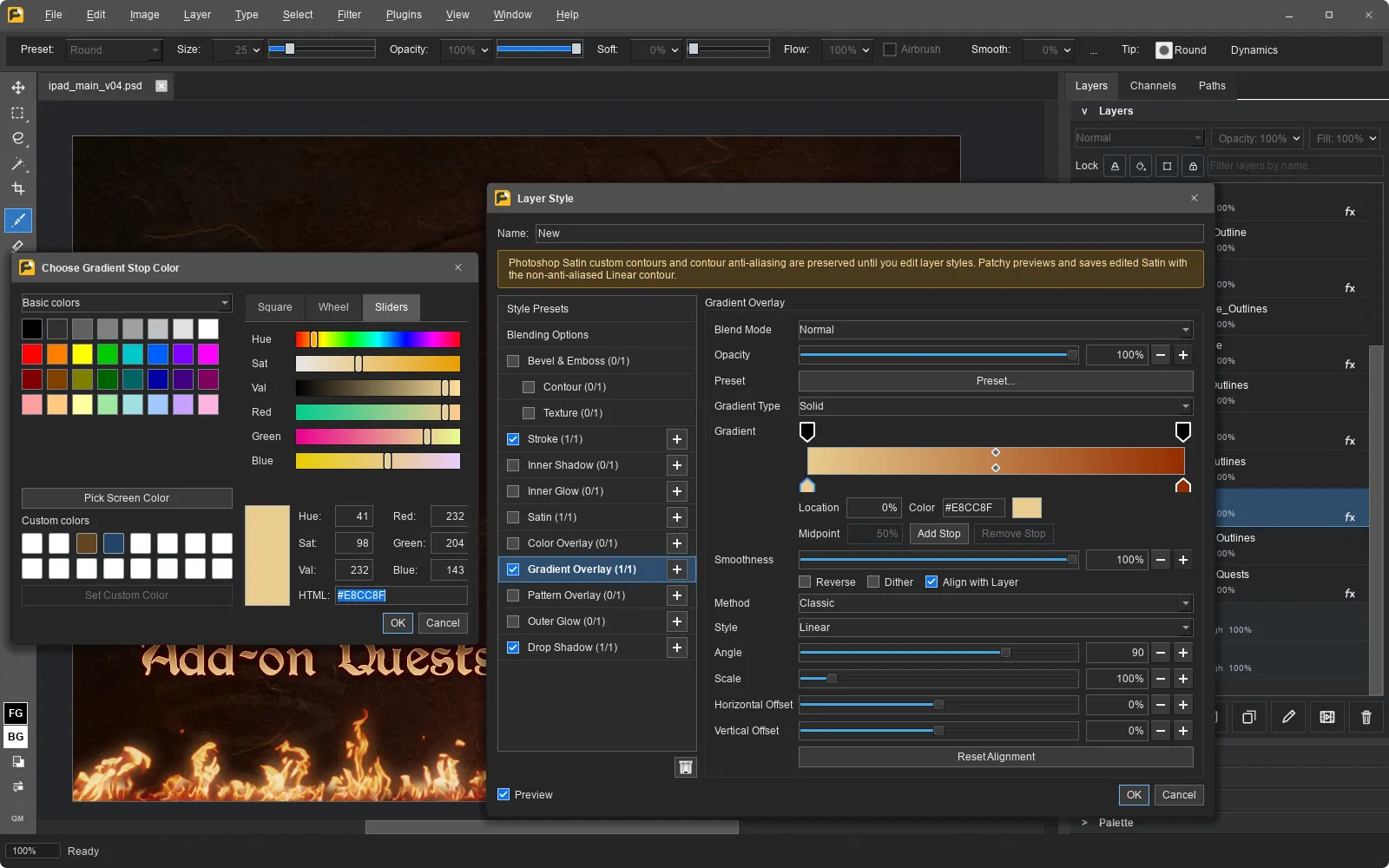
- Includes layer styles such as Drop Shadow, Glow, Bevel and Emboss, and Stroke.
What is missing
- It is an early alpha version, and it is not ready to replace Photoshop for daily professional work.
- AI and generative tools.
- 15 Photoshop tools are still missing.
- Photoshop plug-ins do not work.
How to get started
- Download the installer for your system from the official site.
- Open the downloaded setup file to install the application.
- Launch PhotoCraft and open an image or your existing PSD documents.
Compatible files
Photoshop files (.psd) According to the project