Evora
Clone of Figma
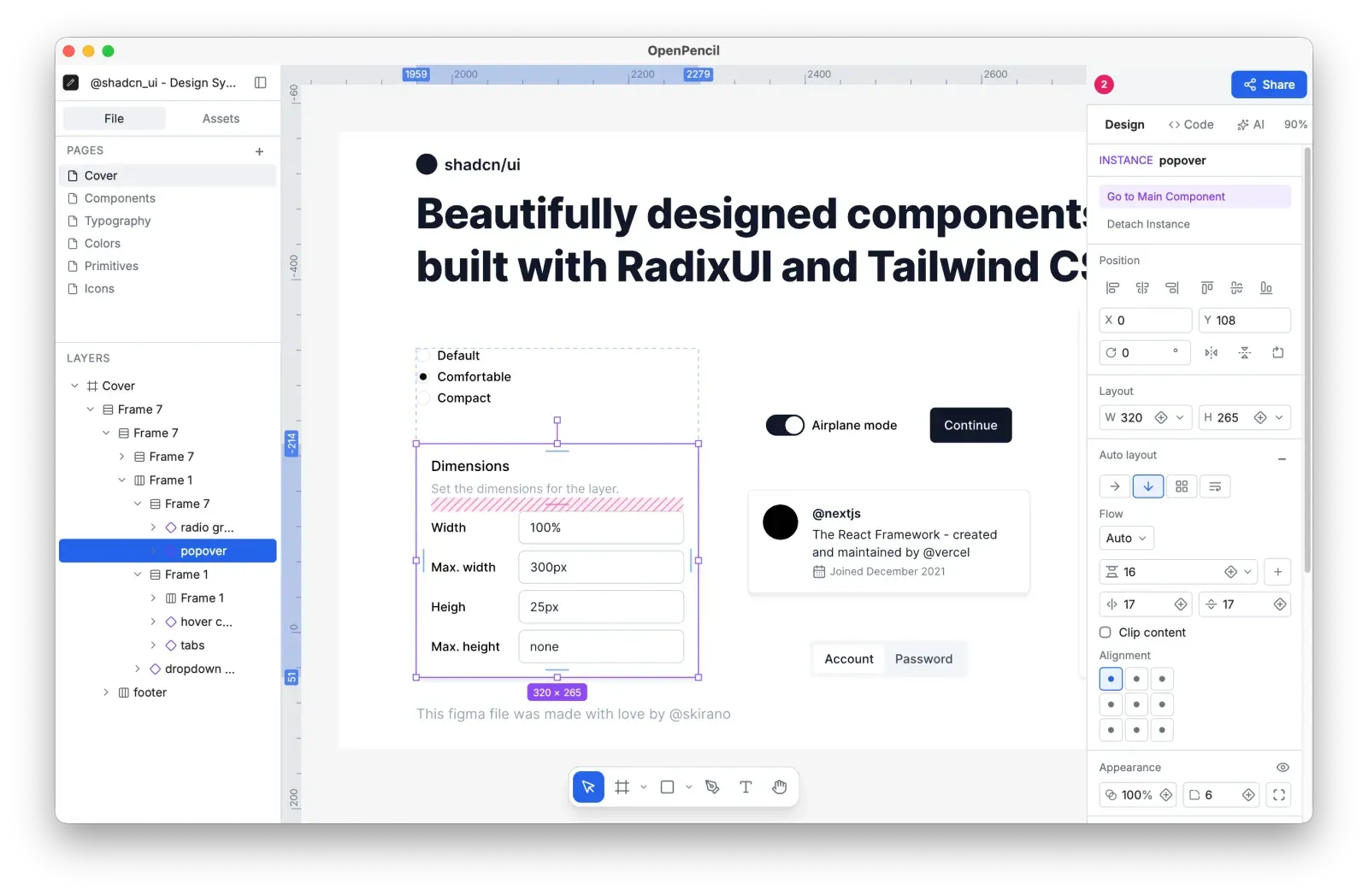
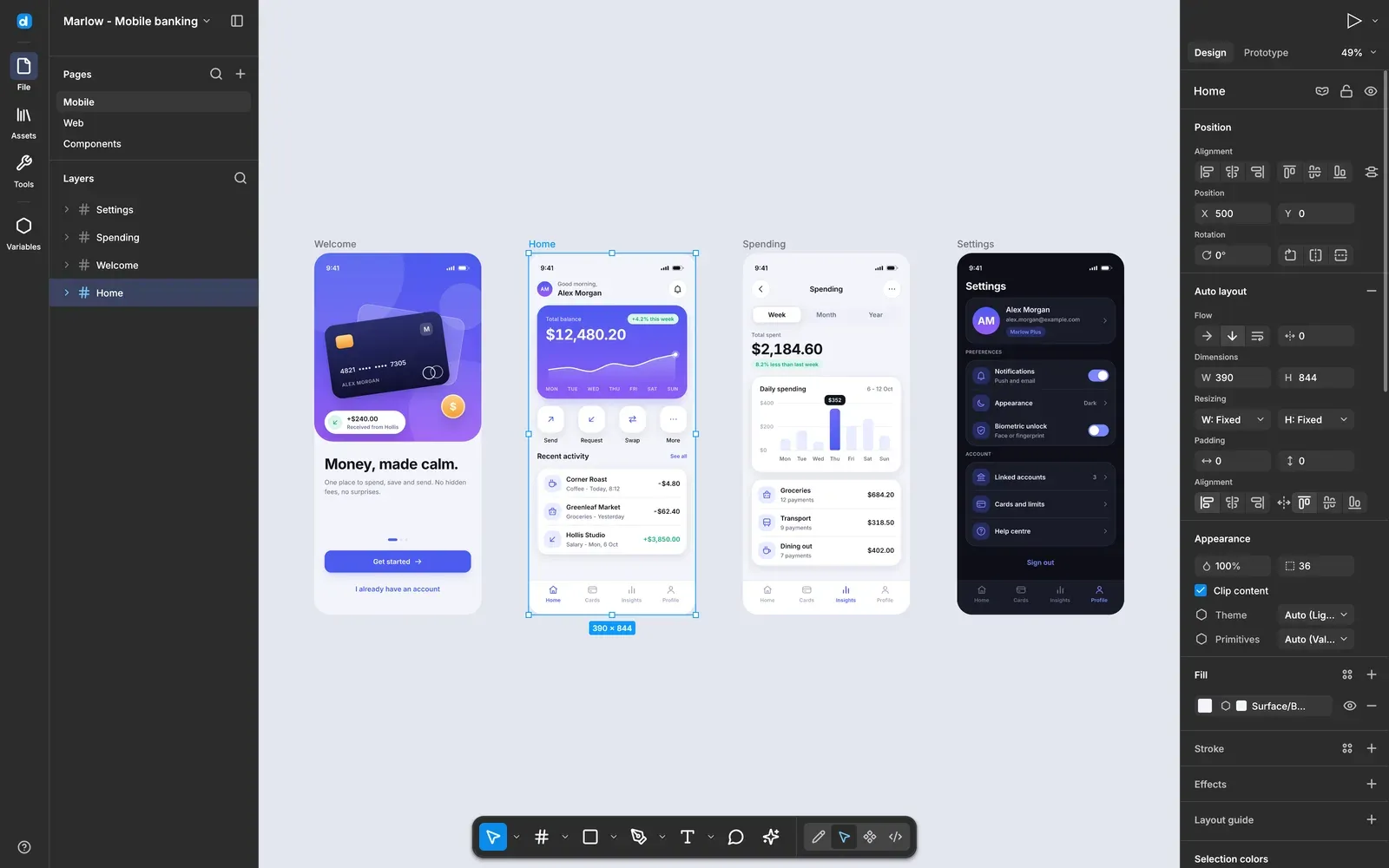
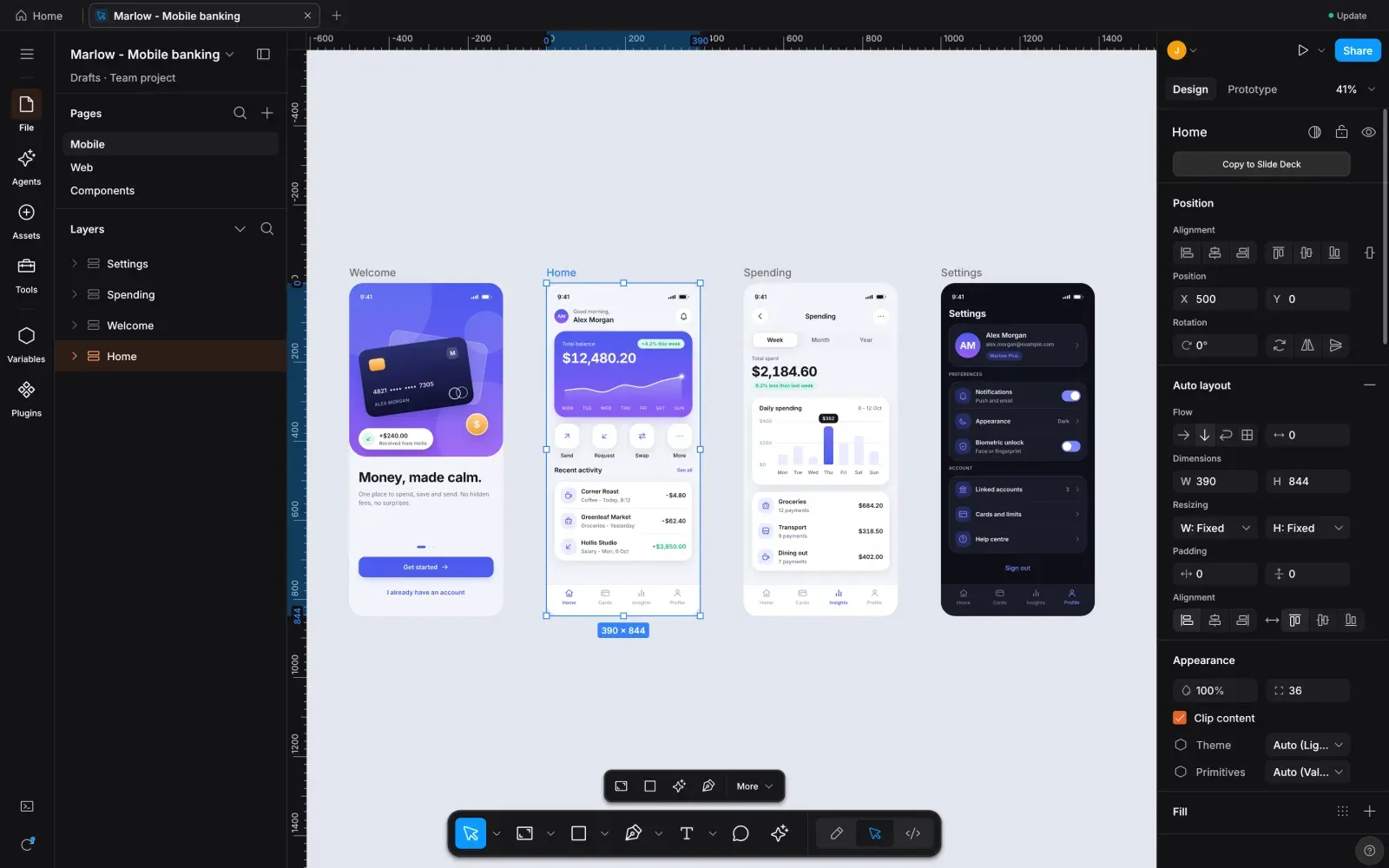
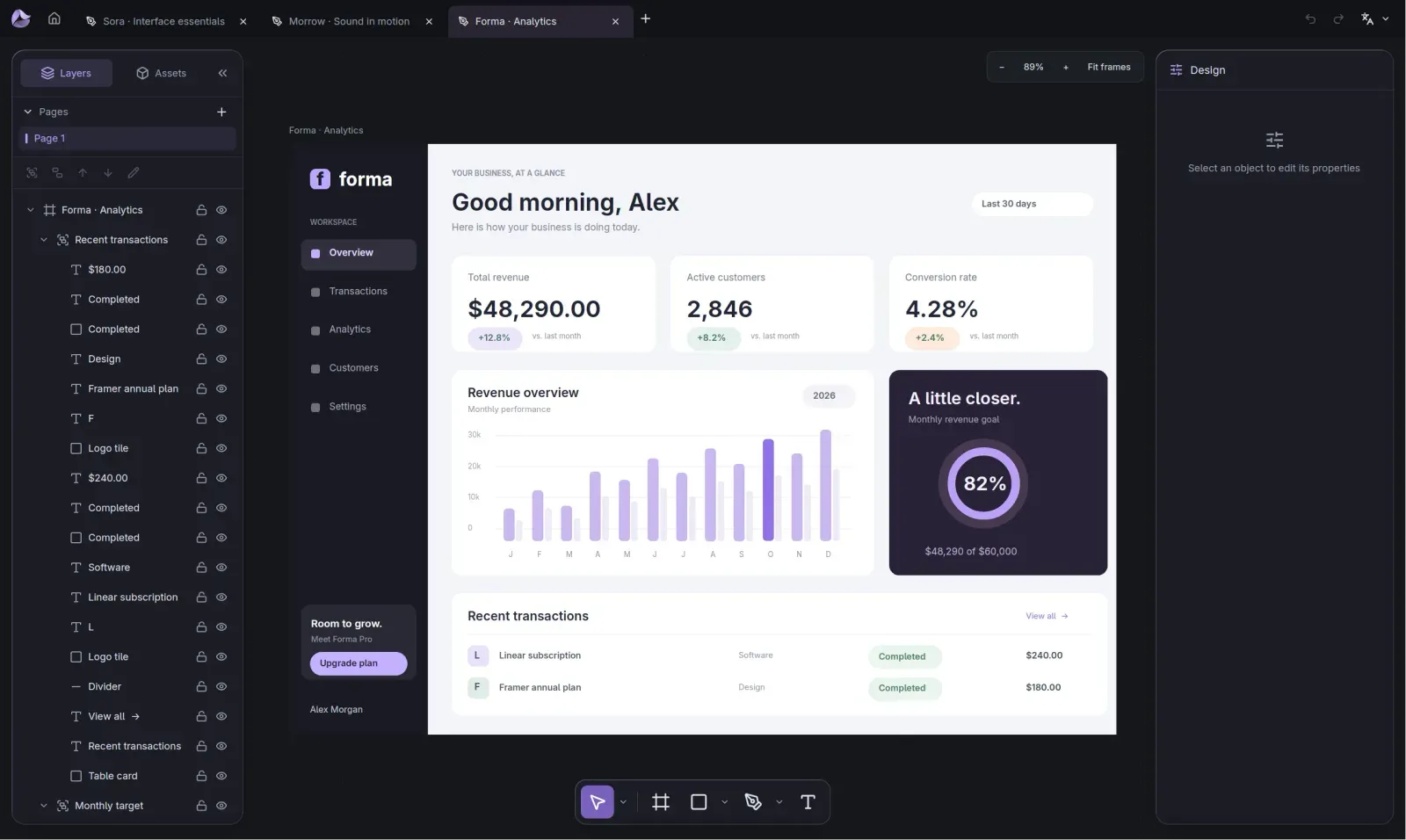
Free design and prototyping editor for Windows, Mac and Linux, with real-time collaboration and no paid plans.
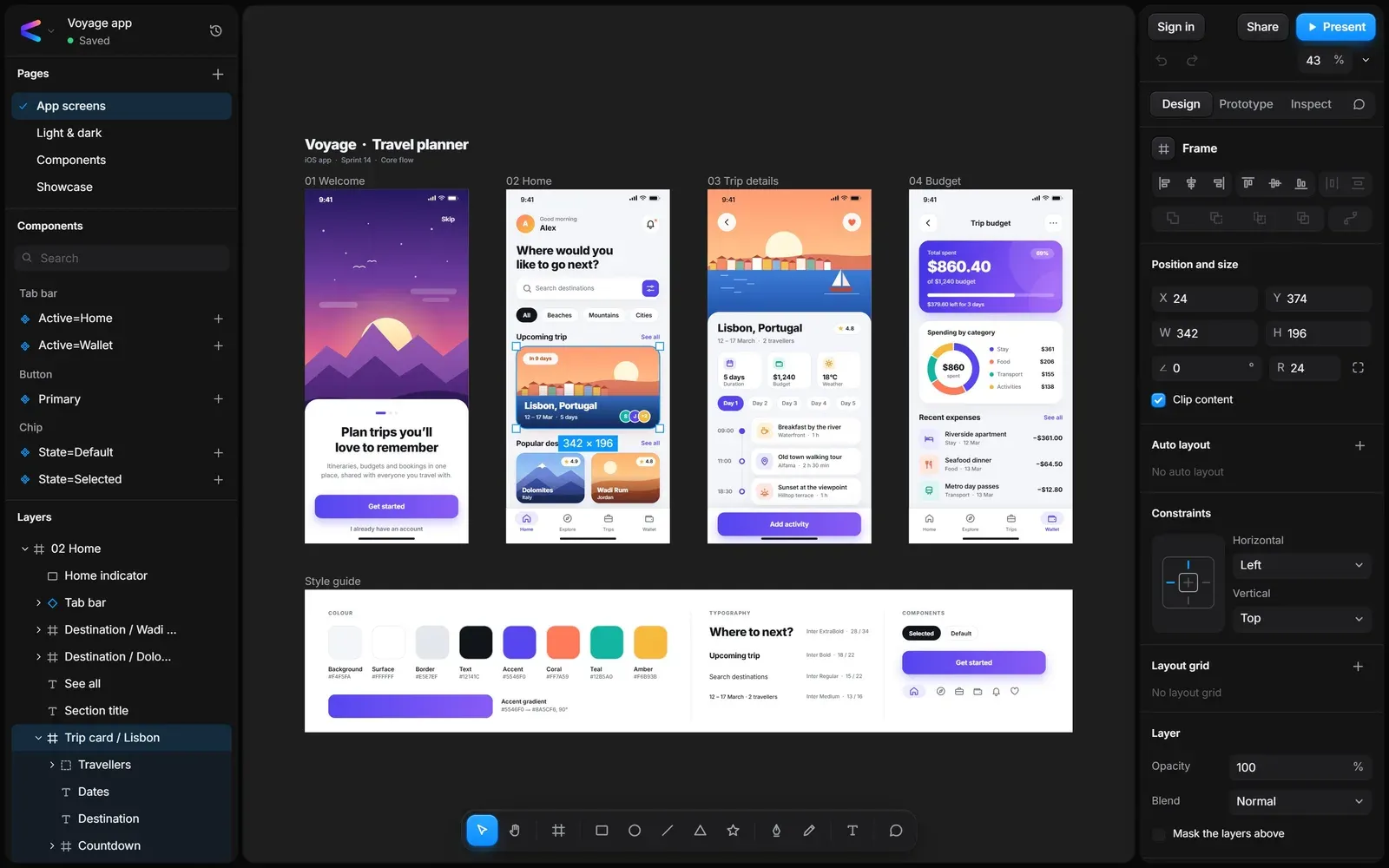
Image: Evora
What works the same as Figma
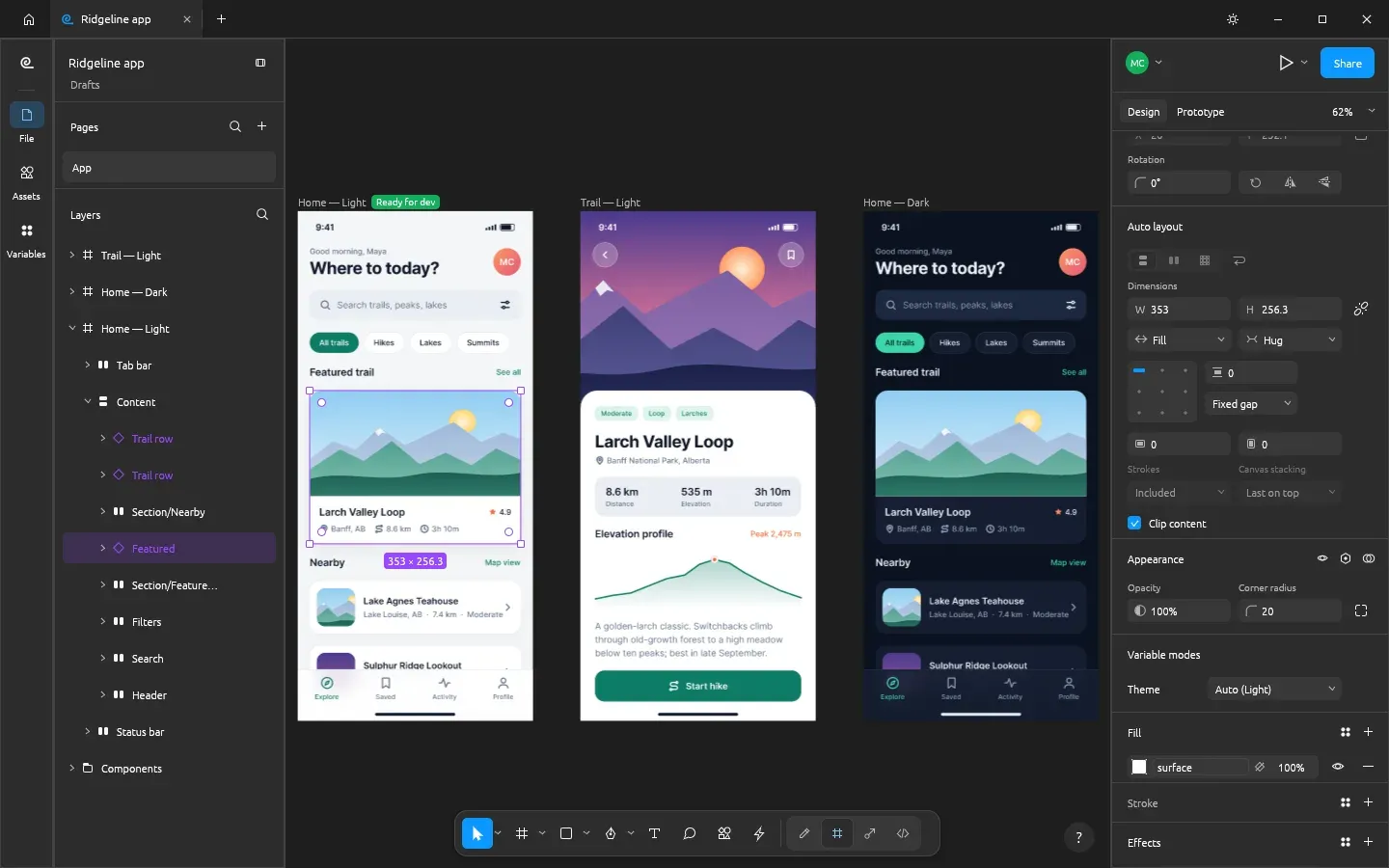
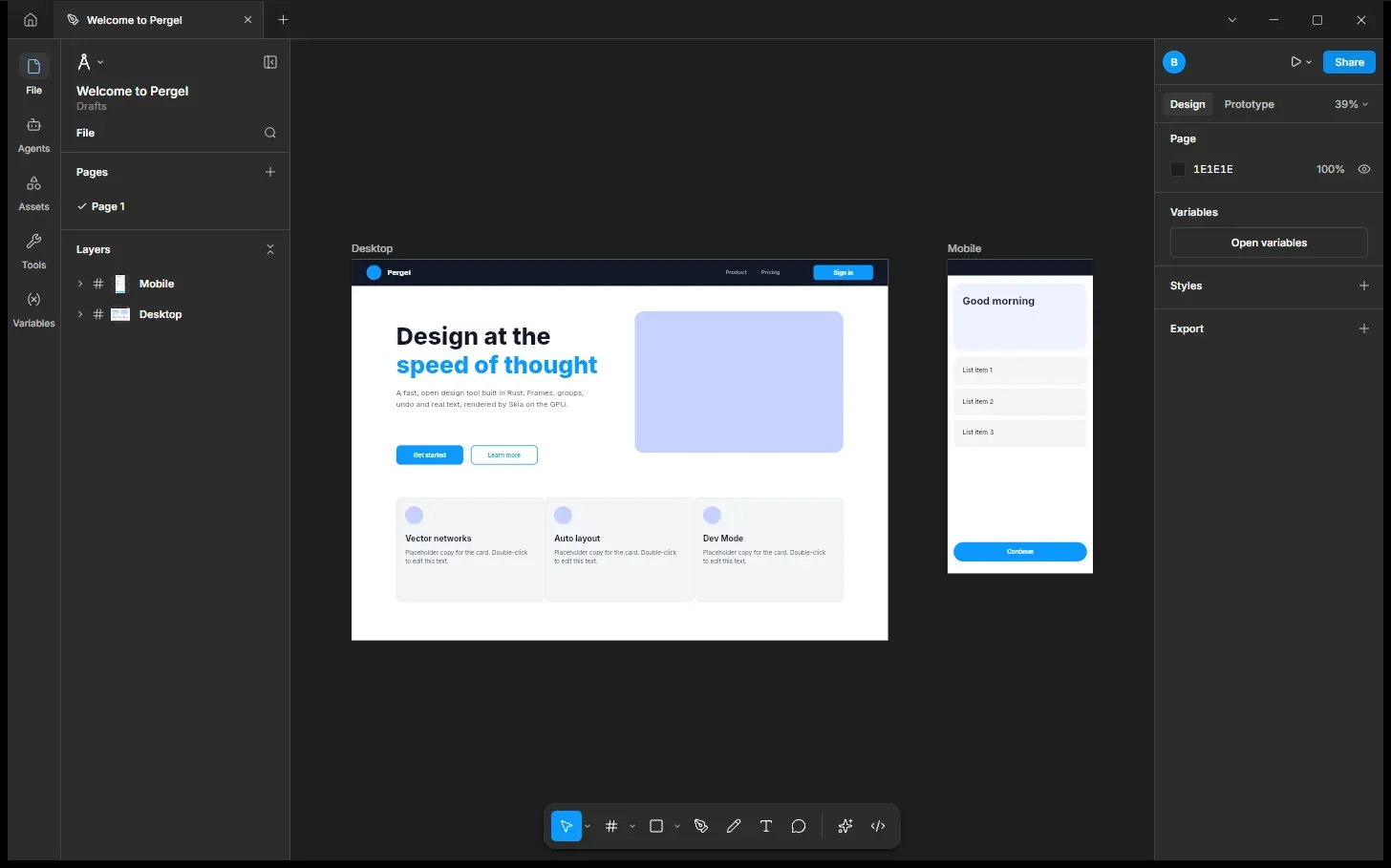
- Responsive auto layout with wrapping, padding, gaps, hug and fill sizing, and constraints.
- Components and variants with overrides, styles and variables with modes.
- Interactive prototypes with clicks, hovers and smart transitions.
- Developer handoff: inspect layers, copy CSS code and export PNG, JPG, SVG or PDF.
- Opens .fig and SVG files as editable layers.
What is missing
- The installers aren't signed yet, so Windows and macOS show a warning on first launch.
- Text on a path, variable-width strokes and video in prototypes are planned.
How to get started
- Click Download to open the versions page and pick the file for your system.
- On Windows, run the setup file, or the portable file if you do not want to install.
- On Mac, open the .dmg file and drag Evora into Applications. Use the arm64 file for Apple Silicon and the x64 file for Intel.
- On Linux, run the .AppImage file, or install the .deb package on Debian and Ubuntu.
Compatible files
Figma files (.fig, .svg) According to the project