DESIGN:OS Studio
Clone of Figma
Free Figma-style design app for your computer that opens and saves real Figma .fig files, even very large ones, without going online.
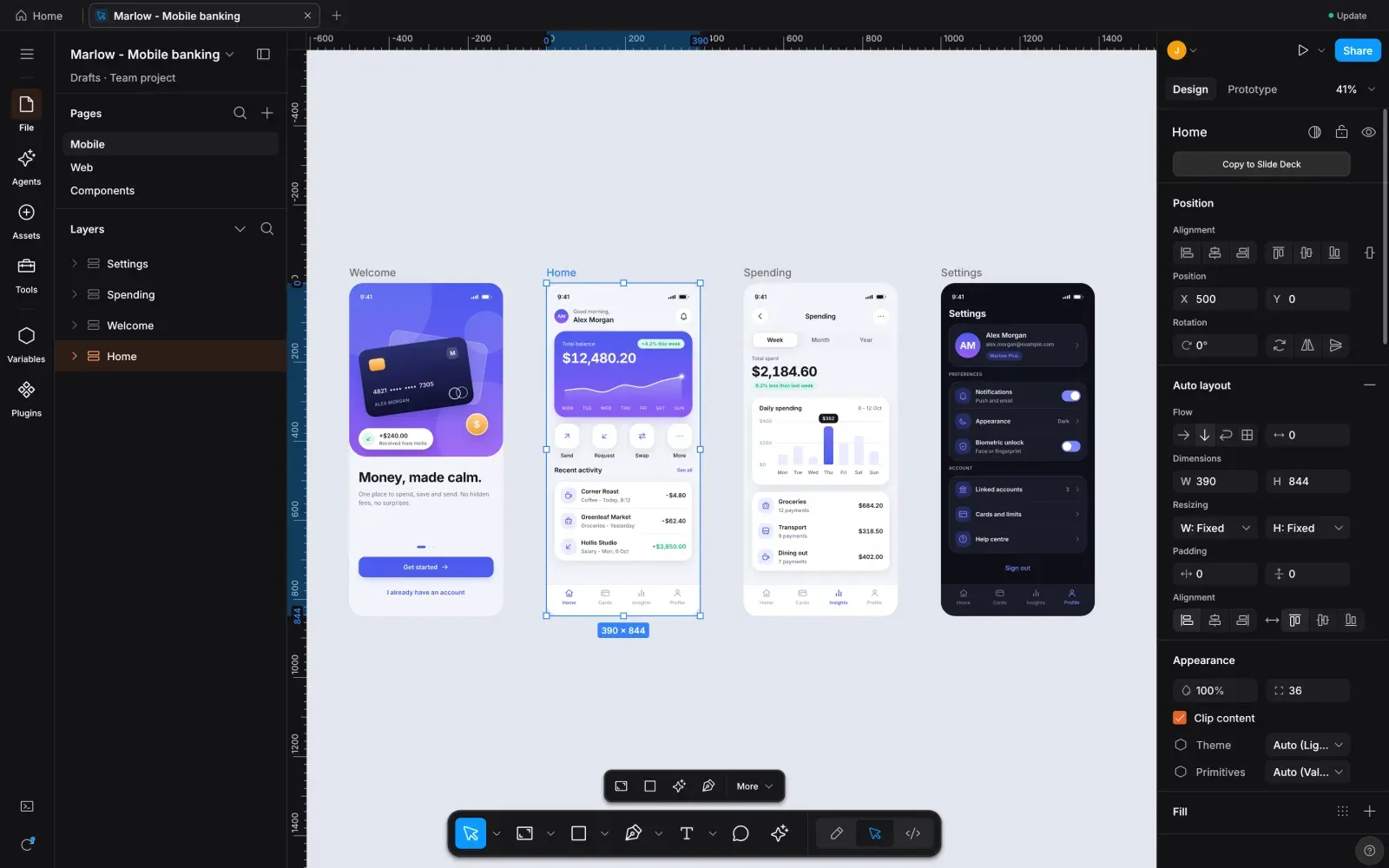
Image: DESIGN:OS Studio
What works the same as Figma
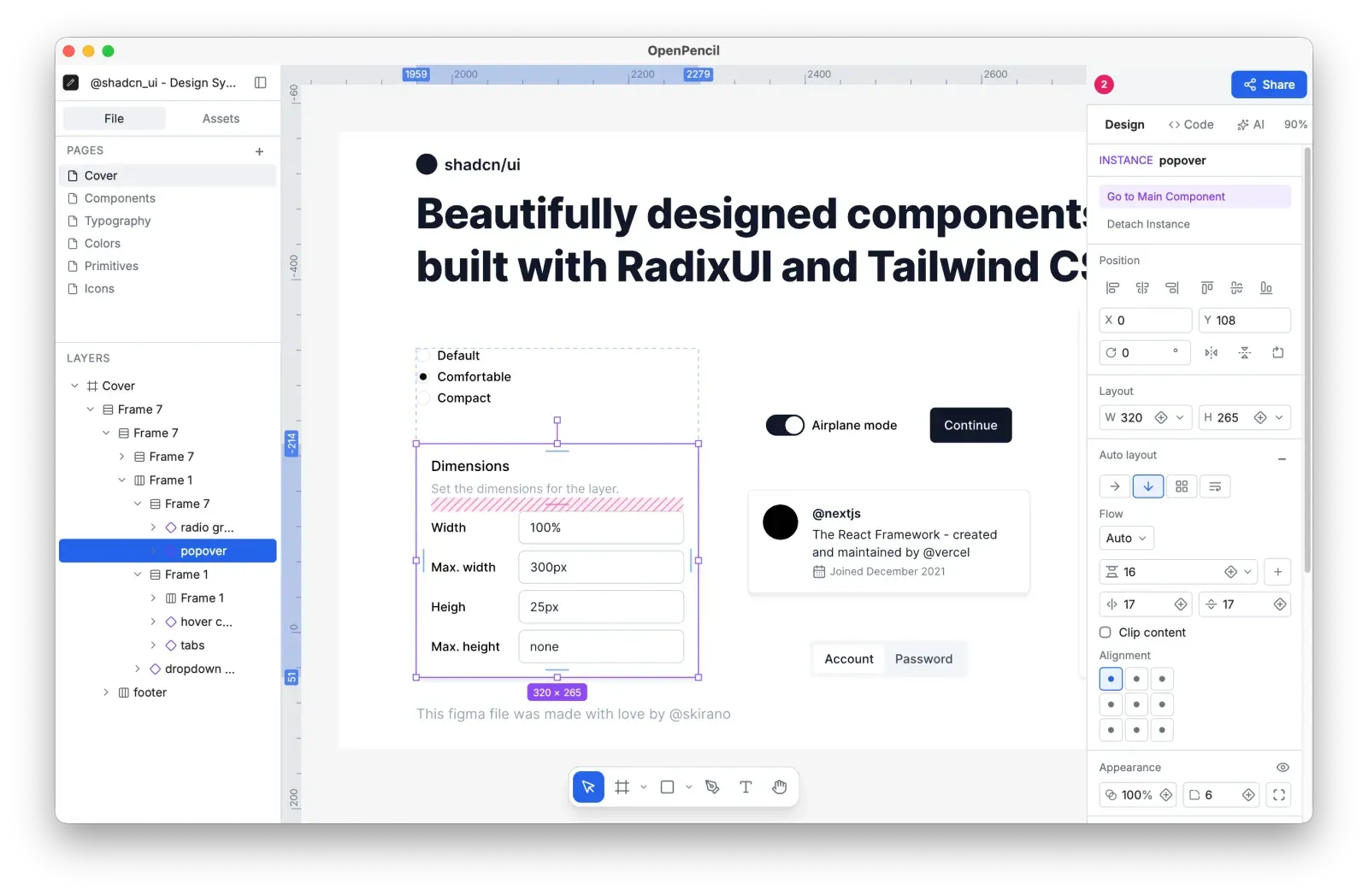
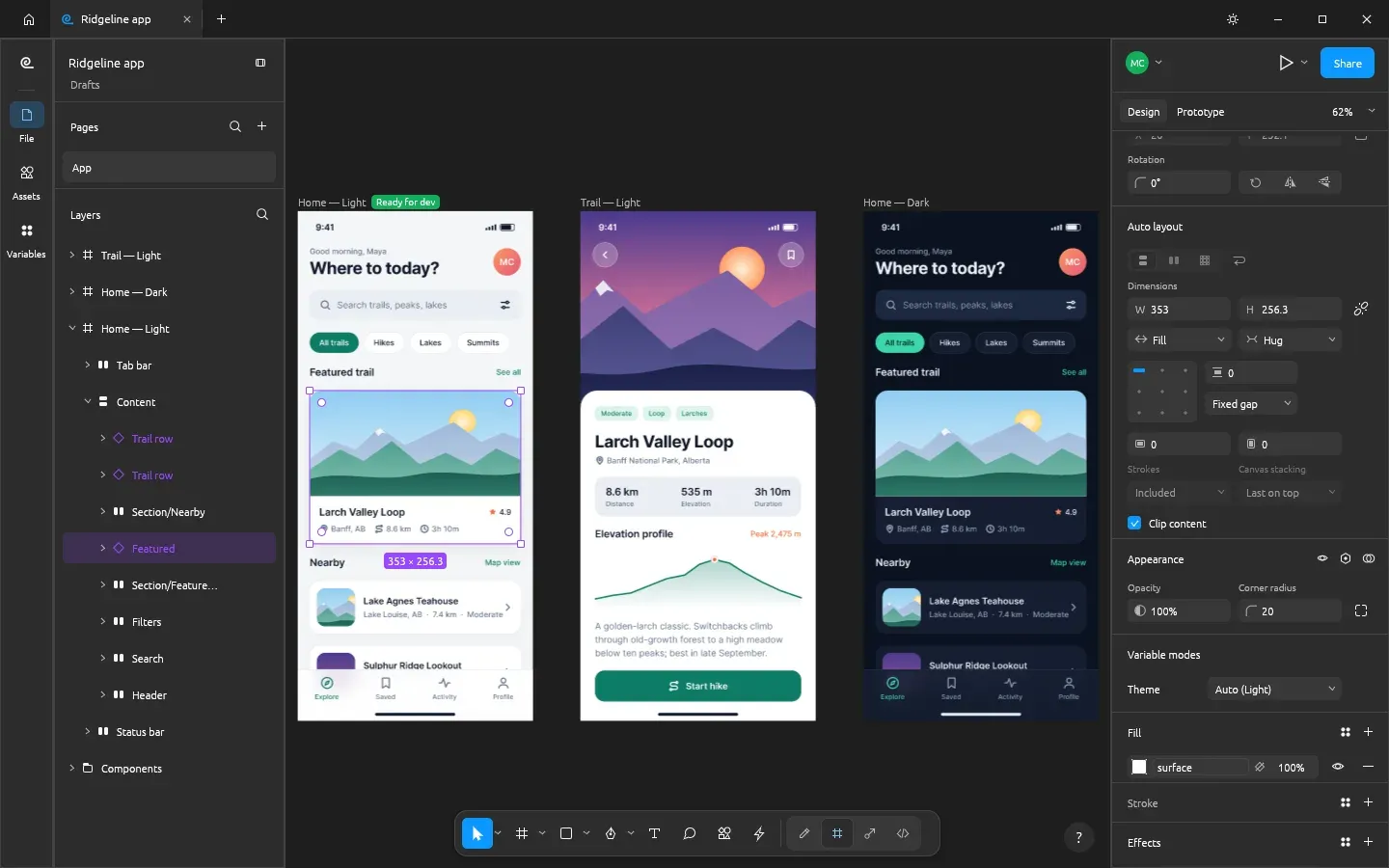
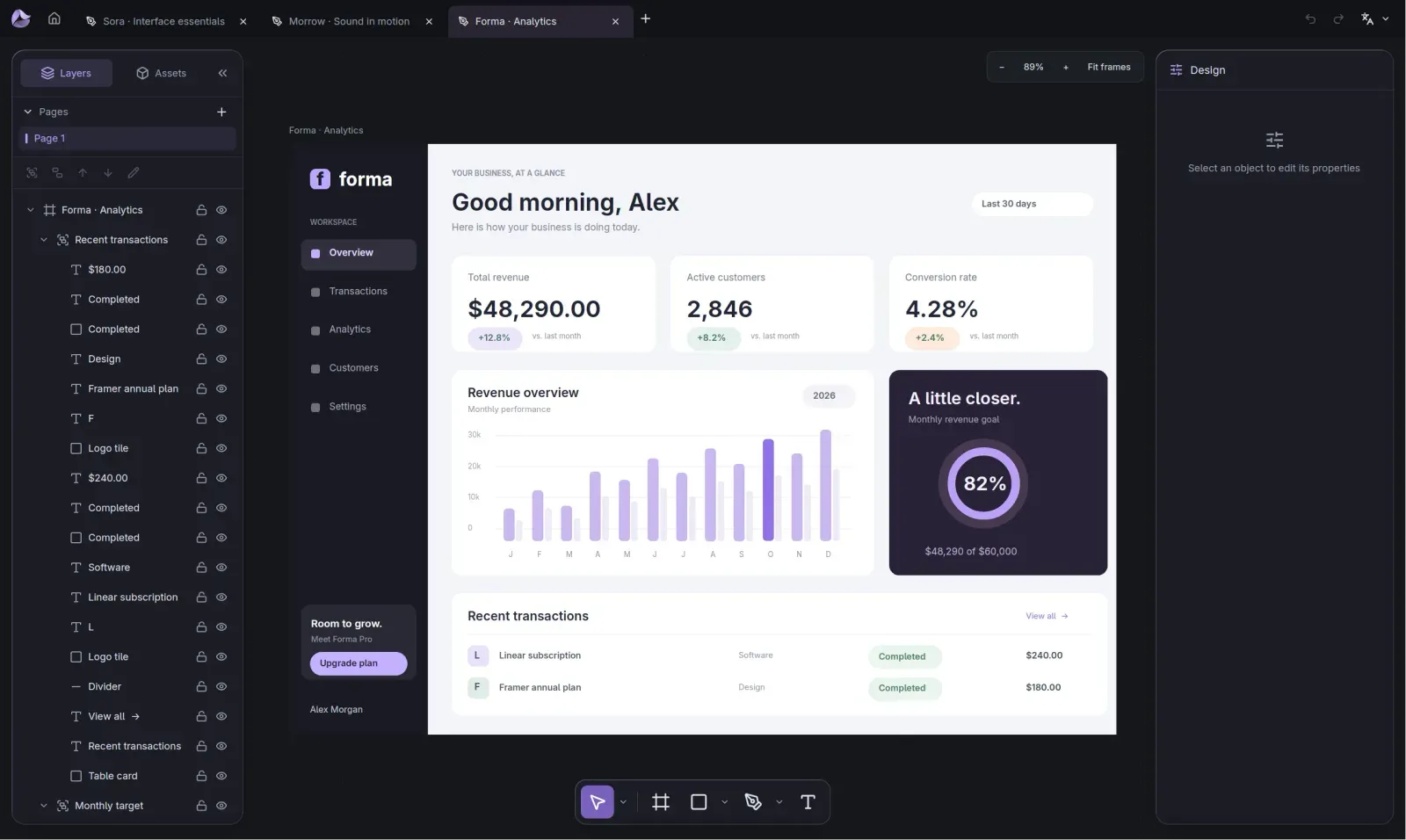
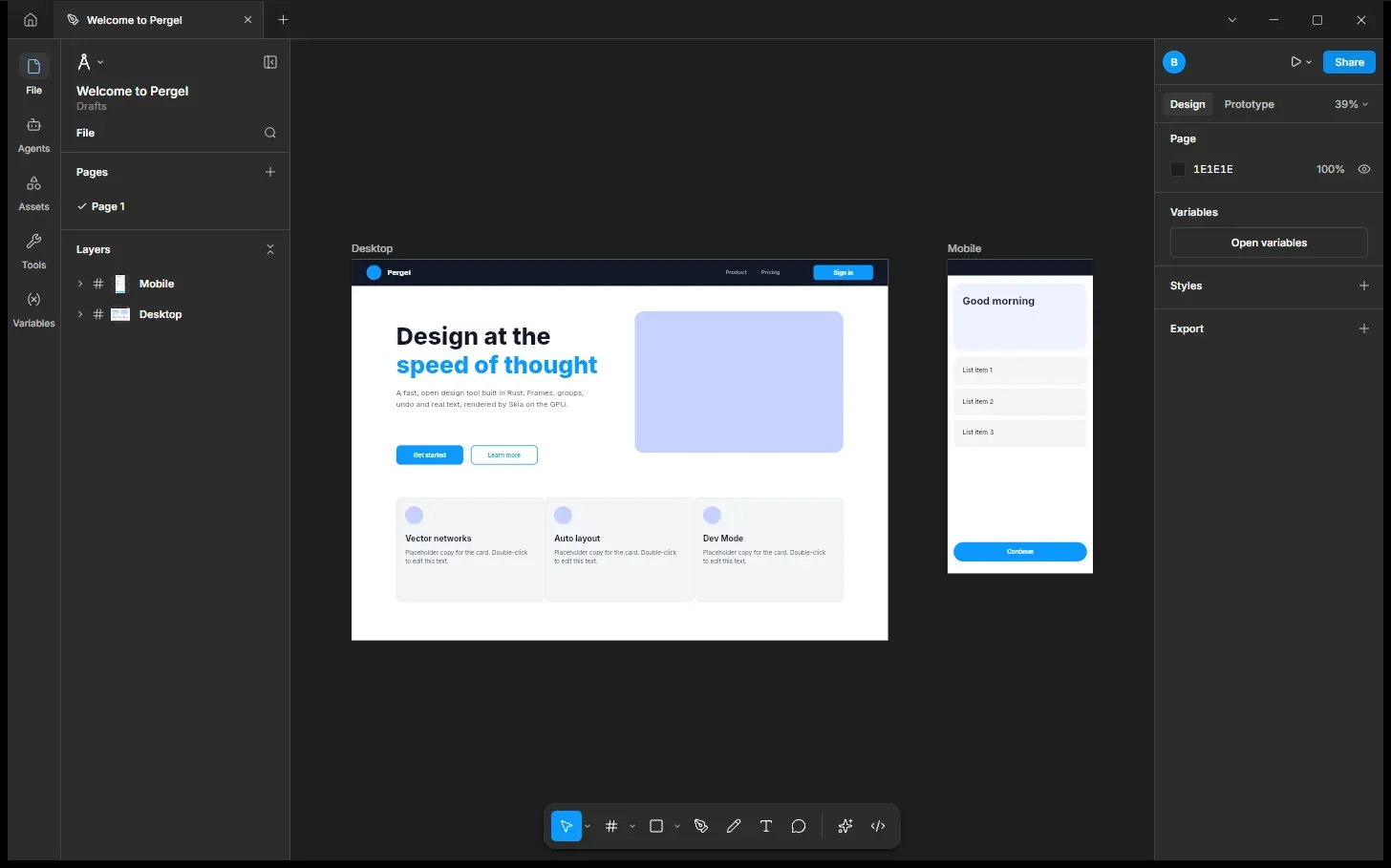
- The Figma layout: pages and layers on the left, properties on the right.
- Opens and saves Figma .fig files on your computer.
- Auto layout, components, variants and variables with light and dark modes.
- Figma shortcuts and canvas gestures, like K to scale and I for the eyedropper.
- Dev Mode shows the code for a design in CSS, React, SwiftUI and more.
What is missing
- You can't edit live with other people over the internet.
- Only the Mac version is checked by the project; the Windows and Linux ones are not checked before each new version.
- On Windows there is no installer: it comes as a zip file with a setup script.
How to get started
- Click Download. It opens the project's releases page, with versions for Windows, Mac and Linux.
- On Mac, open the .dmg file. On Linux, install the .deb file.
- On Windows, unzip the file and run install.ps1. It installs just for you, without asking for admin rights.
- Open DESIGN:OS Studio and open a Figma .fig file.
Compatible files
Figma files (.fig) According to the project