Farsha
Clone of Figma
Free, open source design tool for UI and UX that runs in your browser and follows Figma's panel names, tool order and shortcuts.
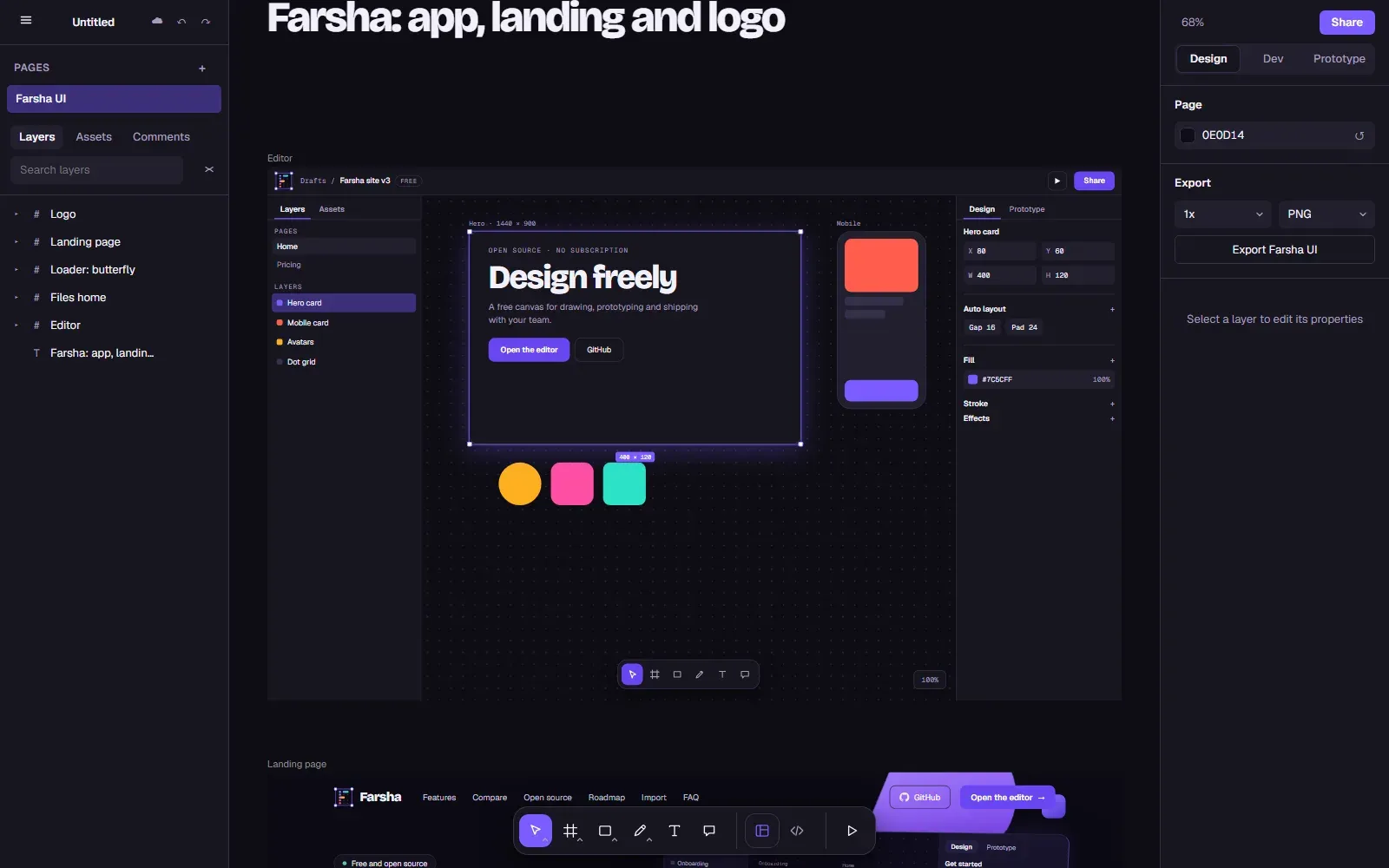
Image: Farsha
What works the same as Figma
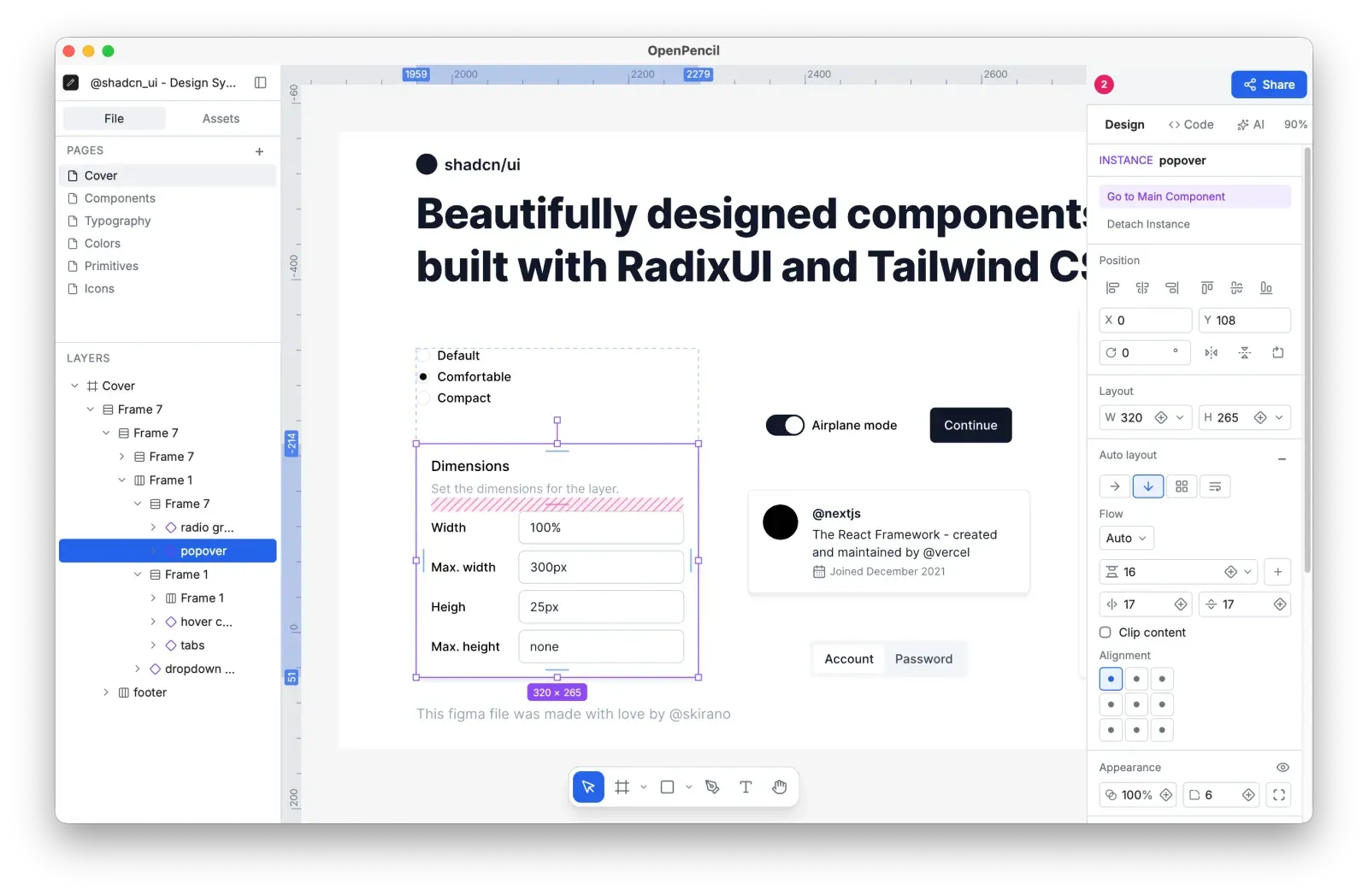
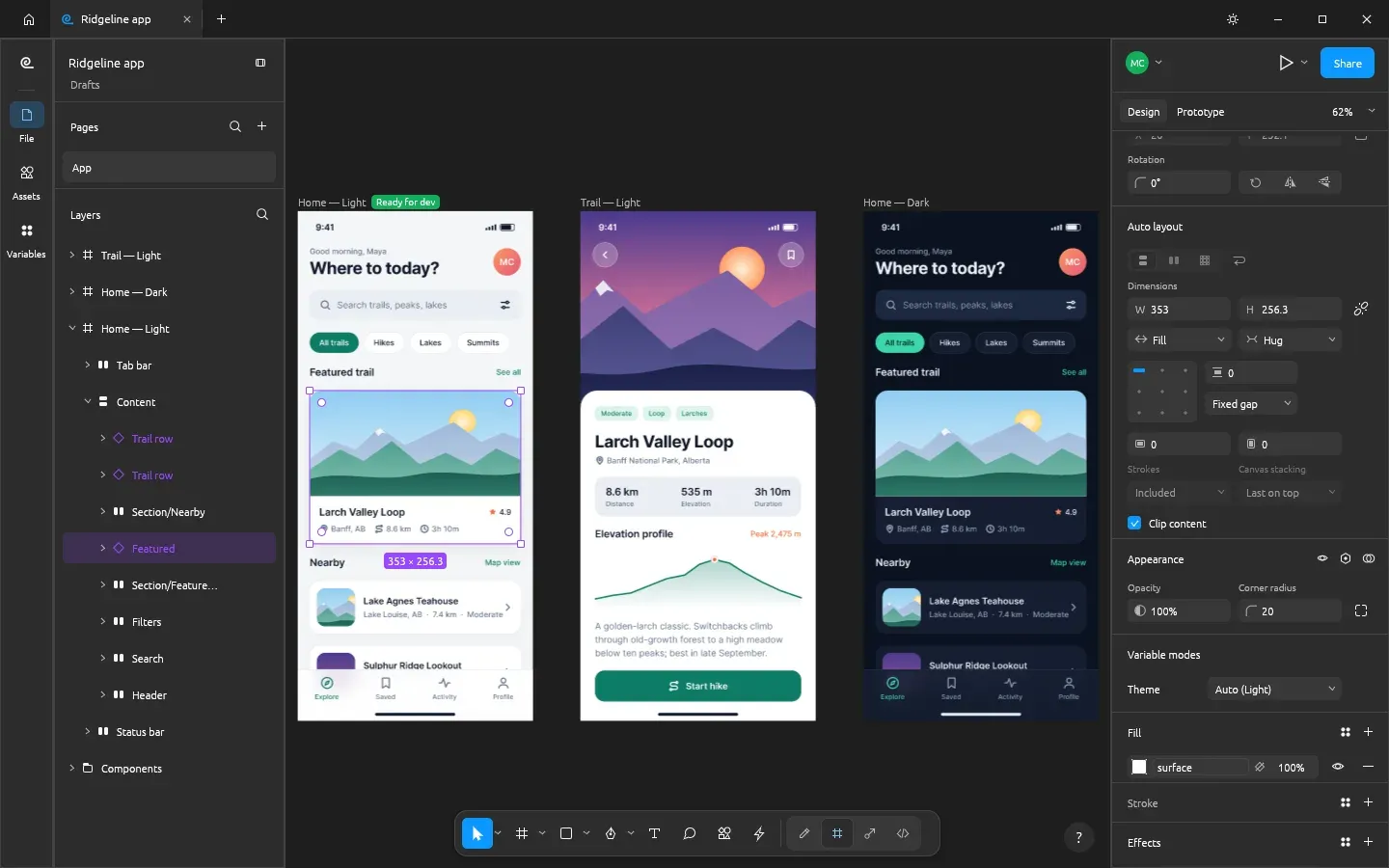
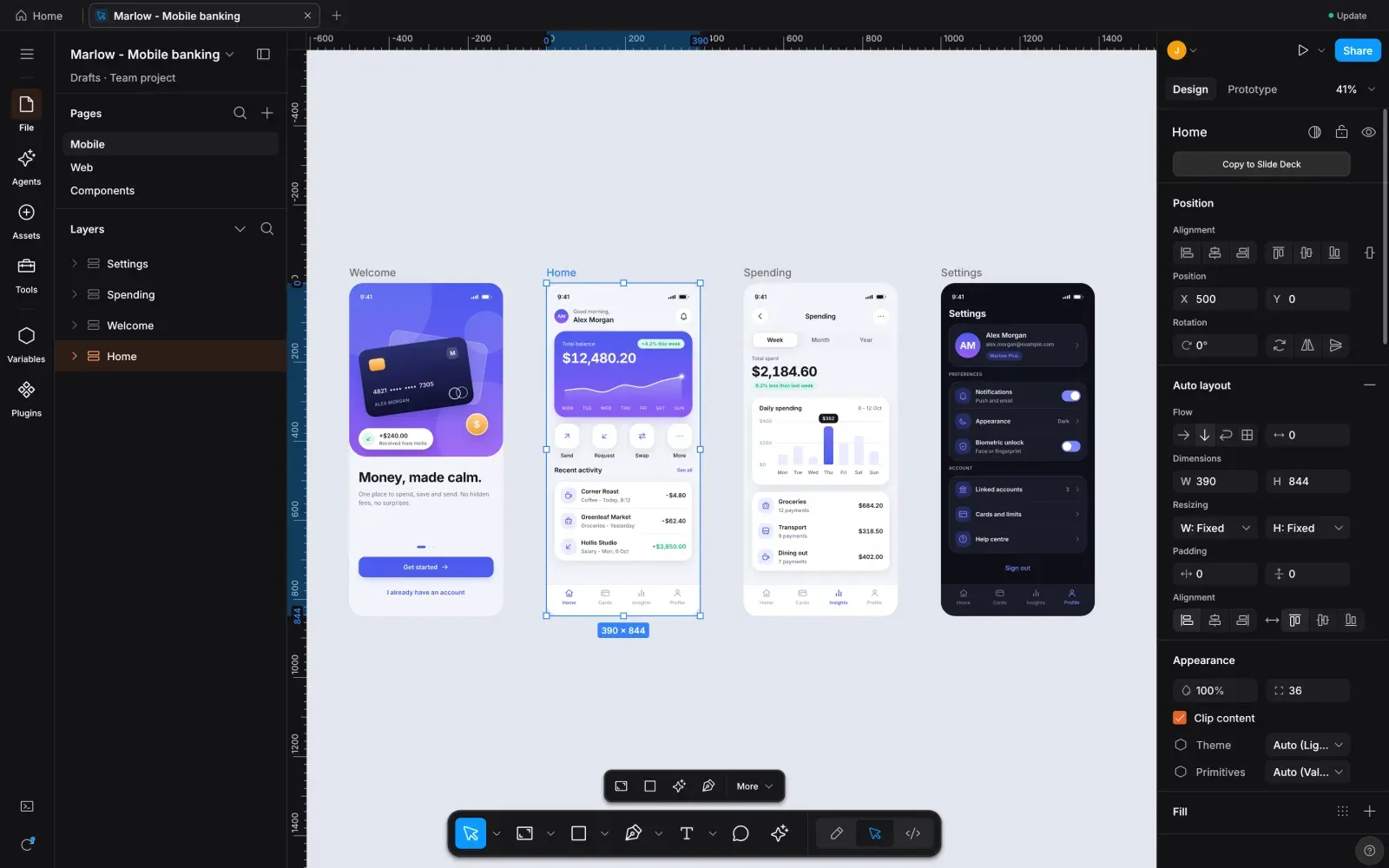
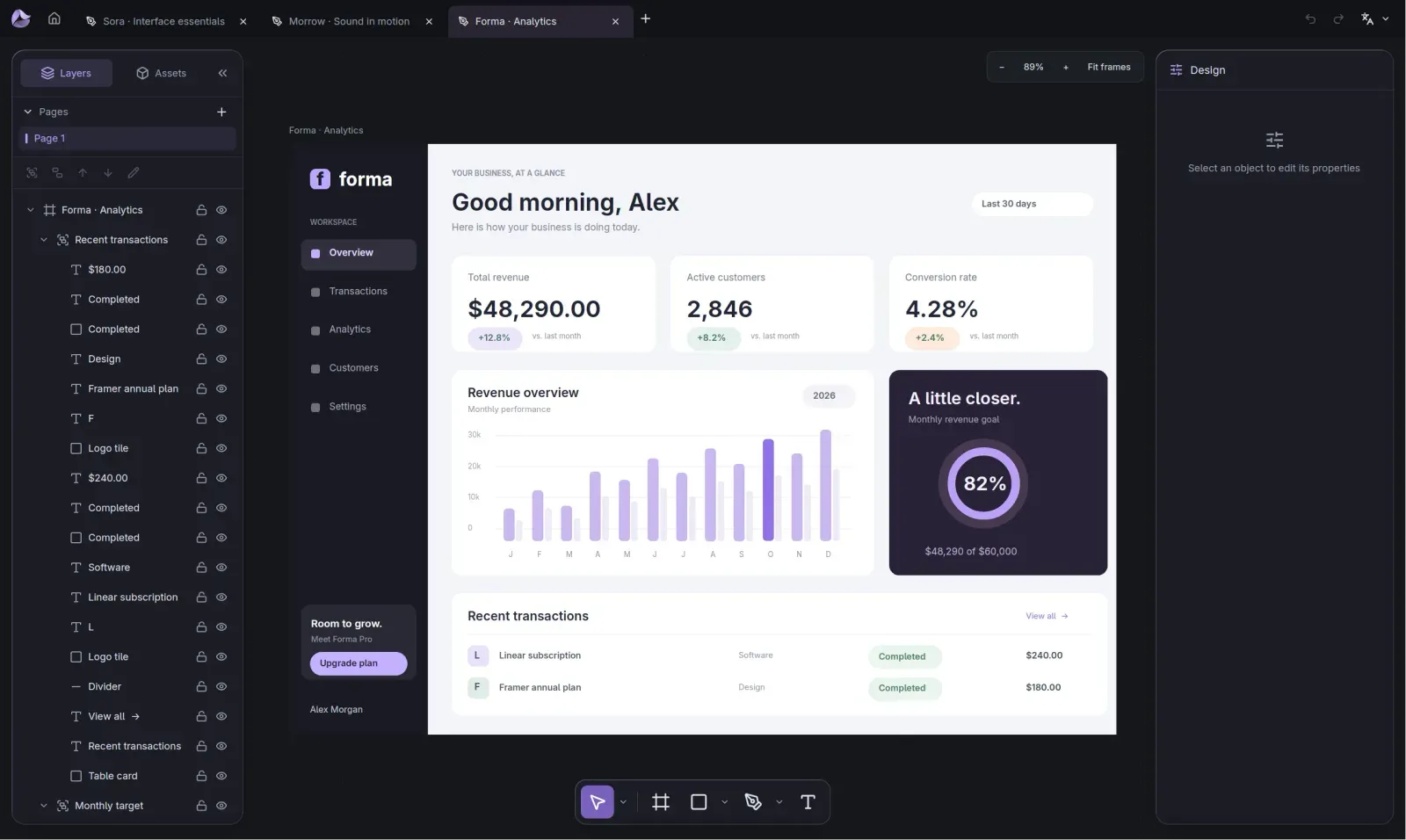
- Work in a Figma-style editor: pages and layers on the left, the canvas in the middle, and Design, Dev and Prototype on the right.
- Use the same shortcuts as Figma, such as V for Move and R for Rectangle.
- Paste frames, text, shapes and vectors from Figma and they become editable layers.
- Turn a design into code in Dev Mode, with four code formats.
What is missing
- Google sign-in and saving to Google Drive will not work for the public yet, so your designs stay in your browser.
- Live multiplayer and comments are next on the roadmap, not in the editor yet.
- It is not at full Figma parity yet.
- Auto layout, components, images and effects do not carry over from Figma yet.
How to get started
- Open the editor from the project page, or go straight to farsha.org/app.
- Your design stays in your browser, because saving to Google Drive is off for now.
- Try the tools as in Figma: press V for Move or R for Rectangle.
- To bring in a Figma design, copy its frames in Figma and paste them onto the canvas.
Compatible files
Figma projects Not tested yet