FigCraft
Clone of Figma
Free interface design program rebuilt from scratch to work like Figma. If you know Figma, you already know FigCraft.
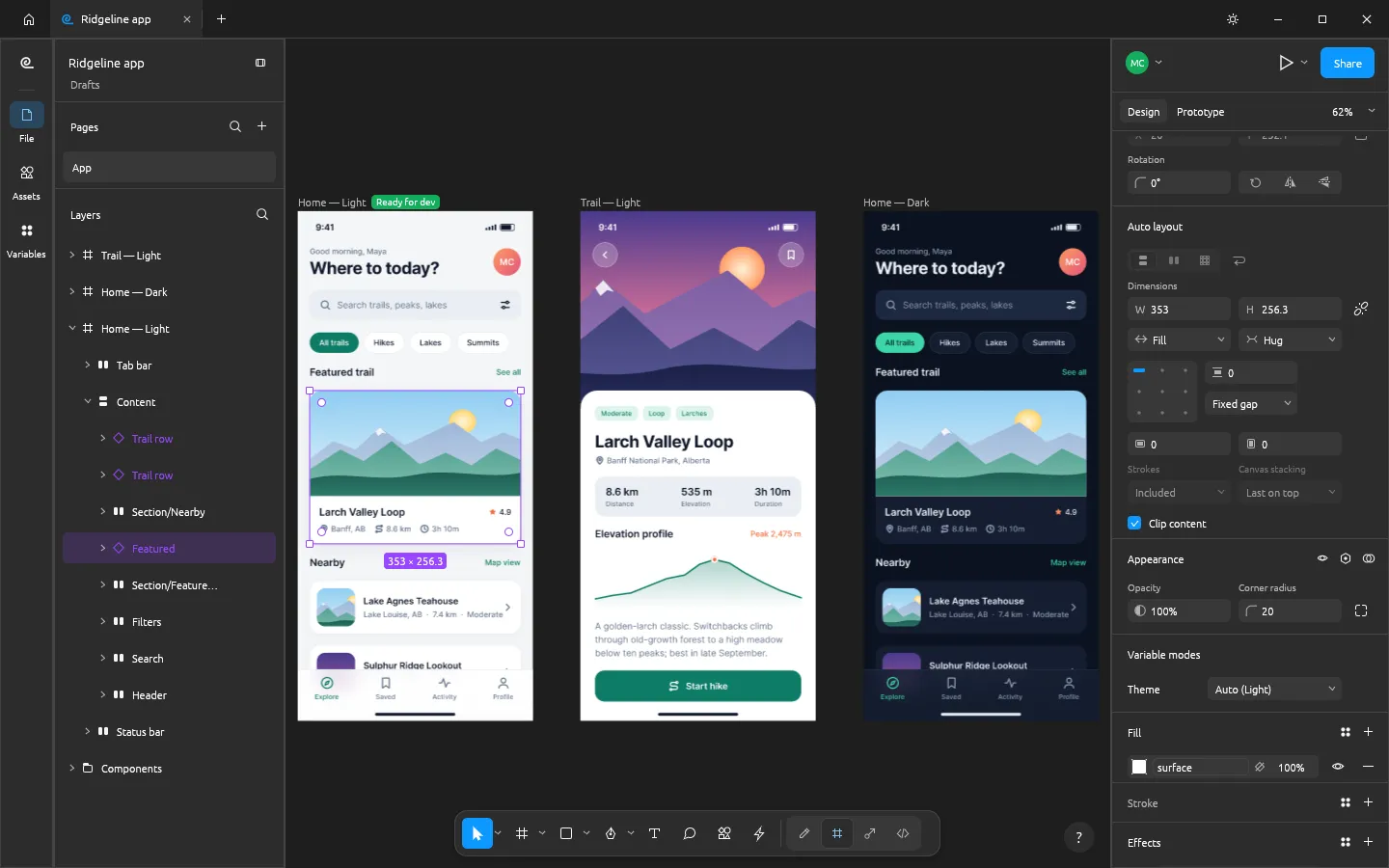
Image: FigCraft
What works the same as Figma
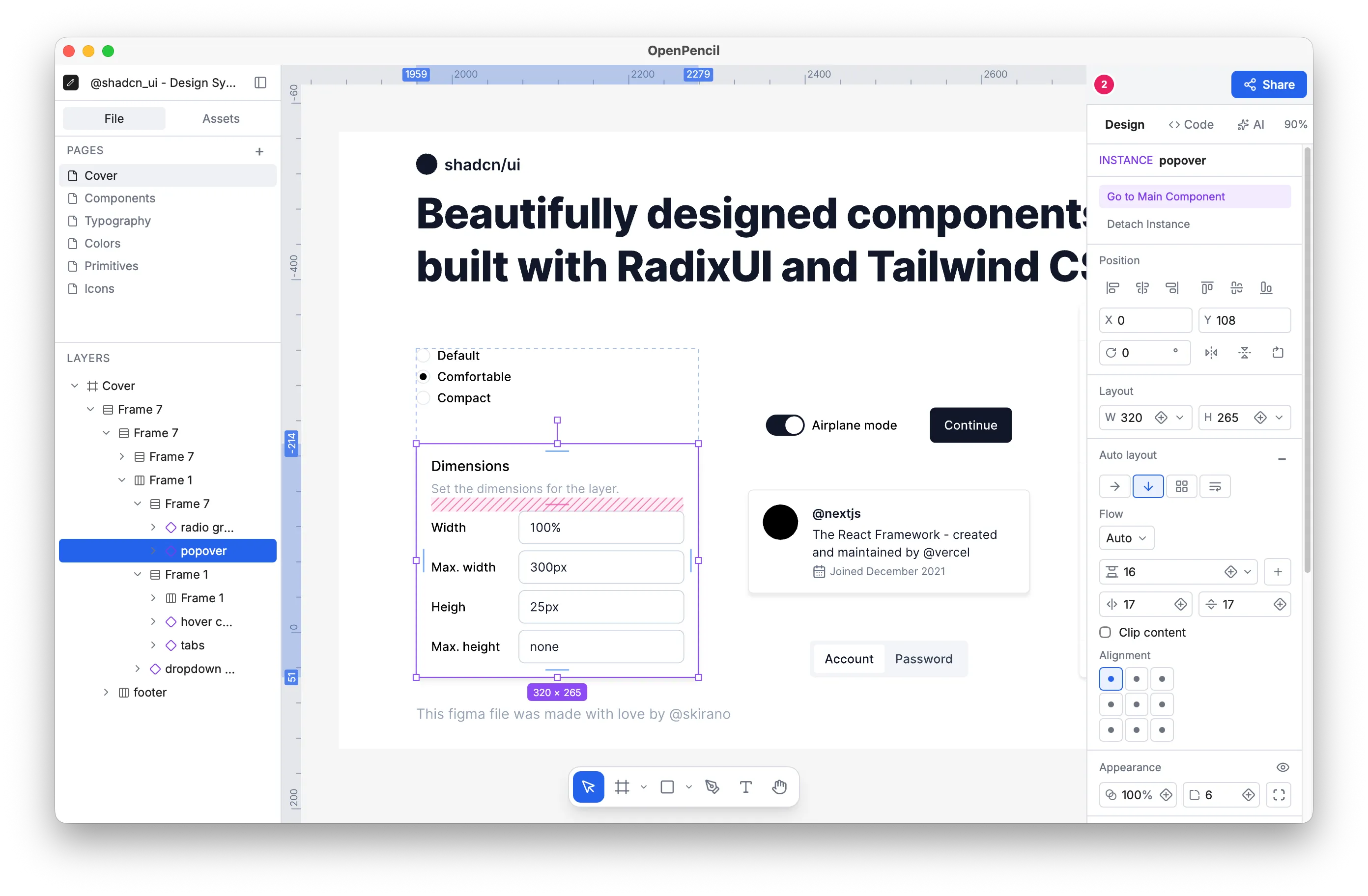
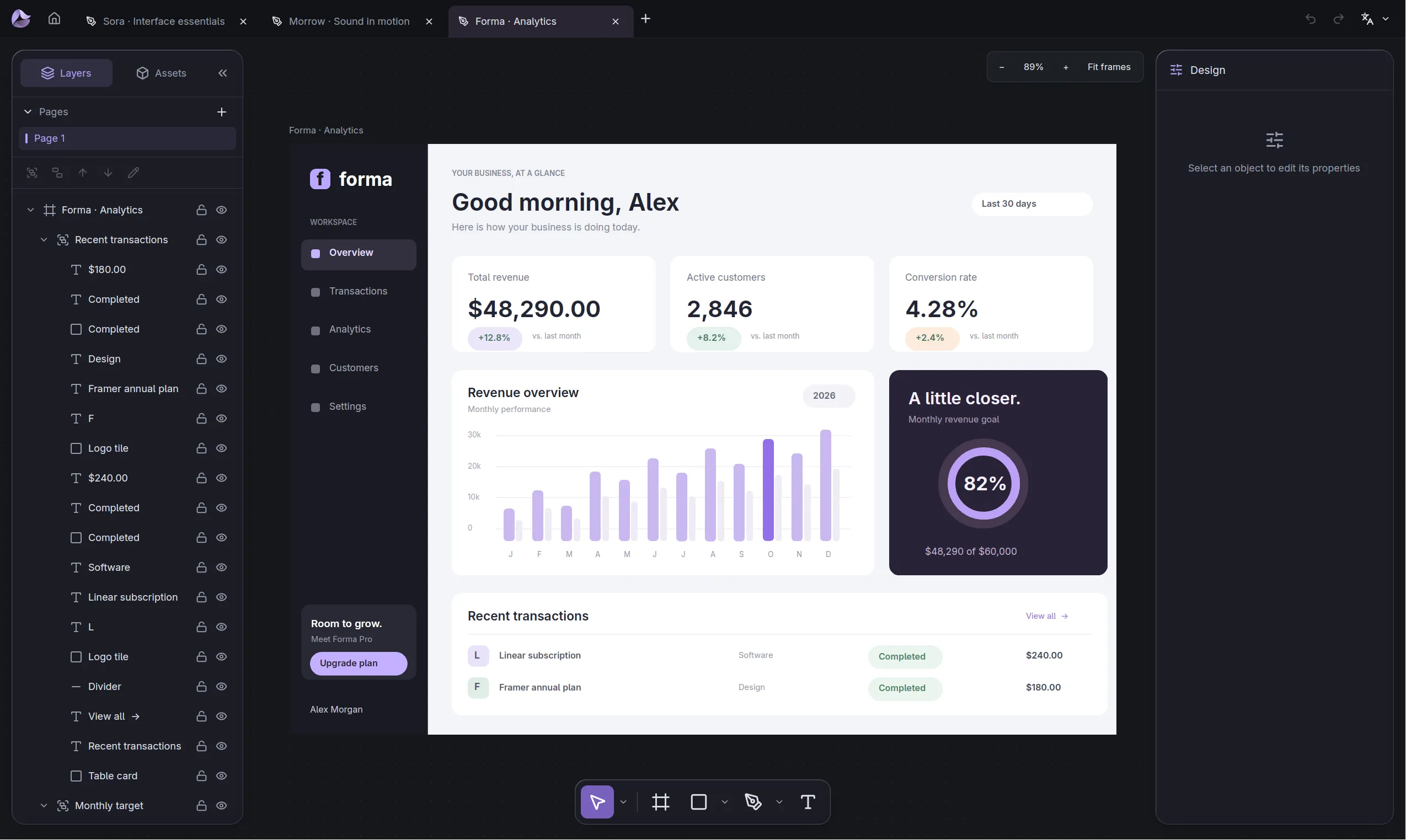
- The toolbar, layers panel, Design panel, menus and shortcuts are where you expect them.
- Components with variants, and auto layout.
- Prototypes with clickable connections and Smart Animate-style transitions.
- Dev Mode, with annotations and generated code.
- Opens Figma .fig files, on a best-effort basis.
What is missing
- It is an alpha version. The project puts it at about 49% of the way to replacing Figma for real work.
- Opening .fig files is only best effort, and it has not been checked against real Figma documents.
- Working together live is only a first preview, with no accounts, teams or cloud.
- Figma plug-ins don't run; it has its own.
How to get started
- Click Download. It opens the FigCraft page on the ArtCraft site.
- Pick the version for your computer: Windows, Mac or Linux.
- Install it, open FigCraft and start a design.
Compatible files
Figma files (.fig) According to the project