WebDAW
Clone of FL Studio
Open-source music workspace with an FL Studio-like workflow: patterns, piano roll, arrangement, mixer and export, in the browser or on Windows.
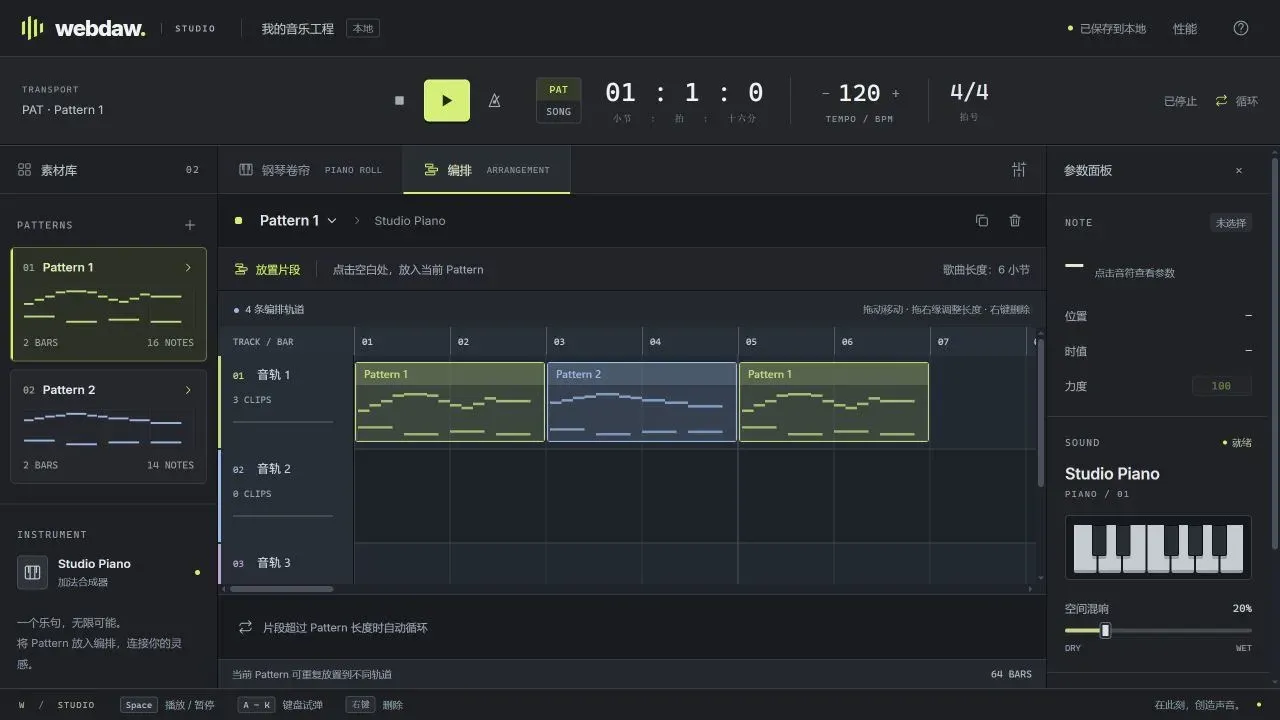
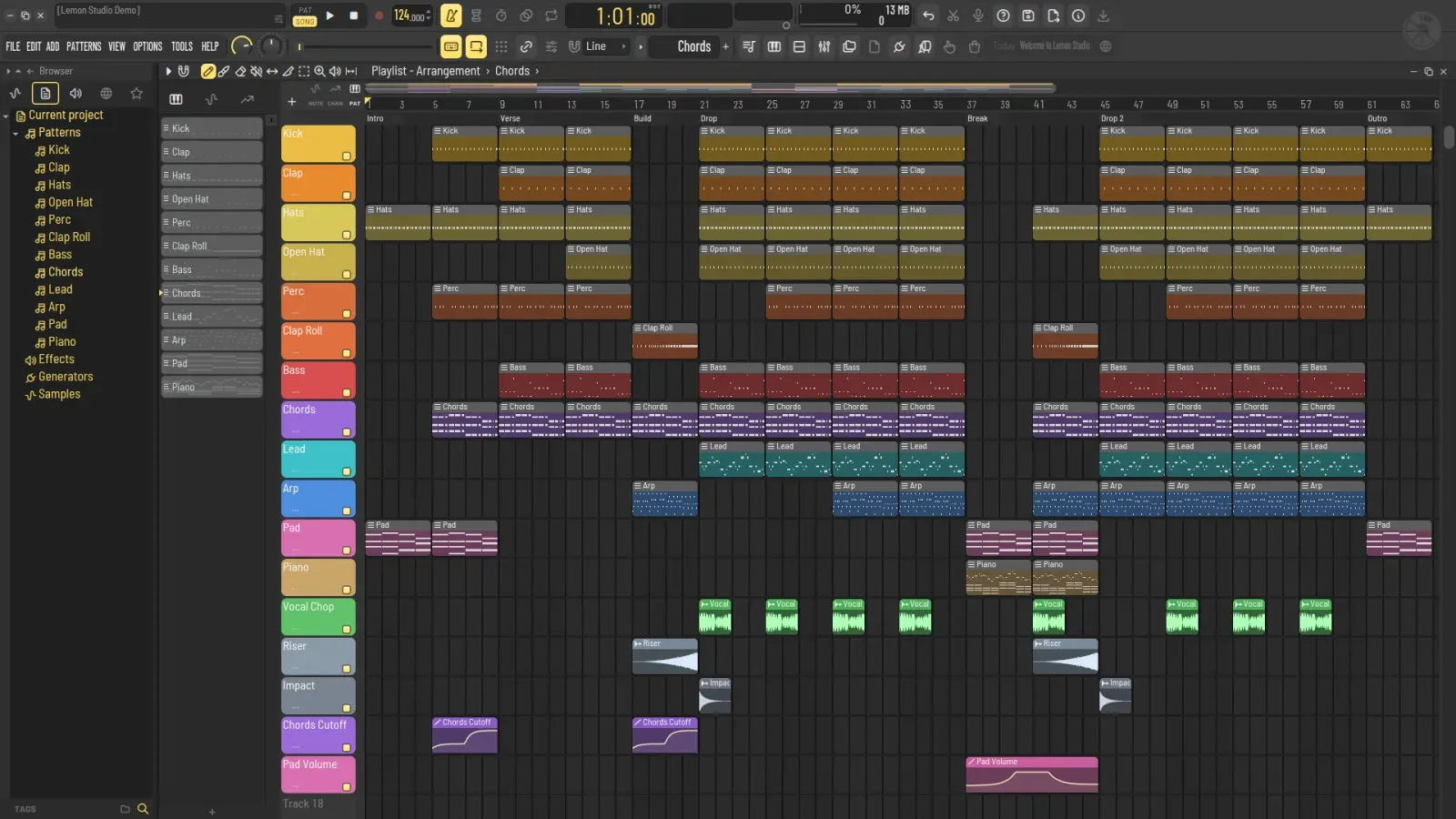
Image: WebDAW
What works the same as FL Studio
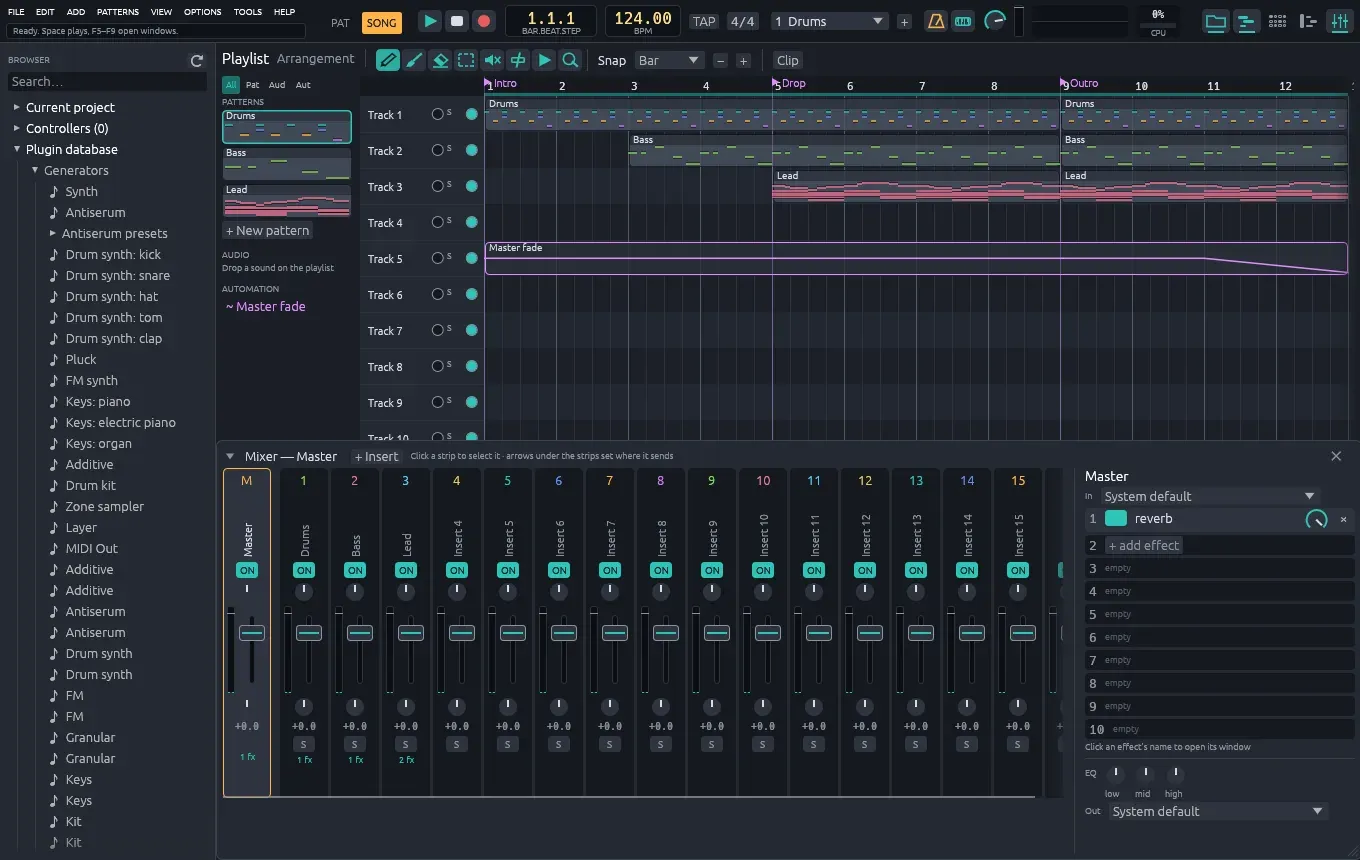
- A PAT/SONG switch in the transport, next to the position, tempo and time signature.
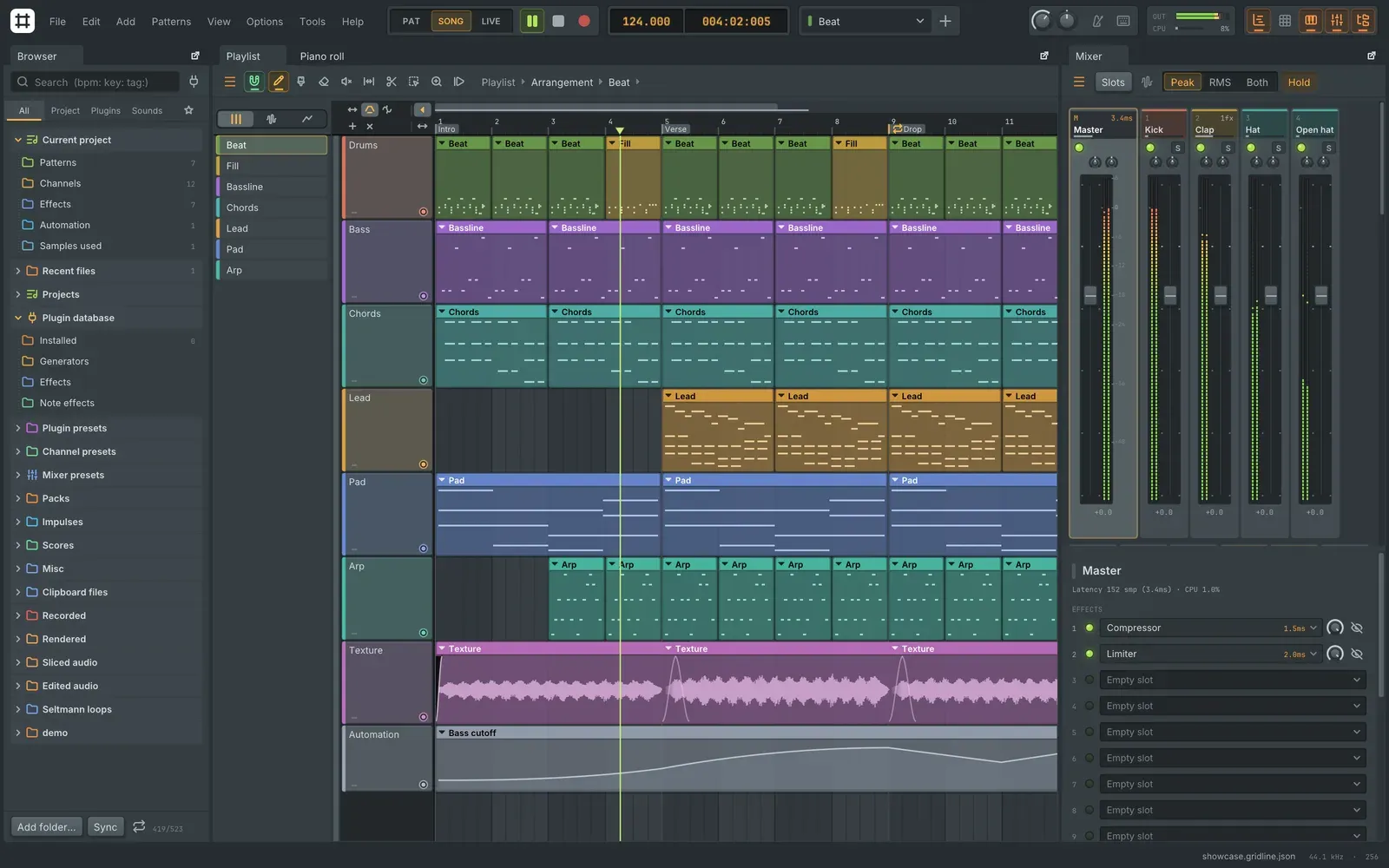
- A Patterns list on the left, and you place the patterns as clips in the arrangement.
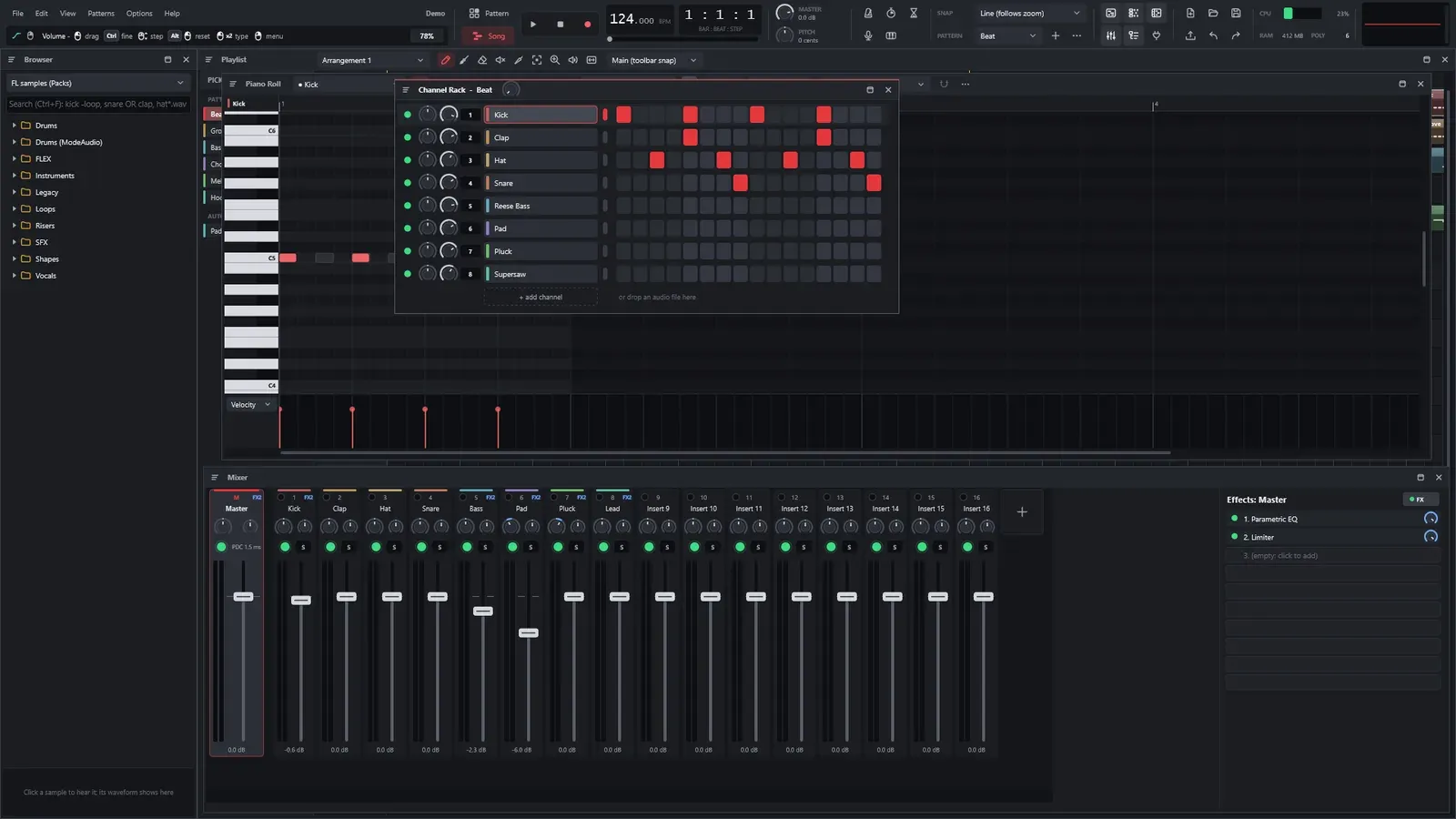
- A piano roll to edit notes.
- Workspace keys for the arrangement (F5), channel rack (F6), piano roll (F7) and mixer (F9).
What is missing
- The project is an internal preview, and its full Windows beta checks have not passed yet.
- The interface is mainly in Simplified Chinese.
- FLP import brings over supported notes, samples and some parameters; it does not restore the original plugins, presets or whole songs.
How to get started
- Install Node 24 and npm 11, the versions the project asks for.
- Download the project files, then run "npm ci" and "npm run dev" in its folder (npm.cmd in PowerShell).
- Open http://127.0.0.1:8766/ in your browser; do not open index.html directly.
Compatible files
FL Studio files (.flp) According to the project