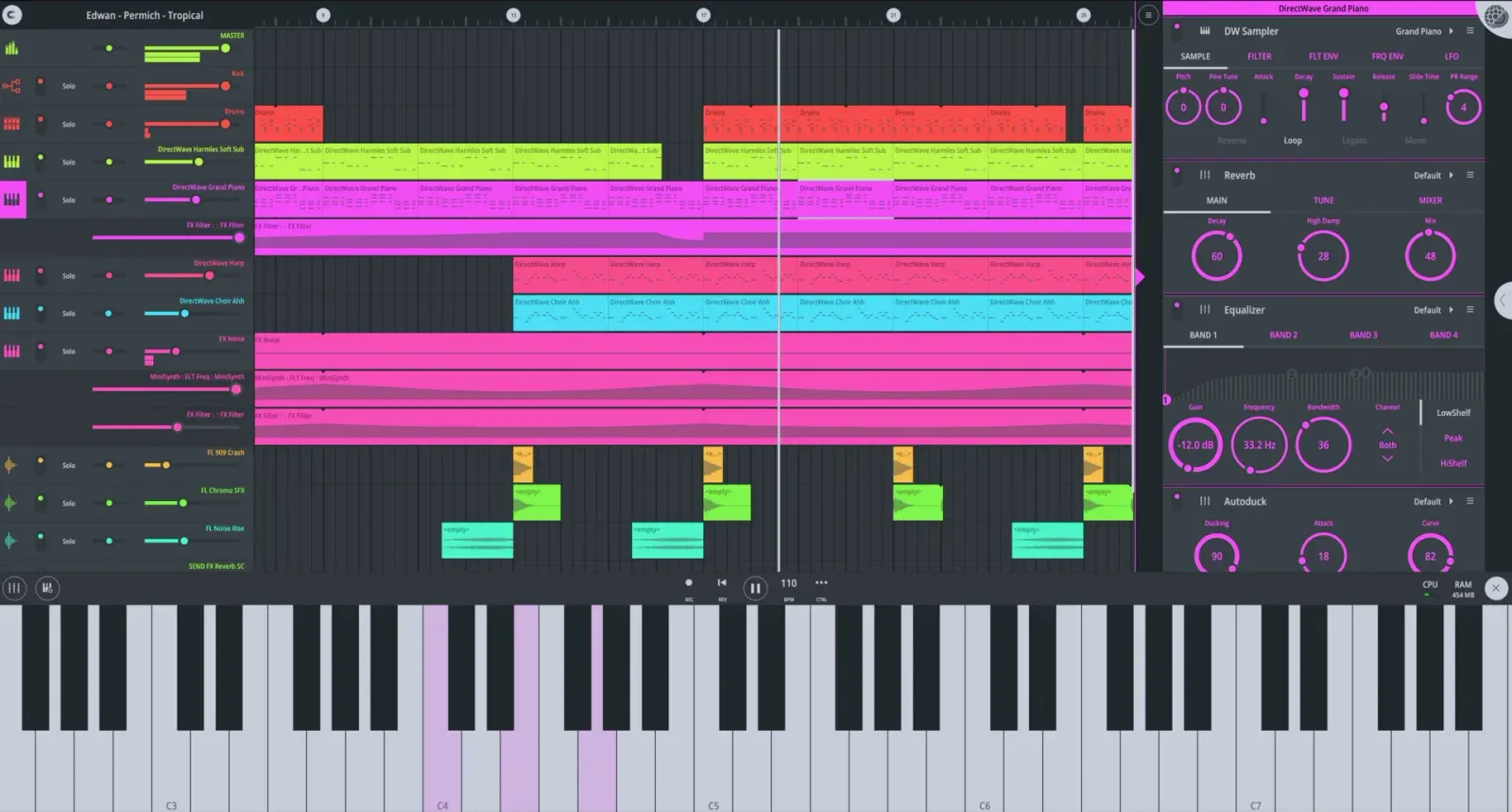
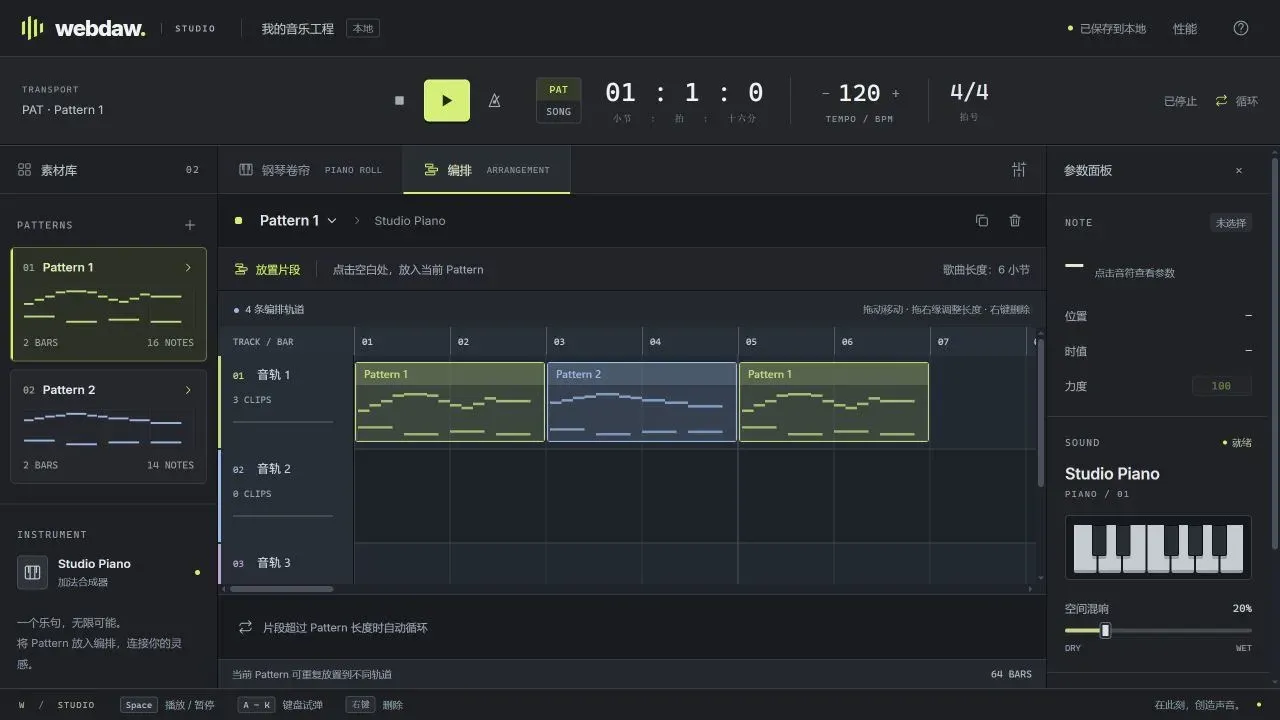
Synkopa
Clone of FL Studio
Free music-making program for Windows, Mac and Linux that works the FL Studio way, with patterns and a playlist.
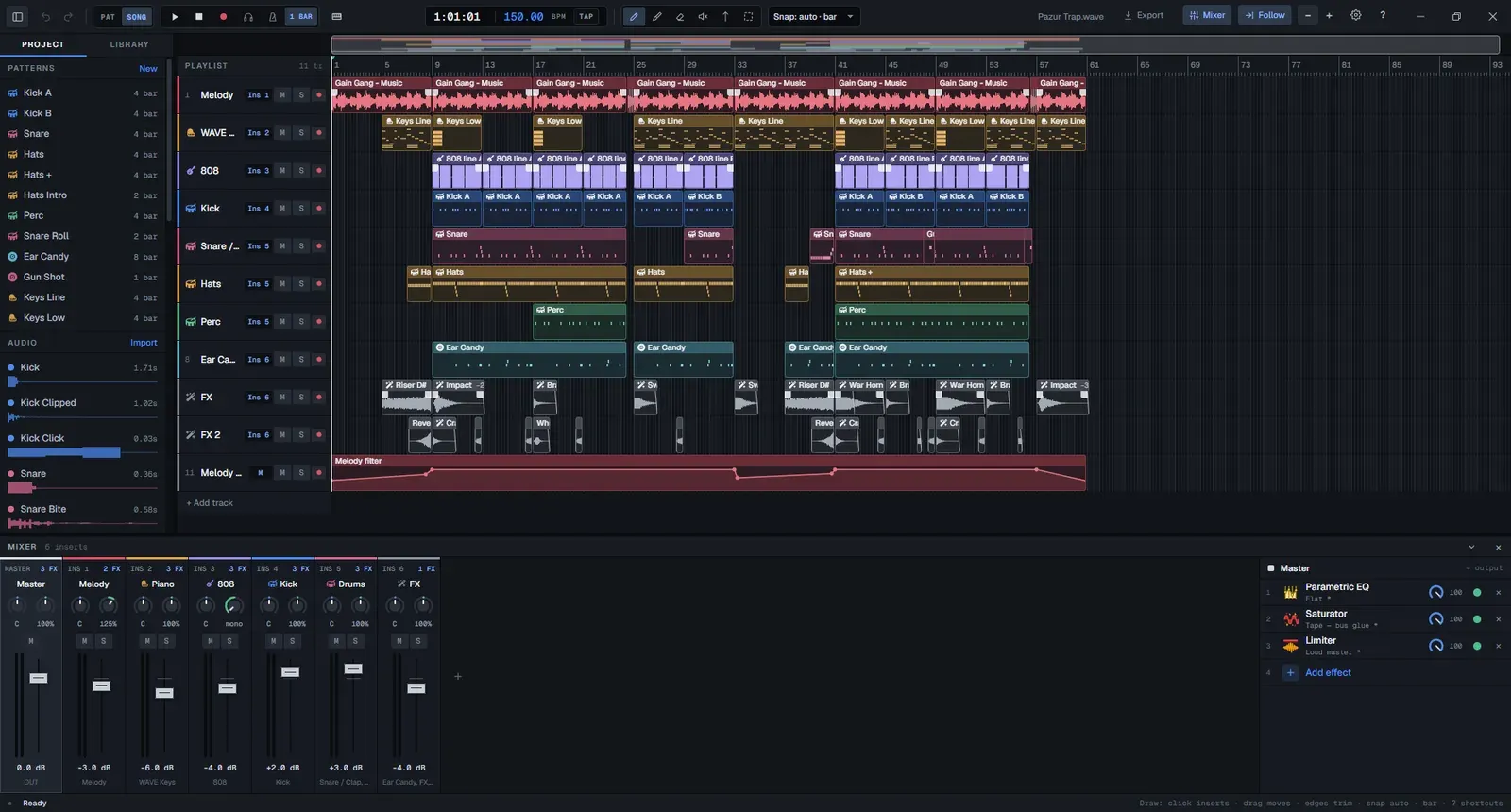
Image: Synkopa
What works the same as FL Studio
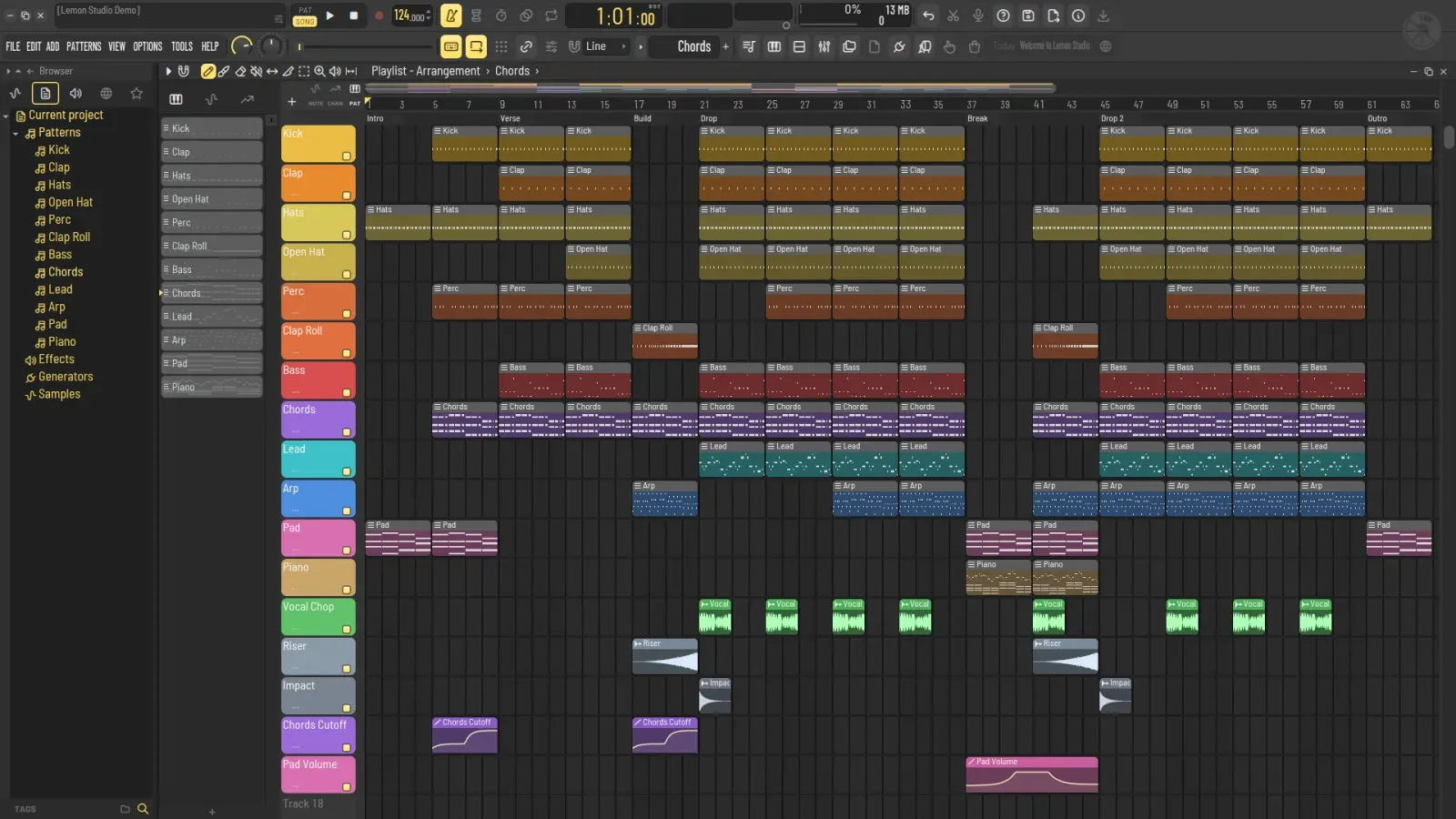
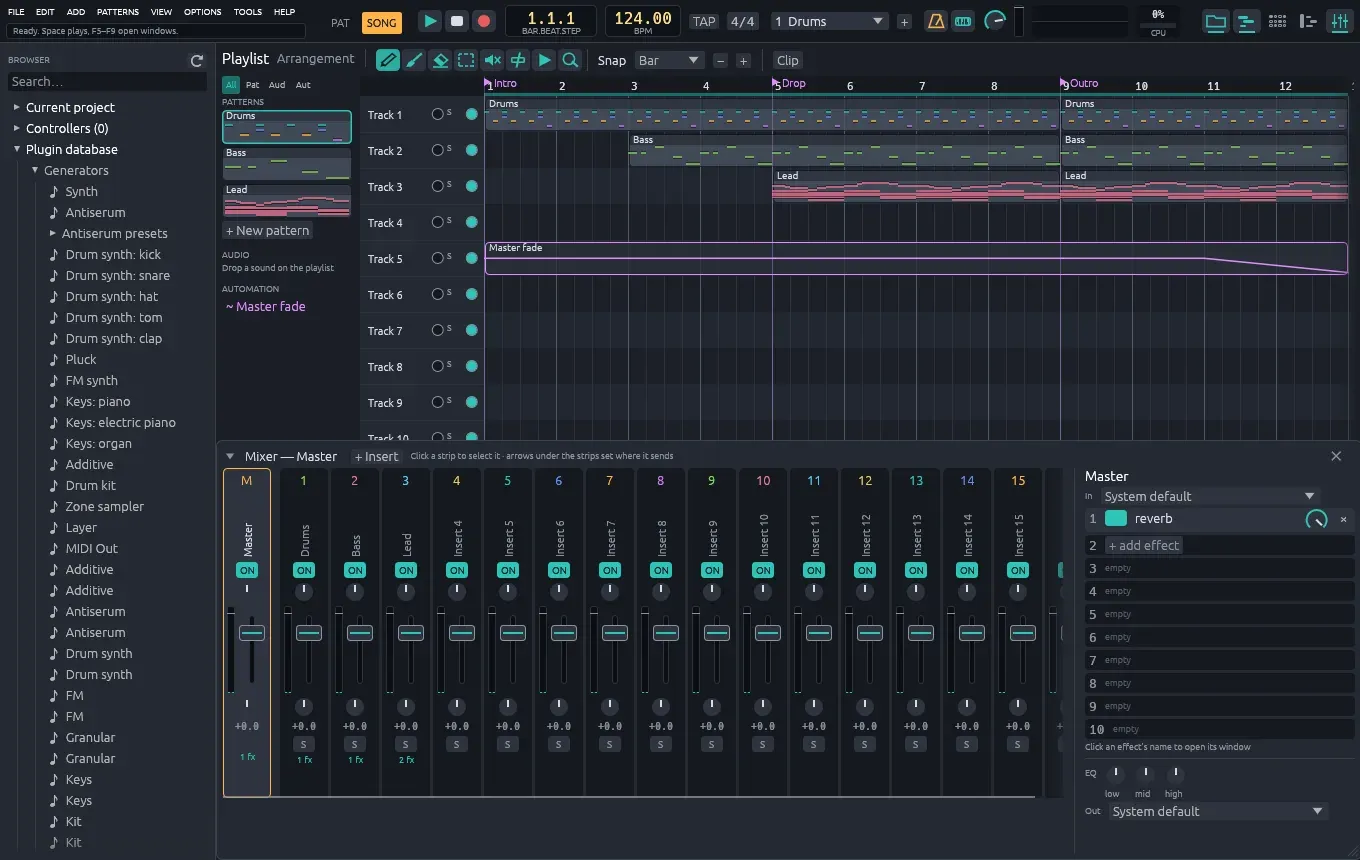
- A PAT and SONG switch next to the transport, with the tempo in BPM and a TAP button.
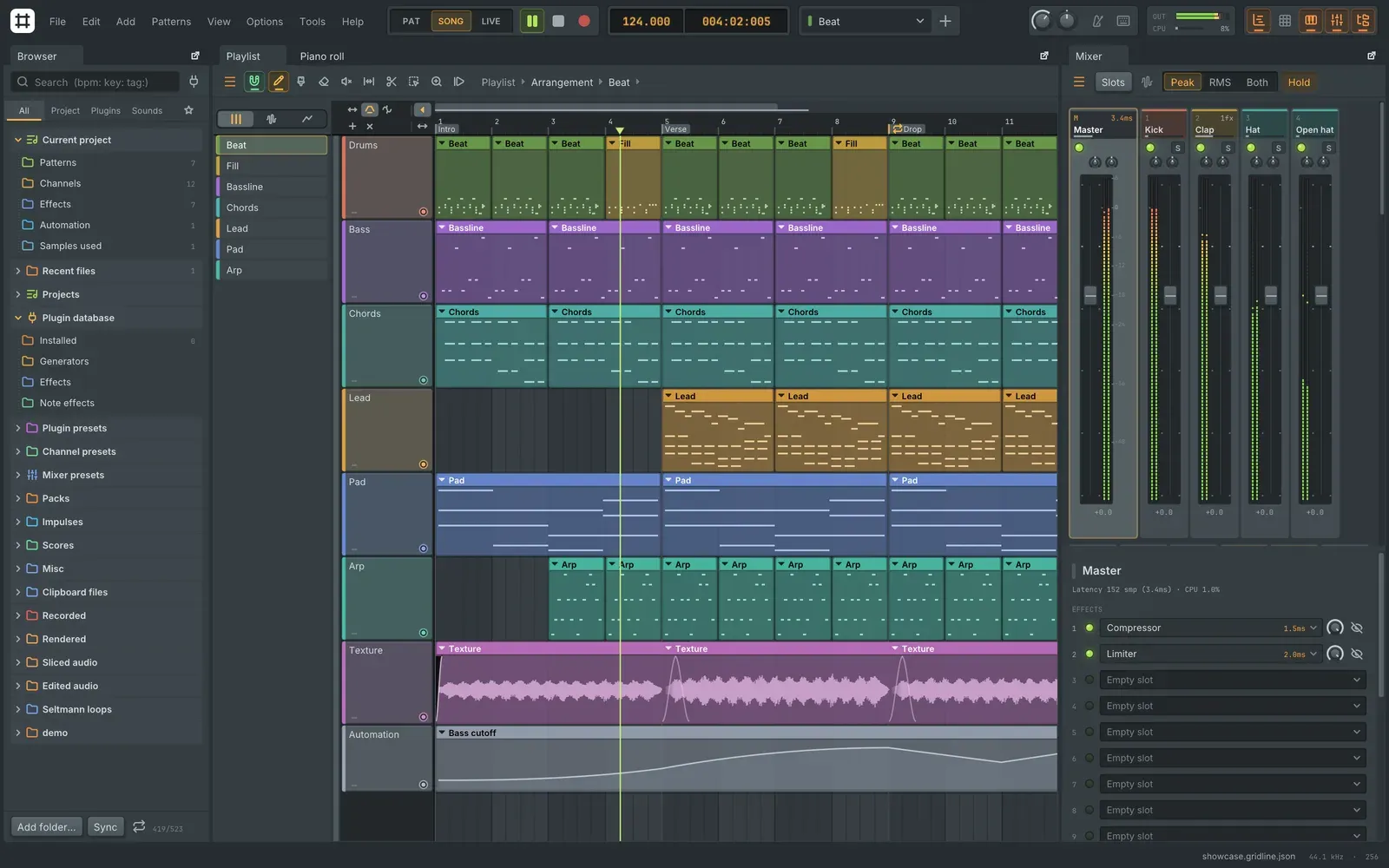
- A playlist where pattern clips sit on tracks, with a list of patterns on the left.
- Pencil, brush, erase, mute, cut and select tools, and a Snap setting.
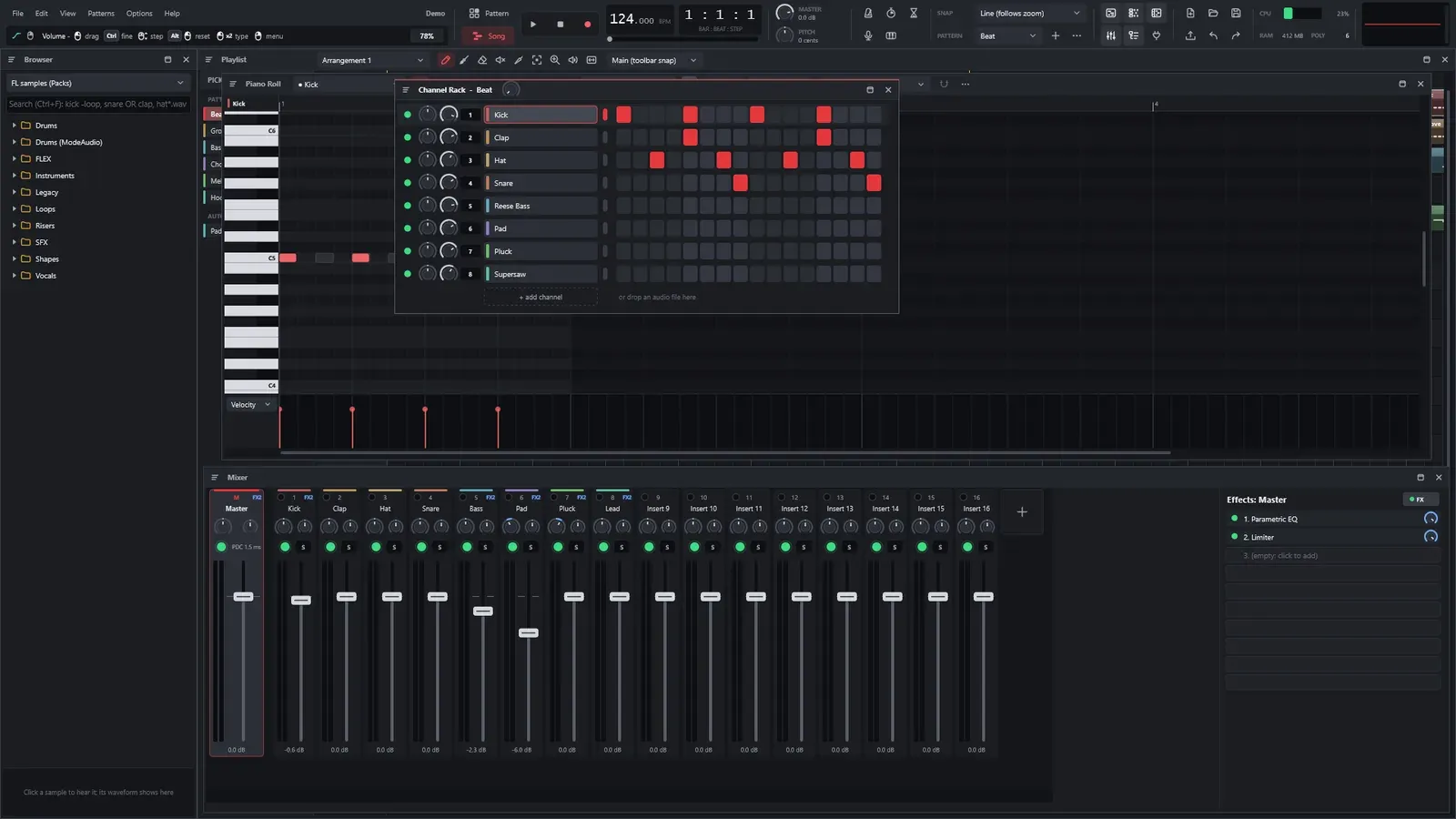
- A mixer with inserts and a Master, and effects in slots, such as Parametric EQ, Saturator and Limiter.
- A step sequencer and a piano roll to write your notes.
What is missing
- You cannot open FL Studio projects (.flp). Bring stems or samples instead.
- It hosts VST3 instruments and effects, but has no LV2 instruments or CLAP support yet.
- On Mac it needs Apple Silicon and macOS 13.4 or newer, and it does not host VST3 plugins yet.
How to get started
- Click Download to open the website, then get the installer from the versions page.
- On Windows, run the Setup file. On Mac, open the .dmg file and drag Synkopa to Applications.
- On Linux, use the AppImage, the deb file or the rpm file from the same page.
- Open it and press Space to hear your first beat.
Compatible files
FL Studio projects Not tested yet