PushForm
Clone of SketchUp
Free 3D modeller for your browser, Windows, Mac and Linux: draw a shape, push or pull it into 3D, and open SketchUp files.
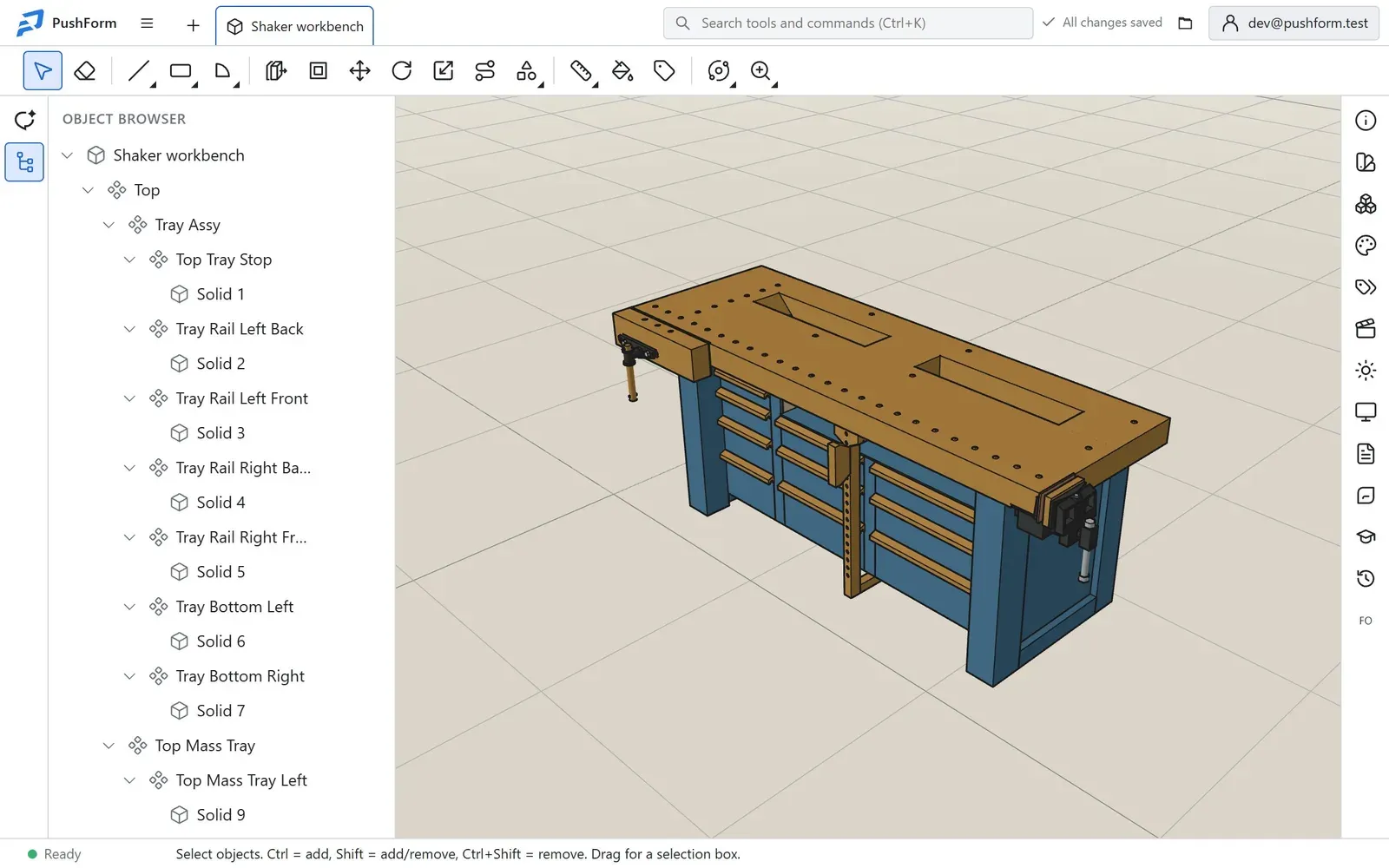
Image: PushForm
What works the same as SketchUp
- Draw a rectangle or circle on a face, then pull it up or push it in, with a live preview and a typed distance.
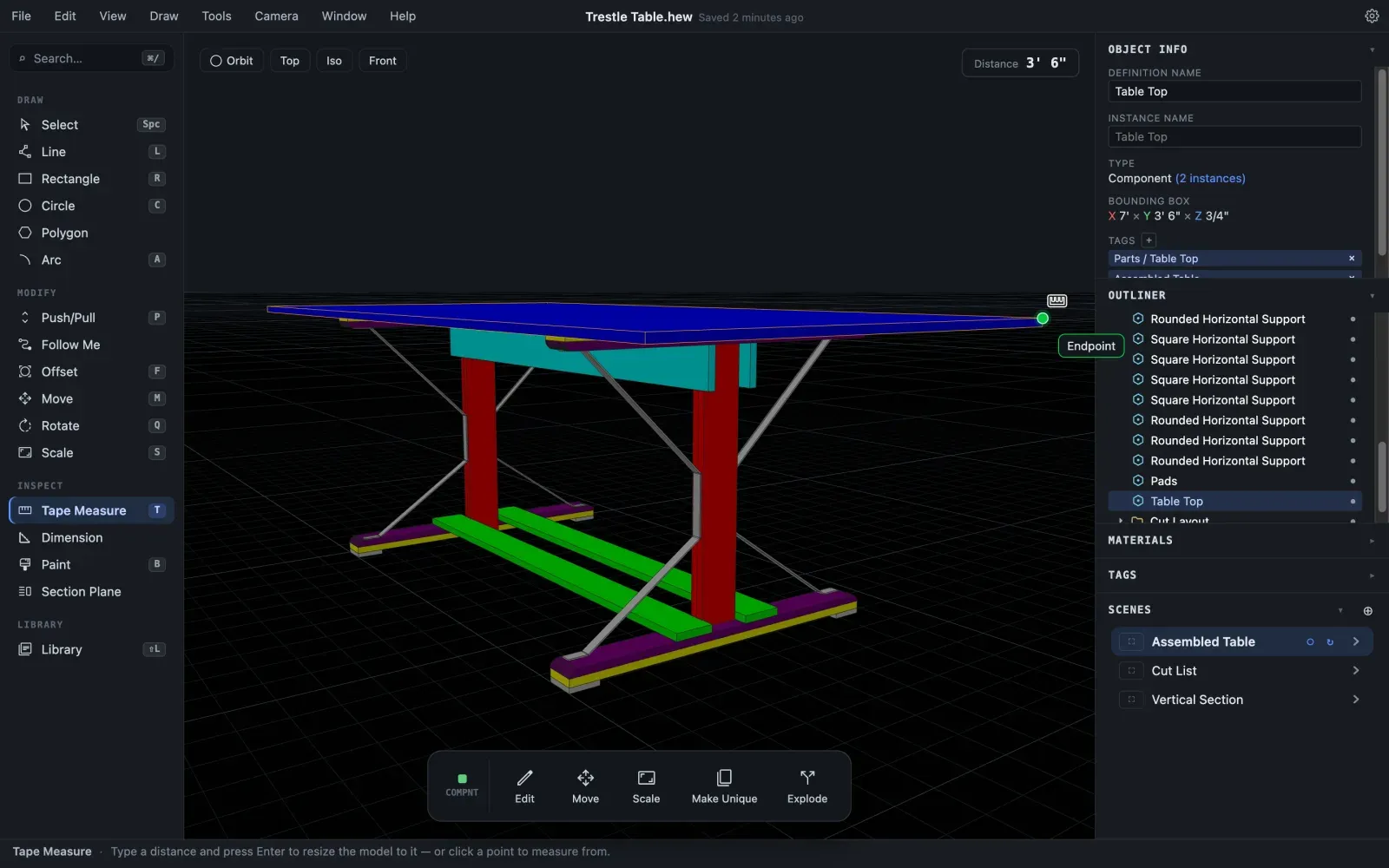
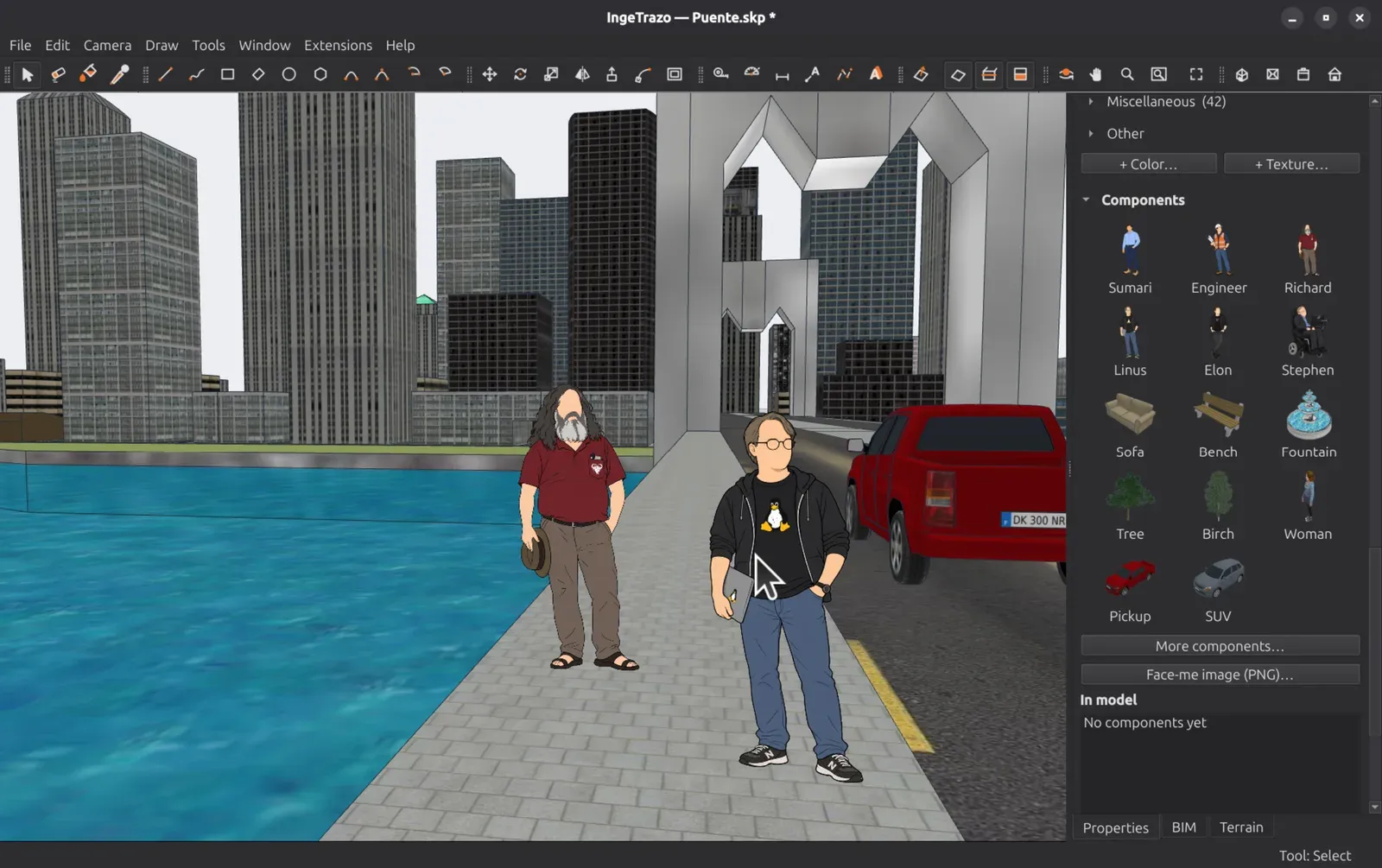
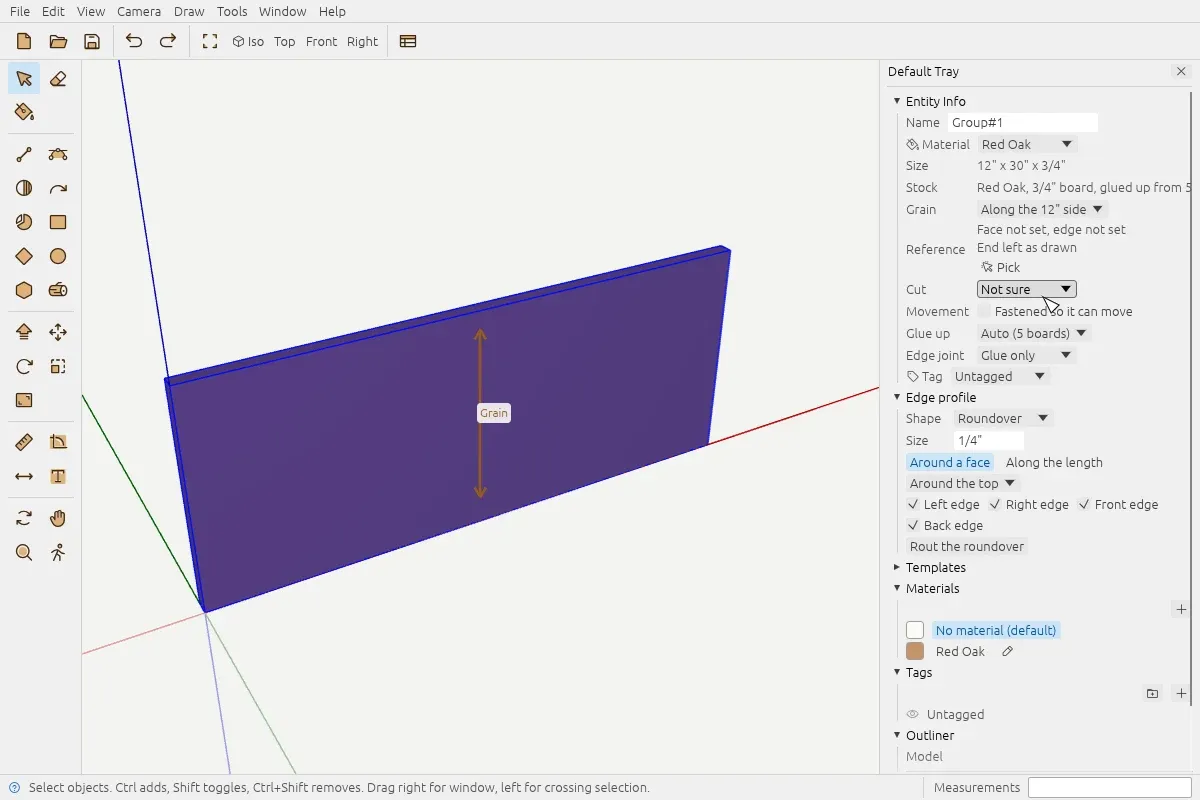
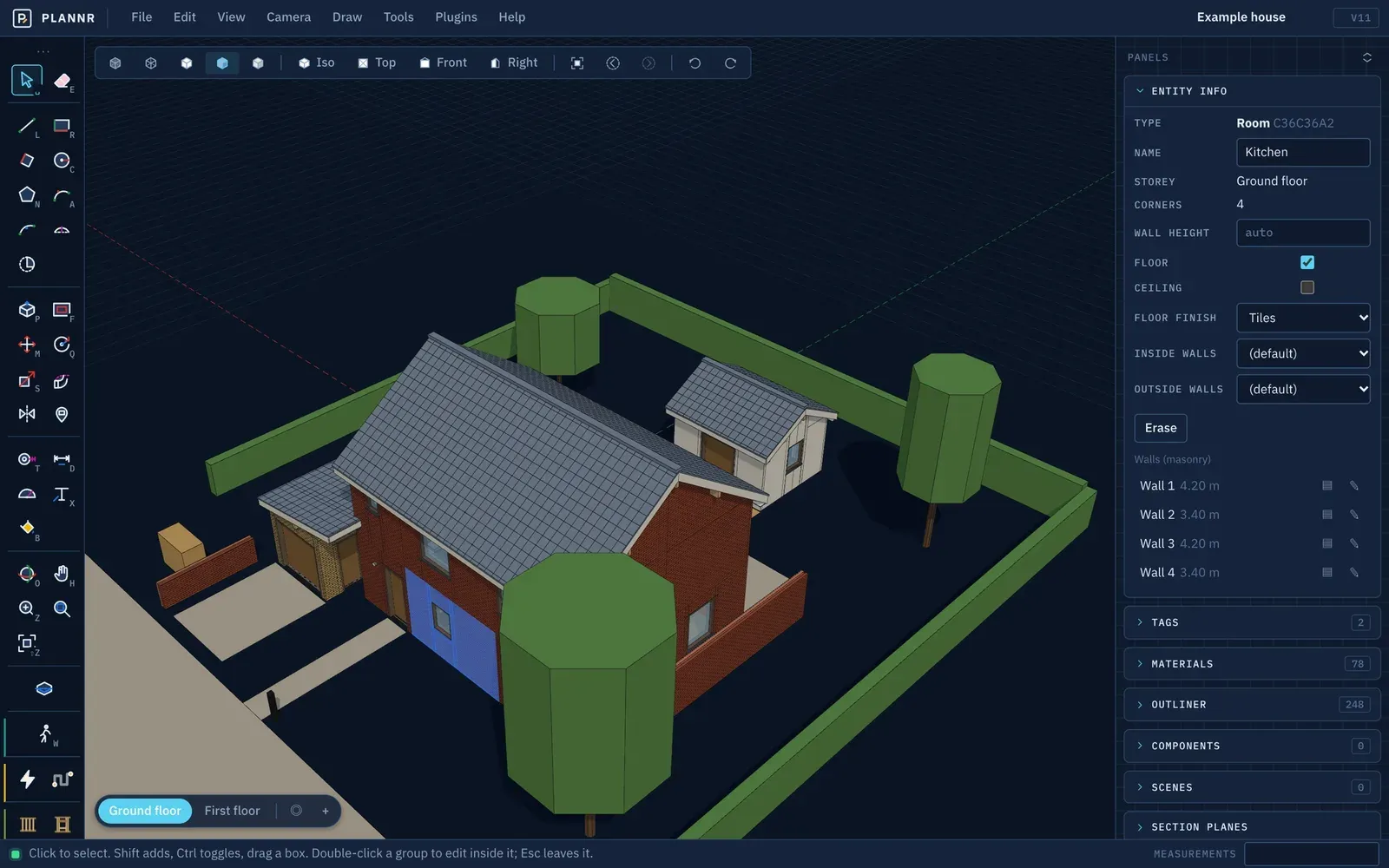
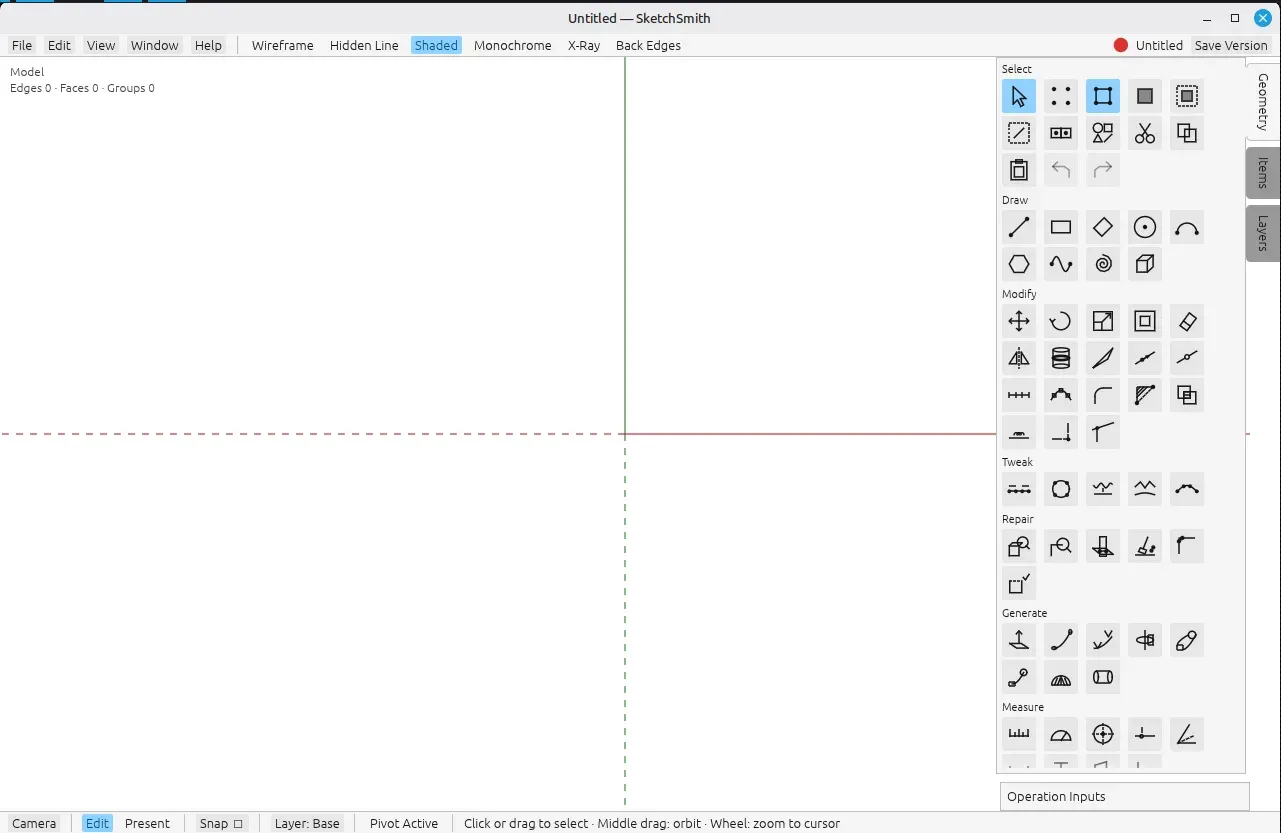
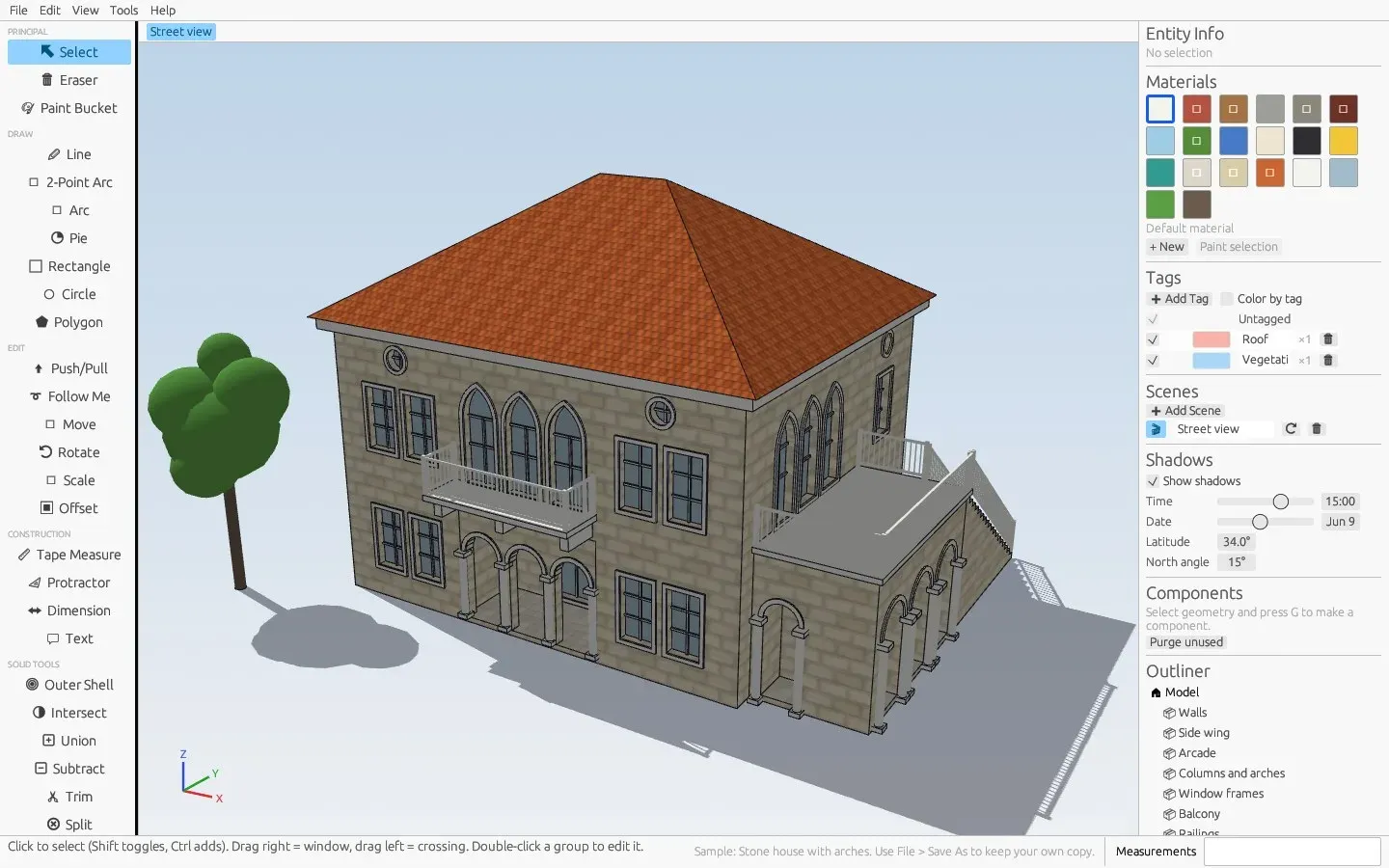
- A toolbar of icons with Select, Eraser, Line, Rectangle, Arc, Move, Rotate, Tape Measure and Paint Bucket, in the order of SketchUp.
- An object browser on the left with nested groups and components.
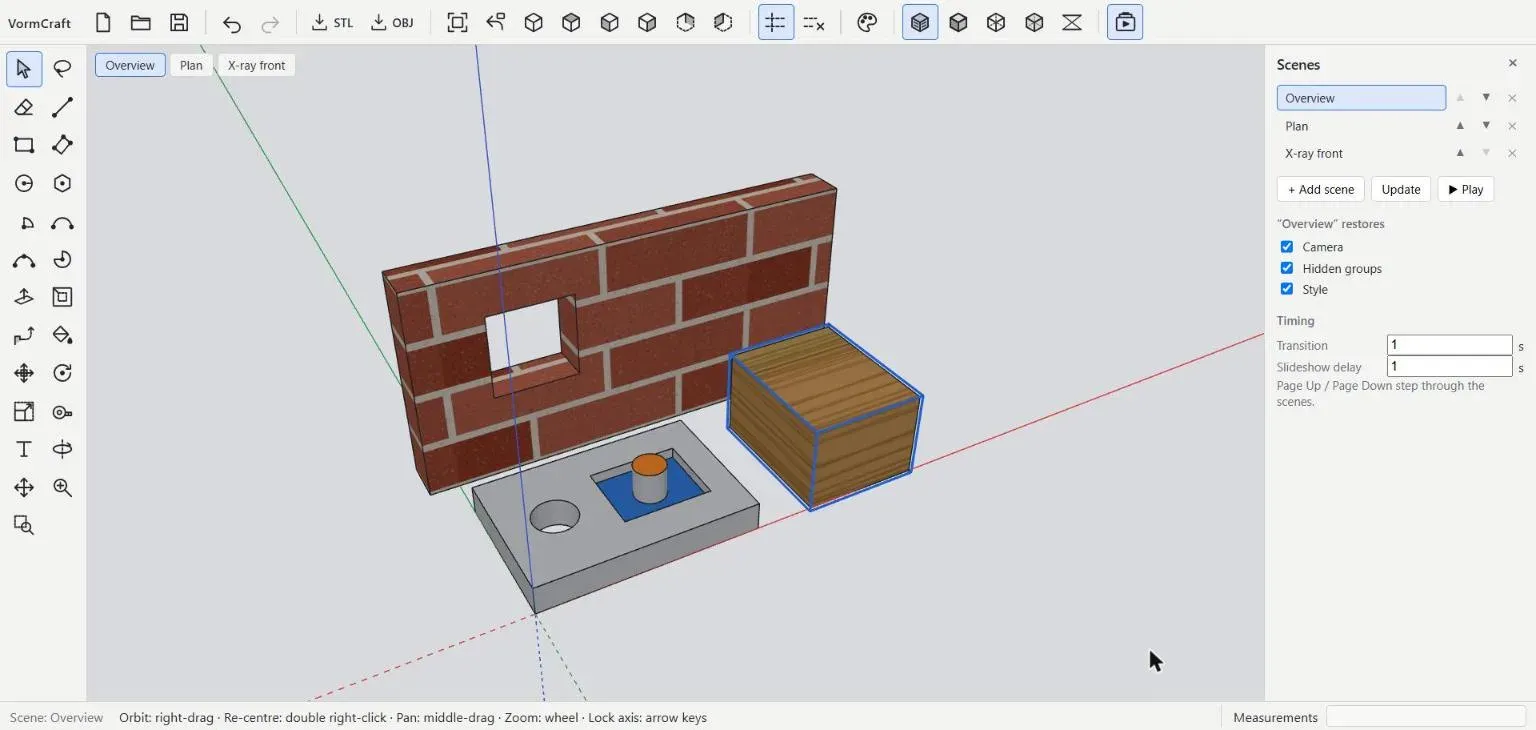
- Panels for tags, scenes and materials on the right.
- Opens SketchUp files and saves them back in the SketchUp 2017 format.
What is missing
The project does not say what is missing
How to get started
- Click Open in browser. You need a free account; there is nothing to install.
- Or click Download to open the versions page and pick the file for your system.
- On Windows, run the setup file. On Mac, use the file for Apple Silicon. On Linux, run the .AppImage file.
- Draw a rectangle on the ground, then pull it up with the push/pull tool.
Compatible files
SketchUp files (.skp) According to the project