OpenSketch
Clone of SketchUp
Free 3D modeller for Windows, Mac and Linux in the style of SketchUp: draw shapes, then push and pull them into 3D.
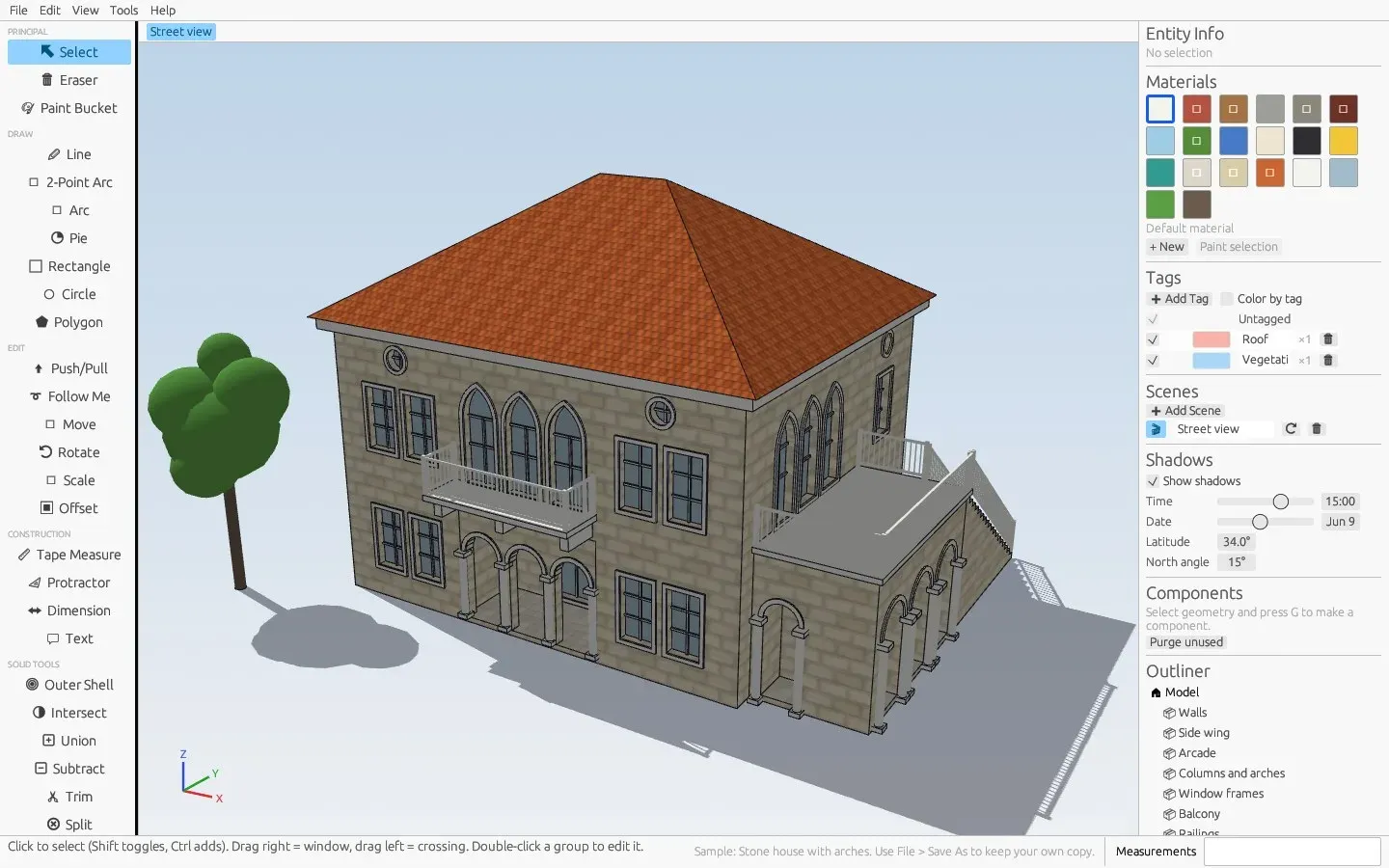
Image: OpenSketch
What works the same as SketchUp
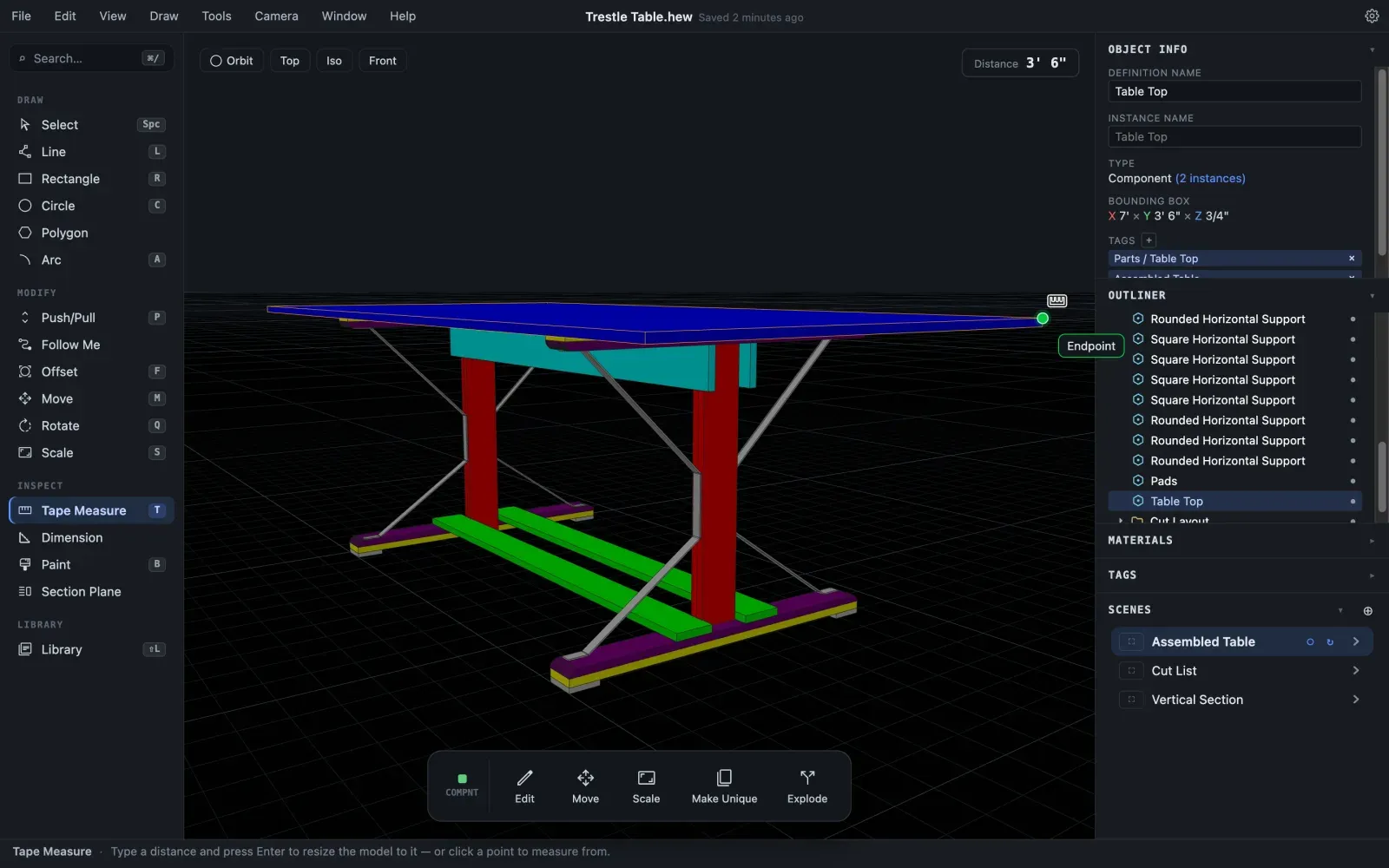
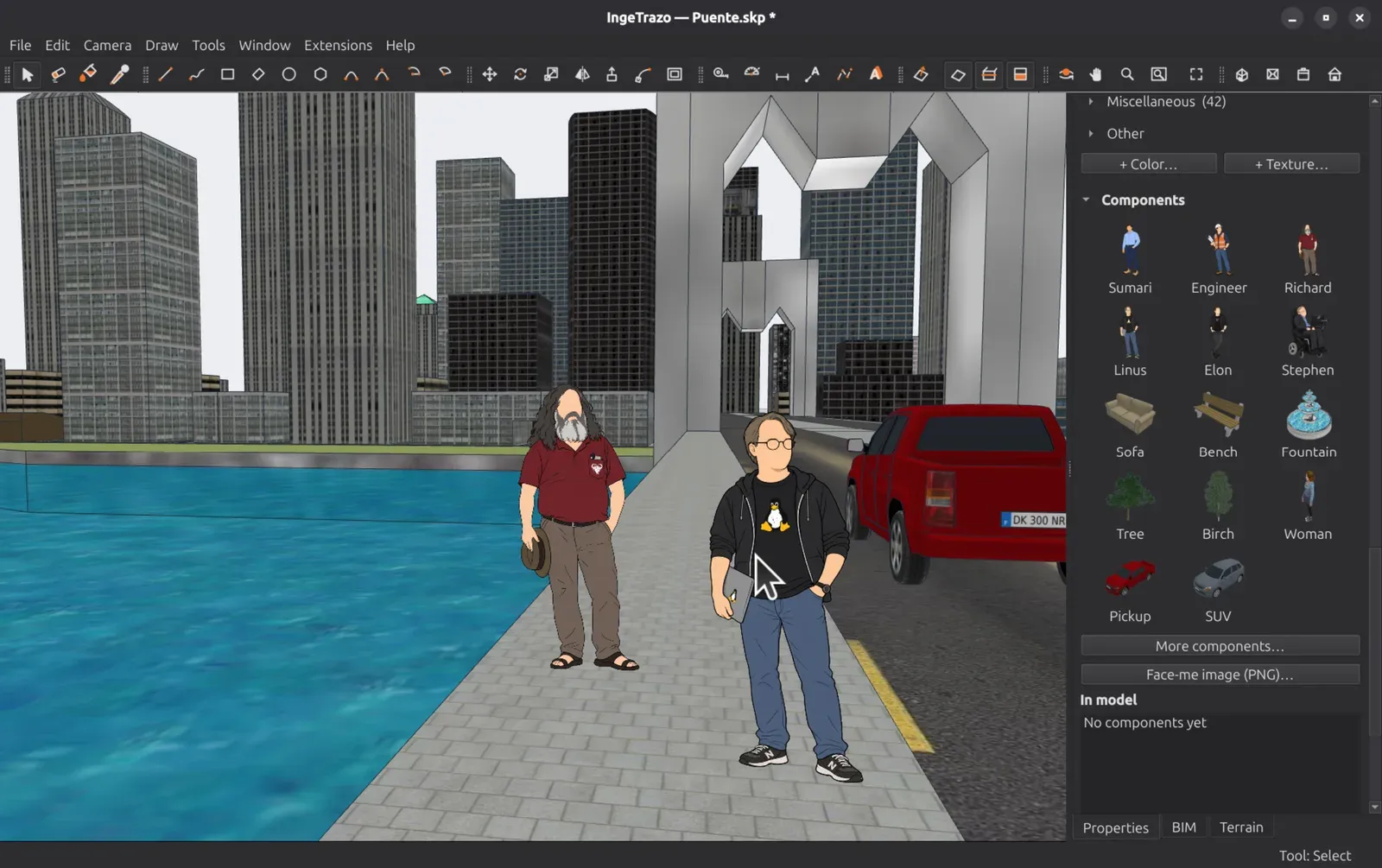
- Tools in groups named Principal, Draw, Edit, Construction and Solid Tools, with Select, Eraser, Push/Pull, Follow Me and Offset.
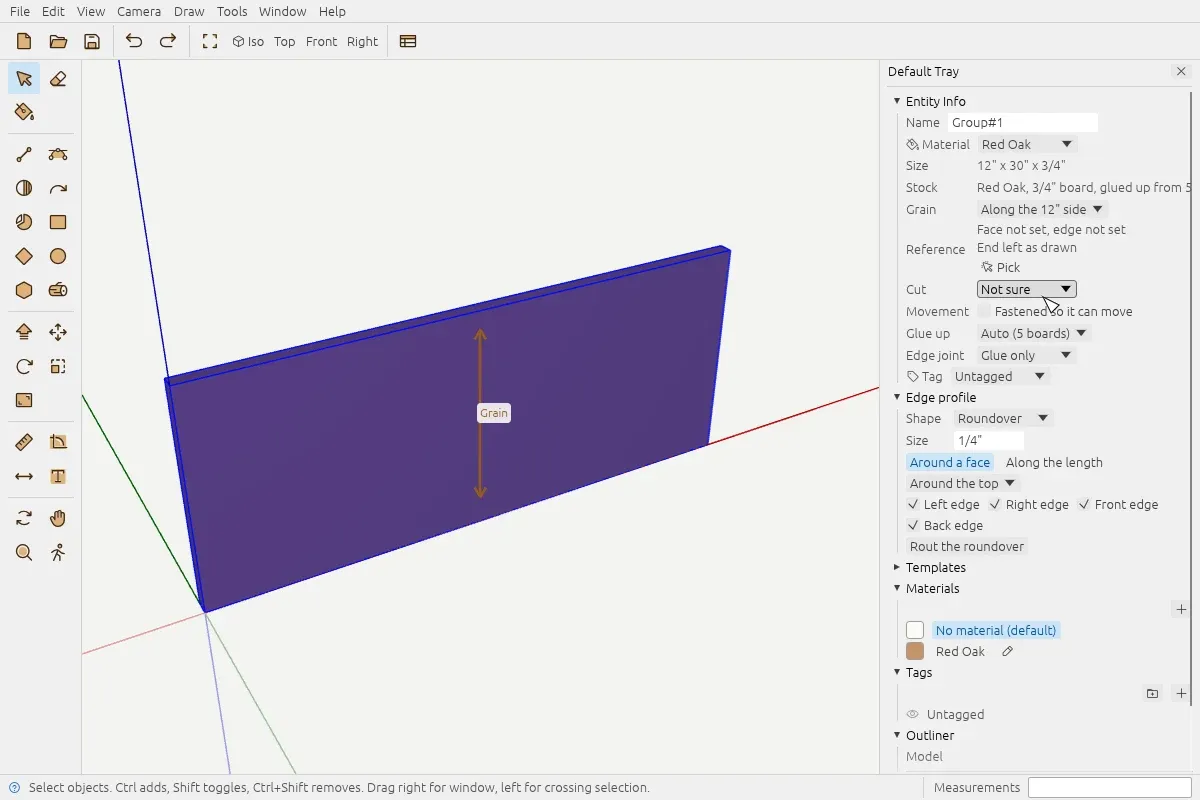
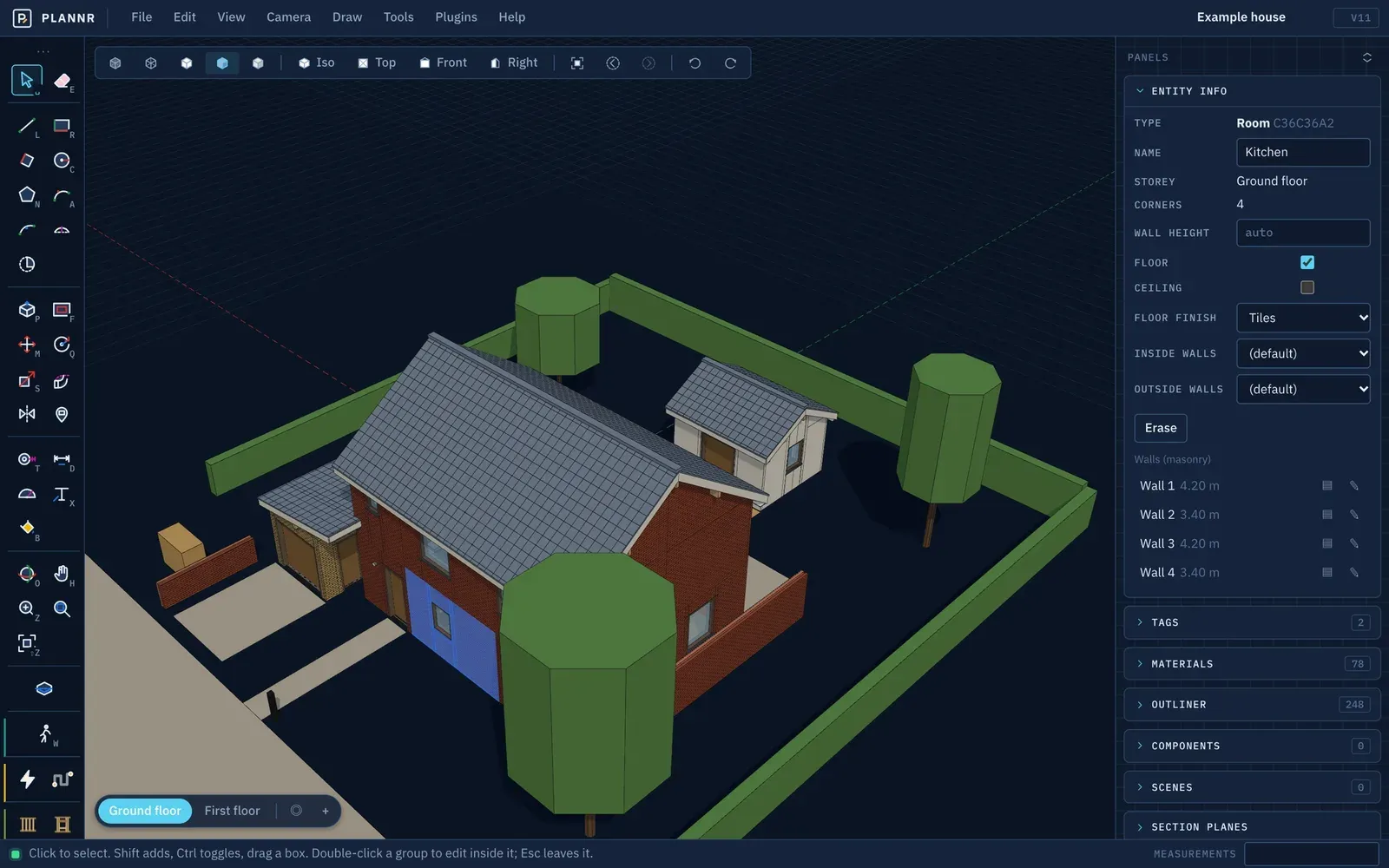
- A tray on the right with Entity Info, Materials, Tags, Scenes, Shadows, Components and the Outliner.
- A Measurements box at the bottom right: type a size while you draw.
- Groups, components, a Tape Measure and a Protractor.
- Solid tools: Outer Shell, Intersect, Union, Subtract, Trim and Split.
What is missing
- Styles such as sketchy edges are not there yet.
- Dimensions do not yet stay attached when the model moves.
How to get started
- Click Download to open the versions page and pick the file for your system.
- On Windows, unzip the .zip file and open the program inside.
- On Mac, use the file for Apple Silicon. On Linux, unpack the .tar.gz file.
- Open File, then Samples, to try the stone house model.
Compatible files
SketchUp projects Not tested yet