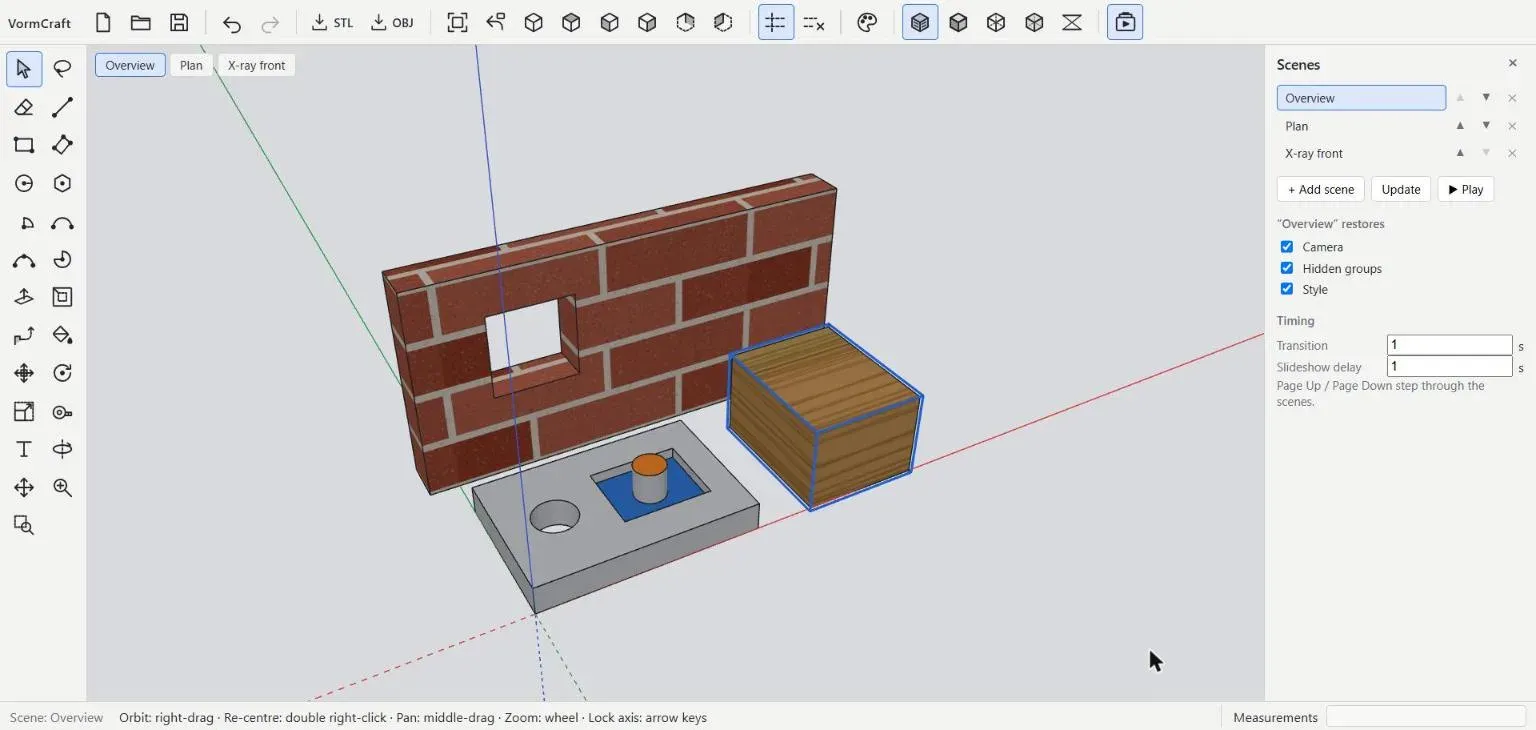
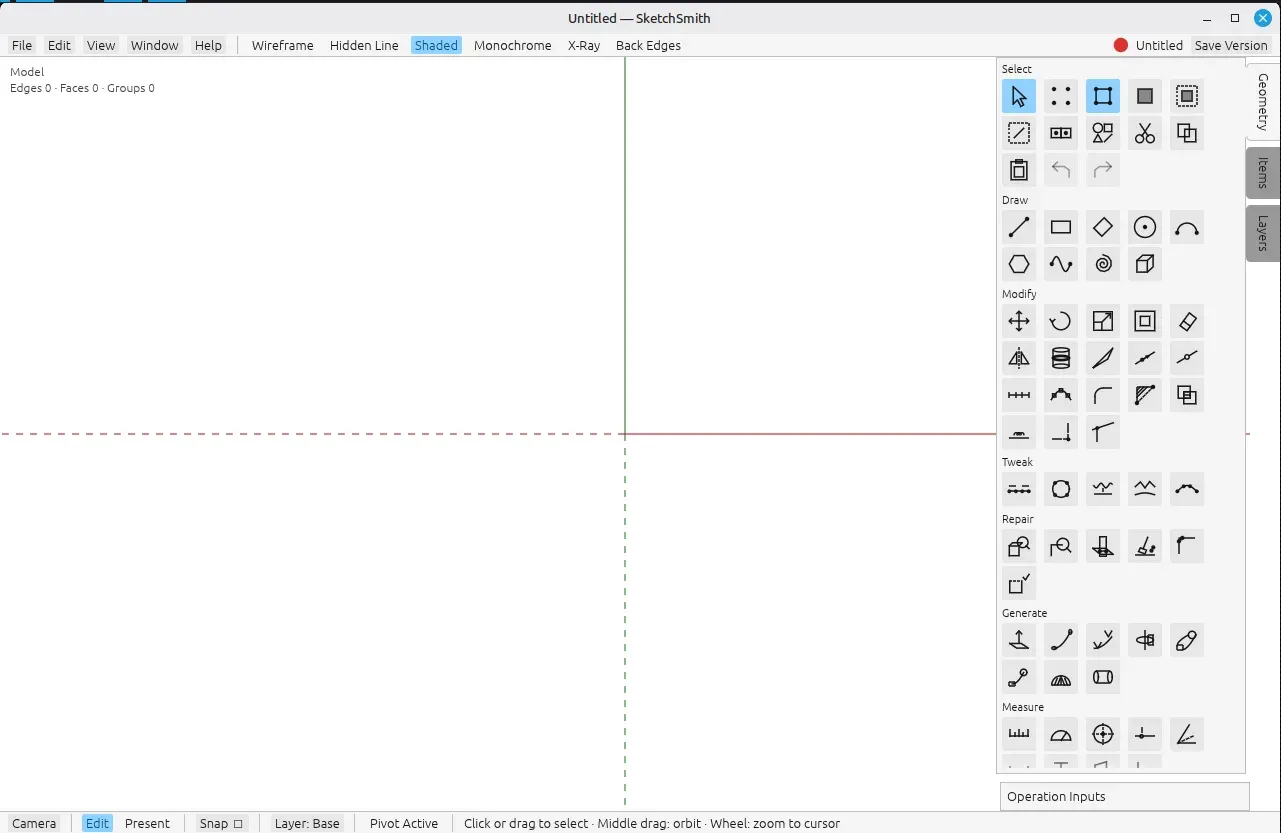
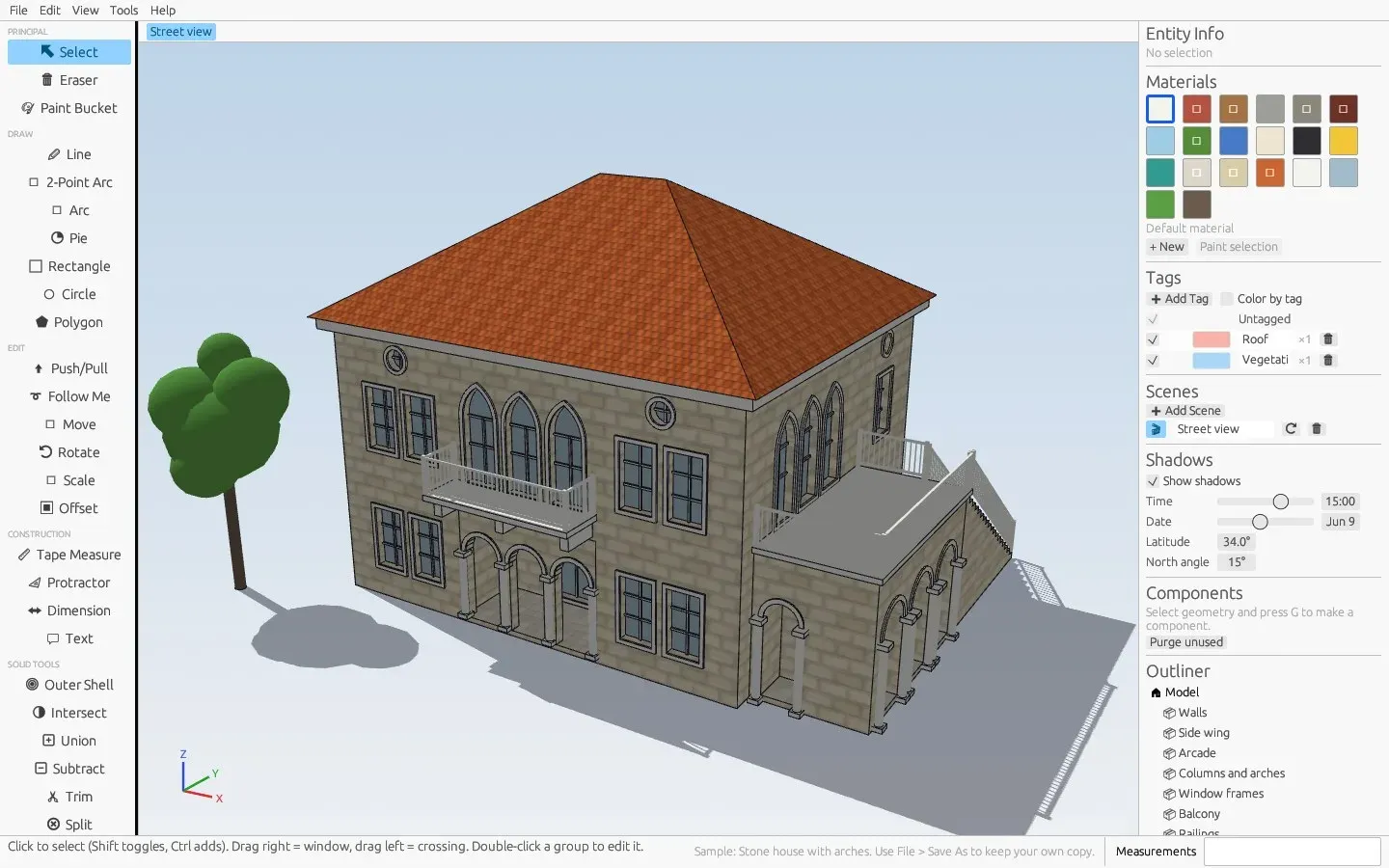
IngeTrazo
Clone of SketchUp
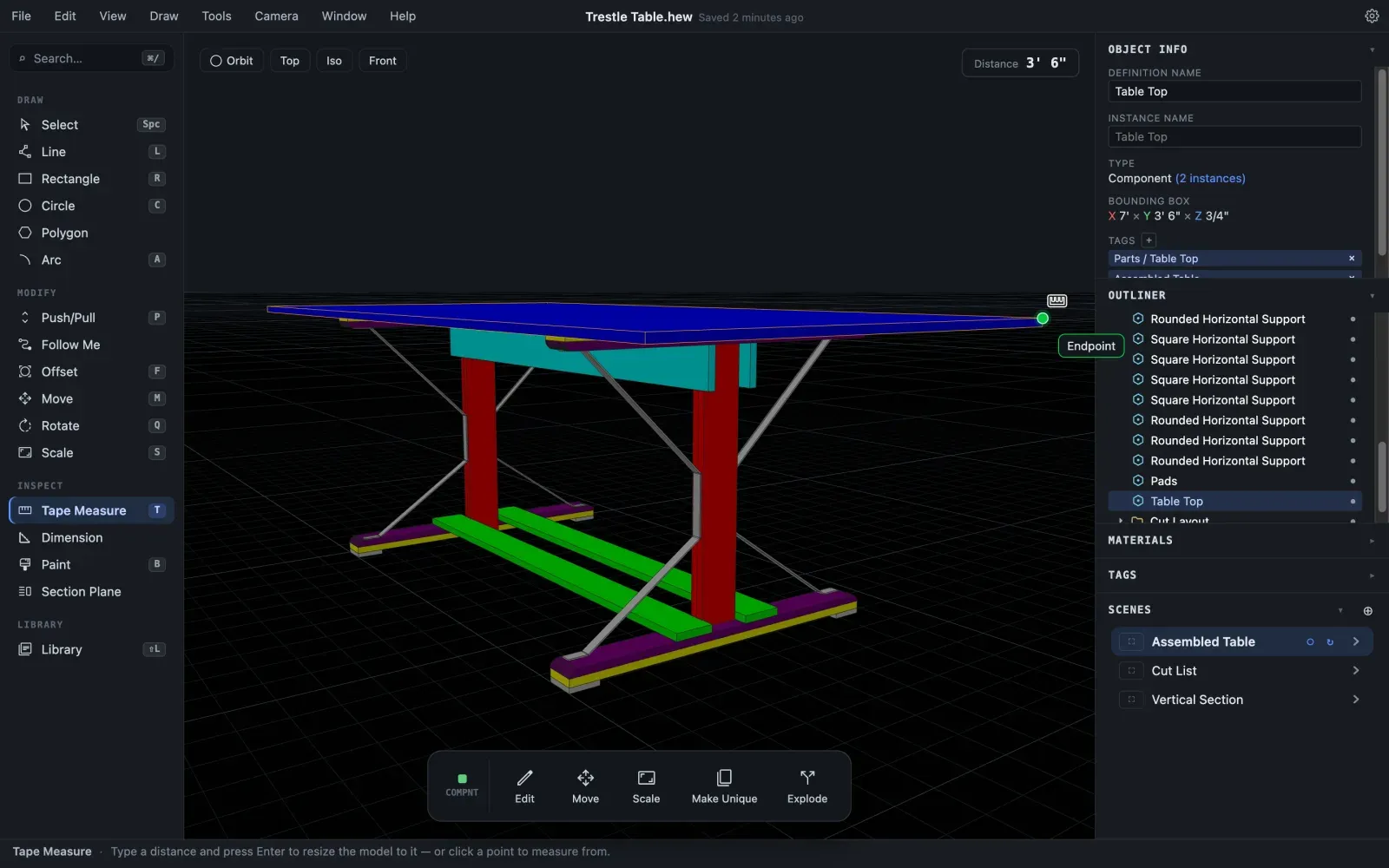
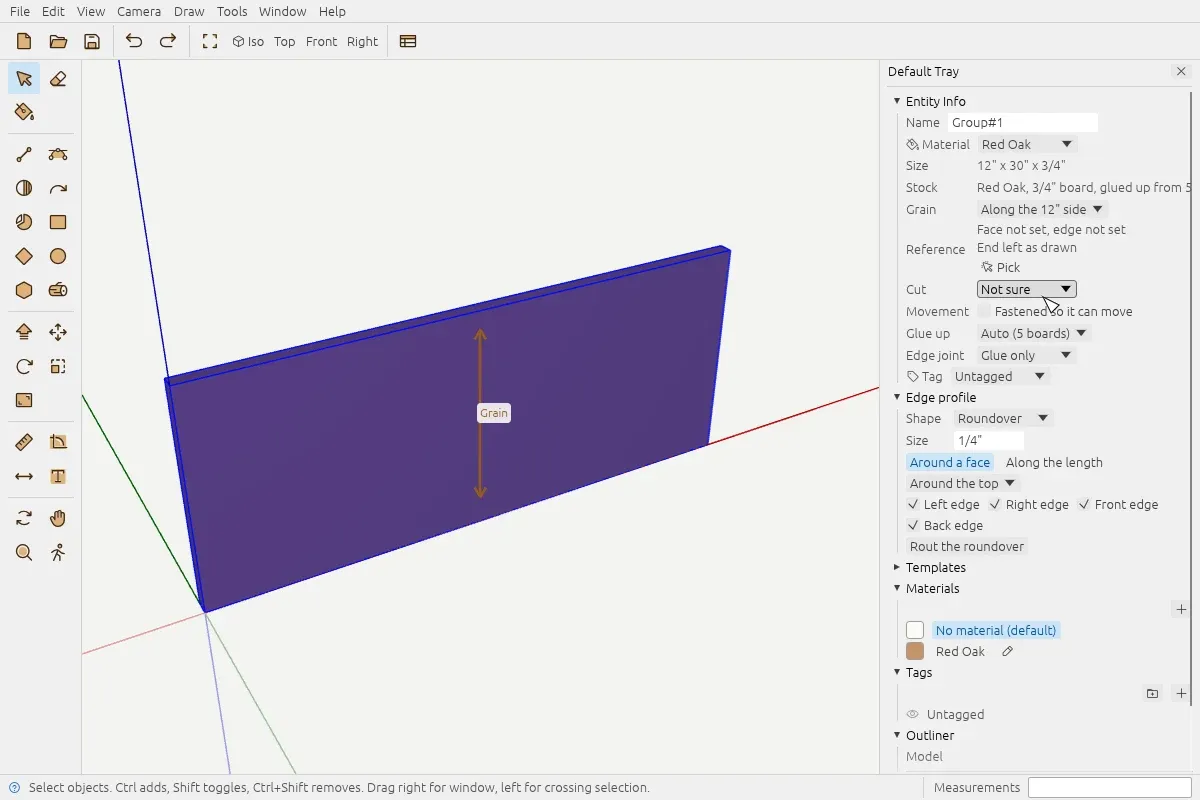
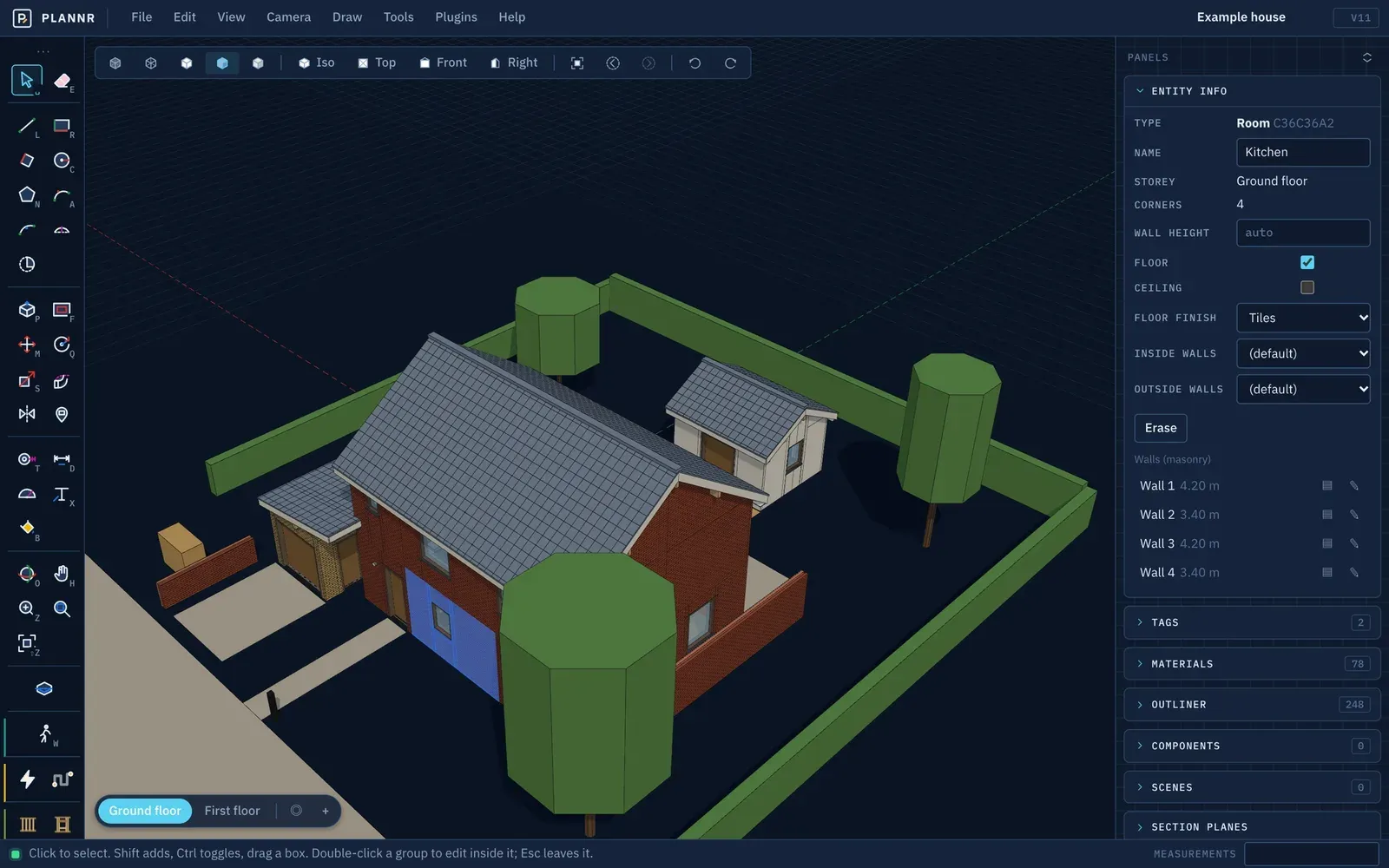
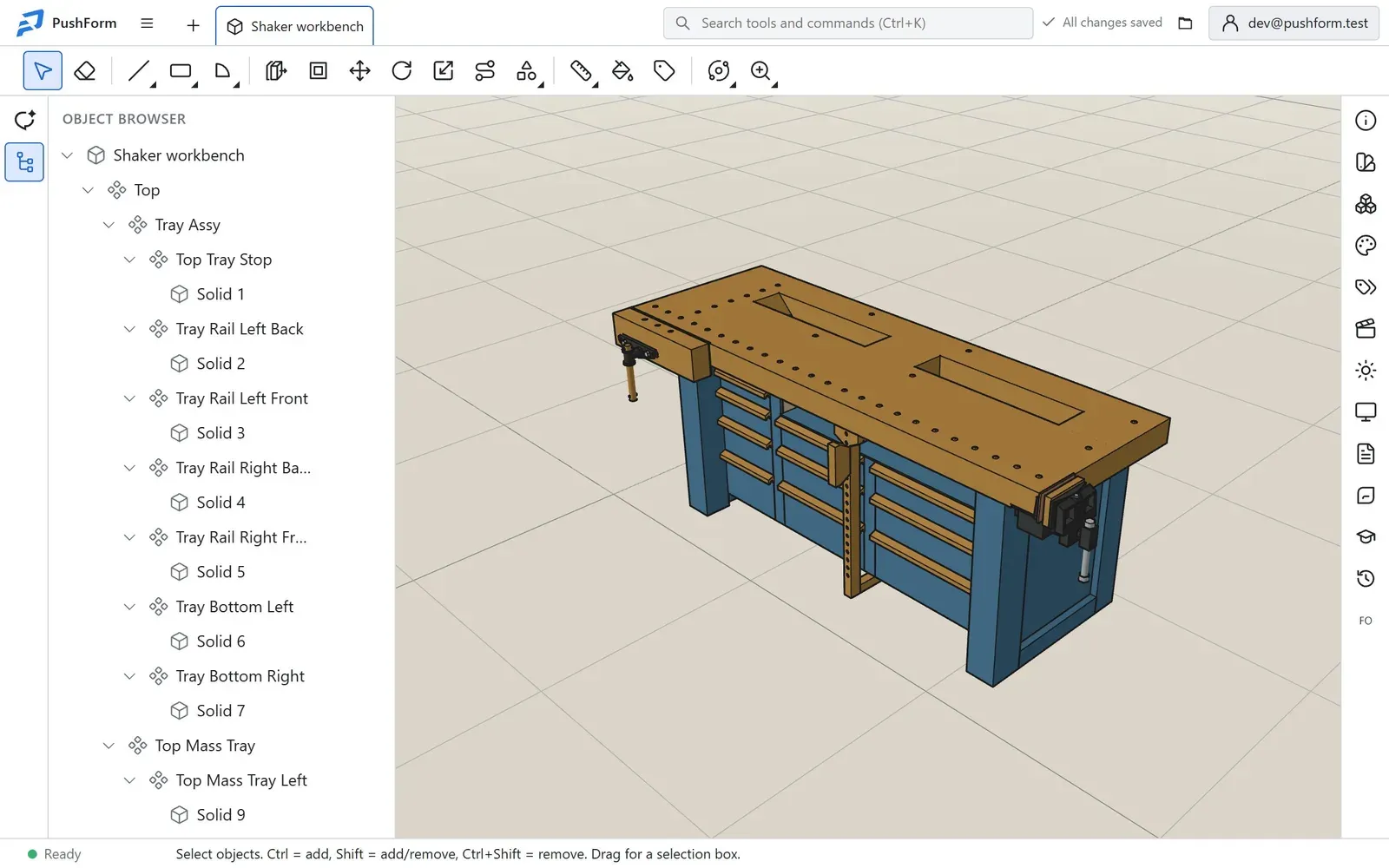
Free push/pull 3D modeler for architecture and design that opens your SketchUp .skp files, from 2013 to 2026.
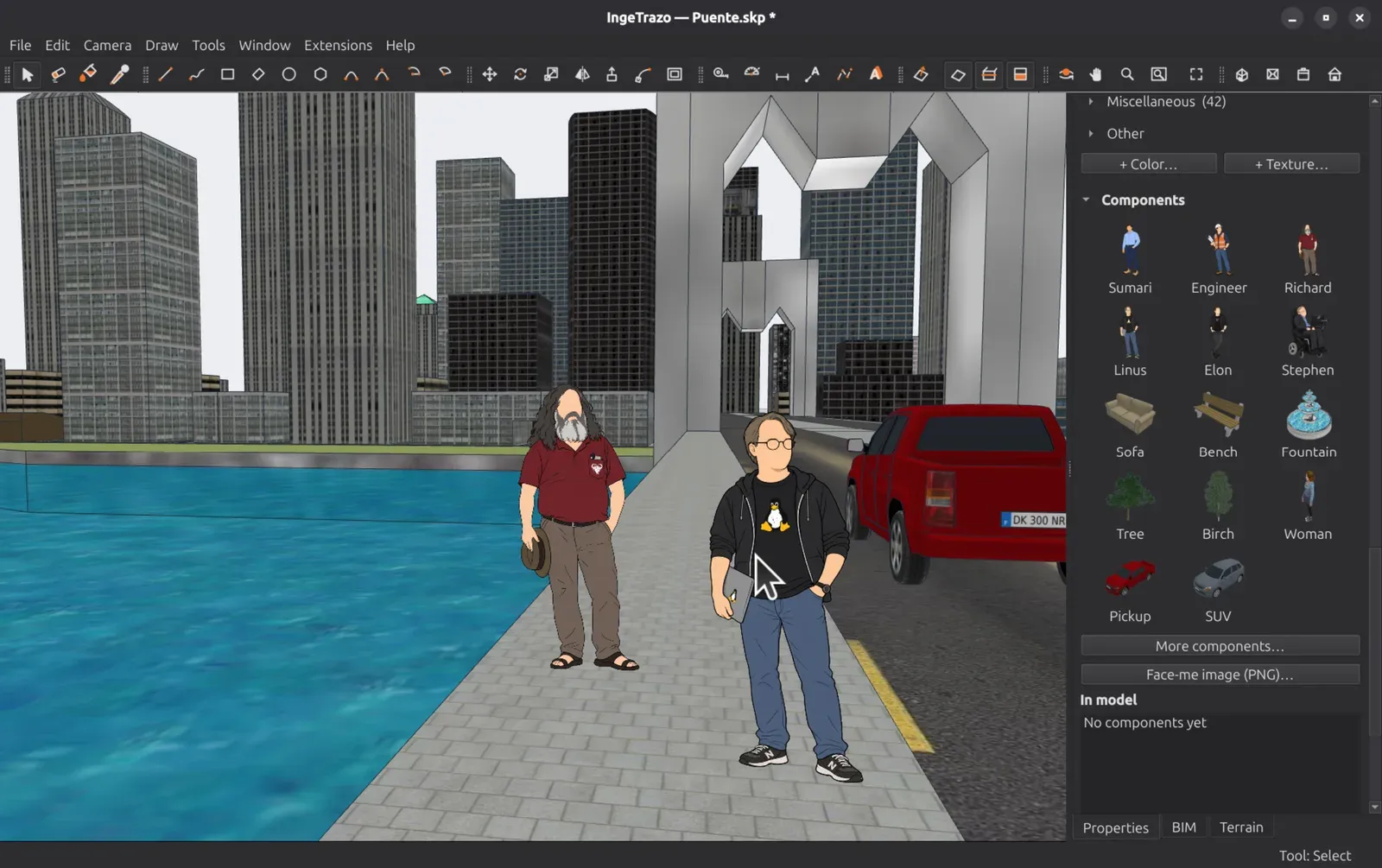
Image: IngeTrazo
What works the same as SketchUp
- Push/pull modeling: draw a shape and pull it into 3D.
- Opens .skp files from 2013 to 2026.
- Draw, extrude, paint, dimension and annotate.
- Walk through your model with Position Camera, Walk and Look Around.
- Real-sun shadows, and perspective or parallel views.
What is missing
- It's still a 0.x version: its file format may change between versions.
- On Mac, importing DWG drawings doesn't work yet.
How to get started
- Click Download and pick the file for your computer: the installer for Windows, the .dmg for Mac or the AppImage for Linux.
- On Mac, the first time, right-click IngeTrazo and choose Open.
- Open one of the example projects, or a .skp file you already have.
Compatible files
SketchUp files (.skp) According to the project