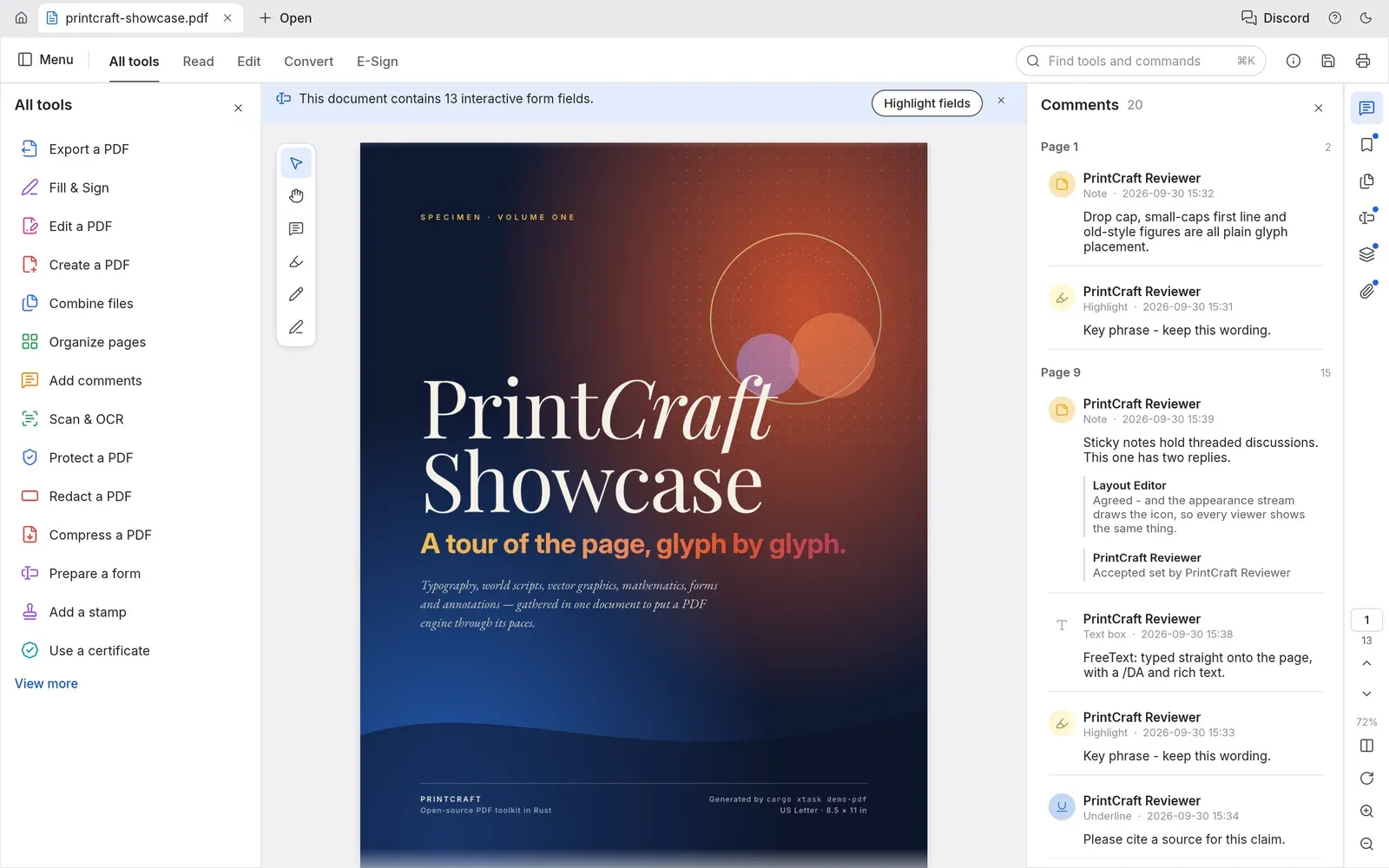
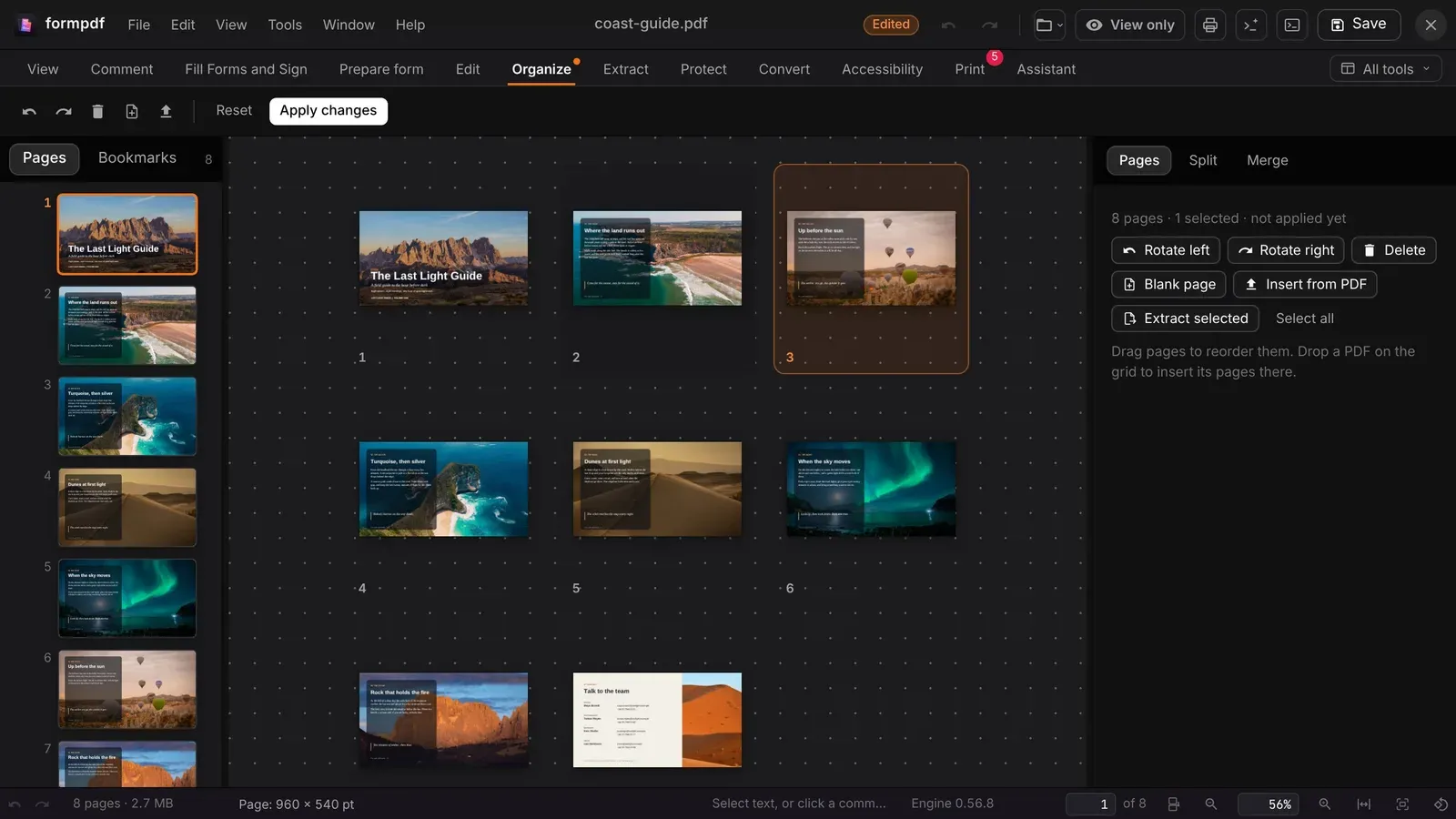
Open Acrobat
Clone of Acrobat
Free PDF app for the web, in the spirit of Acrobat: view, annotate, sign, merge and reorganize PDF pages.
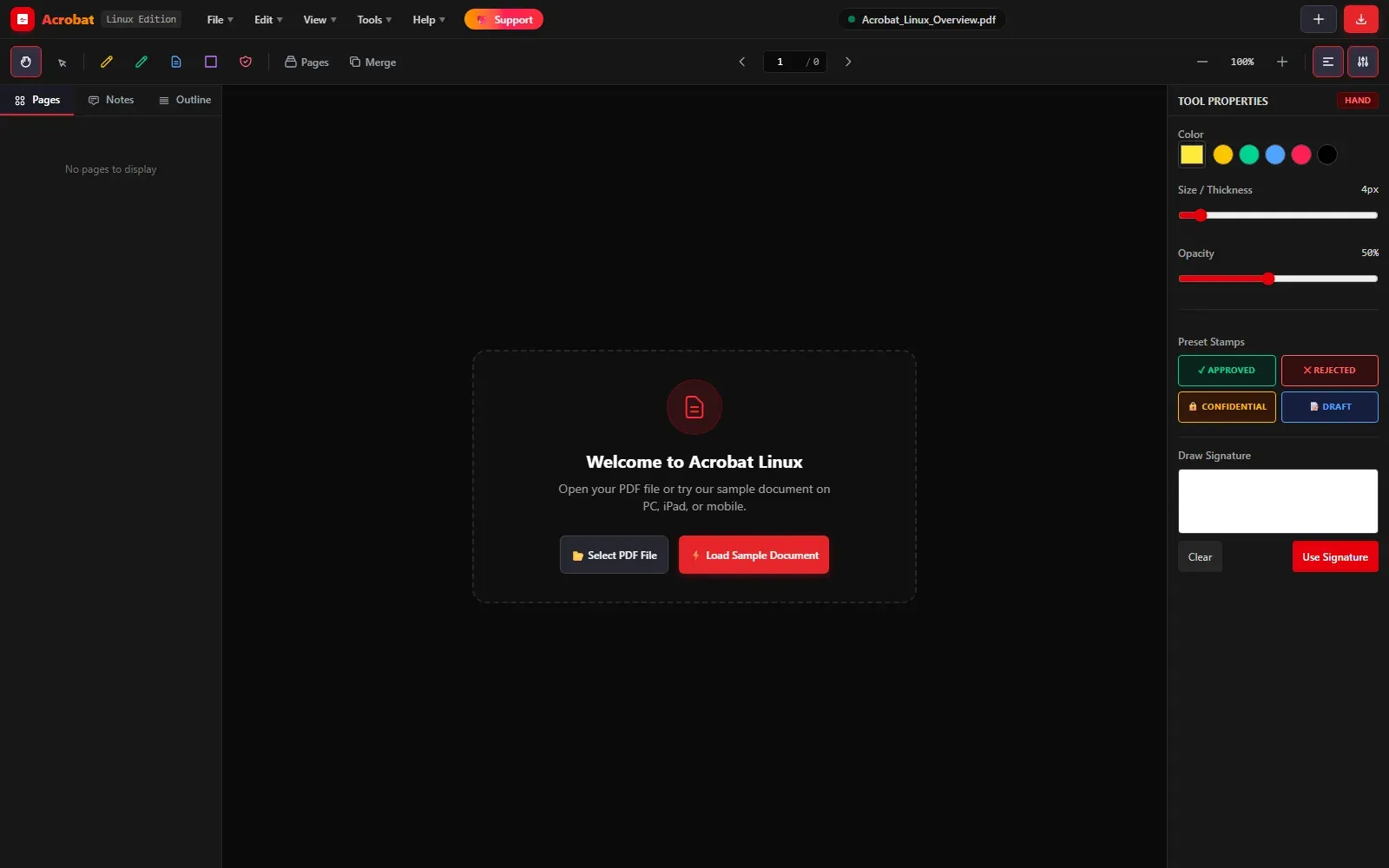
Image: Open Acrobat
What works the same as Acrobat
- Menus File, Edit, View, Tools and Help on top, and a toolbar with hand, select, markup, page navigation and zoom.
- A left panel with Pages, Notes and Outline tabs, and a properties panel on the right.
- Highlight text, draw with a pen, and add shapes and sticky notes.
- Draw a digital signature, or add stamps such as Approved, Rejected, Confidential and Draft.
- Merge several PDFs into one, and reorder, rotate or delete pages.
What is missing
The project does not say what is missing
How to get started
- Click Open in browser to use it on the project site.
- On the welcome screen, click Select PDF File to open a PDF, or Load Sample Document to try it.
- Or run it yourself: install Node.js 18 or newer, then follow the quickstart on the project page.
Compatible files
Acrobat files (.pdf) According to the project