FormPDF
Clone of Acrobat
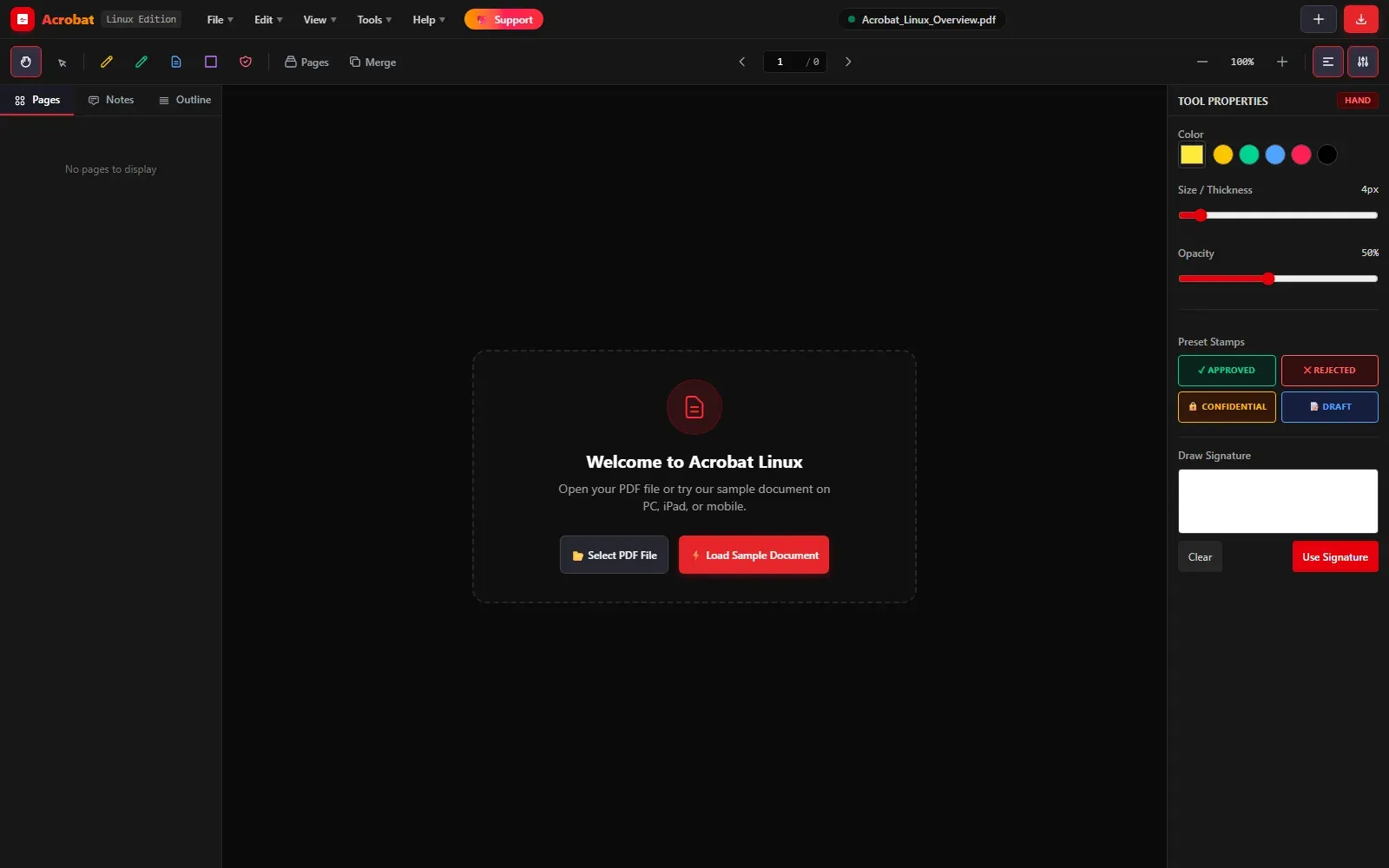
A PDF editor for your computer that changes text in place, redacts content, runs OCR and signs files, with no account and no uploads.

Image: FormPDF
What works the same as Acrobat
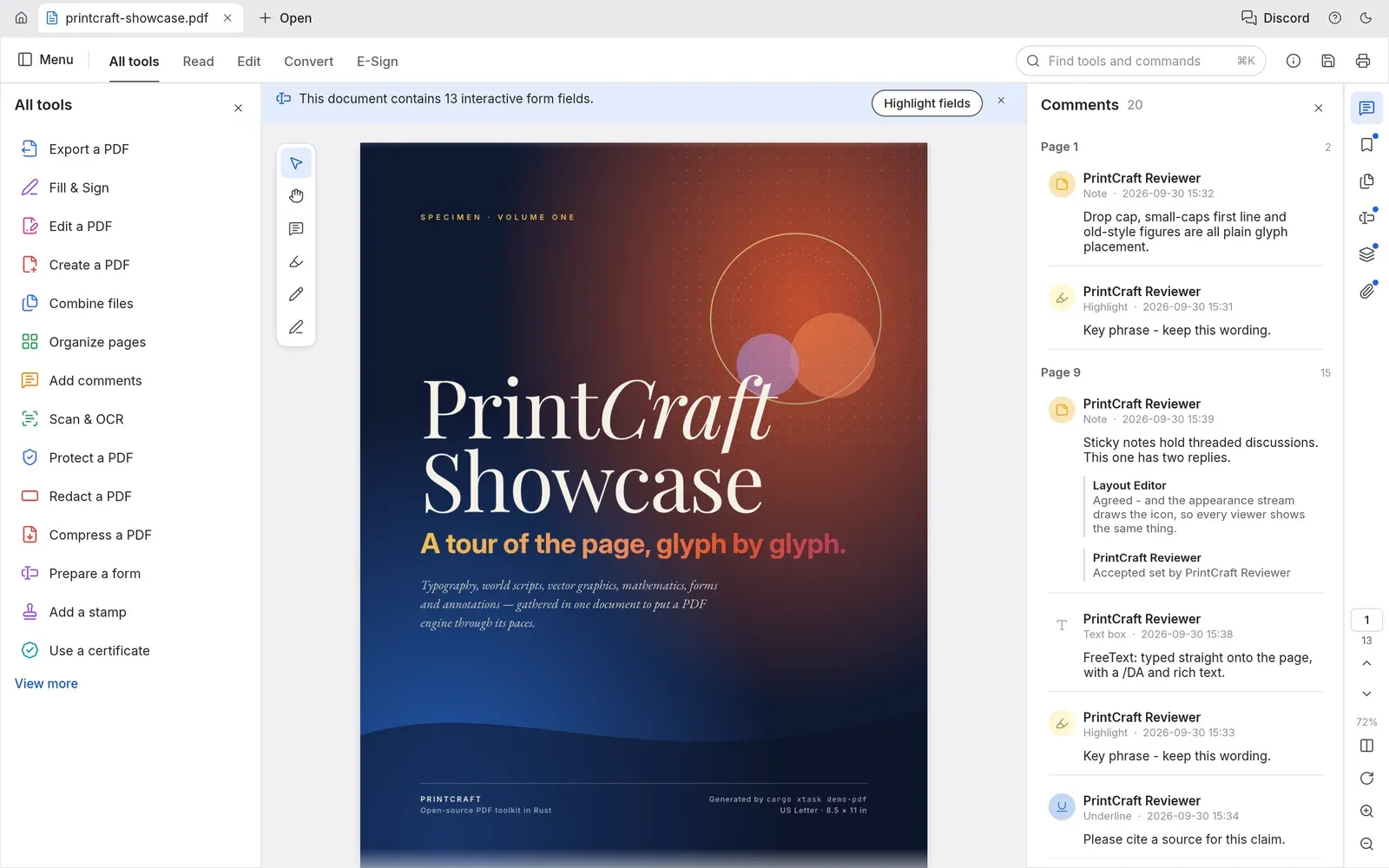
- A top menu bar from File to Help, and a row of work tabs such as View, Comment, Fill Forms and Sign, Edit, Organize, Protect and Convert.
- Edit in place: click text to retype it, and move, crop or replace pictures. Where possible, edited text uses the file own font.
- Find and redact: search for words, phrases or email addresses, tick the hits, and the content under each box is deleted, not only hidden.
- Fill and sign: draw or type a signature and stamp it on the page, or sign with a digital ID and check each signature in plain language.
- Organize pages: reorder, rotate, delete, insert, split and merge them in a single grid.
What is missing
- Sharing online, form JavaScript beyond the standard AcroForm functions, and print production such as CMYK and flattening are not done yet.
How to get started
- Click Download and pick the file for your system: a setup .exe or .msi on Windows, a .dmg on Mac, or an AppImage, .deb or .rpm on Linux.
- On a Mac, pick the .dmg for your chip: Apple silicon or Intel.
- Run the installer you downloaded. There is no account to create, and your files never leave your computer.
- Want the web version or the code? Run it from source with Python 3.12+ and Node 20.19+ or 22.12+, and open the web UI in your browser.
Compatible files
Acrobat files (.pdf) According to the project