Sequence Studio
Clone of Premiere Pro
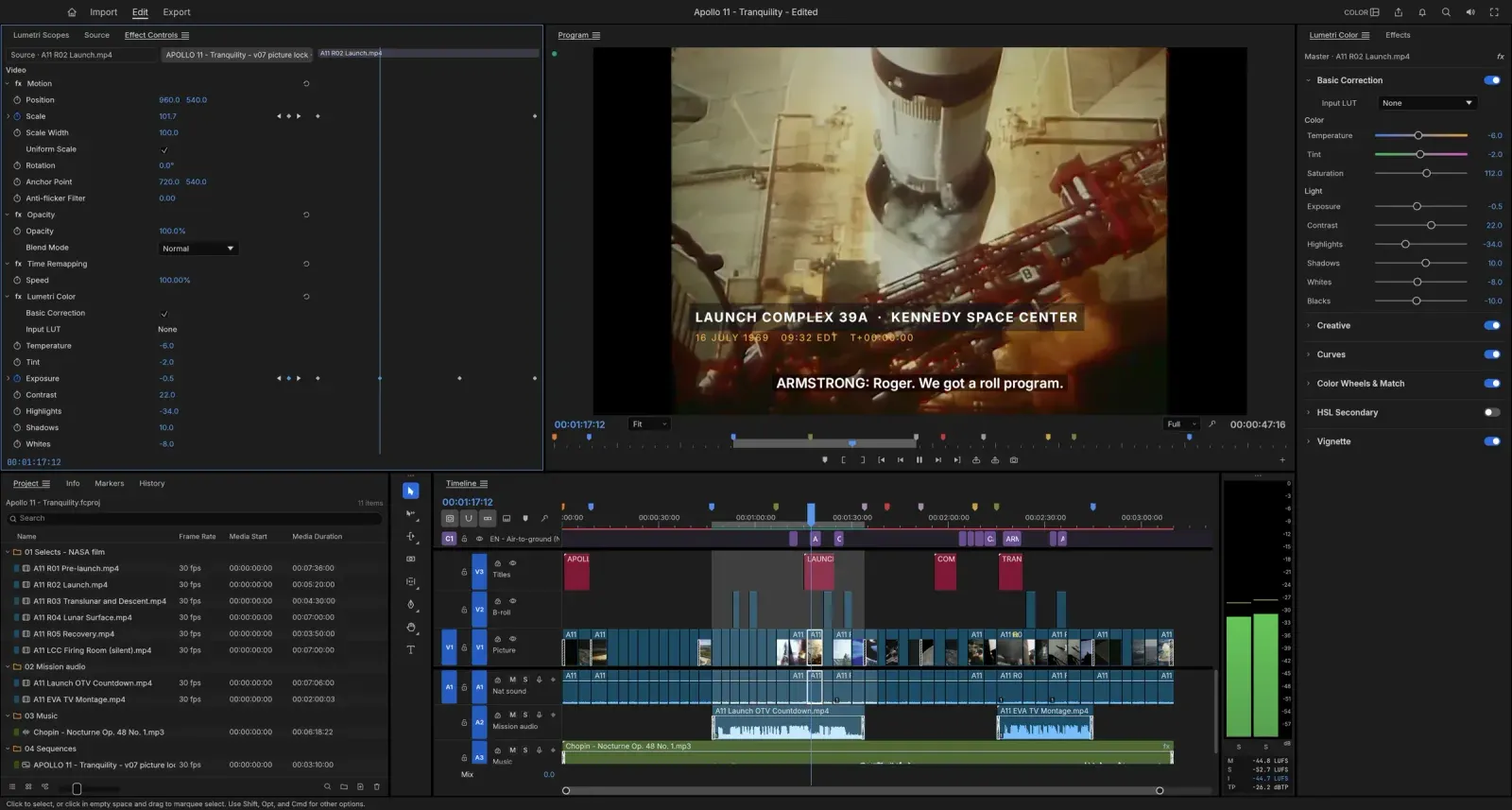
Free, open-source video editor for Mac, Windows and Linux, laid out like Premiere Pro, with a multi-track timeline, Source and Program monitors and Effect Controls.
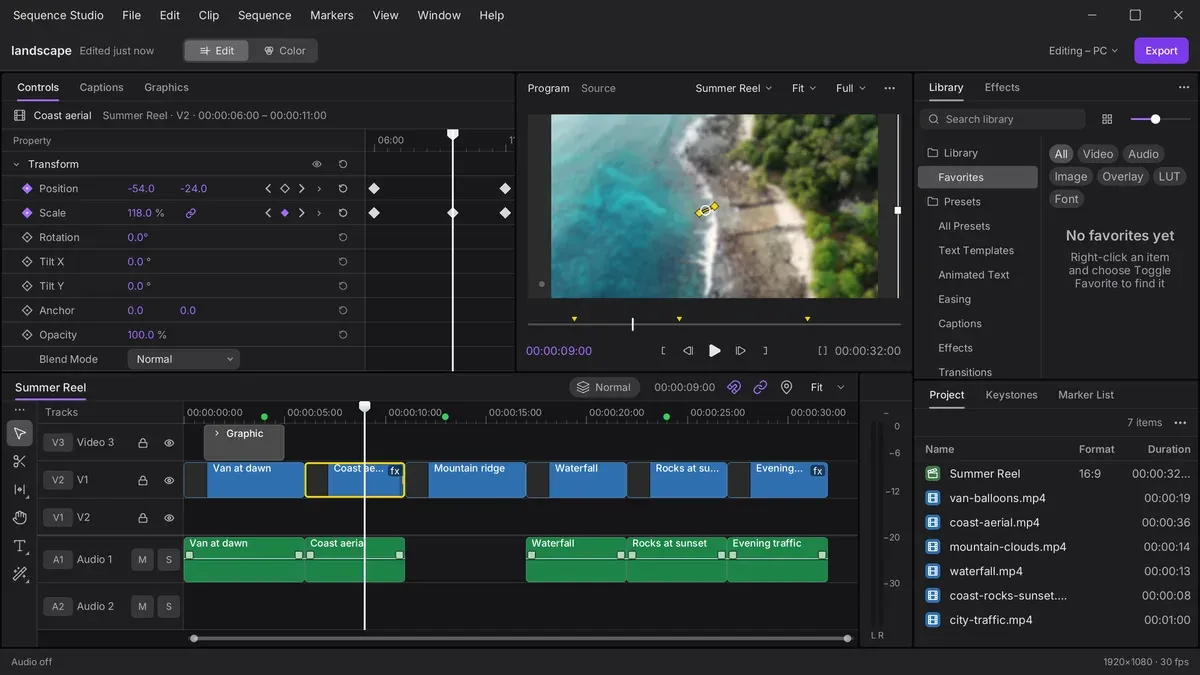
Image: Sequence Studio
What works the same as Premiere Pro
- A multi-track timeline with Source and Program monitors and Effect Controls, where you expect them.
- Trim with ripple, roll, slip and slide, insert and overwrite, and a razor tool.
- Effect Controls with keyframes and curves for position, scale and more, plus transitions and speed changes.
- Opens Premiere Pro projects and effect presets, and imports .mogrt title templates.
- Grading with scopes and LUTs, captions made on your computer, and an export queue with social presets.
What is missing
- The current release is an alpha; project files may change between versions, so keep backups.
- Premiere Pro import covers only a subset of effects and project features.
- The Mac version needs Apple silicon and macOS 26; there is no Intel Mac, Windows on ARM or Linux on ARM version.
- The Windows and Linux versions are newer than the Mac one and have had less testing.
How to get started
- Click Download. It opens the project versions page.
- On a Mac, download SequenceStudio-mac.dmg, open it and drag the app to Applications.
- On Windows, download SequenceStudio-windows-setup.exe and run it; no administrator rights needed.
- On Linux, download SequenceStudio-linux-x86_64.AppImage, or use the one-line install from the project page.
Compatible files
Premiere Pro files (.prproj) According to the project