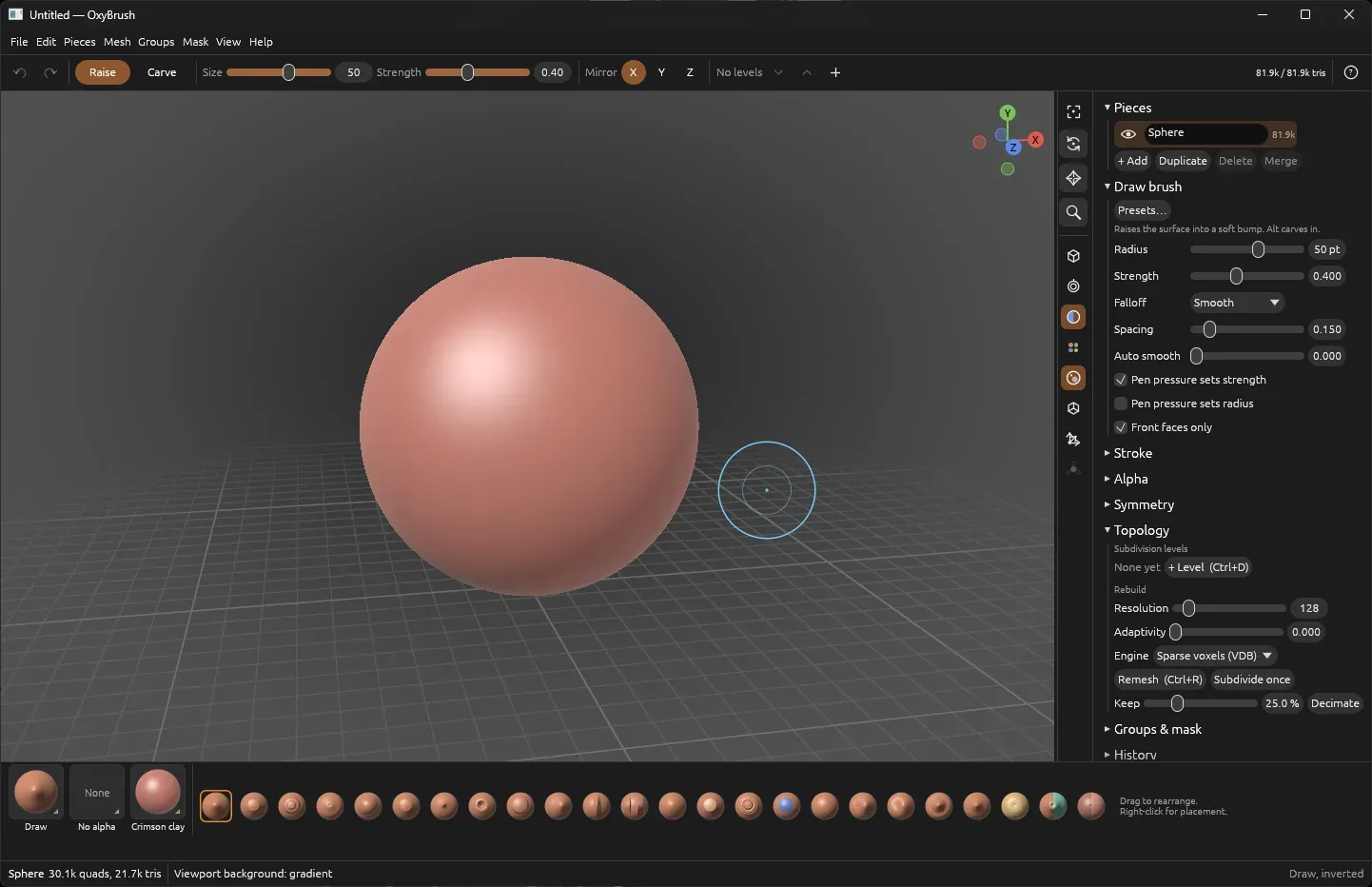
SculptForge
Clone of ZBrush
Free, open-source sculpting app for Linux, macOS and Windows, with shelves, palettes, a Library of thumbnails and Parts.
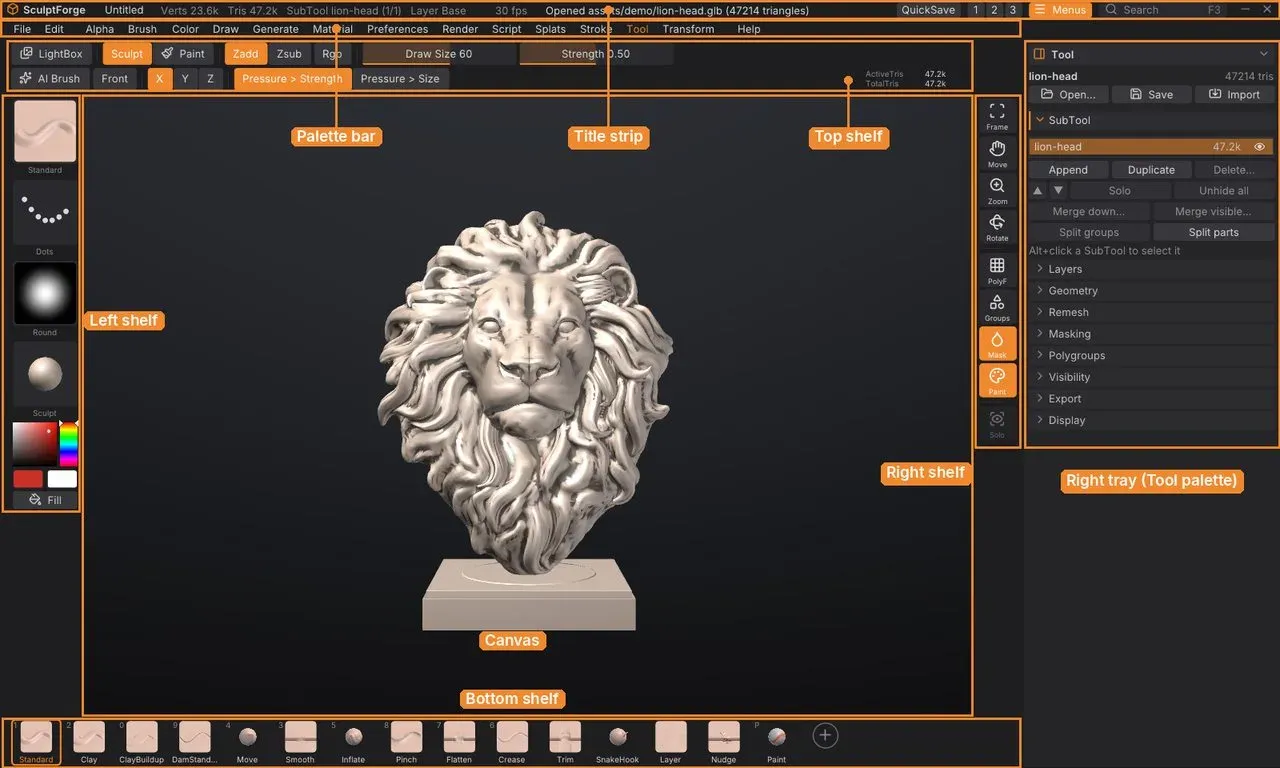
Image: SculptForge
What works the same as ZBrush
- Shelves around the canvas and palettes holding every tool, with a Library of thumbnails.
- Parts: separate meshes you can append, split, merge and solo.
- Familiar brushes, symmetry and Alt and Shift modifiers.
- Masking, face groups, visibility, vertex paint and Lit Sphere materials.
- Imports and exports Bridge files with face groups, mask, vertex paint and UVs.
What is missing
- Its free AI tools run on outside online services (Pollinations.ai and Hugging Face demos); the paid options need your own key.
- The installers are not code-signed, so Windows and Mac show a warning the first time.
How to get started
- Click Download. It opens the project versions page.
- Pick the file for your system: the setup file for Windows, the dmg for a Mac, or an AppImage for Linux.
- If Windows shows a SmartScreen warning, choose More info and then Run anyway. On a Mac, right-click the app and choose Open the first time.
- Drag on the model with the left button to sculpt, and hold Alt to subtract.
Compatible files
ZBrush projects Not tested yet