ProCraft
Clone of Procreate
Free clean-room raster painting studio that works like Procreate: gesture controls, brush engine, color drop, animation assist and layers, on desktop, iPad and Android.
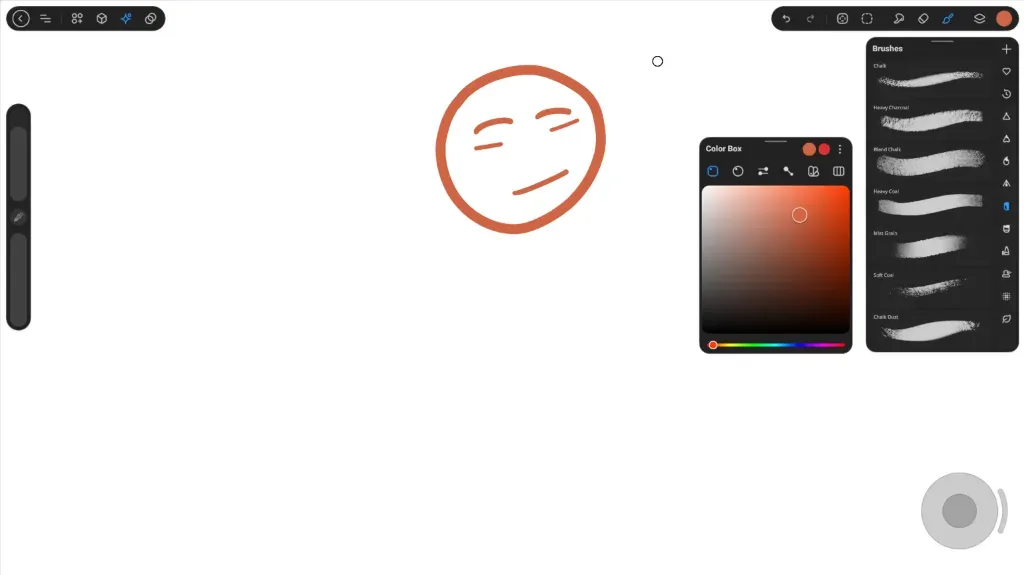
Image: ProCraft
What works the same as Procreate
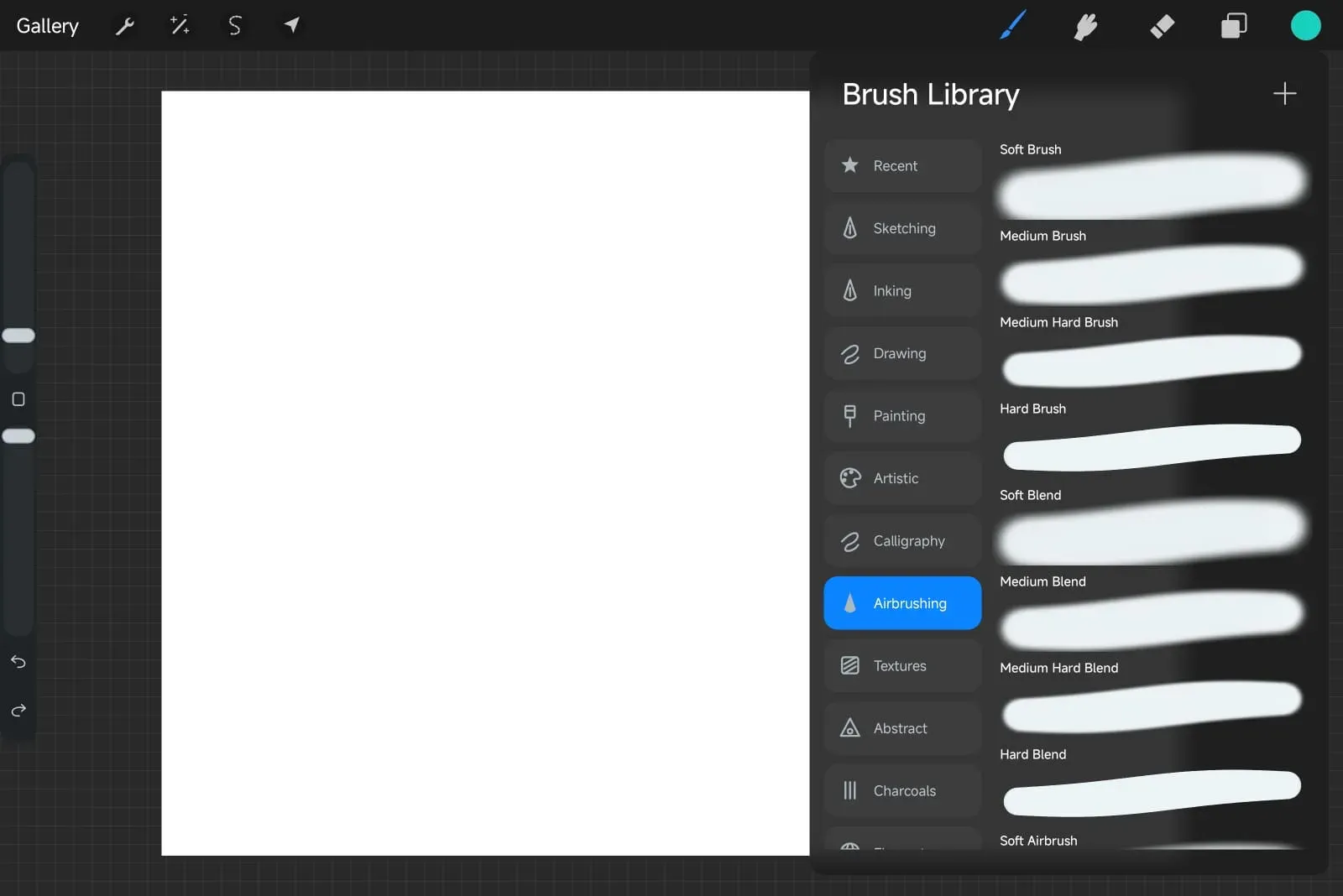
- The Procreate layout: canvas with brush size and opacity sliders on the left, top-bar tool pills, and floating brush and color panels.
- Gestures and shortcuts: two-finger tap to undo, three-finger tap to redo, pinch to zoom, canvas twist rotate, and tap-and-drag ColorDrop fill.
- Brush engine with dynamics, pressure curves, stabilizer smoothing, and direct import of Procreate .brush and .brushset files.
- Animation Assist with layers-as-frames, playback controls, onion skins, frame holds, and animated GIF export and import.
- Full layer support with clipping masks, reveal masks, blend modes, groups, transforms and re-editable text layers.
What is missing
- Some layer mask collapse states and exotic blend modes are still documented gaps.
- The iOS version must be sideloaded with tools like Sideloadly or AltStore, requiring periodic re-signing on free accounts.
How to get started
- Click Download and choose the package for your device: Windows zip, Android APK, or iOS IPA.
- On Windows, unzip the archive and launch procraft.exe.
- On Android, tap the APK to install after enabling unknown sources in your settings.
- On iPad or iPhone, install the IPA using AltStore or Sideloadly connected to your computer.
Compatible files
Procreate projects Not tested yet