Inkstone
Clone of Procreate
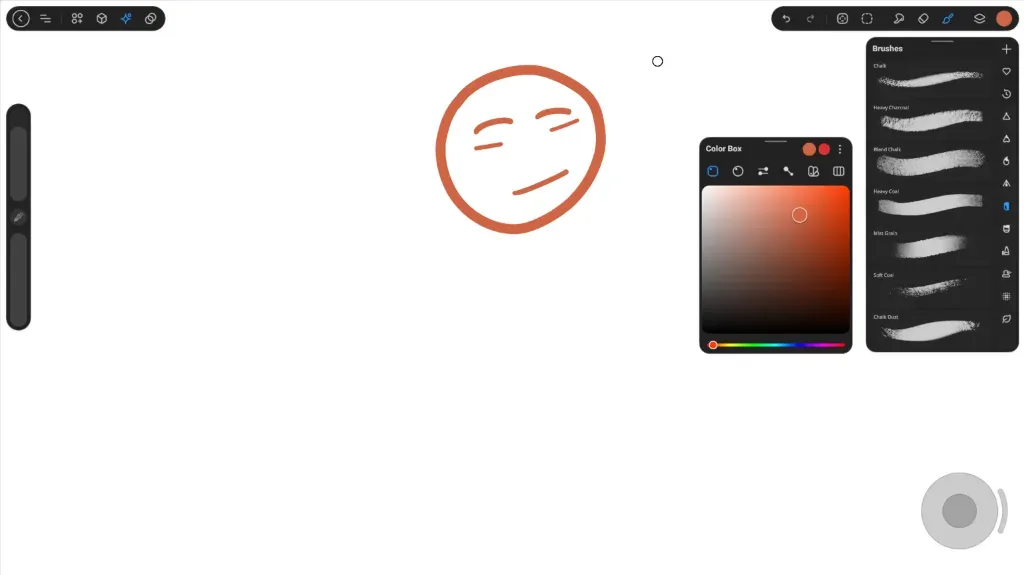
Free drawing app for Android tablets and pens: pressure-sensitive brushes, layers, gesture undo and Drop Fill, with no account.
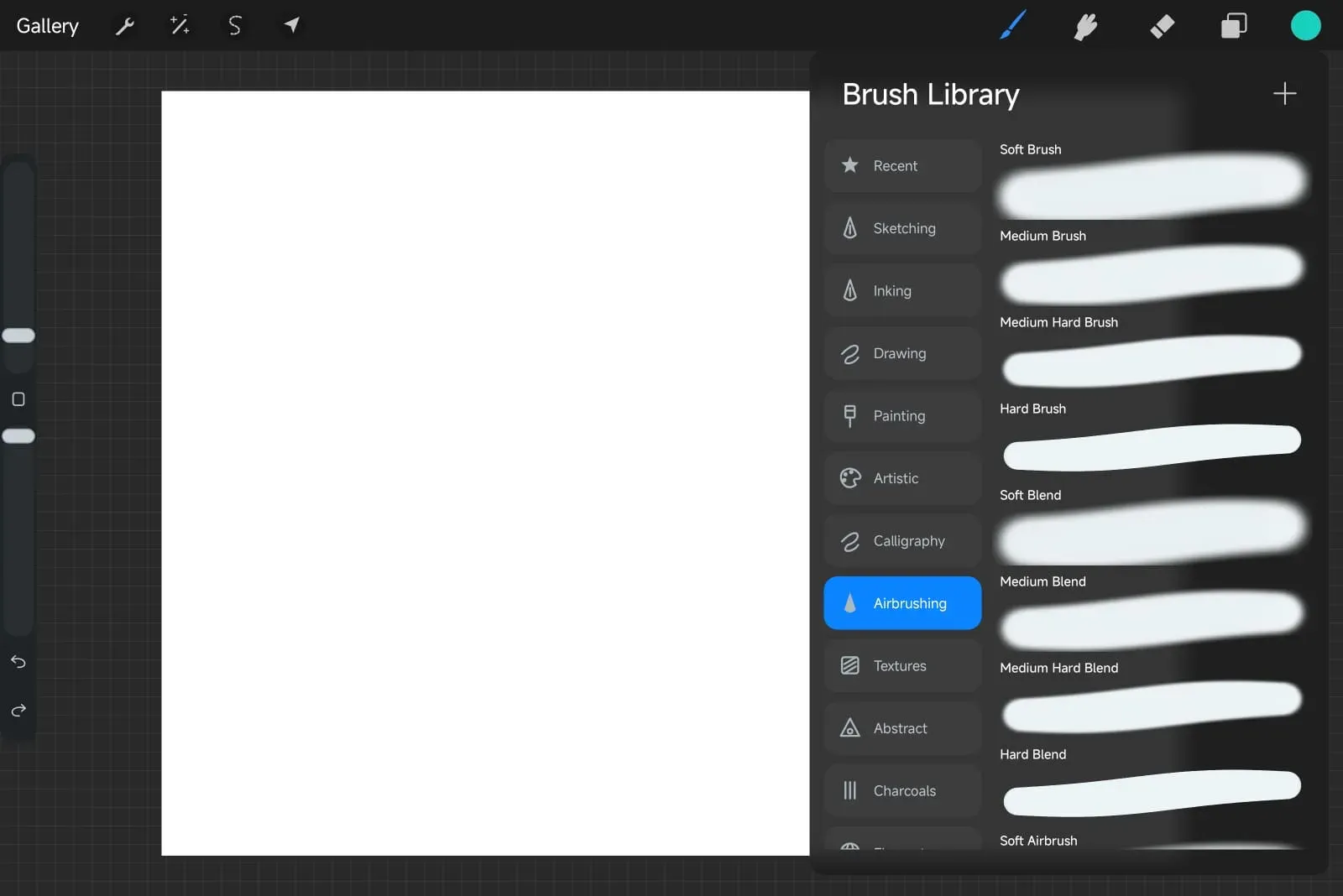
Image: Inkstone
What works the same as Procreate
- Draw, smudge and erase, with pressure controls, flow and stabilization.
- A brush library with 50 presets, and the eraser uses the same library.
- Pen-only drawing, palm protection, and undo and redo with gestures.
- Drop Fill: drag the active color into a closed area to fill it, and slide to set the threshold.
- Layers with fifteen blend modes, clipping masks, alpha lock and swipe actions.
What is missing
- Text, time-lapse and animation are not available, and CMYK, smart objects and PSD vector shapes are not supported.
- Early preview: features are incomplete and bugs are expected.
- Versions are previews, signed with a debug key.
- Speed and pen pressure on real devices still need more testing.
How to get started
- Click Download and get the latest APK.
- Tap the APK to install it. Android asks you to allow installs from the app that opened it.
- You need Android 8.0 or later; it is made for tablets and pressure-sensitive pens.
- Export editable copies of your artwork before uninstalling the app: it is kept in private app storage.
Compatible files
Procreate projects Not tested yet