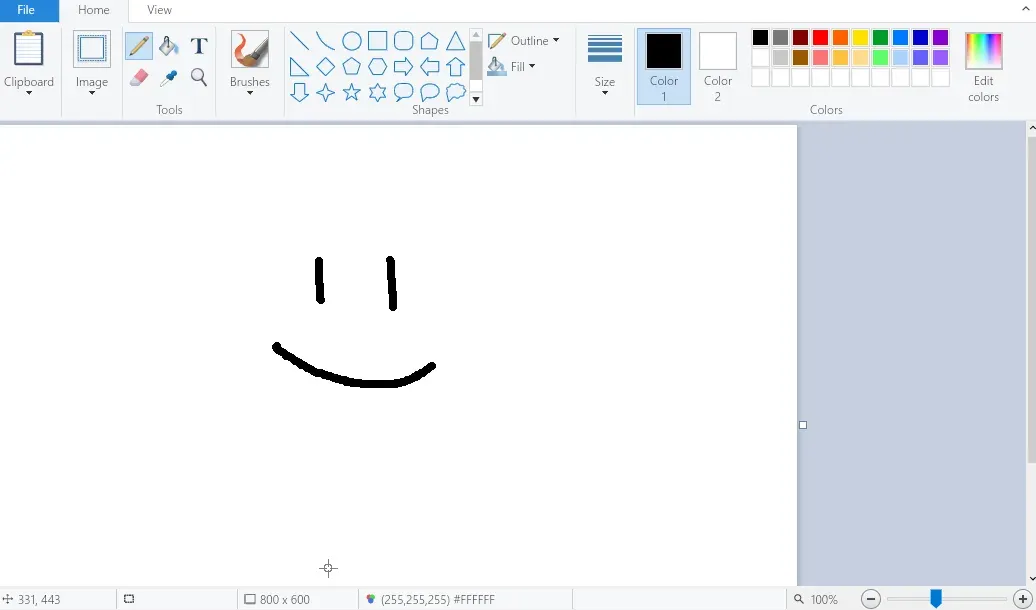
Paintly
Clone of Paint
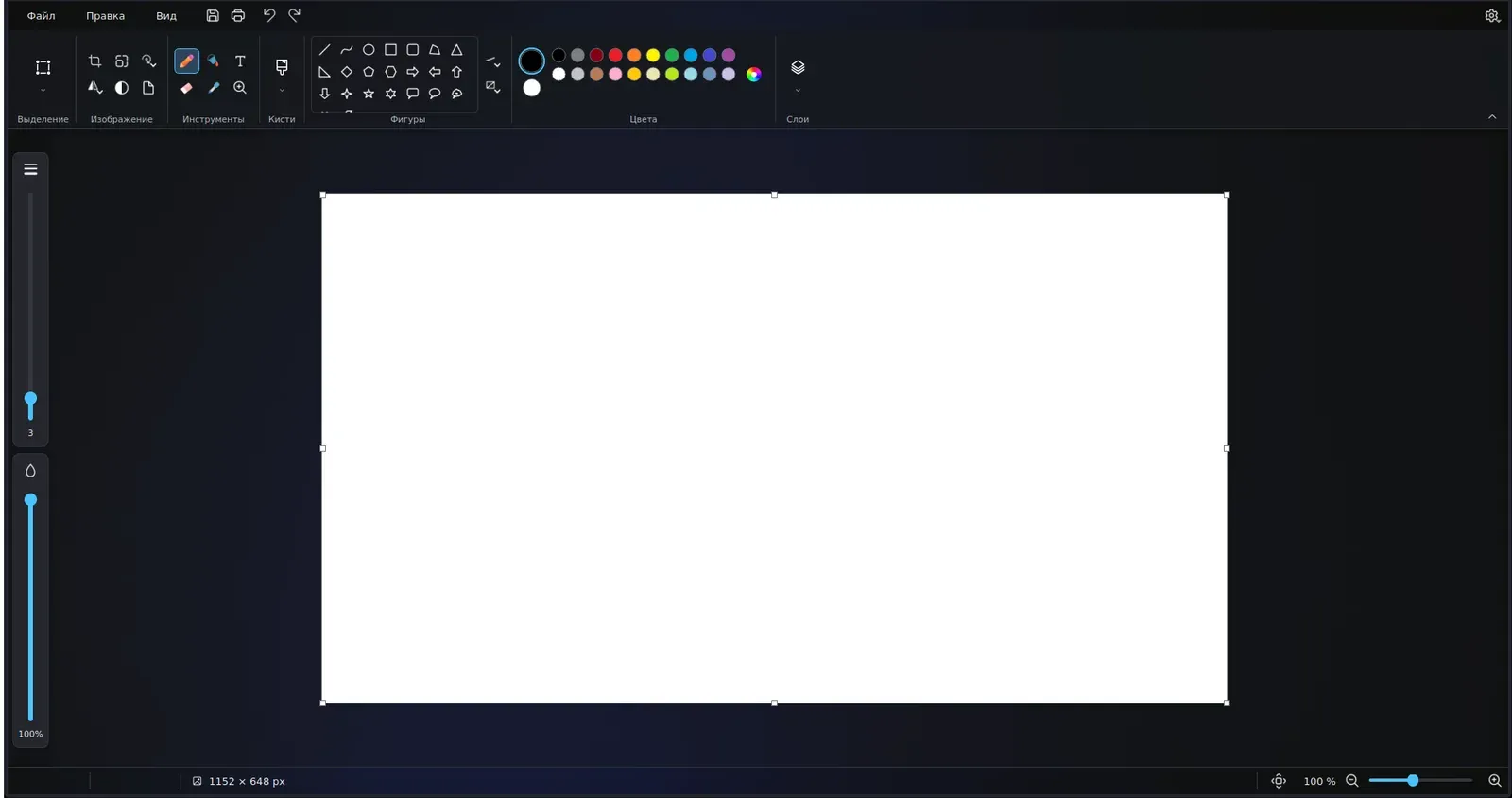
Free painting app for Linux, inspired by Paint from Windows 11. Draw with pencil, brush and shapes, and work in layers.
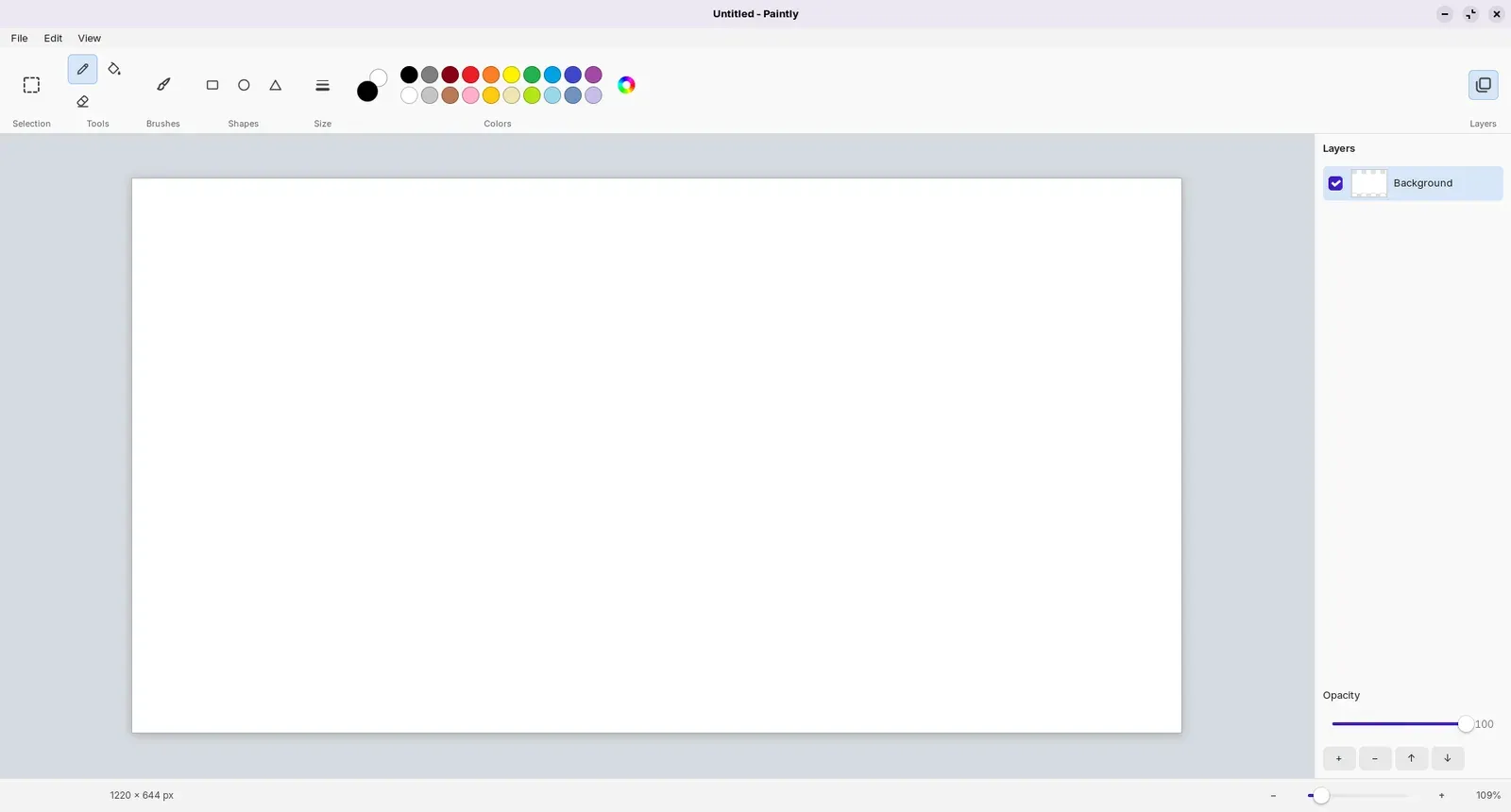
Image: Paintly
What works the same as Paint
- Menus File, Edit and View on top, with a ribbon of labeled groups below: Selection, Tools, Brushes, Shapes, Size and Colors.
- Two overlapping color circles for the left and right mouse buttons, a palette and a color wheel.
- Pencil, brush, eraser, fill bucket and simple shapes.
- A Layers button at the right end of the ribbon opens a Layers panel on the right.
- A status bar with the canvas size on the left and a zoom slider on the right.
What is missing
- The project says more tools are still to come.
How to get started
- Paintly is for Linux. Click Download to open the versions page.
- On Debian, Ubuntu, Zorin or Mint, get the installer file there and open it with your software installer.
- Or prepare it yourself: install the GTK 4 libraries, then run make and make run.
Compatible files
Paint projects Not tested yet