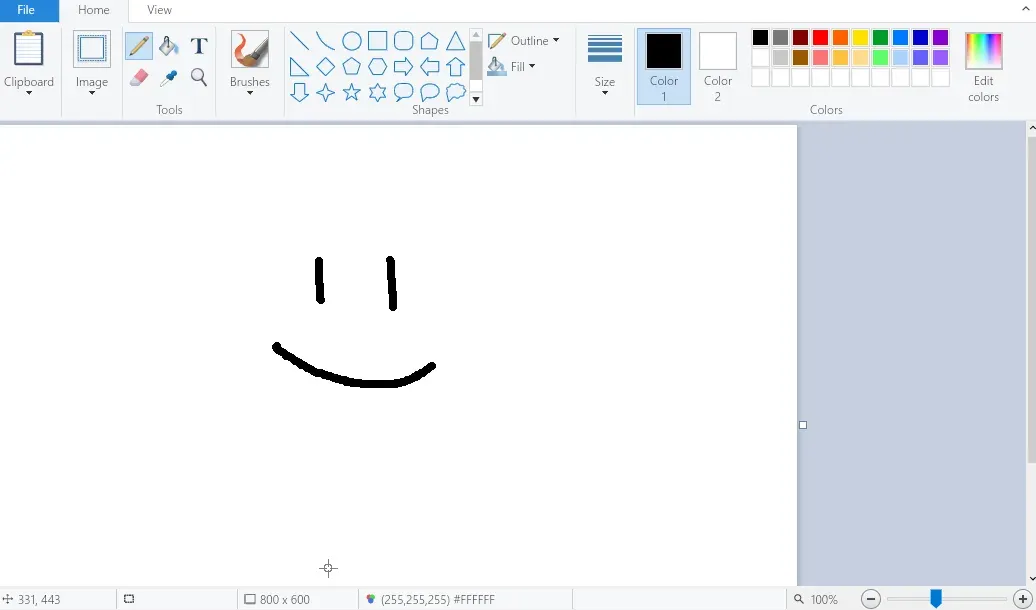
LinuxPaint
Clone of Paint
Free Paint-style image editor for Linux that copies the look of the Windows 11 Paint: ribbon, shapes, brushes, layers and zoom bar.
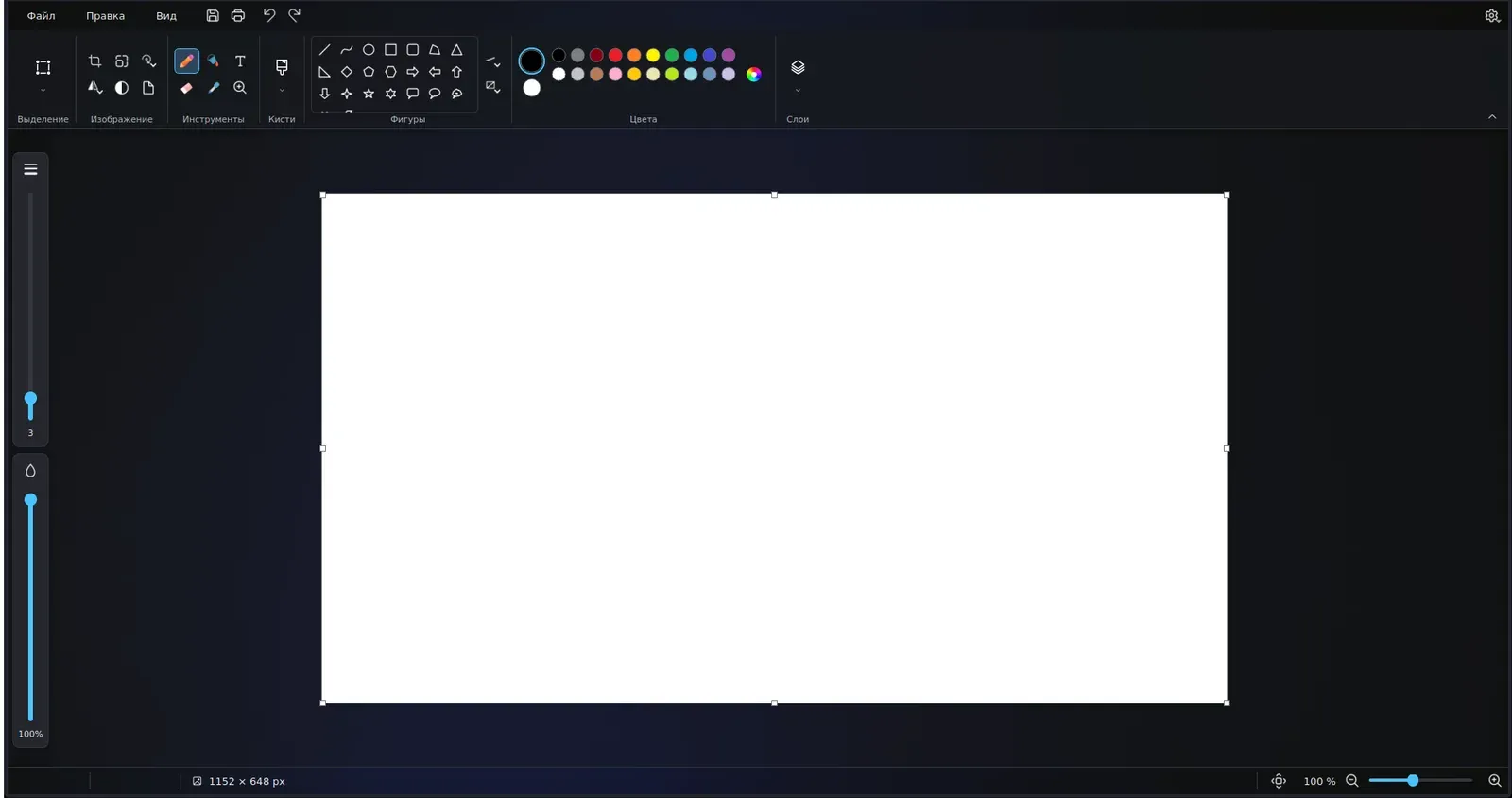
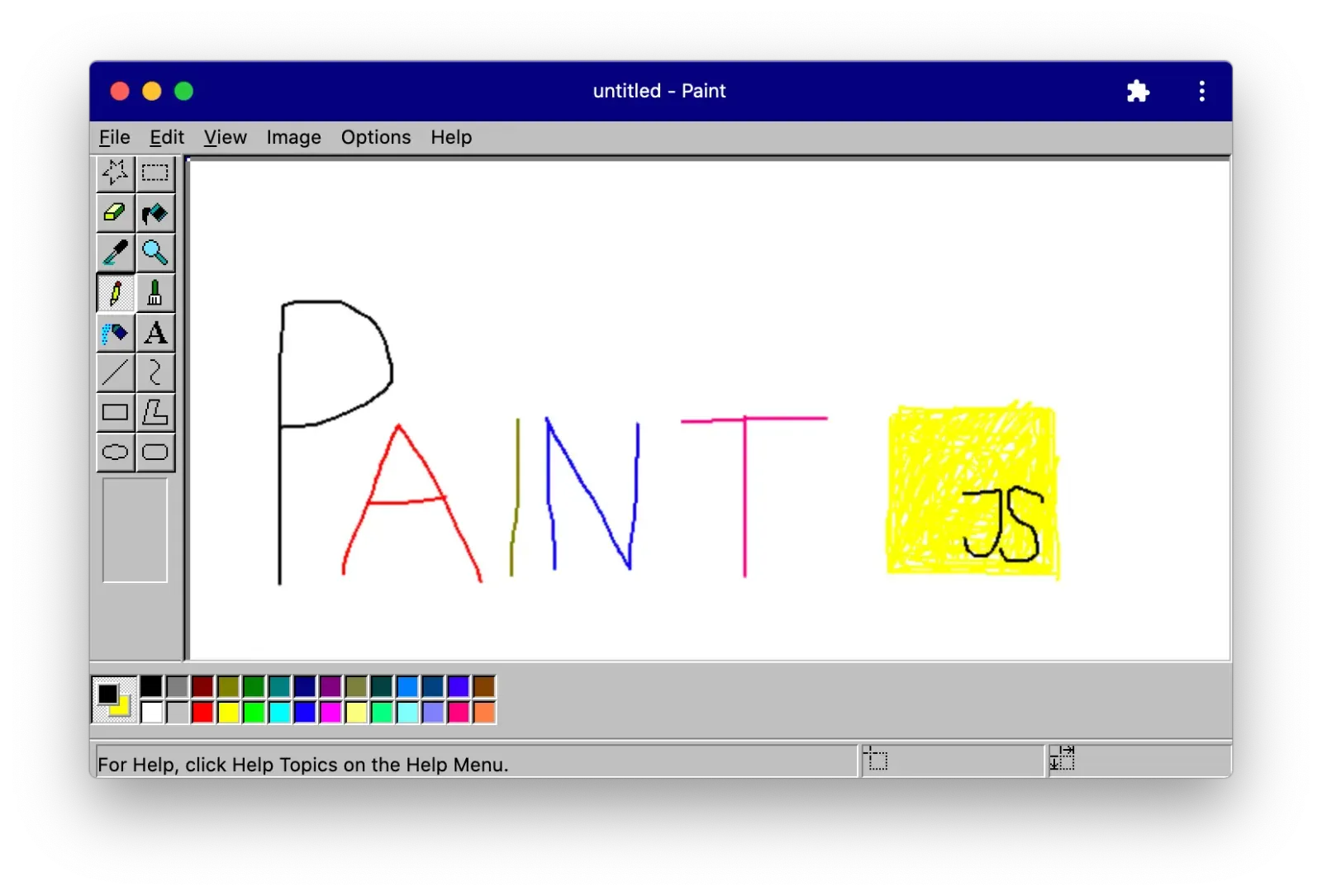
Image: LinuxPaint
What works the same as Paint
- A ribbon with a gallery of shapes, a colour palette and a layers button, as in Paint.
- Brushes such as calligraphy, airbrush, oil, crayon, marker and watercolour.
- Shapes you can still move and resize by their handles until you commit them.
- Two vertical sliders beside the canvas for brush size and opacity.
- A zoom slider in the status bar, and light and dark themes.
What is missing
- It runs only on Linux.
- Layers last only for the current session: when you save, the picture is flattened into one image.
How to get started
- Click Download. It opens the project versions page.
- Download the AppImage, a single file that works on any Linux distribution.
- Make it executable and run it. You do not need to install Qt.
Compatible files
Paint projects Not tested yet