OpenSheet
Clone of Excel
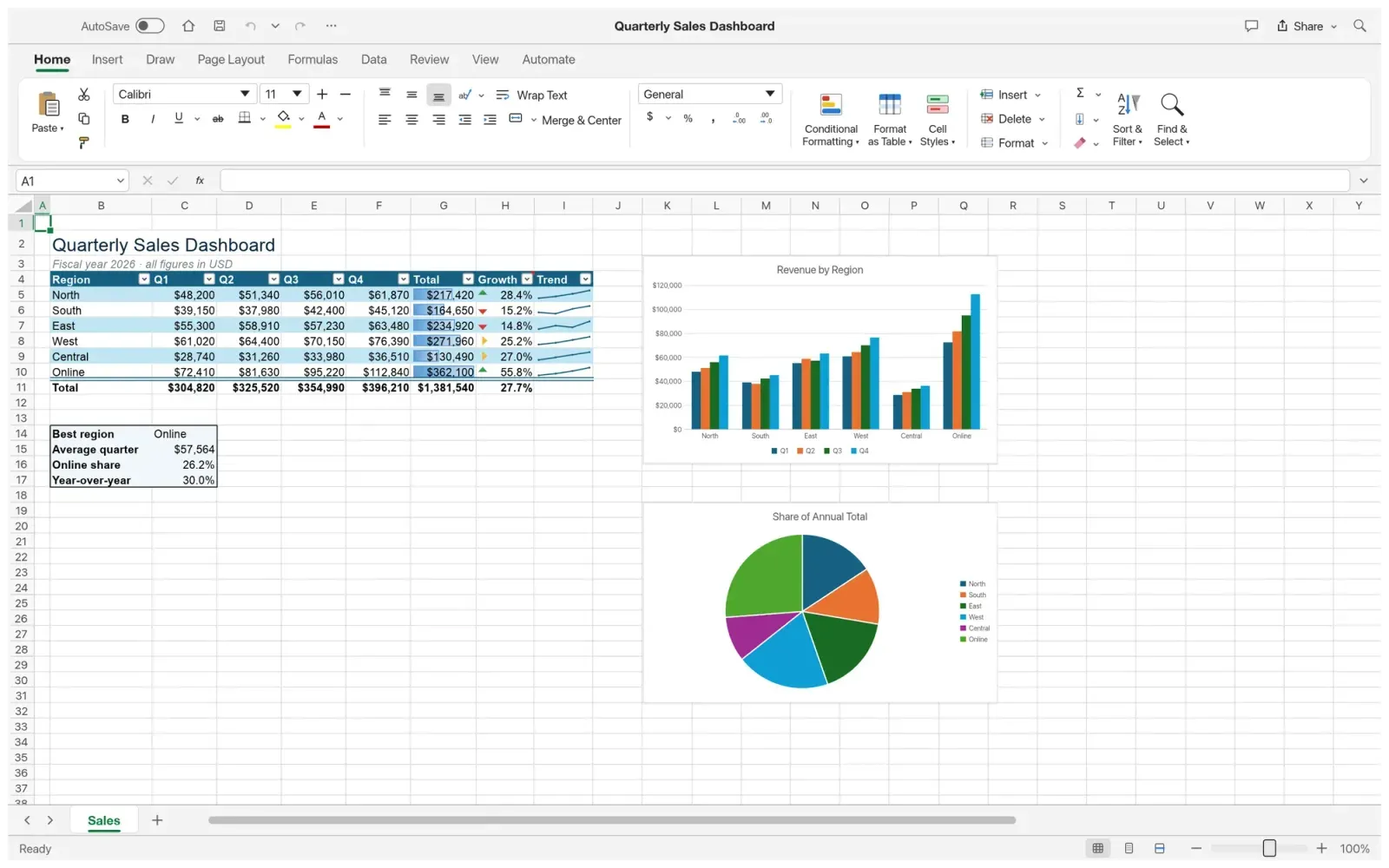
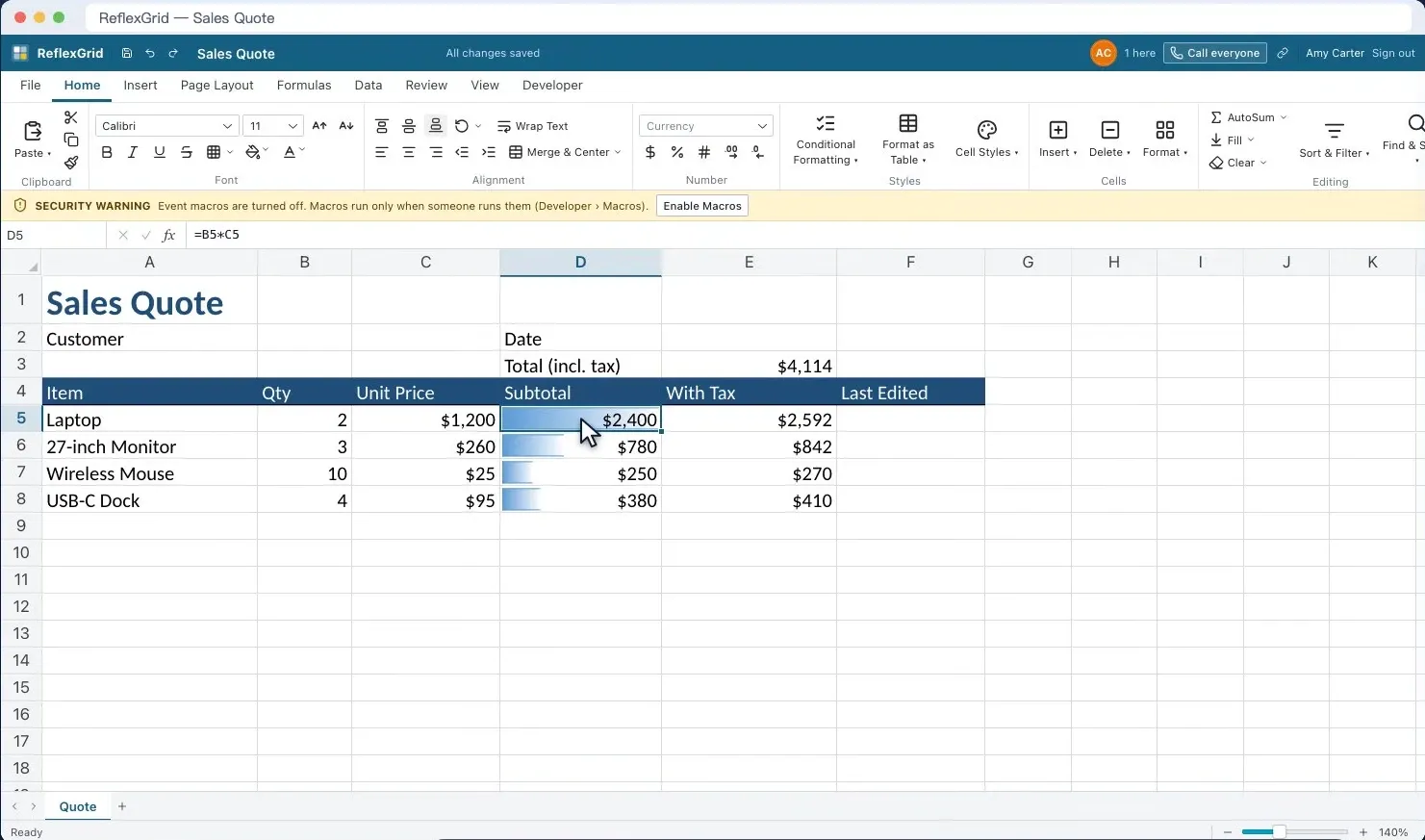
Free spreadsheet program that looks and works like Microsoft Excel, with its ribbon, formulas and charts, and opens your Excel files.
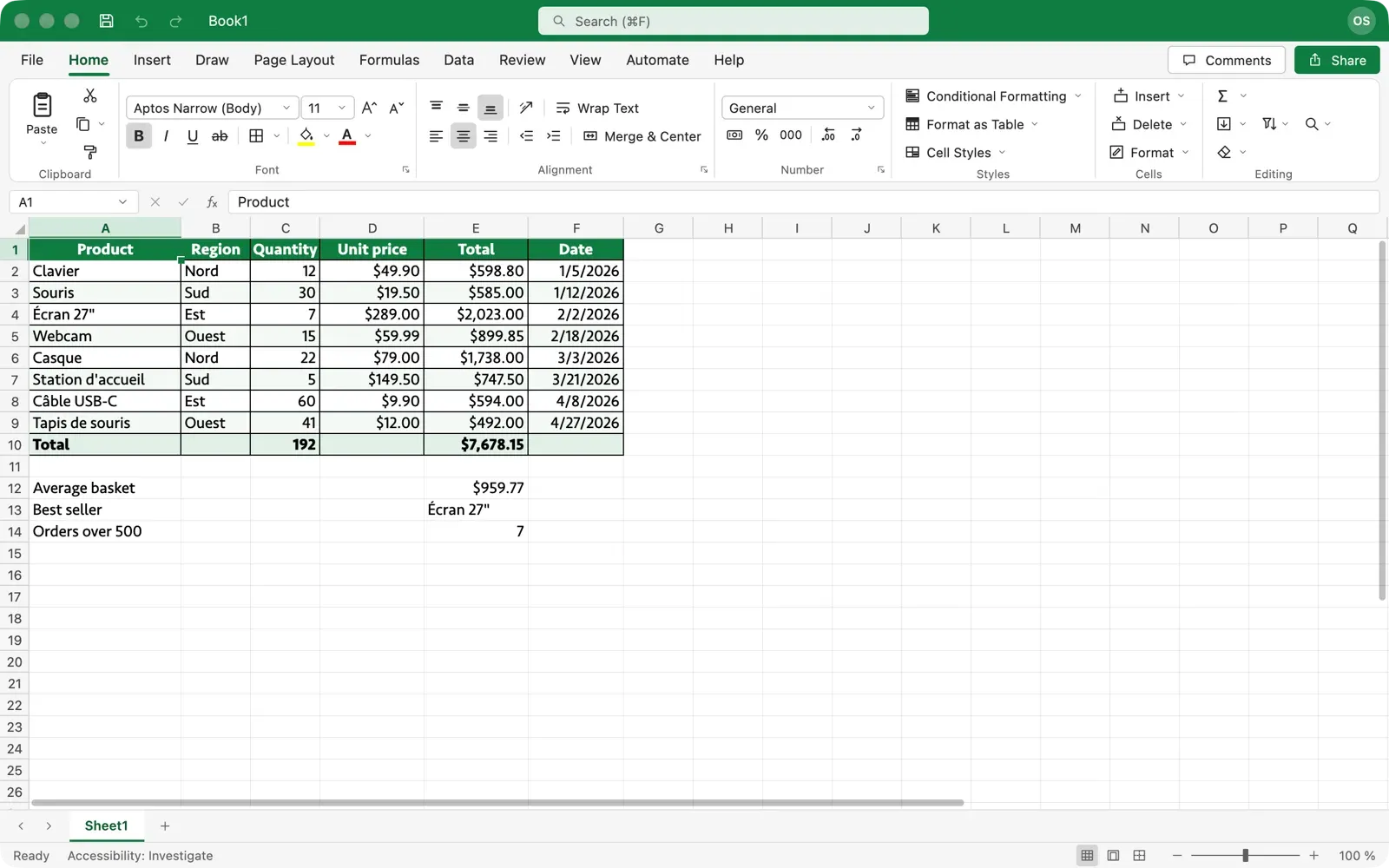
Image: OpenSheet
What works the same as Excel
- Excel's ribbon and tabs, dialogs, side panes, status bar and keyboard shortcuts.
- 337 functions, dynamic arrays and structured references.
- Tables, filters, conditional formatting, PivotTables and charts.
- Opens and saves .xlsx and .xlsm files that open in Excel without repair.
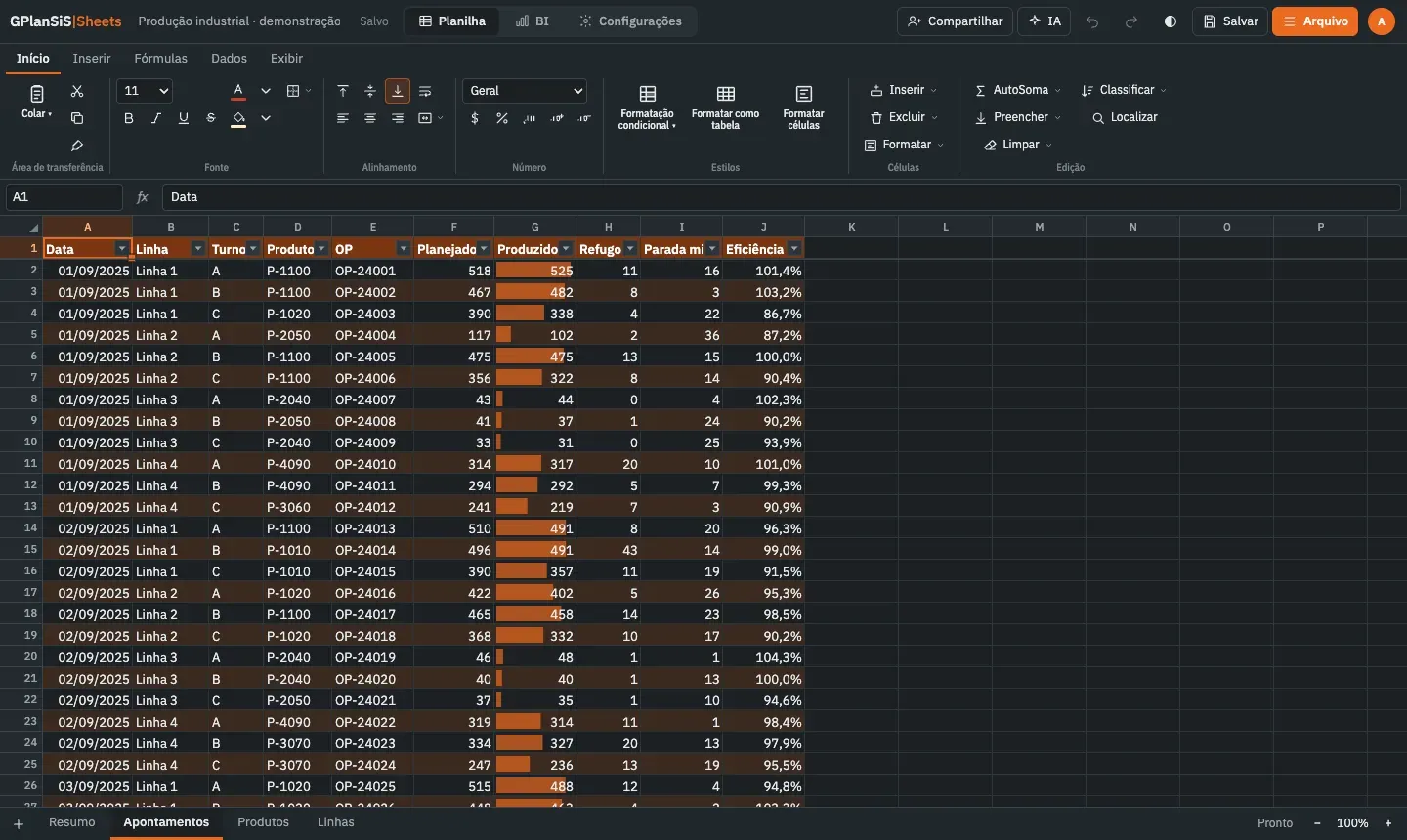
- Menus and formulas in English, French, Spanish, German and Italian.
What is missing
- Some features are partial or missing.
- Macros in .xlsm files are kept, but they don't run.
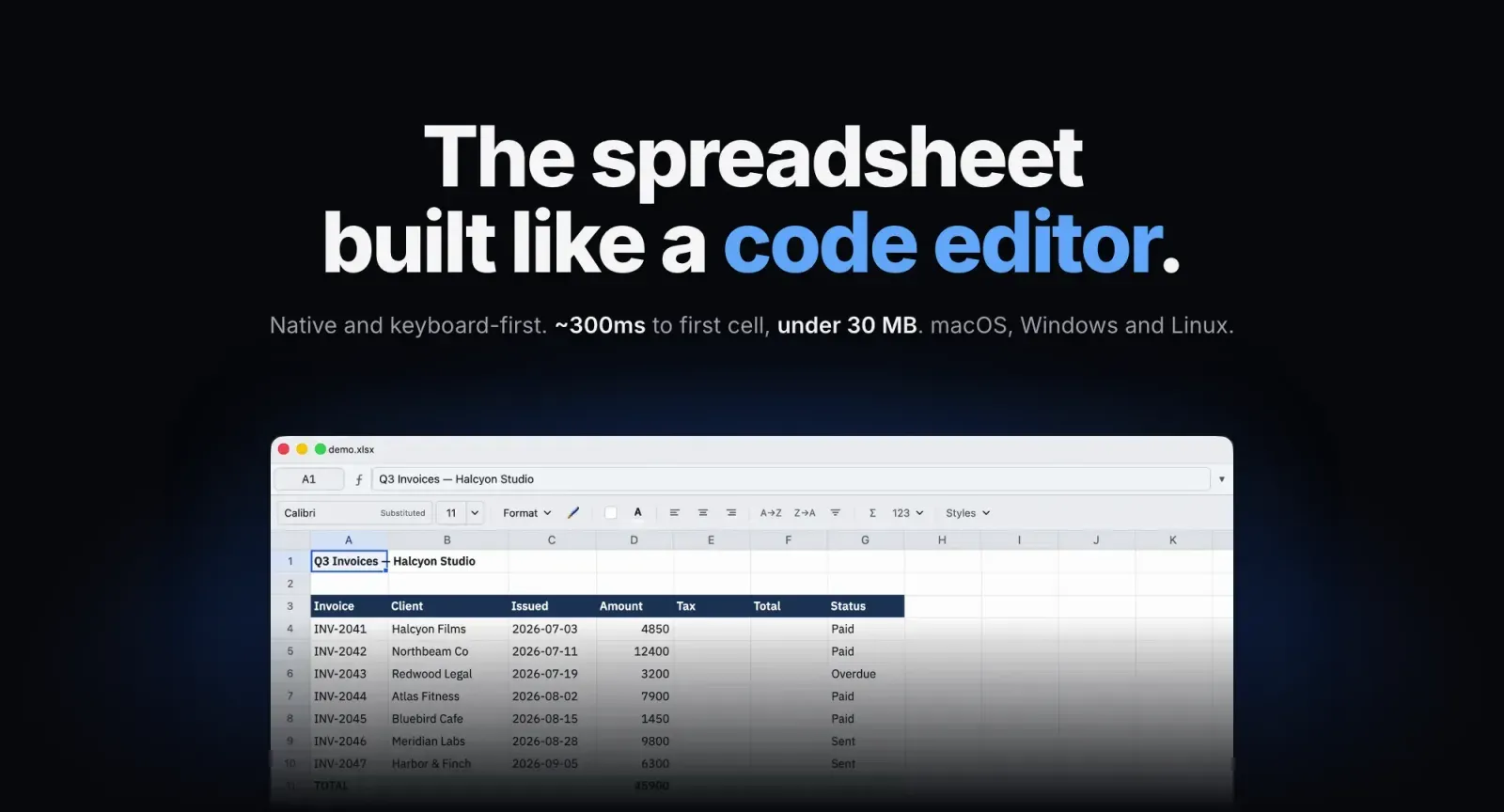
- It's tested on Mac; the Windows and Linux versions haven't been tested by hand yet.
How to get started
- Click Download. It opens the project's releases page.
- On Windows, run the setup file. SmartScreen may warn about an unknown publisher.
- On a Mac, open the disk image and drag OpenSheet onto Applications.
- On Linux, install the .deb or .rpm file for your system.
Compatible files
Excel files (.xlsx, .xlsm) According to the project