Classic Colors
Clone of Paint
Free paint program for Unix systems, inspired by the Windows 95-98 version of Paint. You build it yourself on Linux, BSD or Mac.
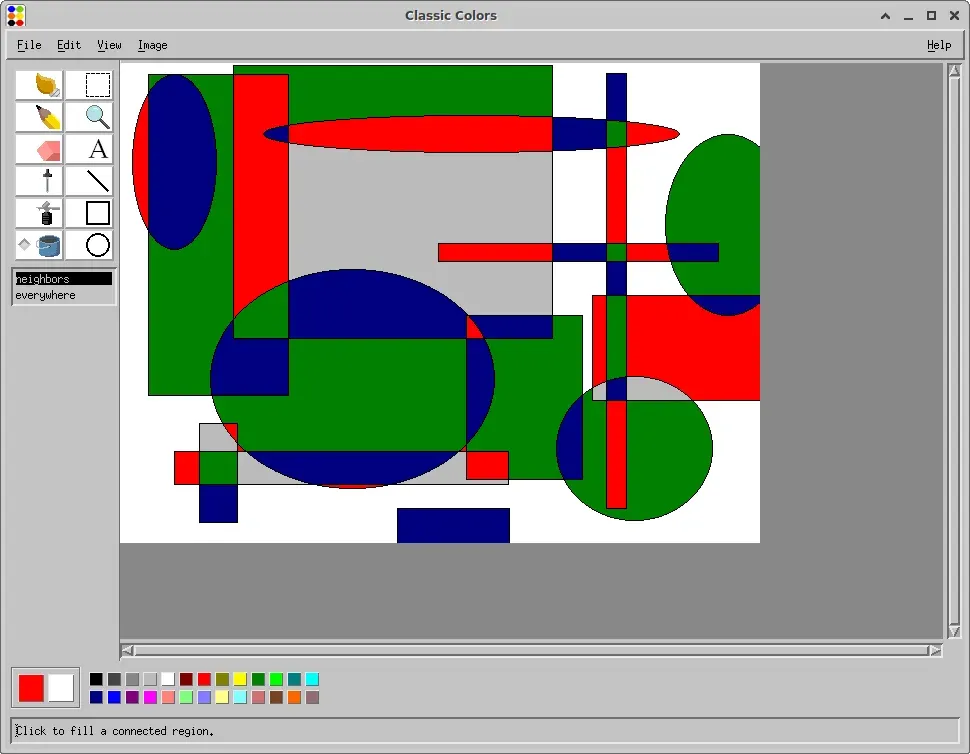
Image: Classic Colors
What works the same as Paint
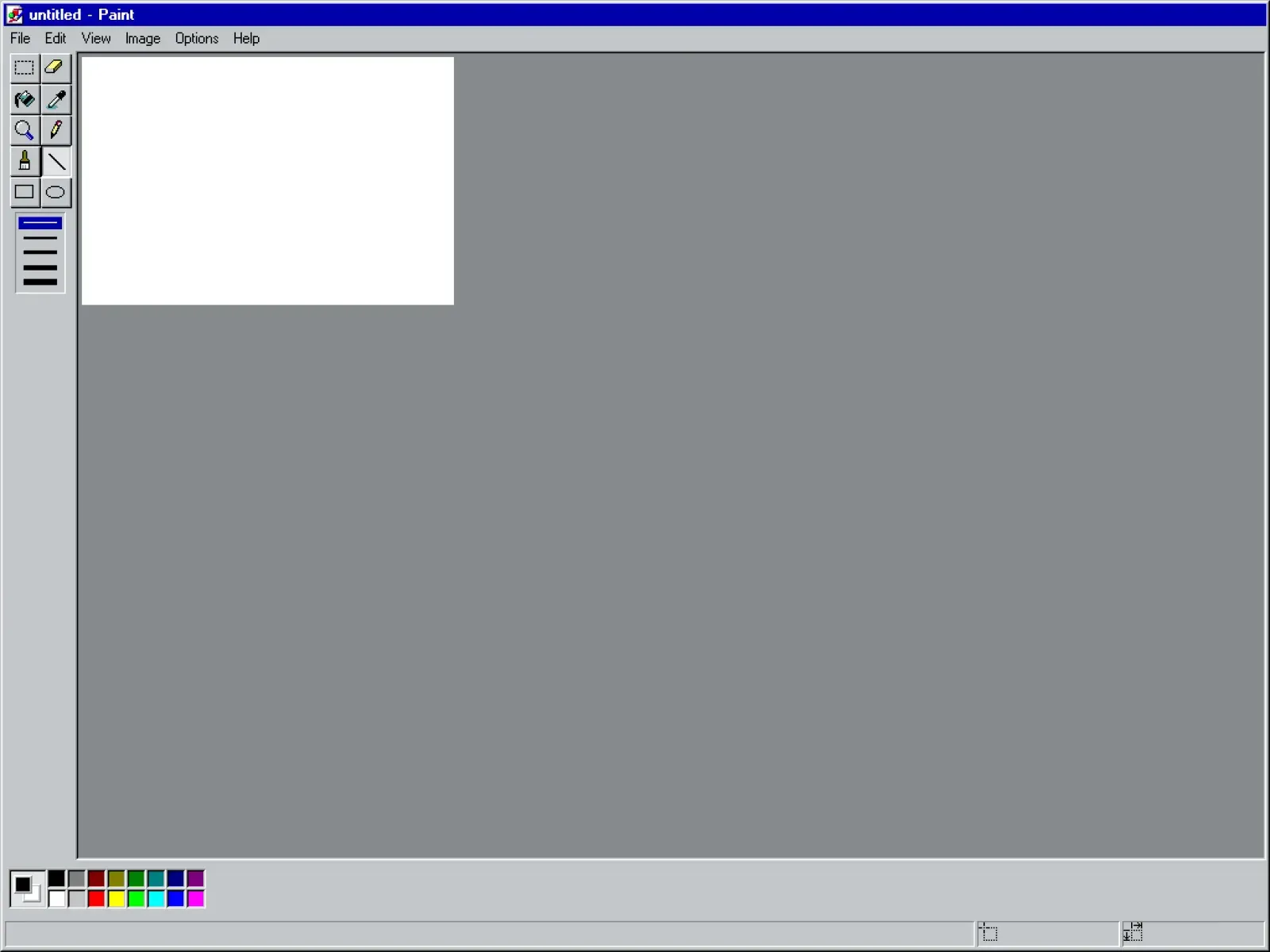
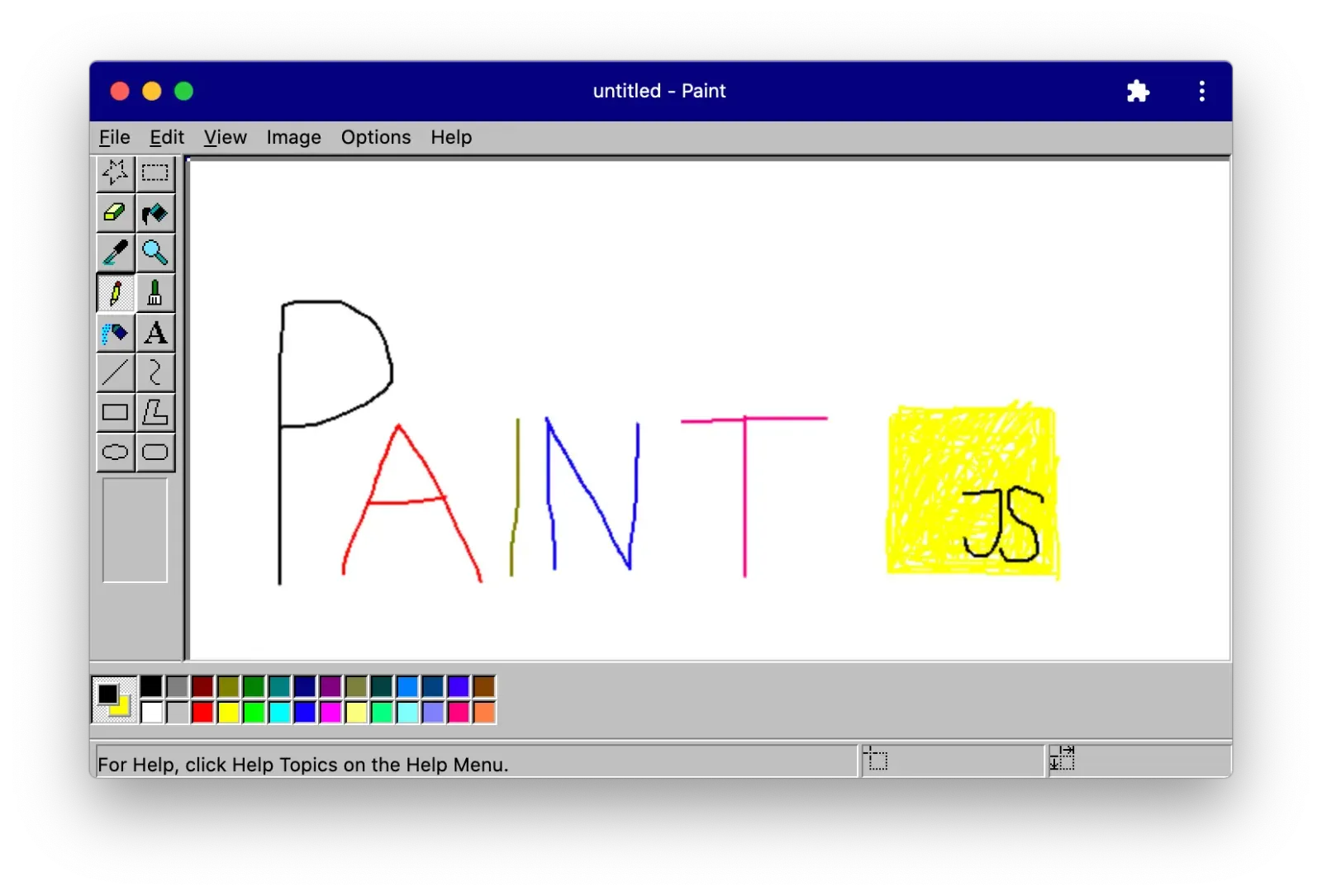
- Brush, pencil, spray and eraser.
- Line, square, oval and polygon shapes, with stroke, fill or both.
- A fill bucket, a dropper to pick colors, a magnifier and a text tool.
- Select an area with a rectangle or a lasso.
- A color palette with two large squares for the left and right mouse buttons.
What is missing
- It does not warn you about unsaved changes.
- Animated GIFs and XPM files are not supported.
How to get started
- There is no installer: you build it from source on a Unix system.
- Install the Motif and X11 libraries first; on Ubuntu, run sudo apt install libmotif-dev libxpm-dev libxext-dev.
- In the project folder run ./configure, then make and make install.
Compatible files
Paint files (.bmp, .png, .jpg, .gif) According to the project