LaserFoundry
Clone of LightBurn
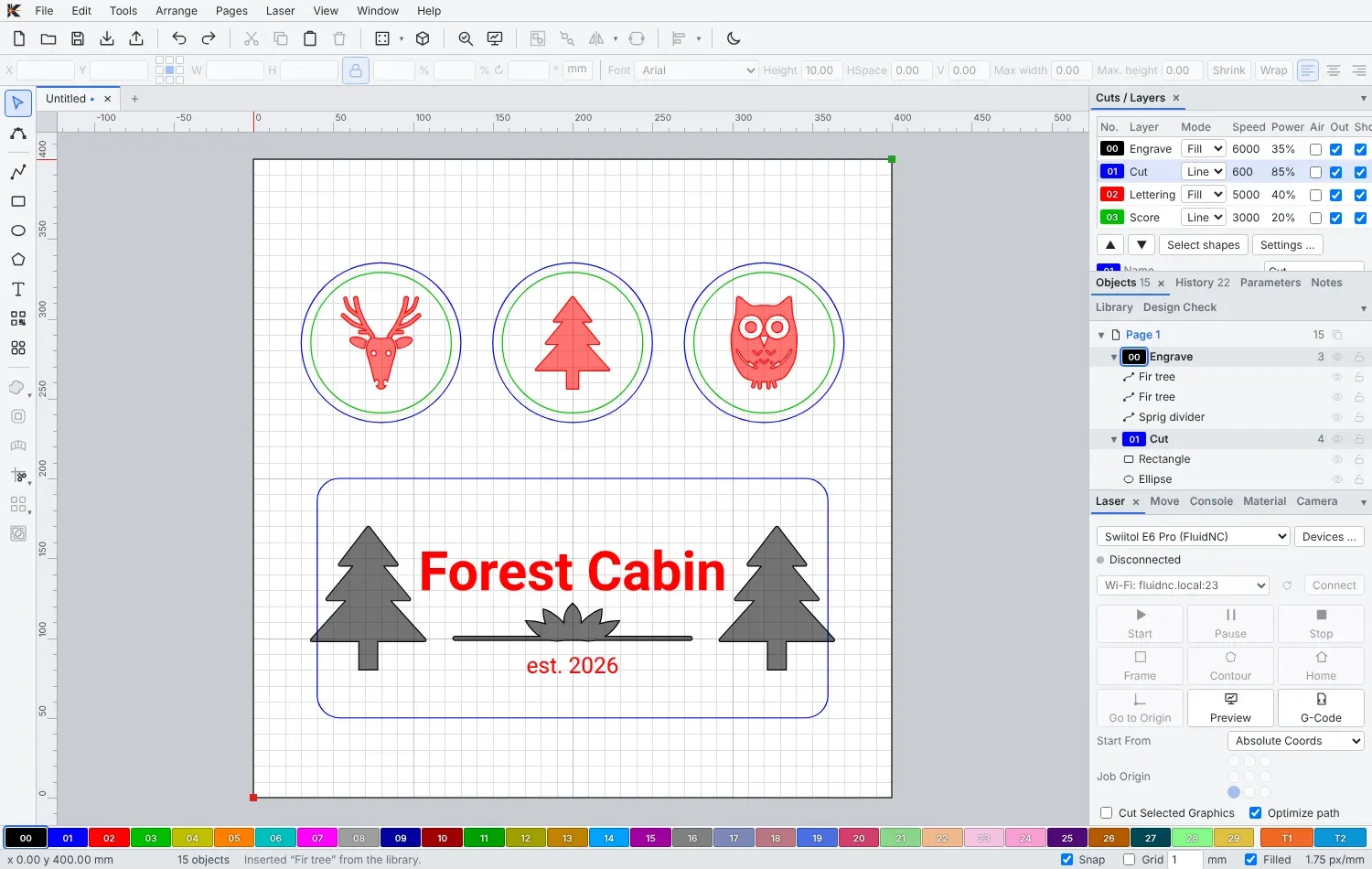
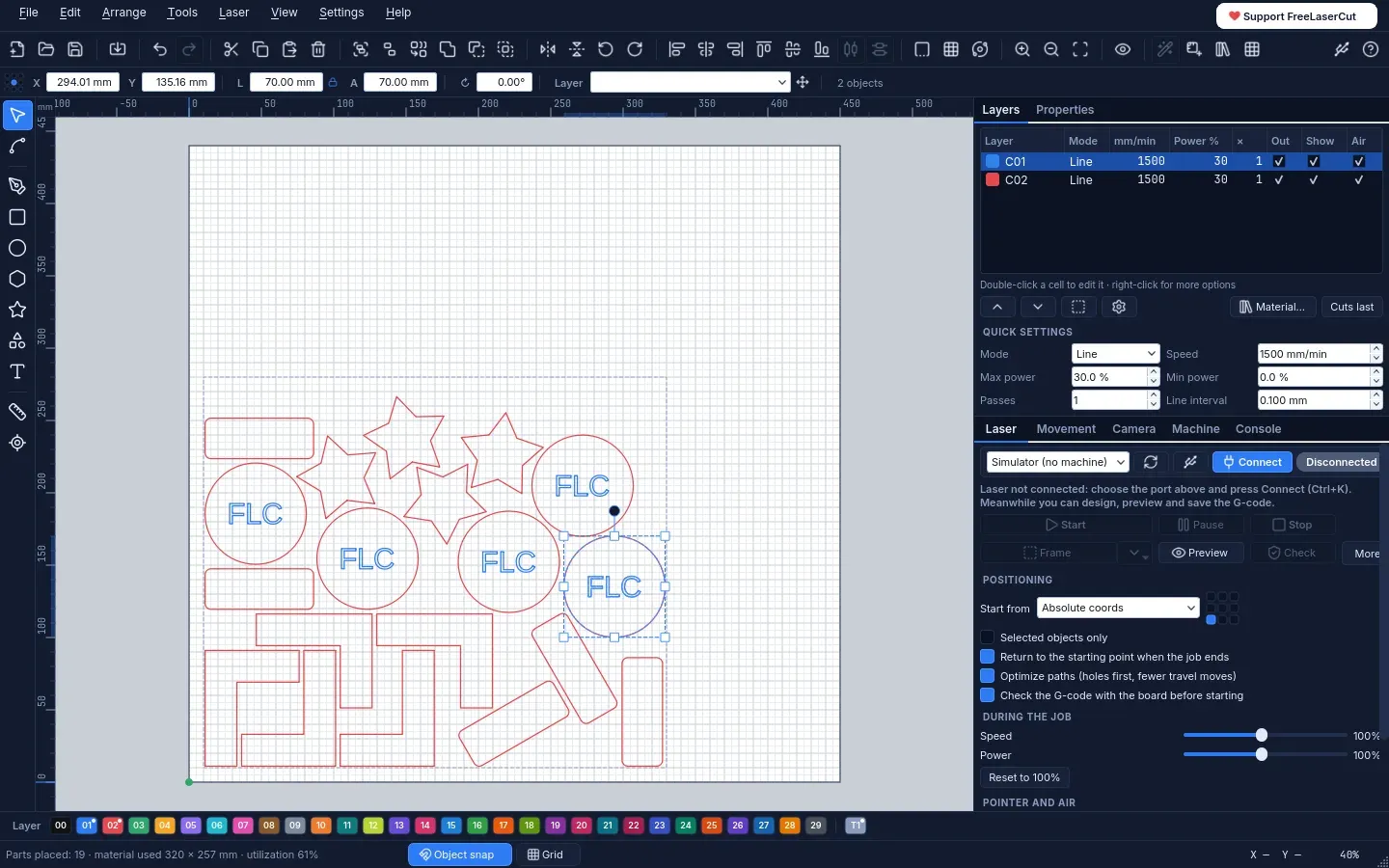
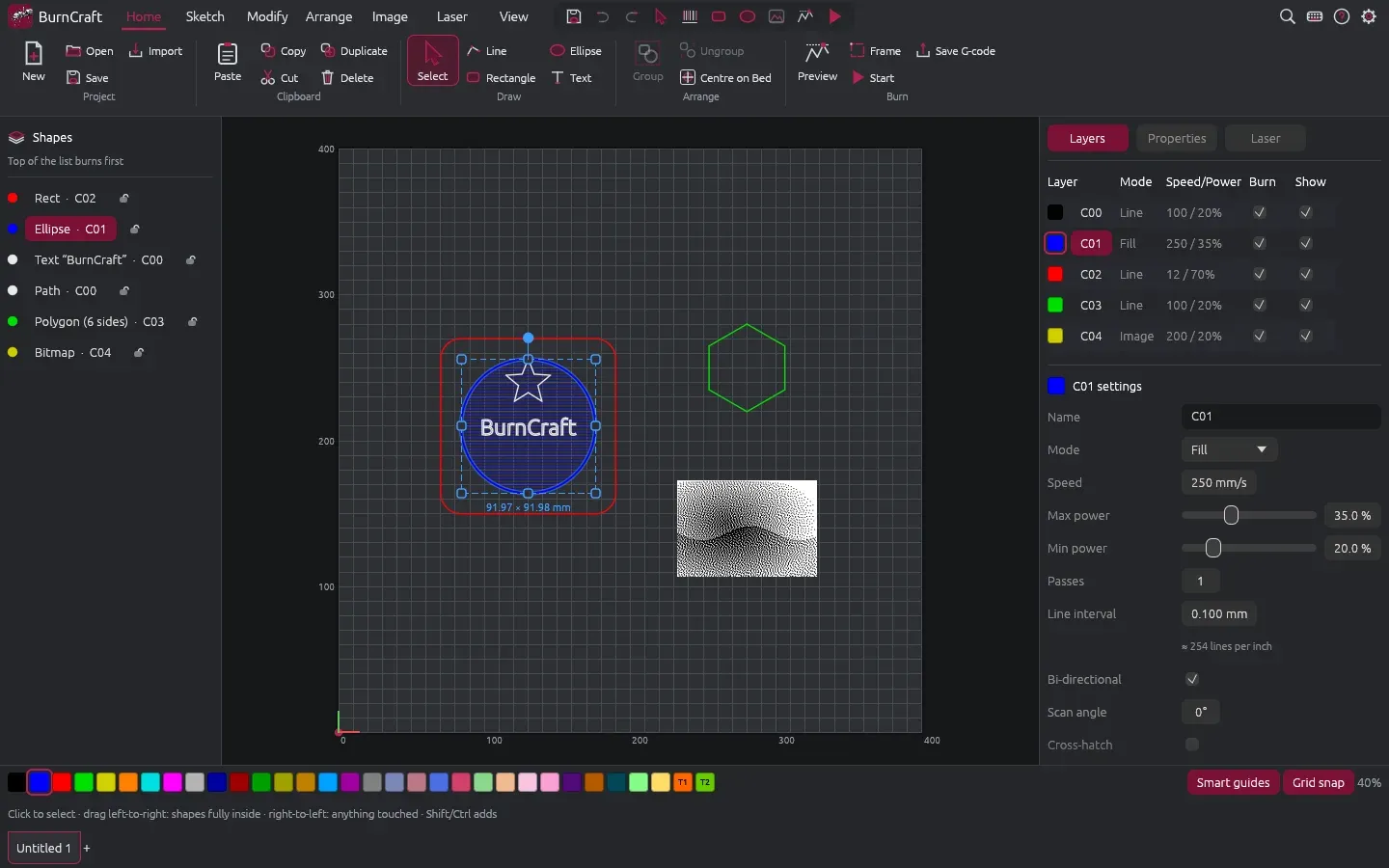
Free, open-source, clean-room laser layout and cutting app: per-layer speed, power and passes, live preview, GRBL streaming.
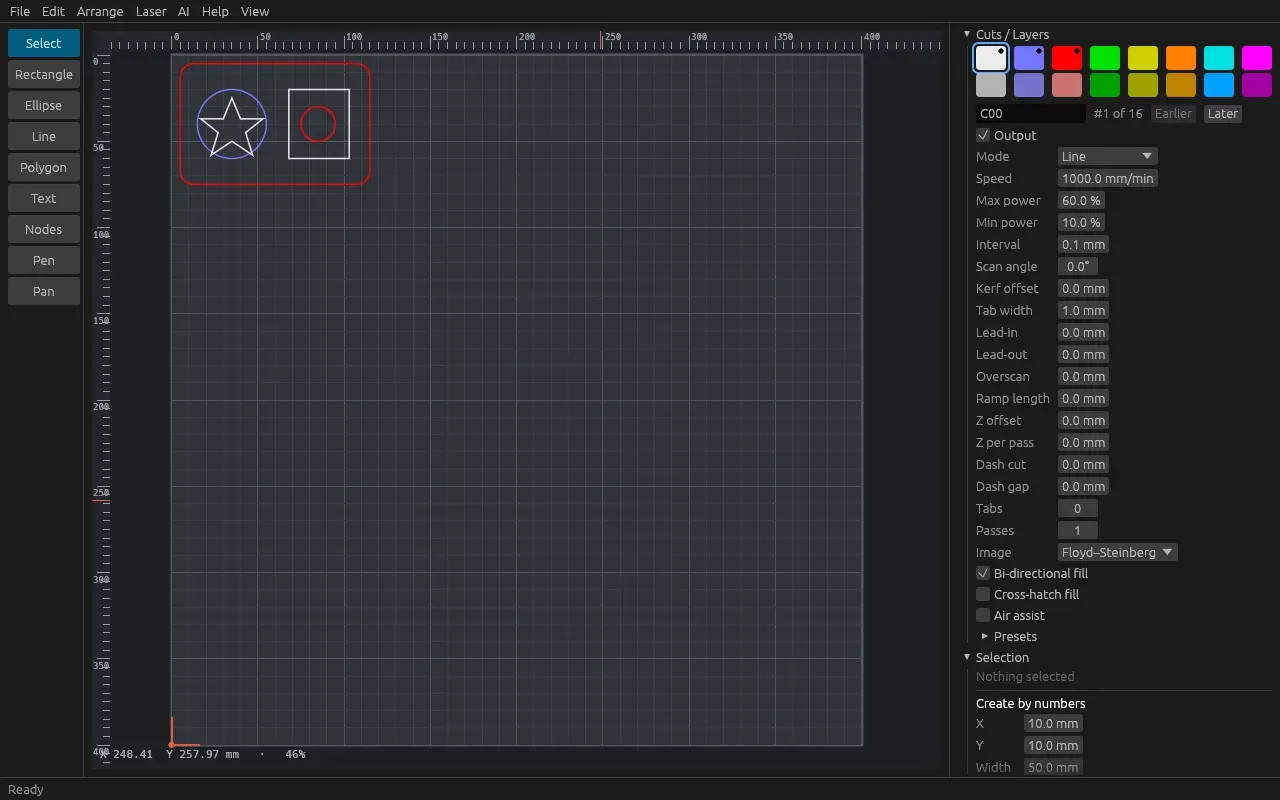
Image: LaserFoundry
What works the same as LightBurn
- Lay out artwork and give each of the 30 colour layers its own speed, power, passes and fill.
- Drawing tools for rectangles, ellipses, lines, polygons and text, plus a Pen and a Nodes tool to edit curves.
- Opens SVG and DXF drawings and pictures, and traces the dark areas of a picture into outlines.
- Previews the toolpath with a play timeline and a time per layer, then sends the G-code to a GRBL machine.
- Engraves pictures with dithering, and cuts with kerf compensation, several passes and air assist.
What is missing
- It is early: a small fraction of a full laser workflow.
- It has not been tried on a real laser yet: everything machine-side has run only against the built-in simulator.
- The Marlin and Smoothieware G-code outputs are untested on hardware.
How to get started
- Click Open in browser. There is nothing to install.
- Start from a drawing: open an SVG or DXF file, or draw with the tools on the left.
- To connect a real laser from the browser, use a Chromium browser such as Chrome or Edge.
- Test with the simulator and the Frame button first, never leave a running machine unattended, and wear eye protection.
Compatible files
LightBurn projects Not tested yet